Since this is a calibration - the only thing that we know for sure is the machine coordinates - until we get the probe data we dont know where working Z0 is.
@bakStaaJ Sure I do. I put my workpiece on the spoilboard, zero the front left corner of the workpiece to determine workspace X0Y0Z0, and then probe from that corner to find any deviation from Z. That’s the only use case I would have.
Yeah - That isnt the use case I was chasing - I home the machine, Throw an unknow material on the bed anywhere and probe it. I dont need to worry about aligning it to a work coordinate first. I will have to think about how I can make it work for both. - Can you send me the full output of your $$ command
@bakStaaJ Sure, when I get back to my machine.
So how does the compensation mesh get applied a g-code file? Don’t they both need to have the same origin?
- When applying an NC file, it found the file’s minimum X/Y and changed G54 X/Y so those coordinates landed at the saved map origin. It accounted for G92 offsets and verified the controller saved the new G54 values.
- It converted the file’s XY positions to machine coordinates and interpolated Z corrections from the saved grid.
@bakStaaJ So you do need a common reference point then. Presumably the front-left corner?
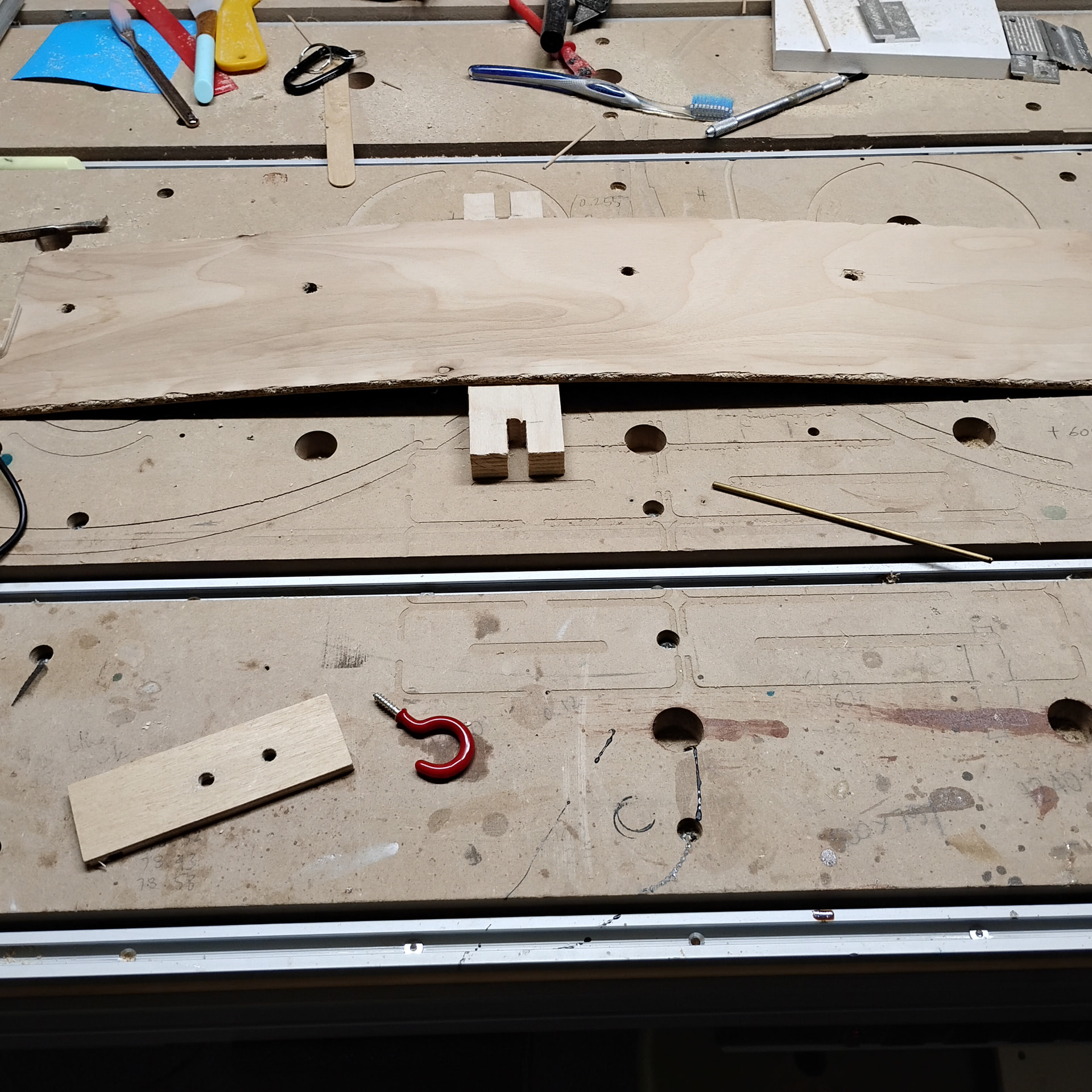
@bakStaaJ I did a height-map of the following 600x100 plywood sheet. Because the map works from back to front, I started the map at the rear-left of the workpiece.
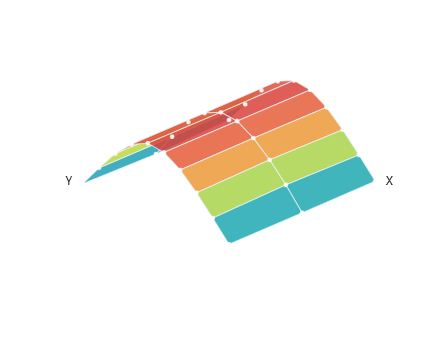
This is what I got for the map. It’s not clear how the map is oriented but I assume the corner labeled X is the top-right of the work piece.
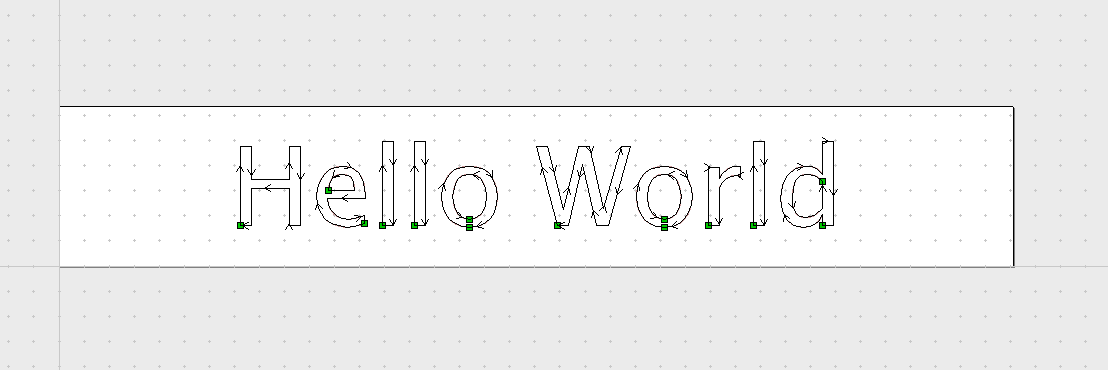
My vCarve g-code was done from this file, also 600x100, with the origin at the bottom-left
When I try to apply the compensation to the g-code, I get this error:
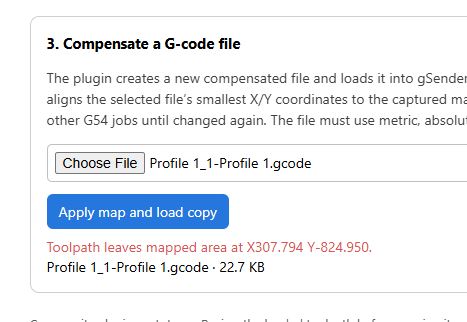
No clue why it is giving that error since both are 600x100
Yes - BTW - I rebuilt it using your process and WPOS - Give this a try - gSender-Plugins/surface-height-map/v0.1.37 at main · bakstaaj/gSender-Plugins · GitHub I think it will be much closer to what you are thinking - I also think it will work for my original use cases. It still will align the lower left corner of the NC file with the lower left corner of the probe area to apply the mapping. I also use the initial WPOS Z0 as the unmapped area outside of the probed area so if the loaded NC file does not fit it still applies what it can.
@bakStaaJ I like the new features added to the interface.
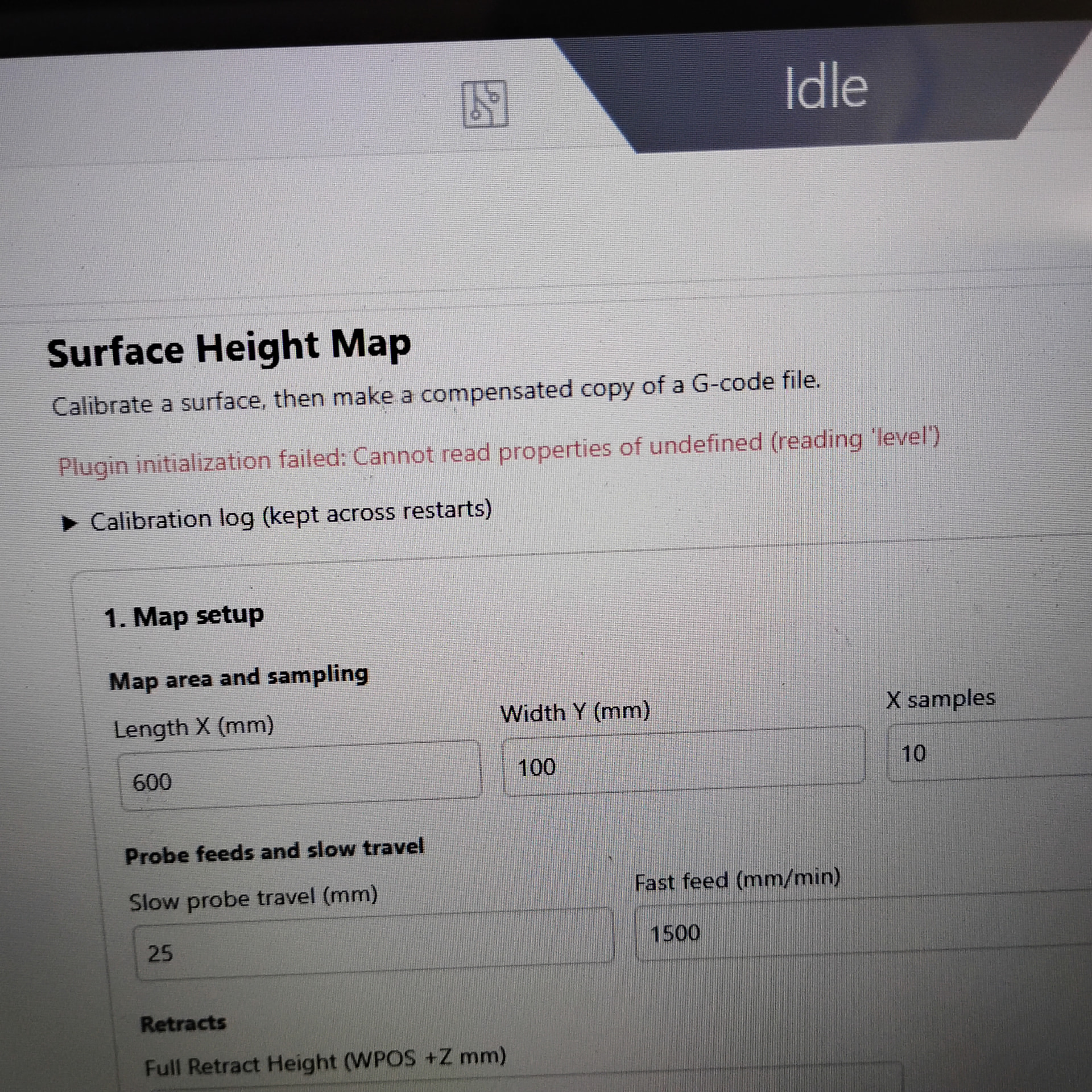
Unfortunately, I get an error when loading the plugin.
Also, I noticed that the previous height map was loaded but it looked like this for some reason. I’m not sure where the yellow part comes from.
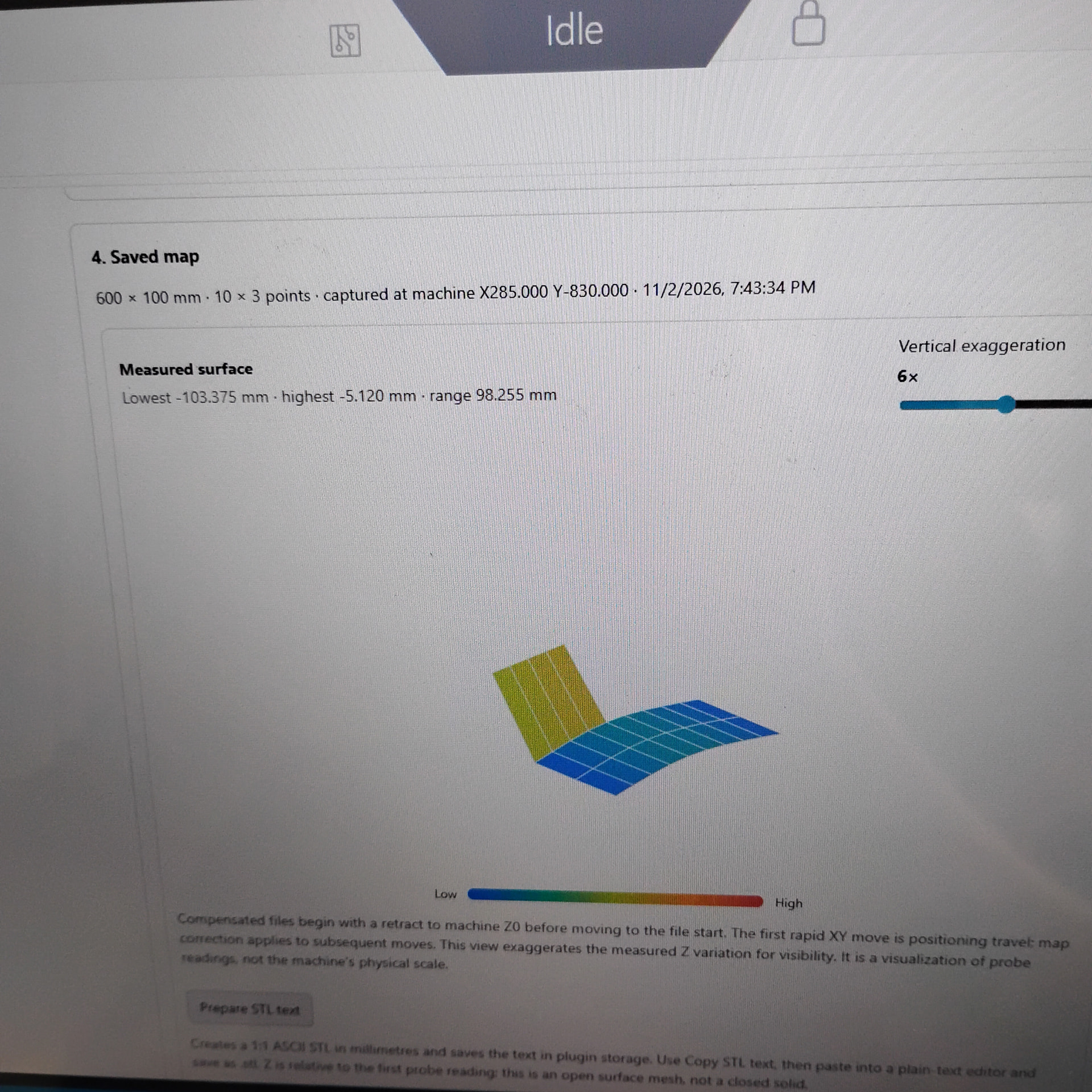
I was not able to reproduce this - Can you re-download the v0.1.37 zip and re-install - When you are re-installing are you uninstalling the old plugin and then installing or just installing over the existing plugin? If it still happens try deleting the existing map - it thinks there is something missing in that map.
@bakStaaJ I will go try deleting the map. I first did the upgrade, then a fresh reinstall.
1 Like
@bakStaaJ Deleting the saved mapped worked. I’ll try the new version shortly. Thanks
1 Like
@bakStaaJ Can’t start a calibration. Button remains light blue. If I click on “probe WPOS origin”, I get an alarm 2. If I return to the gSender carve menu, I can move to the WPOS which I already have set (front, left, top surface of material). Does “Probe WPOS origin” just get the current coordinates or does it set new values?
@bakStaaJ The exact error is “Origin Fast probe (front left WPOS origin) was stopped by the controller…”
I assume that is a hard coded value somewhere?
Here is my workflow - Home the machine - open the plugin, Choose the corner of the material that I want to set as the orgin, jog the machine to it - then press the Probe WPOS origin, this measures the Z0 at that point and establishes X0,Y0 as the first probe point - this should then enable the calibration button to start probing. At the top there is a drop down for the log - can you copy that and send it to me - I am guessing that you had Z already at the stock surface so the probe was either already triggered or did not have enough space to move - I will need to add a Z retract before the WPOS probe to cover this scenerio. Still send the log so that I can tell for sure
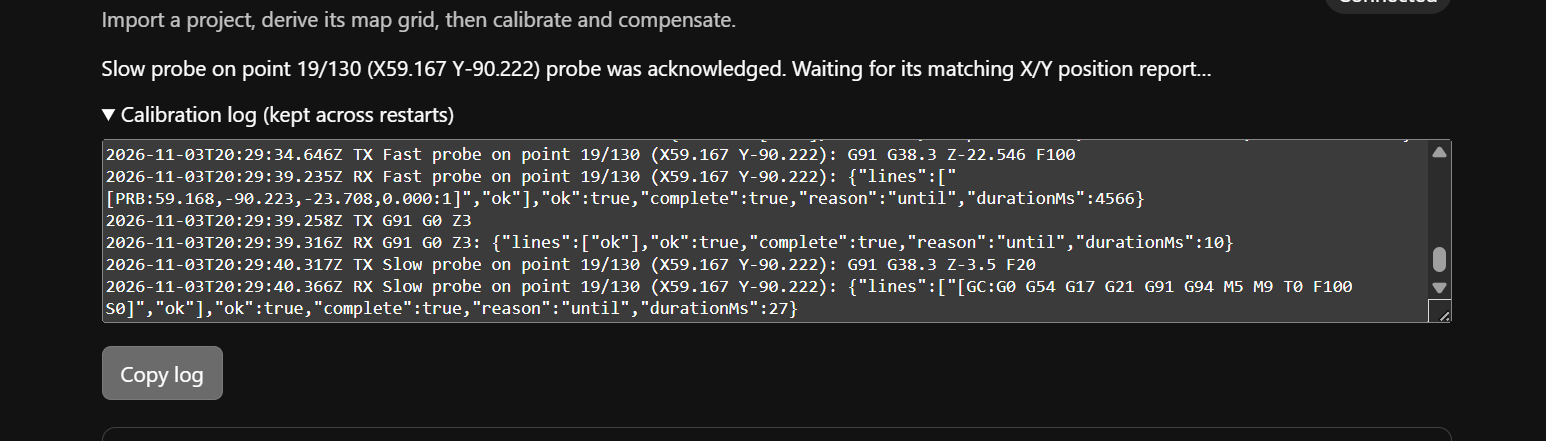
The speeds for the fast and slow probes are configurable - everything else comes from the WPOS origin probe
@bakStaaJ File sent. I just included the last three lines from the operation I just did.
My workflow is the same as yours. I just get Alarm 2 when clicking the Probe WPOS button
@bakStaaJ Alright! bakStaaj sent me a new version to try and it is working. Yay.
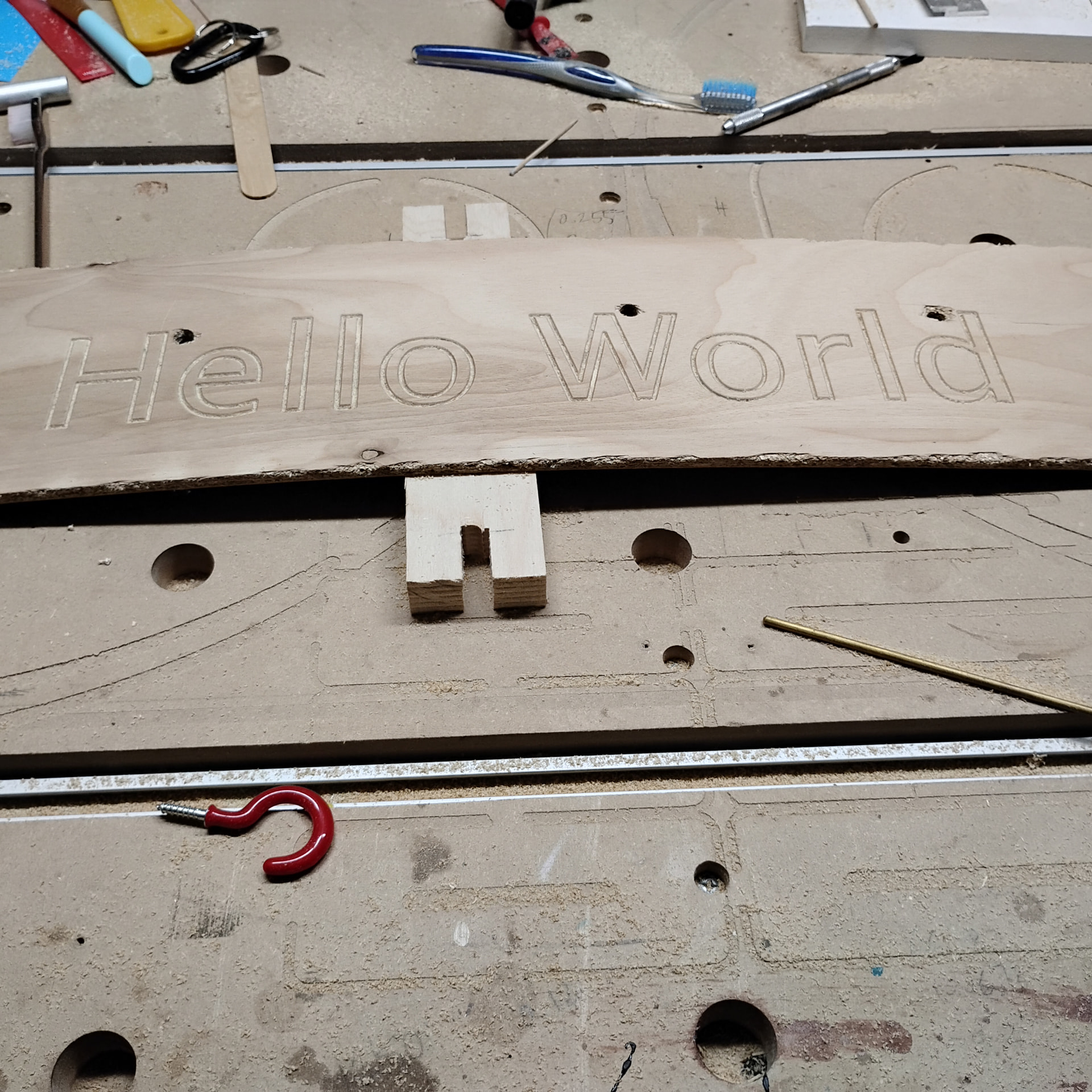
Here’s the carve done on the bent piece of plywood. Done flat in vCarve. Surface probed with the Height-Map plugin, g-code compensated for the curve, carve done.
(Yes, I know that vCarve, you can project a toolpath onto a curved surface. That wasn’t the point of this test. It’s really to surface map an uneven surface that you do not want to flatten)
A++
3 Likes