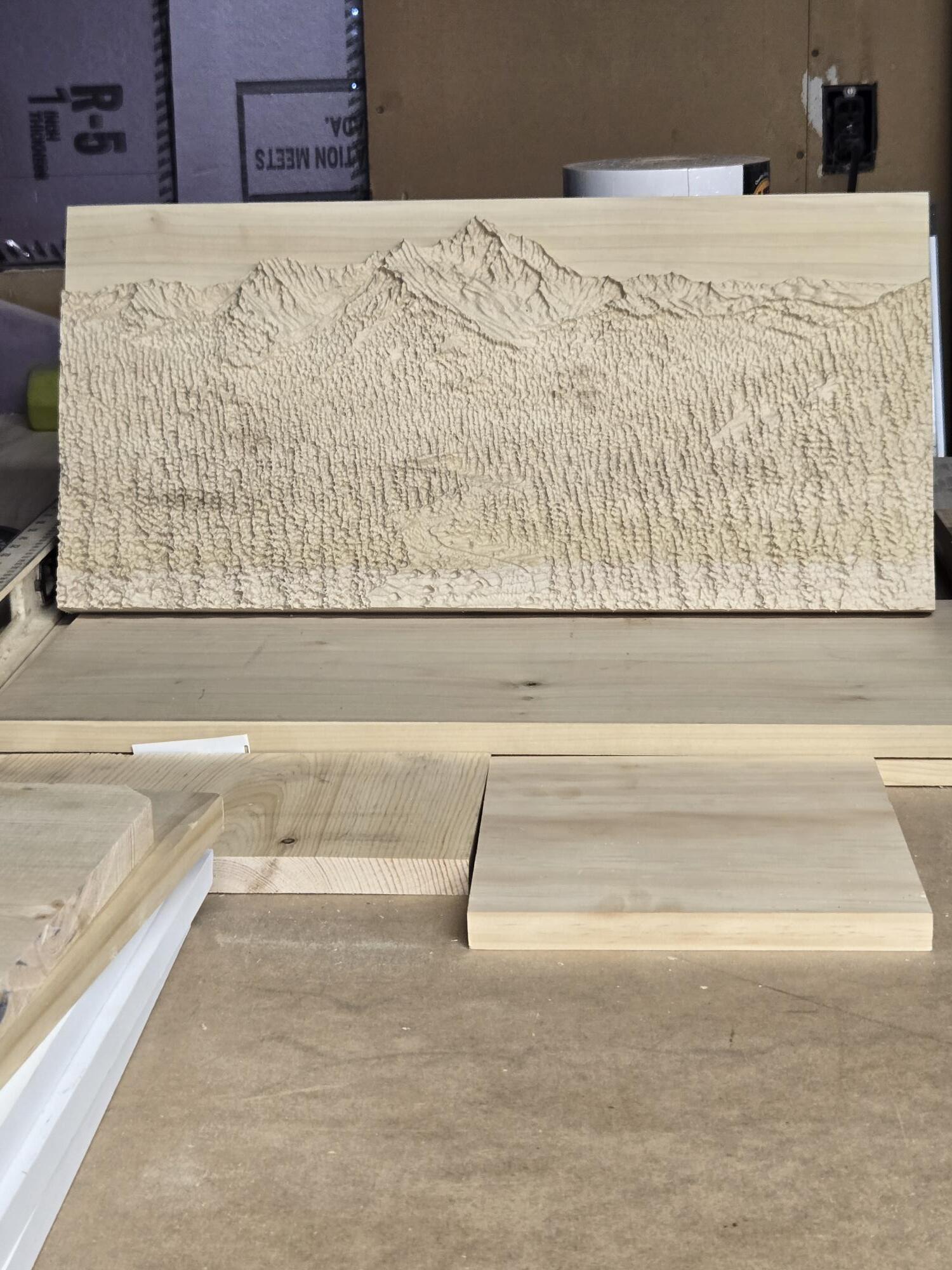
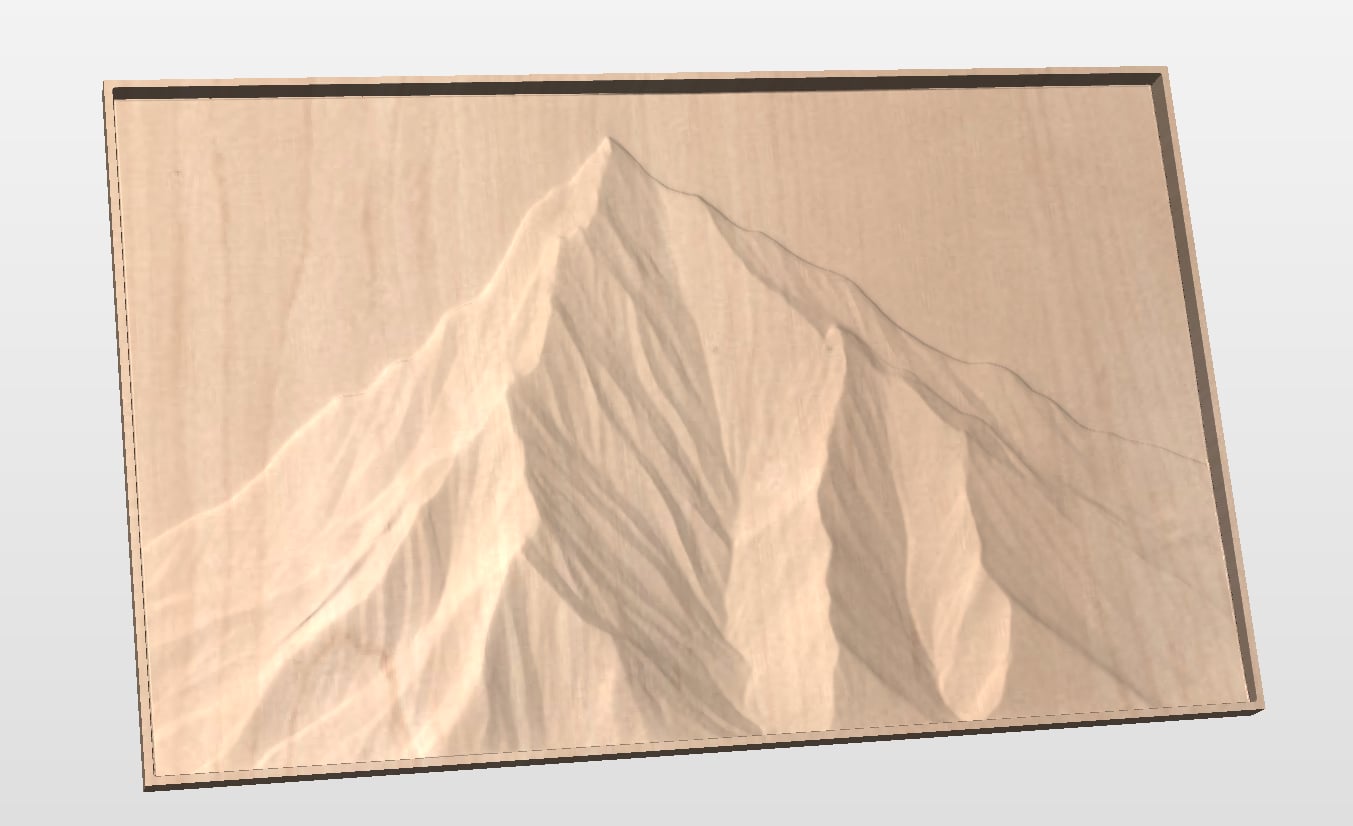
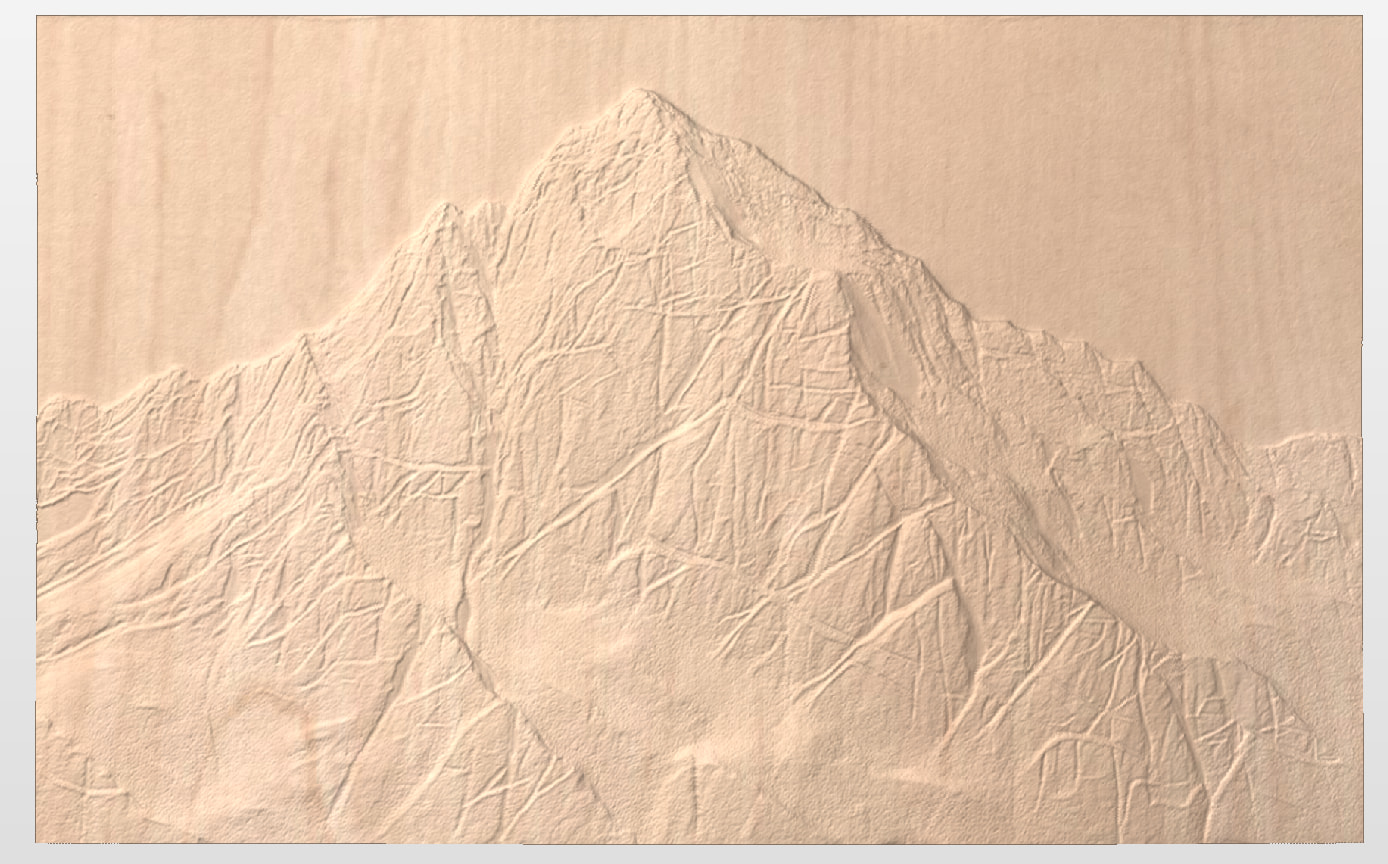
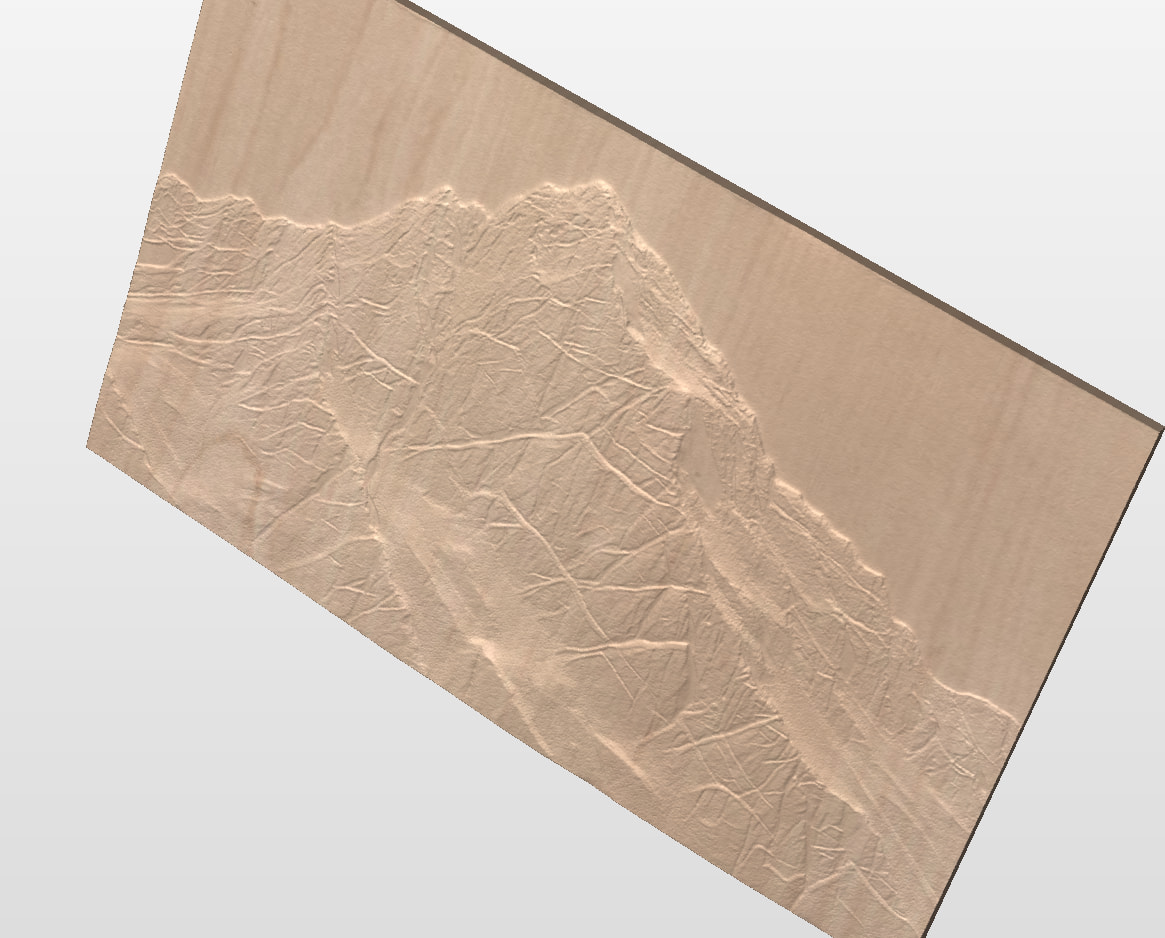
My daughter wants a large (29" x 48") wood carving of a mountain peak for her dining room. I created a model using Easy Create and now I’m working on creating the g-code with vCarve.
For those of you who have done 3D carves, which tool should be used to get enough - but not too much - detail?
For the finish pass, is a 1/4" BN mill with a 5% stepover enough? Or should I go with a TBN ? Or a 1/4" BN followed by a 1/8" BN? Lots of possibilities. The time estimates for a BN and TBN is 9hrs and 60 hours respectively. I’m thinking that for such a large carve, a BN should be sufficient.
The carve will be on an old birch table top that is no longer being used.
@Chucky_ott The largest 3D model project that I have done is considerabley smaller than that, at 24 x 30. So YMMV by quite a bit. I used a 1/4" downcut at 40% for the roughing pass, leaving .03" for the finish pass. I had the model down from the surface of the material by .02" to ensure that there were no flat spots. For the finish, I used a TBN, with a 1/8" tip. I could have just as easily used a “straight” 1/8" ball nose, but I had the TBN and the tapered profile gave it more strength. I went with an 8% stepover.
When you mention a “tbn”, I assume that your tip size is much smaller than the 1/8" TBN that I used, although you don’t specifically say that. The time difference is a dead giveaway.
Since it was removing so little material, I ran the TBN at 150IPM with a plunge at the same rate. That’s as fast as my little LM will go.
As you are likely aware, you can get a very good idea of the final look by setting the preview quality to as high as it will go in VCarve, and closely examining the result.
I’m also concerned about wood movement during a long carve. And since I will have to pause multiple times when I can’t monitor the machine, it could be a week-long carve if I used a TBN. I’d like to avoid stitch lines (or whatever they’re called) that I’m sure to get between carving sessions as much as possible.
I’ll probably stick to a BN bit. And If I’m not happy with the result of a 1/4" BN, I can always redo it with a 1/8" BN.
I don’t have a TBN that small so I can’t report on results. My smallest has a tip diameter of .03"/~.8mm. I would not even think of using that on a piece that size.
You are experienced enough to understand that wood movement will be an issue. Looking at the Ottawa weather for the past few days and the resultant humidity in the air and my shop would certainly give me pause to even start a project that big. (I know that I have put off my spraying jobs until things dry out a bit. )
Good luck with your project. I’m sure that it will be remarkable.
I have created 3d work using 1/4 inch only, lasering the details in. This dramatically cuts down () on carving time. You do need a laser unit with a large focal range to get away with this technique in one pass though. I have found the results surpassing pure 3d carves, mostly because I apply a base layer of titanium rich paint that can be added a hint of color.
Since the early experiments doing this on 3d carves I eliminated the 3d part and only carve an outline pocket, paint it and laser it slightly on the dark side to totaly vaporise the paint and retrieve bare wood at the darkest parts of the picture.
If time is a problem, this is the fastest way to make something that has an unique look because.. well, this is the first time I mention it. Is it the same as a 3d carve, surely not, but it looks like nothing else I have seen done on a cnc combining wood and laser. If anything, it looks like a hand painted wood panel because.. at it’s base.. it is.
I have done pure 3d carves and had nice results using a tapered ball nose with 2.5mm tip. It was not the most crisp result but good enough for the time it took. (30-ish hrs for a total of 800mm by 800mm area)
The time vs result is the main reason I went into the painted pocket laser etch direction.
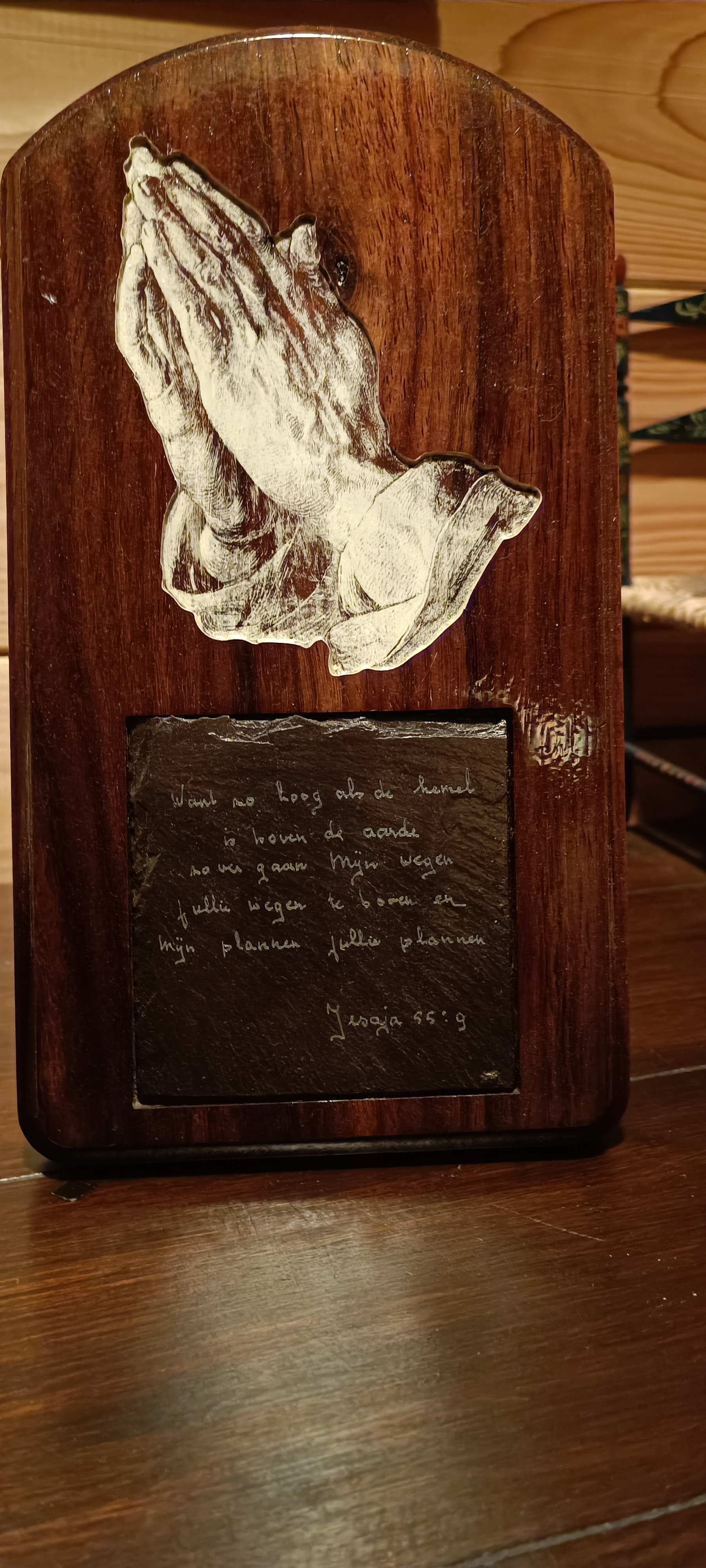
@Spamming_Eddie Unfortunately, I don’t have a laser. But I really like the distressed effect on the hands. I might just get a larger TBN and give that a shot. It’s another one of those “winter projects”. Spring finally has decent weather so it’s cottage time. And I have a building permit deadline to meet.
Comment on wood movement. Besides the X and Y changes, there will also be changes in Z due to the carving relieving some of the inherent stresses in the wood - even seasoned stock. I had a 14" wide laminated board, which started flat, but, after 3D carving over one day, cupped about 1/4" off flat across the grain. No visible warping along the 19" length. Only information I have found to mitigate this is to carve a large pocket in the back of the piece to try to balance some of the stresses.
Thanks for that link. It’s a judgement call as to what to choose depending on size of project and the level of detail you want. In my case, it’s a mountain. So I won’t need the same level of detail that I would want for an object like a flower or face. I just received my 1/16" radius TBN and will give that a try. I also have the luxury of sanding if required.
@jkculliton My daughter thought my initial model had too much detail. So I asked Easy Create to make a new model with less detail. She likes this one. The relief depth is 1". Overall depth is 1.5"
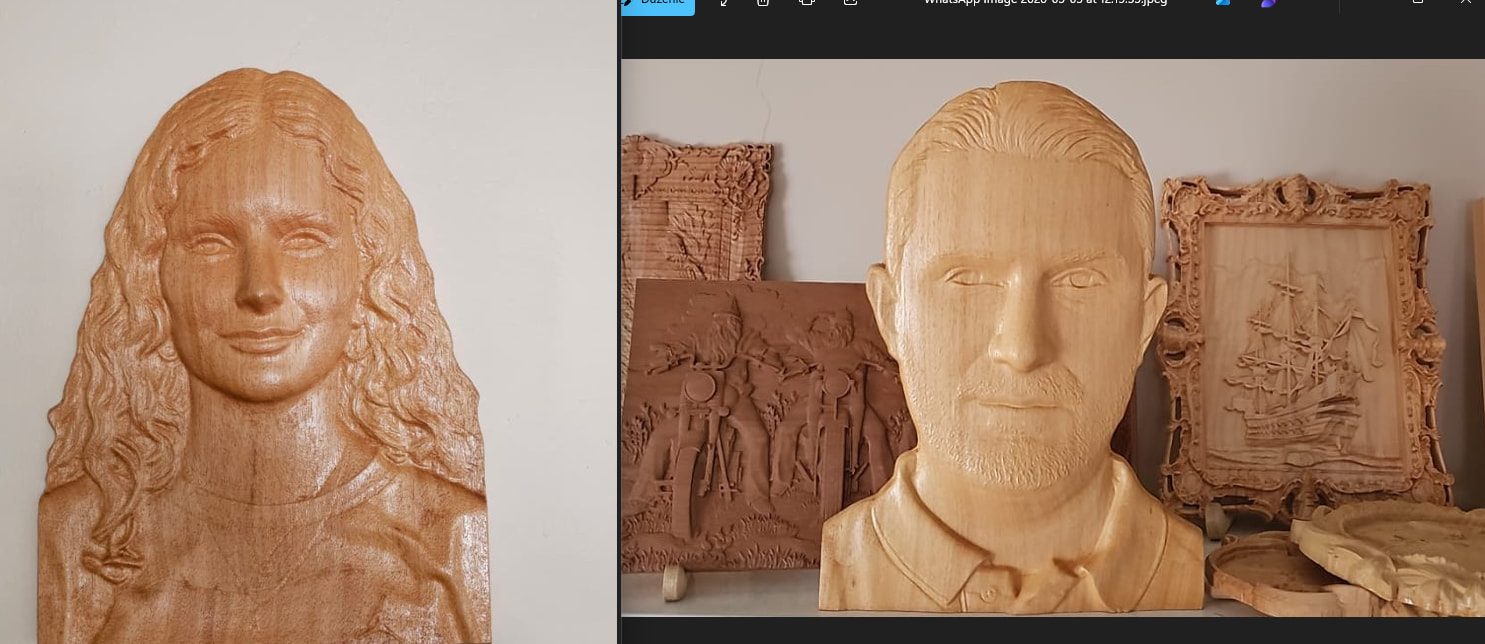
boyut önemli değil zamanınız varsa. kaba işlemede boyut büyük diye 8mm 10mm ile girmeyiniz 6mm kaba boşaltmada yeterlidir . detaylarda tek sefer r1 veya r0.75 traped bal konik uç kullanın herşey detaylıca çıkar . ama bu boyutlarda zaman çok alacaktır kesintisiz güç kaynağınız olsun veya olası durmalar da kaldığınız yeri bulmak içinde işlemin belirli yerlerinde satır sayılarını hep not ediniz. ben genelde 40x40 alanda insan resimleri işliyorum büst olarak .
Welcome to the group.
I used google translate to create an english version of your post. I have no way of determining the accuracy of this.
“Size doesn’t matter if you have the time. For rough machining, don’t use 8mm or 10mm bits just because the size is large; 6mm is sufficient for rough machining. For details, use an R1 or R0.75 trapezoidal conical bit once; everything will be detailed. However, this will take a lot of time, so have an uninterruptible power supply, or note the line numbers at certain points in the machining process to find where you left off in case of any stops. I generally work on human figures, busts, in a 40x40 area.”

 ) on carving time. You do need a laser unit with a large focal range to get away with this technique in one pass though. I have found the results surpassing pure 3d carves, mostly because I apply a base layer of titanium rich paint that can be added a hint of color.