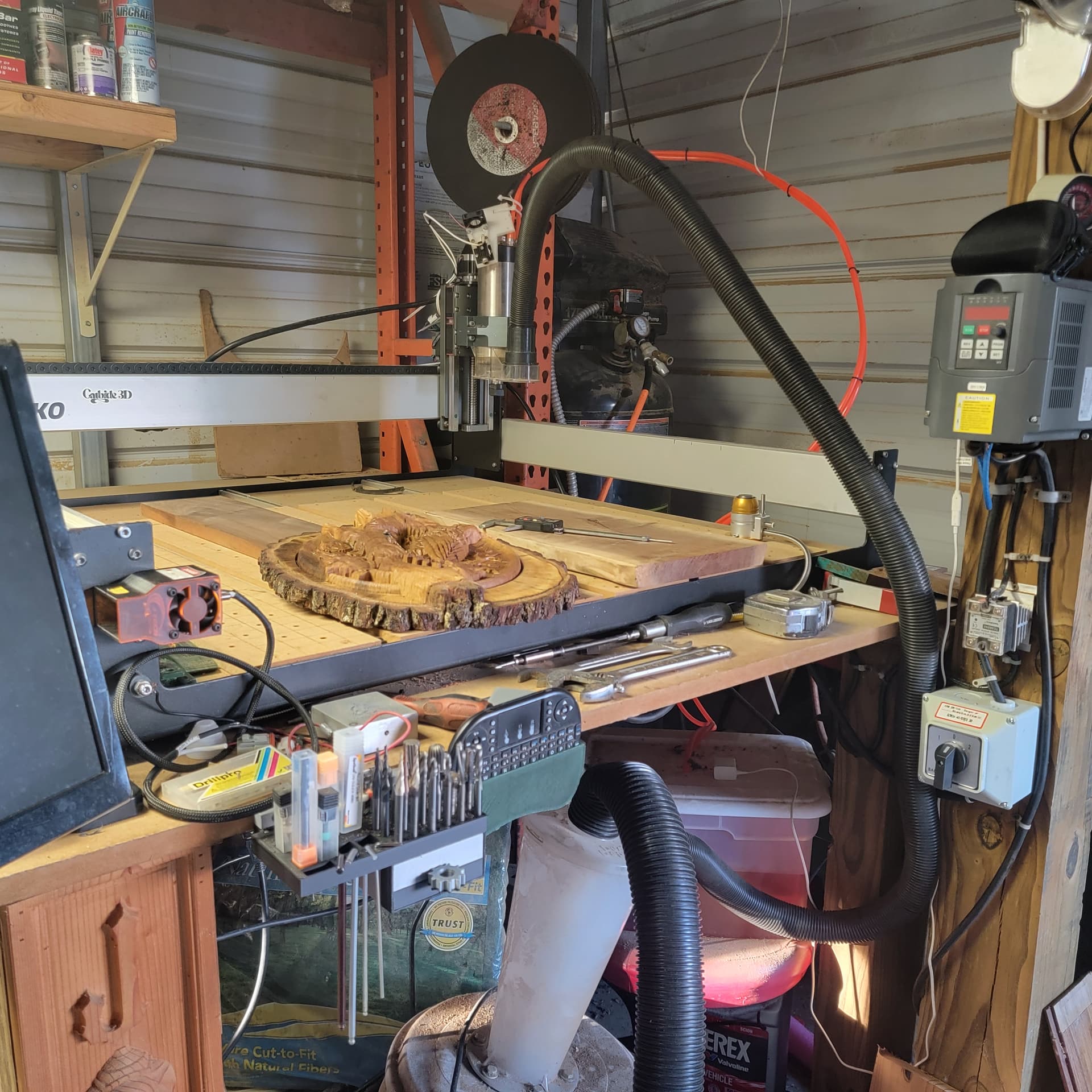
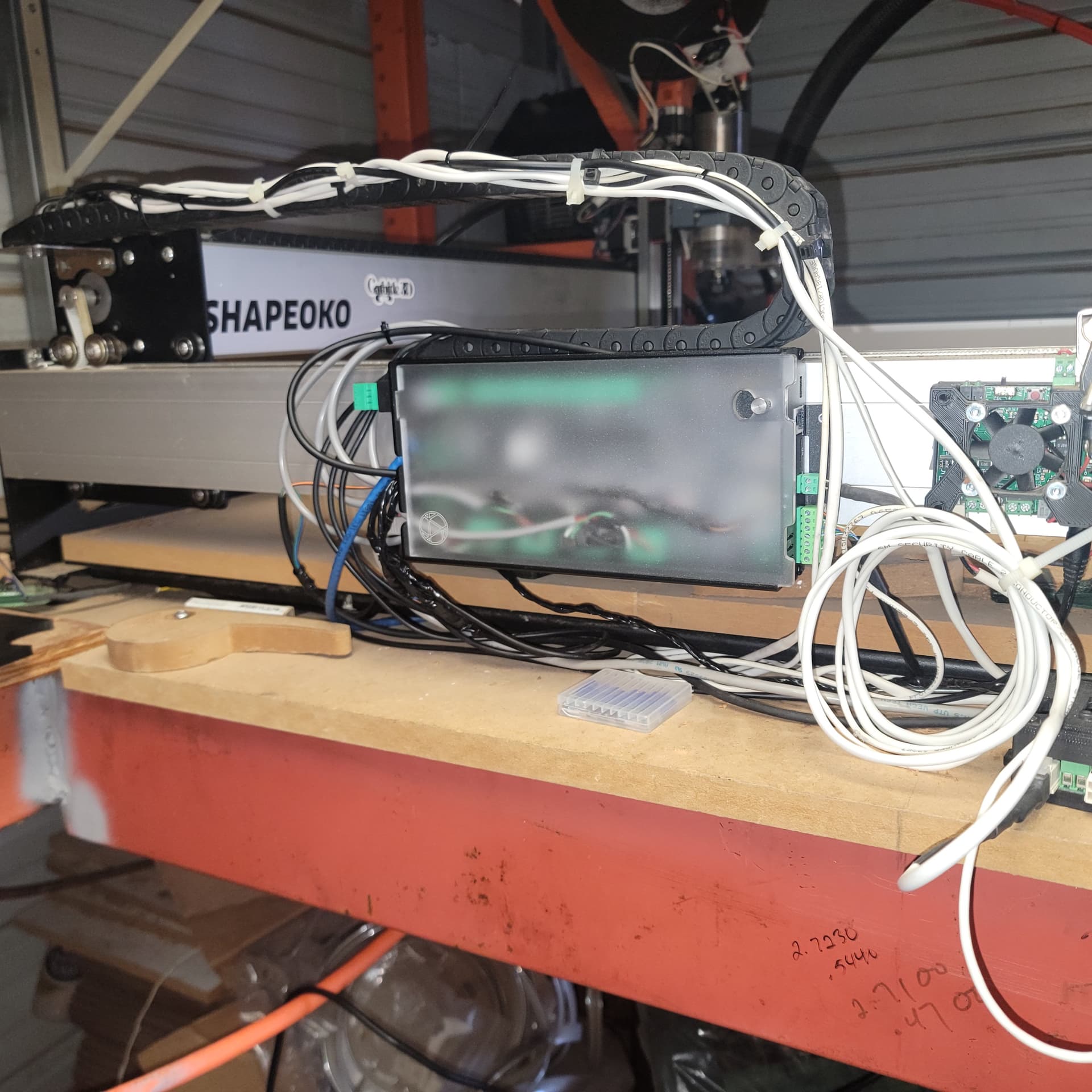
When I change back from laser to spindle, my settings won’t go back to normal. My max setting for the spindle goes to 24000 RPM. My settings need to be at 24000.000 for the spindle to work
Is there a solution for this?
I upgraded my Shapeoko XXL with the SLB. So far, it is working very nicely
I was not aware that was possible. I should have done that to my XXL too. I sure seem to go through control boards. Hopefully, a new Altmill will take care of that.
With the SLB, you need to switch back to spindle then power cycle the SLB. It’s a bit of a known issue that you can go from spindle to laser without restart but to go back to spindle, you will need to restart the SLB
@hamanjam I have the SLB, not the SLB-ext on the AltMill. I go back and forth from laser to spindle and spindle to laser frequently without restarting the SLB. The key is to follow the procedure in the SLB tech manual. No restart is required.
I’m confused now. Last year when I go my laser, I was working through the workflow and I could easilty switch from spindle to laser but not directly from laser to spindle and from Chris’ comment, I assumed it was a requirement. Here’s the post and his reply. I’m not seeing anything contrary in the manual
“- There’s also a way to store the Laser min/max and Spindle min/max on the SLB so the values can be used independently which is where you’re getting stuck switching back from the laser to the spindle. The Spindle min/max are $31/30 as you noted, but for the SLB it’ stores the laser min/max in $731/730. You should find that by using the values that way, you can switch back and forth without the extra hassle you noted in the video (which just to clarify the reason for shutting the controller off and back on it’s because the setting you’re changing requires the controller to be turned off and back on again for the settings to take effect)”
@hamanjam I can’t comment on Chris’ comments, since, clearly they reply to someone who is “stuck”, but you didn’t include that part of the thread.
What Chris does say is that, on the SLB, the spindle and laser values are stored in separate settings. The spindle values are set in $30/31 and the laser values are set in $730/731. That is why there is no need to power cycle the SLB when changing from one to the other. The relevant values are not changing. As Chris says in your quote “you should find that by using the values that way, you can switch back and forth without the extra hassle you noted in your video”. Since I have not seen the video, I am assuming that it shows a user using $30 and $31 for both laser and spindle. Doing that would require a power cycle of the SLB each time there was a change from laser to spindle.
Setting the values for each according to the SLB tech manual overcomes that.
Sorry, didn’t include the whole thread but it was me asking about the workflow. The issue I have when switching from laser to spindle is my spindle will not start until the SLB is restarted. Everything else changes but the modbus spindle will not spin.
@hamanjam Understood, Jim. I am not using modbus, so my experience may not be relevant. I assume that you have your modbus spindle selected as the default and the laser as the second choice. Be sure to follow the order of switching from one to the other as set out in the manual. It was not intuitive to me. The order of moving the slider and selecting from the drop down is imperative for the changeover to work correctly.
My main issue is when I’m using Lightburn, and I switch back to Spindle, I have a macro on Lightburn to change my settings back to Spindle. My example, my setting for my spindle to work, needs to be 24000.000, but when I go back to Gsender, it changes my setting to 24000. I have to go back and change it to 24000.000, it’s weird, but annoying
.
@bmor02 I think the discussion has gotten a bit off topic. I contributed to that, it seems. @hamanjam commented about needing to power cycle the SLB when going from laser to spindle. I replied to that and took things away from your original issue. My apologies.
Your issue seems to be something inherent in your spindle VFD that requires a value with 3 decimal places to work. I don’t have a VFD on my Long Mill. I do have one on my lathe and I can set the number of decimal places for any value. Maybe you can do the same??
A question: What does you macro in LB do? That is, what values are you changing?
If you have not already done so, you may want to open a support ticket with Sienci describing your issue. They will likely be able to help.
In LB i have to micros one to activate the laser and micro for returning the settings back to spindle my micro is set G30 24000.000 instead does 24000
On the firmware
@bmor02 I would suggest that you open a ticket with Sienci. FWIW, I cannot duplicate your process. When I enter 24000.000 into firmware setting $30, it removes the decimal places as soon as I click out of that value. When I enter $30=24000.000 in console, it says OK, but then when I enter $$ to confirm that the value really is 24000.000, it is not. It is 24000. I can’t see any way to get gSender to store the value as 24000.000.
Since you have found out how to do that, your issue is just to somehow prevent having to follow your procedure each time you switch from LB to gSender. That, I cannot help with. As I say, I can’t even get the value to be saved with the decimal places.