@Chucky_ott It’s looking good. FWIW, I use my table with every project. I only have one page my 7" tablet lets me have 40 good sized buttons on that one page. I have changed the layout a few times as gSender has added functionality since I first set it up and I have added the Vortex.
Your approach, being very different from mine, shows how versatile TP is .
I happen to have a 10-year old Samsung 10" tablet and that is what I was going to use. It has Android 6 and TP supports Android 5 and higher. Unfortunately, Google Play Store will no longer work on it and I was getting a lot of security errors browsing the internet. Likely the root certificates are all out of date and can’t easily be updated. So I decided to use my phone instead, and that required several pages to be safe and functional. Certainly better than the programable keypad.
Agreed that TP is very versatile. I’ll put some logic on some of the buttons. For example, I’ll require a double press to set the zeros. And the pages can be easily shared with other users, either just by sending them directly to the user or via their website.
I wished page navigation was better. The buttons at the bottom of each page should ideally be in a header or footer with only one instance. But you can’t do that. Each page has its own copy of the page navigation buttons.
@gwilki And I swear to god, sometimes I can be an idiot. Tunnel vision and all…
In a post above, I mention splitting the Altmill logo into three so that they could each be in their own button. It didn’t even occur to me that I could instead use a 1:1.87 ratio background that had the logo in it. Doh!
@Chucky_ott I did wonder about that, but since I haven’t played much to learn all that TP can do, I didn’t question your original concept. 
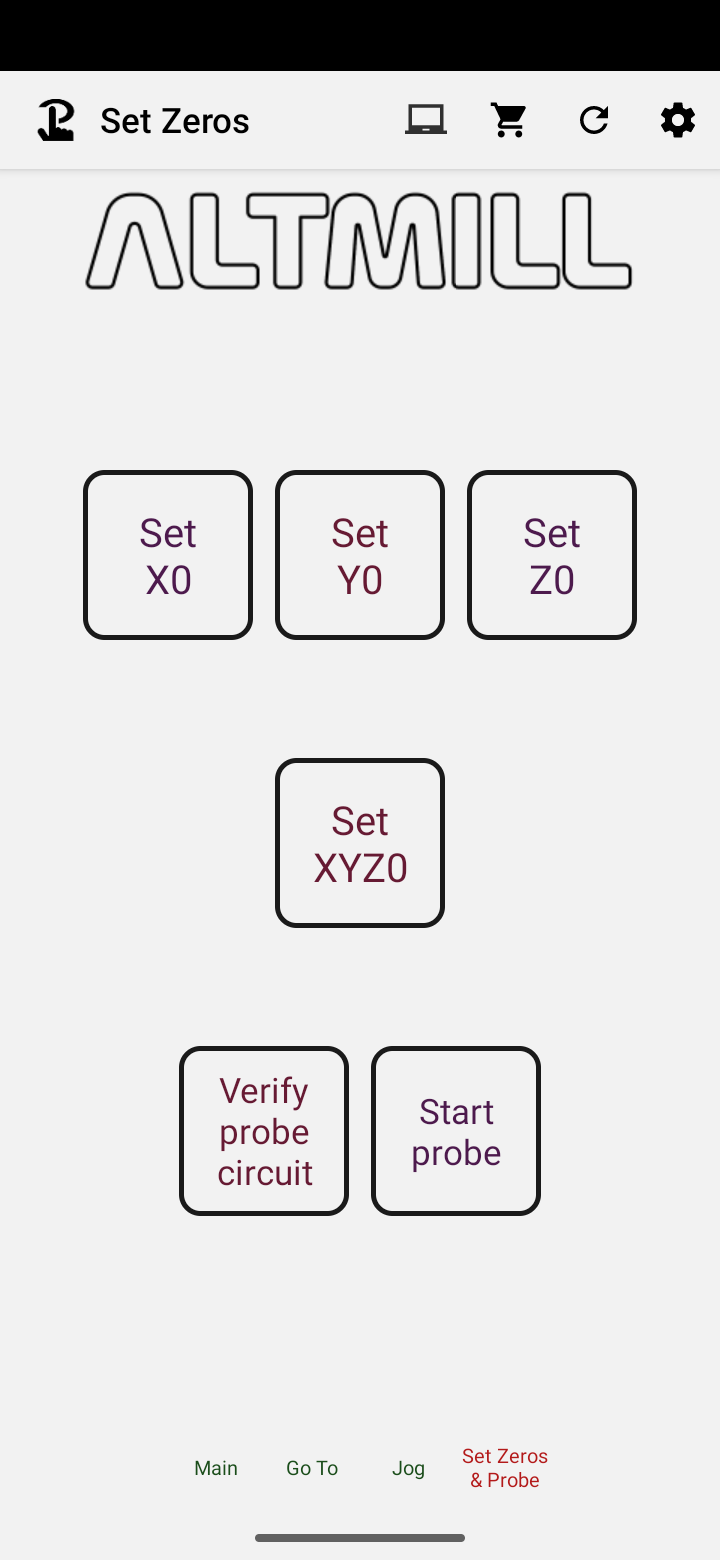
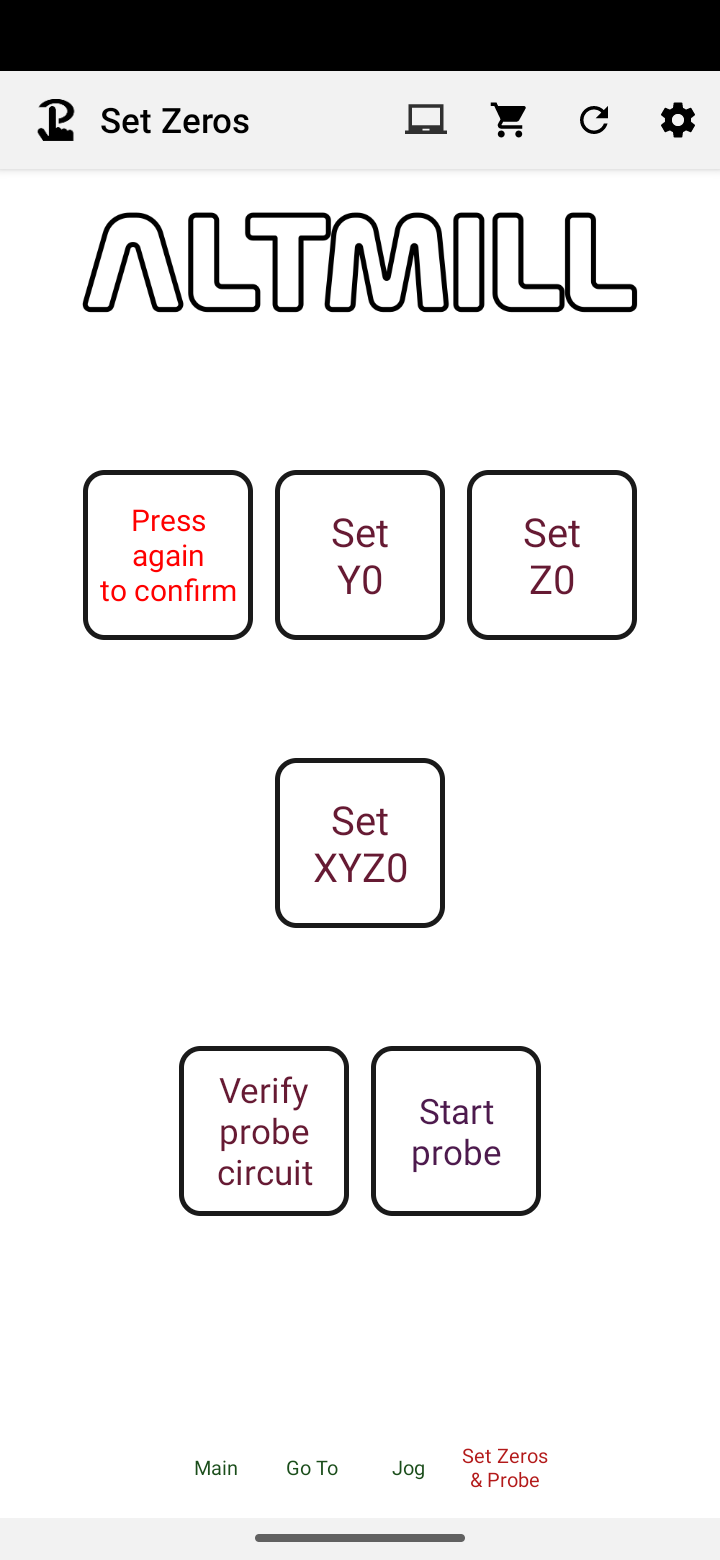
Final version with some logic on the Set Zero buttons to confirm. If not pressed again within 3s, it won’t do anything.
3 Likes
Well, I have to say that this is the most useful add-on to my Altmill. My gControl is about 1m away from my table. Jogging, zeroing, and other movements that require a close eye on the work piece during setup are now easy to do with my phone. And no more hesitation before pressing a button. They are large, well spaced, and the important ones require confirmation.
5 Likes