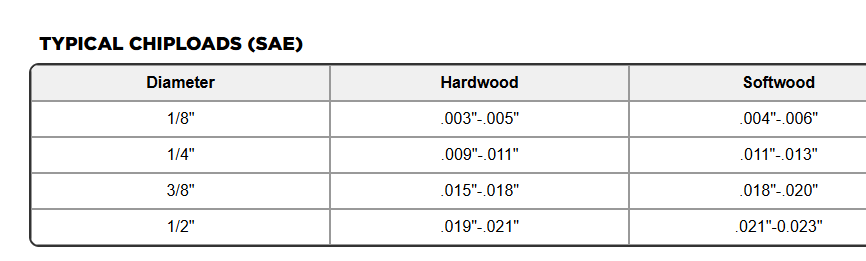
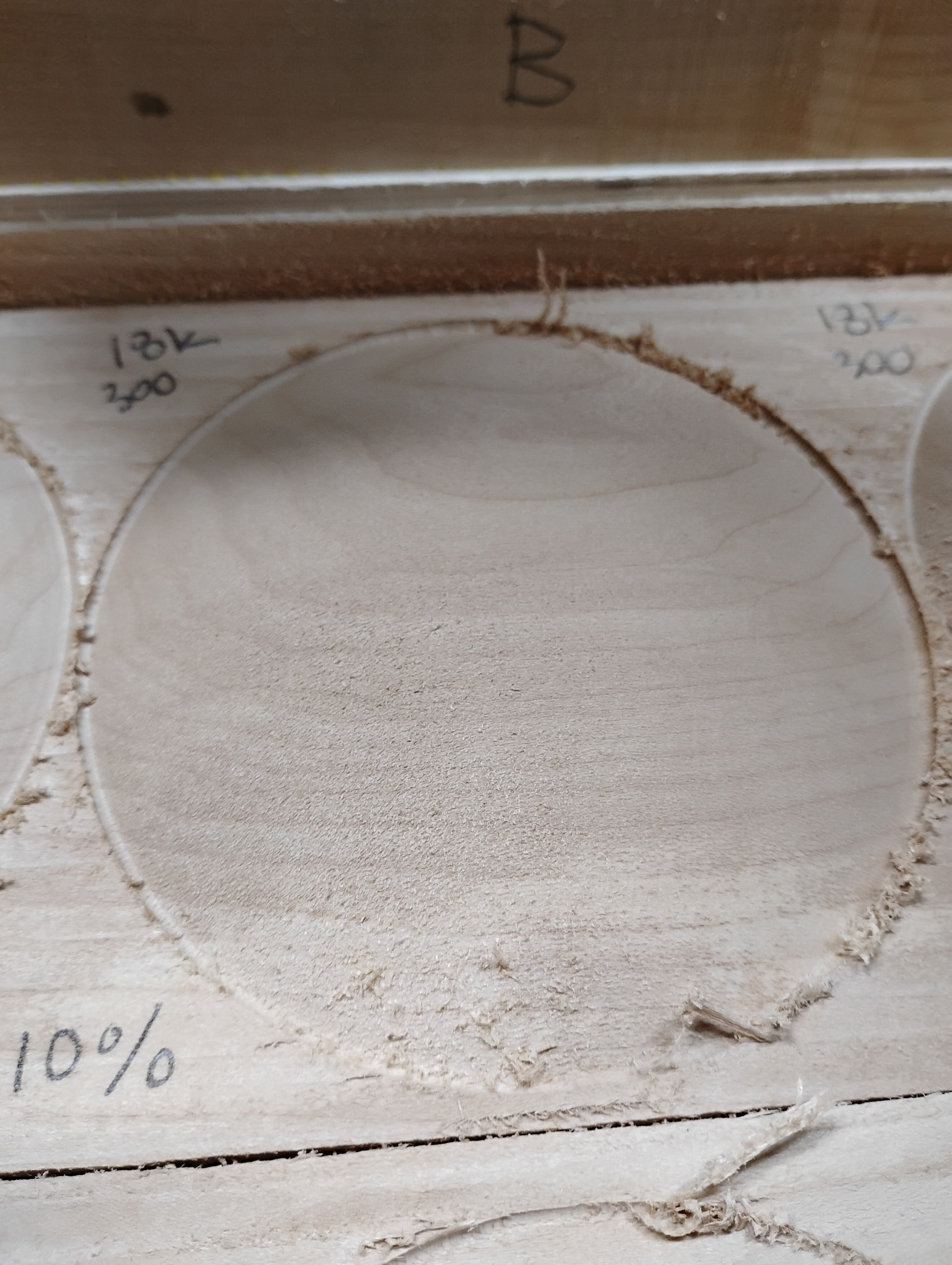
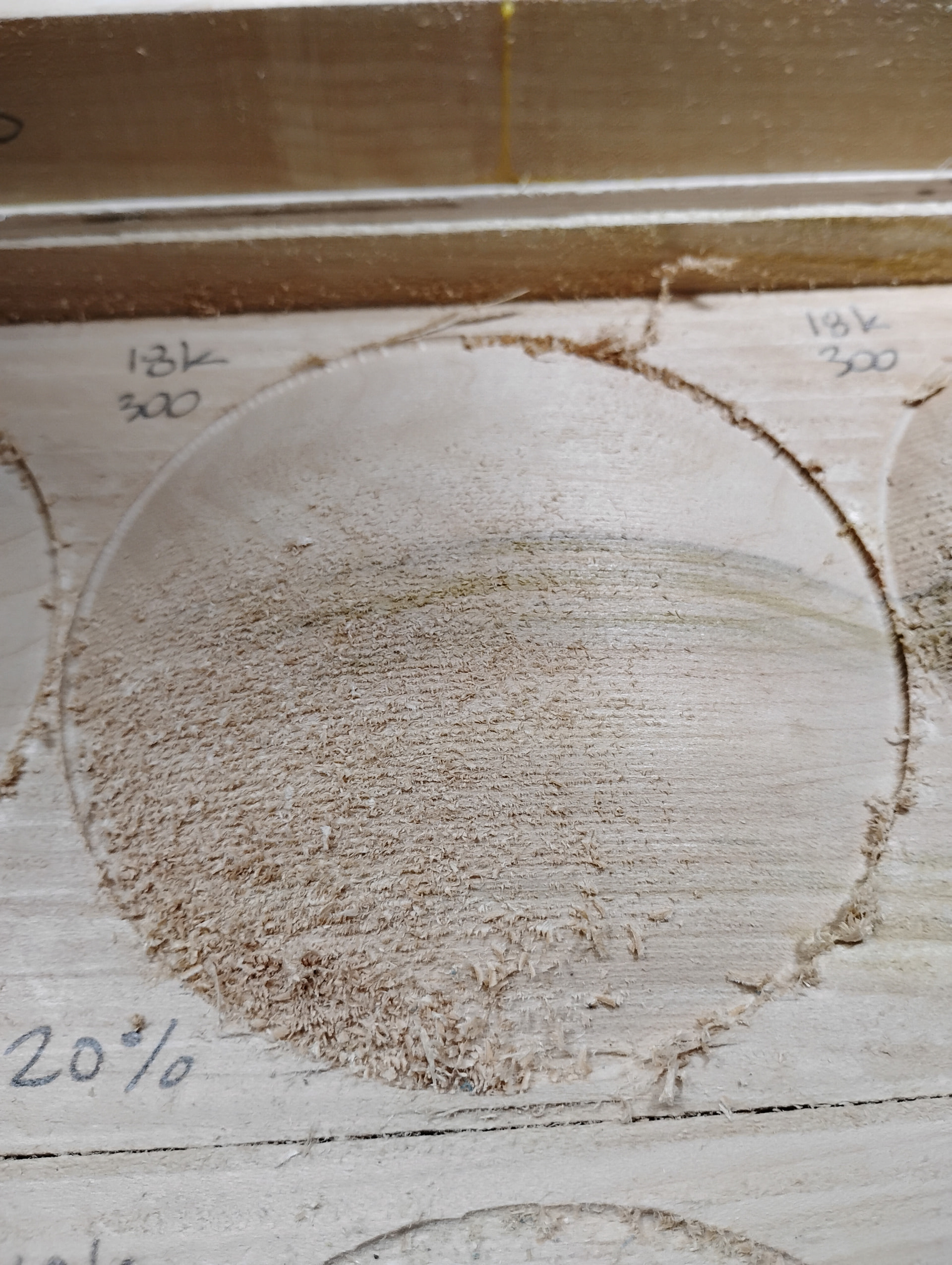
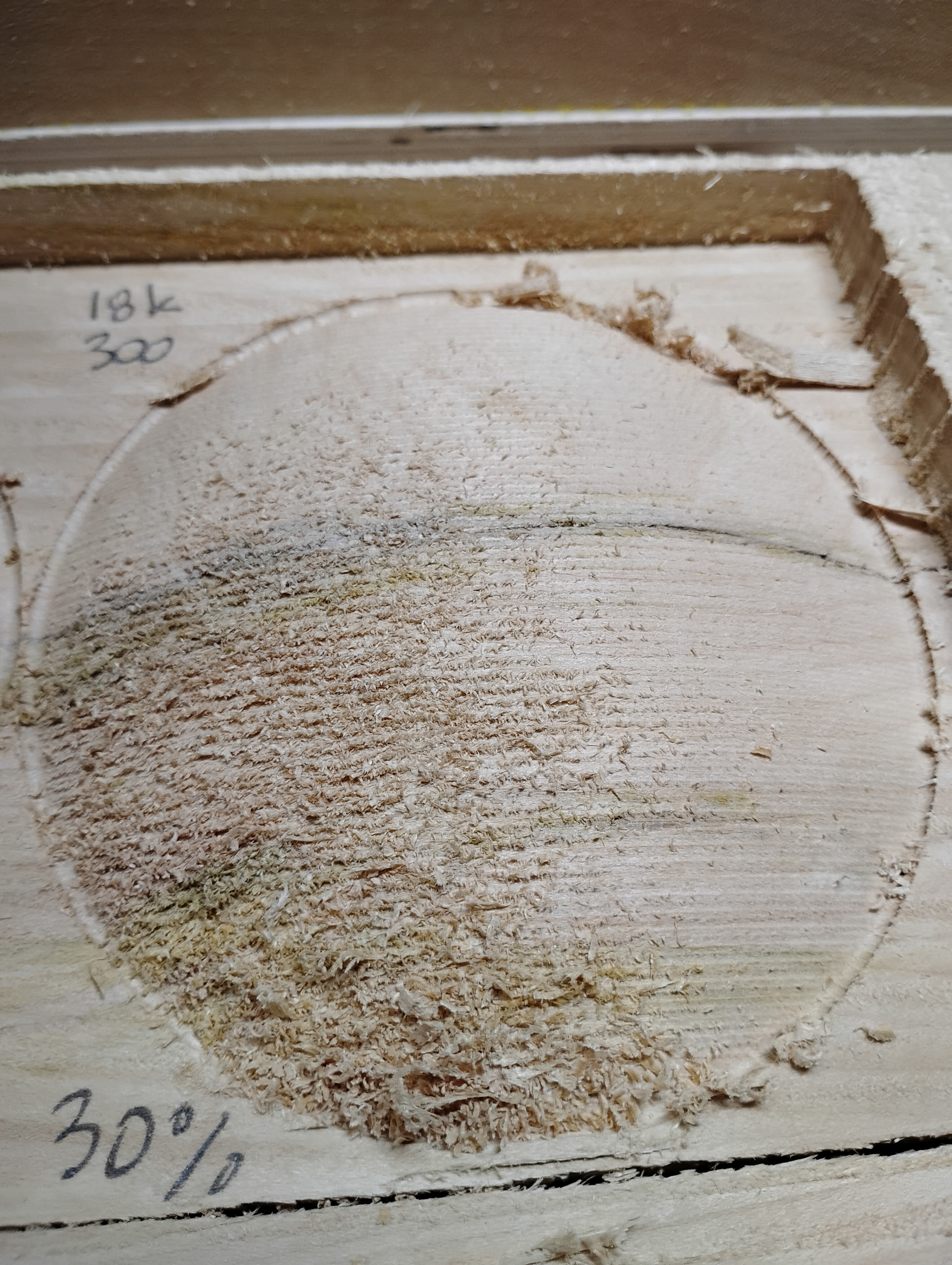
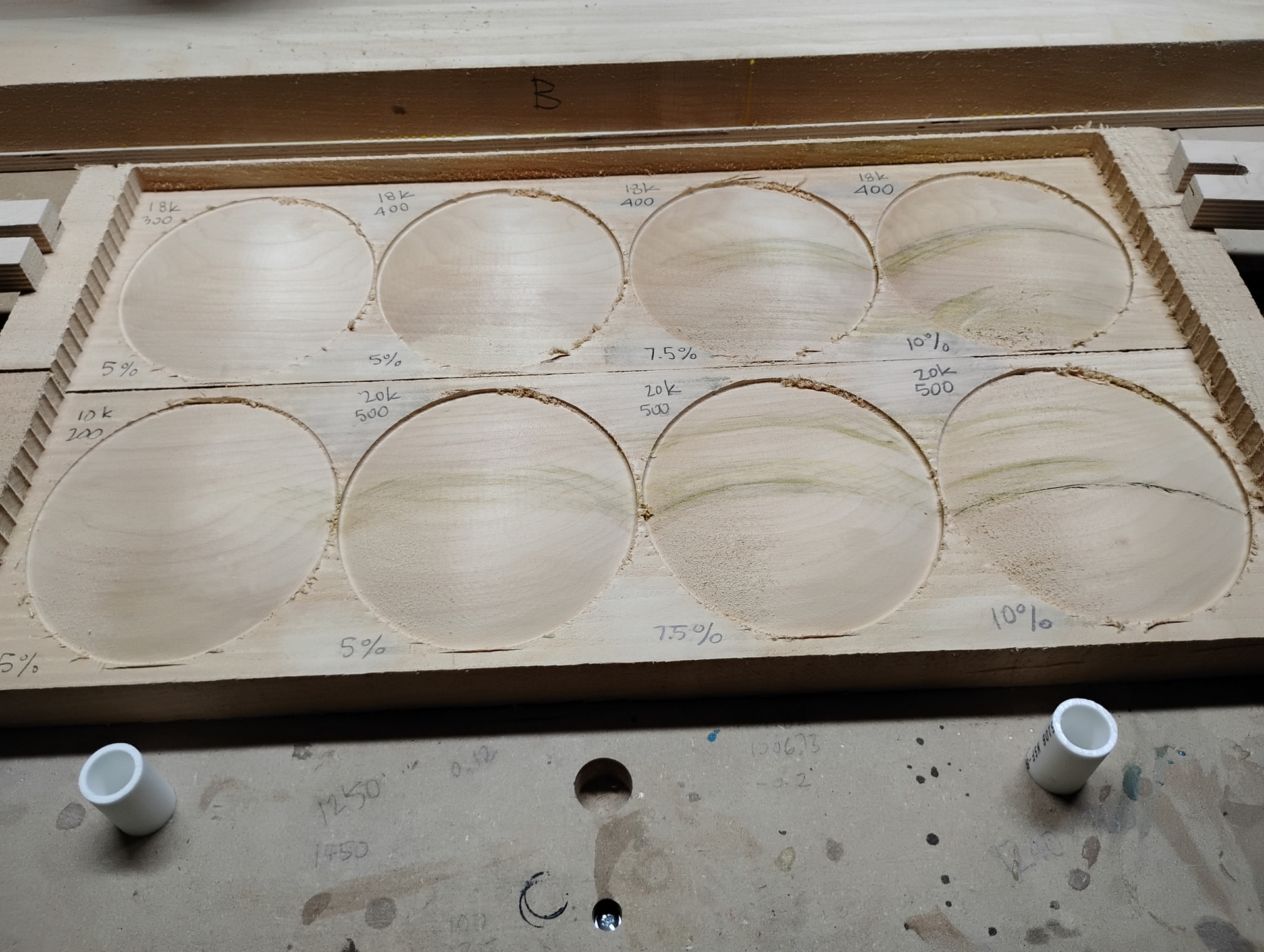
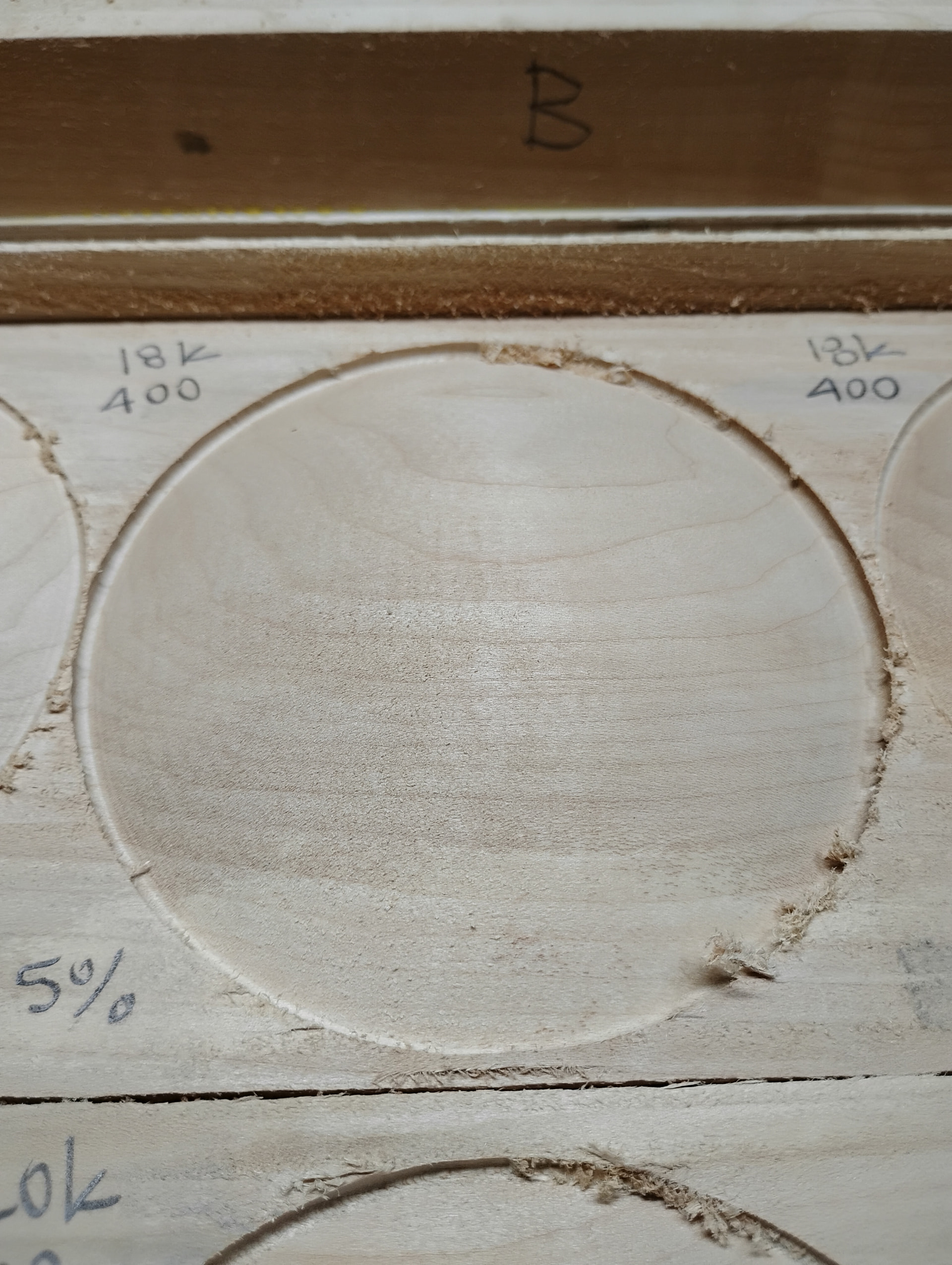
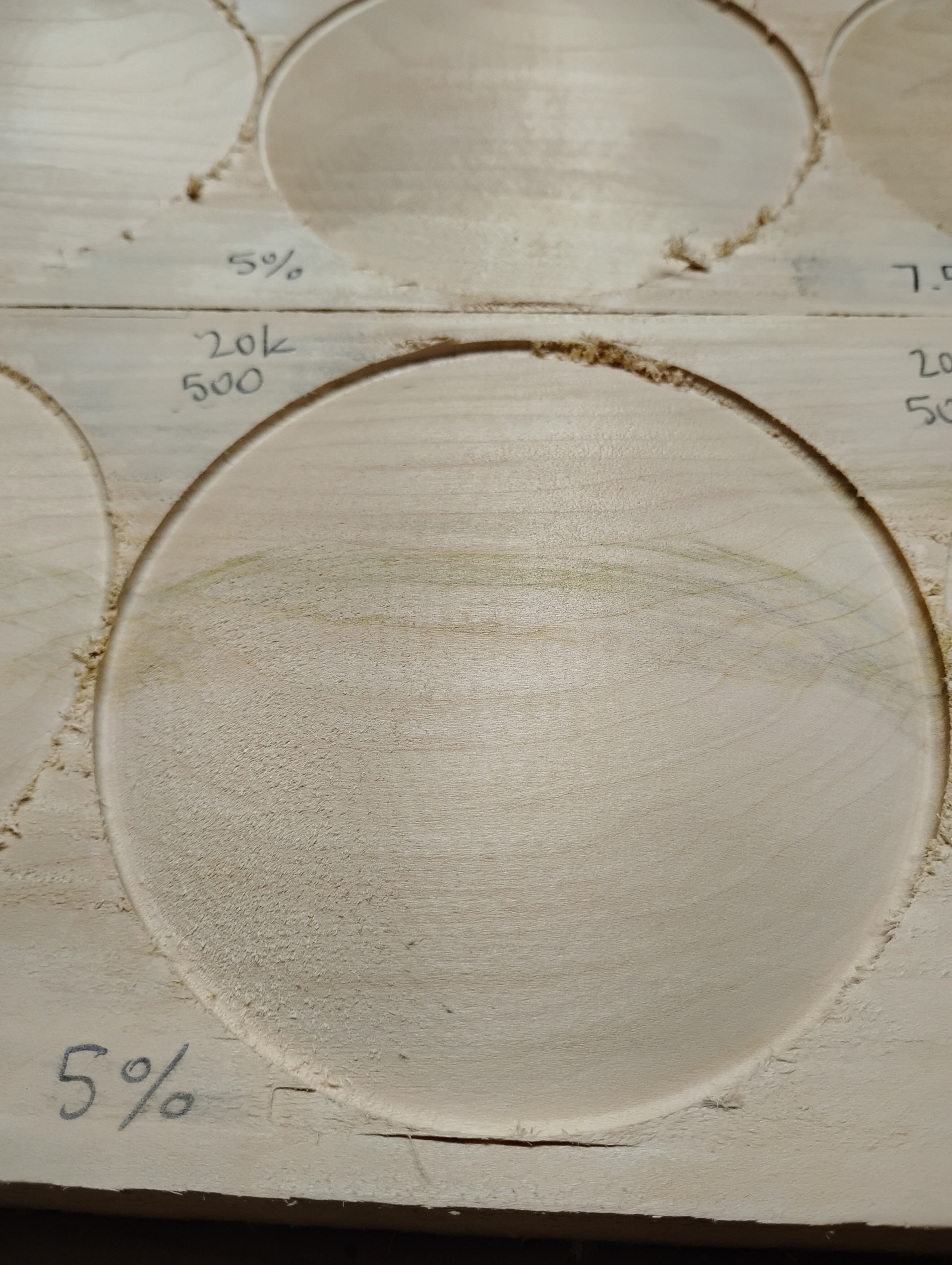
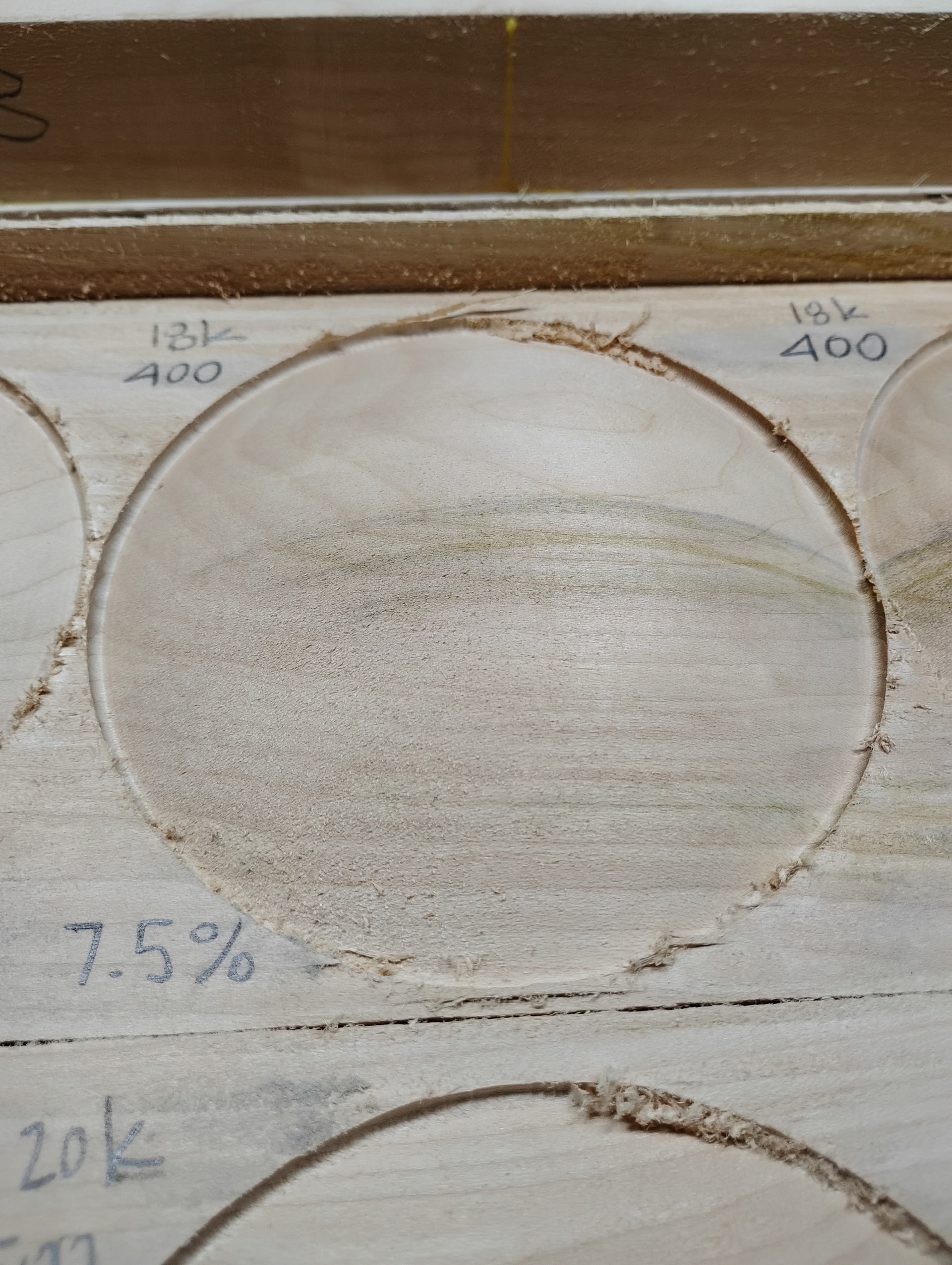
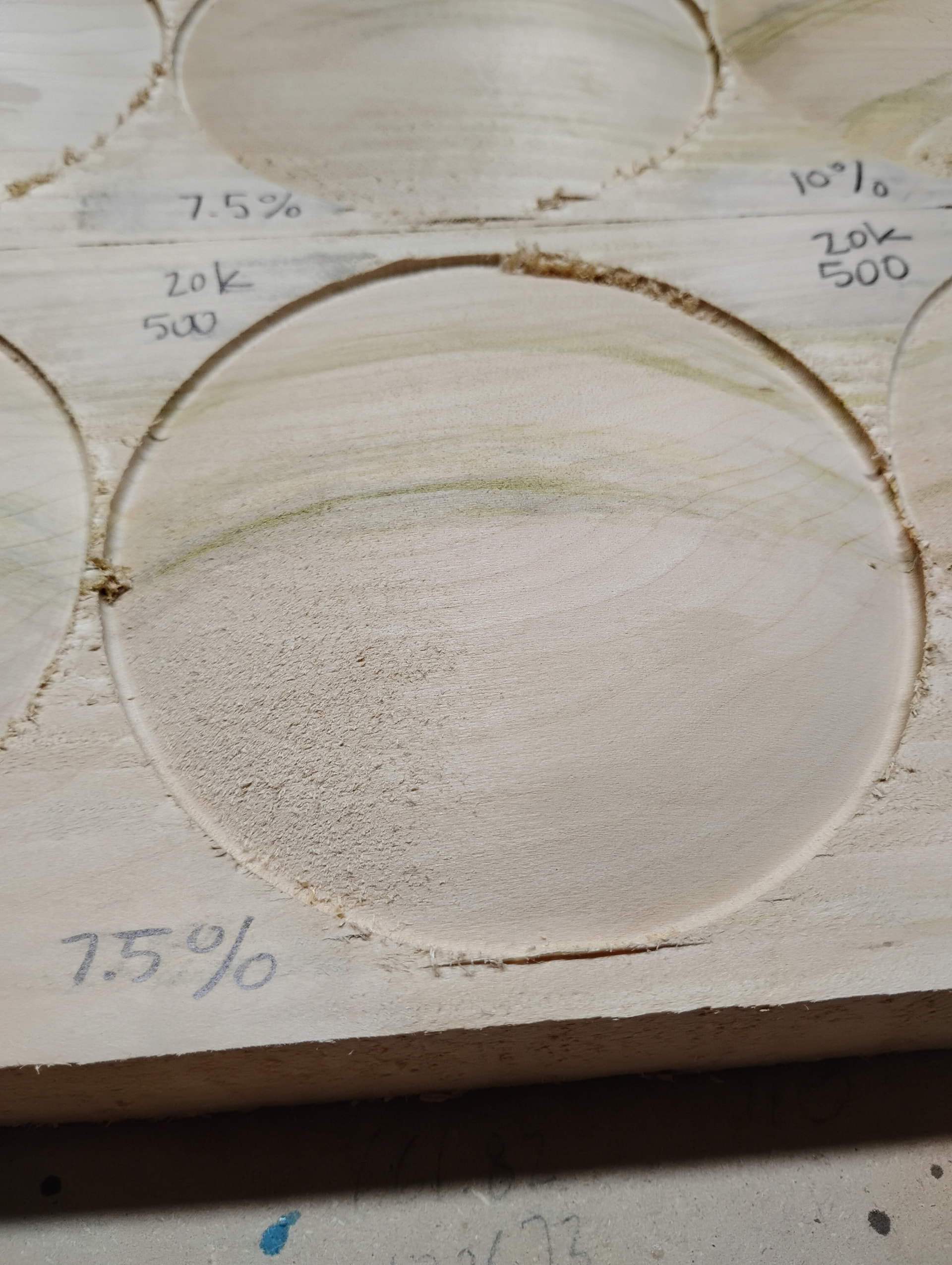
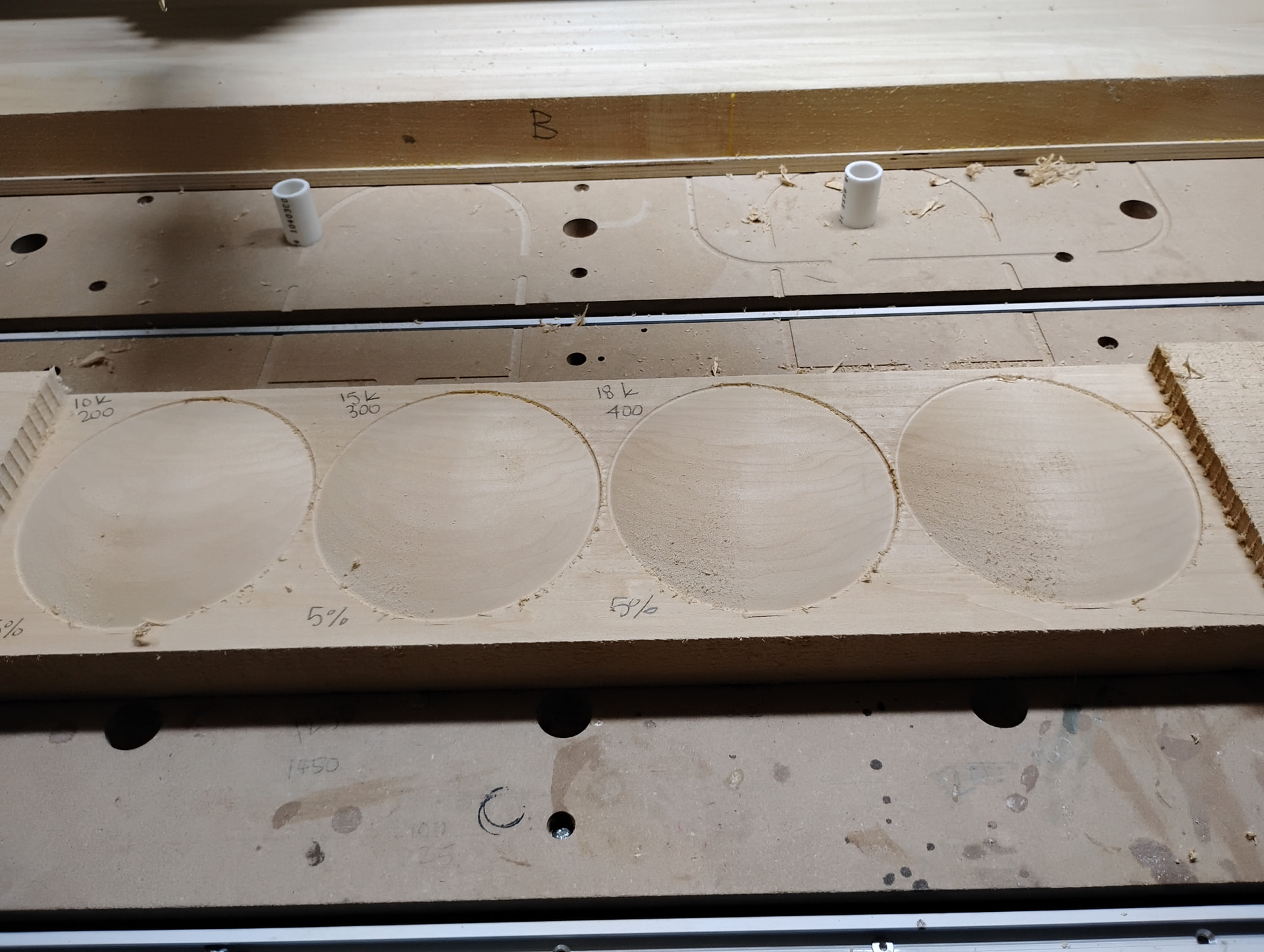
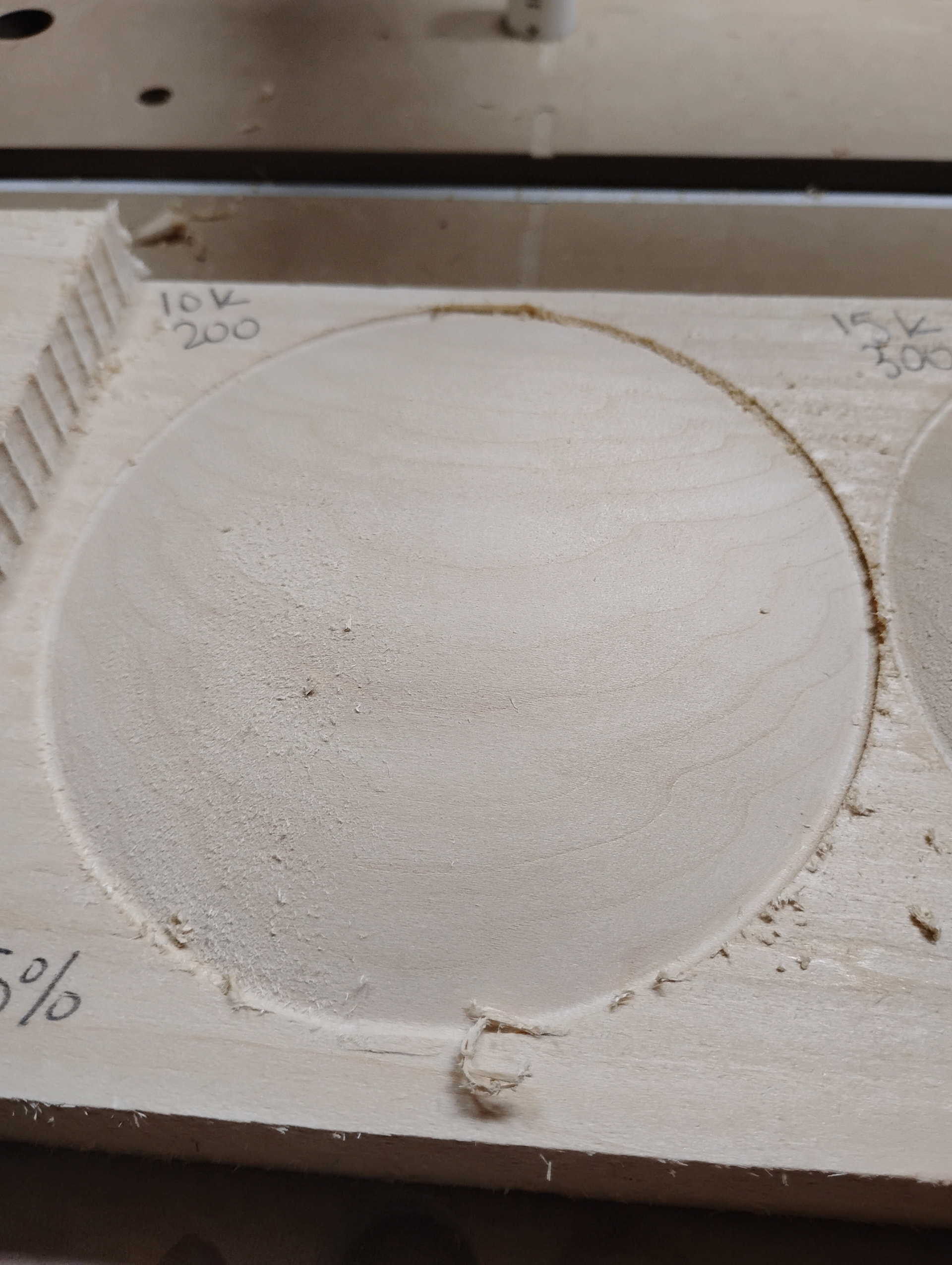
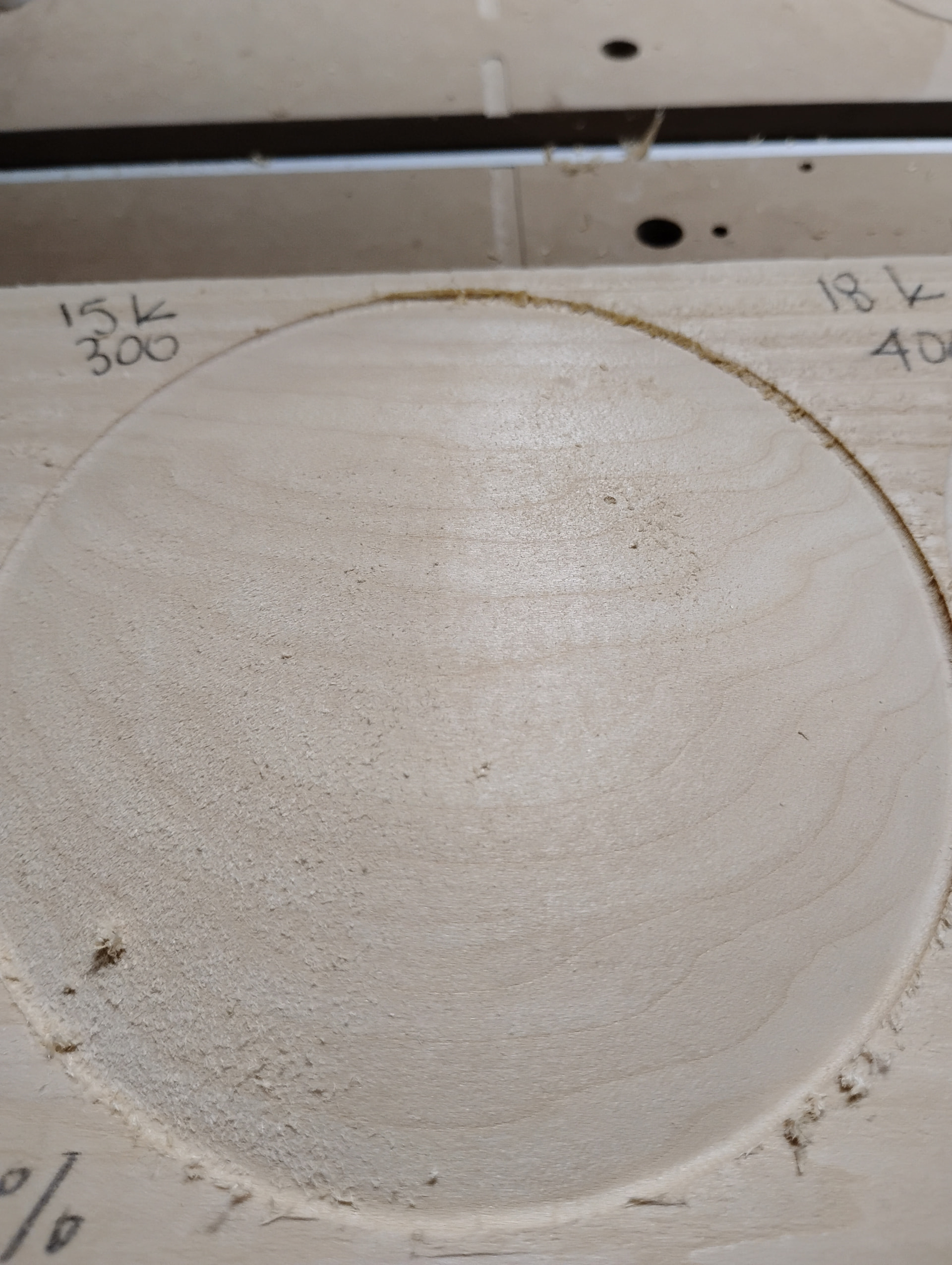
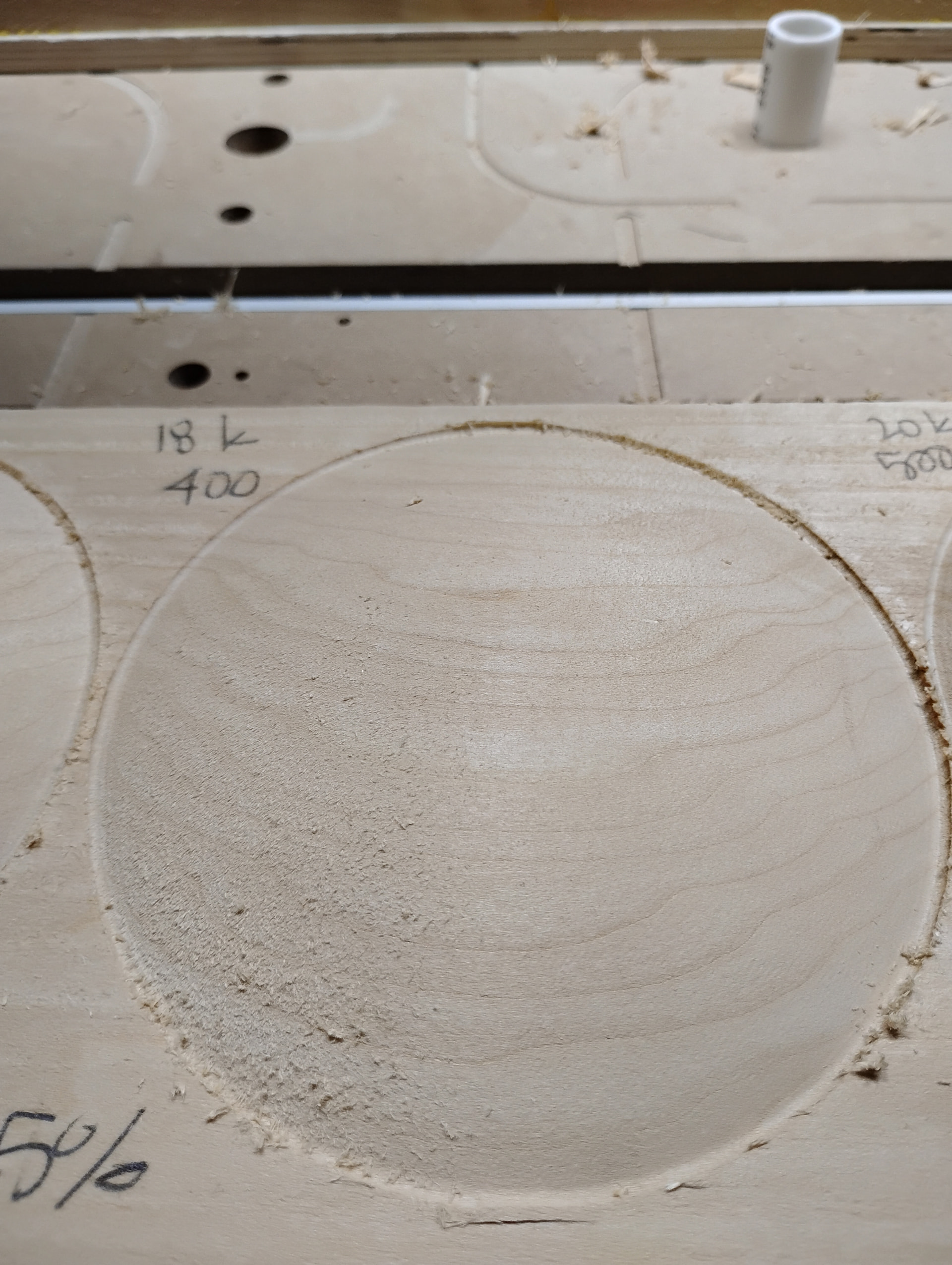
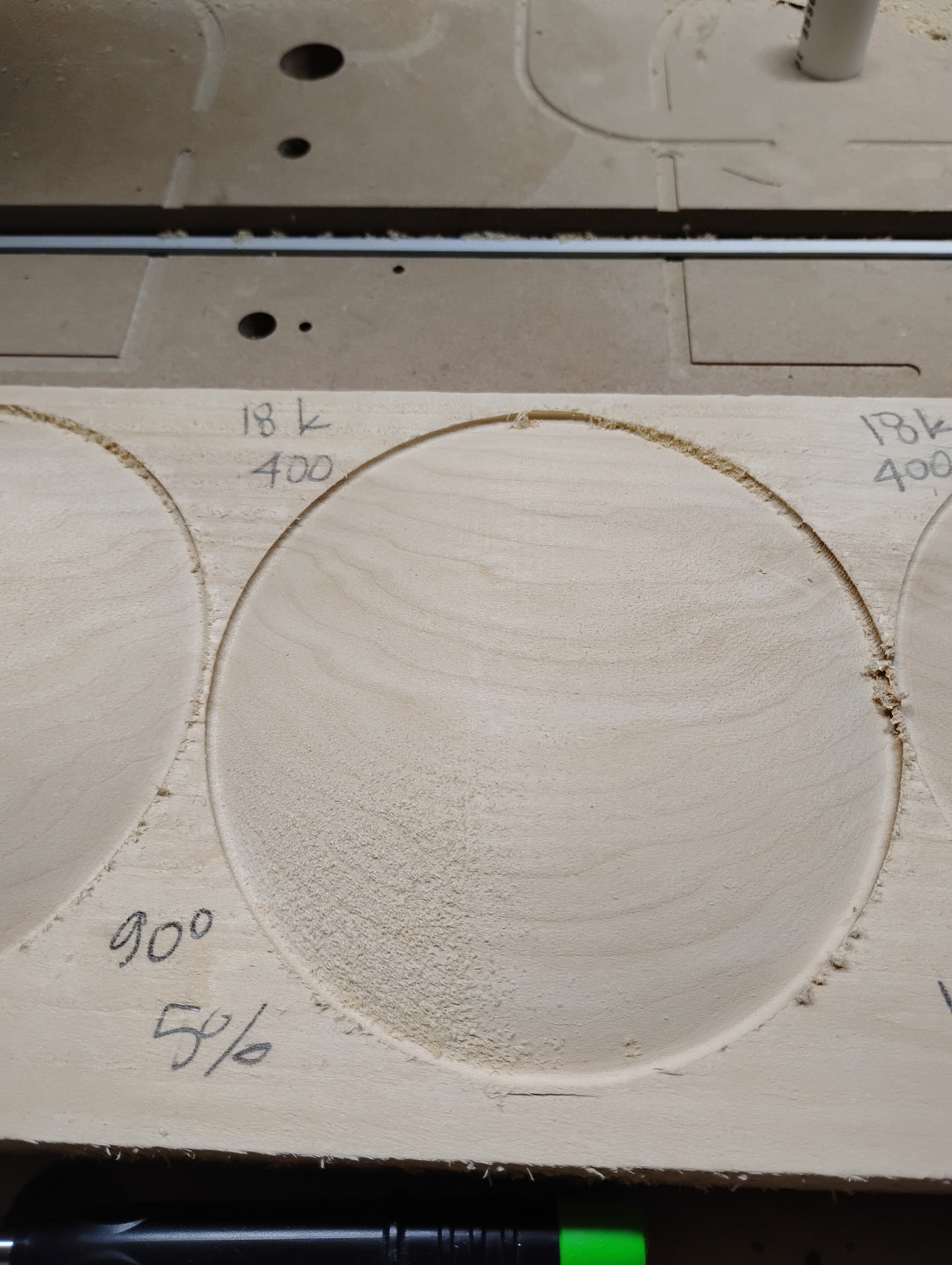
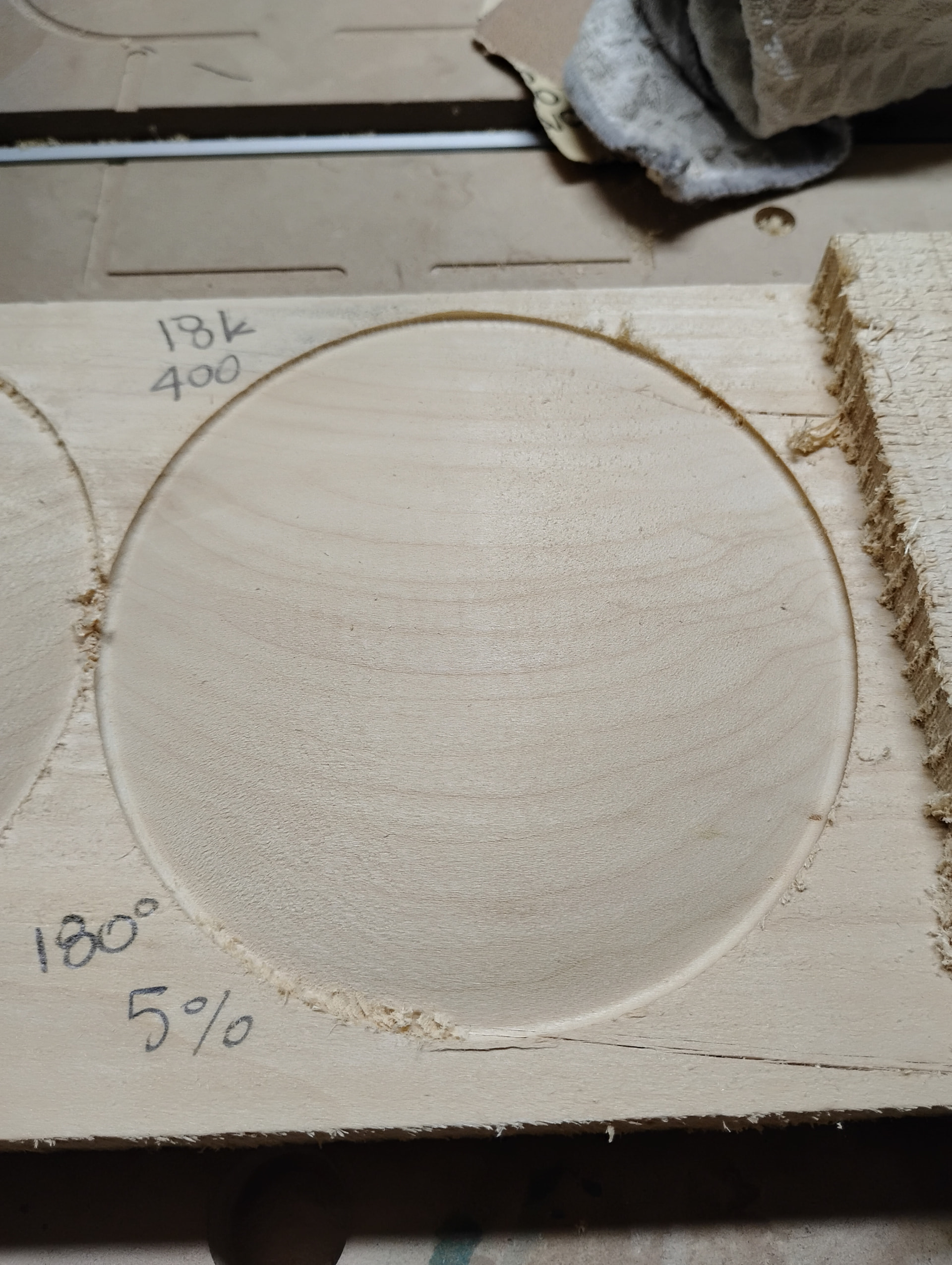
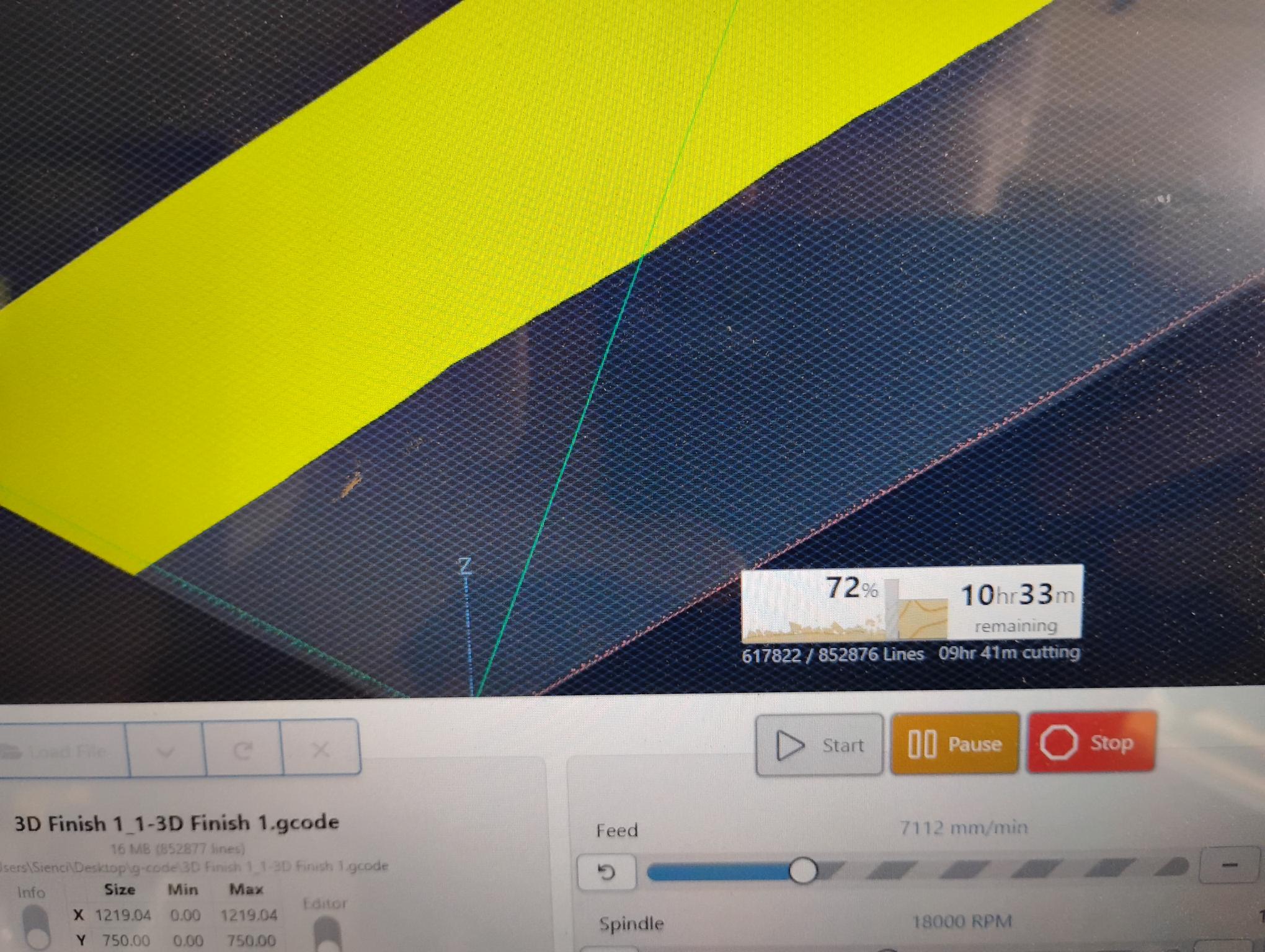
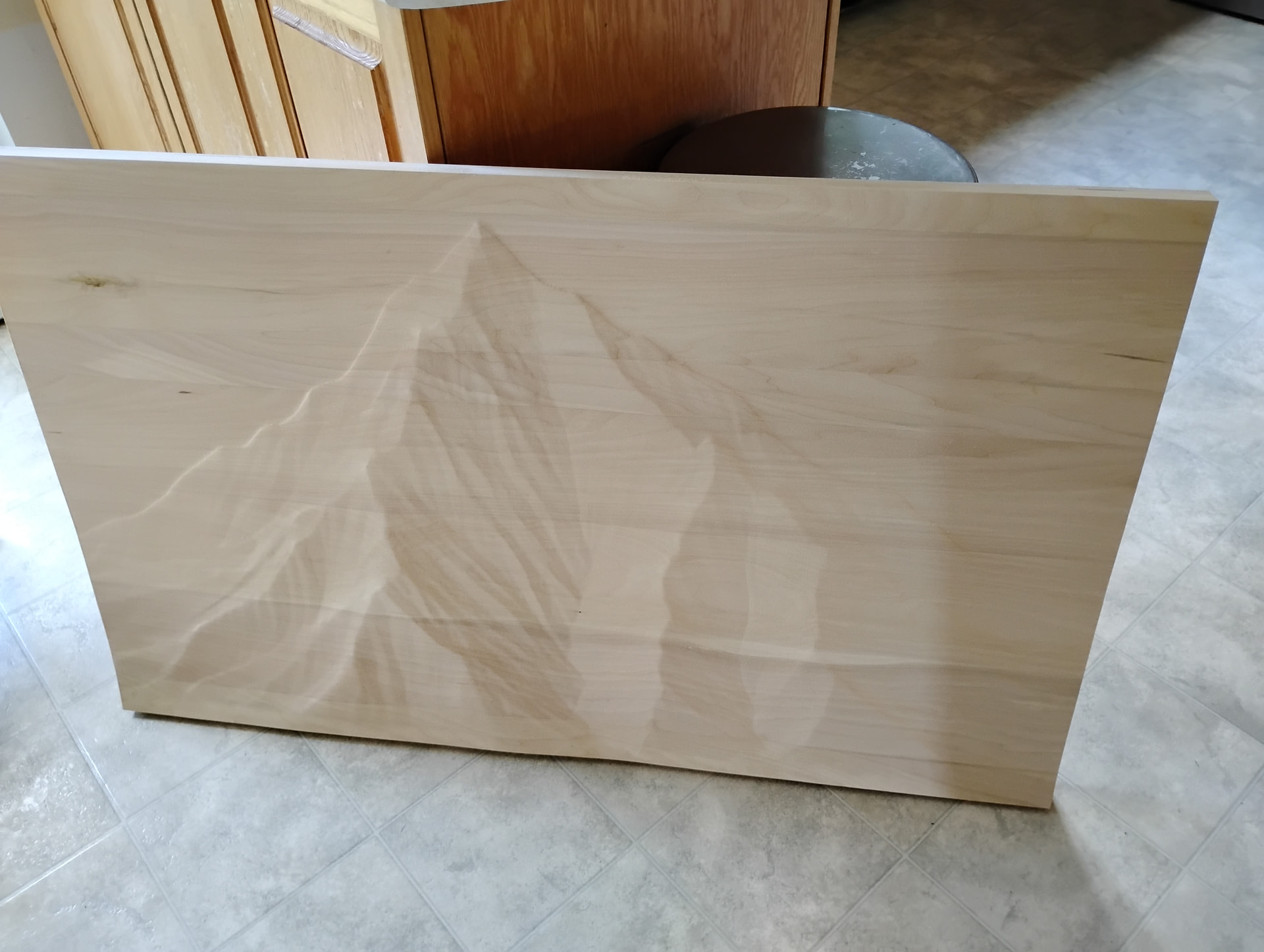
True statement. “Judging from prior posts, it sure seems like feeds and speeds is more of an art than a science…and I ain’t no artist  ”
”
Chipload is only a starting point. At some point, real life experience kicks in and users develop a feel for what works. I know that sounds hazy at best, but it’s true.
Remember that chipload is simply a measurement of the thickness of each chip removed by each cutting edge on each revolution. What it does not cover is every bit as important.
Depth of cut. Even at correct chiploads, it’s easy to see that cutting too deep per pass can overload the bit’s ability to evacuate the chips, resulting in excess heat.
Inconsistency of the material being cut. Sienci’s latest newsletter mentioned that they’re working on an Auto Feeds and Speeds module that will detect the actual load being put on the spindle and adjust the feeds and speeds to compensate for the inconsistently. Let me say here, if this works it will be revolutionary for the market they occupy. Very high end machines have had this, but it will go a long way toward mitigating one of the biggest learning curves for new CNC users.
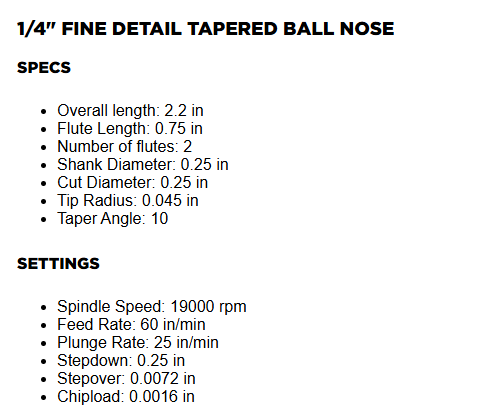
Tool geometry. A ¼" 2 flute bit is a ¼" 2 flute bit. No. No. No. Two tools that look identical can have very different cut characteristics. Even the same bit over time cuts differently as it wears. The tapered ball nose is a good tool to consider. Is it a ¼" bit or a ⅛" bit? But wait, it doesn’t have a ⅛" cutting edge so it should be more rigid and capable of tolerating higher feedrates without developing chatter. Factor in the depth of cut being typically deeper than a ⅛" tool, more rigid body, etc. and the TBN can cut much faster than the ⅛" end mill. This is exactly why it was developed.
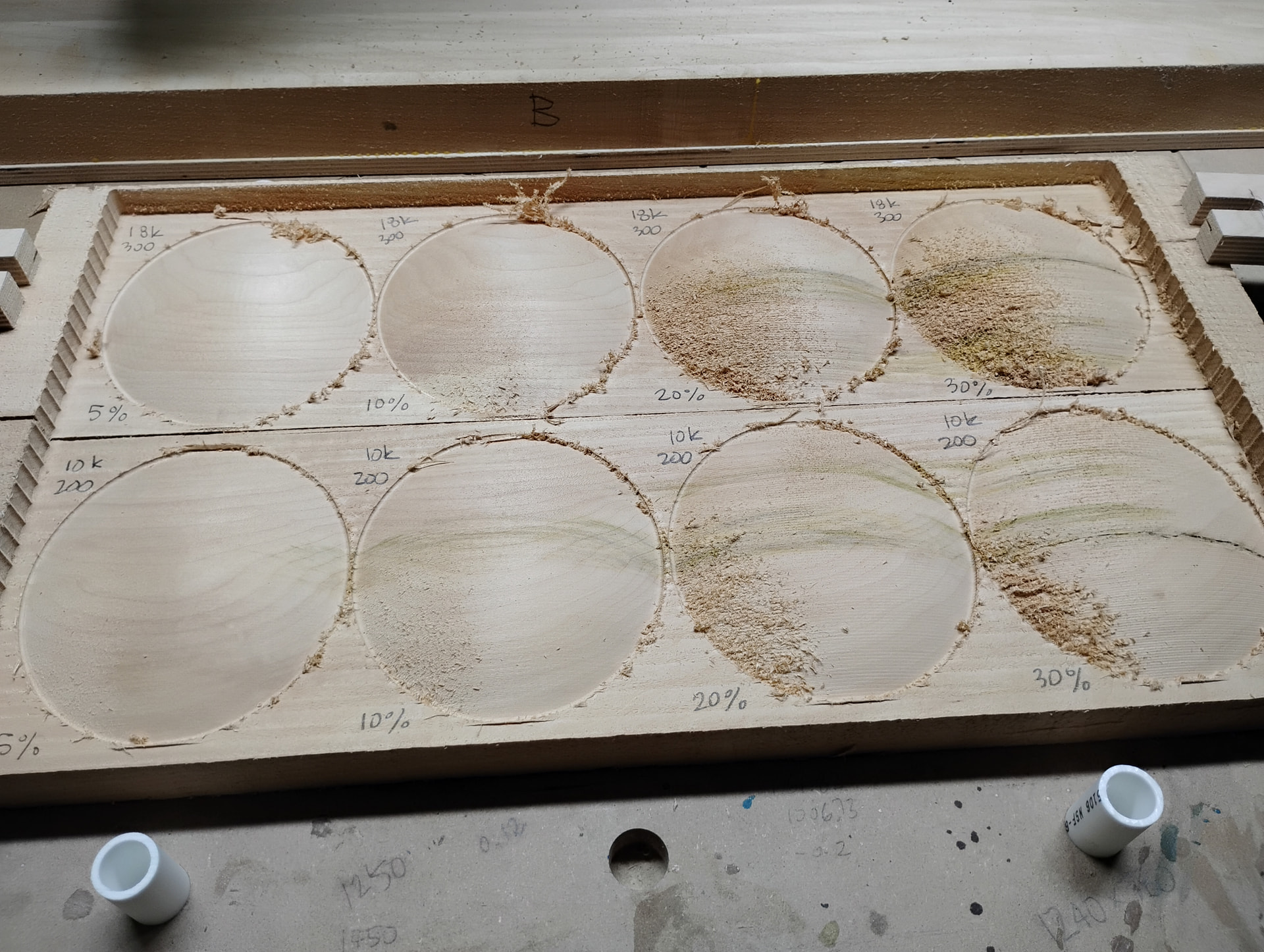
Depending on project, depth per pass settings, material, etc. I would set it to the middle of the settings you mentioned, 200 ipm and then adjust it on the fly by listening to the cut. With a small diameter tool it can be very hard to hear (I turn off the dust collector for this) if it’s sounds like it’s chattering (slow down) or screeching (speed up feedrate).
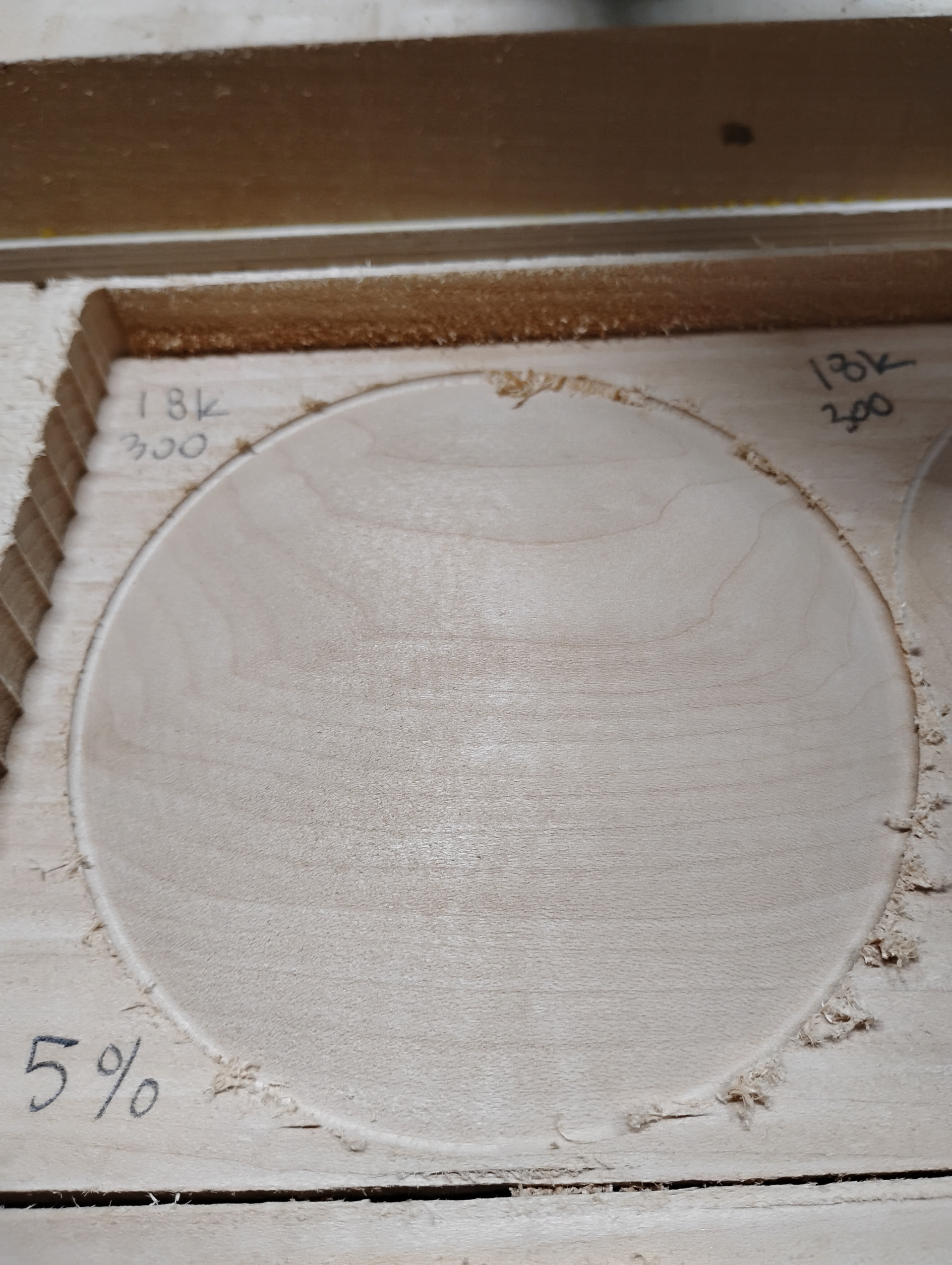
With some tools, the TBN being one of them, the rigidity of the machine becomes the limiting factor. That’s where you take in the quality of cut.
So, chiploads are a starting point that ALL new CNC users need to be familiar with. They are not the ONLY consideration. We once did a trade show (IWF in Atlanta) where we cut nested ¾" cabinet grade melamine at 4500 ipm in one pass using a 4 flute ½" compression bit (2X chipload). People stood back.