Welcome to Carve Days!
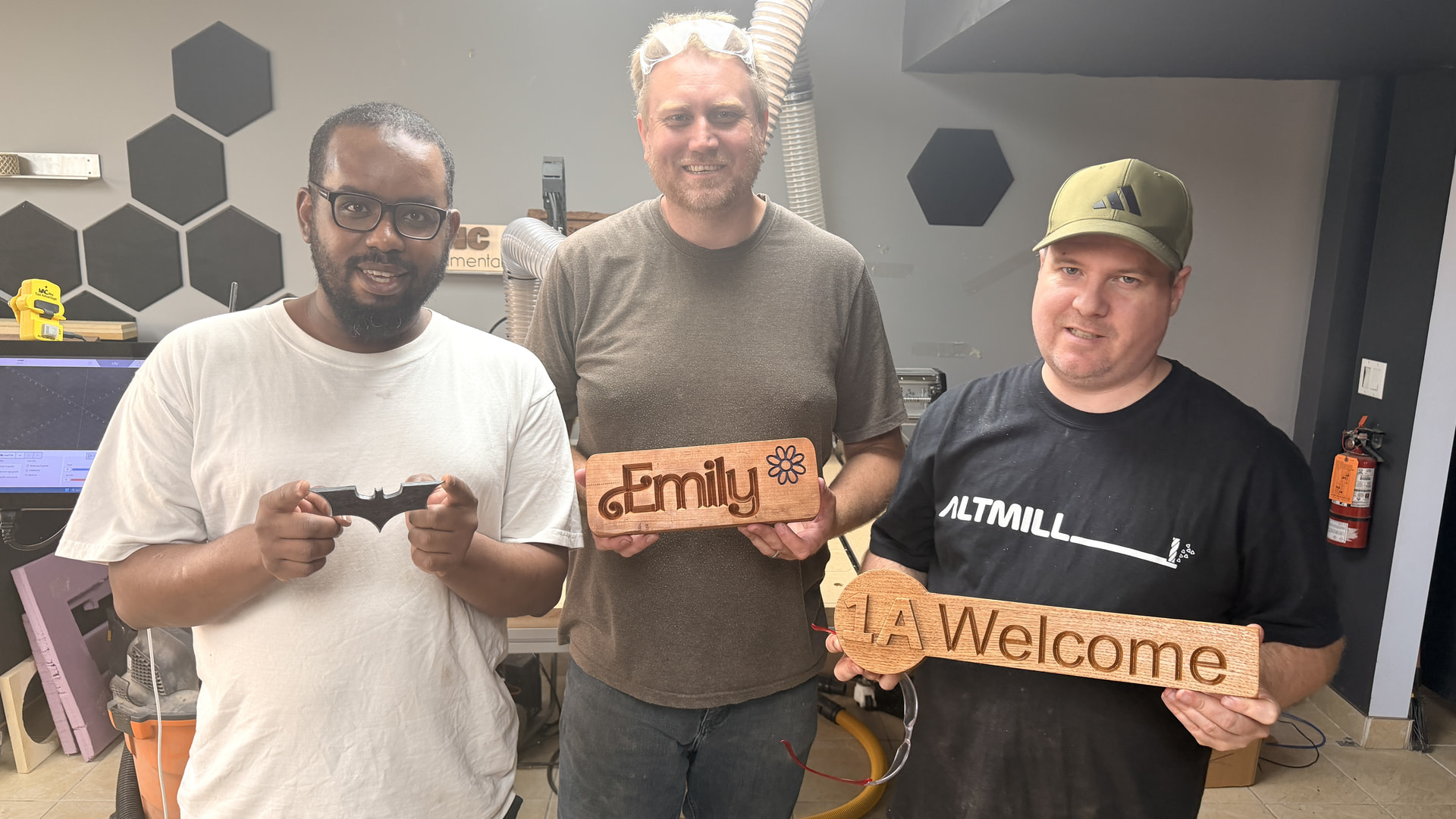
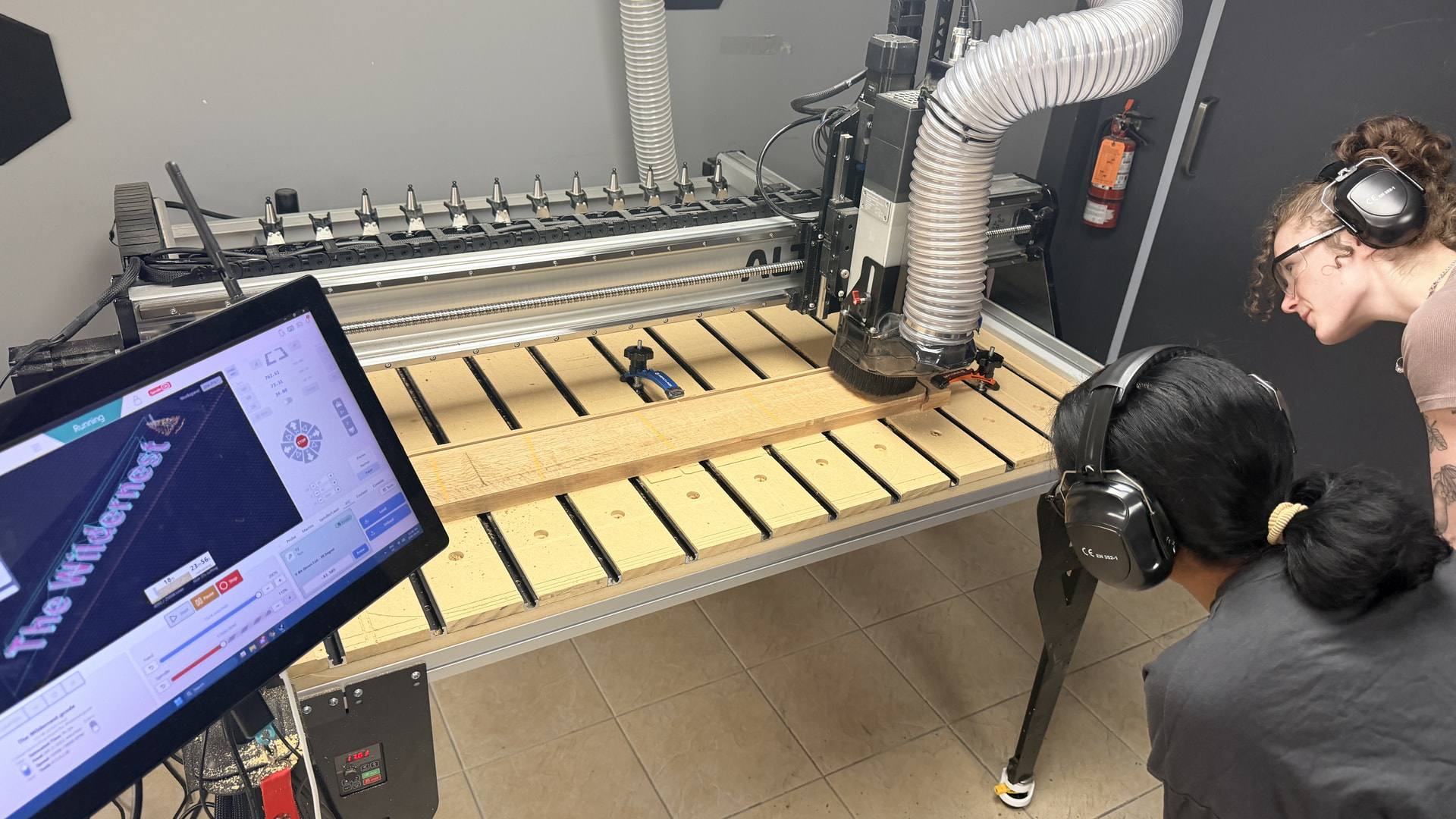
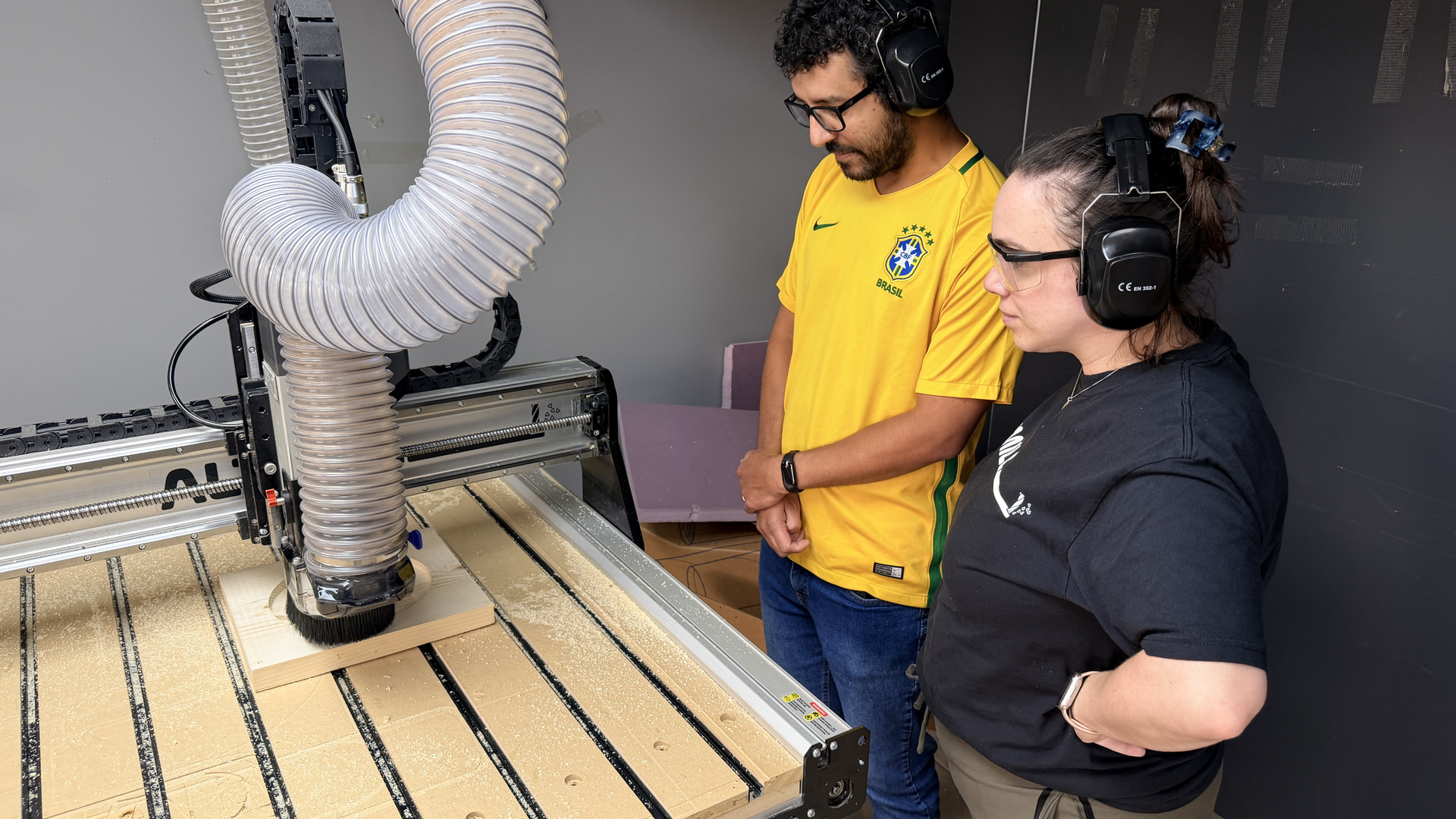
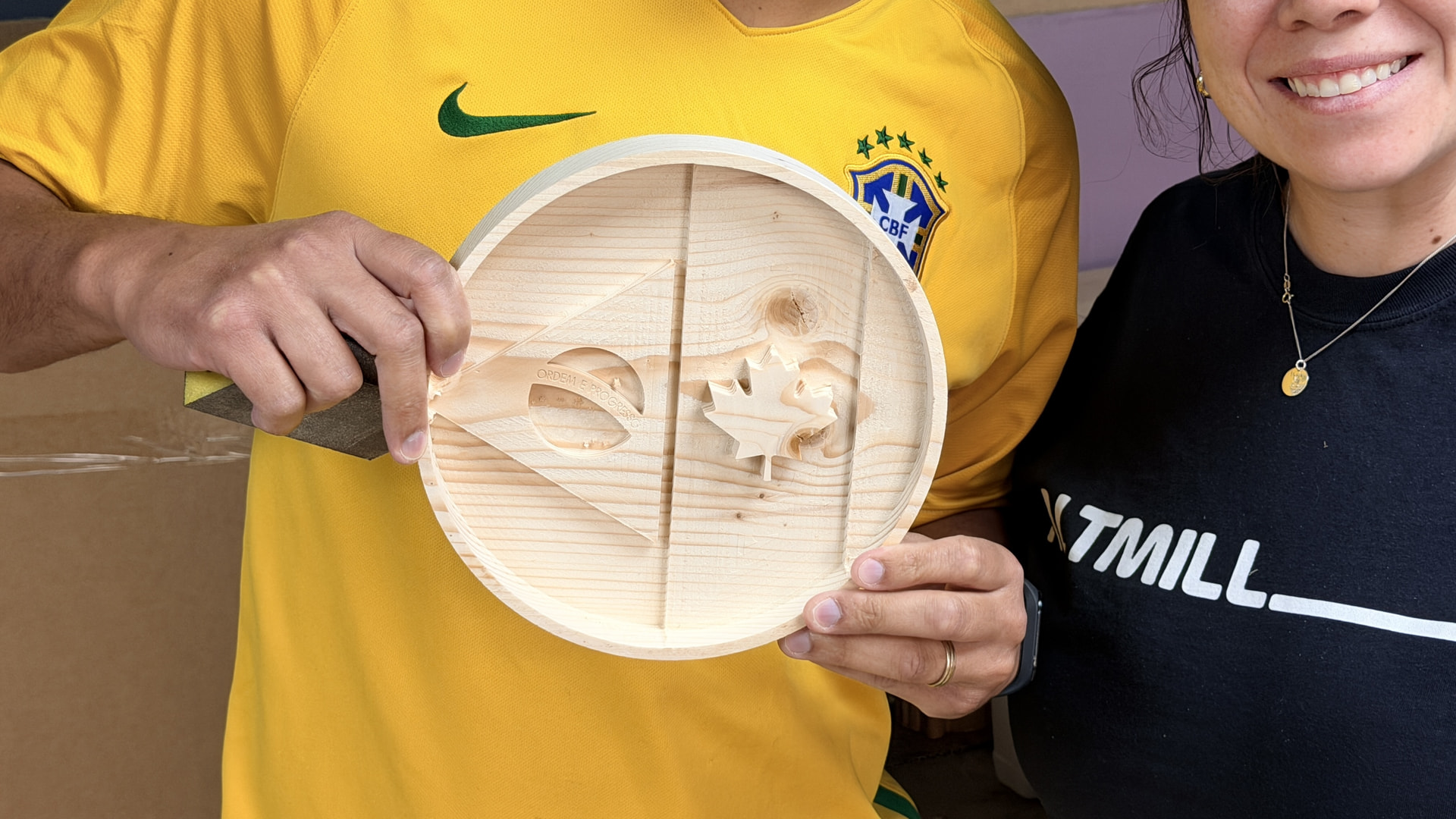
Here at Sienci Labs, we’ve started setting aside dedicated Carve Days where team members step away from their regular work, fire up a machine, and build a project from start to finish. Sometimes it’s a practical shop accessory, sometimes it’s a decorative piece, and sometimes it’s simply an excuse to learn a new technique or experiment with a different toolpath.
Carve Days aren’t about making perfect projects—they’re about making time to create, try new ideas, and continue learning. Every project teaches us something, whether it’s a new CAM strategy, a better workholding method, or simply a reminder to double-check where we set our zero.
That’s exactly why we’re sharing these with the community.
Rather than only showing the finished result, we want to share the entire experience. Along with photos of the completed project, we’ll include the design files whenever possible, and anything we learned along the way.
What you’ll find
Each Carve Day is a little different, but we’ll share as much as we can, including:
 Project files (VCarve Pro, SVG, STL, and other source files when available)
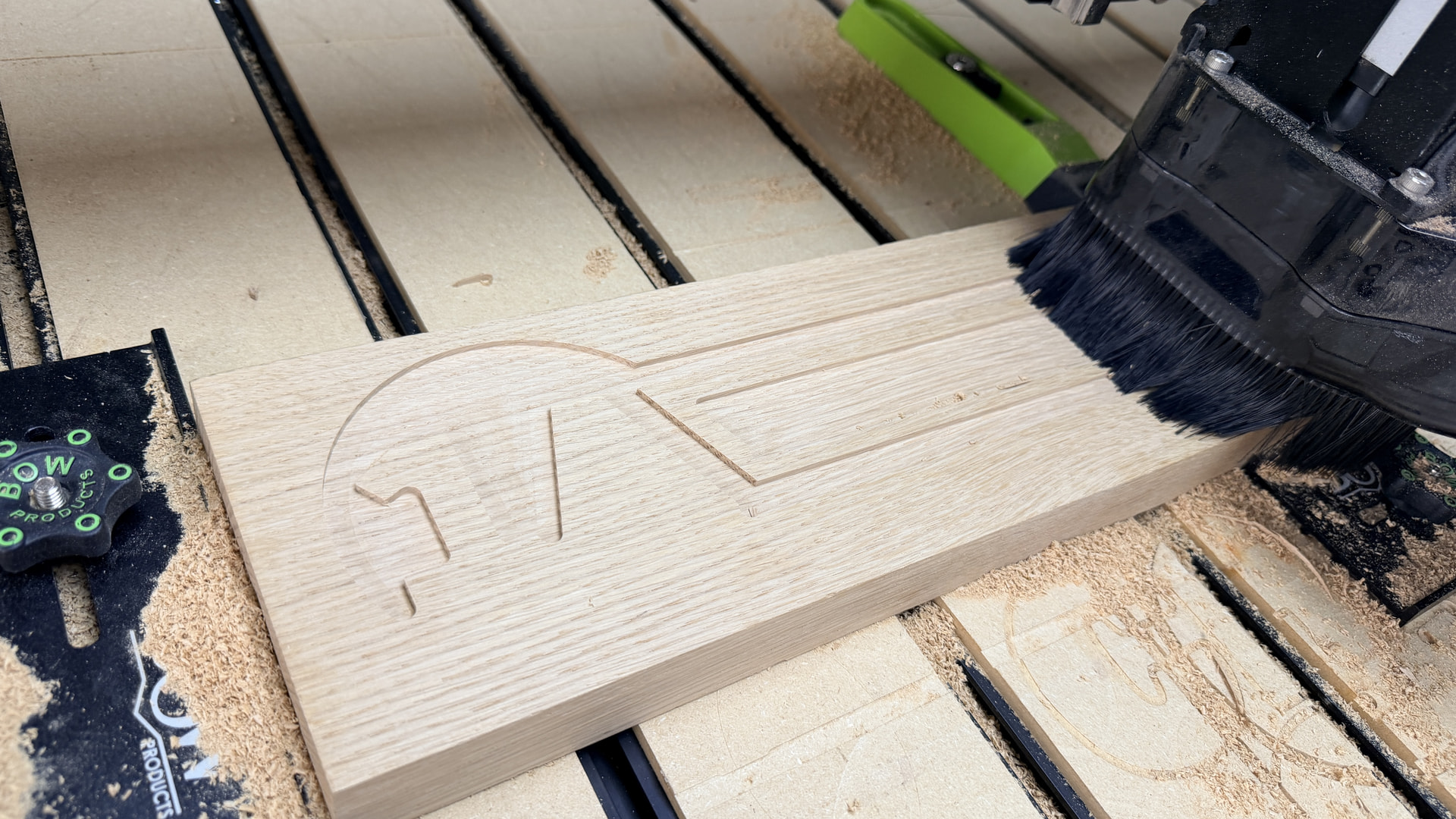
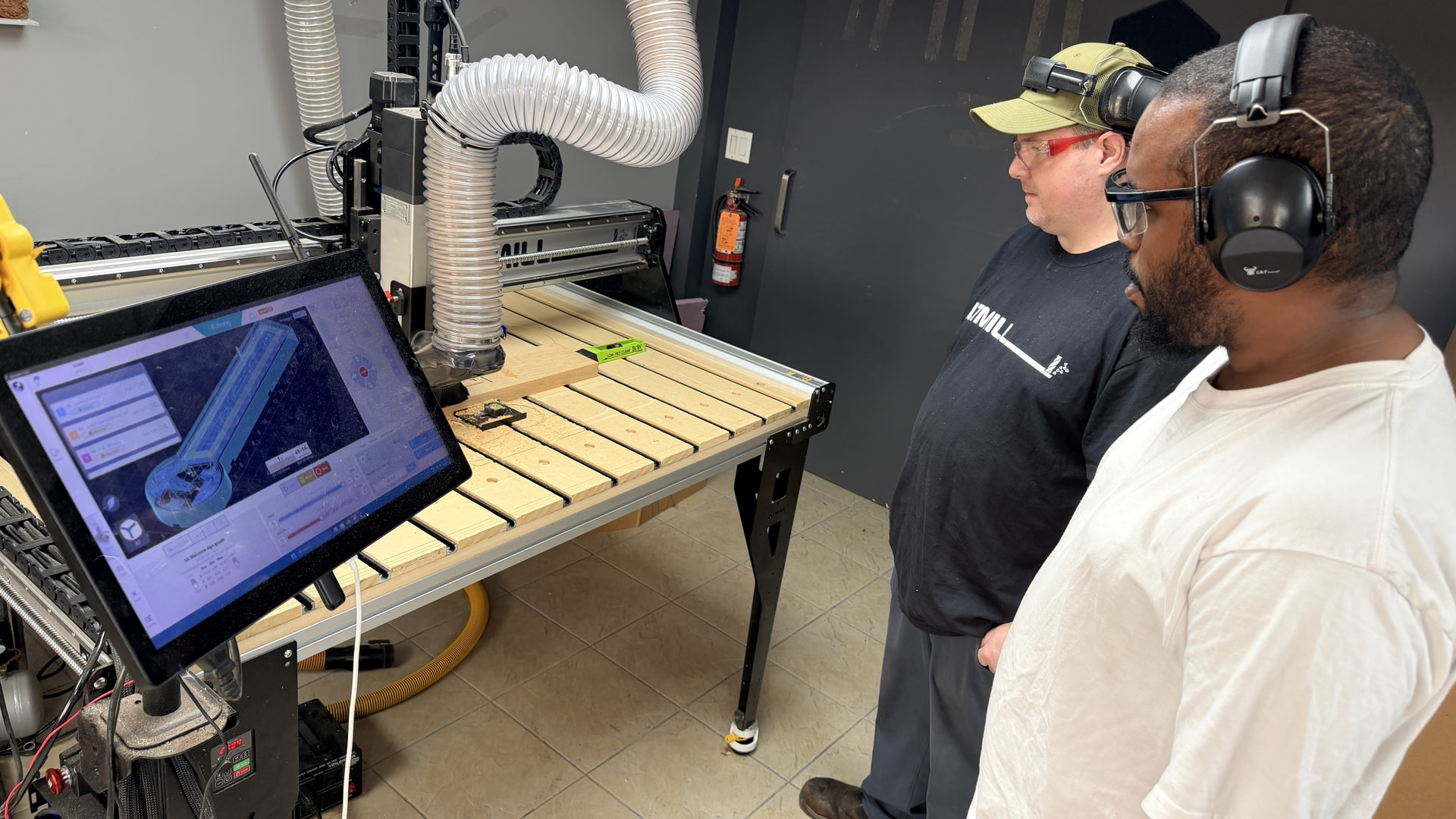
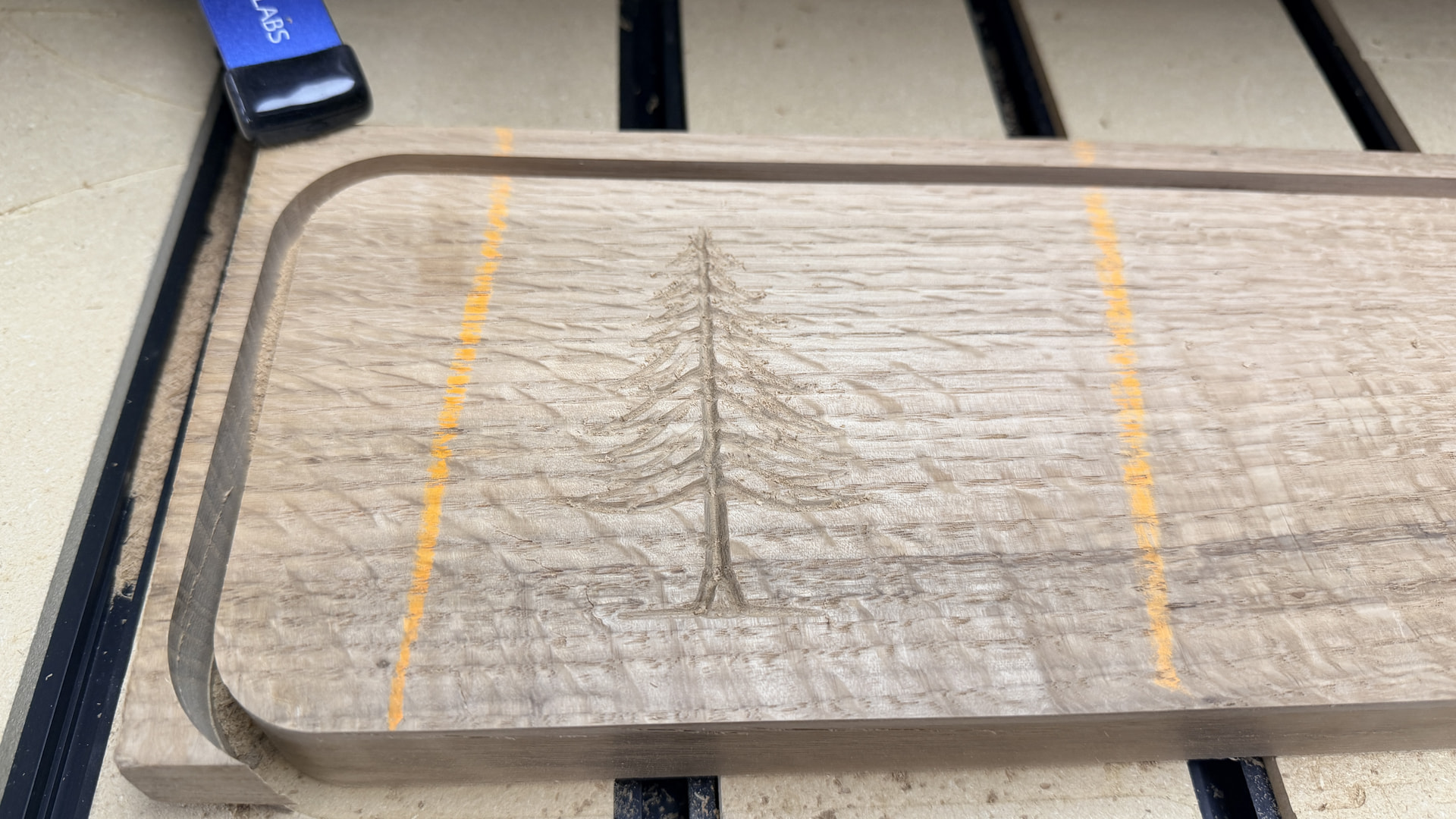
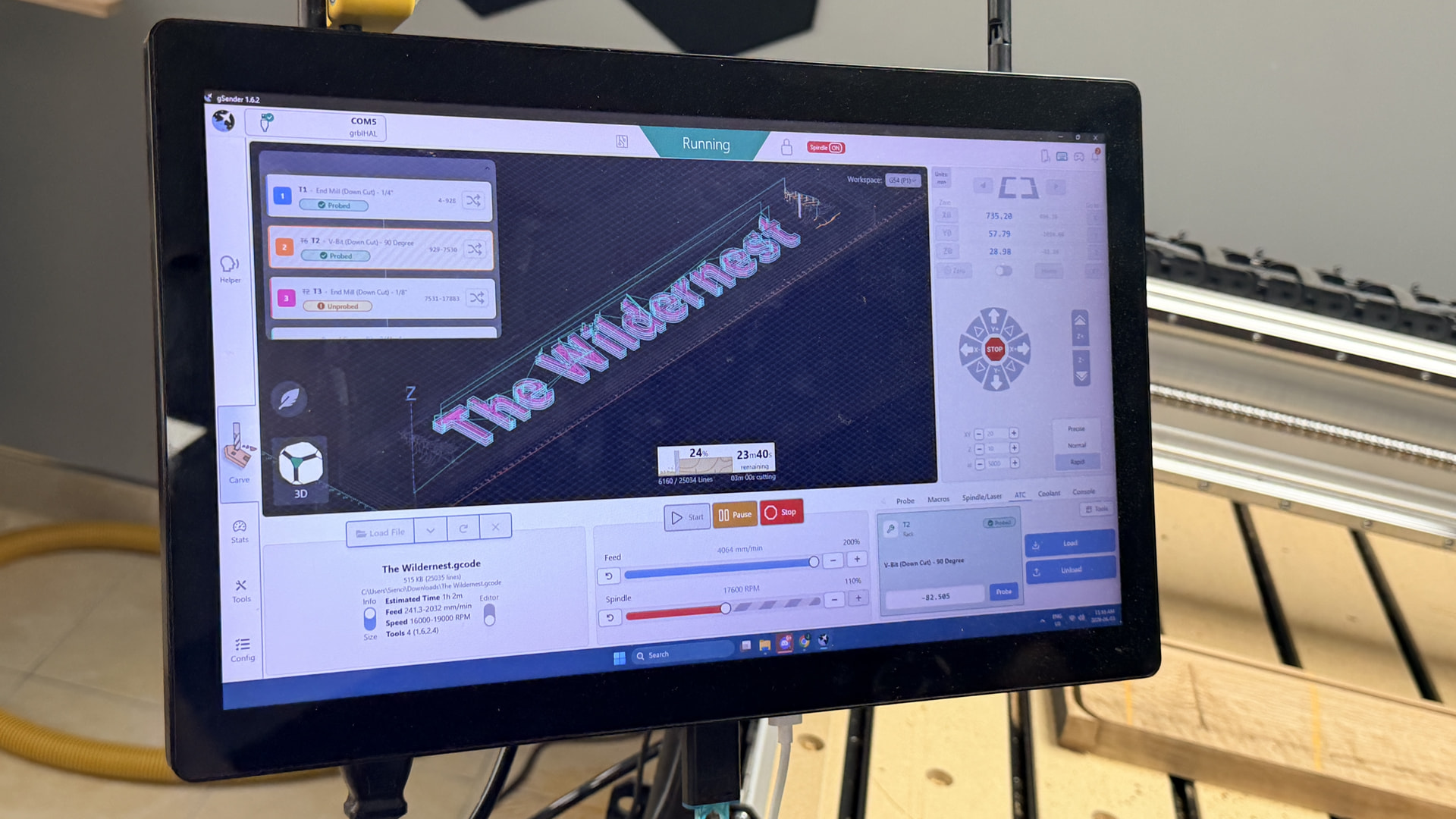
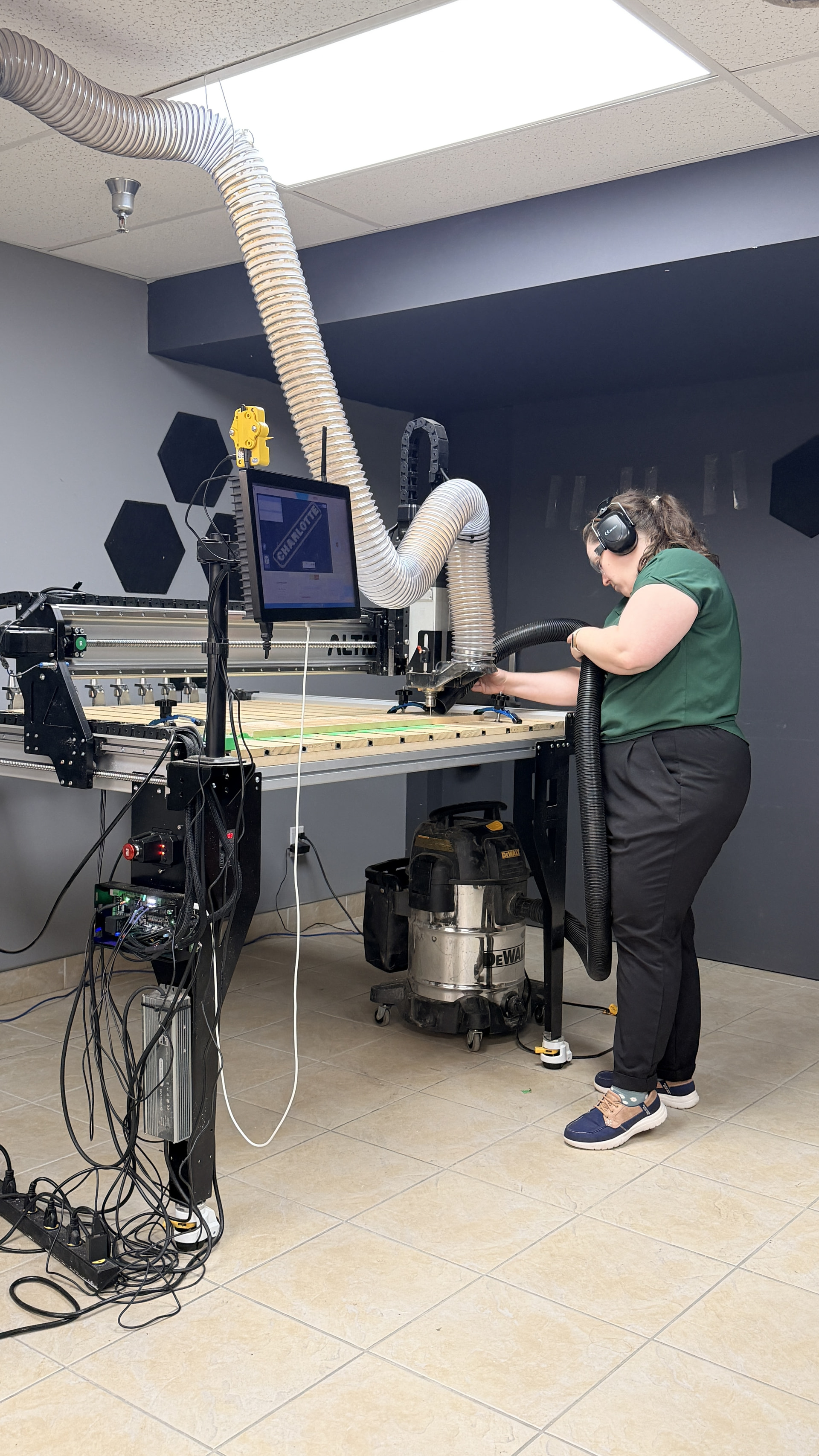
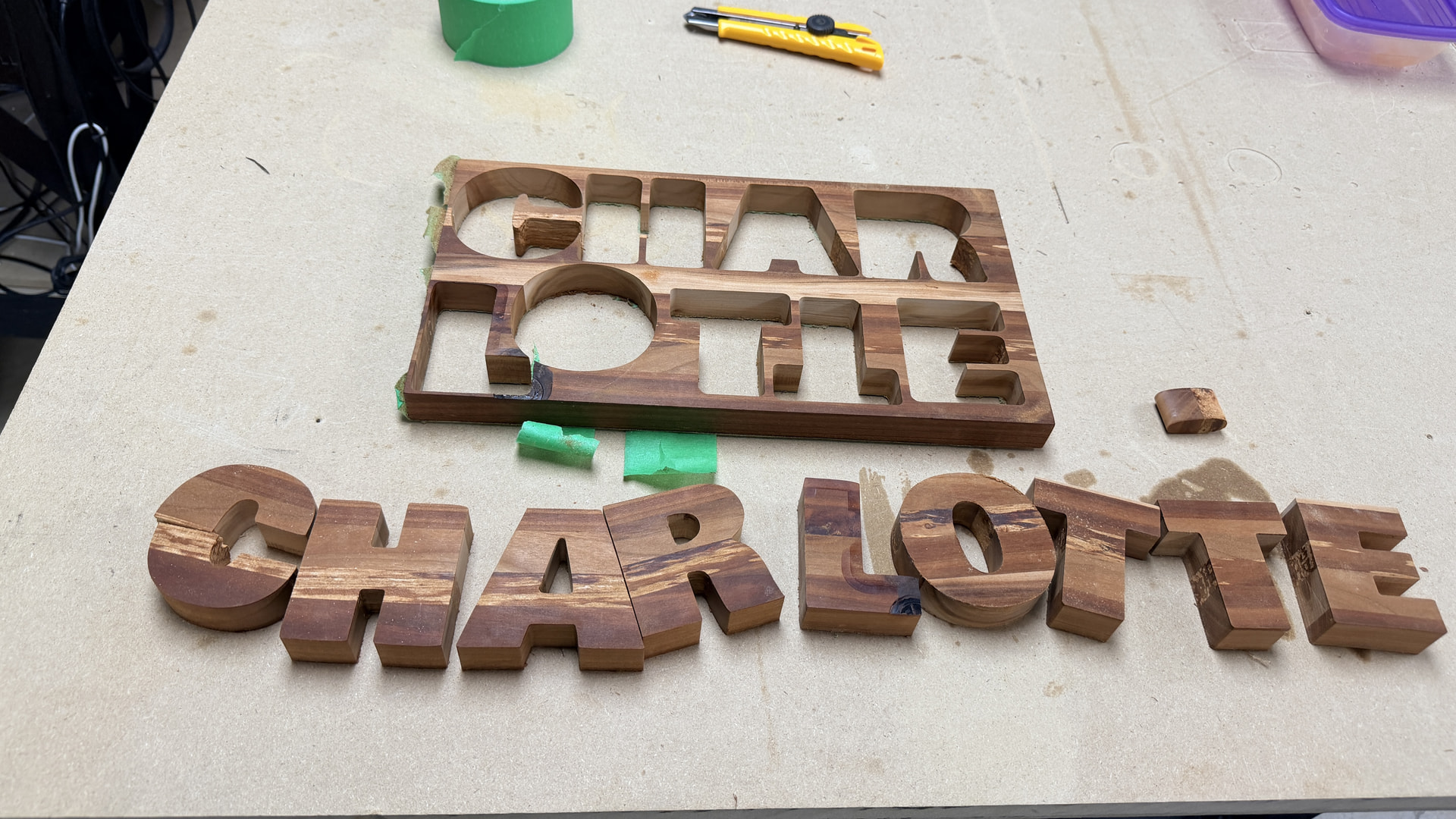
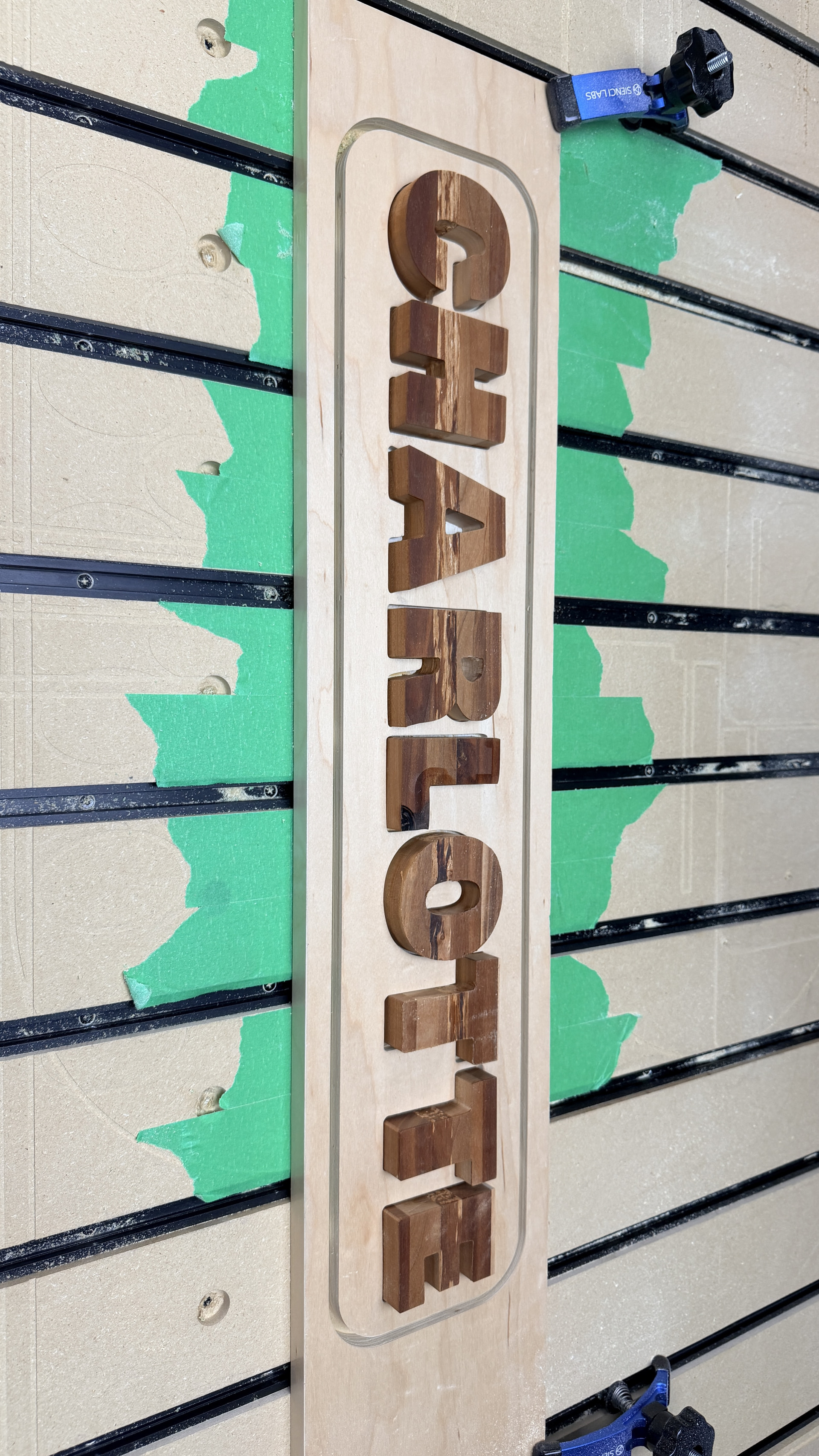
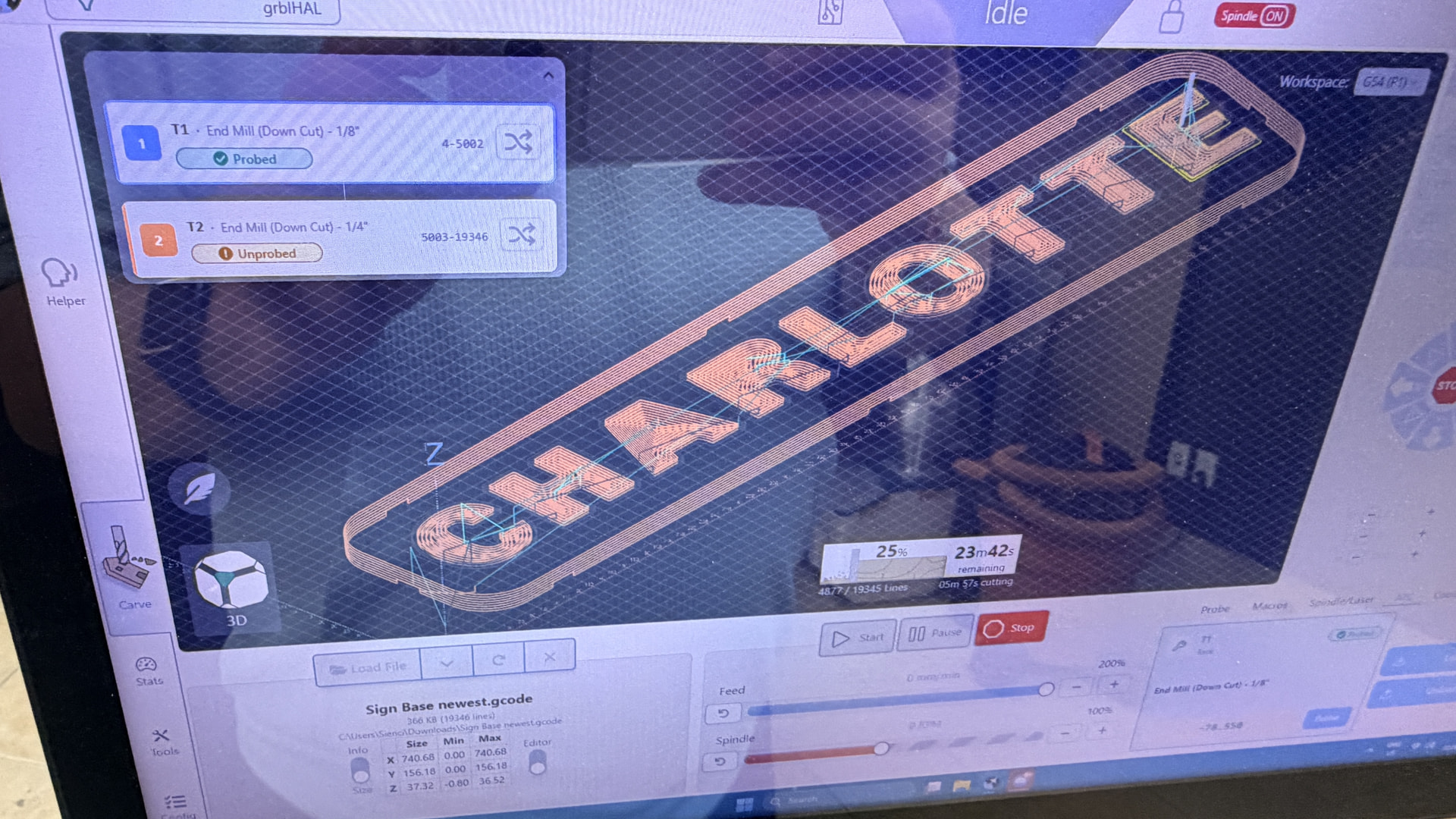
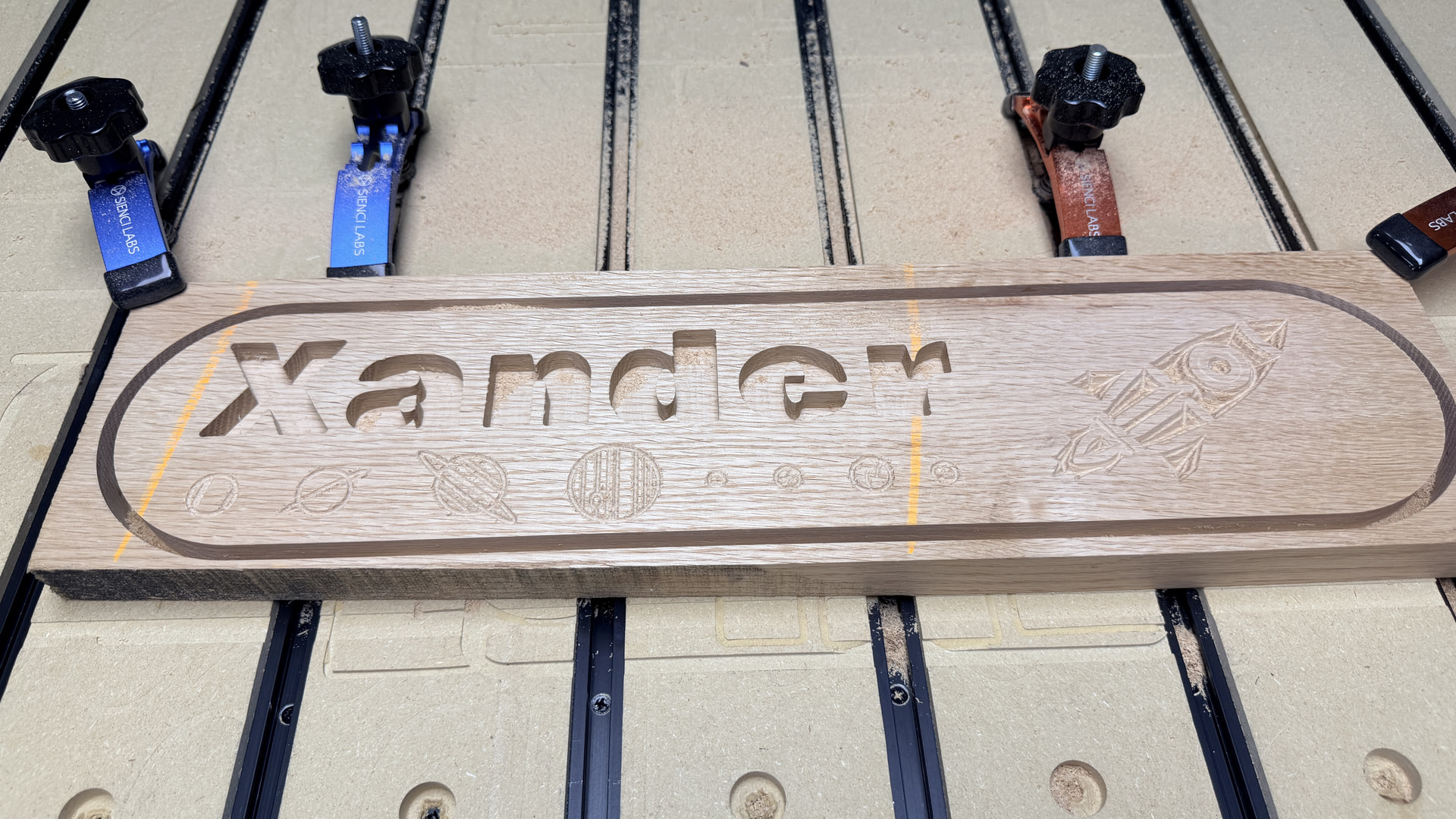
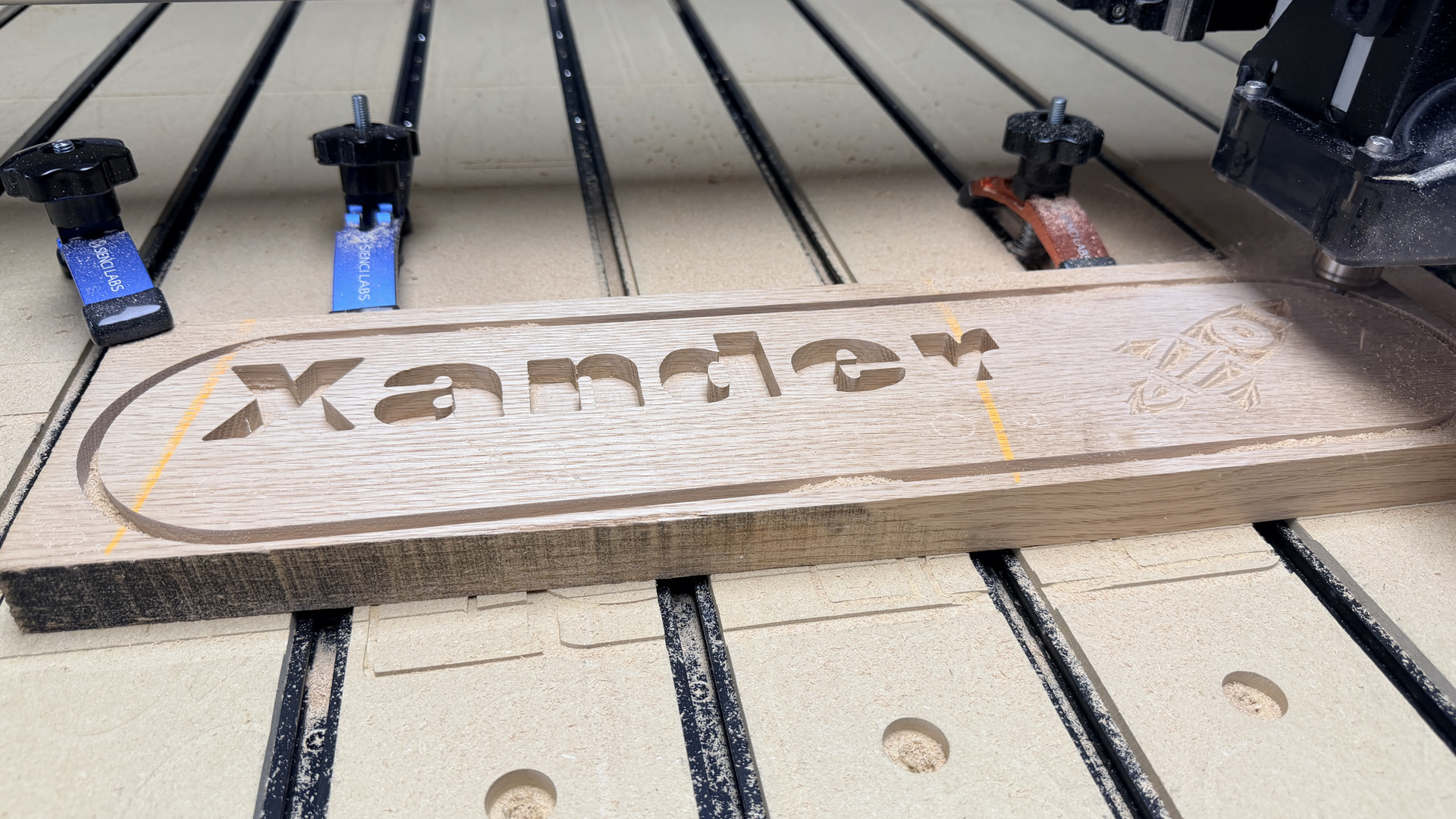
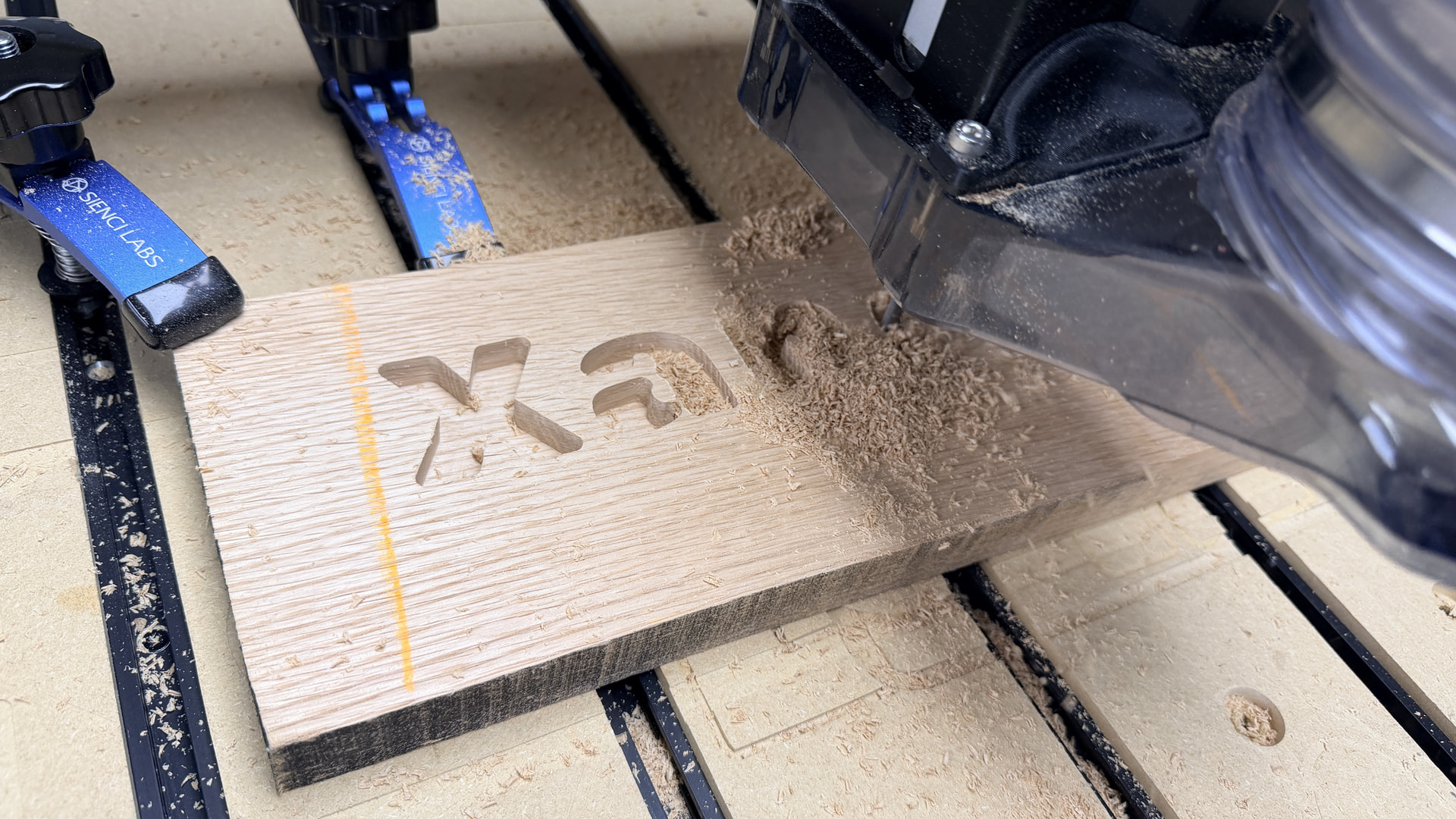
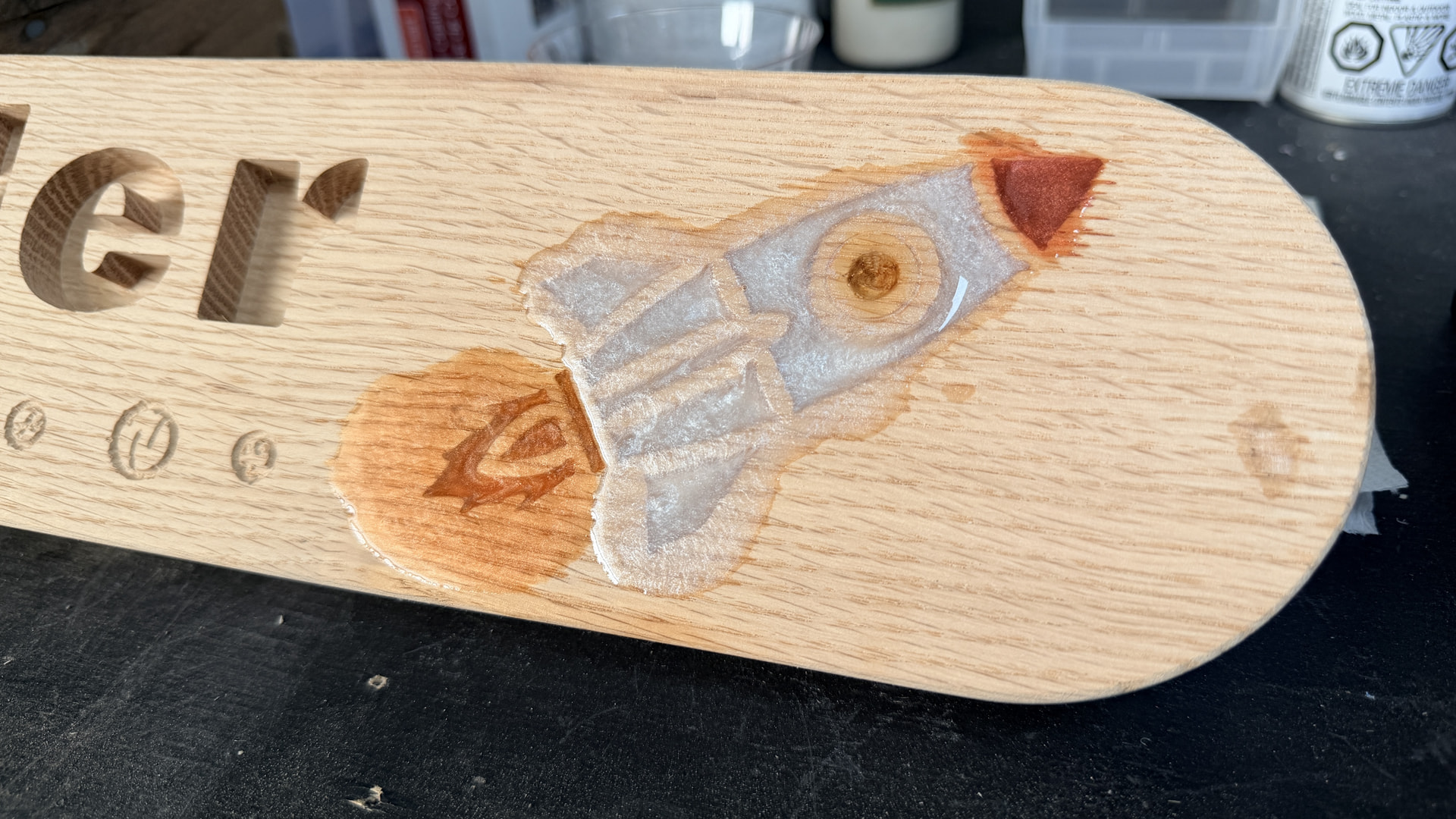
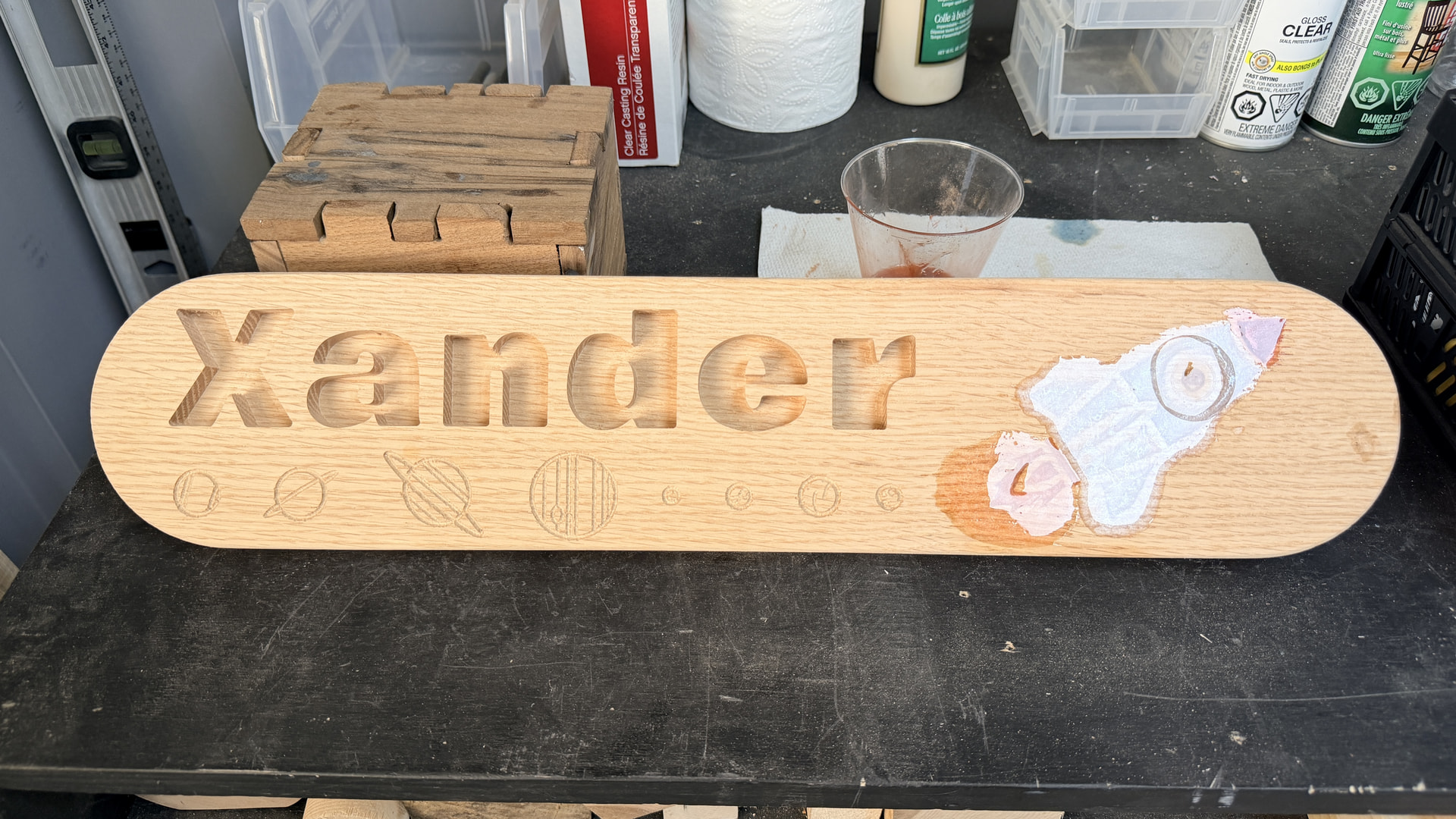
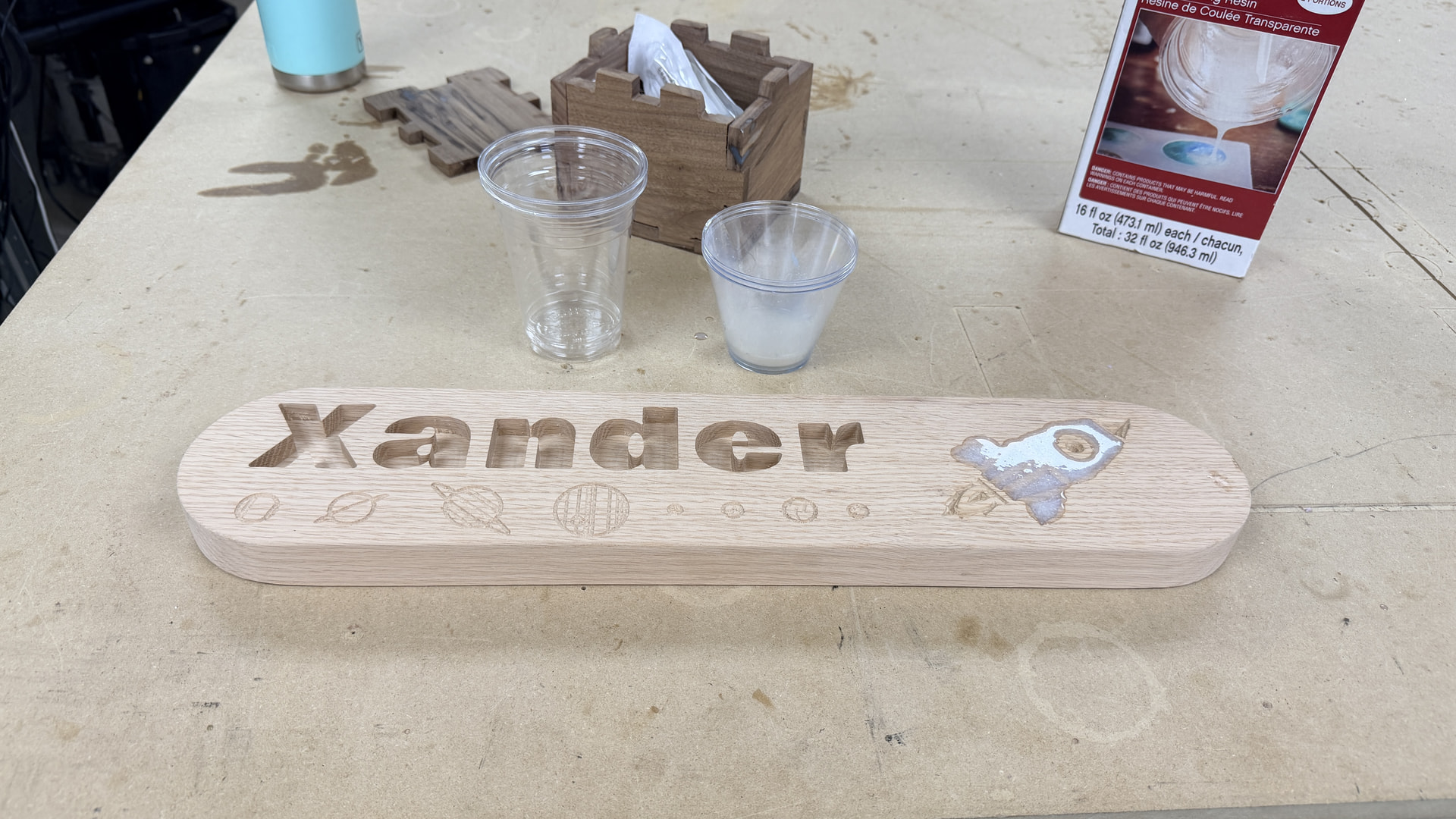
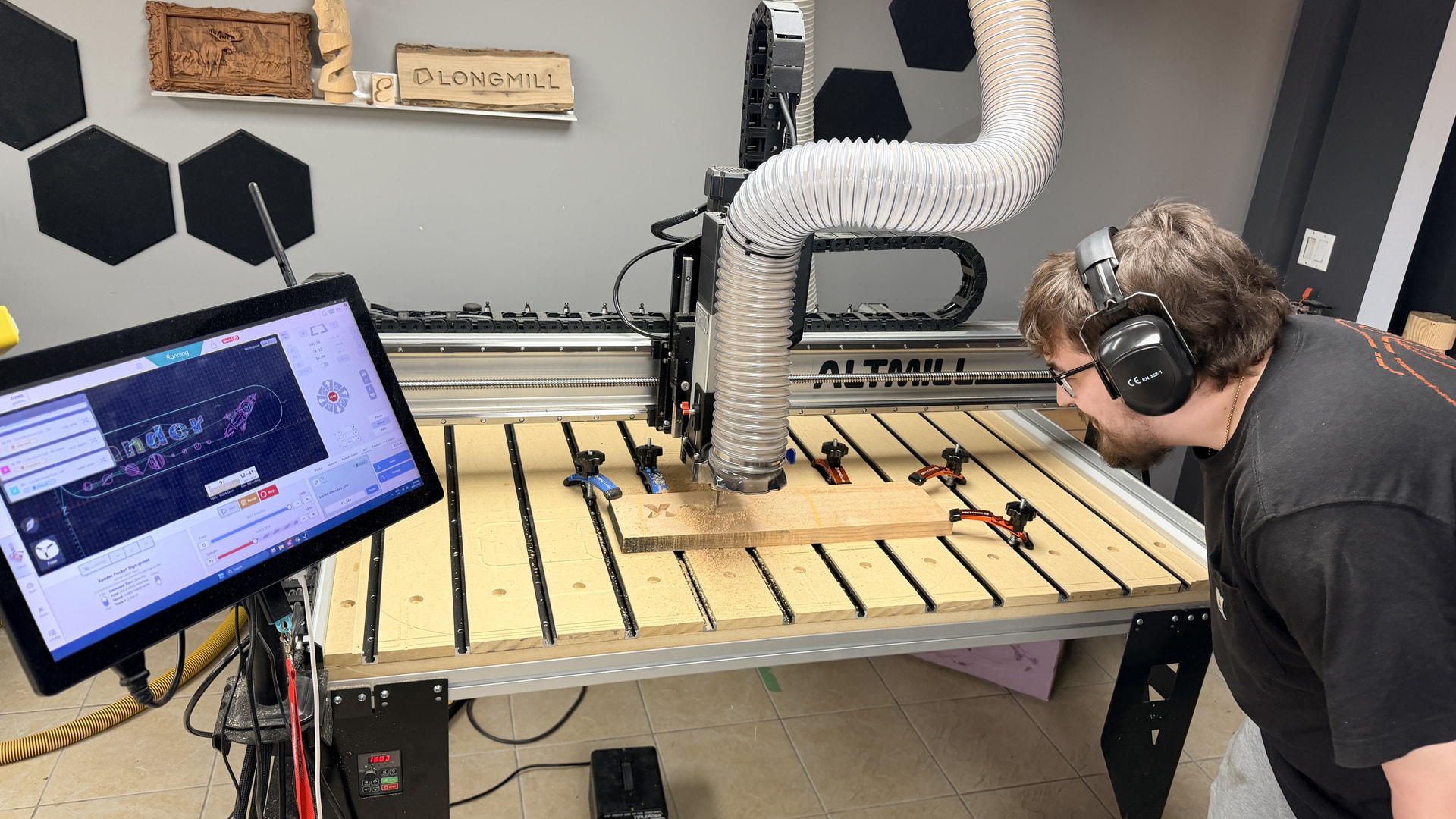
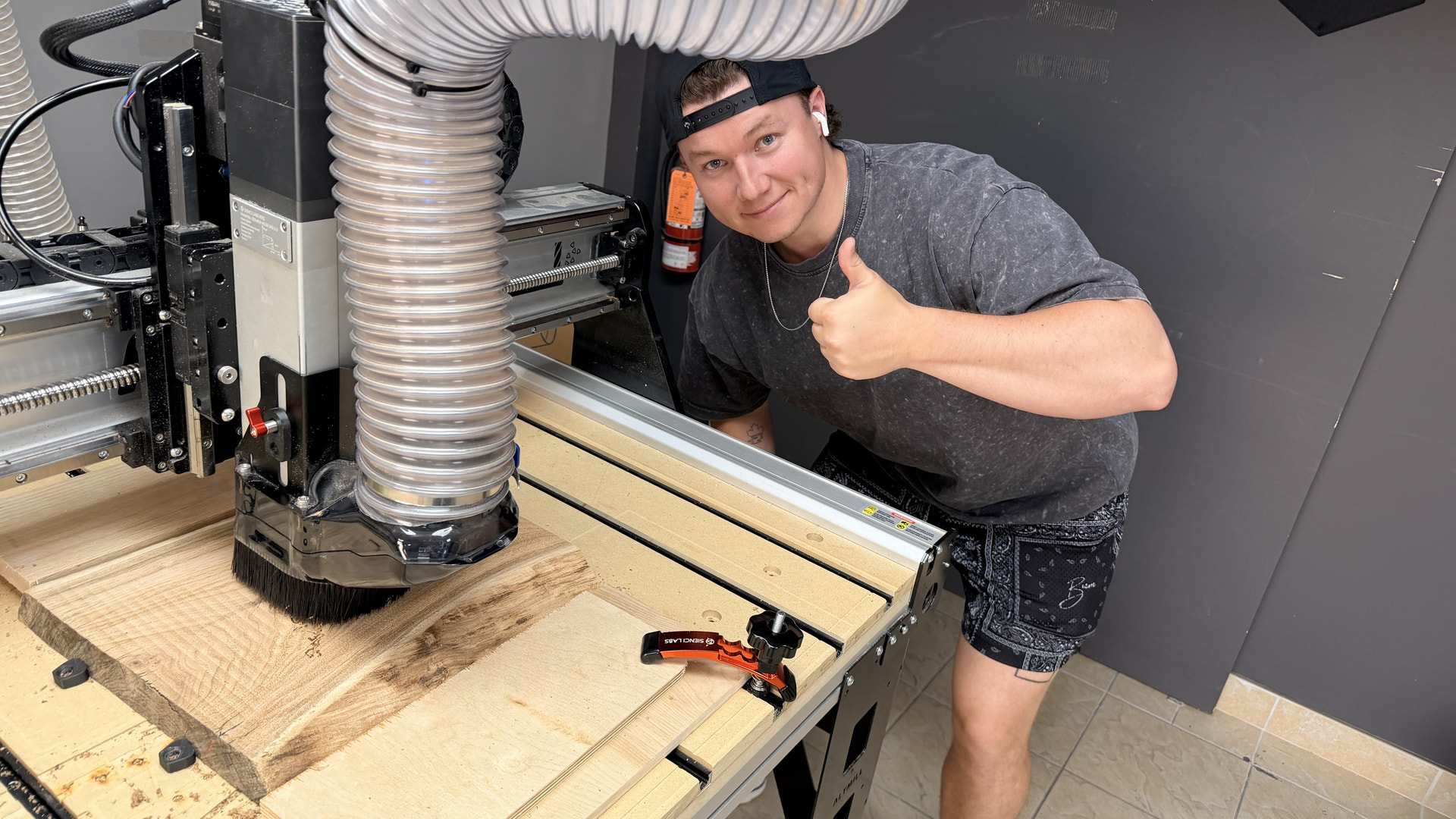
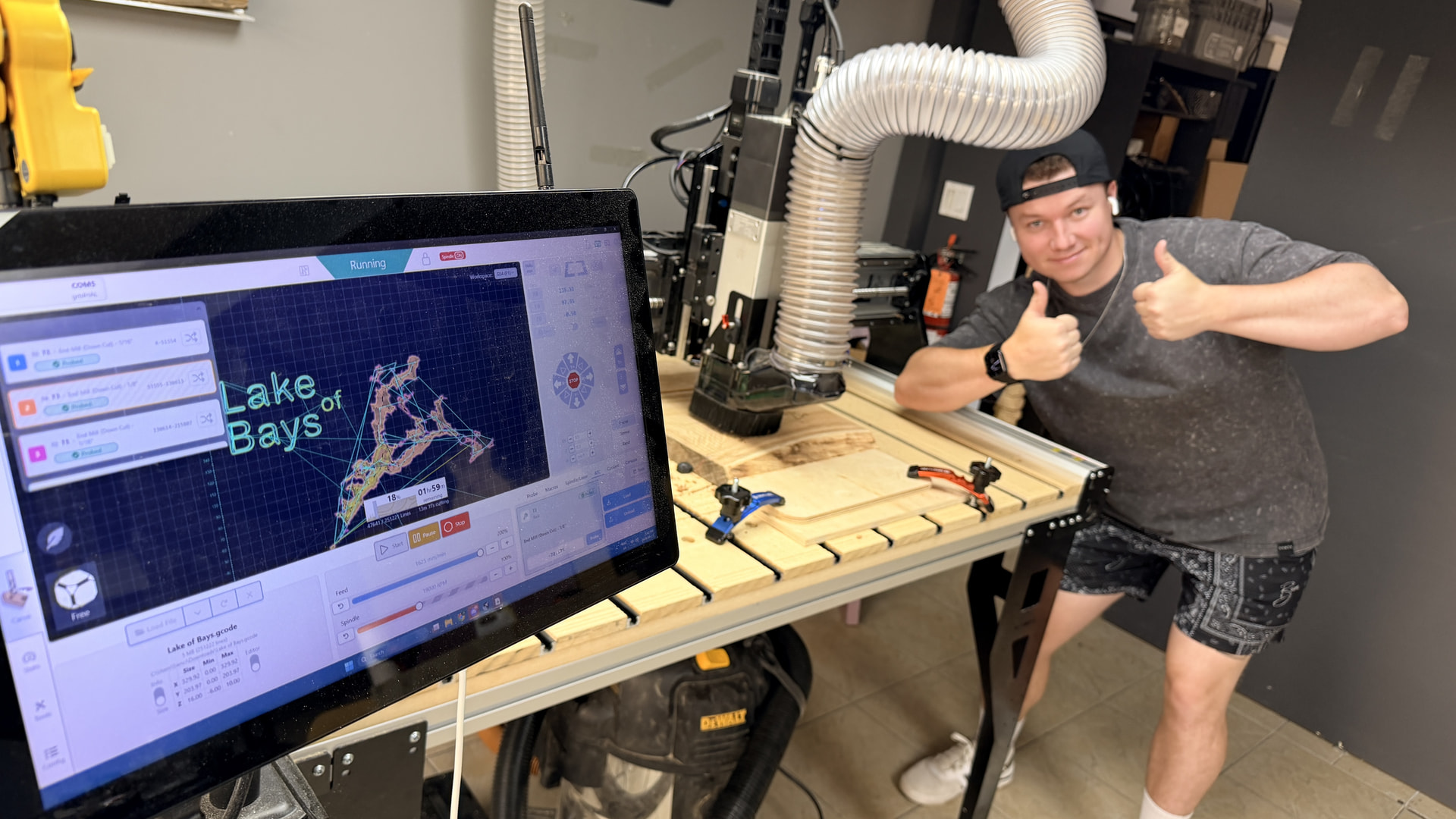
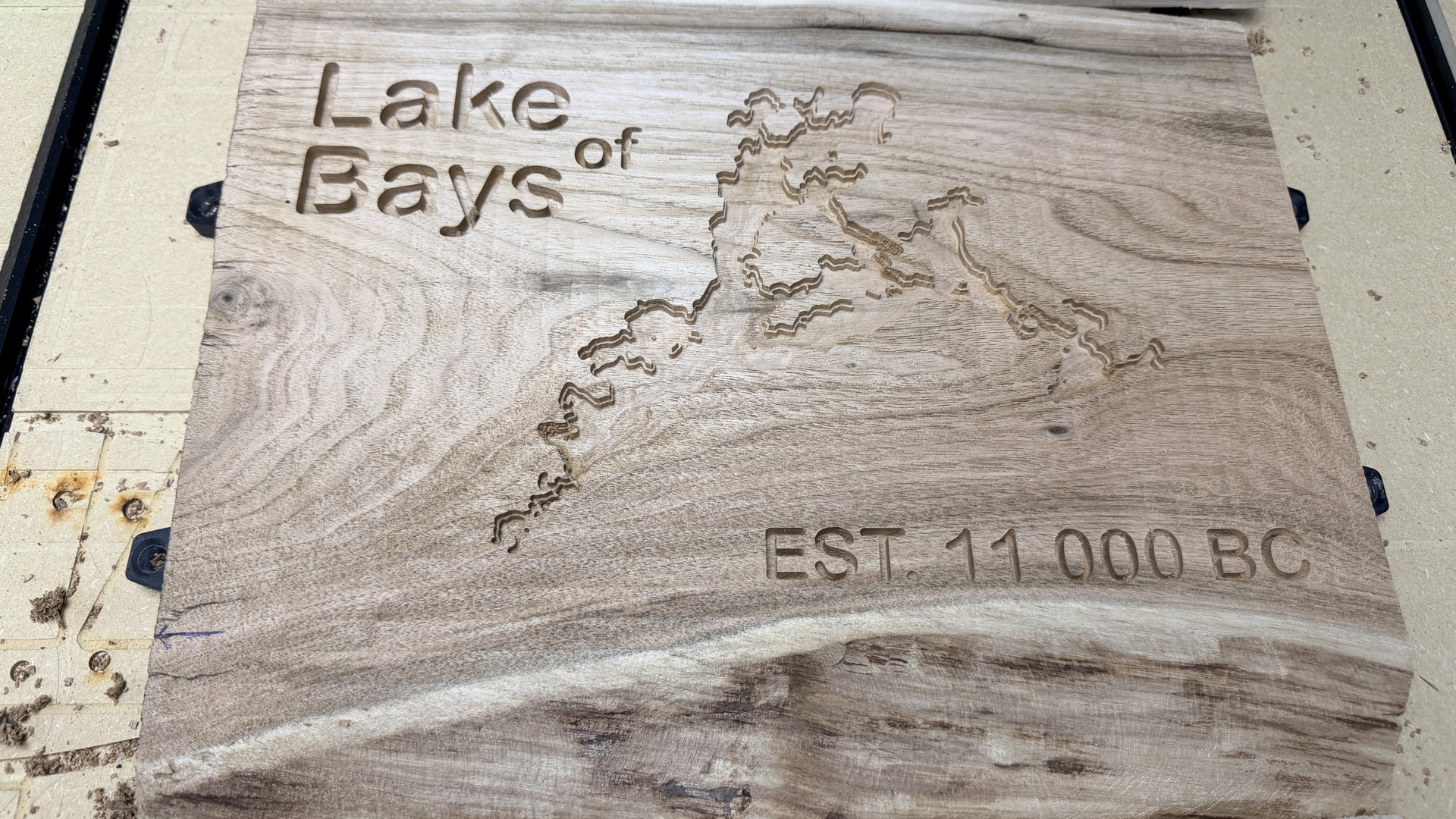
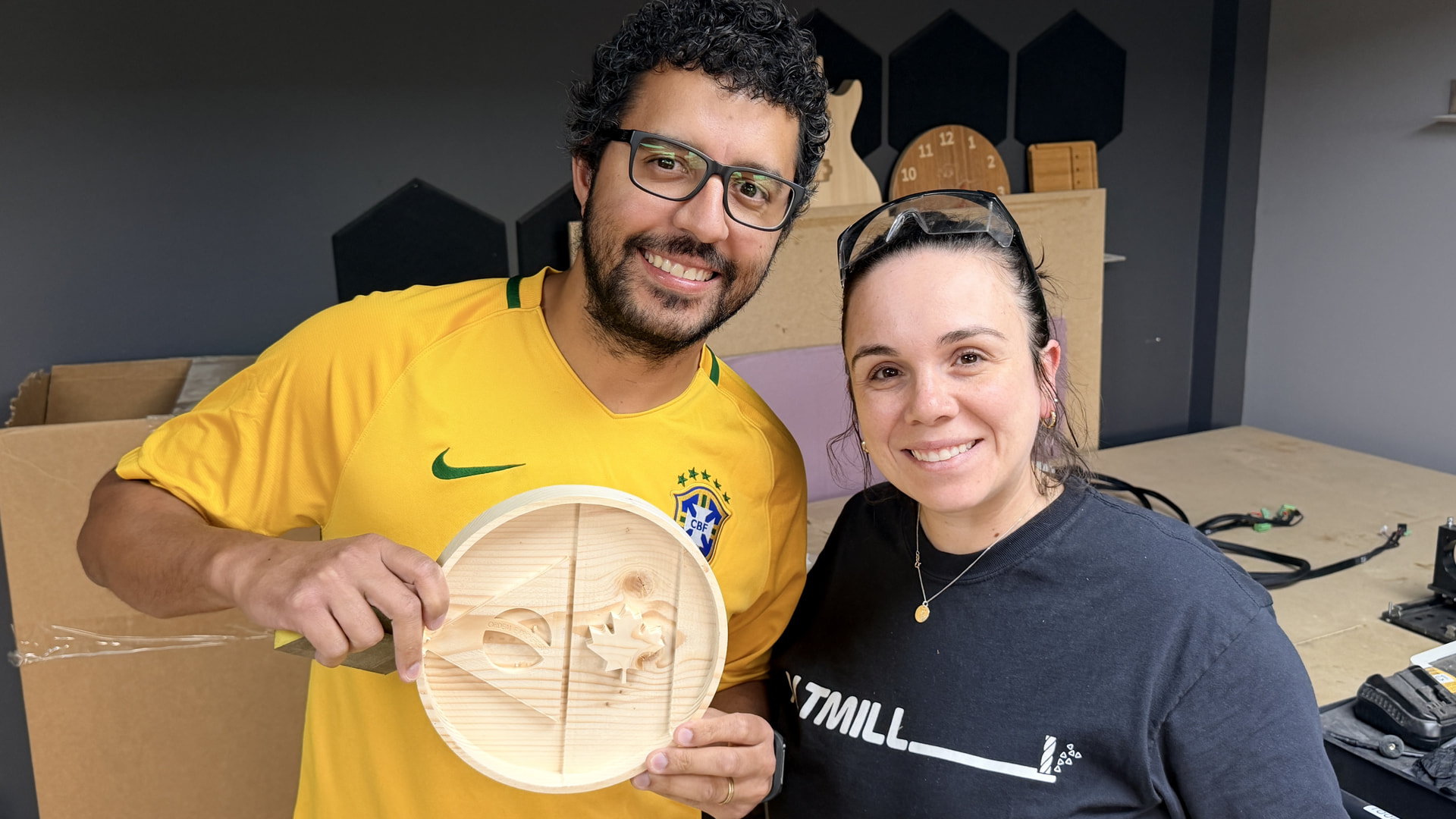
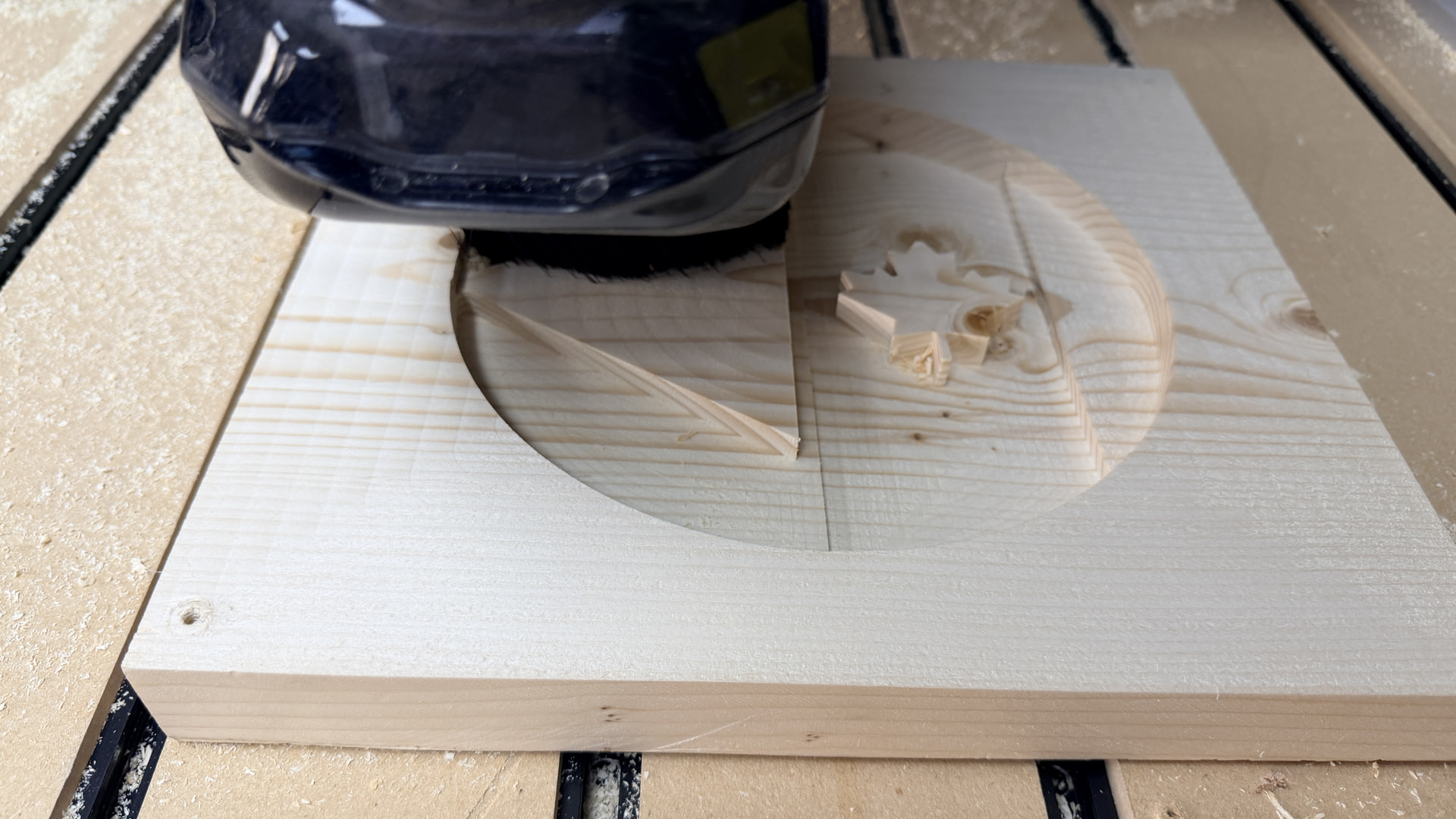
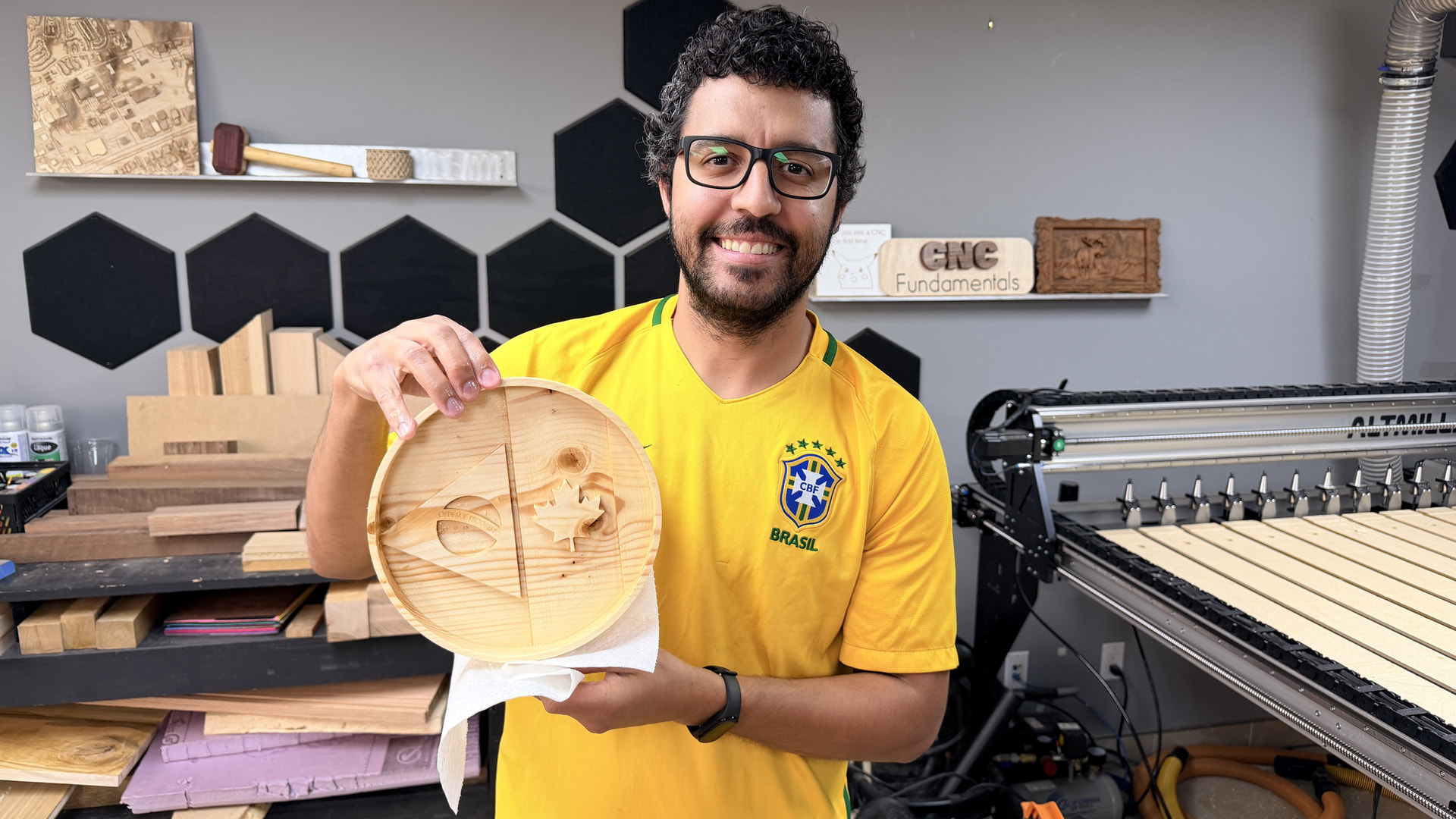
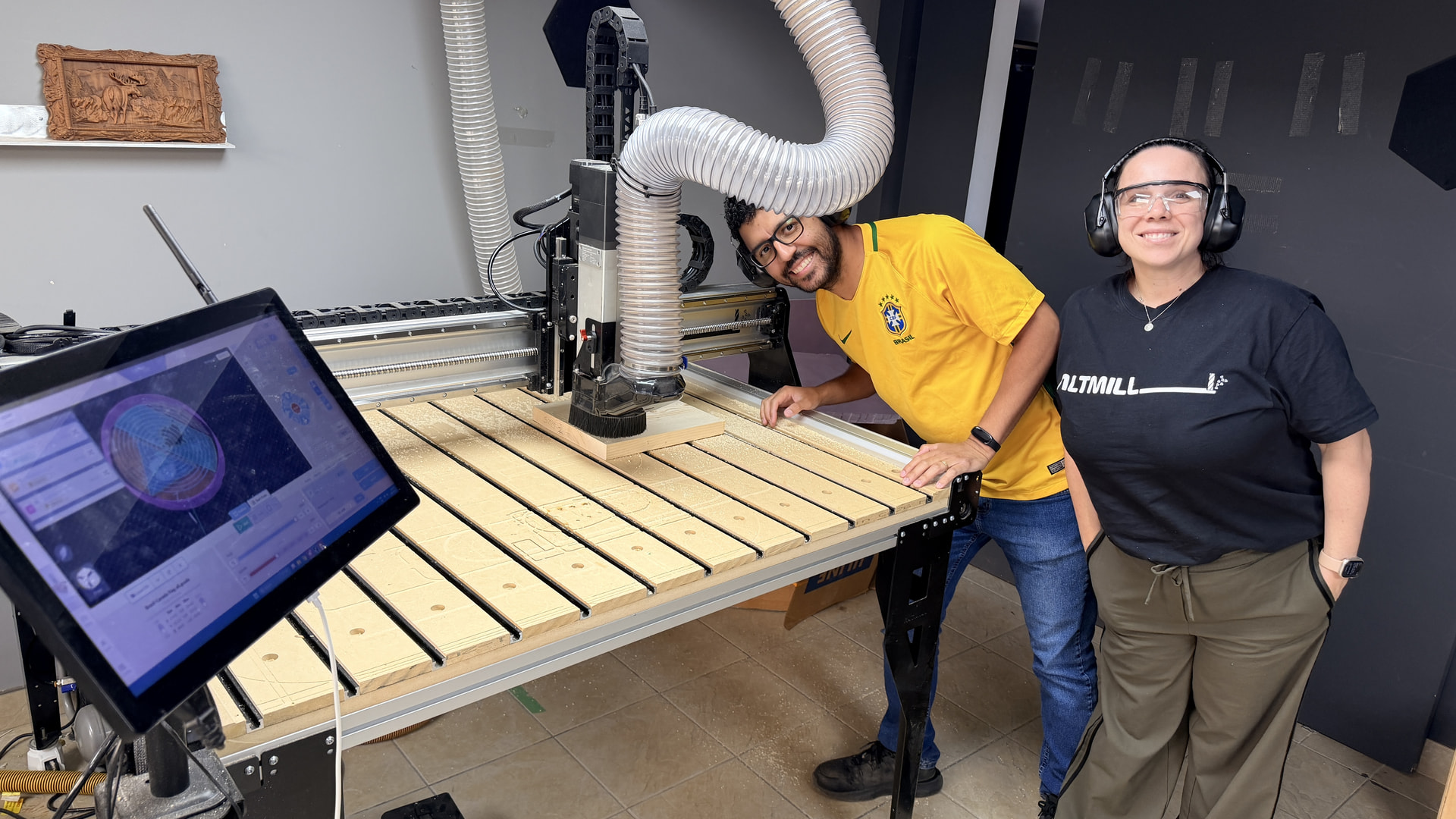
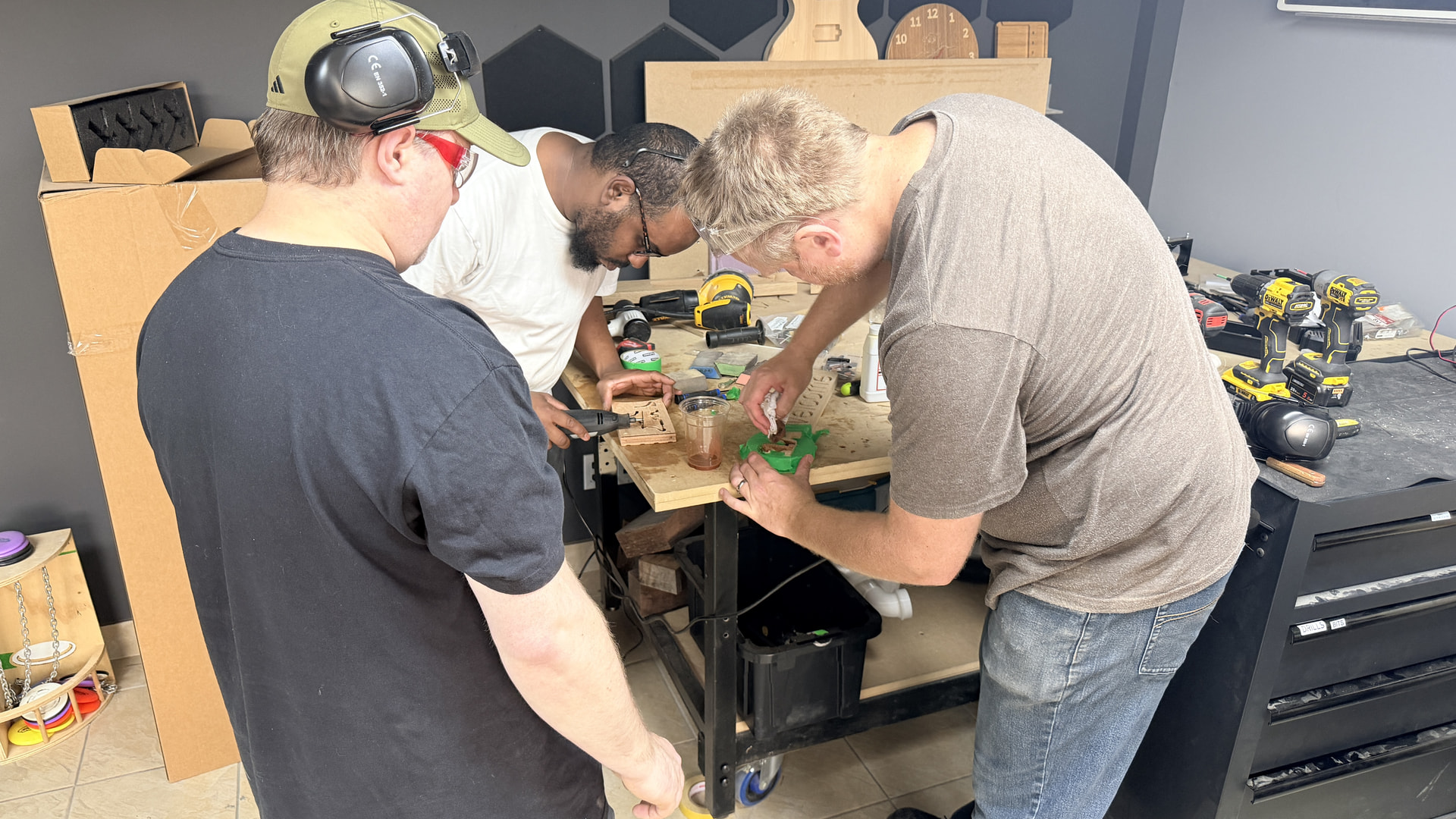
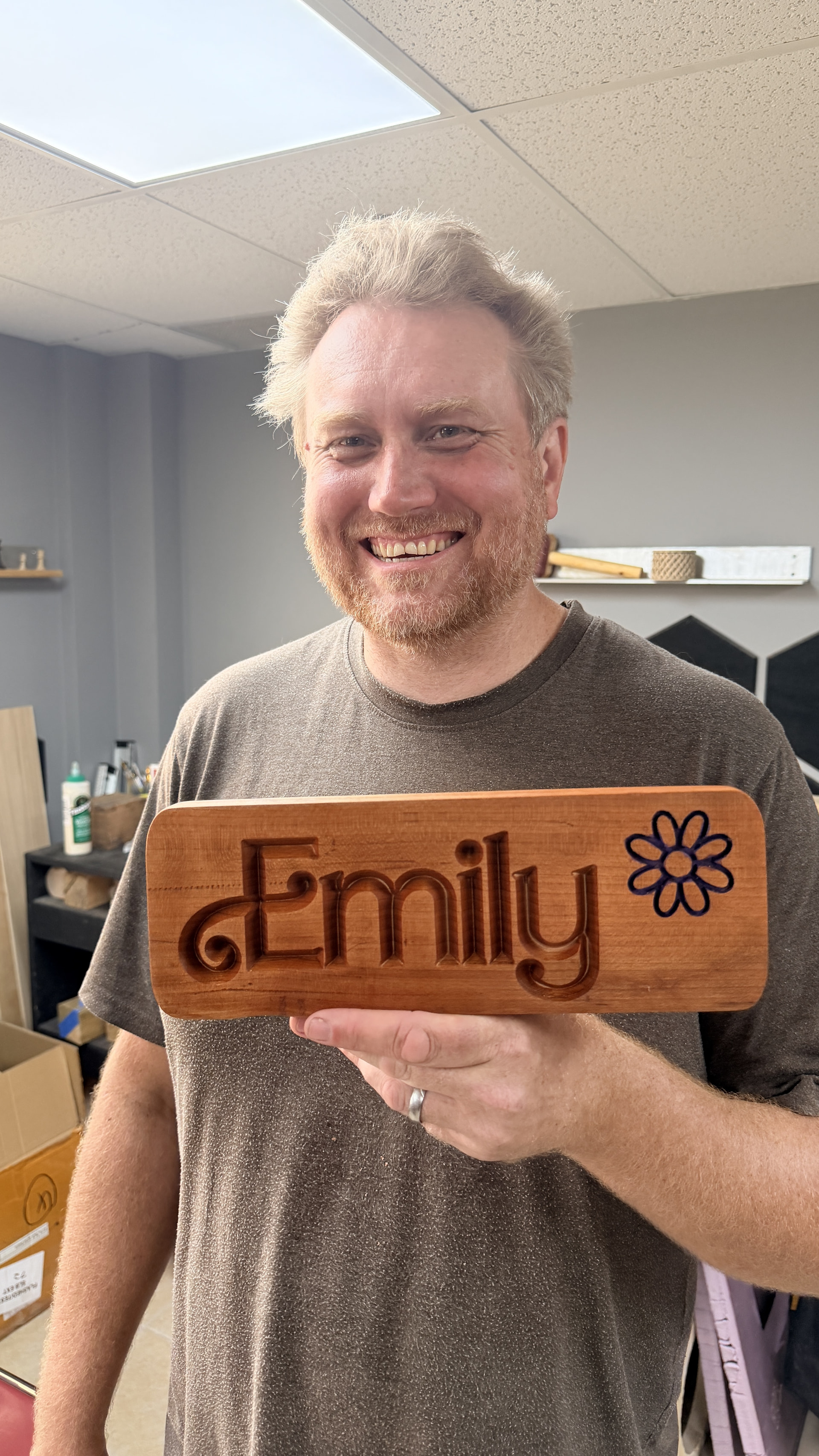
 Photos from the build
 Tools and materials used
 Tips, tricks, or lessons we learned along the way
If you’re using VCarve Pro, you can open many of these files to see exactly how the project was designed. Carve them as-is, customize them to suit your machine or style, or simply use them as inspiration for your next project.
Carve Day Project Library
All of our Carve Day files can be found here:
 Carve Day Project Library
We’ll continue adding new projects as we complete them, so be sure to check back from time to time.
Show us what you make!
If you decide to carve one of these projects, we’d love to see your version. Post some photos, tell us what you changed, or share what you learned along the way. Whether your project comes out exactly as planned—or takes a few unexpected detours—you’re in good company.
Happy carving!
 Project
  Download the Project Files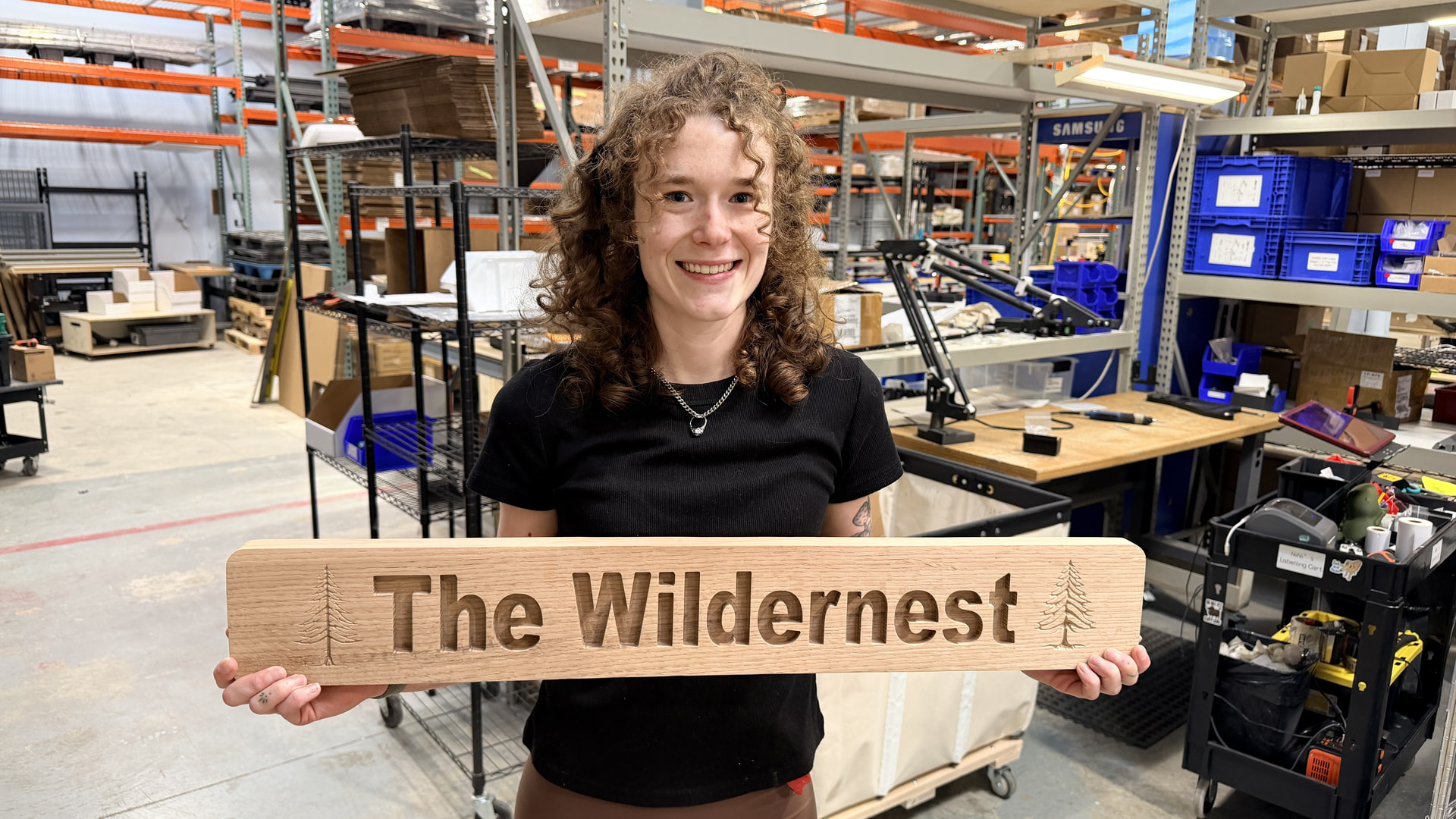
 Project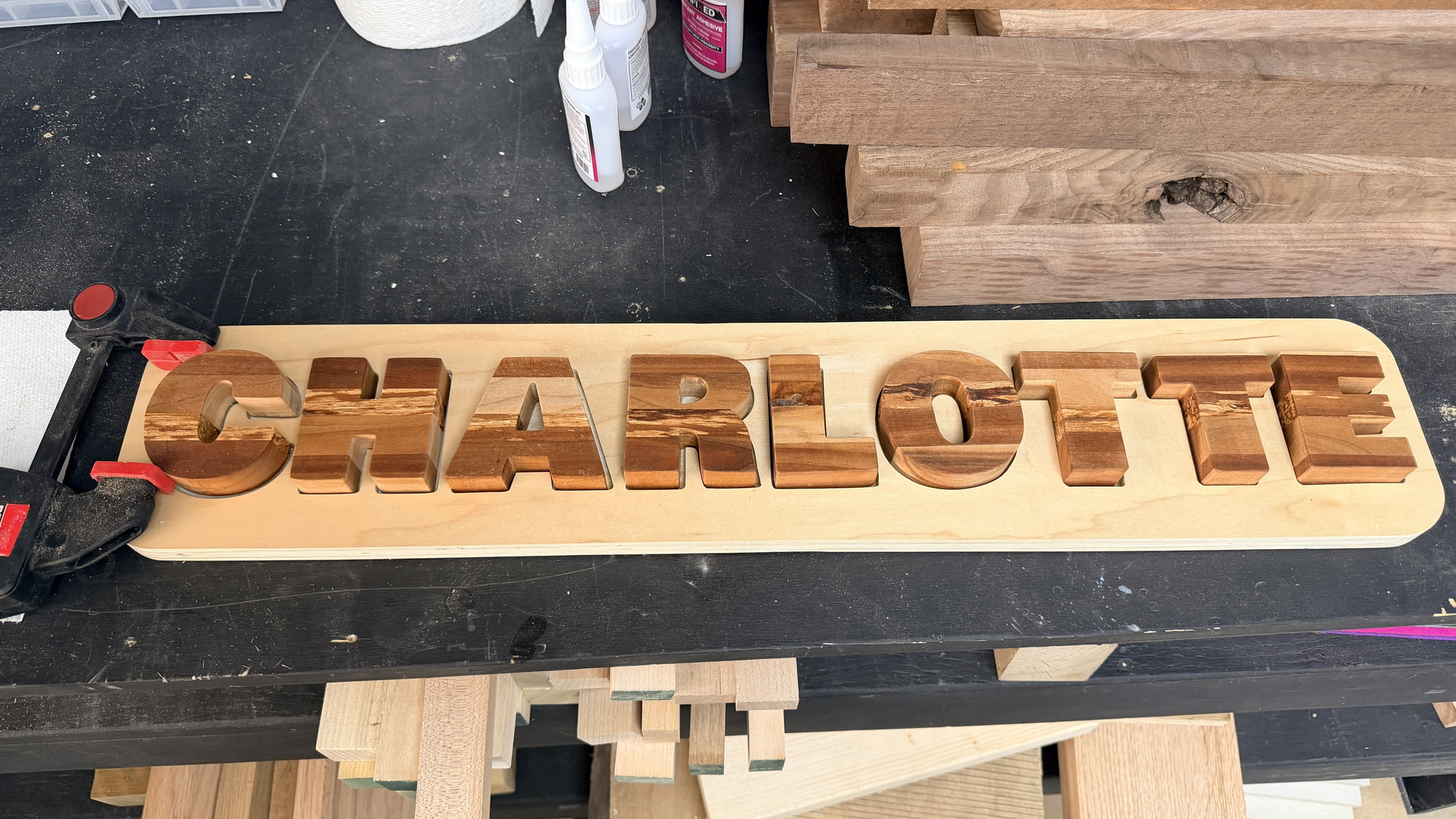
 Project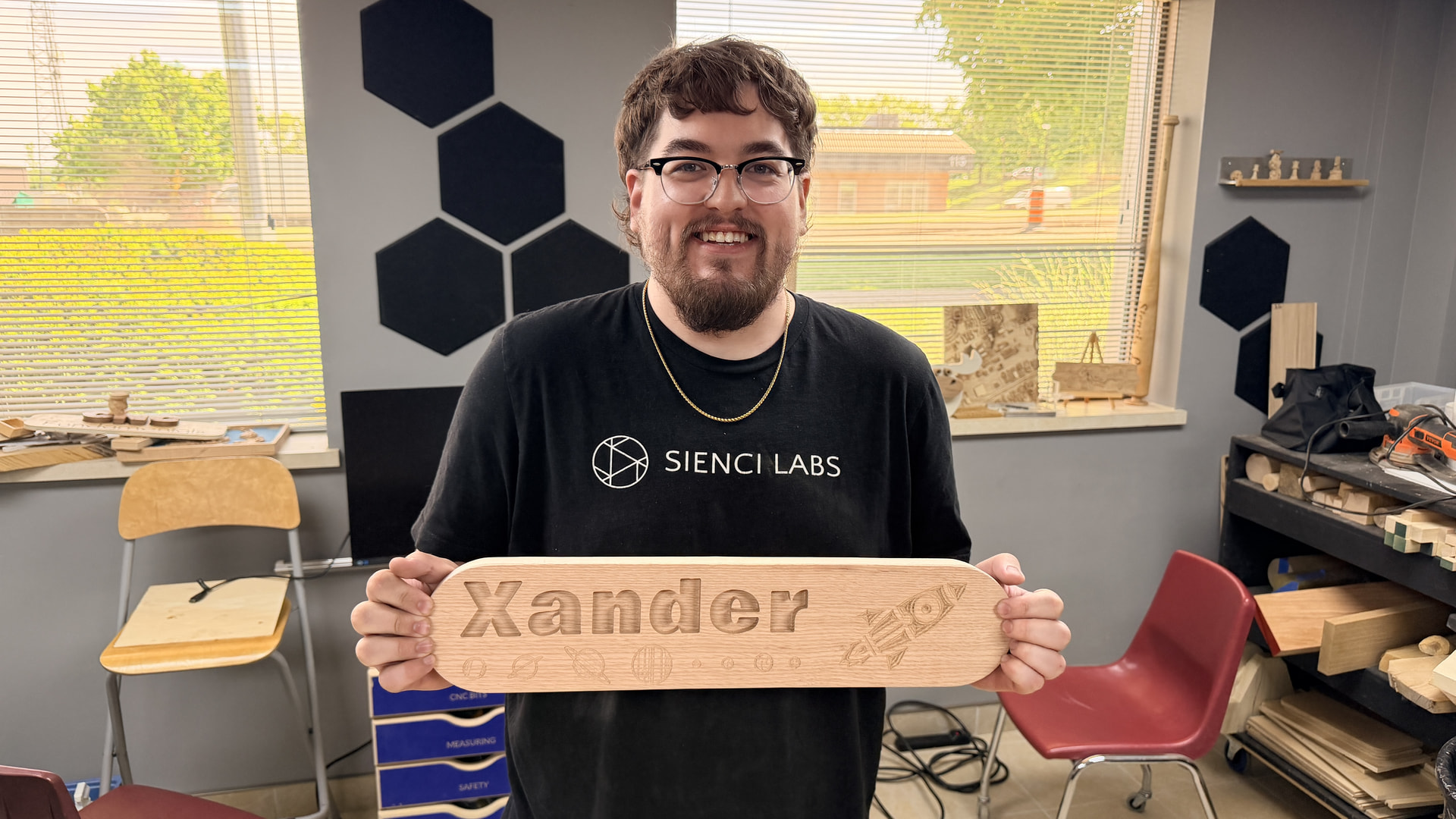
 Project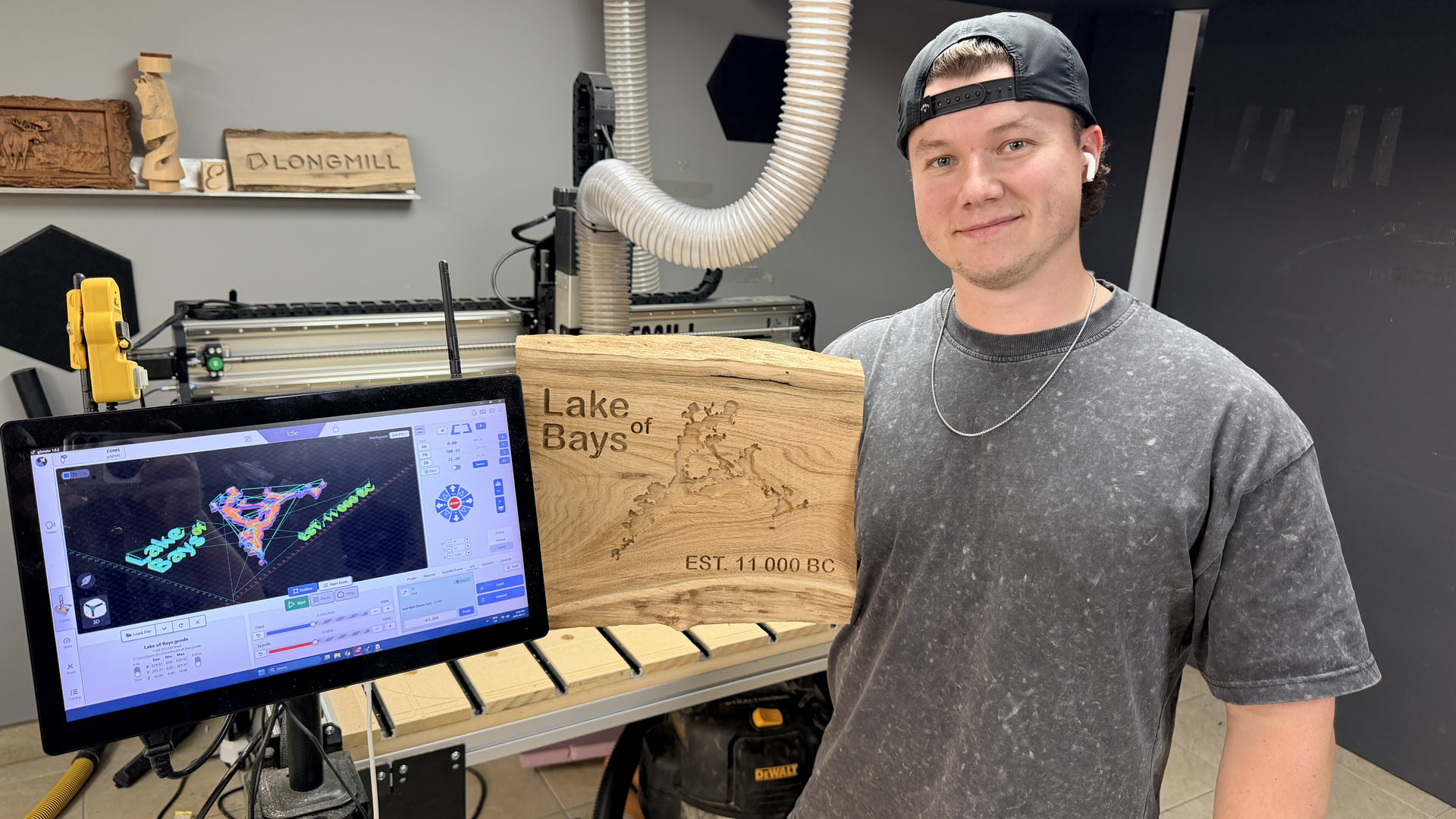

 Project
 Project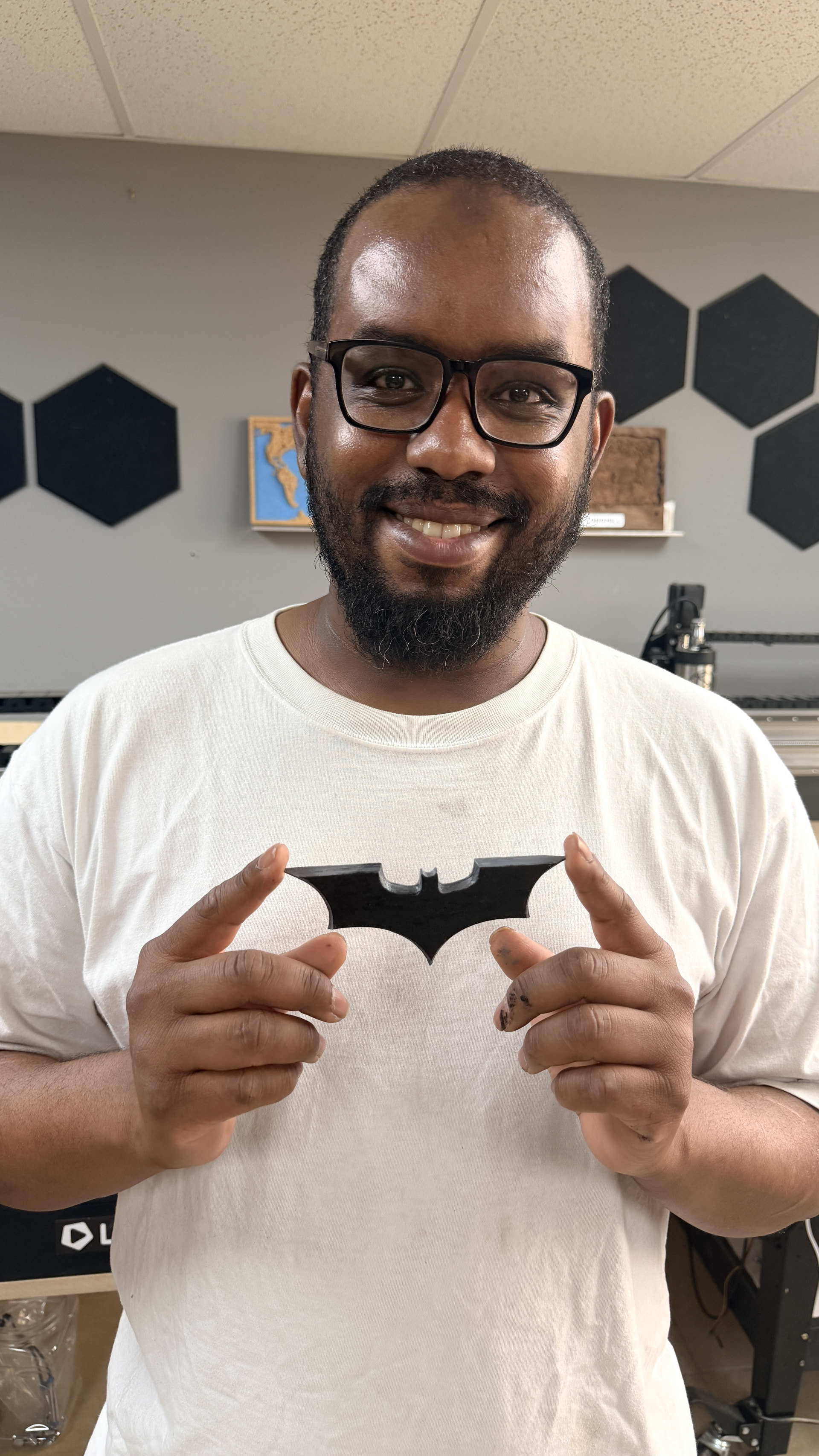
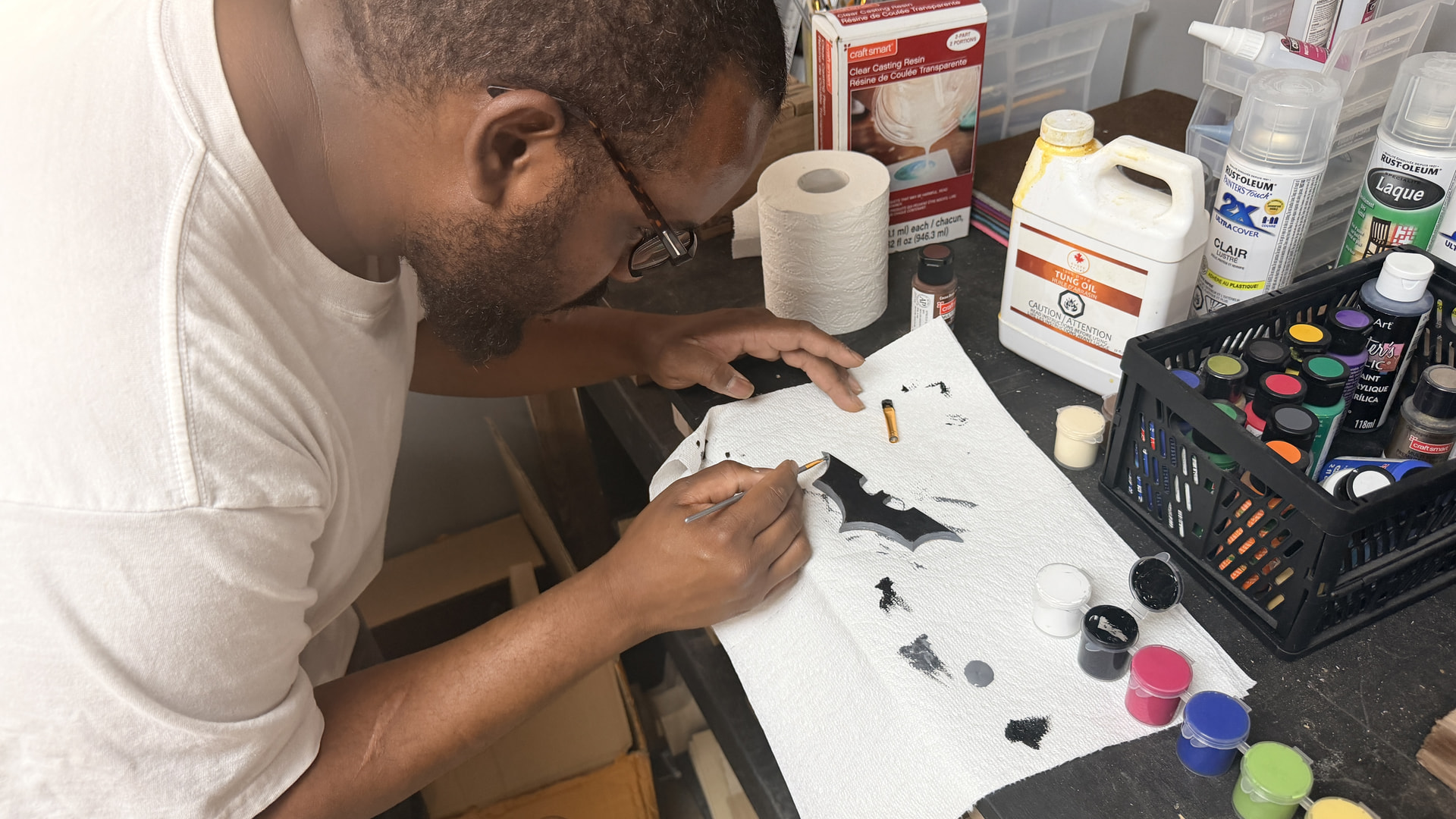
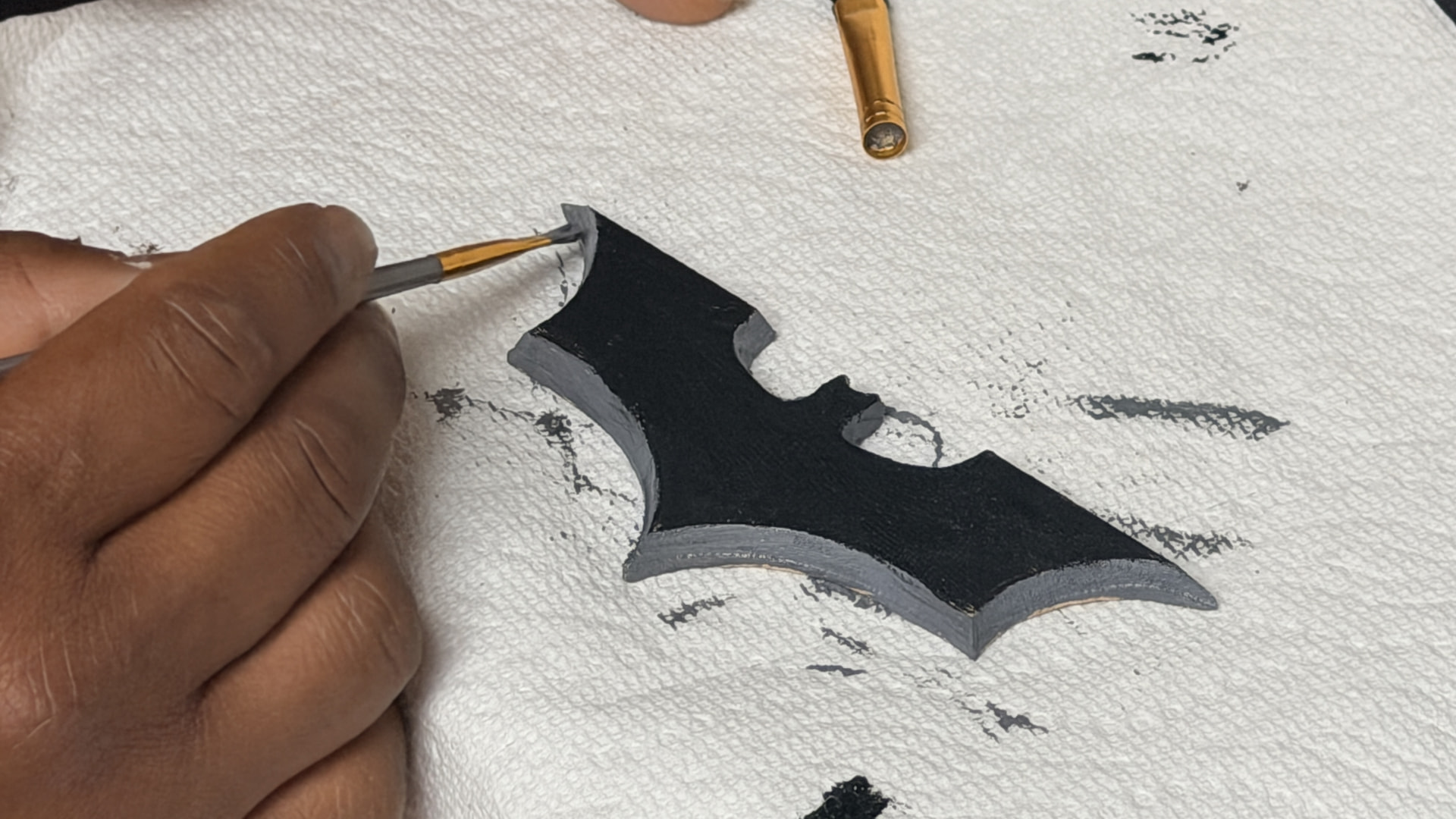
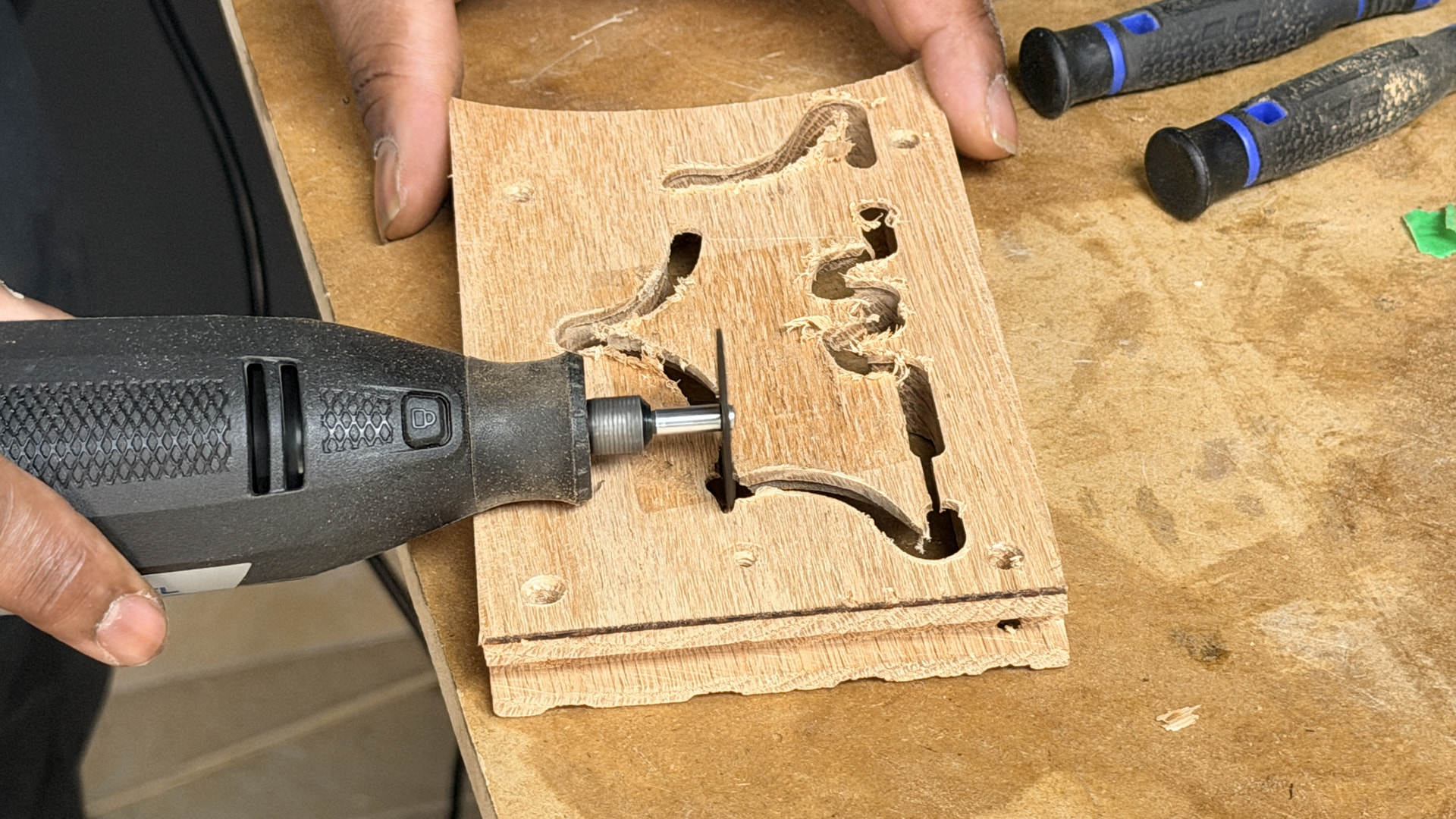
 Disclaimer: We cannot guarantee this Batarang will return when thrown… but it will definitely look cool hanging on the wall.
  Project


 Build Photos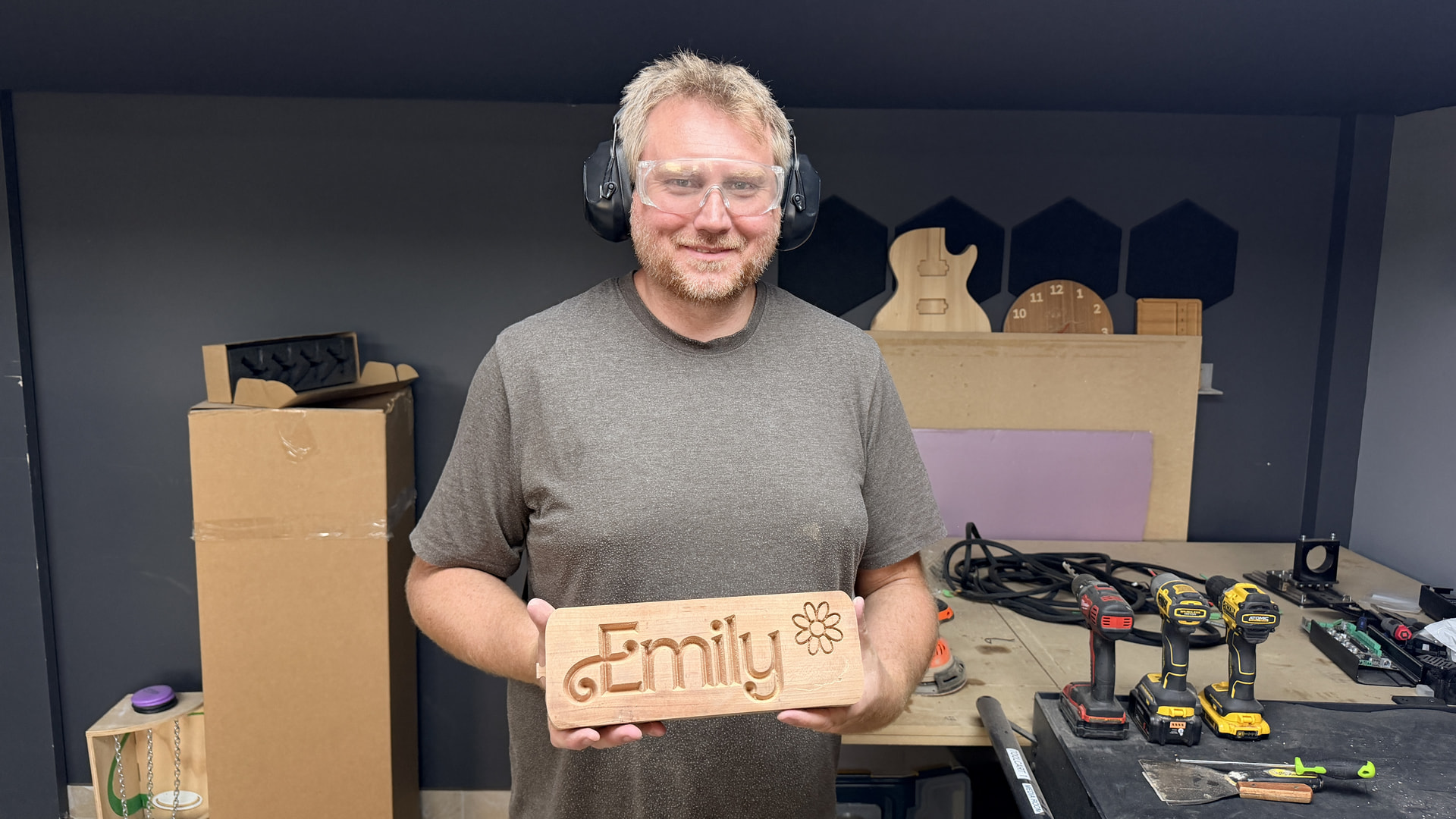

 Project
 Everyone is welcome… especially if you bring snacks.