I’m a newbie so please bare with me. I have a new AltMill and a even newer OptLaser PLH3D-XT8 laser attachment on it. I bought this based on a video I saw on Youtube made by a guy that calls himself Bucky’s Customs. But I’m having an issue with it that I hope someone here has an answer for.
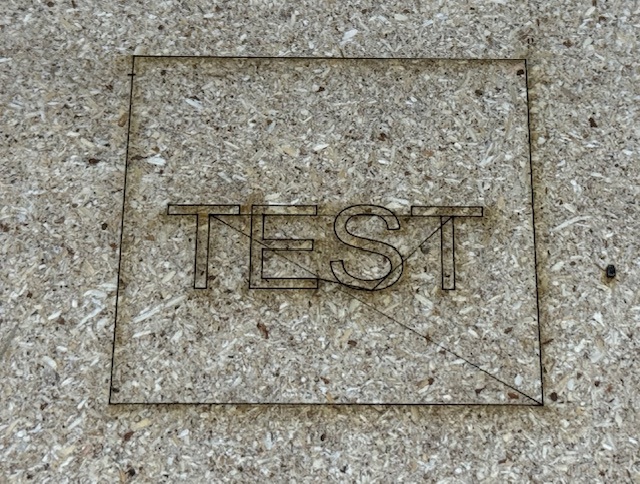
When you look at the photo below, you’ll see a box around the word TEST. This was my quick way of checking out if the thing was working properly. Anyway, when you look closely at the photo you’ll also see that the tool path moves between the box and the letters were also etched into the wood. I used LightBurn and a generic GRBL controller. I then output the file gCode to a memory stick and ran the file on the Altmill. I’m assuming I’ve made some kind of setup mistake but the above is all the information I could glean from the Youtube video and other on-line searches. Any help will be greatly appreciated.
Sincerely
Mike