NEW SOFTWARE! IT’S CALLED MILLMAGE.
Every one CHECK IT OUT. 100 DOLLARS USD PERPETUAL LICENSE.
NEW SOFTWARE! IT’S CALLED MILLMAGE.
Every one CHECK IT OUT. 100 DOLLARS USD PERPETUAL LICENSE.
Lol
*just filling the text quota*
A hunded is way cheaper than what I payed for my vectric vcarve pro license.
Does it allow for 3D design? Vcarve pro is pretty limited in that direction and I wuld pay a hundred without thinking if this millmage CAD software would allow for more flexibility in that direcion.
Thanks for the review, you capsed it.
I see there is a “Pro” version that sounds like is not yet released? and will have:
I’ll try it out soon since I am currently macOS only.. Also interesting that it can directly control the machine as well so supposedly you don’t then need to use gSender.
Hey all! Colin from LightBurn/MillMage Support here. Yep, MillMage is out, with MillMage Pro coming in the very near future - we currently have V Carving/Relief carving and more seeded to our closed beta group. We have a couple altmills in house (including mine, awaiting my ATC!) and MillMage will work out of the box with all Sienci devices. You can generate Gcode for GSender or use MillMage to control the machine directly, no swapping between CAM and Control!
I’m wondering if it will have support for rotary axis? Gsender will only work from the top of the stock. I need something to work from the side of the stock as well.
Out of the gate no, but eventually yes. We’re focusing on the most-used features first.
@MikeMiller I don’t want to take this off topic, but what do you mean when you say that gSender will only work off the top off the stock? I always set Z0 to the centre axis of the material.
Funny, I was actually using MillMage at the office today to generate some simple toolpaths to test out the new SLB-Lite + latest firmware for the LongMill Mk3 through some of its early cuts now that we have board samples. I only had my Mac laptop so Vectric was a no-go.
It was pretty intuitive for the basic CAM side - I was able to setup a project and copy some simple SVGs over for some (admittedly simple) designs in a pretty short time despite me not having used it outside of Joe’s demo when he visited us a few months back. No issues just exporting and running in gSender - and thankfully the board sample/firmware also worked well which is always a concern with fresh hardware.
We did use a v-bit for a couple of them despite v-carving not being available yet.
Have not used the sender side, esp. with the new firmware, but likely will at least try it in the future.
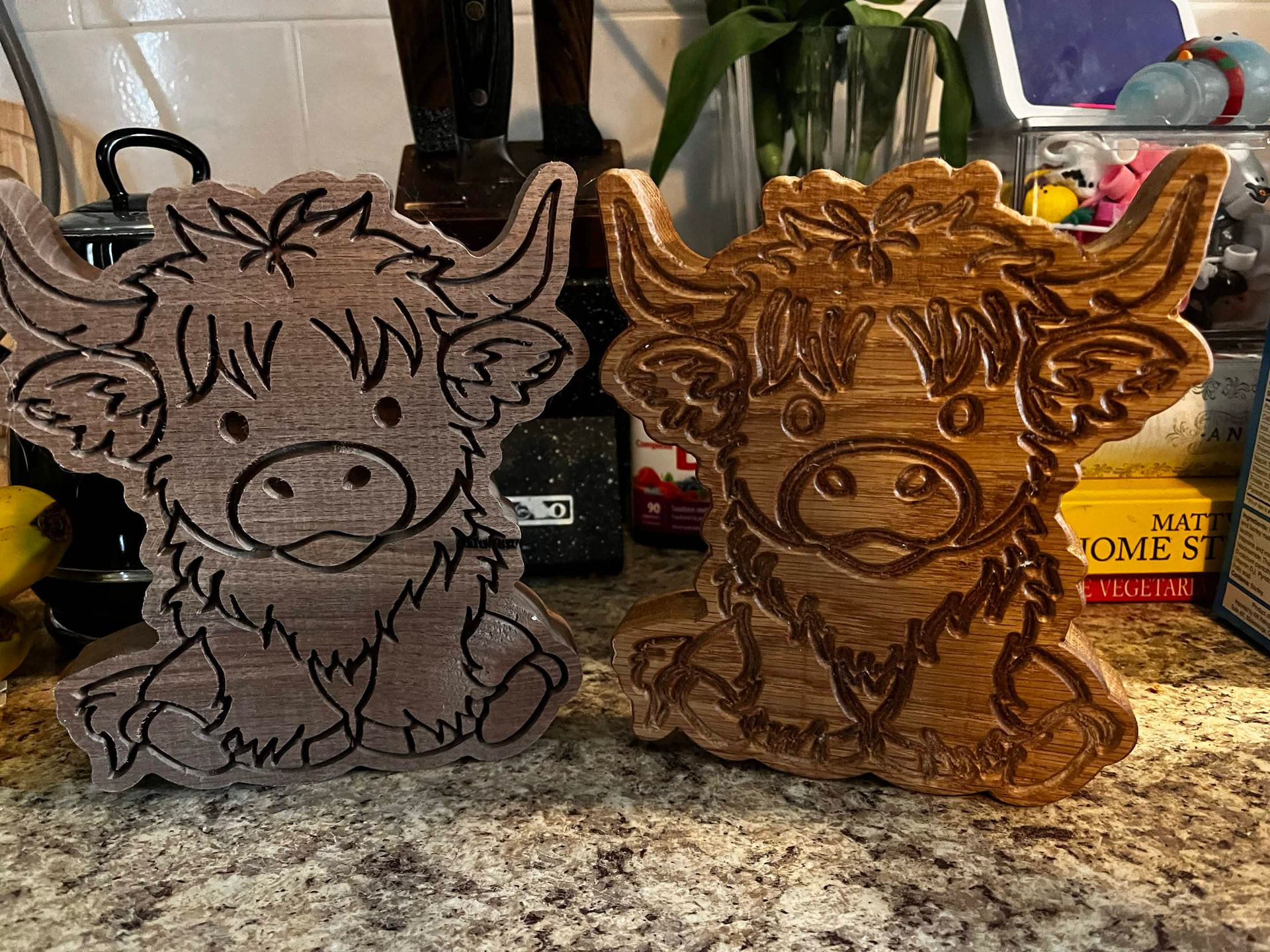
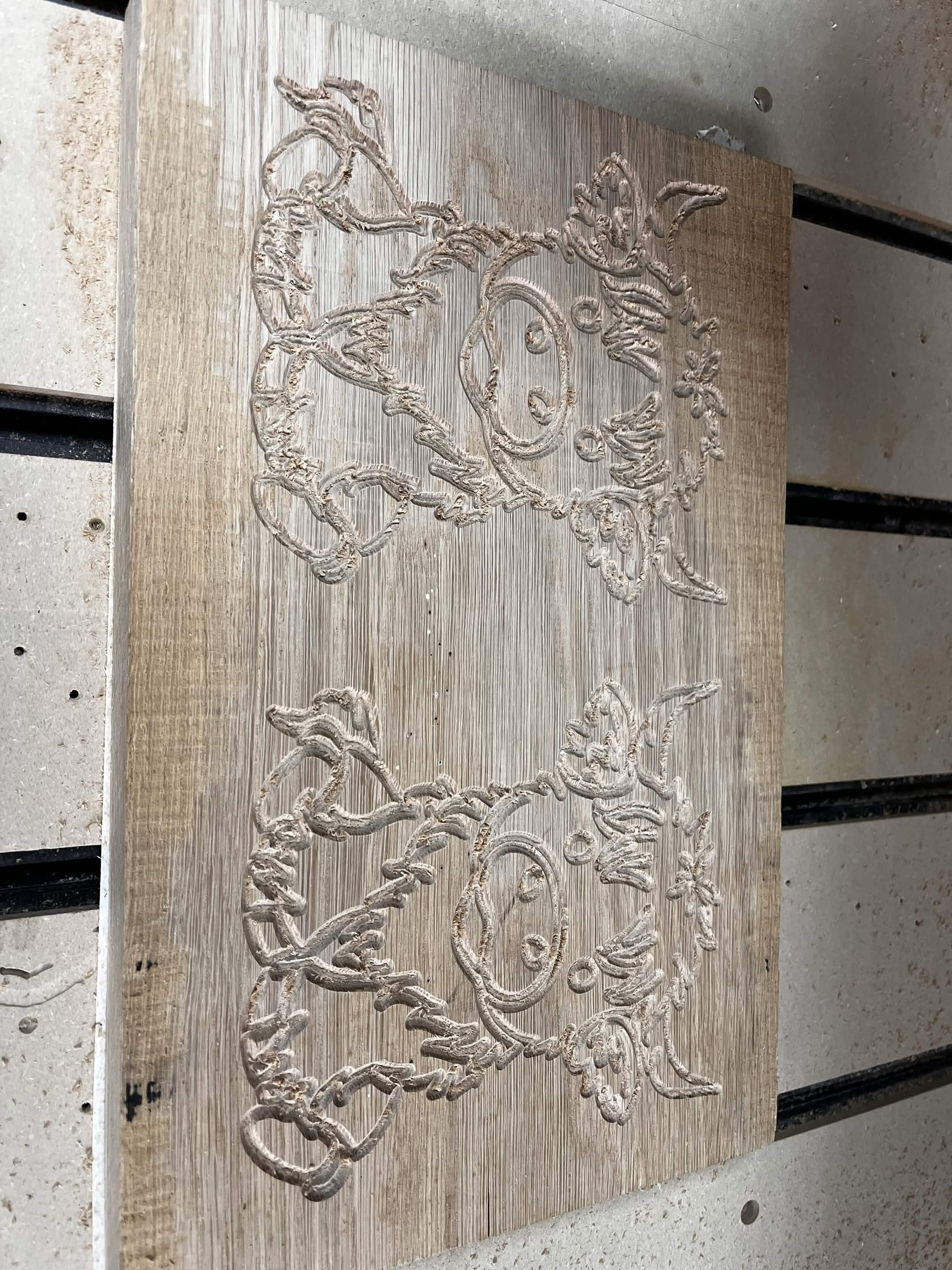
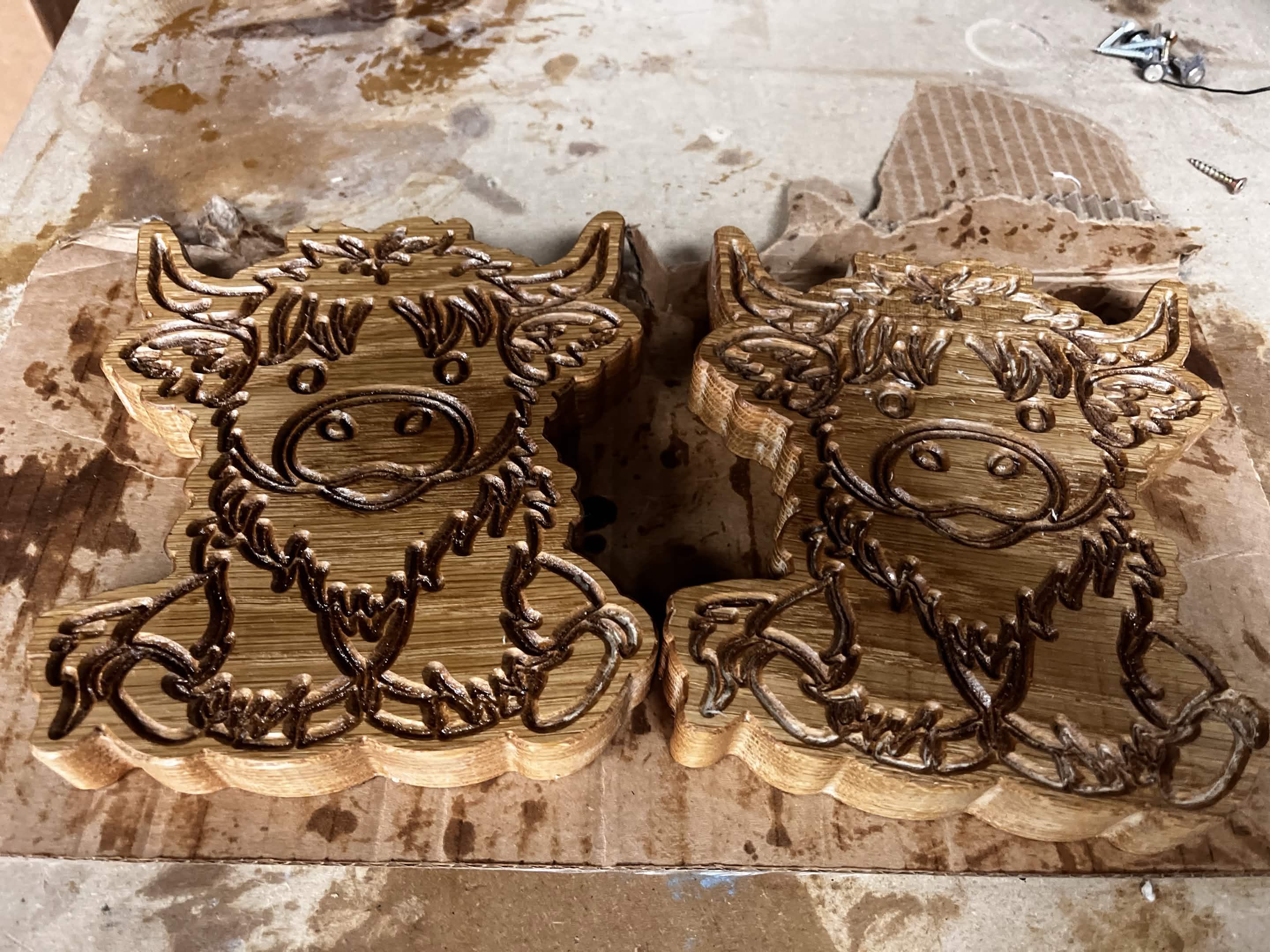
Traditionally we use a sheep as the test farm animal, but today, enjoy some cows.
I was referring to the tooling. It will only cut at the top of the material. I make pool cues and I have a tool I need to cut at the side of the material.
@MikeMiller I don’t believe that is a gSender issue. You don’t need “rotary” functionality, you need 4 axis functionality. What CAD/CAM application are you running? That is where your limitation resides.
You are absolutely right. That is the problem. I am using Vcarve pro and it doesn’t have that functionality. I was hoping this software would have rotary functions able to move on the Y axis as well as the A. I’m sure Gsender can handle it, I just need a software to generate that Gcode.
@MikeMiller You right. gSender with the SLB can handle it. You can fake it in VCarvePro, too. Look on the Vectric forum. There are guys there who have done it. It depends on what you want to do.
LightBurn is extremely well regarded in the laser engraving world. Some would say it’s the gold standard. Hearing that MillMage is from the same group is very encouraging to me. Hopefully they will be able to quickly enable rotary engraving, but ultimately I want true 4D functionality. Aspire has it, but the price of Aspire is just too high for a hobbyist like me. Vectric Pro is at the very top of my budget.
@KGN If you want to test out the v-carve and relief-carve capabilities, I just let Nathan know we are looking for people. Reach out via email, and I will get you set up.
Colin messaged me separately, but I’ll follow up if I still need access! I’ll double check with the rest of the team to see if anyone else is interested.
0.9RC is here! Go try out VCarving/Relief milling/Centerline trace and more with MillMage Pro!
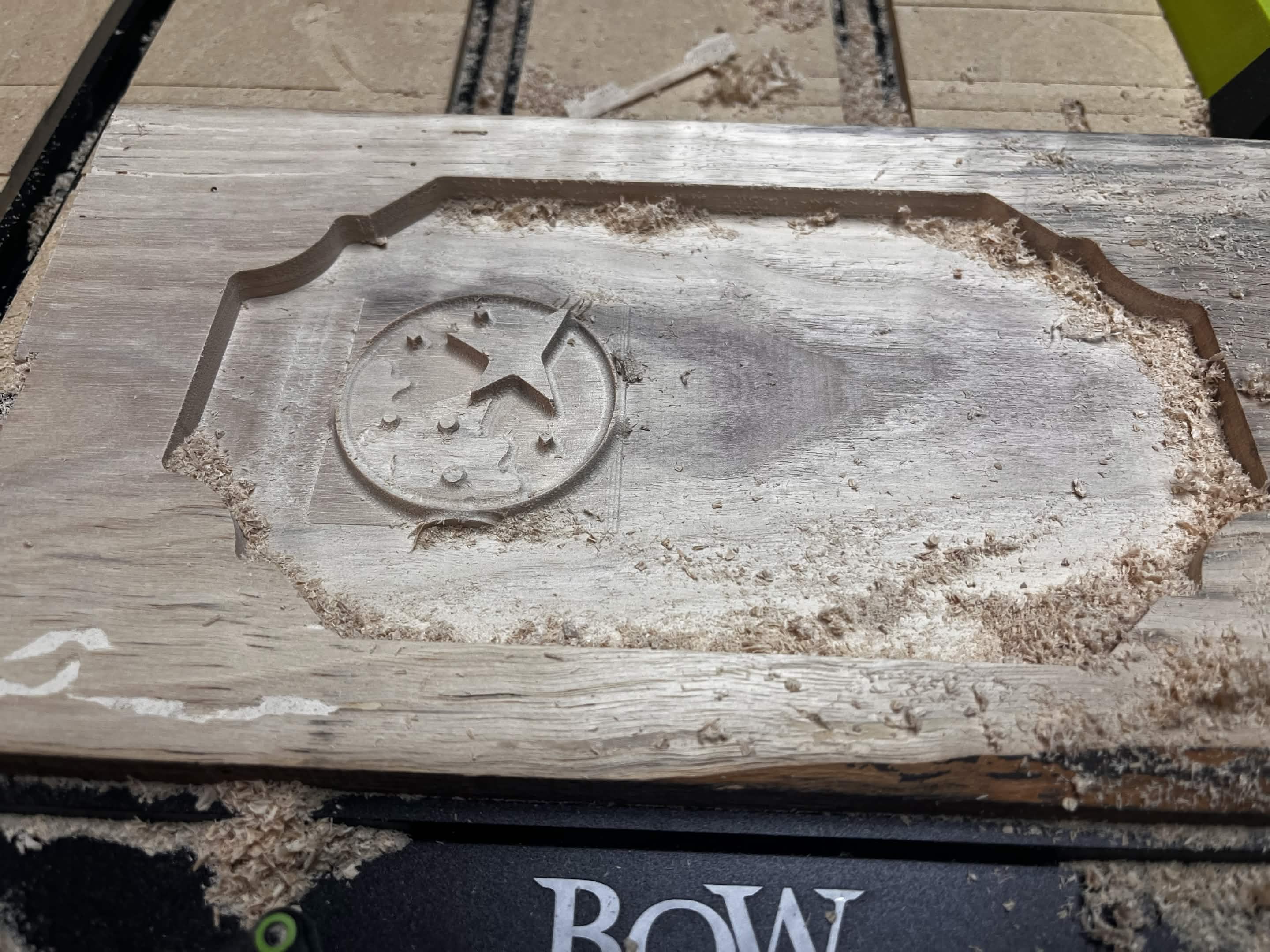
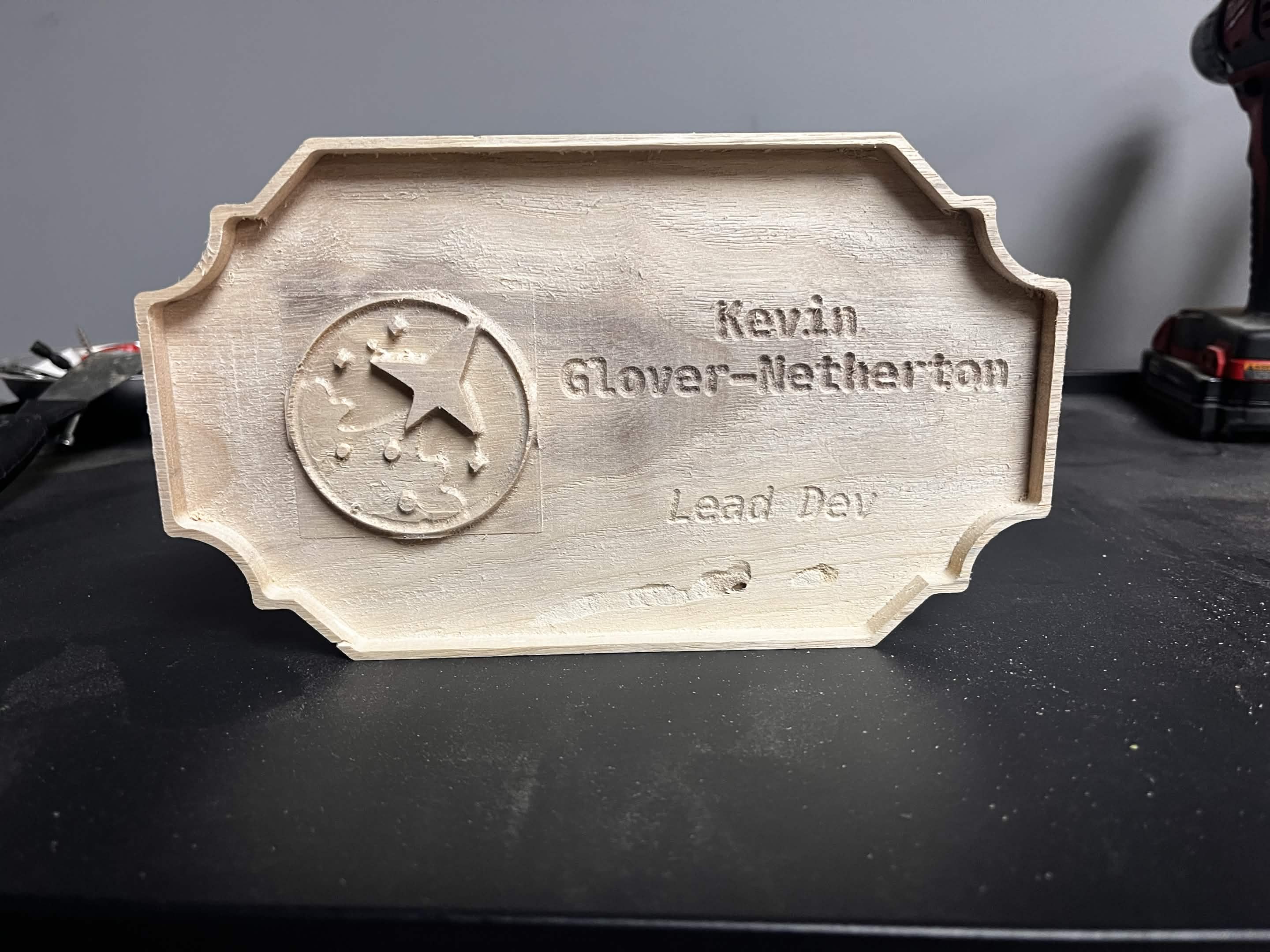
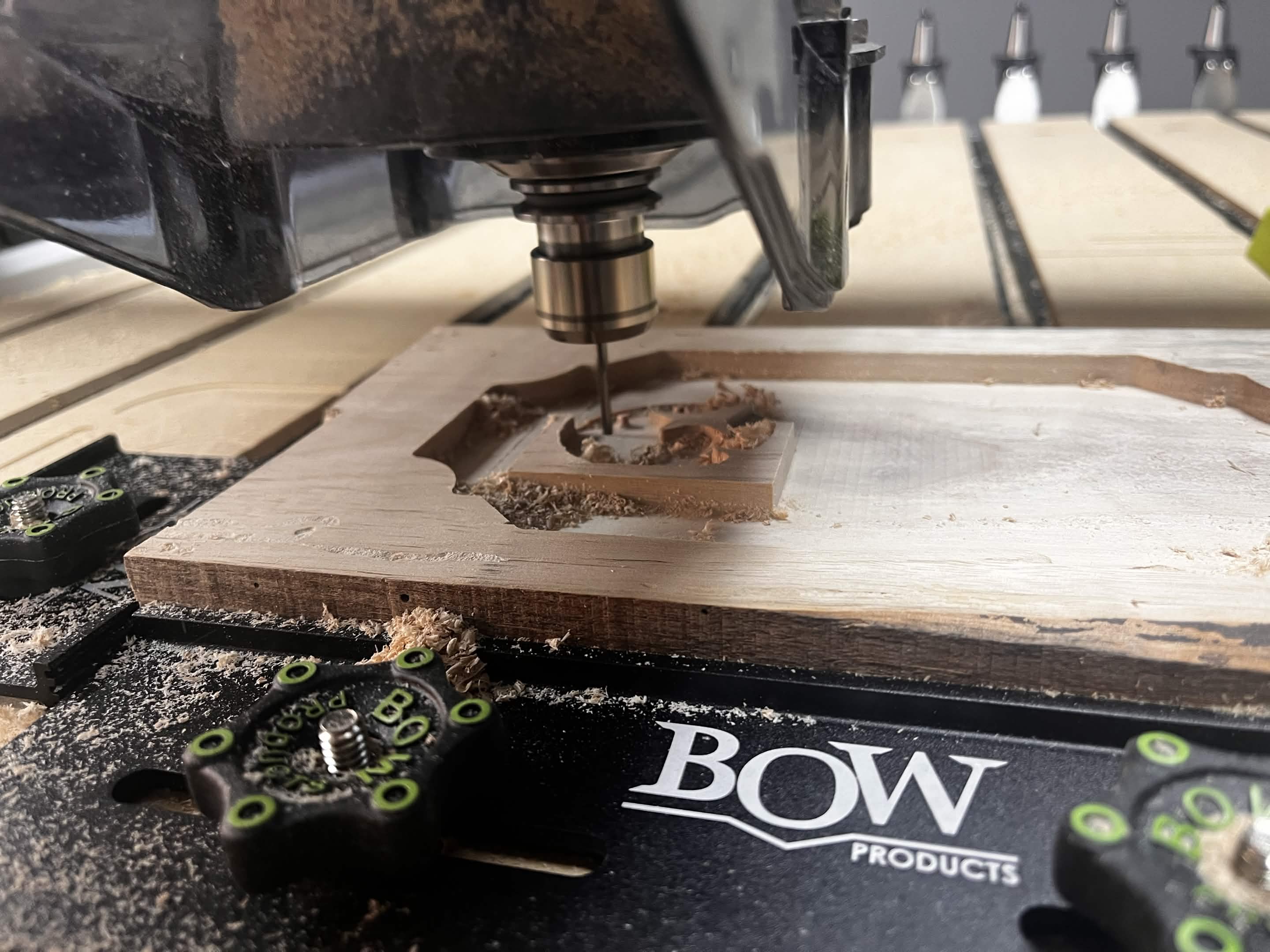
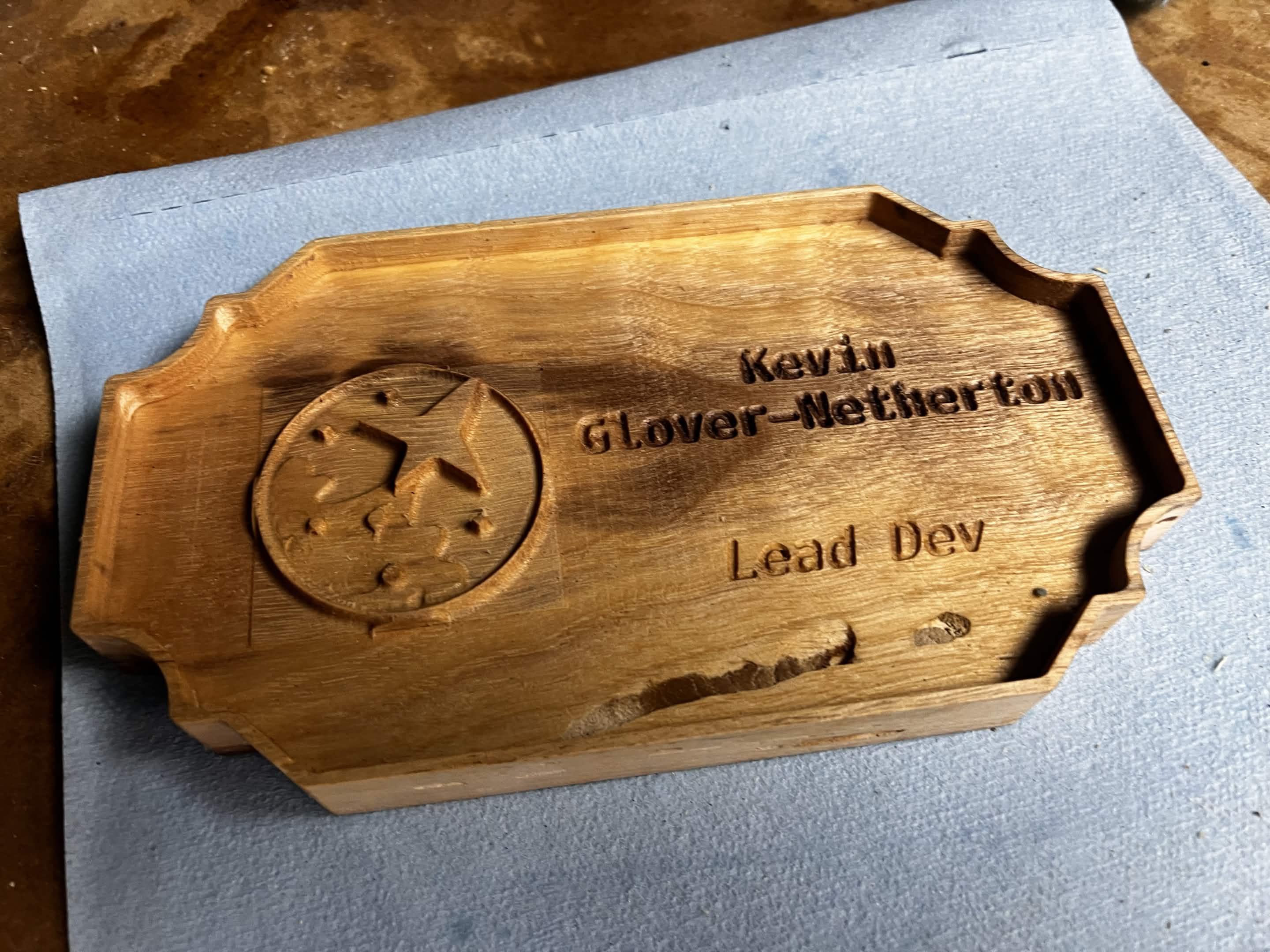
Making team desk signs/trays with some of the new vcarve/relief features and the ATC (not to spoil Stephens Carve Day posts)
How is your experience so far with the pro feature set? How do the 3d relief features compare to Vcarve Pro? Any features you’re really missing?
I’m still debating which software to purchase for my brand spanking new Altmill.
Will definitely try the trial (at least theirs lets you carve!), but a brutally honest opinion from an expert will go a long way as well as those are still hard to find as the software is so fresh.
What I like about Vectric software is that it seems all of internets tutorials are usually based of using Vectric software. And the ability to start with the cheaper license and buy your way up as your needs and skills grow. But then still, that price.. it’s absurd to me how expensive their software is compared to other industries.