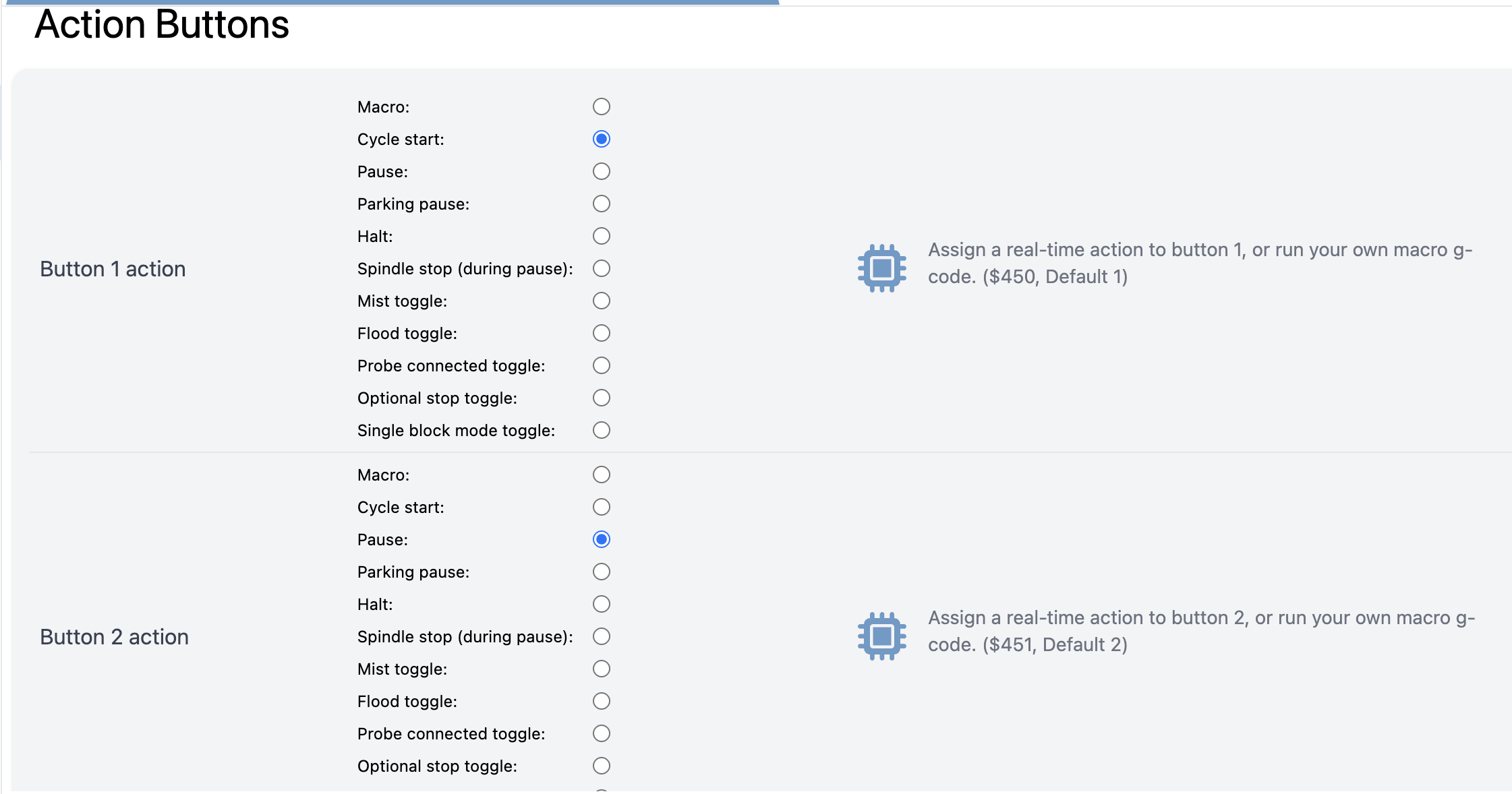
I was reading the docs for the hardware buttons on the e-stop and attempting to setup a macro, and I’m guessing I was doing it wrong, from the docs it reads to me as if you set the macro you want for button 1 in $453 and then set $450=Macro but when I attempt to do that I get an error, for instance I can set the macro in $453 to move the machine to a specific spot in machine coordinates
$453=G53 G90 G21 G0 X600 Y-450 Z-1
and this takes and seems to work, typing $$ I see it there, but when I enter
$450=Macro
I get an error message
error :2 (Bad number format)
So what am I doing wrong? I’m sure I’m reading the doc incorrectly but I’m not sure where.
Out of curiosity what software is that page in? I can’t find it in gSender (I had looked there in both the config pages and the eeprom page), nor could I find what looked like an app to download from any of the Github pages mentioned in the docs.
@KGN thank you, I’m not seeing it at all I’m on the latest gSender Edge (I think like .60 or something like that) and I even typed “Action” in the search and didn’t find it. Maybe it’s not showing up for whatever reason in mine.
Oh, it’s bugged in Edge-3 (fixed pending next release) - unfortunately that’s one of the settings that changed location for the new firmware and the handlers on whether to use the old location or new location are flipped in Edge-3. It should show up in 1.5.7 or Edge-4 (pending release - or you can download windows/mac builds off the github actions when logged in and that’d have the changes)