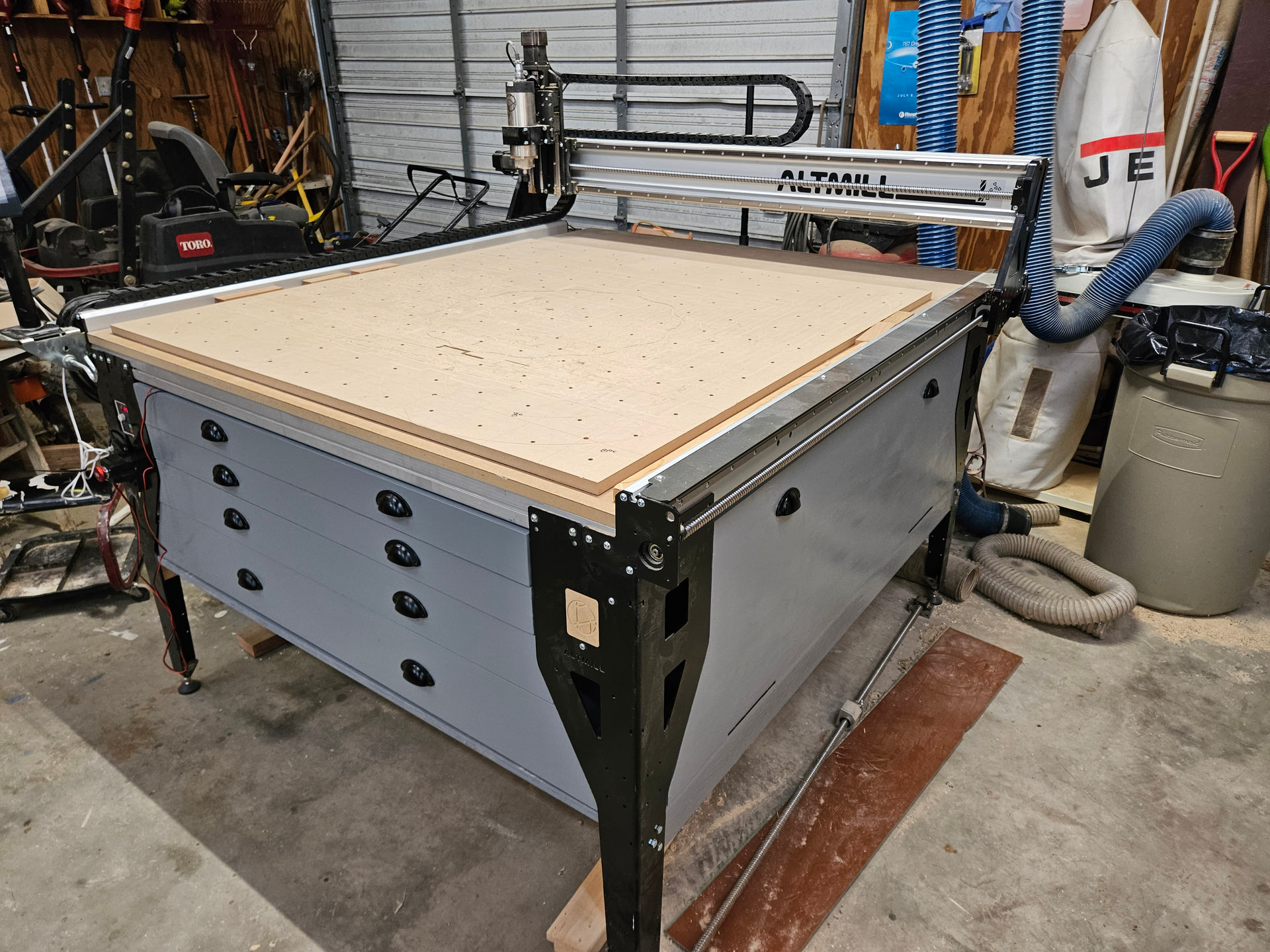
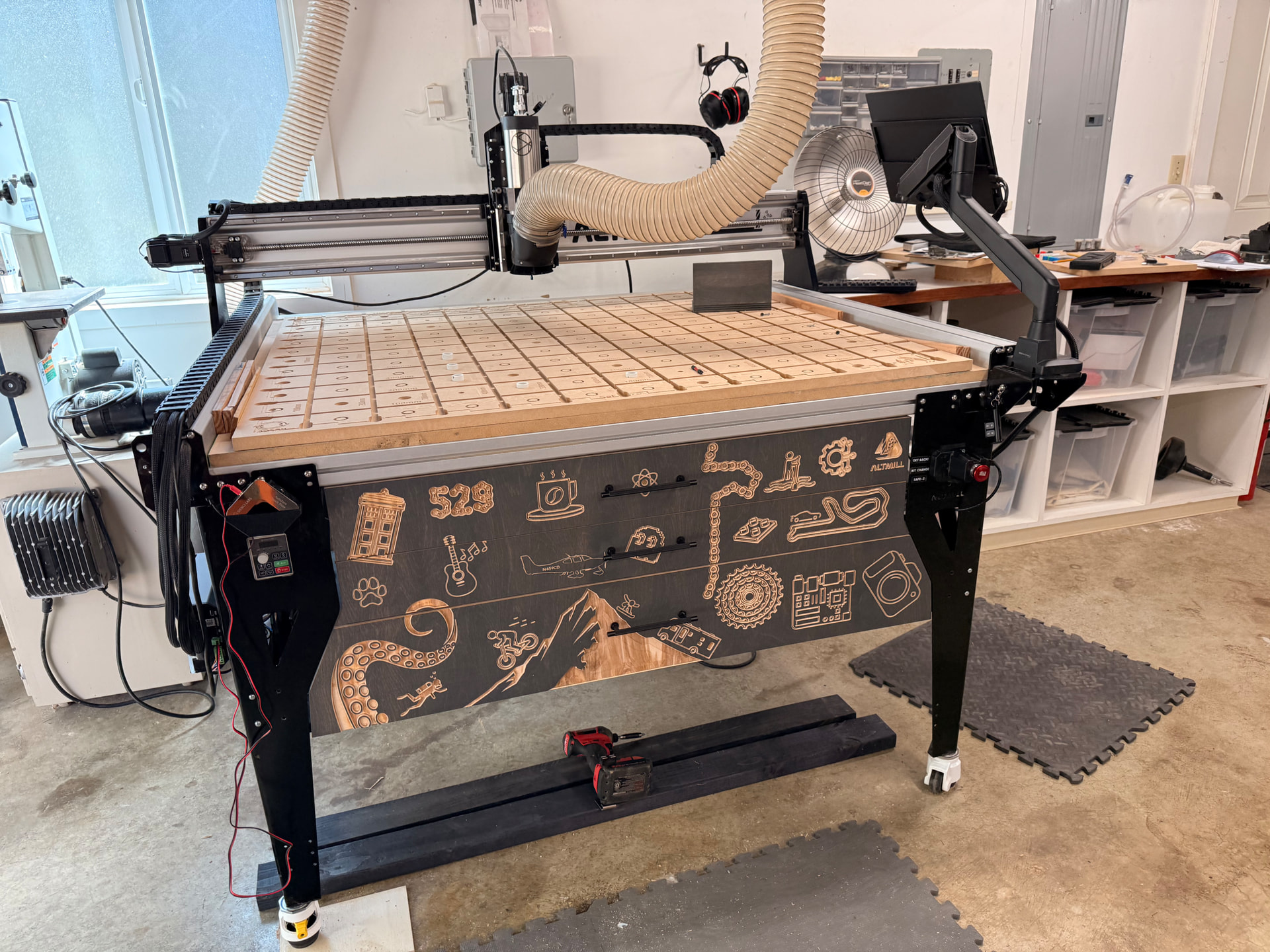
Here is my application of my “Ultimate Alt-imate” Altmill. Since I started using my Altmill in March of 2025, I was thinking how I could install a drawer underneath the table. Drilling and tapping into the aluminum supports sounded good for a while, but the holes might waller out and drop the drawer at the most inopportune time. So I did nothing. When I saw the You-Tube video of Scott building his drawer unit, I was immediately on board with this. His work then became my inspiration to make my Altmill more usable.
I don’t care for bit holders that hold bits vertically, so I didn’t care for a deep top drawer. I chose to make 4 drawers, 2”, 3”, 4”, and 5”. I used the box gadget in Vectric Pro and modeled a drawer 28” by the width (~38”) and 8” deep. I used a joint width of 3”, then copied it to a layer for each height of drawer. The geometry had to be massaged a bit, but once I did one it carried along for all the others. I added rectangle cutouts down the center of the bottom to catch the center stiffener. I also added several .30 diameter circles that I cut with a V bit. At each of these countersinks I added an 1.25” screw. I made the drawers out of 5/8” plywood.
I modeled the drawers and the box in Vectric. I attached the drawer slides in the center of each drawer. Analyzing the model gave me the dimensions for where to attach the drawer slides to the side of the box. I had the drawer slides installed before I built the box.
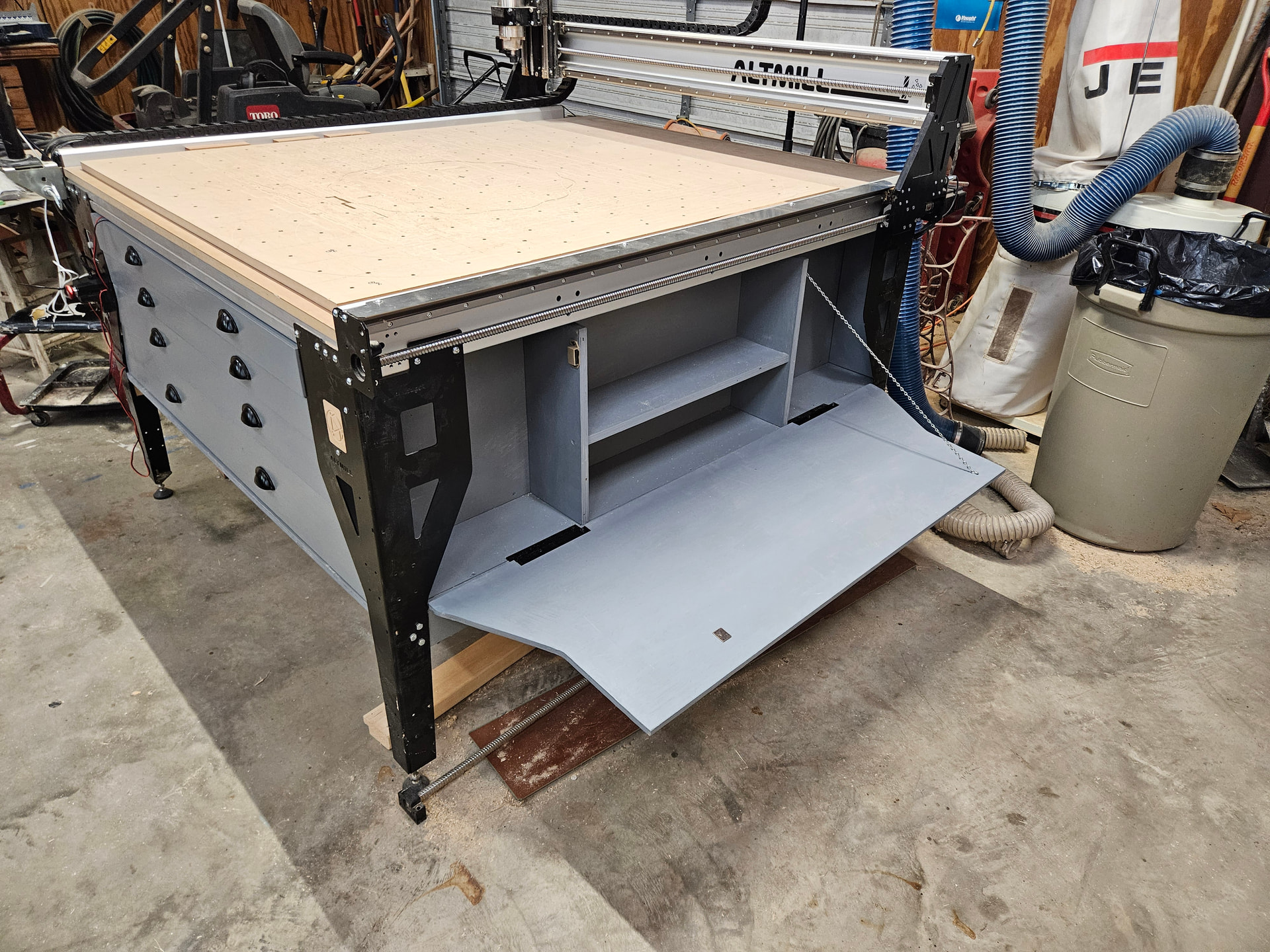
I did not use the mill to cut the drawer fronts. I removed the box, cut the board to fit in inside the legs, then marked it with a pencil and cut it using a jig saw. I did the same with the side tip out panels.
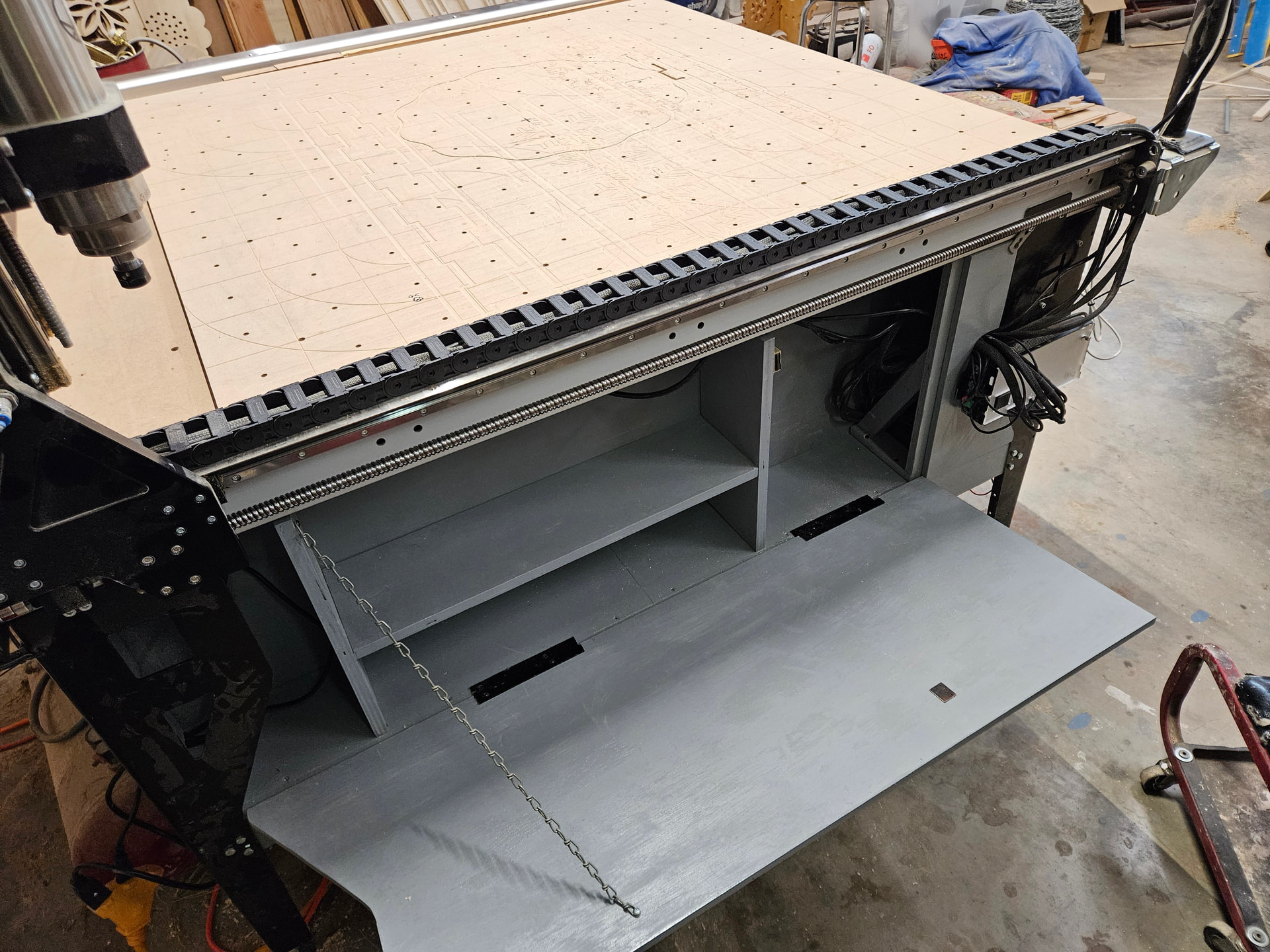
The side tip out panels have a special hinge. I did not want a hinge that would attach into the edge of the plywood. These hinges have the attach points on the inside back face of the tip out panel. These hinges are called a Marine Boat Offset Hinge. I got a size that offsets for a 1/2” thick ply.
The left side tip out panel I cut about 6” from the front leg. I did not move the control box, but left it as was. I did relocate the E stop button to the front side, using a board behind the triangular hole to attach it. I gives me a little comfort if I need to use it I will be able to hit the button sooner after the crash than if it was around the corner. I made a simple wooden corner angle to fasten the little piece and be a stop for the tip out portion. All of the wiring is stored behind the small piece, kept in place by this angle.
I live in Texas, the county south of Dallas. The plywood I used was purchased at The Plywood Company of Ft. Worth. I bought Baltic Birch plywood, 2 sheets of ¾, and 4 sheets of 5/8. I needed one more sheet of 5/8”, but didn’t want to drive almost an hour for one sheet. The side tip out panels were made from 1/2” sanded ply from Home Depot. Made in Ecuador, what I call mystery wood, but it worked well.
I did not build the clamp storage feature. I did not build the gControl Computer pieces. I have not yet made the under machine sled – not yet.
The plywood had me learn a new math – I call it Plywood Math. Here is how it works,
3/4” plywood is .700 thick
5/8” plywood is .600 thick
1/2” plywood is .470 thick
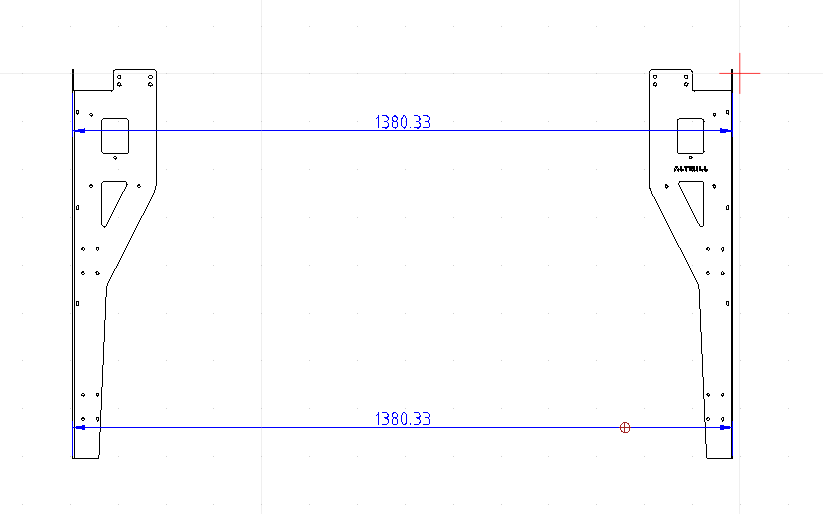
One suggestion for someone starting this project is to check each edge of the legs for plumb. I had a couple of legs a half bubble off. It wasn’t much, but I fought this the rest of the way through. It is not noticeable now, and I’m not going to tell anybody about it. I mention this for a friend, okay?
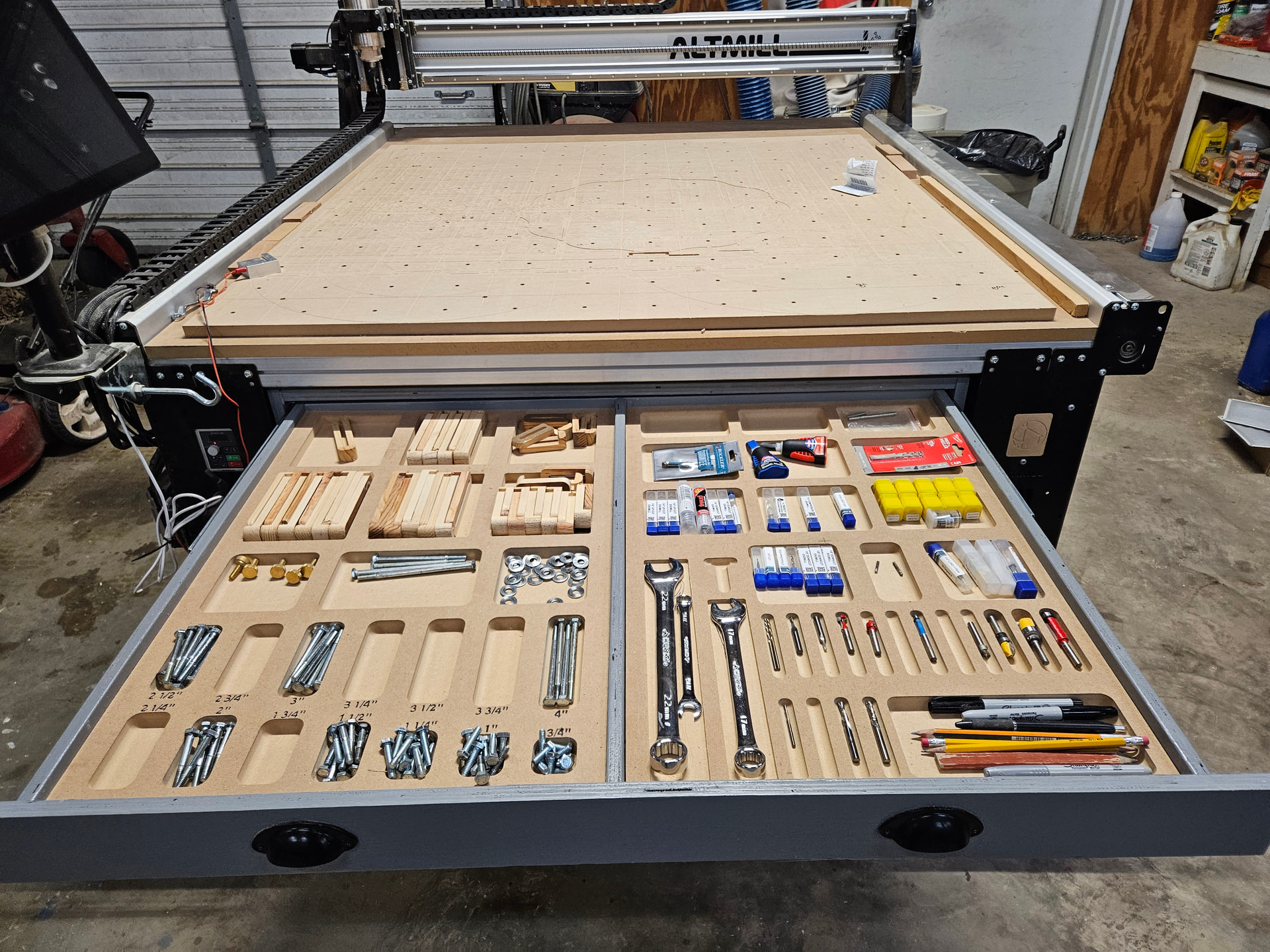
I am now choosing what is worthy of top drawer status, and so forth. The top drawer has MDF bottoms pocketed for worthy items.
Like most tasks, the hardest part was starting the project.
One more thing I am pondering involves the touch plate. I use the touch plate to set each cutter only for Z. It used to sit on a shelf near my left knee. Now it sits on the corner of the table. I’d like a little cup like a pocket watch holder that will attach using one of the table attach screws. Has anyone made a holder that keeps the touch plate out of the way but easily ready for use?
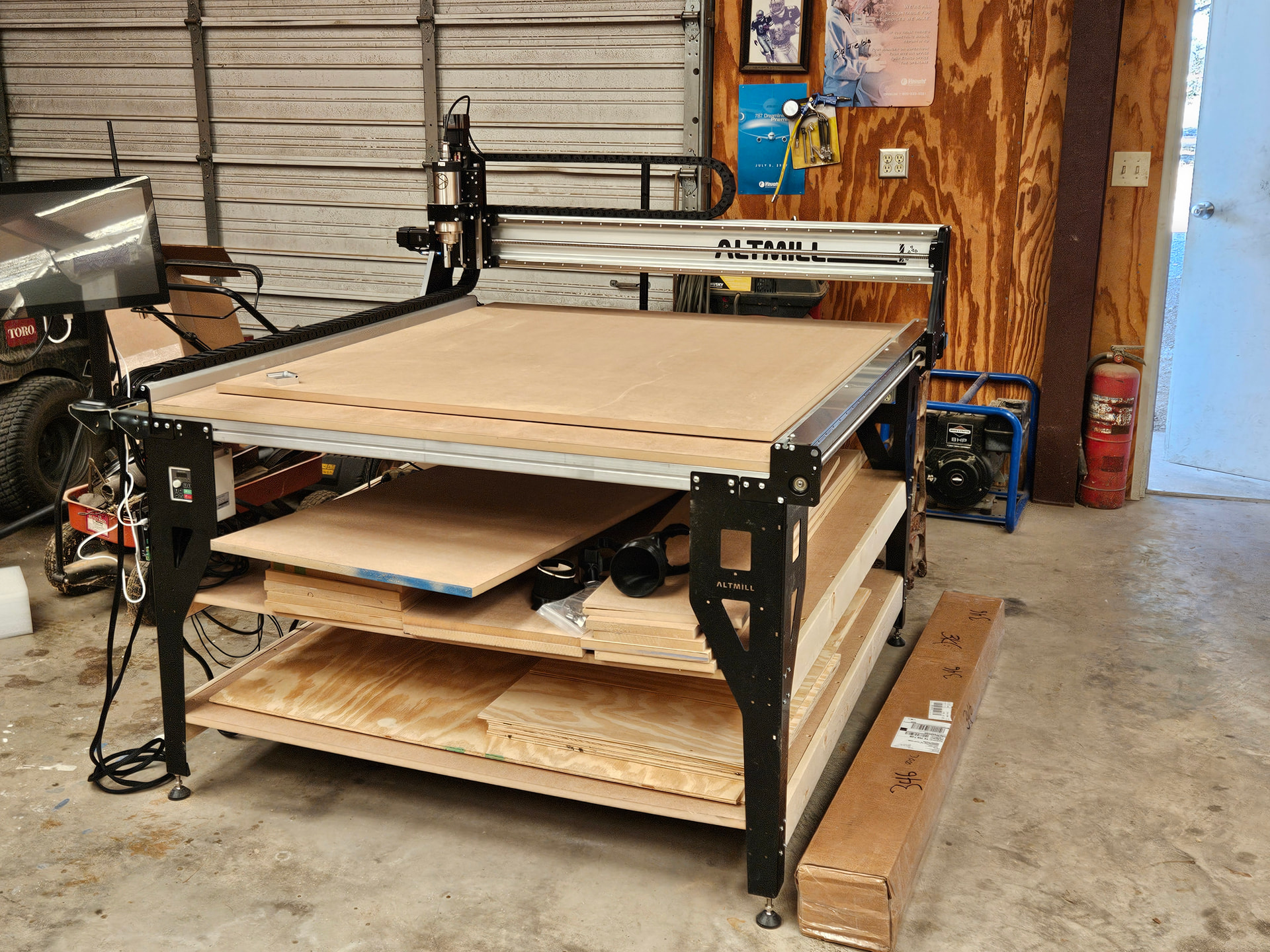
A before photo.
All after pictures.