@AJEAN Is this the first time you have used the mill? During shipping, the ball screws have a plastic retaining block somewhere in the middle. Have they been removed?
Does it do the clicking along the entire length of the ball screw? Can you pinpoint where it’s coming from? At the gantry or close to the stepper motor at the back?
I ran into this same issue on both of my Y Axis Ball screws. The clicking is likely a misalignment in the Y Axis Drivetrain that can be cause by any number of the components in that chain. I found the following troubleshooting guide helped me:
I was worried that doing the steps in that guide would cause issues with my homing / squaring when referencing dog holes I had already machined into my wasteboard. But as far as I can tell everything remained square and in the same place as it did before I made any changes.
It’s also worth noting that I also found the bearings in the ball screw nuts to be louder than I’m typically used to. That might also be what you’re hearing.
@NewsVan Thank you for pointing me on the post about the “noisy ball screw”. I think that solve the problem.
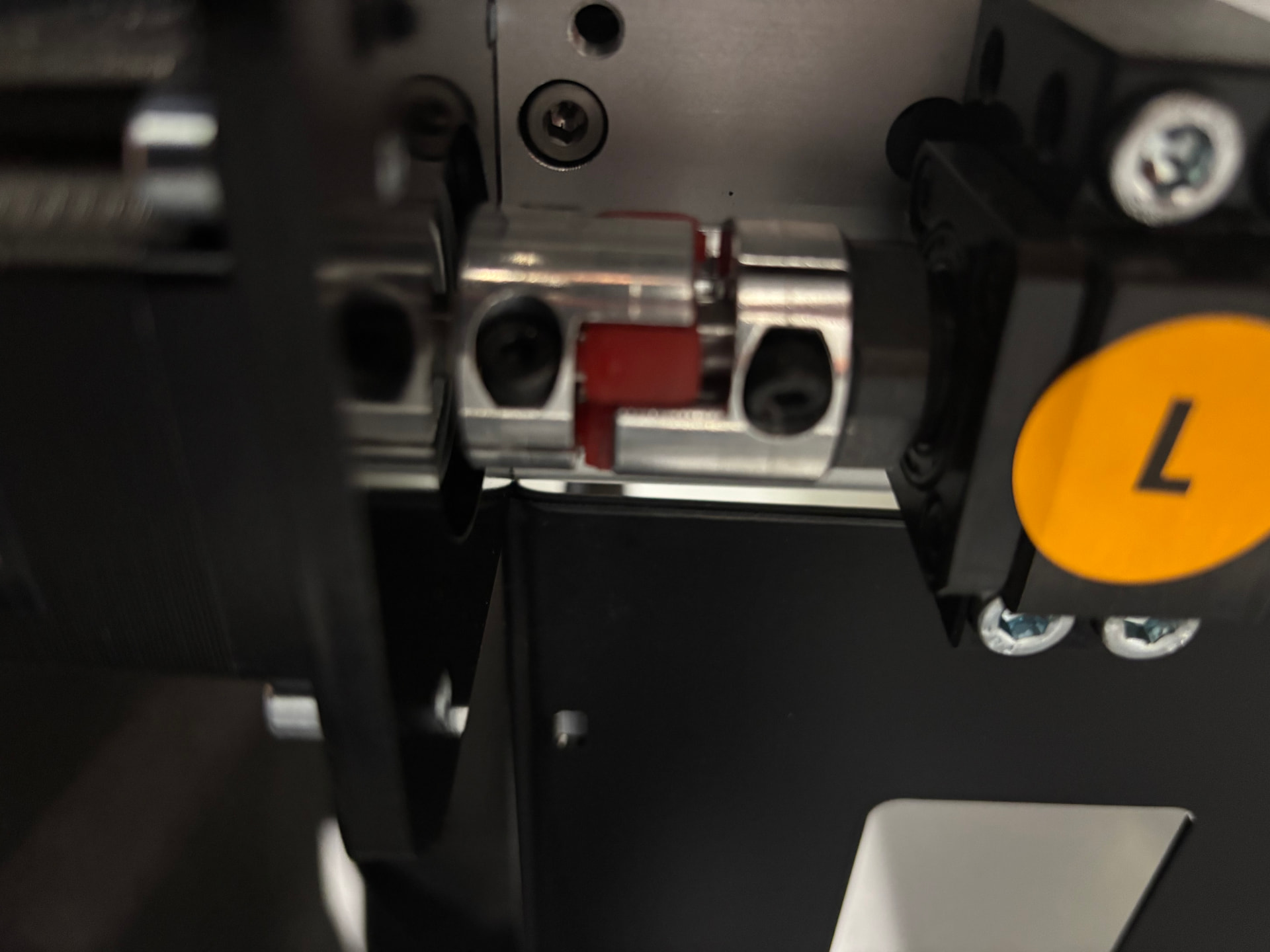
Ma machine is located in my shop corner, so access to the “left Y axis” motor is difficult. But upon closer inspection, I noticed the coupler was “extended”. (As seen in the picture)
I removed the motor and reset the coupler. But that did not solve the problem.
I then reloosen the motor and I loosen the bearing block, move the axis all the way back, and retighten everything.
The “clicking” seem to have gone away!
I’ll have to “play” (I mean “work”…) with the machine some more to check I everything is alright.
I still have to double-check, but since I didn’t move any of the proximity-sensor-limit-switch, homing and squaring should not have change.
Thank you for pointing me in the right direction.
PS : As a reference, I have also uploaded my original video of the problem.