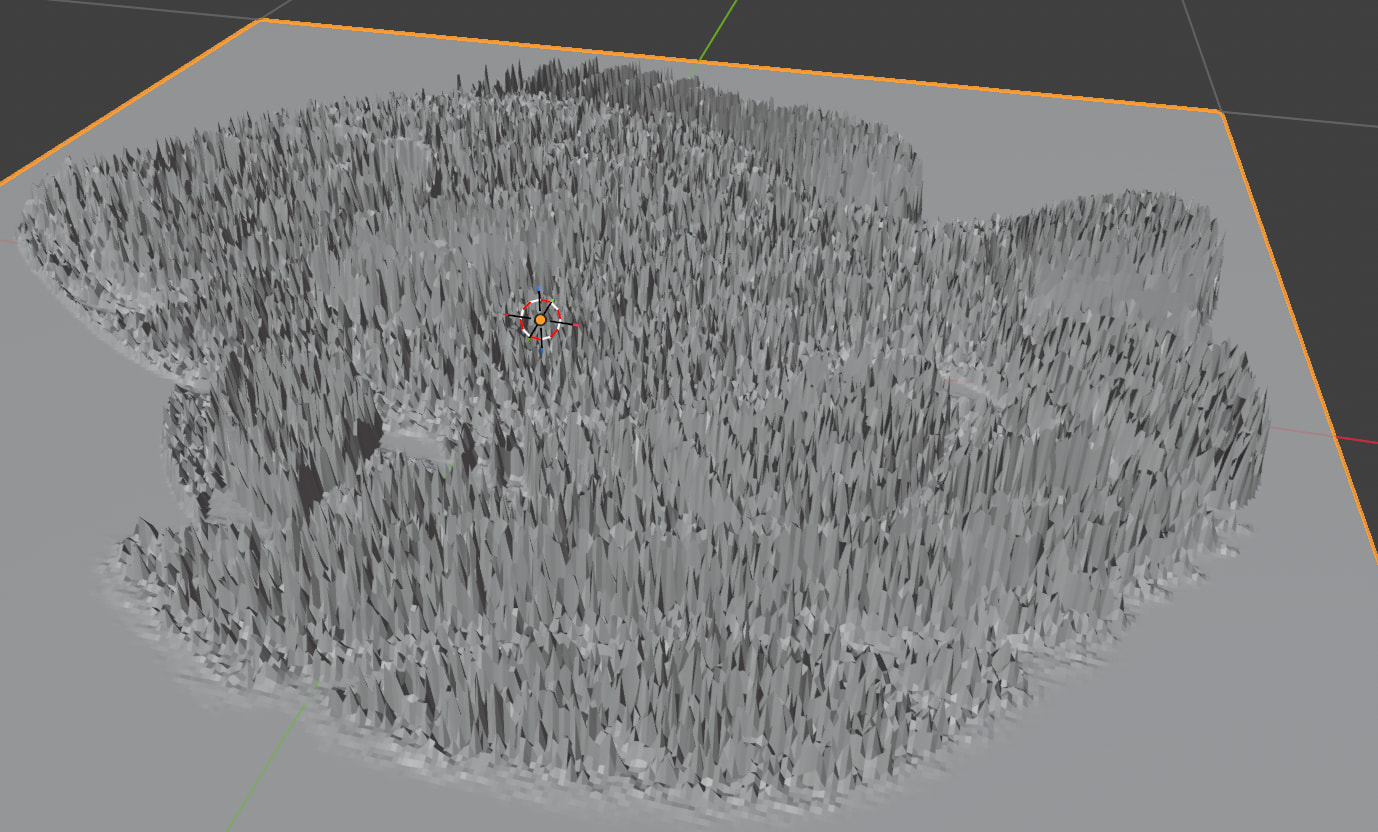
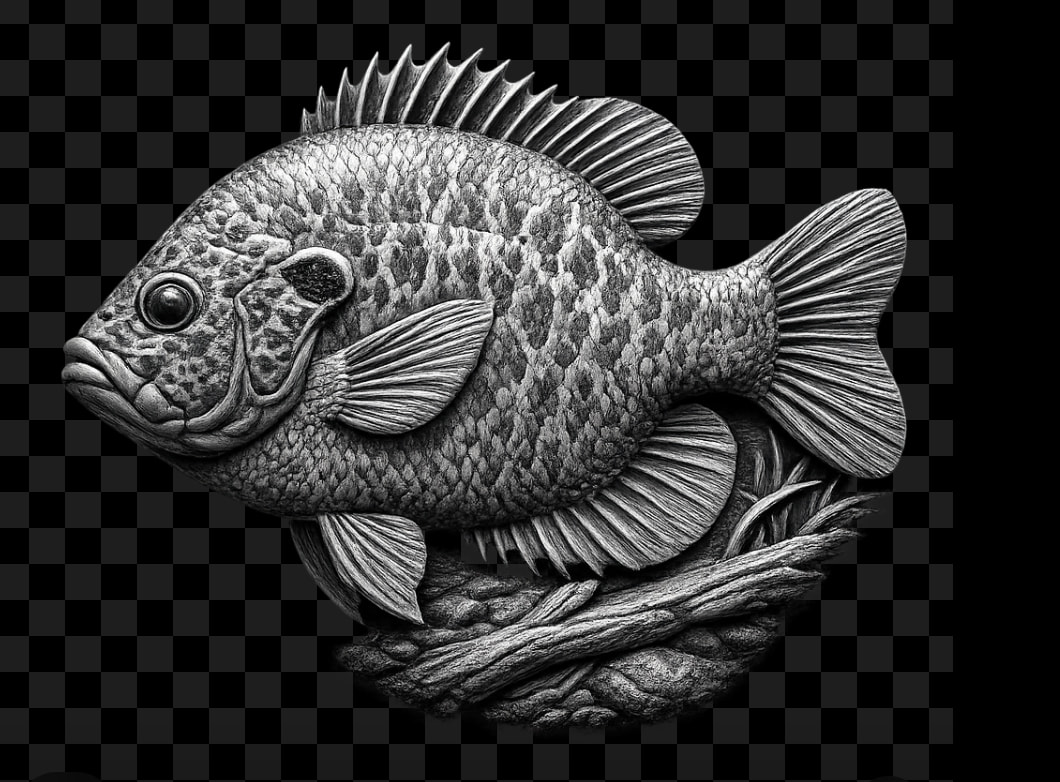
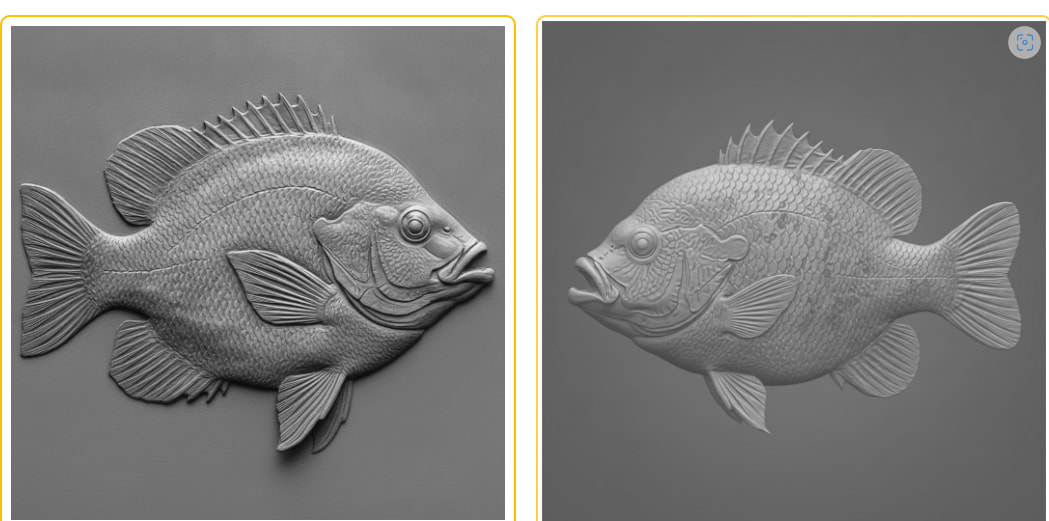
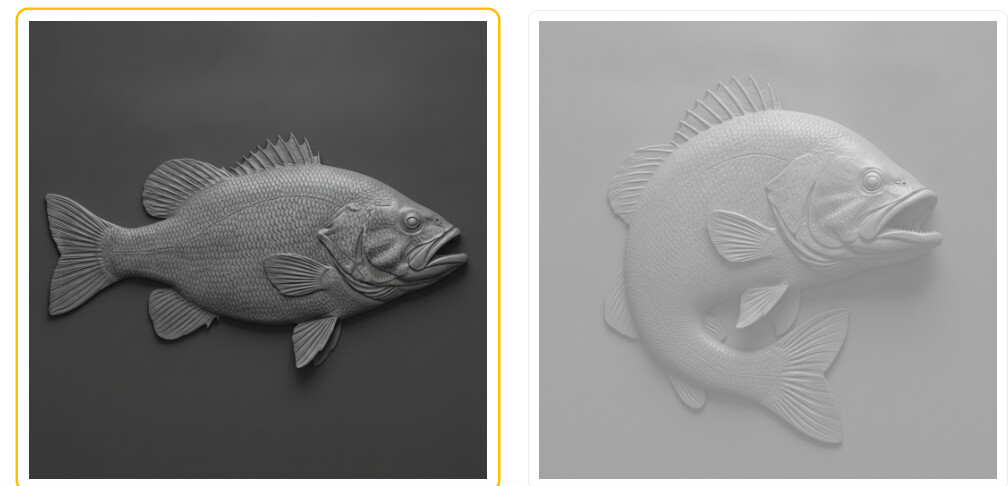
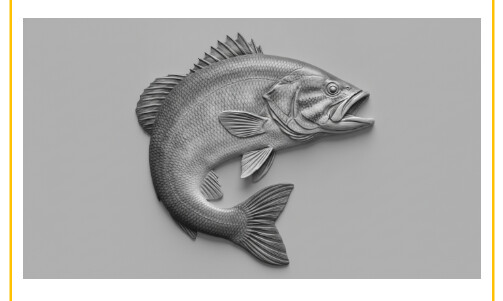
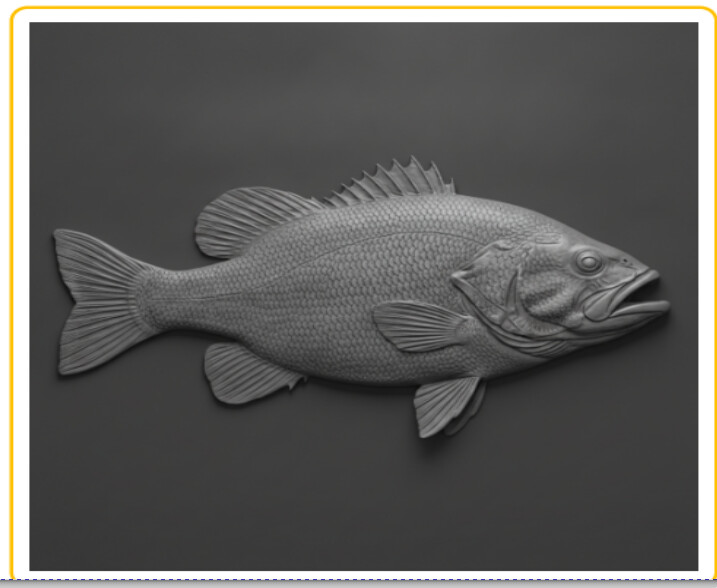
Is it possible to use ChatGPT for generating relief images for CNC? I know if doesn’t create STL files and gCode directly so I was following some tutorials and using Blender to attempt to convert greyscale height map image to a mesh that can then be imported into Fusion 360.. but in Blender it appears the images ChatGPT creates are not correct.. here is what I get in Blender:
@DavidB Have you looked at Easy Create from Vectric? It’s not that expensive on a per model basis and it does a really good job.
Like you, I tried other methods, with various levels of success. But now, I’m sticking with Easy Create.
If you want to stick to Blender, try the True Depth add-on. It’s not free but it’s a one time cost. It will create an STL from a picture and you can adjust the detail.
Thanks. Those look like good options. Have you used both of those? I’m intrigued by the Blender add-on since it’s only a one time fee and works locally.
@DavidB Yes, I used both. For True Depth, you need to start with a picture and if that has too much detail, True Depth may not give the results you want.
Easy Create is much simpler. You can use a photo or just give it a text description of what you want.
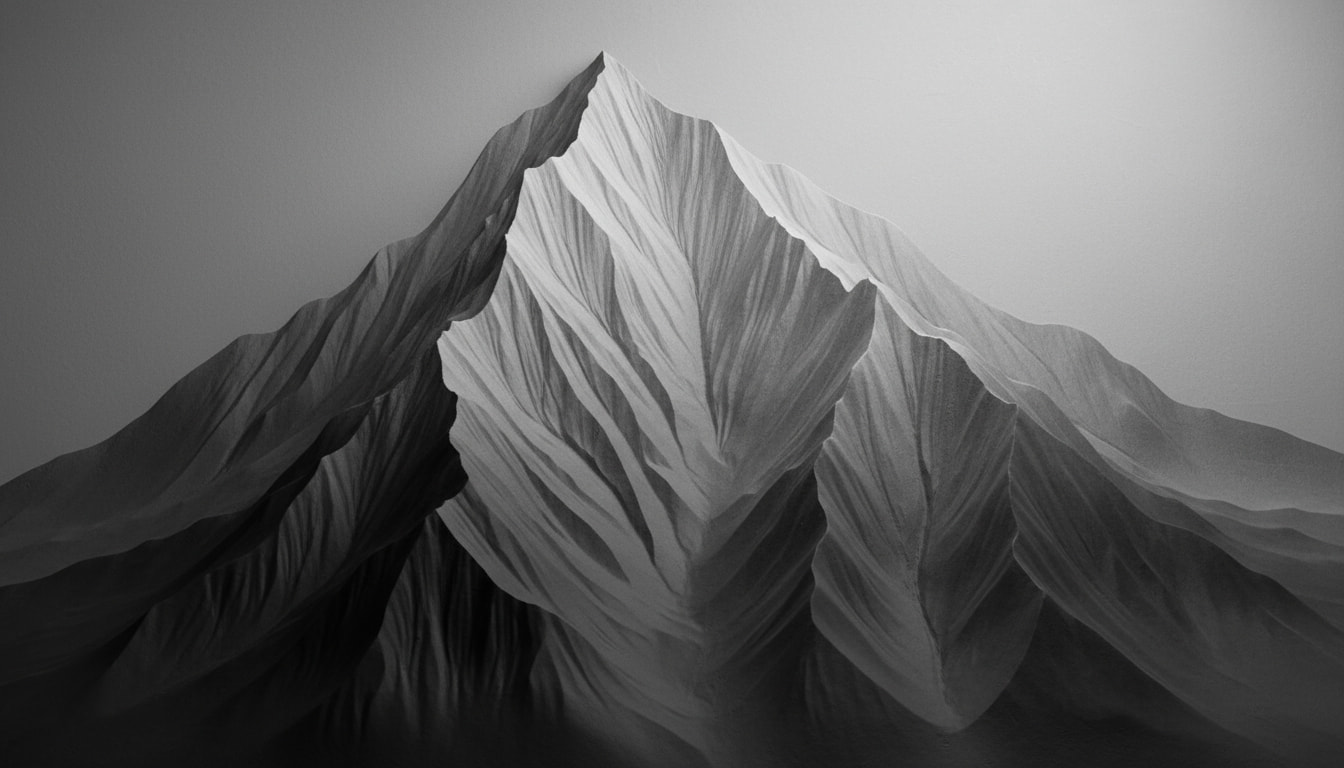
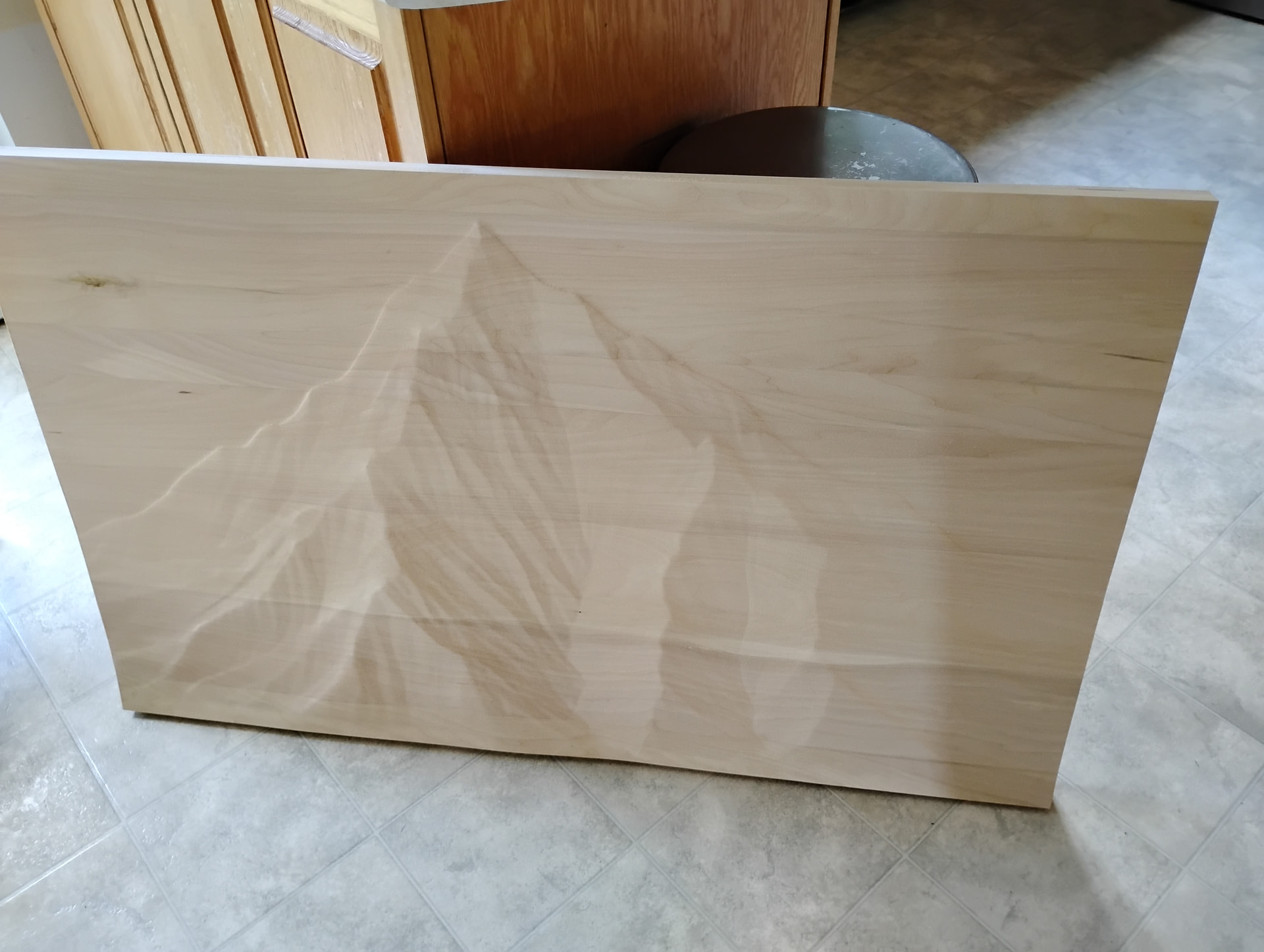
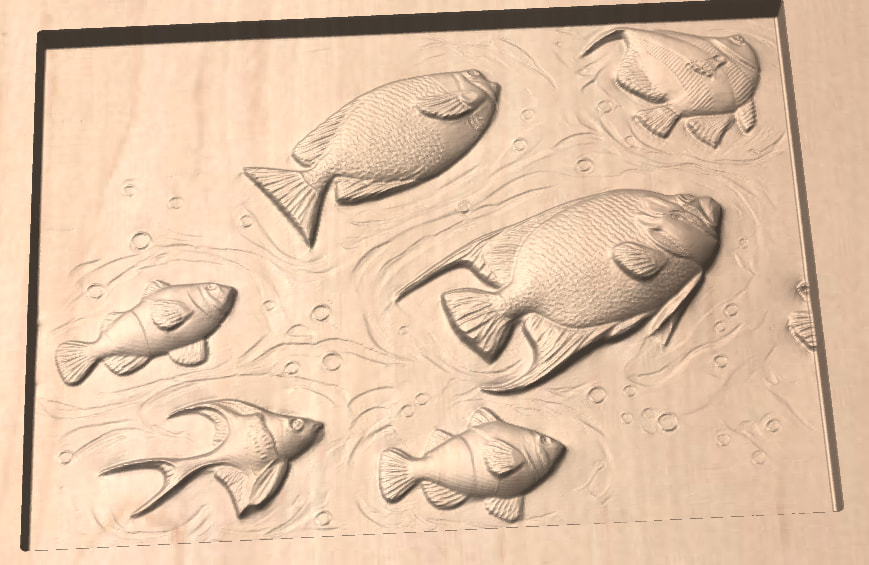
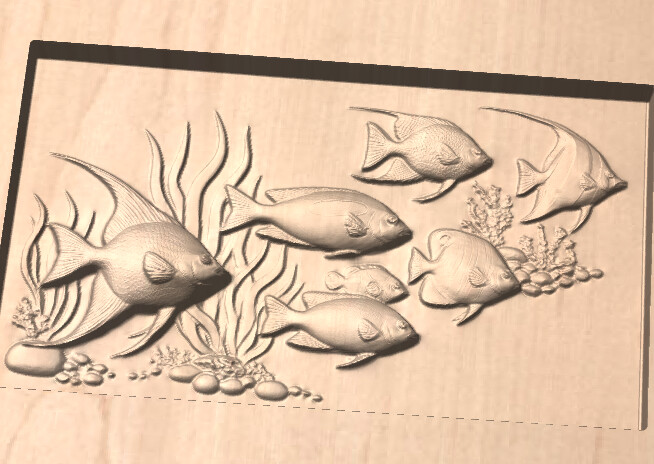
Here’s the mountain it did from my text request for “a mountain peak with good relief but not too much fine detail”
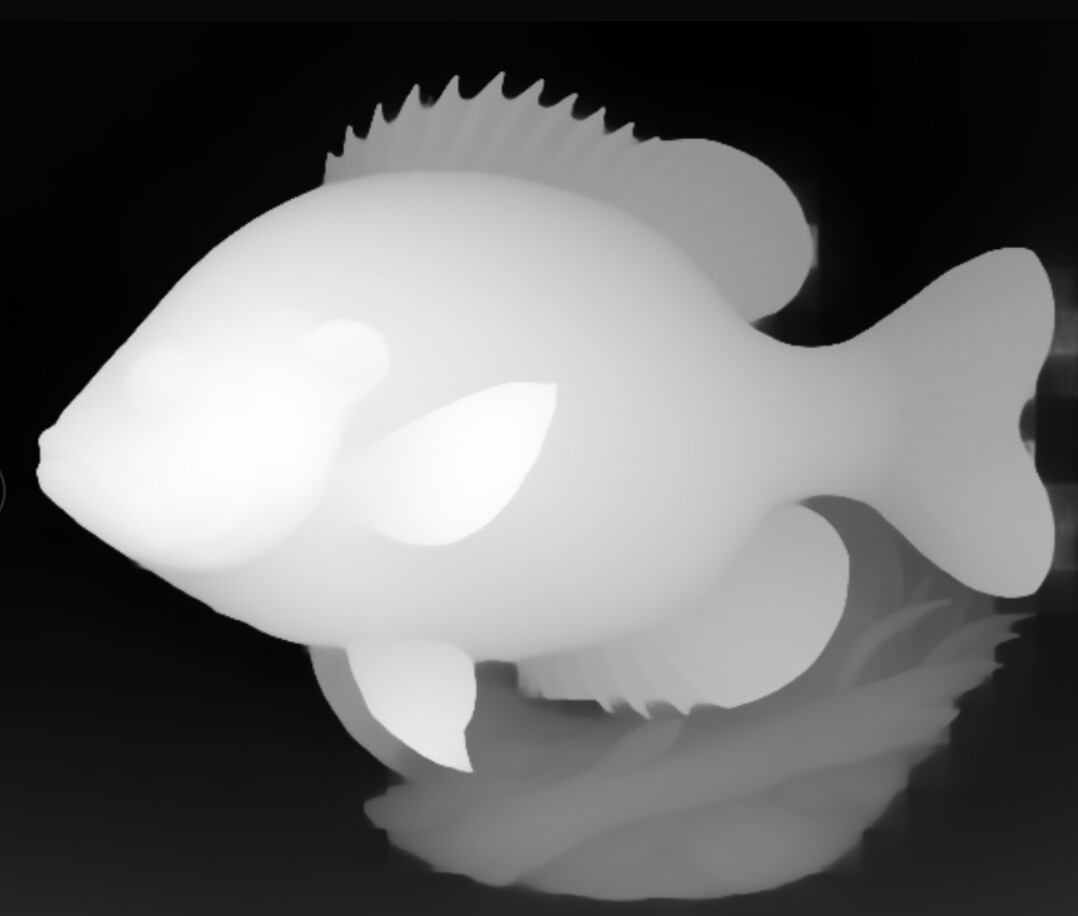
I have a dark brown suspicion that your grey scale image isn’t a dedicated grey scale depth map. It would not look this detailed but more along the line of the example beneath.
I used a free online tool for this one and have no idea how good or bad it is. I used beta versions in the early days that were kinda crap, but good enough for my purpose.
Just make sure gtp understands that you don’t need a grey scale picture, but a grey scale depth map. If yer lucky you might even b able to have it generate a stl file right of the bat.
I tried indicating that even specifying greyscale color space but it is still generating RGB images. I’m going to try the Easy Create route to see how it is unless someone can actually produce a fish that is true gray scale depth map using ChatGPT. It can not produce STL directly.
Maybe this tool produces something useful. I have used jpg to stl convertor tools online, but am not at my design pc that has the tools favorited so you might need to google one.
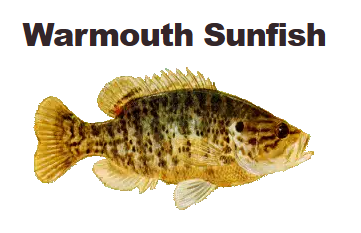
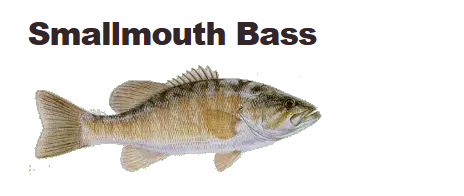
@DavidB Sunfish encompasses a lot of different species so I asked it to do a Warmouth Sunfish. It came up with these two options. One is brighter because it has the focus on my computer.
@DavidB Every two image created (it gives you two options per prompt) uses one credit at a cost of 0.10 USD. Creating the STL model is another 4 credits. So a total of 50 cents US for a pretty good model.
Unfortunately, they don’t have a trial so you have to dish out the $20 for 200 credits to give it a try.
Here is my method for making 3d stl files. I use chatgpt to create an image(it makes poor stl files although I have not ask it if there is a prompt to smooth it). I creates png files by default. I download the png file in b&w or color. Then I open https://makerworld.com/en/makerlab/reliefSculptureMakerV2?from=makerlab. click new project, then click one sided, and upload my png/jpg at the next screen. The next screen allows some shape, cropping and background removal if desired. Click next and it will generate the 3d image (it allows do overs here) If you like it click next to go to the final screen that allows some editing for the z axis (usually not needed) as it doesn’t have a spike look, if you like it click export and answer Other for the 3d printer type (various models can be picked). It then generates both and stl file and another type. click stl to download. (the Makerworld program is free and it accepts jpg, 2d files can be from any source). For 2d SVG files I just ask chatgpt to create that format. Tip: Ask chatgpt: “What should I ask for in my prompt to get to get you to do X?” Then ask it to create a succinct prompt from all it told you. To get some variations ask chatgpt to rotate the face or object ex. 20-30 degrees left or right to avoid the straight on look, ask it to put a cigar in someone’s mouth or stick their tongue out, put sunglasses on a Roman soldier or put a chicken on someone’s head. Finally, not every 2d image no matter how good will make a good 3d.
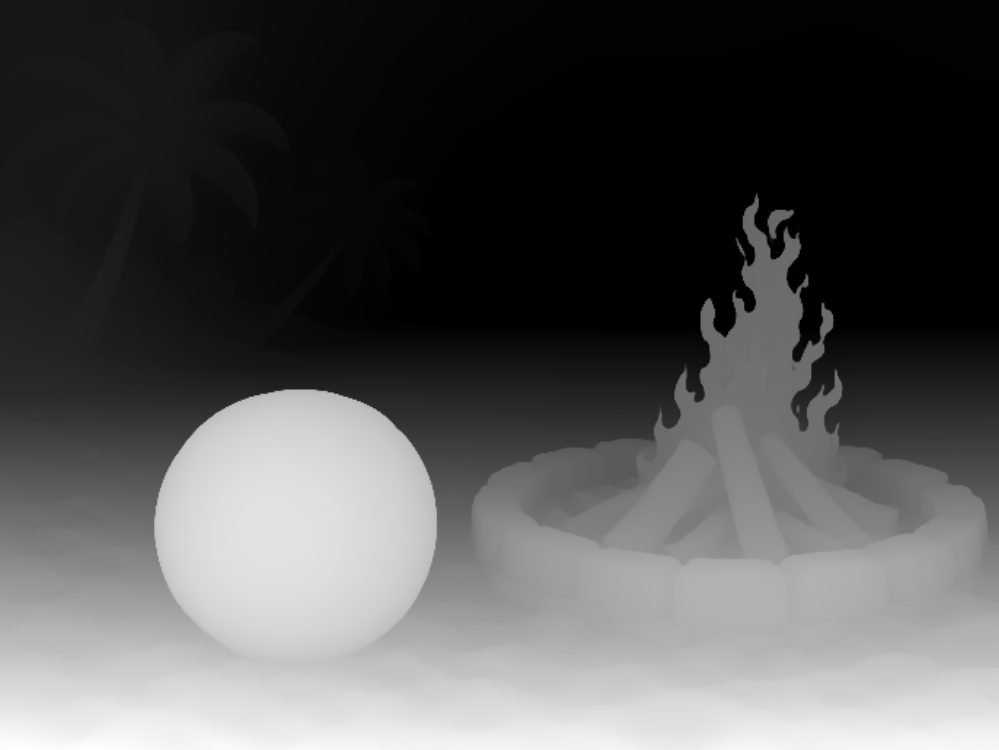
i have used it to create greyscale depth map images and has worked good. i usually save them as a .png format that you can import to easy create or vista sculpt. you can then save the image in a .v3m or .tiff or .stl format to import into Vectric software.
Mark
here is the prompt i used to create the image…
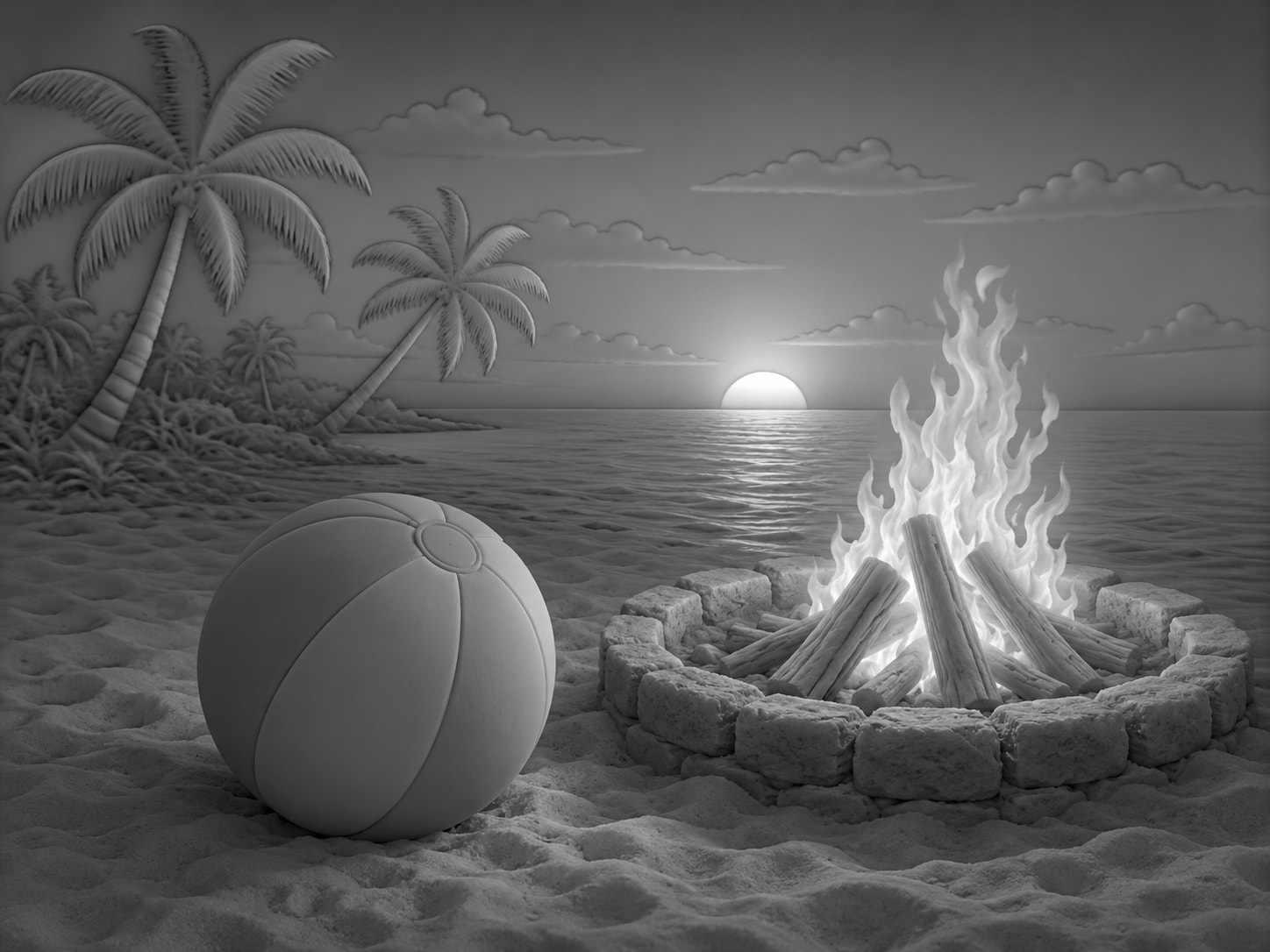
create a 3d grey scale depth map image in .png format suitable for conversion to a file that easy create can convert and use for v-carving, of a beach ball on a sandy beach next to a roaring fire in a firepit with palm trees and a sunset in the background.
Okay.. I tried the above text in chatGPT and it still doesn’t seem like it is quite right? Note the sun reflecting on the water and the fire light. Wouldn’t this cause issues without further processing? Maybe EasyCreate “fixes” it?
If you want a gray scale picture to be useable to carve a relief, the grays should represent a hight vallue. The ball at the front, for example should be a lighter gray than anything in the background and most certainly not have two such distinct grays in it. This ailien created picture will not create a relief, this is created looking like one.