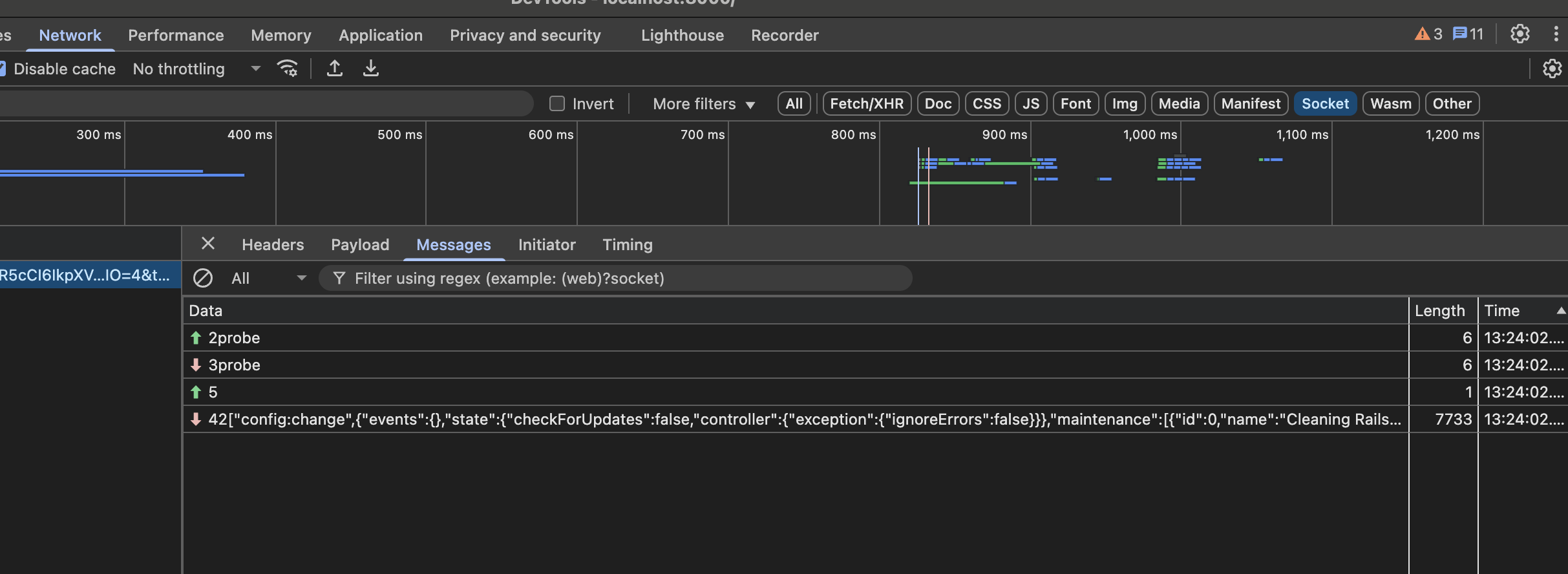
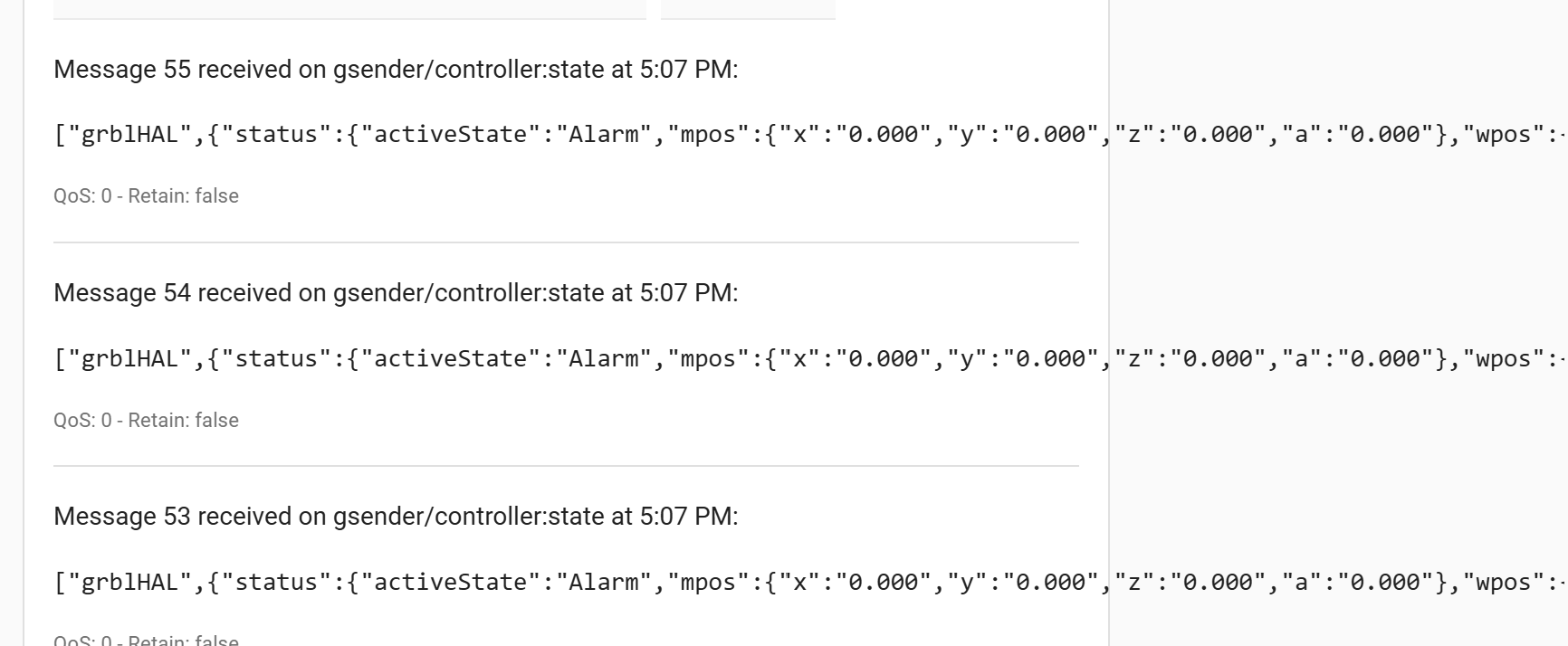
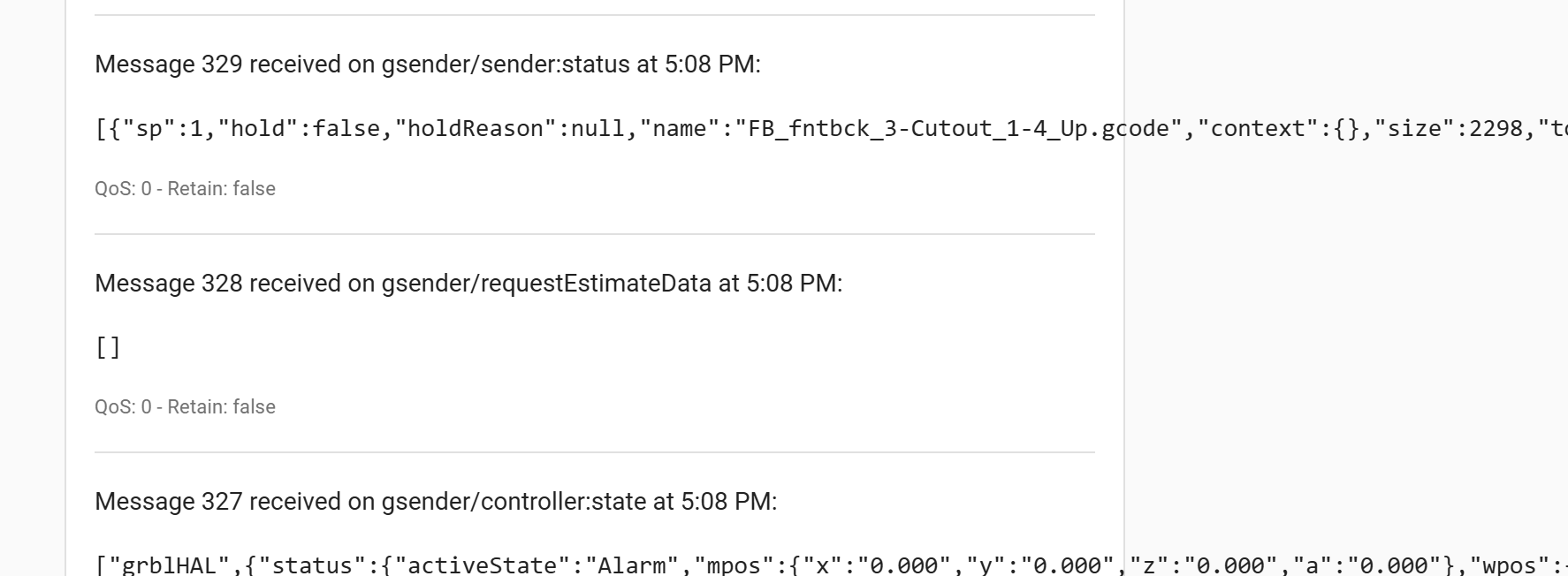
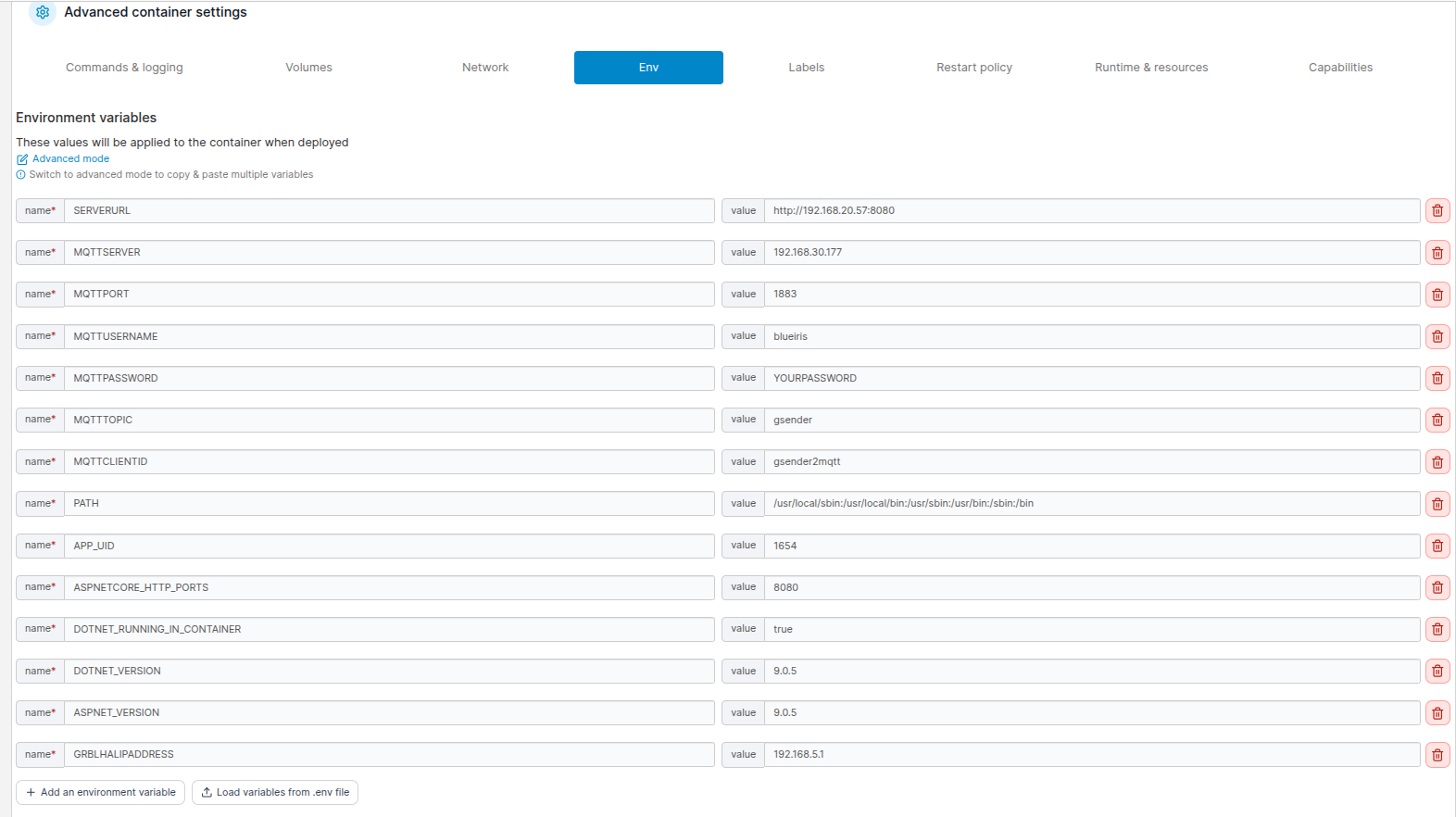
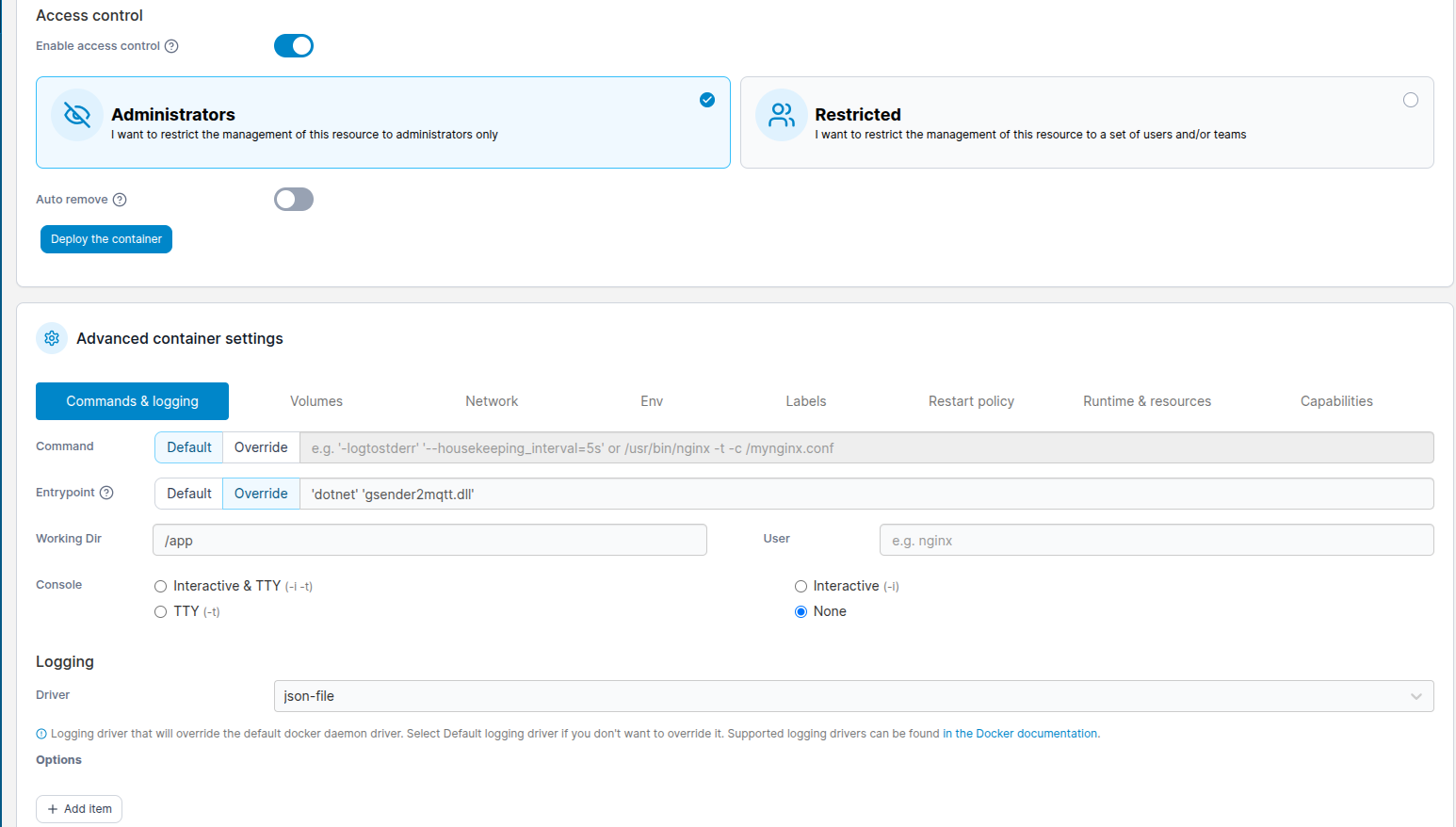
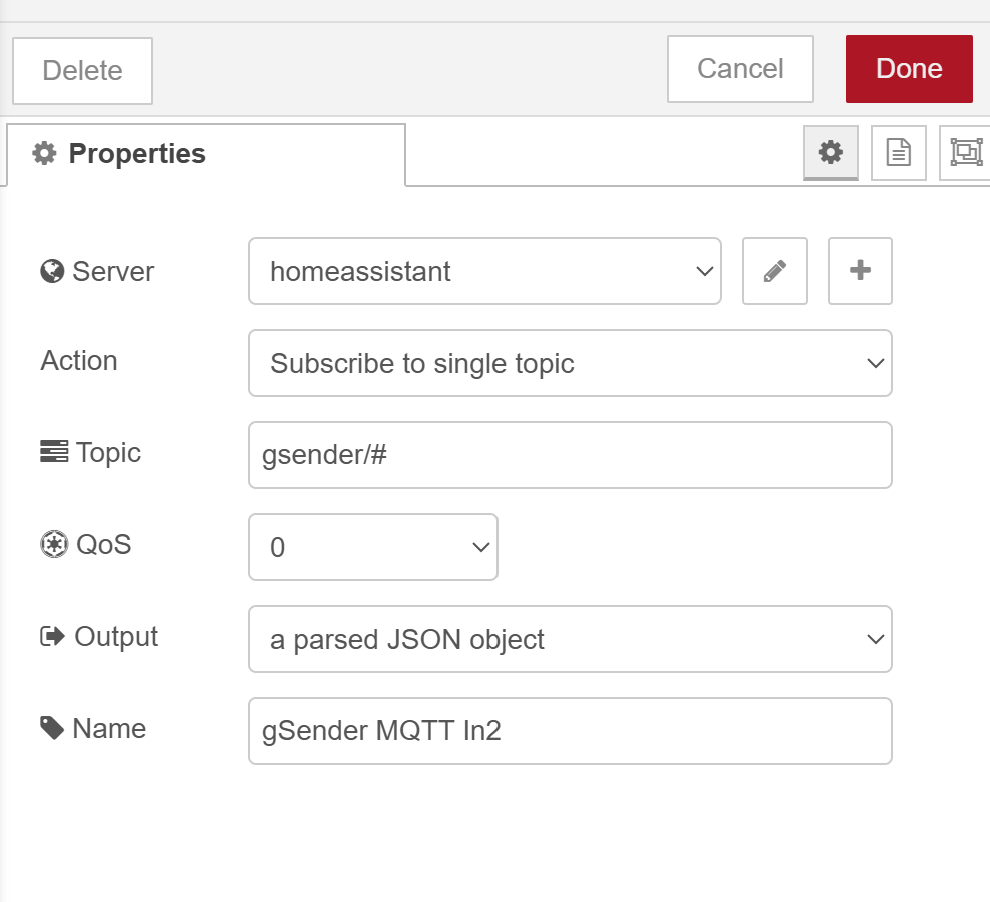
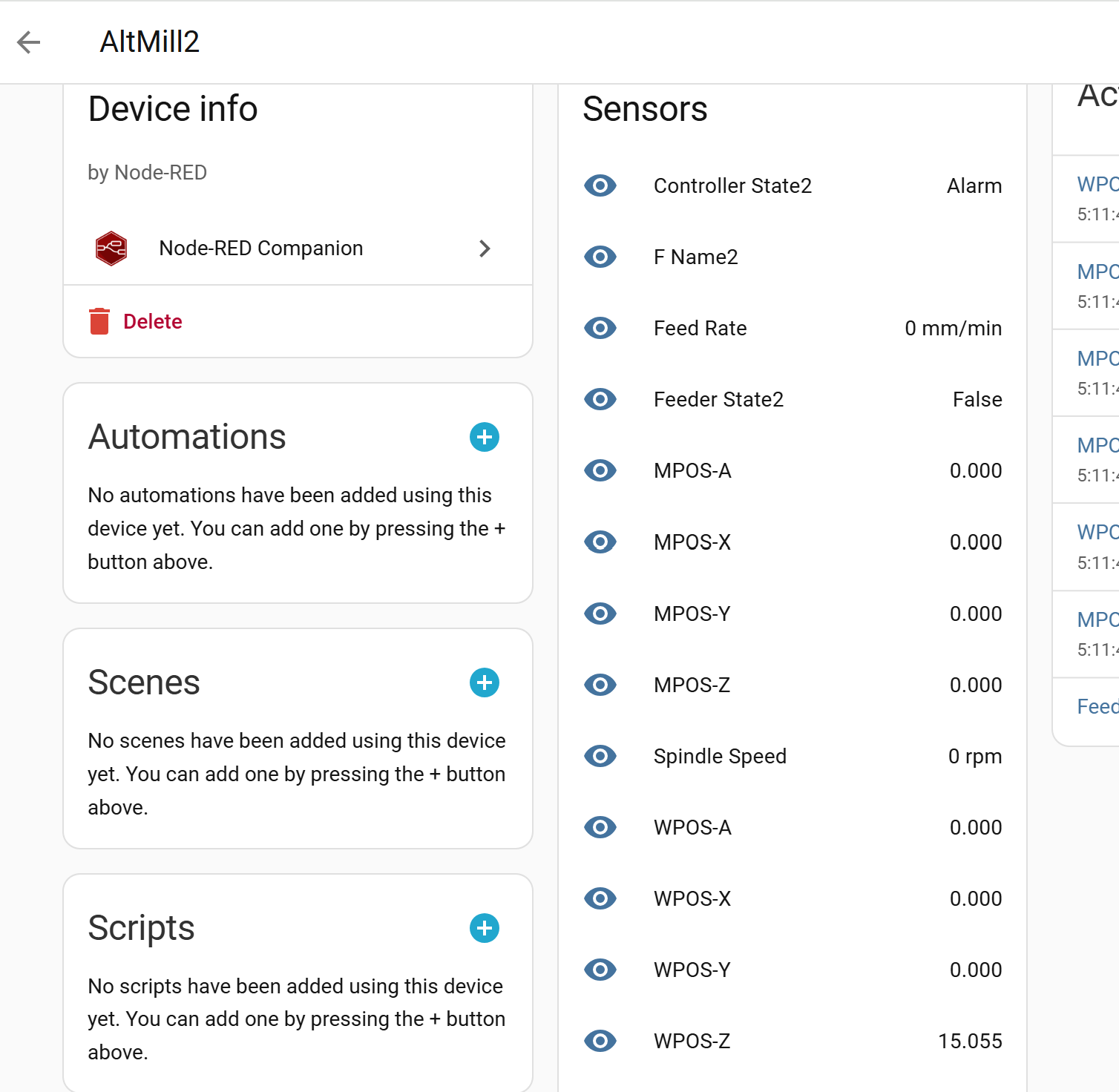
Issue was url/uri format. Fixed that and stays running now but no messages in HA so far. Reset gSender, connected (with remote on), loaded a file, jogged the spindle.
Nothing in MQTT or in Portainer logs.
Update - been a while since I have messed with MQTT configuration - seems I wasn’t listening correctly. Now I am seeing the messages.
Thanks - will work on more at another time to decide what I want to do with it.
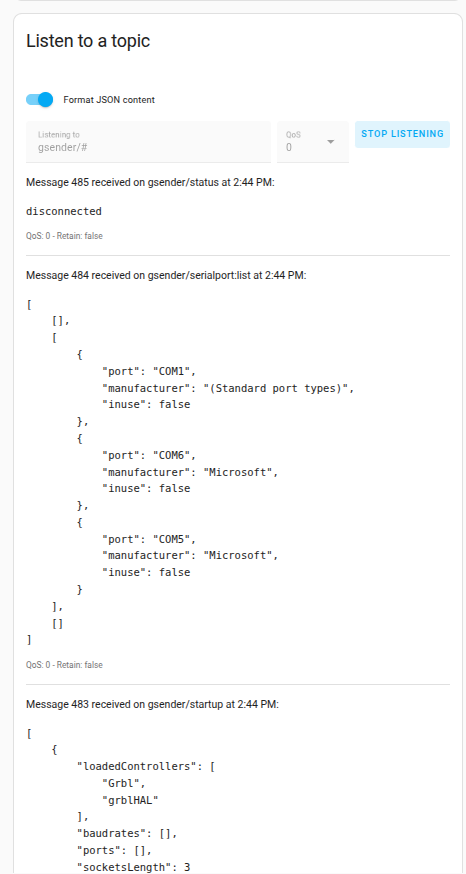
@darick_c Do you think it matters that I am connected to the SLB_Ext via ethenet? I keep only seeing the same three messages when I listen to gsender/#
I have disconnected/reconnected to the SLB, loaded different files and jogged around but still only the same 3 messages
Message 1730 received on gsender/status at 5:09 AM:

disconnected

QoS: 0 - Retain: false

Message 1729 received on gsender/serialport:list at 5:09 AM:

[[],[{"port":"COM1","manufacturer":"(Standard port types)","inuse":false},{"port":"COM6","manufacturer":"Microsoft","inuse":false},{"port":"COM5","manufacturer":"Microsoft","inuse":false}],[]]

QoS: 0 - Retain: false

Message 1728 received on gsender/startup at 5:09 AM:

[{"loadedControllers":["Grbl","grblHAL"],"baudrates":[],"ports":[],"socketsLength":2}]

QoS: 0 - Retain: false
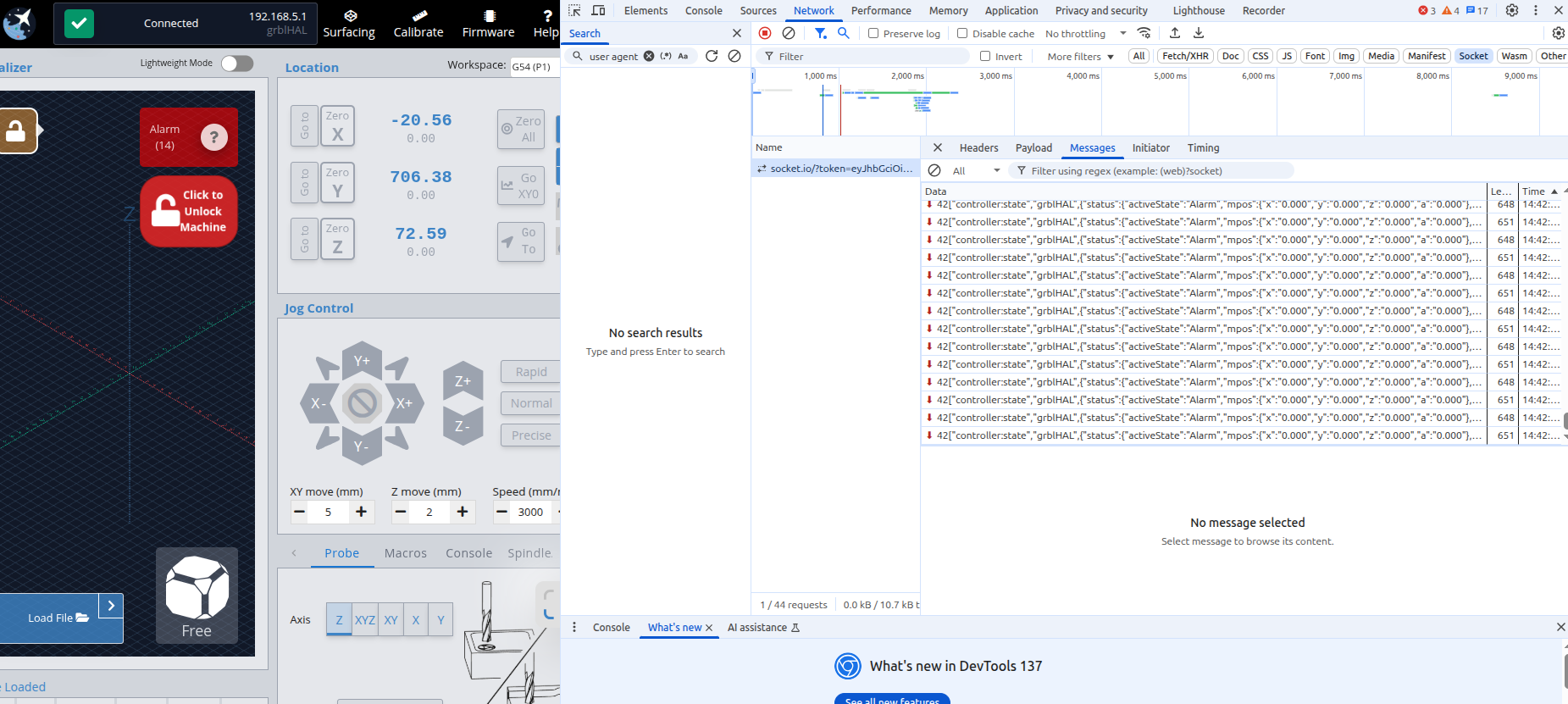
If you are connected through ethernet, then I would think it should show up when doing a “gsender/serialport:list”. If you access it remotely and open developer tools (F12 should open dev tools), go to the network tab, refresh the page so things start showing up. Then click on the socket filter and then click on the entry that should be showing. You can see what it is sending to connect. I’m not using ethernet, so I wasn’t able to test that connection. But as long as it is working with the remote mode option, we should be able to get it workin.
ok so for starters, I guess I did not understand that I actually had to USE the Remote connection - only that I needed to have it on.
Once I used the Remote Connection to connect to the SLB, the Dev Tools started to populate.
However, still not seeing the same in MQTT/HA
You shouldn’t have to use the Remote connection it for it to work, we are just using it to find out how it is connecting. Can you connect to the SLB on the machine running sgender, then open up a browser with dev tools and show what it shows as you connect through the browser? I want to see what it is sending to connect to the SLB from the browser. There should be a commend sent called “open” and then some data that it passes.
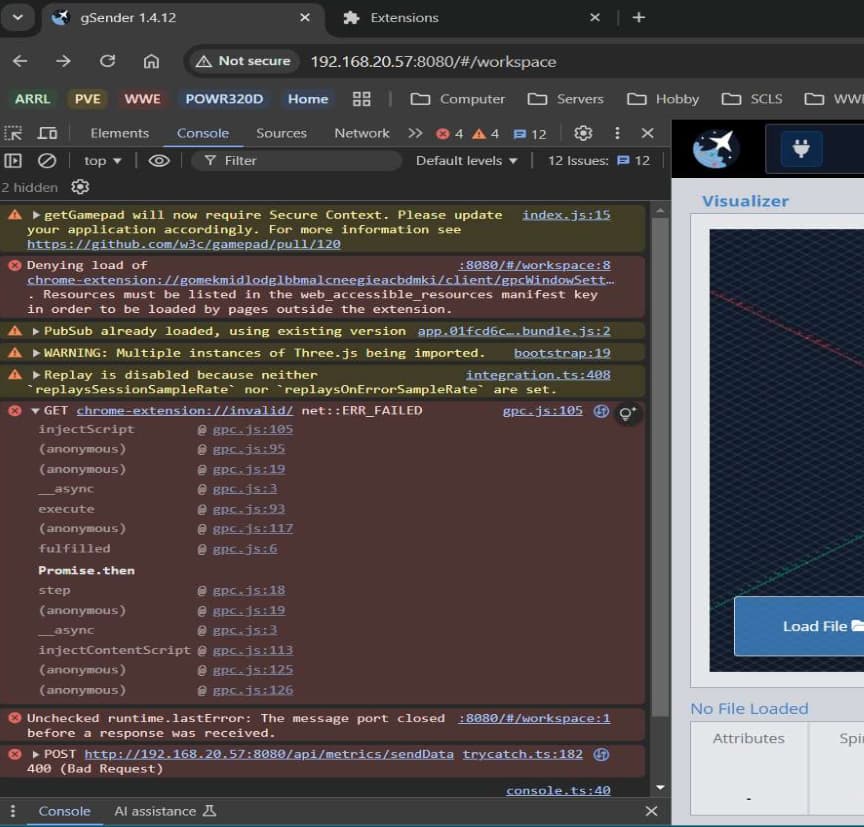
Not sure I know how to acquire what you are requesting (but really want to). I can’t seem to get ‘Console’ when using the browser on the gControl to access the remote. Is there a different filter I should be accessing?
If I switch the firmware to grblHal, it shows a “serialport:list” with the ethernet address in it and then if I try to connect, there is the open command with the address: [“open”,“192.168.5.1”,“grblHAL”,{“baudrate”:115200,“rtscts”:false,“network”:true}]. So if we have a setting and you add the IP of the SLB for it to connect, then that might work. Let me put that in and upload a new image.
The docker image has been updated. Pass in the IP address of the SLB using GRBLHALIPADDRESS. This will try to connect using that address. If you still get an error, there might be some more information I need to pass in.
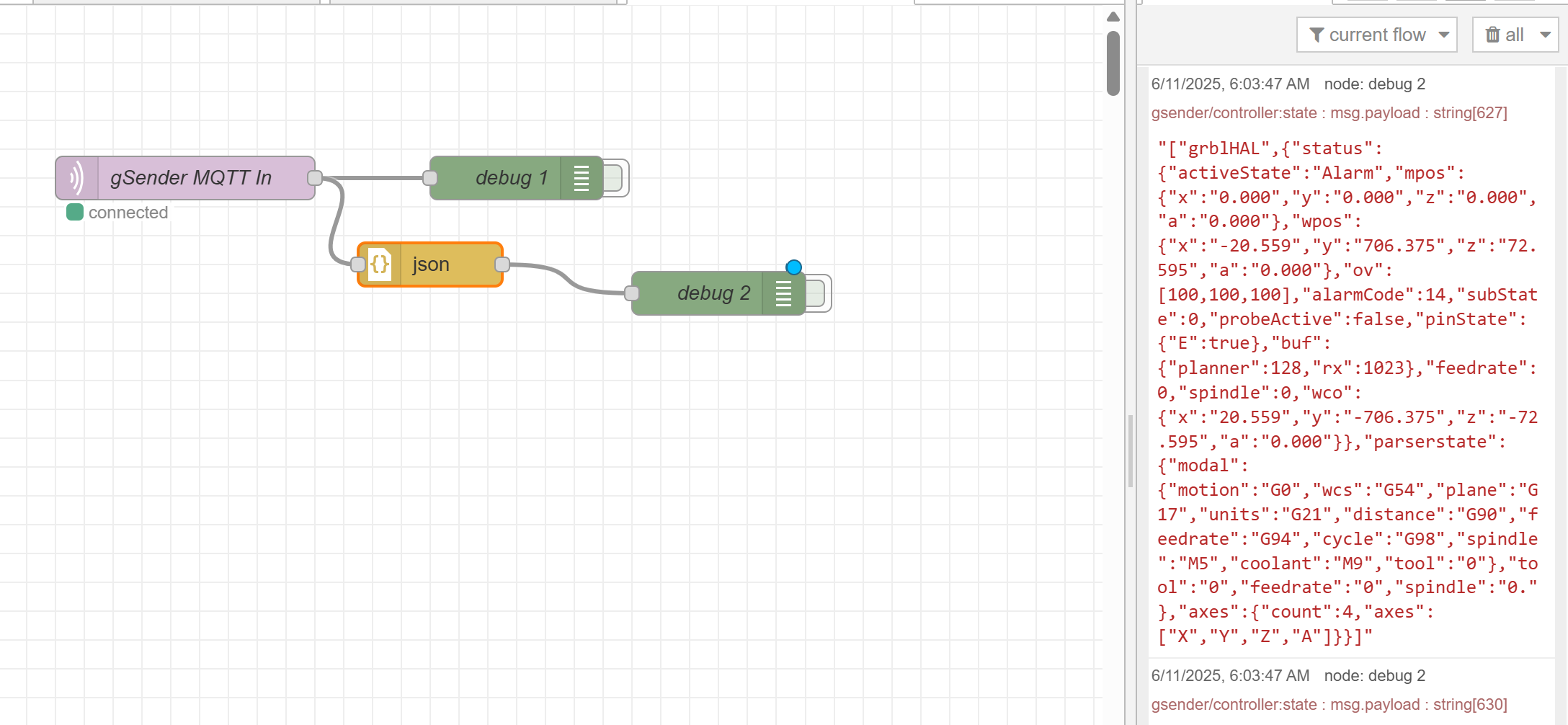
Now to learn Node Red so I can do something with all this data lol… I’m trying to reverse engineer other people’s work, not that I 1) know what I am doing, or 2) know what I really want it do haha
Hello,
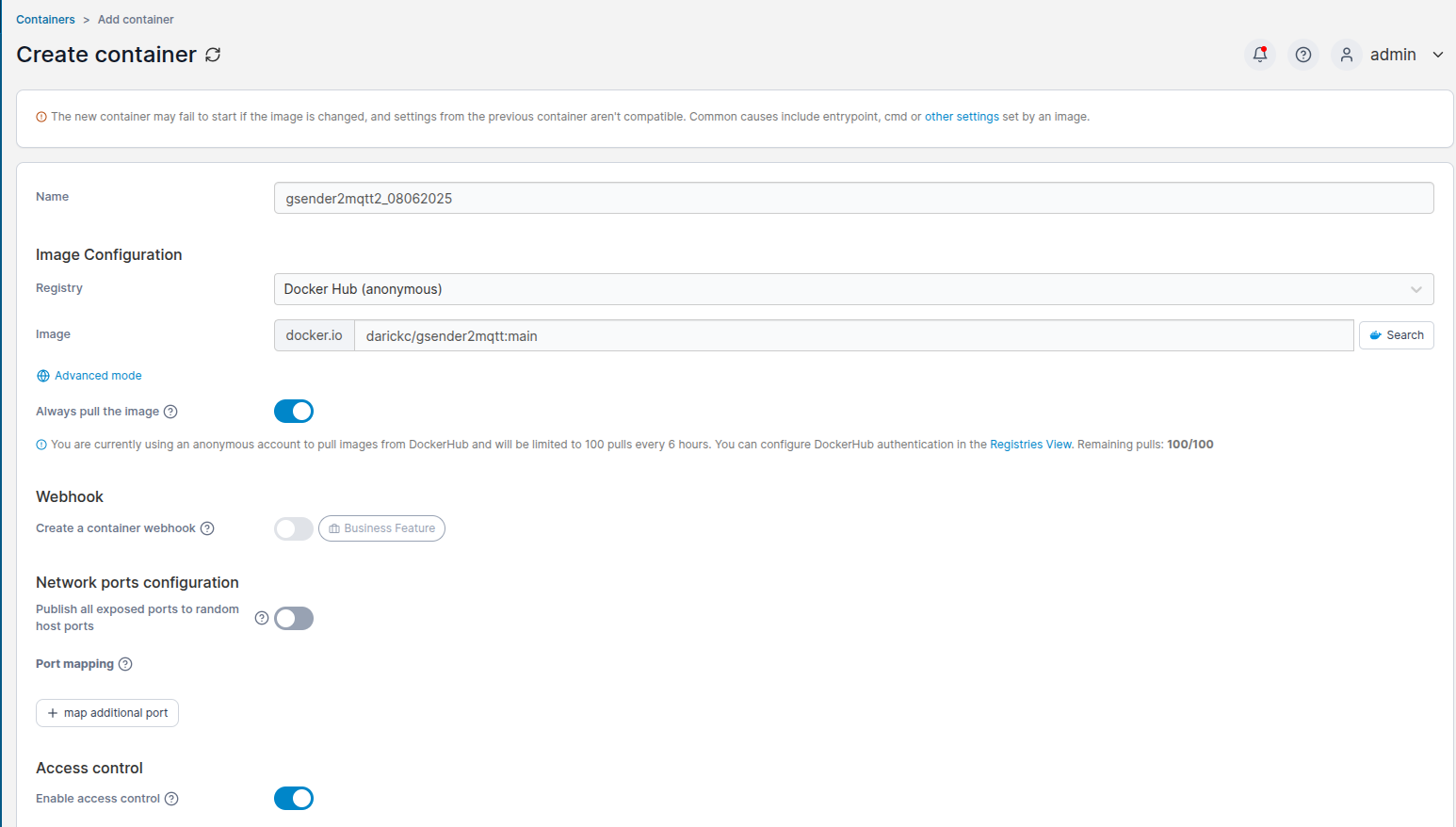
I need help to build the image in portainer. Normally I use images on the docker network. How do I build your gsender2mqtt image from github? Thanks for your help
You should just be able to create a container using the github as the image.
You can go back in later and update the .env settings… it’s been a while but I believe that is what I did - or I ‘recreated’ it with the updated settings.
Thank you whitewolf. It did not work at the beginning, not sure what was wrong, it did not find the image. But finally I got the container running. For the moment nothing arrived yet in HA. Did you subscribe to the top explicitely?
Update: so I added /# in the listen to topic (gsender). Now I see the messages coming in but is did not create any entities in HA
I attached my NodeRed flow that I have installed - not sure if that will be of use.
Also - if you have not figured out, you may need to restart the gsender2mqtt container each time you power up gSender for it to reconnect.
So yeah - for whatever reason (and there is likely a simple fix), gsender2mqtt will not auto connect to gsender.
Here is what I created - uses UptimeKuma to monitor gSender and then the Portainer integration to send a restart for the container:
alias: gsender2mqtt Restart
description: “”
triggers:

trigger: state
entity_id:

sensor.gsender_status
from:

down

up
conditions:

actions:

action: button.press
metadata: {}
data: {}
target:
entity_id: button.gsender2mqtt2_08062025_restart_container
mode: single
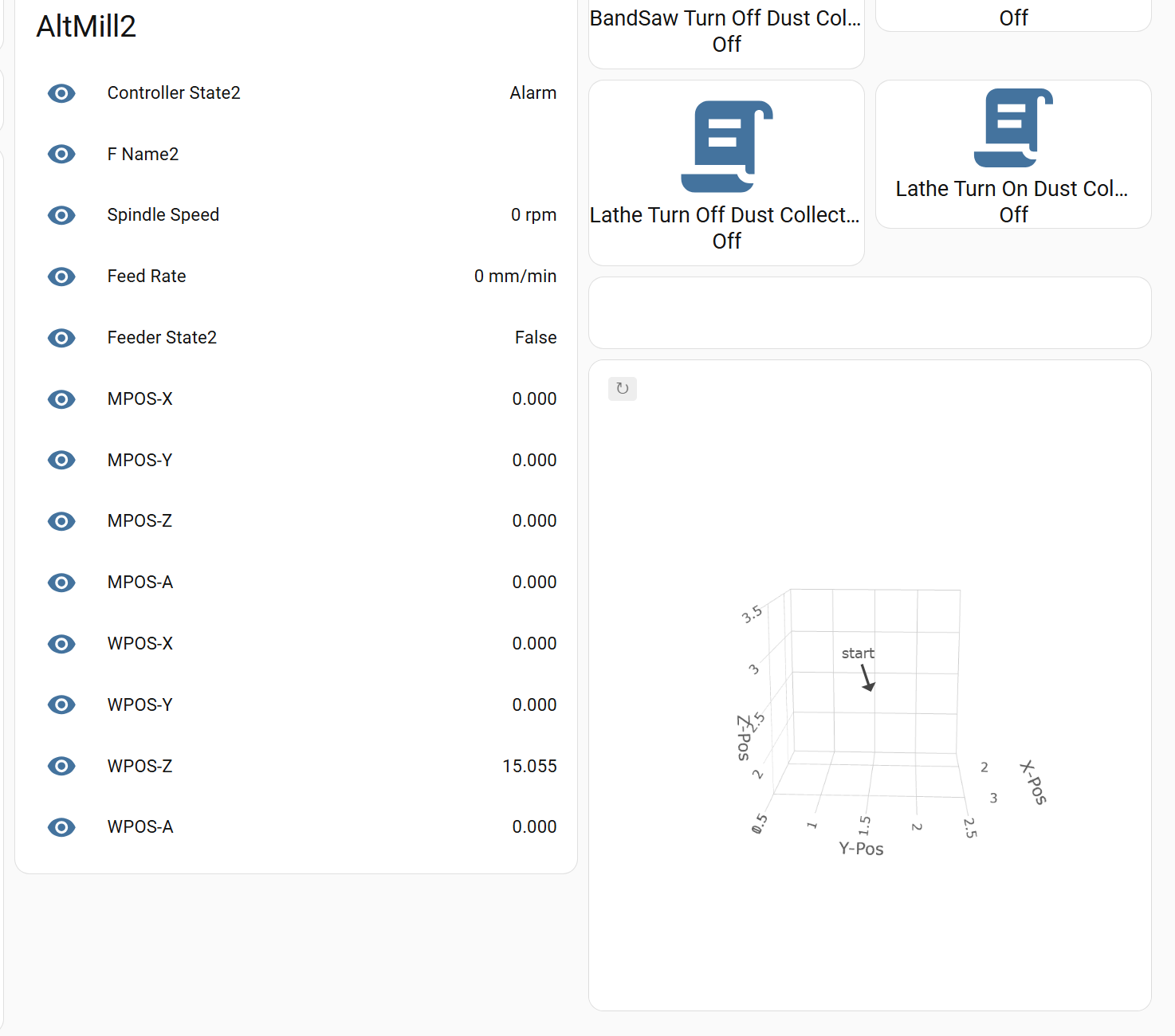
Seems to work, I just tested it a few times. I have not worked on this in a little while and have barely had time to use my AltMill but what I would REALLY like to achieve is a working visualizer in HA.
Here is what this portion of my Shop Dashboard looks like:
Thank you again, you did a great job here. Actually I was not aware that I should use NodeRed. I tried it with the mqtt integration for now. My Zigbee2Mqtt works great, but it does not create any new entities or devices / sensors for gsender…