The post by @mick_s on the layout of some buttons in gSender got me to look into the pendant again. The pendant that I have (outlined here: Another pendant using a programmable keypad - Show Off! /  Projects - Sienci Community Forum) doesn’t really address the issue of the buttons being too close. When using it, I always had to pause to make sure i was pressing the right button. You shouldn’t have to do that. And the fact that it requires a USB cable meant that I wasn’t using it much.
So I decided to look at Touch Portal that @gwilki discussed in this thread. I had to upgrade my smart phone so my old one could be used as a pendant for Touch Portal.
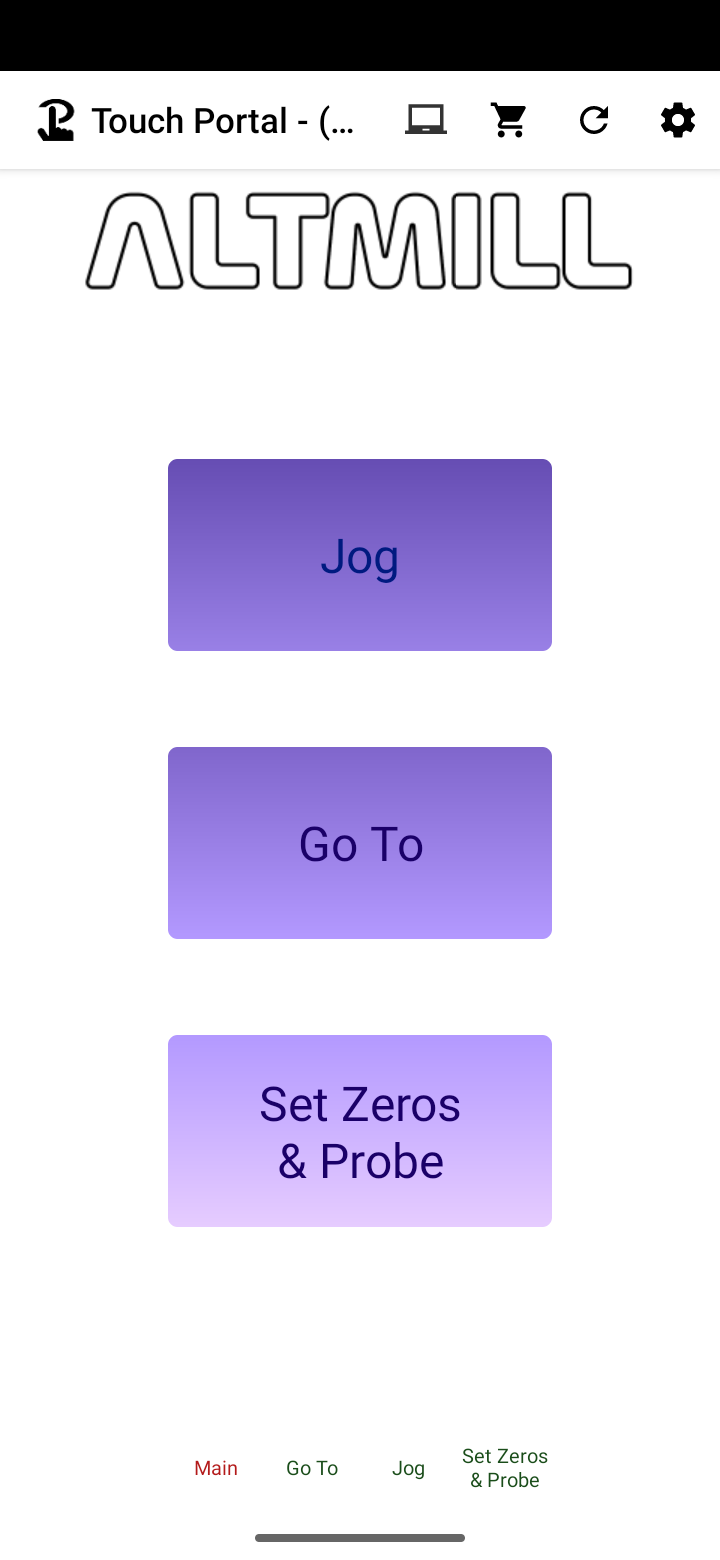
I spent a bit of time working on the interface today. I used some of the same icons I had for the pendant but may spend some time designing something more stylish later on. I have a grid of 6 x 14 with most buttons being 2x2. A finer grid allows a better layout for the buttons. The free version of Touch Portal only allows a grid of 2x8 so I had to purchase the pro version.
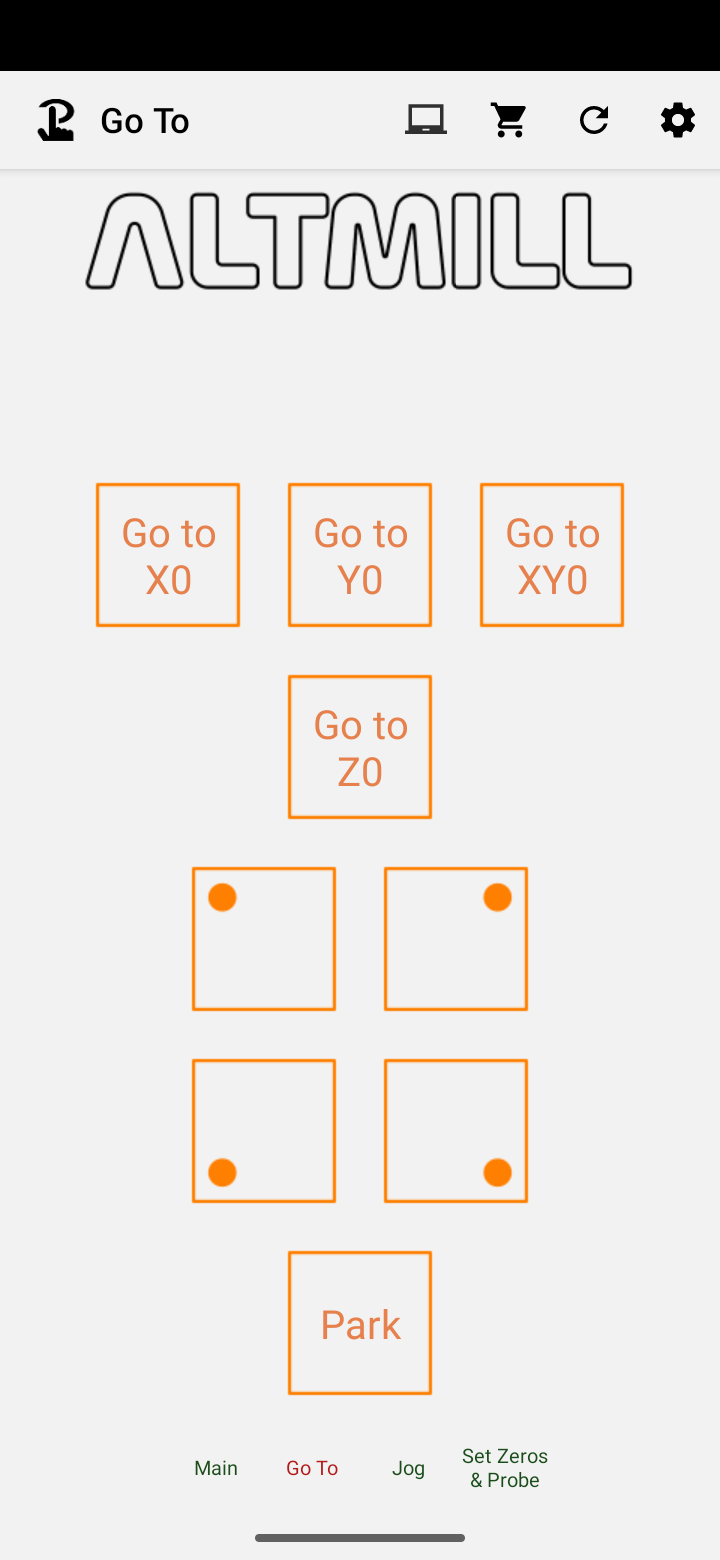
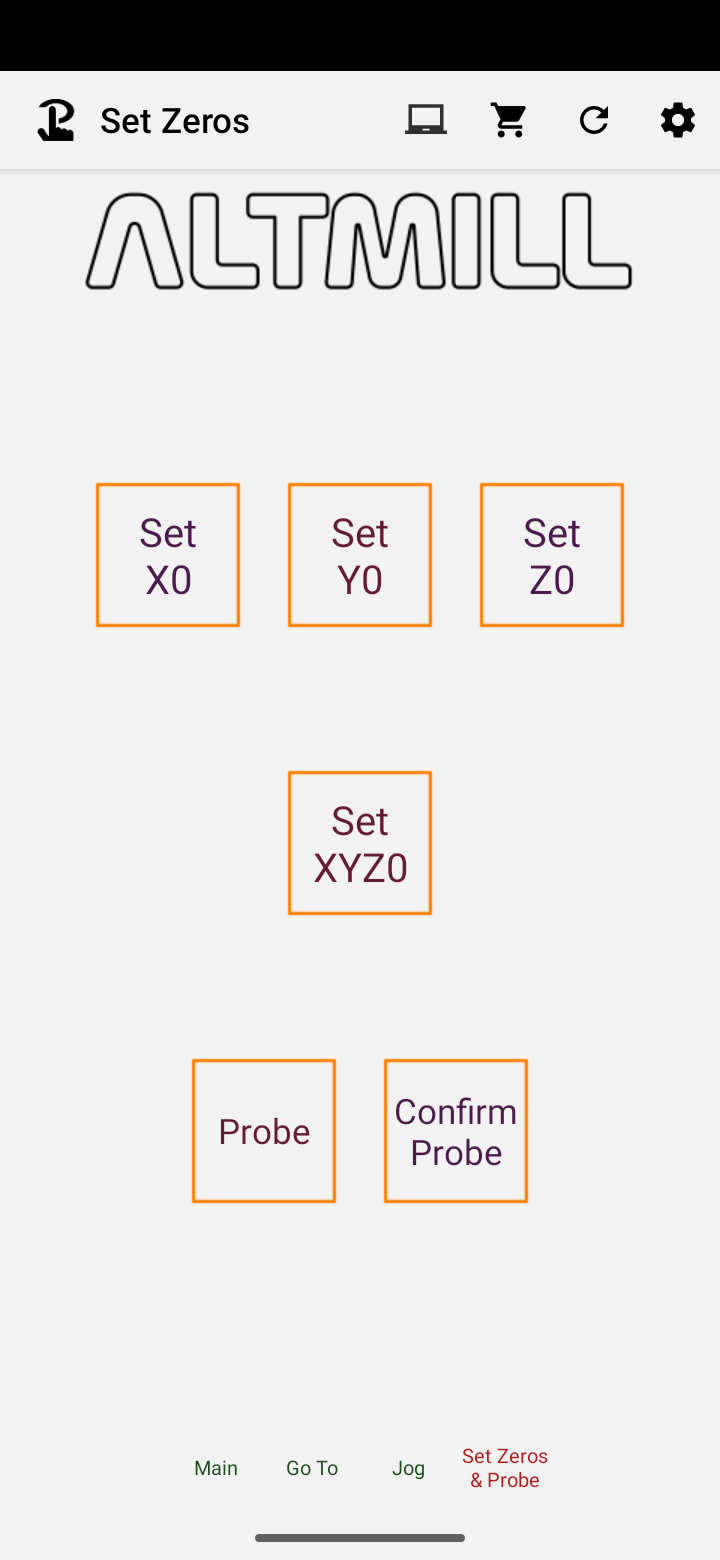
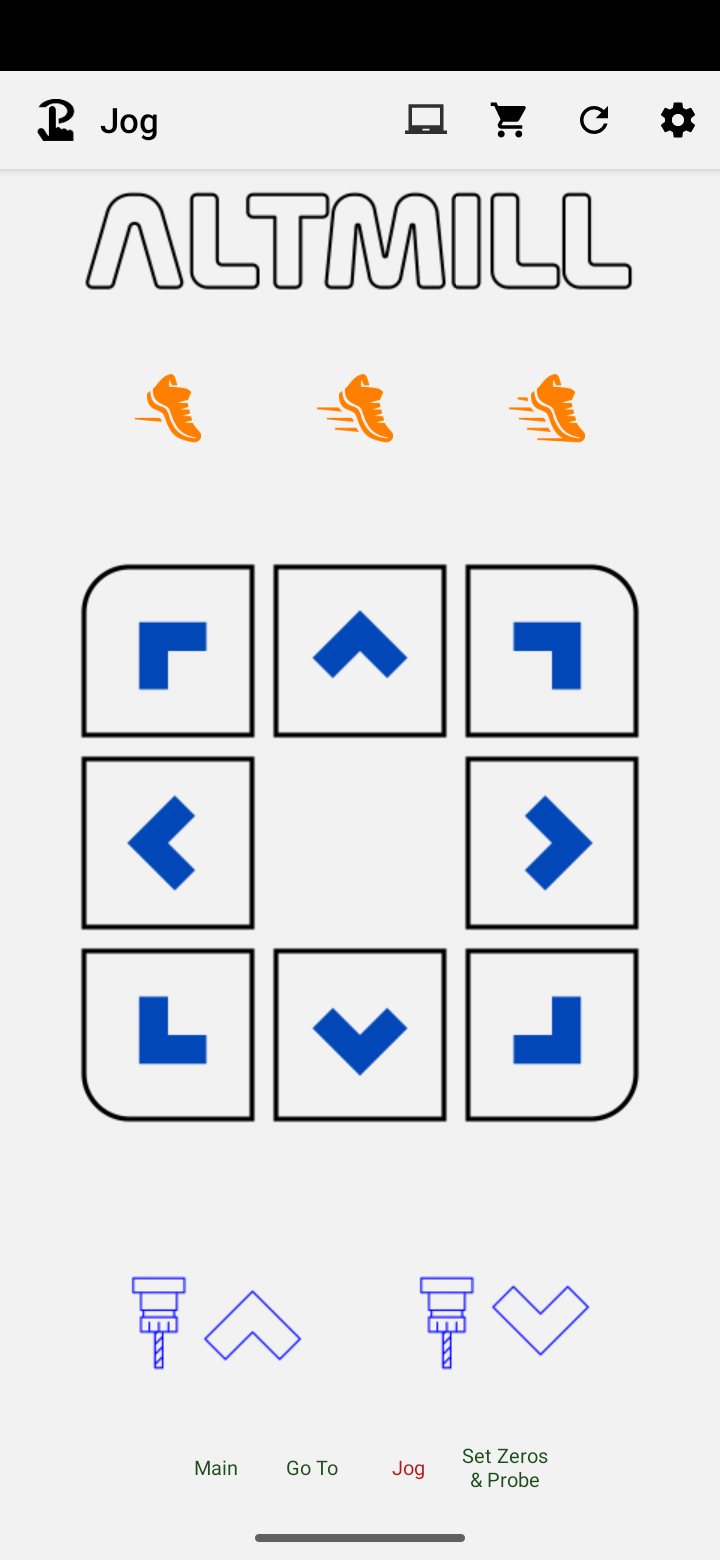
Apart from the main page, I have three pages defined. One for the GoTo’s, one to set the zeros, and one to jog. I think that covers most of the ones I would use close to the Altmill. All the other stuff I do at the gSender console.