Disclaimer: I am no cadcam expert. I come from working with electronics. The closest I have come doing CAD/CAM work prior owning a cnc was using Microsoft Paint, the old version. Take everything I say with a salt lake.
I have only worked with Vectric desktop pro and lightburn for laser jobs. This means I am not biased, for to be biased you need to have at least knowledge of the other side. I have not. This makes me a realy bad advisor on anything you ask. So the only thing I can offer is showing you the workflow on how you would be able to accomplish your goals on vectric.
Enough about me knowing nothing, lets see if we can somehow make vectric do what you like.
- 3D form creating, like drawing a box and work from that. I may be wrong but that is not what vectric software does. Prety much everything goes in 2D or at most 2.5D. (maybe a rotary can be seen as 3D work but that isn’t a cabinet so I disgard that as not usefull. I have not created cabinets and the likes. My work has been 2D/2.5D. So, I guess I am stuck with your #1.
However, you mentioned designing inSketchup, and I took that as my hold on and did some research as to integrate that design programm into vectric and came up with the tutorial below. It’s mul;ti parts but I think the one linked here is enough to show you can combine sketchup with vectric in a usefull way. I bet other design software might too.

2 changing parameters. This can be done in a few ways. If all you need is scaling the complete cabinet, you can do it this way:
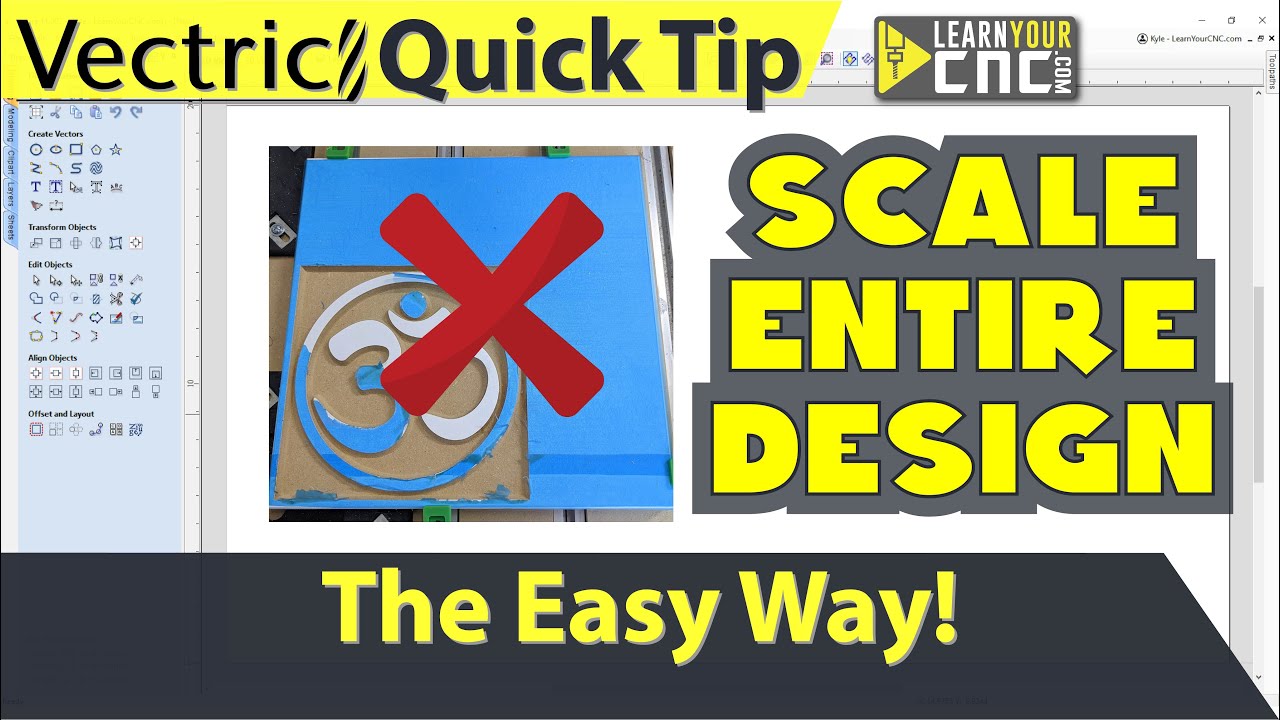
However, this may affect offsets that you might not want to scale.
You can create a template library as you go and resize like this:

- Find a png file and have it in vectric to play with is prety straight forward. Here is a basic laydown of how its done:

Here’s howto trace parts of a bitmap:

Ultimately you want toolpaths. So what can vectric do for you there.

I have forgotten the reason I went with vectric over other software, but I think one of the reasons was that you can find a ton of tutorials for it. Having no CAD/CAM experiance under my belt, that must have been one of the deal makers.
I think these videos cover prety much everything you need to know to use it making cabinets minus perhaps your desire to select one part and have it automaticly scale other parts with it. That went waaaay over my head.