Hey yall now that i have the learning curve for the actual machine under control i am wondering how many of you have used your altmill or any cnc for that matter to draw out patterns for things. the little sharktooth drawing tool made to mount into your spindle. how do you set tool depth with that? will gsender just send her out there without knowing the tool length? can i just set the zero a mm above the drawing surface and set the file to go one mm depth? will gsender even run without sending a speed command to the spindle? yes i have lots of questions.
I can’t say anything re tool speed but I can say that you can’t mount a pen rigidly. The pen needs to be spring loaded and you set the zero point just a tad below the paper so that the pen can press against the paper but not get forced into the paper (hence spring pressure)
The subject has come up in this forum (ie Spring loaded pencil holder for Altmill and others). You could also look at Thingyverse and search for ‘mill pen holder’ or similar. Even if you don’t have a 3D printer, it will give you ideas.
1 Like
yeah there is a little tool im eyeing. its spring loaded made of metal. .25 shank. its a lil pricey but i still kinda want it. just trying to get some knowledge of the idea from some one that might have done this already. rather not learn the real hard way.
@courtney what @Jens said. Use a spring loaded holder and set the depth of cut to 1mm. I also disabled the spindle in gSender so the tool speed was irrelevant. Others have said they just put a speed of zero but vCarve didn’t want to let me do that. I didn’t investigate further once I figured I could easily disable the spindle.
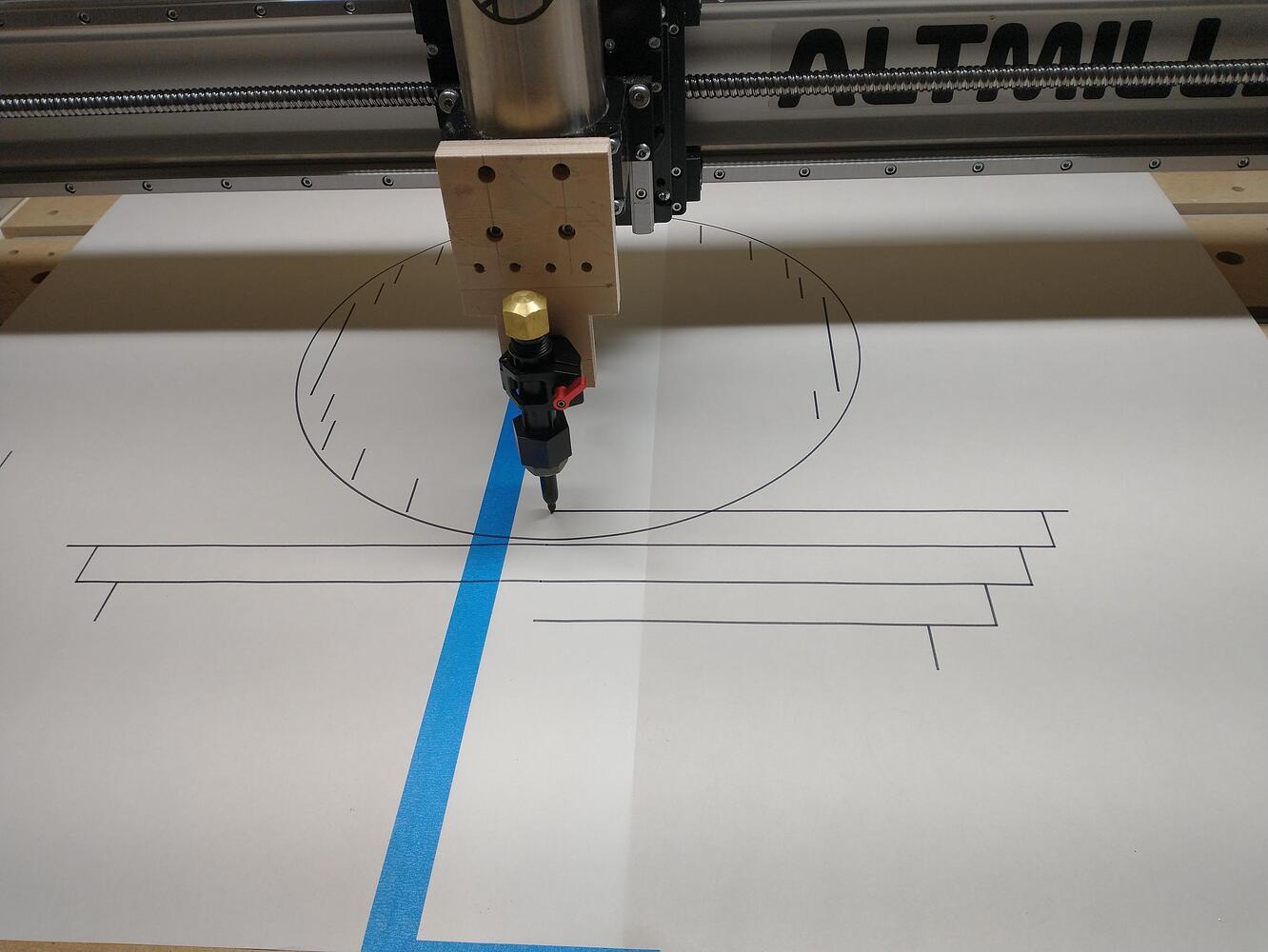
Mine bolts to the front of the spindle mount. Done with $10 of plumbing parts
1 Like
ok. i have confirmed carveco maker + will infact let me make a tool path with zero spindle speed command. and now i can just turn off the spindle on gsender just to be double safe?
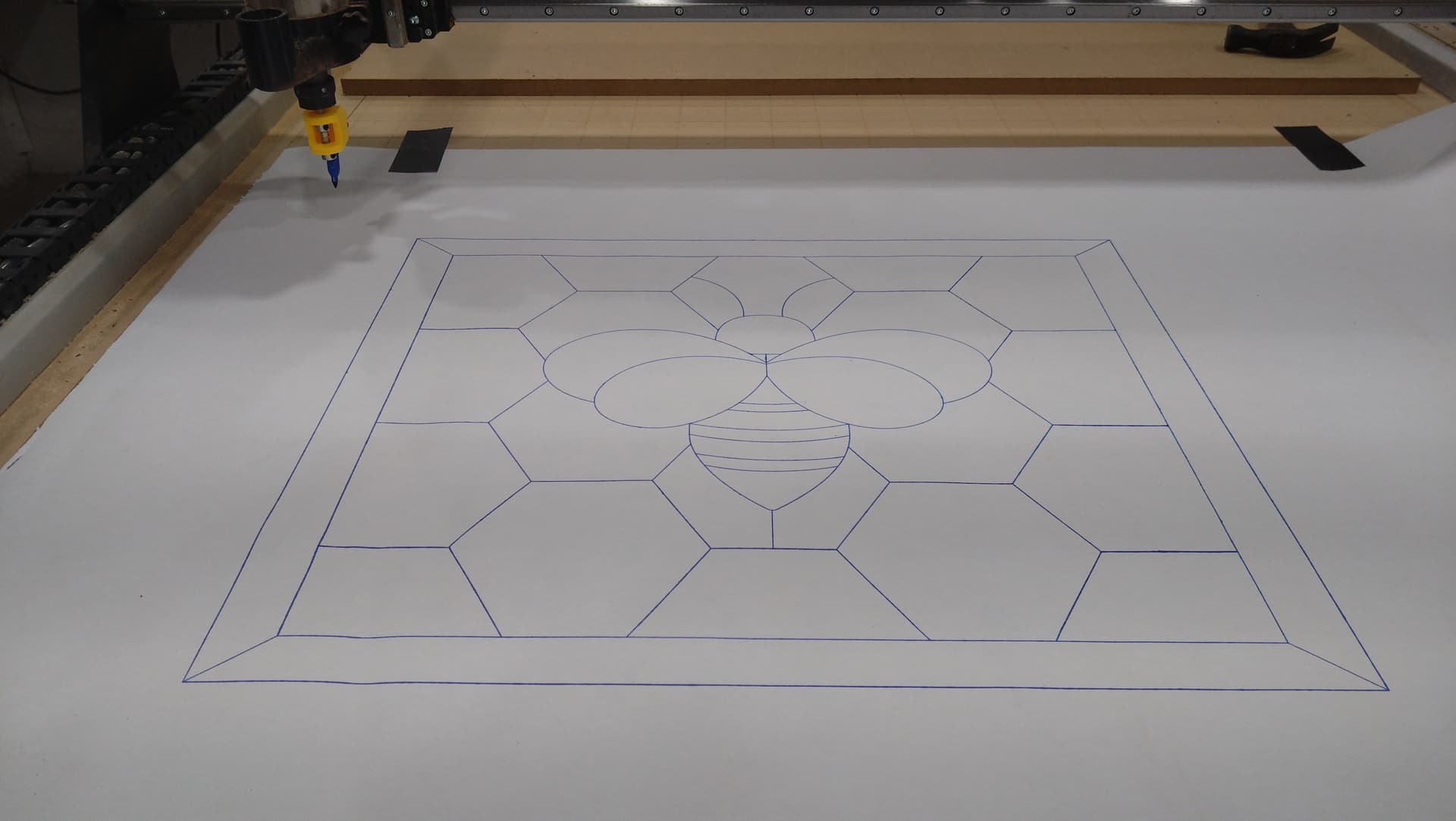
i intend to make stained glass patterns to lay out on a light table. (yes all of my cabinets are going to have leaded glass inserts dont judge me lol)
Pictures, we need pictures (of the result)
2 Likes
Checkout Free Downloads – DrawingBotV3 for a great piece of software to create drawing gcode with
@courtney If you search on “pen holder”, you will see a few ideas that members have cobbled together. There is also a simple 3D printed version that I’ve tried and it works very well. All are spring loaded.
Here’s a link to a post that I made, using a design by @kellyz
1 Like
I have the sharktooth and I use it off and on. I turn my VFD off (set to manual) and set the speed to 0 (minimum speed the spindle will actually turn is 400 so it would never turn on anyway)
I set the “depth” by touching a piece of paper with the sharpie just enough to engage the spring and set that to Z zero. I set the depth to .2mm
I can’t say any of this is official and recommended but it’s how it works for me. I’ve tried a dozen cheap homemade and 3D printed holders and none have worked consistently over time.
I’ve thought about doing this, and bought this pen holder on amazon, but I haven’t had the time to figure out how to integrate it. Just putting this here for brainstorming
Hey Steven,
If you have a genmitsu, then it should be as straight forward as replacing the spindle with tne pen holder, I guess. If you have a machine with a more robust spindle (65-80mm), I would opt to mount a seperate spindle bracket that will fit the holder (42-44mm) at tne front of the more robust one. Something like this:
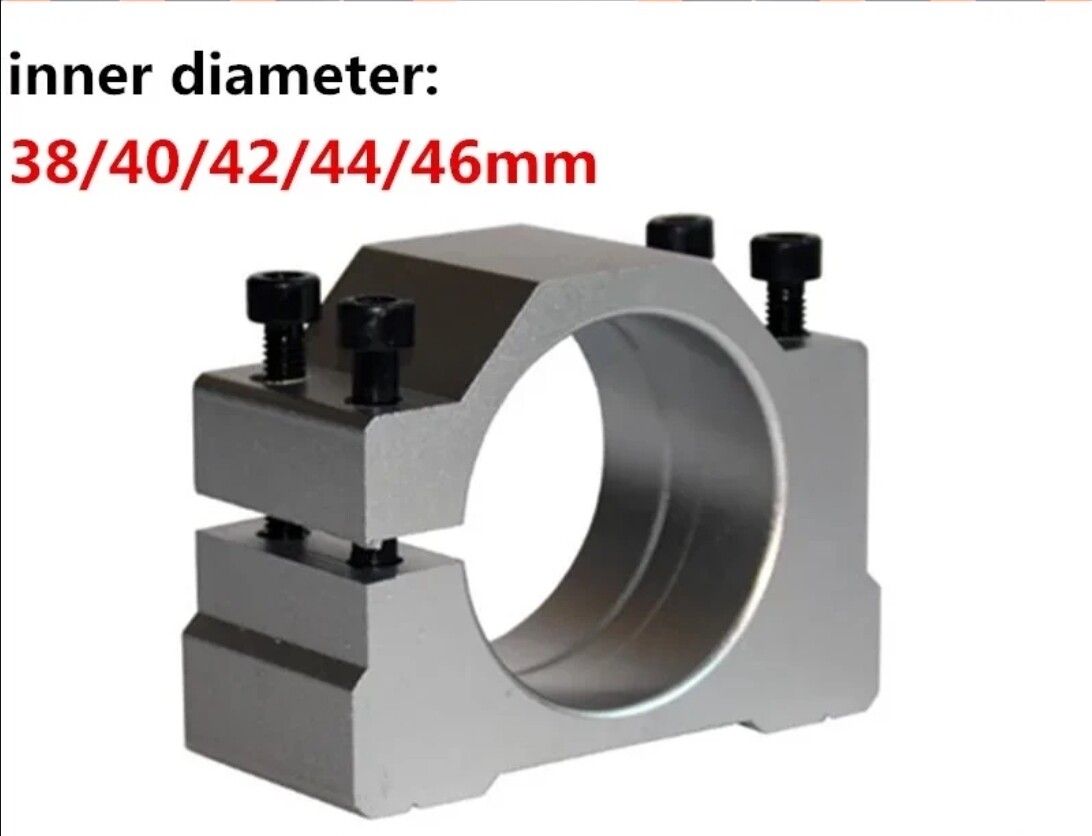
You could even opt to mill or print something simular yourself.
cant draw worth a crap? no hand eye coordination? no sense of proportion?
GOOD NEWS!!!
for the bargain price of $4500 buckaroos you too can overcome your complete lack of talent and make stained glass patterns yourself.
GOOD NEWS!!!
for the bargain price of $4500 buckaroos you too can overcome your complete lack of talent and make stained glass patterns yourself.
7 Likes
Courtney - I just placed my Altmill order and you already made me want something MORE! Actually the idea was already in my head pre-order, you just reminded me.  What did you end up using for the pen holder?