Hey folks, we’re back again with another Edge release.
We’re pretty happy with the pace we’ve made over the past 2 weeks in terms of feature completeness and starting to focus on reported issues and in-person testing. It’s very likely that future builds will largely be focused on fixing any behaviour problems and fine tuning the look and feel.
As always, there’s a large number of new features and fixes in this version so we’ll start with some highlights and dive into it.
Warning: There may be flash bangs ahead 
Park Mode
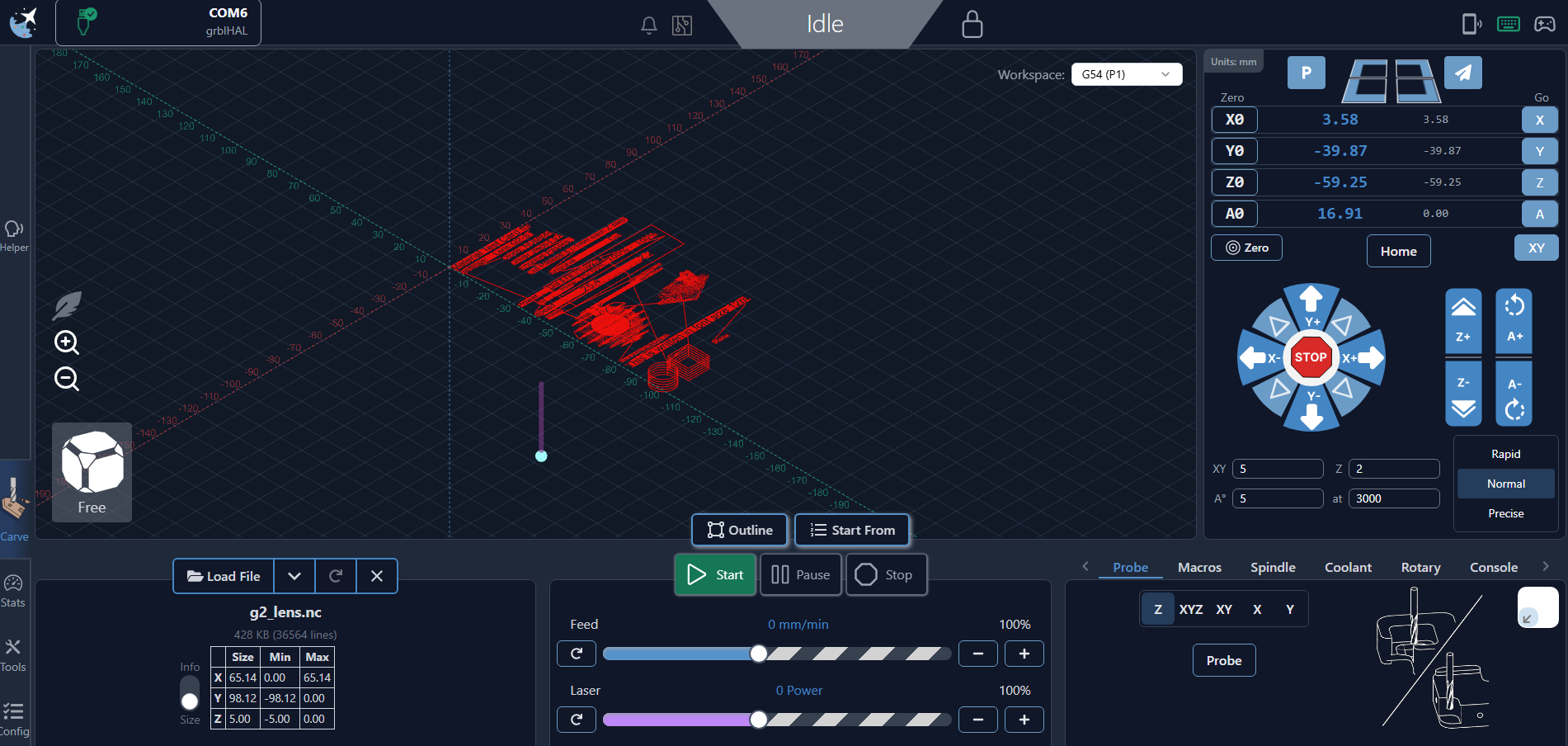
We’ve added a new functionality for machines with limit switches and homing enabled called Park. This function lets you configure a set location, and pressing the new UI button will safely move the router to that location. There’s a number of possible use cases (for example, setting the location close to the front for bit changes or near the back to move the router out of the way to clear your workpiece) and we’re hoping it’s a nice convenience for most users.
You can find the functionality on the main UI near the rapid position buttons if you have homing enabled. The behaviour is to move just below Z max height, move to the configured X and Y, and then finally move down to the configured Z location.
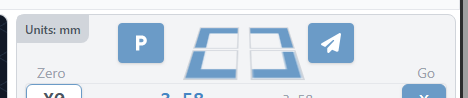
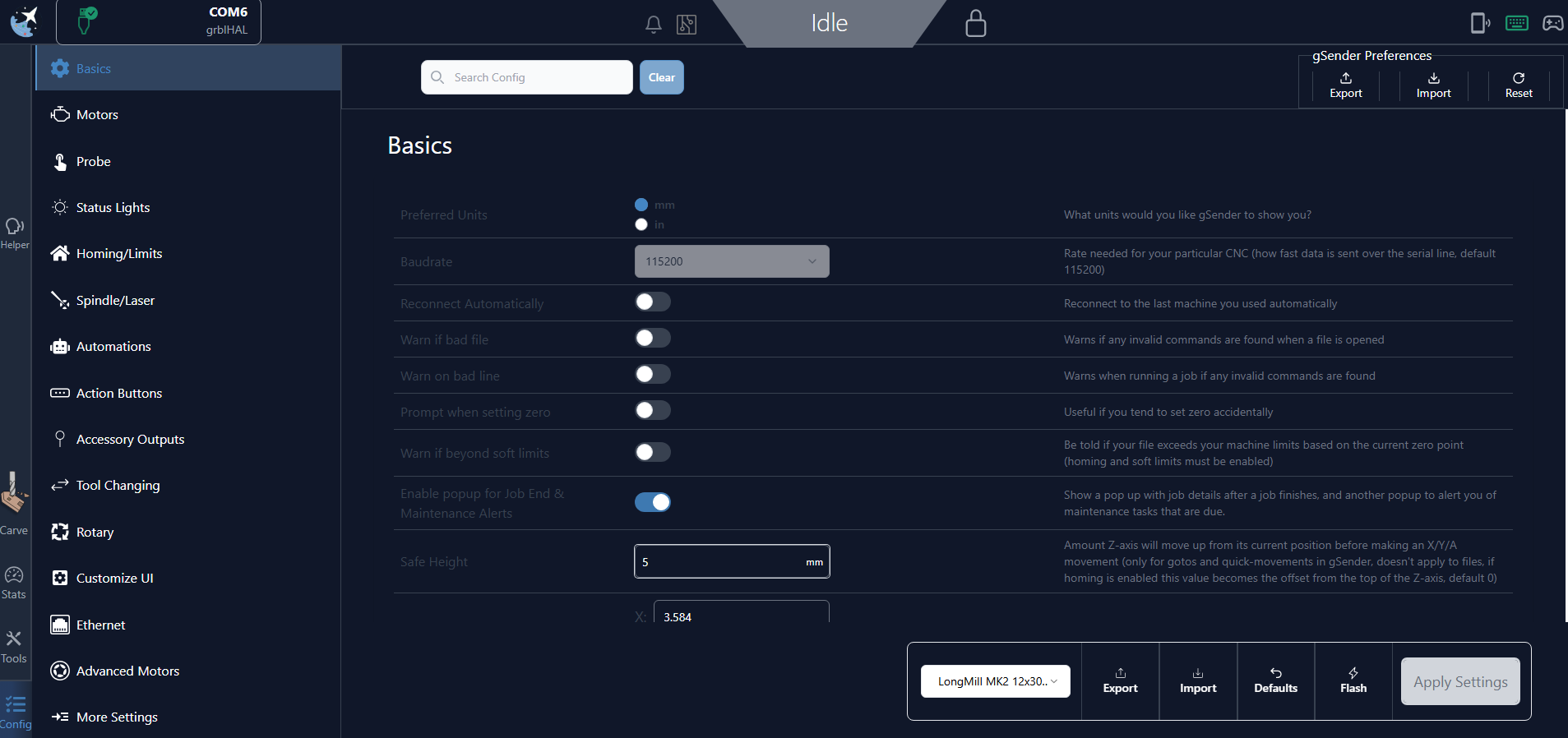
The park location itself is set in Config (Basics → Park Location) and has convenient buttons to both grab the current location and go to the set location to verify it’s accuracy.
Dark Mode
Let there be light dark!
Long asked for, we’ve added Dark mode to the gSender UI.
You can toggle it on with the click of a switch in Config (Customize UI → Enabled Dark Mode).
While there’s still a number of readability tweaks we’re planning to make, we’re very happy with the look and feel of this and hope it becomes a popular addition to the software.
Shortcuts
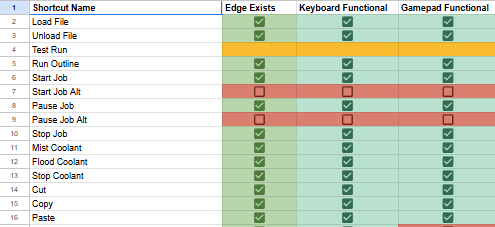
A large effort was undertaken by a couple members of the team to both verify parity of shortcuts between main and Edge and verify they are working as expected. We’re reasonably certain we’ve added in all the missing shortcut functionalities and fixed some broken/different behaviours (such as continuous jogging).
Settings Import in Config should let you import your old configuration from main gSender for testing (this was also true in the last build, but there was a bit of a miscommunication between team members - oopsies).
Gamepad default profiles have also returned, and editing gamepad shortcuts should be more functional in this build.
Lightweight mode alterations
Lightweight mode behaviour has been updated. Rather than individual toggles, we’ve added presets which govern behaviour. Everything is the default behaviour, with full animations and visualization. Lighter swaps out for the SVG visualizer. Off turns the visualizer off.
Lightweight mode is toggled using the feather icon location on the Visualizer.

gSender Update - more info available
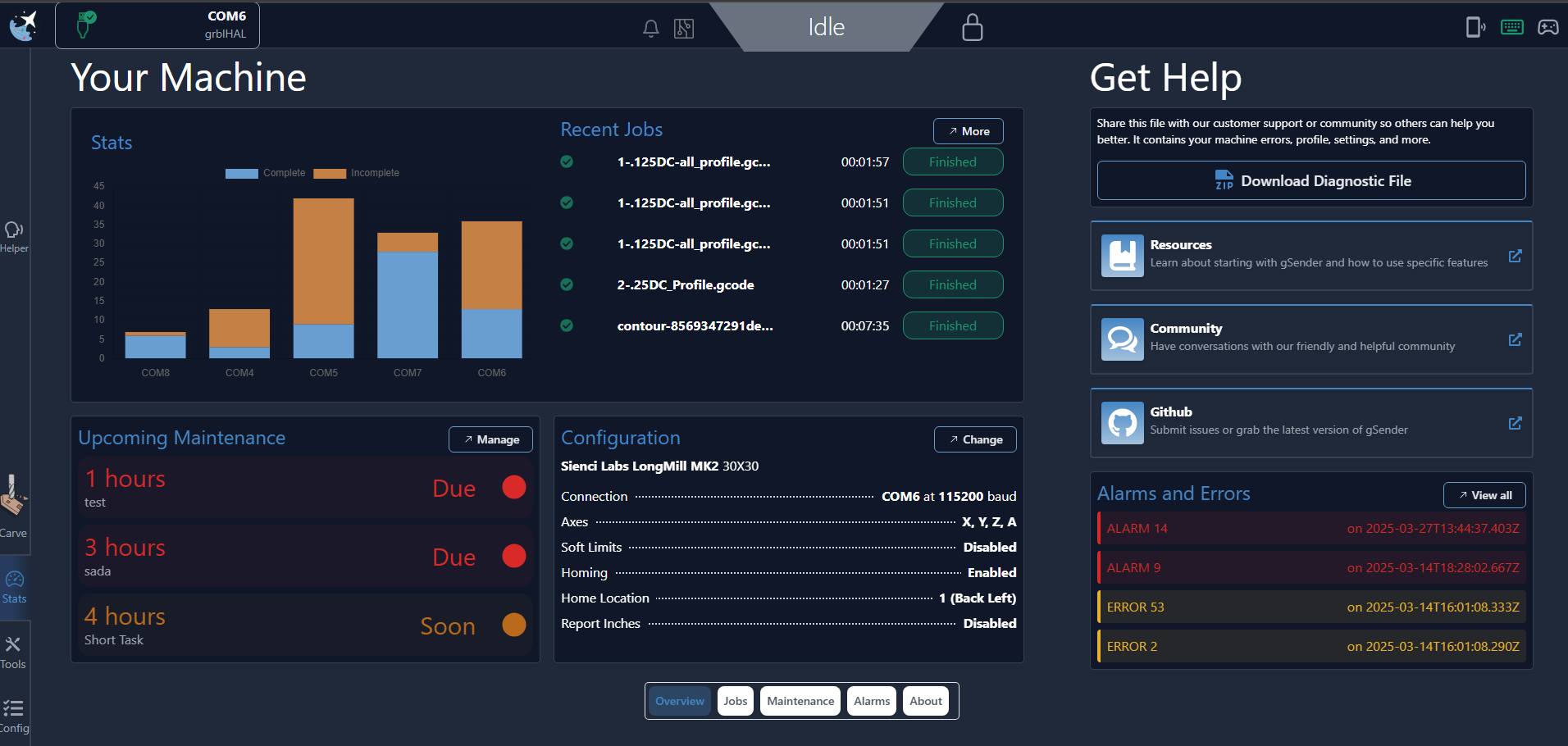
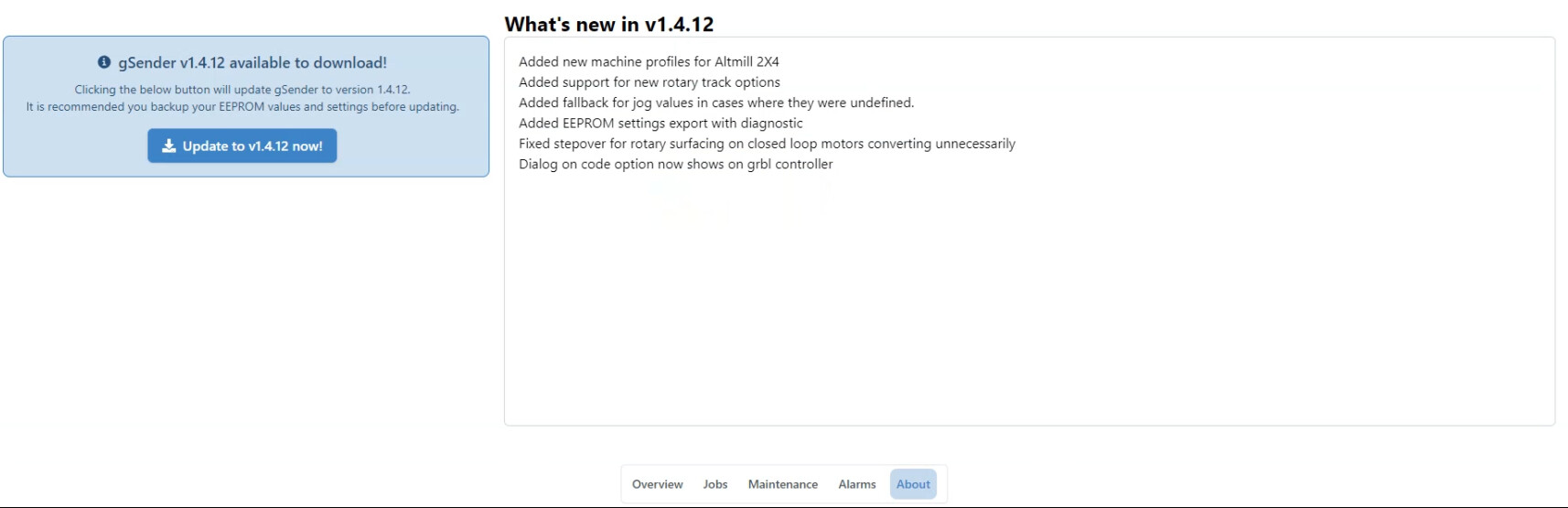
We’ve made some tweaks to how gSender informs the user when an update is available. On top of our beautiful bouncing boy on the logo informing you when a new version is available, clicking that now takes you to the about page, which now includes Patch notes from the new version so you can check what’s changing before you update.
On top of that, we’ve added a percentage indicator when downloading so you know how long you have left.
Everything else
- Macros running state and animation returned. Editing and adding macros should behave the same, closing the modal.
- Added numerous missing config options
- Updated some config behaviour to hide options based on other selections
- Added Default Firmware, which is used as the fallback controller option in cases where connection cannot determine which firmware it is connecting to.
- Numerous jogging behaviour and jogging area look/feel changes.
- Jog values again editable
- Added missing jog config feedrate options.
- CW, CCW for spindle commands have been renamed to For and Rev in several places for consistency with most VFD labelling.
- Consistent look/feel on units in Config area.
- Stats tool - numerous look/feel changes and functionality fixes for maintenance tasks
- Various look/feel changes across UI
- Numerous other bug fixes.
Download
gSender Edge can be found on Github.
 . Tested on my machine last night as thoroughly as possible… all is working for me with exception of the Tool change ‘helper’ dialog. I mentioned this previously as was not working correctly in Edge 3 & 4 and is still having the same issue… that is: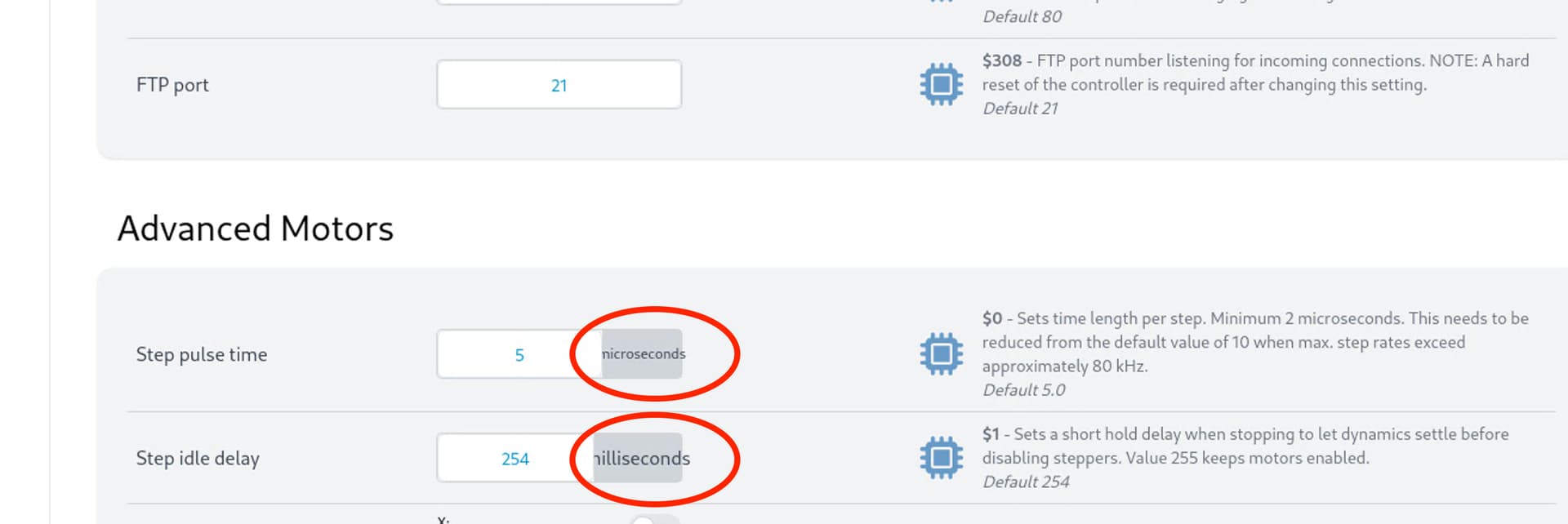

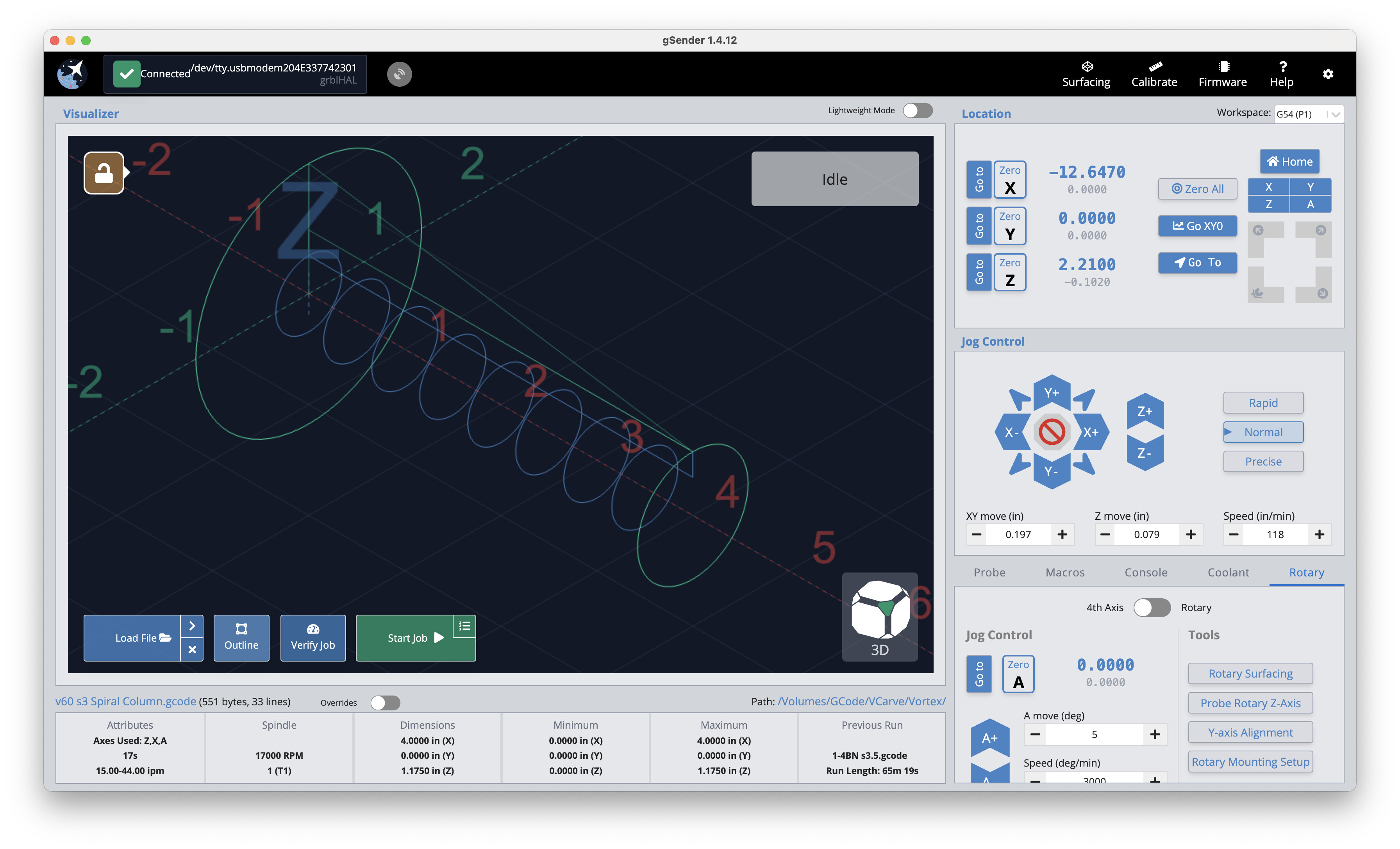

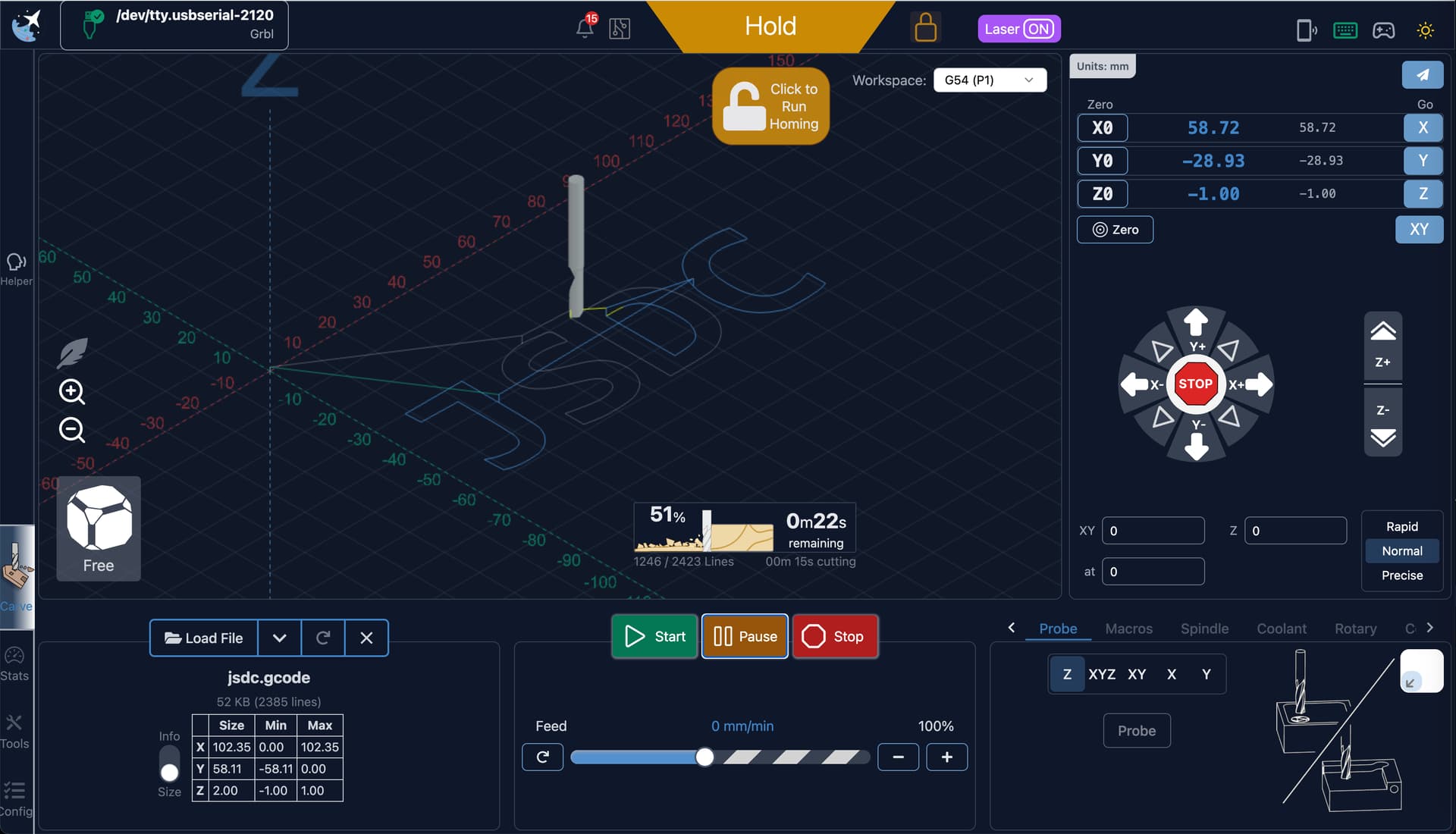
 you’ll see them in the visualizer. Orbit is still good to go with one finger, and panning works with 2