@Chucky_ott Try this one, please. I don’t have 1.5.7 installed.
.125_mountain.gcode (2.1 MB)
@Chucky_ott Try this one, please. I don’t have 1.5.7 installed.
.125_mountain.gcode (2.1 MB)
@gwilki Same problem
@Chucky_ott Fascinating. Short of cleaning up the 70 intersections in the file, I’m at a loss to know how to fix this.
@Chucky_ott @Greener This one verified to completion on my test uno running 1.5.7
.125_mountain.gcode (2.1 MB)
Edit It ran to completion on my test Uno.
Well I’m glad to know I’m not losing my marbles. What if anything did you change?
@Chucky_ott That’s odd, C, because I was able to run the entire file in 1.5.7, too. It took just under an hour. I also able to verify it in 1.4.12 on my live machine.
@Greener Since C was not able to run it, it appears that you are not out of the woods, yet. I’ve done all that I can do. The file was a bit of a mess. I cleaned up +70 intersections, a few zero length spans and a couple overlaps. Then it was a matter of cleaning up a few dozen nodes. All that said, I was a bit surprised that all my efforts had any effect. Given C’s experience, I will not do any more on this.
Well I appreciate all the effort to see what’s up. I will do another pass at the file and clean some things up, and try again later this week when I’ve got some time. Not gonna get it finished for walk throughs/photos this week, but it sure would be nice to get it completed/backlit for the new place.
@Greener Here is a link to the .crv file. I would like to know if you can get it to verify. It’s strange that I can verify it and run it and @Chucky_ott cannot.
@Chucky_ott I suppose that could be. I’m running a LM Mk1, no switches, with an SLB controller. I’m connecting Hal with ethernet.
I will give the new file a try tomorrow evening and see if I have any luck with it. For reference my machine is a LM 2.5 w/ slb and the z switch that comes with the beginners kit, which adds a bit more mystery to the situation it seems lol. Thanks again for all the help!
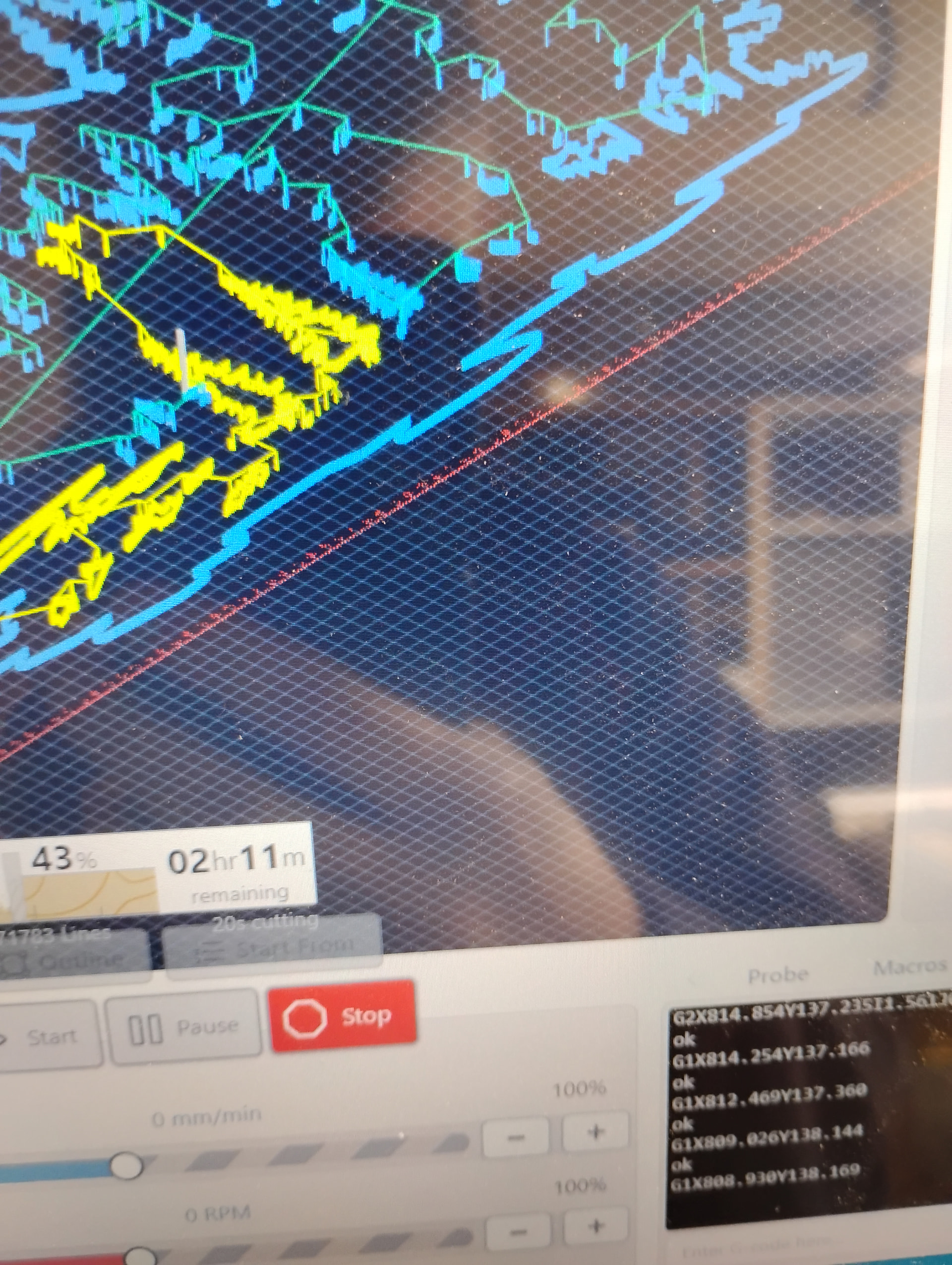
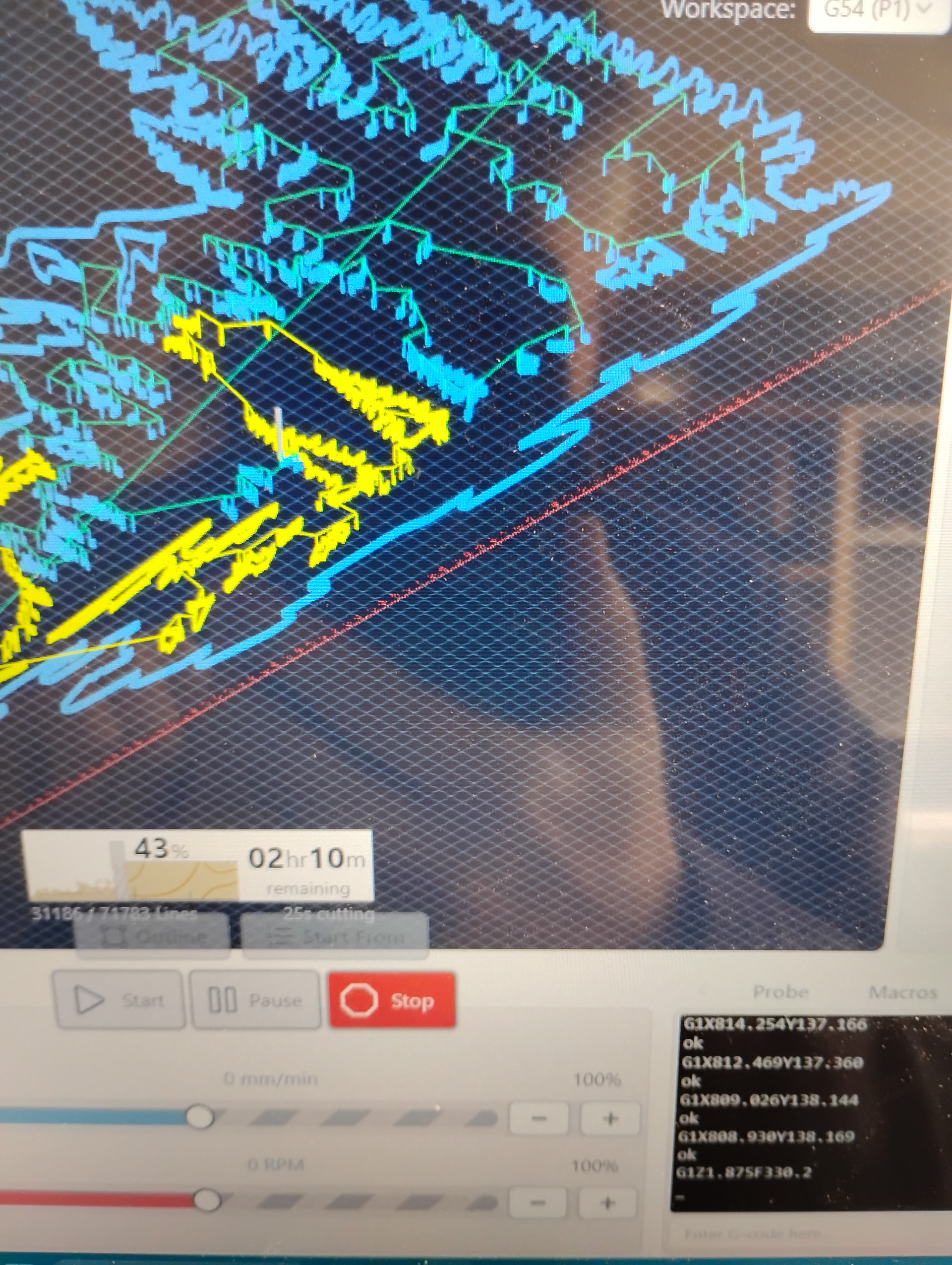
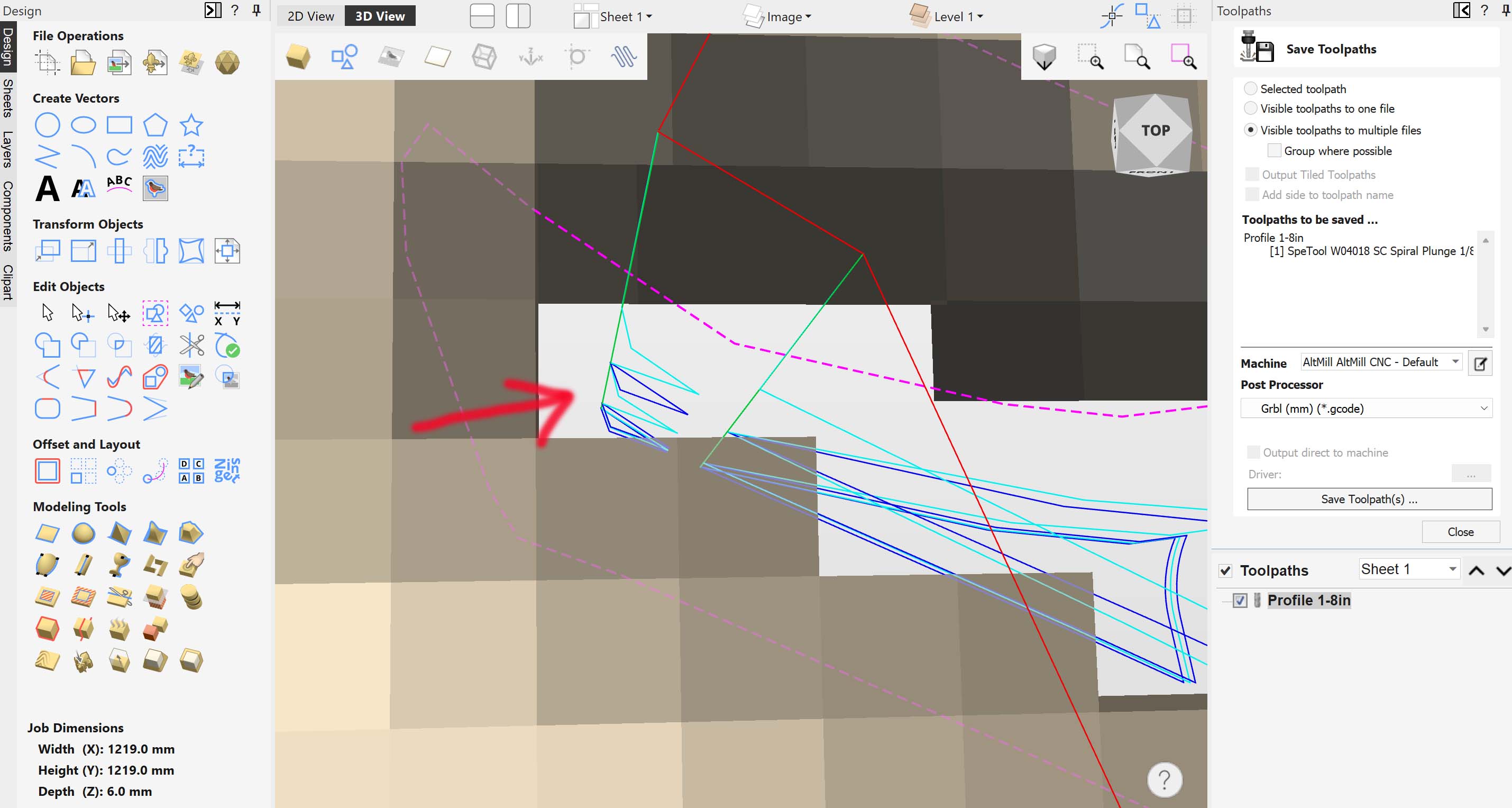
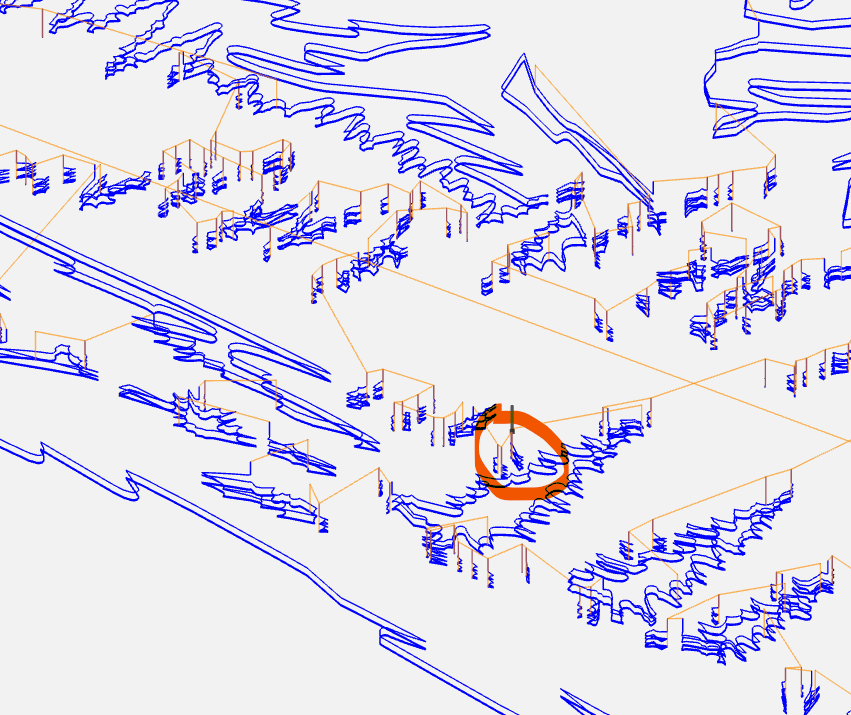
This was an interesting problem. After downloading the file and running it on my 4x4 Altmill, it stopped right in the same place as you said. I looked at the code and agree with the others that its not a code problem. I know I always shake things up a bit on the forums because my solutions seem unusual lol. When I first opened up your file I noticed that your bit was set up in inches but your project was set up in millimeters. I know this shouldn’t matter but when I checked the exact spot which was causing the hold up I noticed it was a very small even sliver like cut.
So what i did was simply change the job to inches and re-calculate and it worked perfectly. I know this shouldn’t matter but I was thinking because the cut was so small gSender might be having trouble trying to convert an infinite number. Either way for me the job ran great after that tweak.
@Karver_One Good work. There probably is a small movement that simply can’t be handled properly.
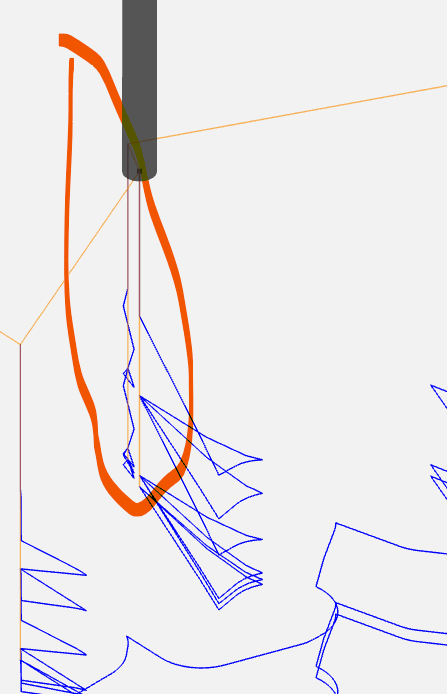
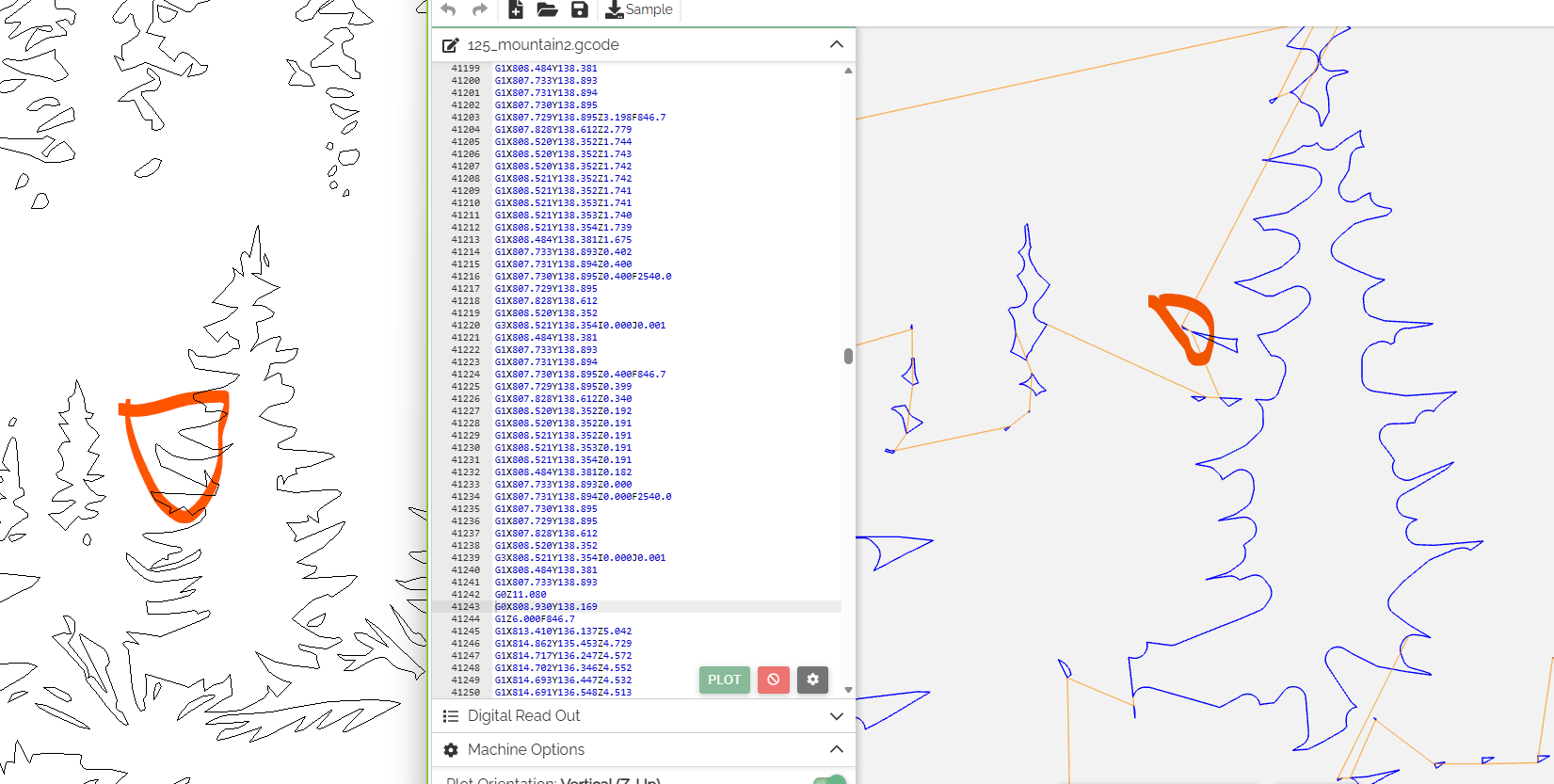
I edited @gwilki 's second file (which I confirmed I wasn’t able to run), and removed lines 41180 to 41243. That’s an almost vertical cut with very small XY movement.
No problem running it after that.
Here’s the file with the original units.
125_mountain_clean.gcode (2.1 MB)
@Greener If you delete those vectors from the Vectric file, the g-code you generate should be good.
@Greener Scratch that. Those aren’t stand-alone vectors in the original file. The small cuts were likely created because the tool you are using is too big.
So just for kicks, I ran the 1/16" g-code file that you provided and it runs fine. It does not contain that small movement
@Greener @Chucky_ott @Karver_One It’s a interesting problem. I still don’t know why I can run the file that I created in both 1.5.7 and 1.4.12. I used the same end mill as @Greener. For all I know, it has something to do with the different firmware we are running. I am running a 30 x 30 LM Mk1 with the SLB and it’s latest firmware. I don’t have switches as I have never seen the need for them. AltMills with the SLB-EXT and switches are running different firmware and eeprom settings.
As for the metric/imperial issue, to me there has never been one. I design in Vcarve in imperial. All my tools are in imperial measurements. I write the code out using grbl mm. In thousands of projects, I have never had an issue that can be attributed to metric/imperial conversion. I’m not saying that it can’t happen. It has simply never happened to me.
As for the idea that gSender can’t handle some small moves, I am left with the question as to why gSender didn’t seem to have any issues with the dozens of very small moves in the original file caused by the dozens of intersections and overlaps.
All that said, I guess all that matters is that @Greener can run one of the files to completion. Please report back @Greener when you’ve tested it and I’ll close the file. I don’t know that we will ever know the only true solution, though.
@gwilki I’d be tempted to submit it as a bug for Sienci to look at. If anything, it should not have caused my SLB to crash and require a reboot.
@Chucky_ott Your diagnostic file may lead Sienci to the real reason this happened.