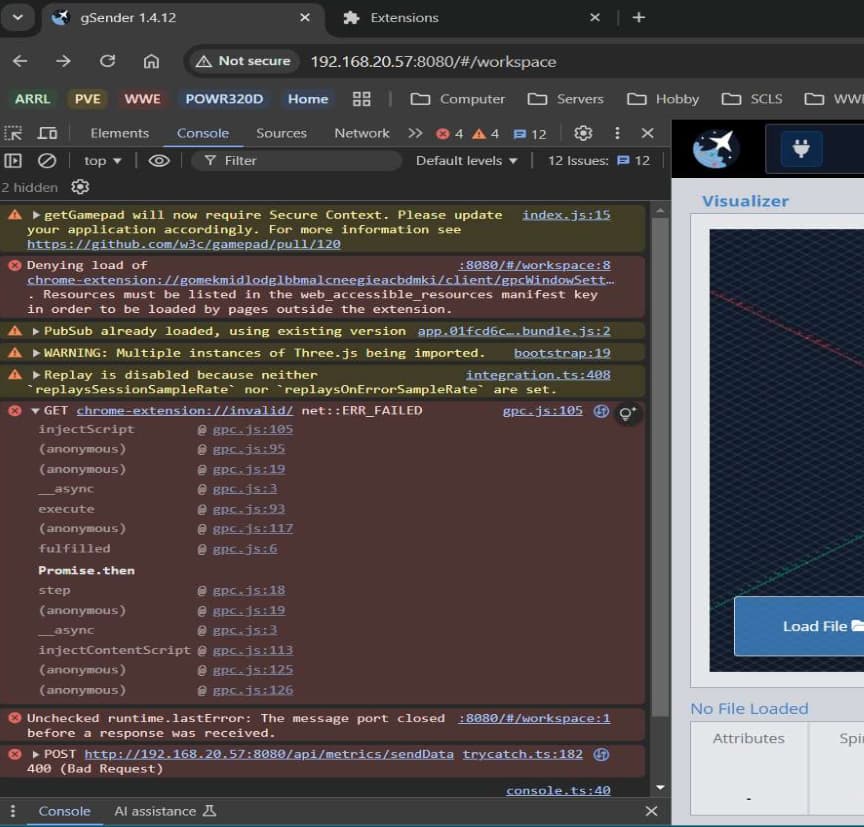
If I switch the firmware to grblHal, it shows a “serialport:list” with the ethernet address in it and then if I try to connect, there is the open command with the address: [“open”,“192.168.5.1”,“grblHAL”,{“baudrate”:115200,“rtscts”:false,“network”:true}]. So if we have a setting and you add the IP of the SLB for it to connect, then that might work. Let me put that in and upload a new image.
The docker image has been updated. Pass in the IP address of the SLB using GRBLHALIPADDRESS. This will try to connect using that address. If you still get an error, there might be some more information I need to pass in.
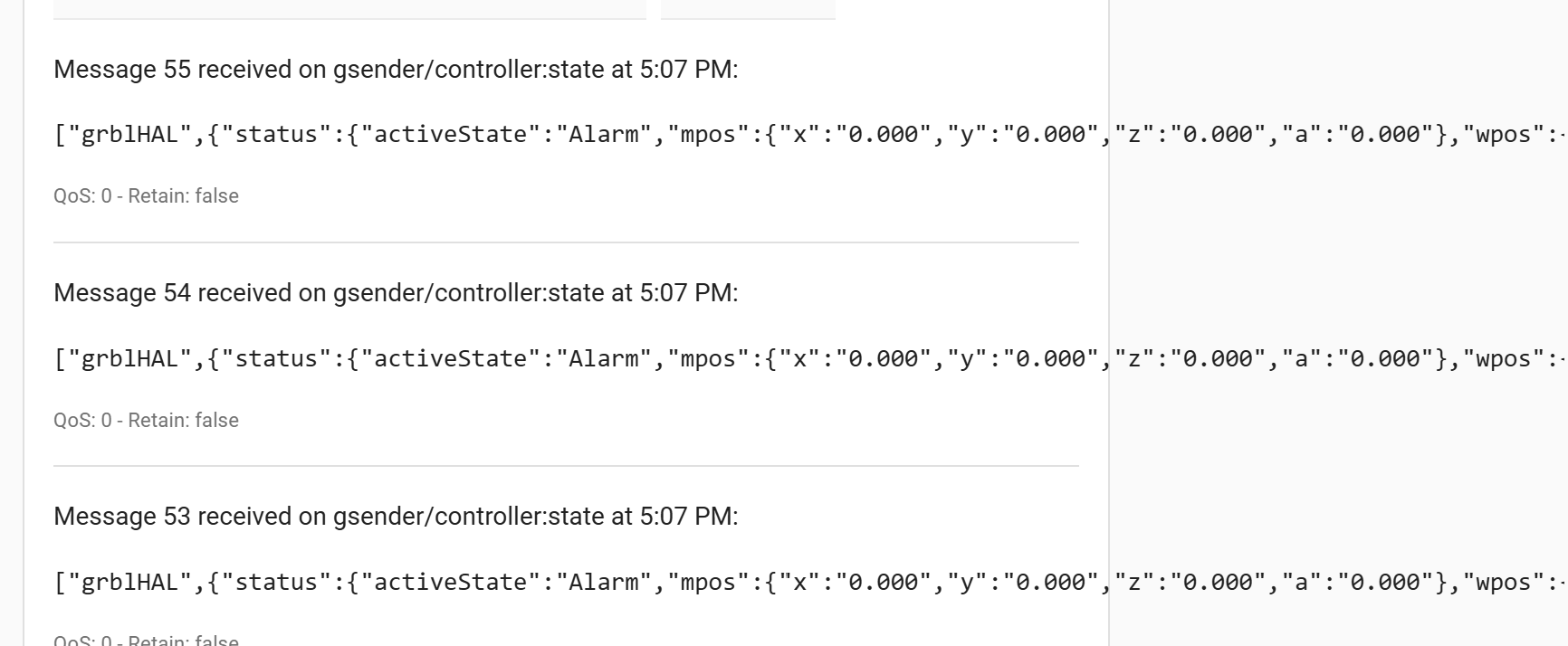
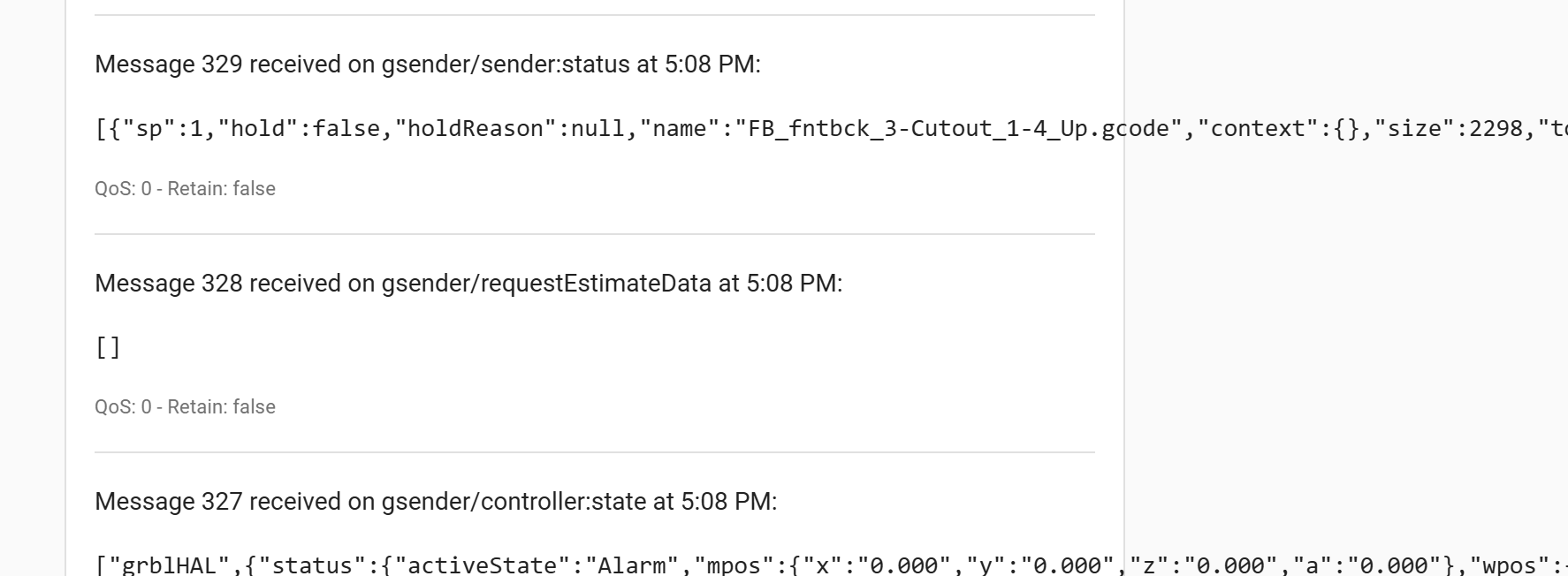
Now to learn Node Red so I can do something with all this data lol… I’m trying to reverse engineer other people’s work, not that I 1) know what I am doing, or 2) know what I really want it do haha
Hello,
I need help to build the image in portainer. Normally I use images on the docker network. How do I build your gsender2mqtt image from github? Thanks for your help
You should just be able to create a container using the github as the image.
You can go back in later and update the .env settings… it’s been a while but I believe that is what I did - or I ‘recreated’ it with the updated settings.
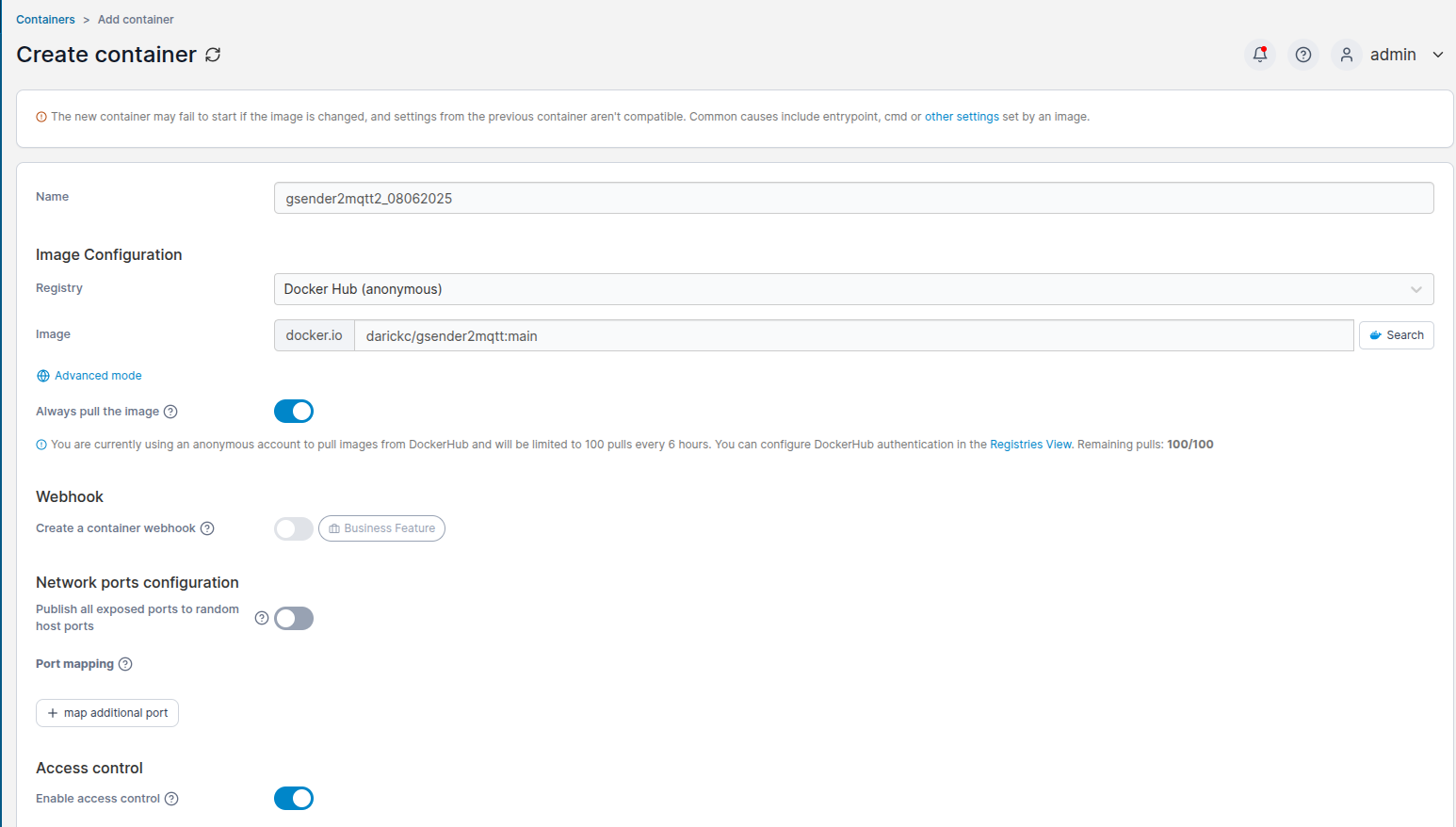
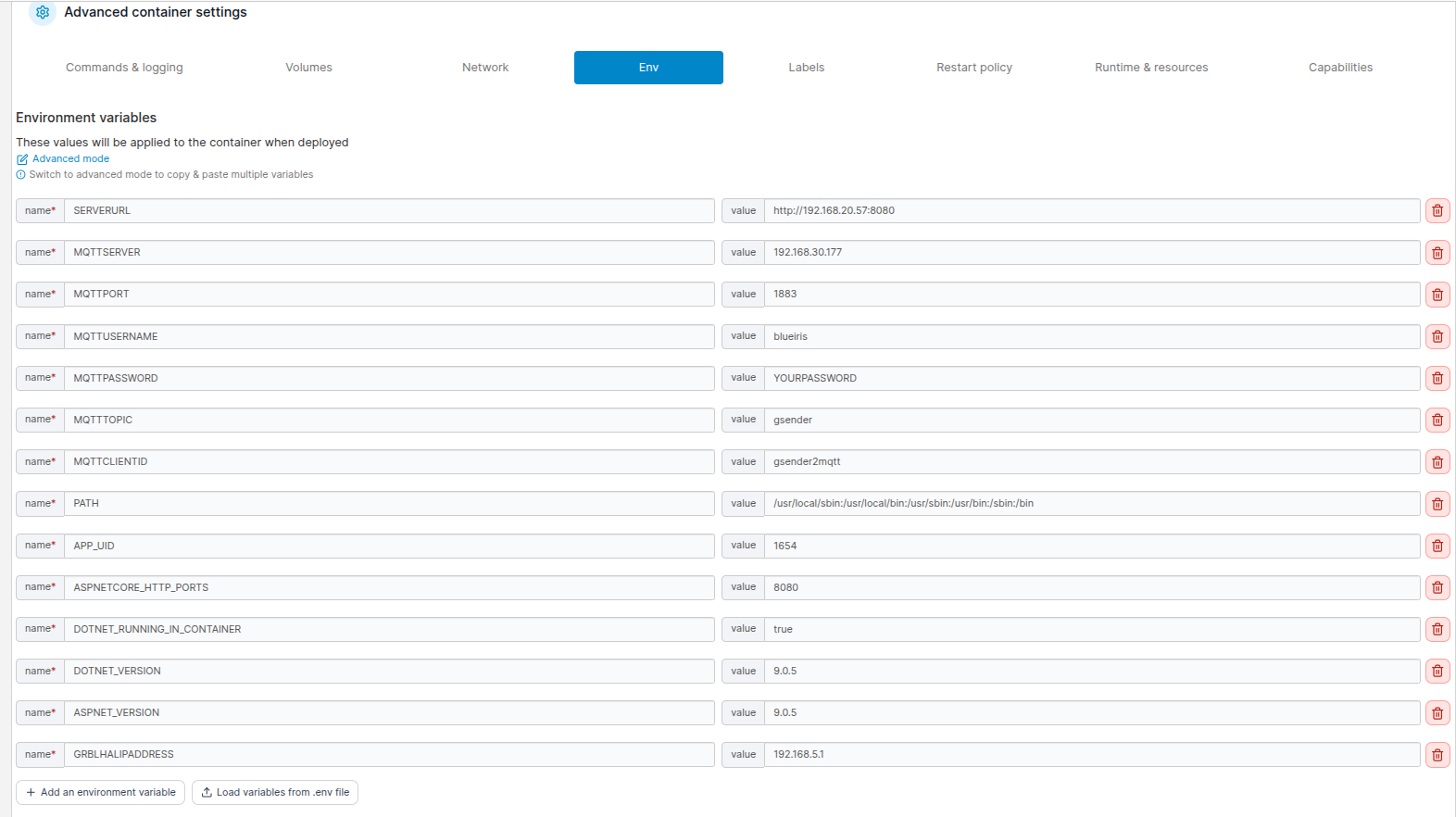
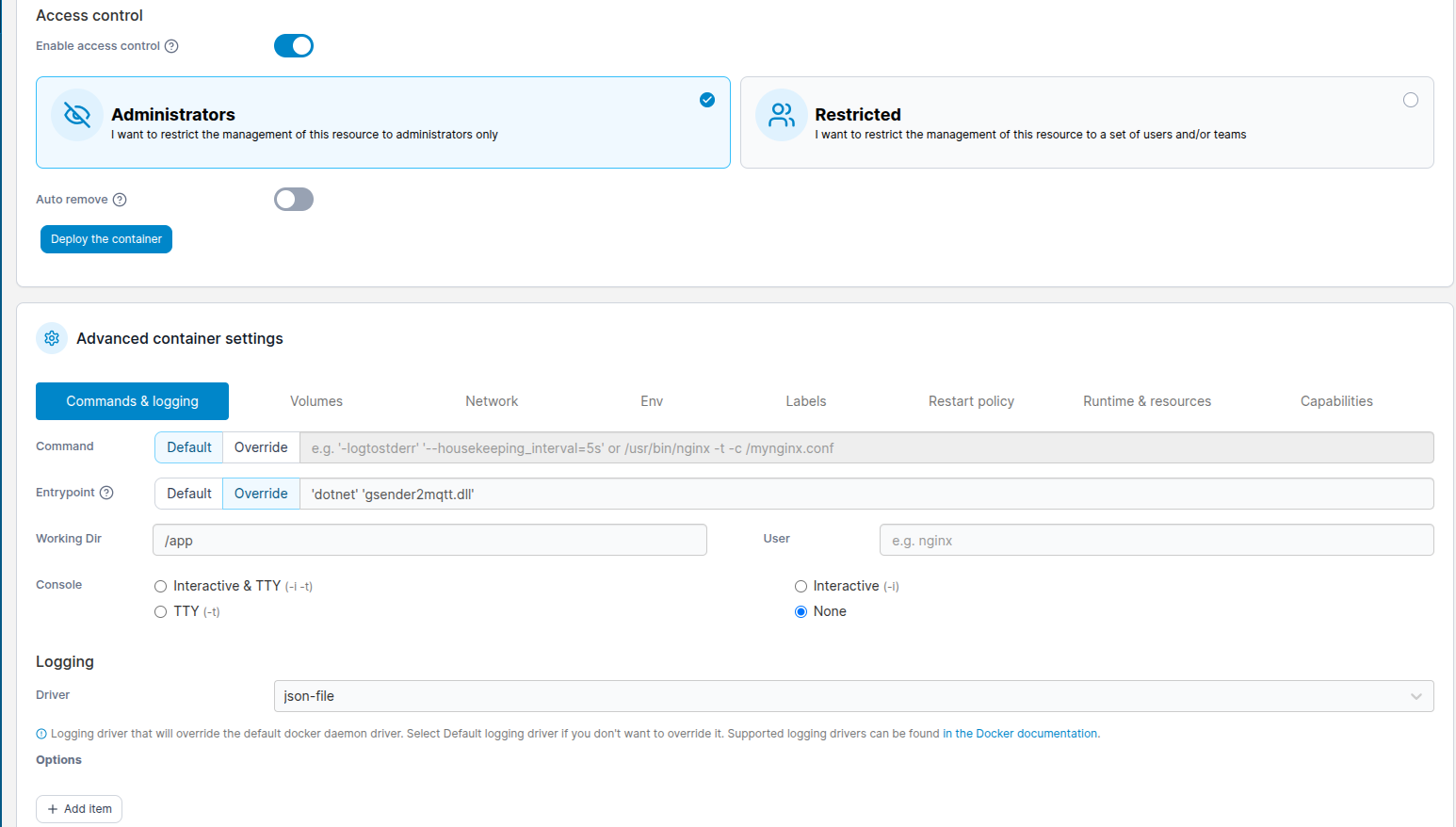
Thank you whitewolf. It did not work at the beginning, not sure what was wrong, it did not find the image. But finally I got the container running. For the moment nothing arrived yet in HA. Did you subscribe to the top explicitely?
Update: so I added /# in the listen to topic (gsender). Now I see the messages coming in but is did not create any entities in HA
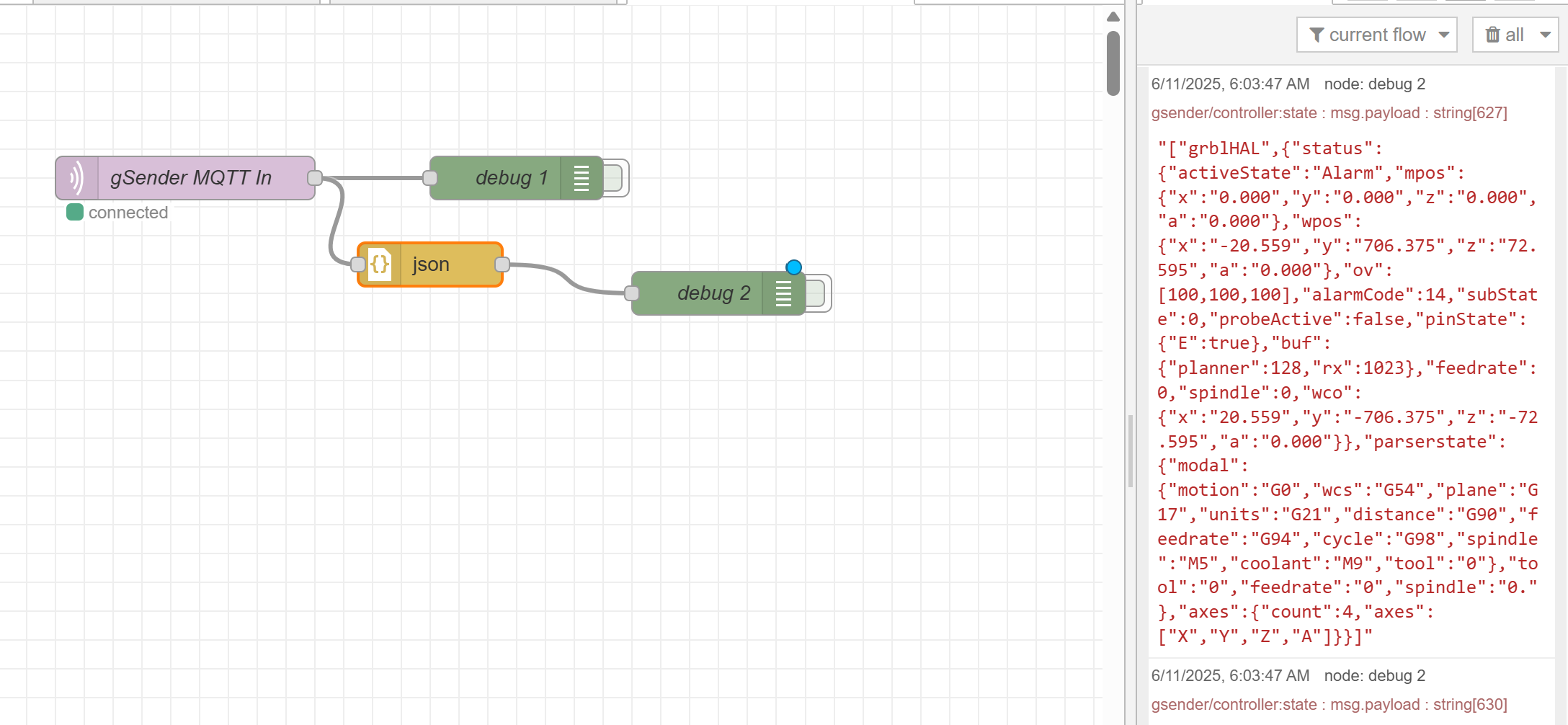
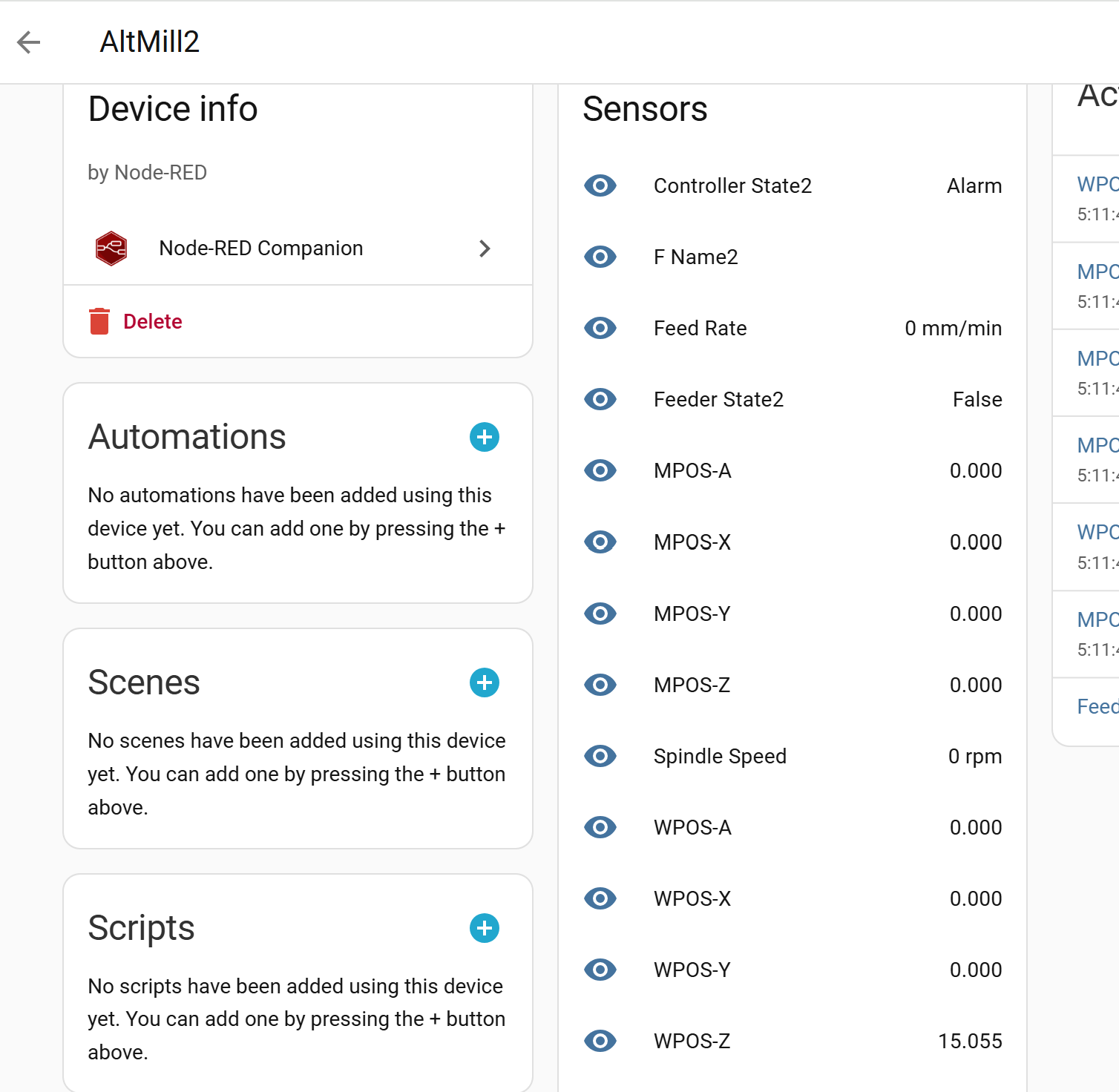
No idea if I was doing it right or not but below is how I pulled it into NodeRed
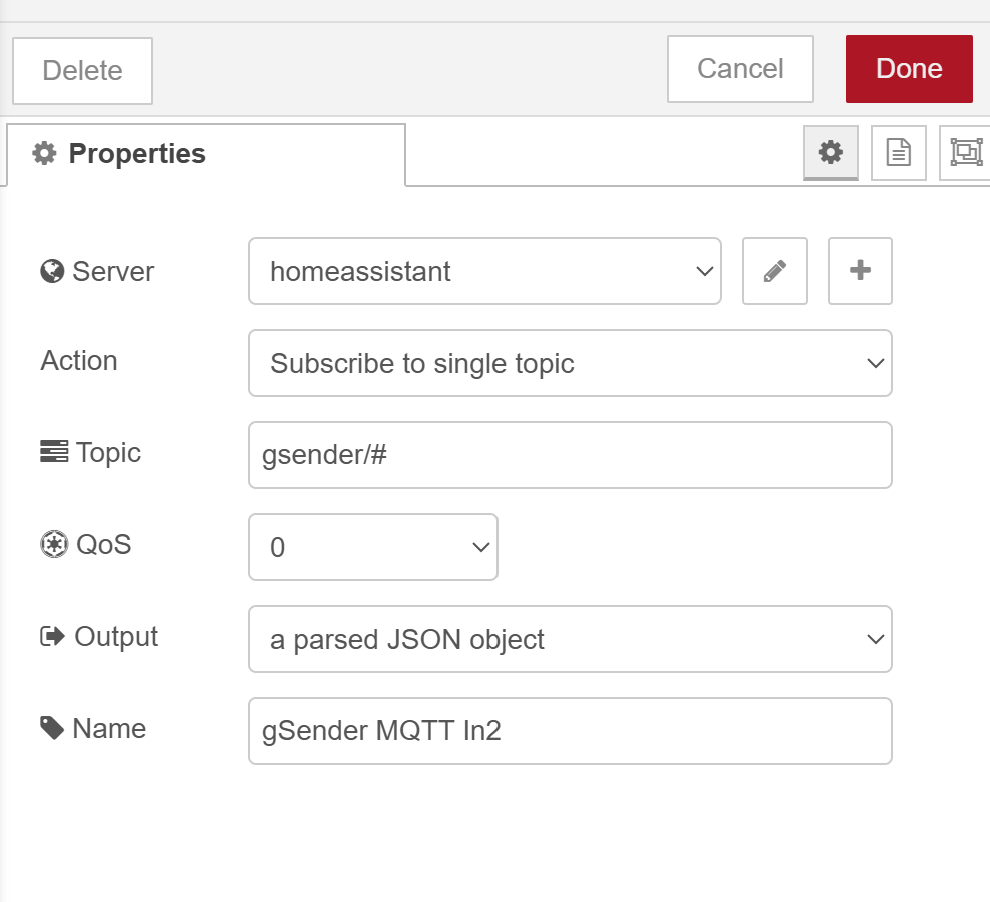
From there I was able to make this:
flows (2).json (25.7 KB)
I attached my NodeRed flow that I have installed - not sure if that will be of use.
Also - if you have not figured out, you may need to restart the gsender2mqtt container each time you power up gSender for it to reconnect.
I’ve been meaning to try an automation to do it.
So yeah - for whatever reason (and there is likely a simple fix), gsender2mqtt will not auto connect to gsender.
Here is what I created - uses UptimeKuma to monitor gSender and then the Portainer integration to send a restart for the container:
alias: gsender2mqtt Restart
description: “”
triggers:

trigger: state
entity_id:

sensor.gsender_status
from:

down

up
conditions:

actions:

action: button.press
metadata: {}
data: {}
target:
entity_id: button.gsender2mqtt2_08062025_restart_container
mode: single
Seems to work, I just tested it a few times. I have not worked on this in a little while and have barely had time to use my AltMill but what I would REALLY like to achieve is a working visualizer in HA.
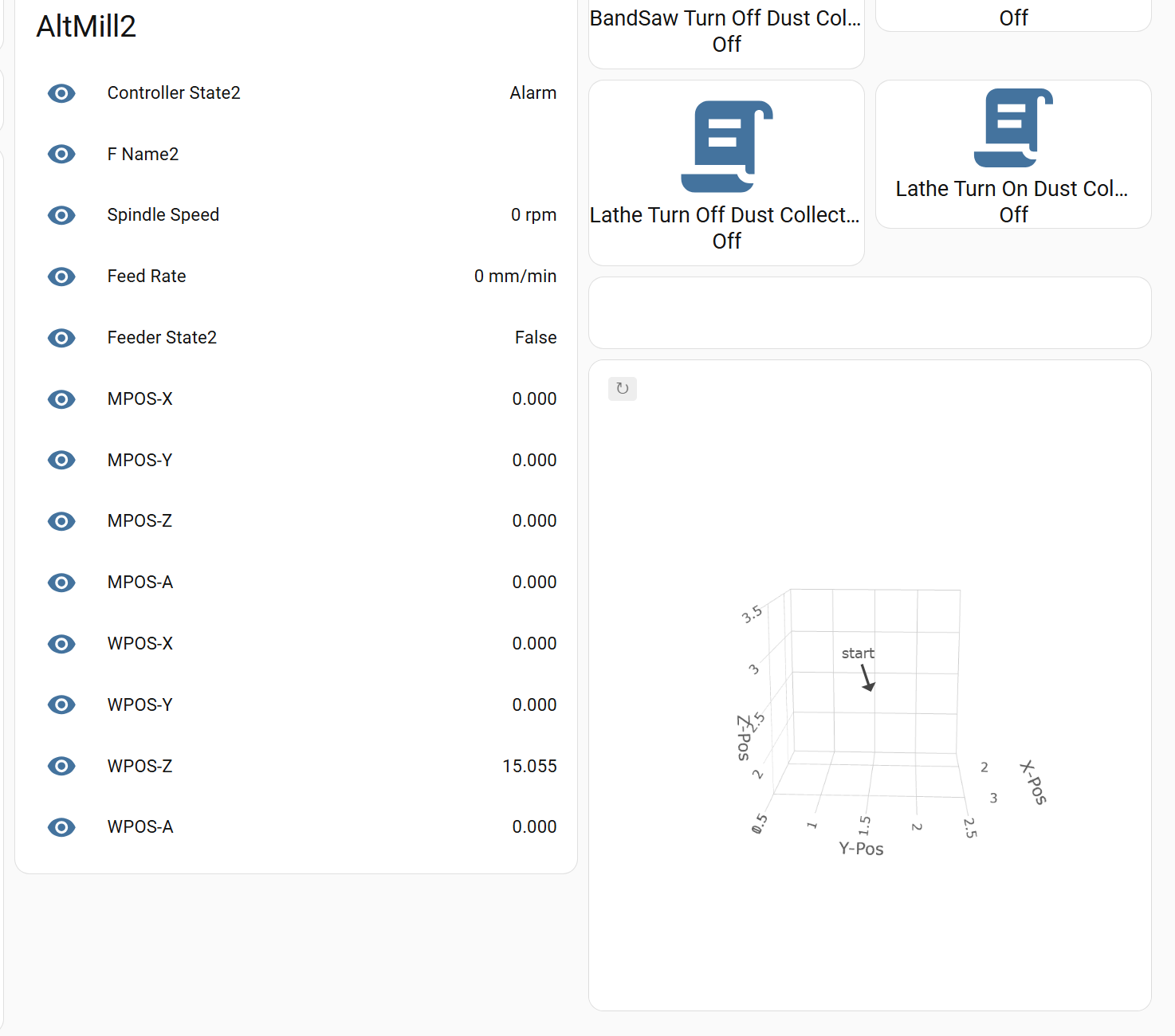
Here is what this portion of my Shop Dashboard looks like:
Thank you again, you did a great job here. Actually I was not aware that I should use NodeRed. I tried it with the mqtt integration for now. My Zigbee2Mqtt works great, but it does not create any new entities or devices / sensors for gsender…
I would not say you need to use NodeRed but I already had some things running in it so it seems a good place to integrate gSender as well.
Happy you got it connected and running!