I am currently programming a macro pad to use as a pendant. The Probe Diameter Scroll functions don’t seem to respond, no matter what I try to use as hotkeys.
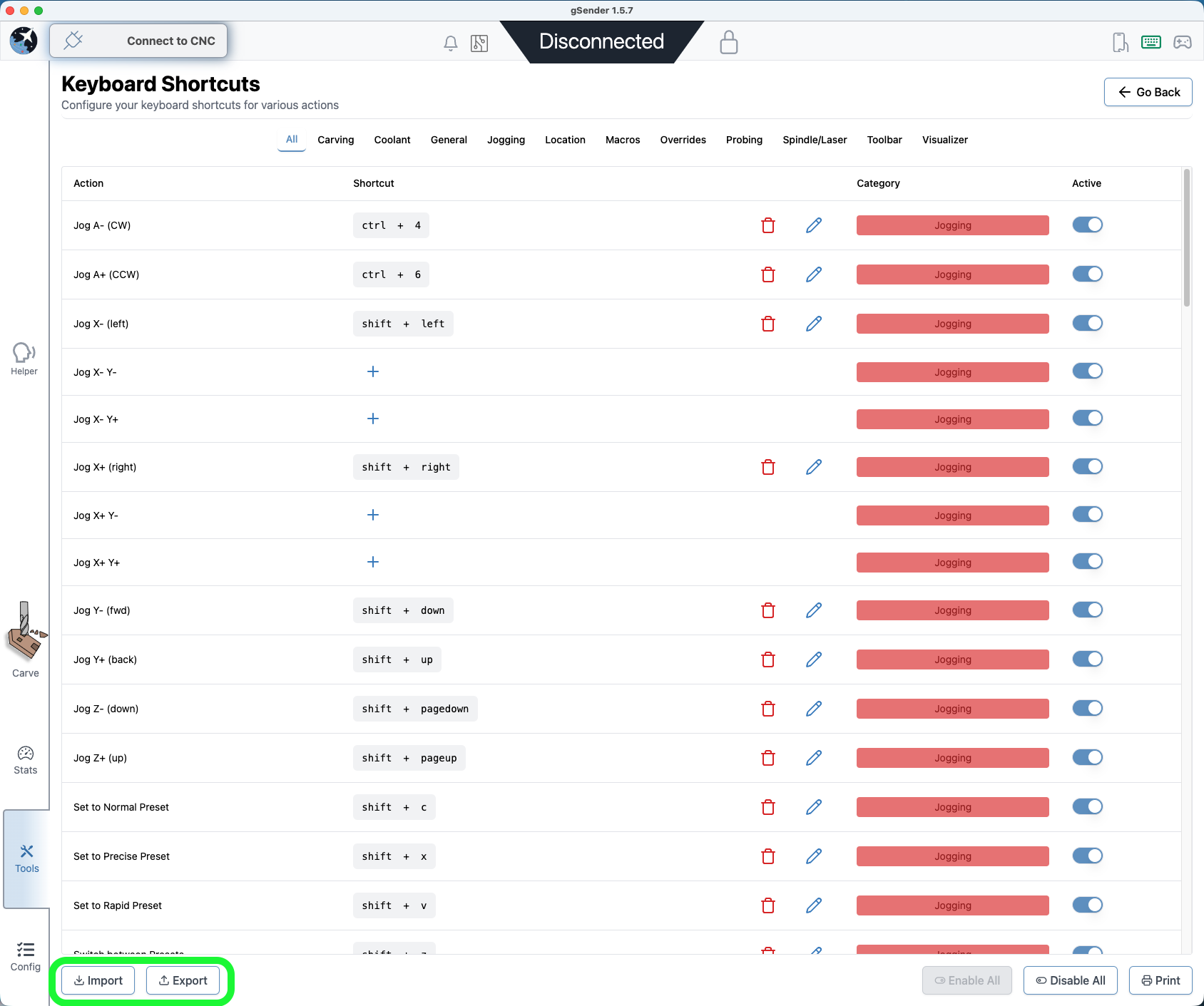
Also, I am working on this at my desk and will want to transfer all of the hot keys to my shop computer. Is there a way to export the shortcuts or only print them?
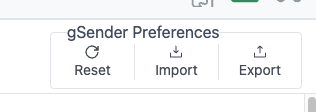
@KGN@walid_kayhan I have just installed 1.5.6 on my test uno. Unless I am missing something, there is still no way to export keyboard shortcuts so that they can be subsequently imported/copied onto another PC. Correct?
@KGN Tks much, Kevin. To be clear, though, all I want to do is export the shortcuts, not all the settings. Importing my SLB settings into a LB/Uno machine messes things up. It’s not a big deal. I just print the shortcuts and manually enter them into the second machine.
@gwilki Thanks, Grant, for catching the 2nd part of my request. Agreed, the ability to export the shortcuts on their own would be the most helpful! Thank you Sienci Crew for your responsiveness to everything!
@fljdave You’re welcome. I have moved this to the Suggestion category, since it’s not a bug. gSender is doing exactly what it is programmed to do. It’s simply not what you and I want it to do.
I finally had a chance to try this with 1.5.6 and it partially works. If an actual bit diameter is selected, the scrolling shortcuts work, but only until it cycles back to Auto or Tip. Once I get to either of those, it is stuck again.