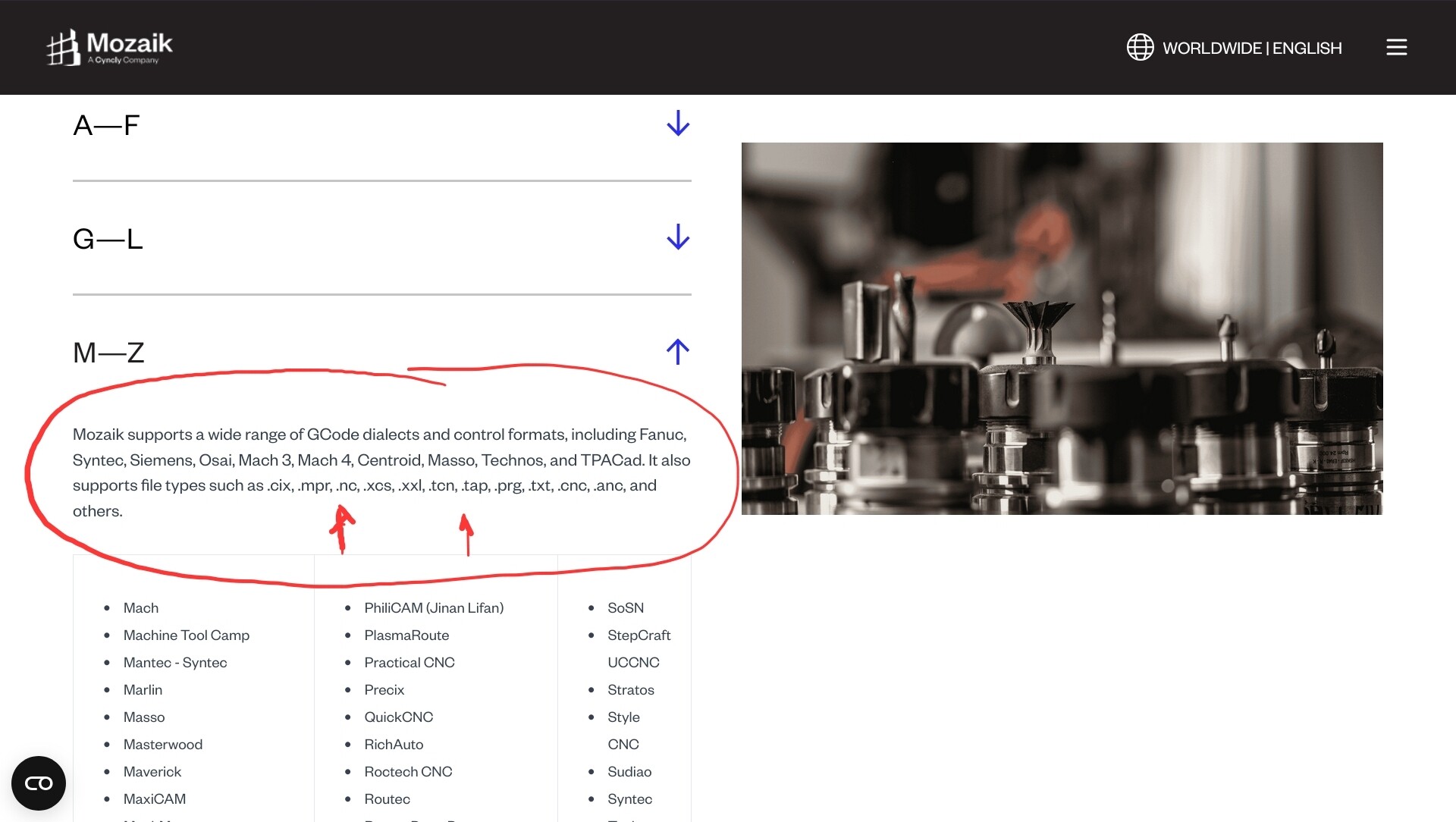
Just preordered the alt mill 4x8 with kitchen cabinets in mind. I was going to use moziak software, but now realizing they do not have sienci as compatible. I reached out to moziak and asked and this was their response-
”Thanks for reaching out. Do you have a sample GCode that runs on the CNC you can send for us to review so we can determine if Mozaik is compatible with your CNC?”
Can anyone provide a sample Gcode? or does anyone use moziak?
Looking at their resource page I see in the extension list a few that I know gsender will work with (.nc and .tap). Please note I do not have a altmill and my machine ru s on old fashioned gbrl, but it would surprise me if grblhal wont take these extensions too.
@jbeechey32 Just curious, but it looks like it’s an annual subscription, charged monthly. So the monthly price you see on their web site would actually cost 12x. Gulp. But there is a 3-month paid trial if that’s enough time.
Anyways, that wasn’t my real question. CNCing has three software components: CAD, CAM, Control (or Sender)
CAD to design
CAM to go from design to CNC-ready code
Control to send the code to the CNC machine.
I’m guessing you want to use Mozaik for all three (assuming it does all three and can interface with the Altmill using grblHAL)? Sienci does provide the free gSender as a control software for the Altmill. So technically, you’d only need to purchase CAD/CAM software.
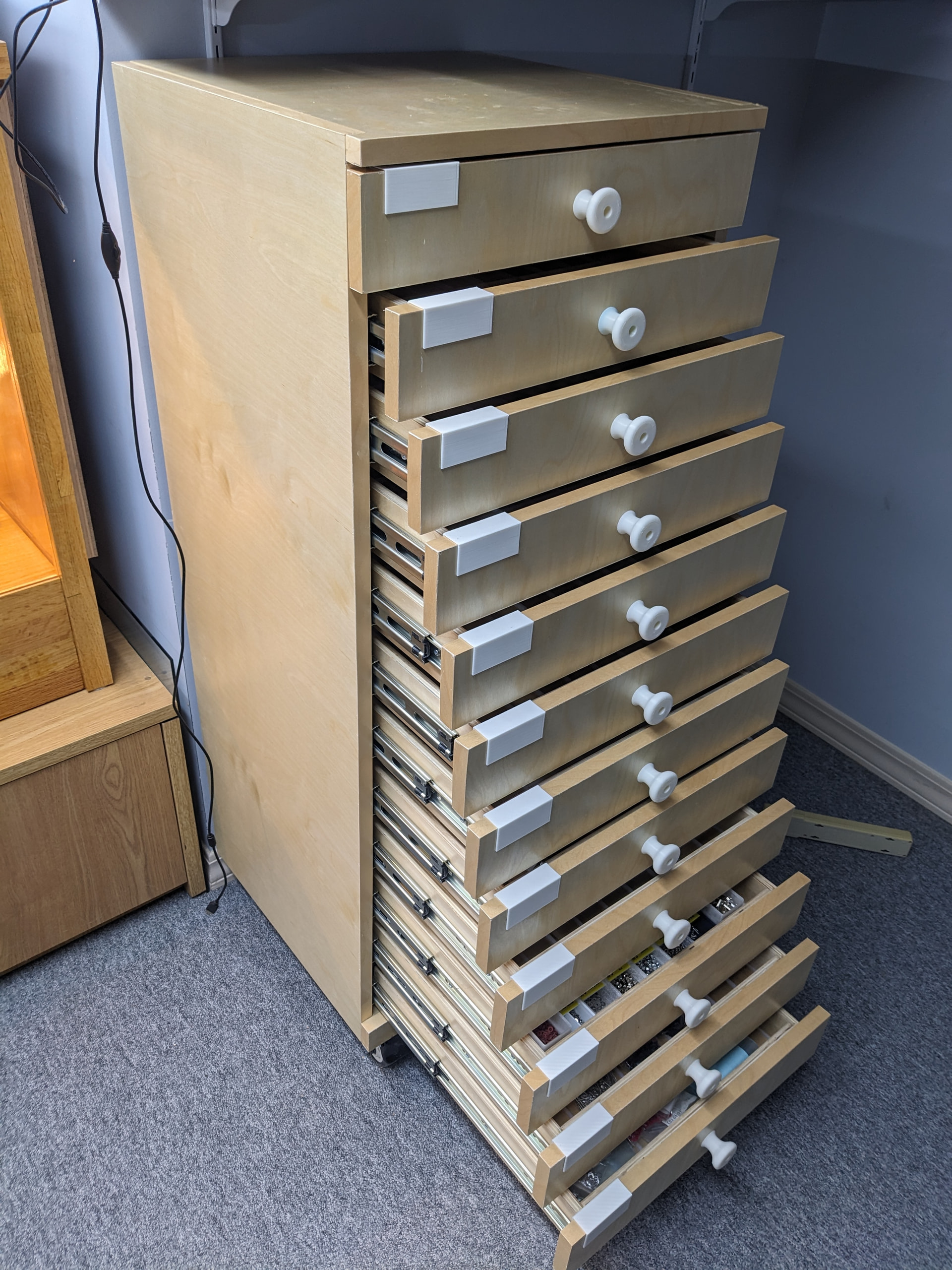
I believe users have asked for cabinet design software on this forum. You may find alternatives if you do a search. I believe @Jens is using Fusion, which is not really cabinet design software but is free for personal use and will certainly do the job. Albeit probably with more difficulty than with Mozaik.
Important note: The free versian is severely limited when you get to the CAM aspect of things. The most annoying part - you can only post-process a single tool path at a time. Since most pieces I would run have two or more tool paths, you are forced to run each path separately even if the same tool is used for each path. A tool changer is not helpful here.
Another aspect would be laying out multiple components in a single piece of stock - I don’t believe it is possible with the free version (you can certainly do one part at a time).
I was running the paid version but dropped to the free version while waiting for one of their 30% off sales to re-subscribe.
Also note that the paid version does not allow you to take grain direction into account when laying out your pieces … for that you need an add-on package for an additional $3k CAD approximately.
All these limitations can be worked around if you have more time than money.
I am hoping some background in illustrator will give me a jump start into cad. You are right I the price tag on mozaik is crazy. so I was hoping for a month of dialing in and practice and 2 months of producing my kitchen and cancelling it. It seems like moziak was the most idiot proof way of doing it for a noob. Long run I think I will use something like fusion…but It seems like there might be a bigger learning curve vs moziak already have cabinets designed and parametric with Blum hardware integrated. my wife will kill me if I have this kitchen torn apart any longer than it has to be while I “ play with my new toy”
I appreciate the information. I keep searching forums and YouTube for more information. If you know of any videos that take you through the whole process cad-cam-cnc that would be awesome.
great information. and that is a beautiful cabinet! ever use mozaik and can compare/contrast? seems more “plug and play” if you do not have the time. I am really looking for the most convenient way to produce a large kitchen setup since I work full time. whole point of purchasing the 4x8 was so I could invest some upfront time and then just the cnc do the work vs me on a table saw all day long.
@jbeechey32 I don’t know how you’re planning to do your cabinets or cut your sheet goods. Solid panel doors or rail and stile? Plywood case with butt joints or box joints? Which parts done on the CNC and which parts done with traditional tools?
What are you planning to do with your CNC one your kitchen is over?
If you want to do other stuff and will eventually invest in CAD/CAM software like Vectric vCarve, then I’d probably forgot Mozaik and do it all in vCarve now.
I have never used mozaik or any other cabinet software but I can tell you that there are a surprising number of details in designing a cabinet. It can be a are a real pain in the behind. Many many decisions and you will have many re-designs as you find out where you made mistakes. For a complete kitchen, I would think that it would be worthwhile to go with a commercial product.
I can say without a doubt that it took waaayyyy longer to build the cabinet with CNC vs doing it the old fashioned way. I started building cabinets for my wood shop with traditional tools but found that I was not good enough to produce a product as accurately as I wanted it to be so I went the CNC route. It also was a good way to justify a new tool/toy.
There are a lot of things to learn so even with commercial software you will find that nothing beats experience.
Plan on making many mistakes unless you are well versed in the art of cabinet building. It is NOT a case of slapping down a piece of plywood (btw, how are you planning to hold down the stock?), loading the pre designed cabinet layout, pressing the button and magically you have all the parts for a cabinet. If you work full time, there is (IMHO) zero chance of getting an entire kitchen done in the three month paid trial period for mozaik unless you have an extensive history in building cabinets and an equal level of experience running a CNC router.
Also, don’t forget that cutting the bits and pieces needed for a kitchen is only one aspect of the build.
To sum it up, if you just want to save money on your replacement kitchen, this is not the solution. It will also not going to be fast. If you are into wood working and want to expand your horizons in that endeavour than by all means, go for it. Just don’t think that the CNC will magically turn you into a custom kitchen builder overnight.
Another aspect to consider: Does the mozaik software have any optimization for people that do not have a commercial level of equipment. If you do not have a tool changer but the software was built with a tool changer in mind (ie equipment any commercial shop would have), you will probably be really surprised at the amount of time wasted changing tools. Again, I have never used software such as mozaik so I really can’t say if this is something one should be concerned about.
As far as I know, VCarve is not parametric capable … having to manually draw out each and every tool path for every component is going to be a killer (note that I have never used VCarve so I might be way off the mark on this one)
@Jens Definitely not parametric. And to be honest, I would not do the CAD portion in vCarve. I’d use my trusted CAD software (qCad) to do that. And then import into vCarve to do the toolpaths. But that’s only if I need pocket and profile cuts to do the cabinets.
I use Mozaik exclusively. I have the 4x8 on preorder and Mozaik has confirmed they can provide a post processor for the AltMill, however for fun I made my own tonight and can confirm it works in theory, I’ll try it out on an air cut when my machine comes in.
if you have any Mozaik specific questions let me know. I’m happy to help.
Kitchen remodel was the excuse to get the CNC. after that it will just be another toy/tool in the shop.
As far as type of cabinets. I plan on doing frameless euro style cabinets with drawers. CNC was hopefully a way to dfficienciently and accurately do a lot of cabinets. So really, with mosaik I hope to do the entire box cut outs on the CNC.
I think the initial software will be moziak to get through the cabinets. I think it will likely be worth it even if I have to exceed the free trial for the ability to have parametric and hardware already laid out. After that, I will switch to Vcarve or similar.
I know there are mixed reviews on here on whether it is a good idea or very stupid and expensive. I appreciate all the input. I hope it is easier than most predict and I will still learn a lot. I do have two friends who work in commercial high end cabinet shops in the area– so if I do get in a pinch I will likely phone a friend to come help out the idiot. Just trying to not call SOS too early.
great to hear and I hope to hear your experience with the 4x8 and mosaik. I will definitely be reaching out once mine arrives.
If you have any tips, tricks, or any videos that you think are worth while to watch please send them my way. I have been on YouTube a lot the past 2 weeks. without having my hands on the software and CNC I feel like the moziak specific videos weren’t very helpful.
”Thanks for sending that. We reviewed the GCode and the output looks to be compatible with Mozaik. Should you decide to proceed with the software, you can request the Post by going to Tools → Request CNC Post Processor from within Mozaik."
@jbeechey32 I’m glad that it worked out. Please try a test file using the new post. If it works well, report back. I’ll mark your issue resolved and close the thread.
Good luck.
I should add this was the response from moziak support:
Thanks for sending that. We reviewed the GCode and the output looks to be compatible with Mozaik. Should you decide to proceed with the software, you can request the Post by going to Tools → Request CNC Post Processor from within Mozaik.