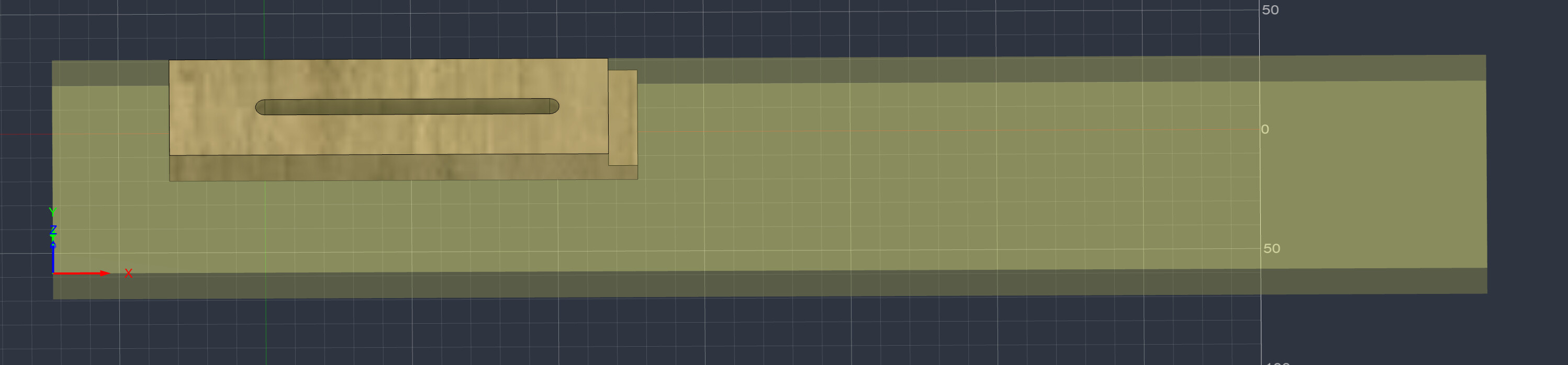
For some reason there doesn’t seem to be a lot of info on what I thought should be a simple thing. I have a fixed stock size I specified in manufacturing that I am cutting cnc clamps out of but can’t figure out how to arrange 4 of them on that same stock:
Alas, Fusion has a bad habit of making simple things either very difficult or in some cases even impossible.
I end up doing a lot of web searching for issues like this.
As far as I remember …
You need to make copies of the manufacturing model (in the manufacture section) or design one model with 4 clamps in the same stock.
Alternatively, cut one clamp and then reset x/y zero and re-run the one model
There is a possibility that if you have a subscription (ie the non-free) version that you can put several copies of one model on one piece of stock … but I am pretty sure you can’t do this even in the paid version.
@gwilki I’d have to take another look at his demo on YouTube. I’m not sure if he keeps the same g-code and just creates a new X0Y0 for each copy or if he keeps the same X0Y0 but adds an X or Y offset to each line in the g-code.
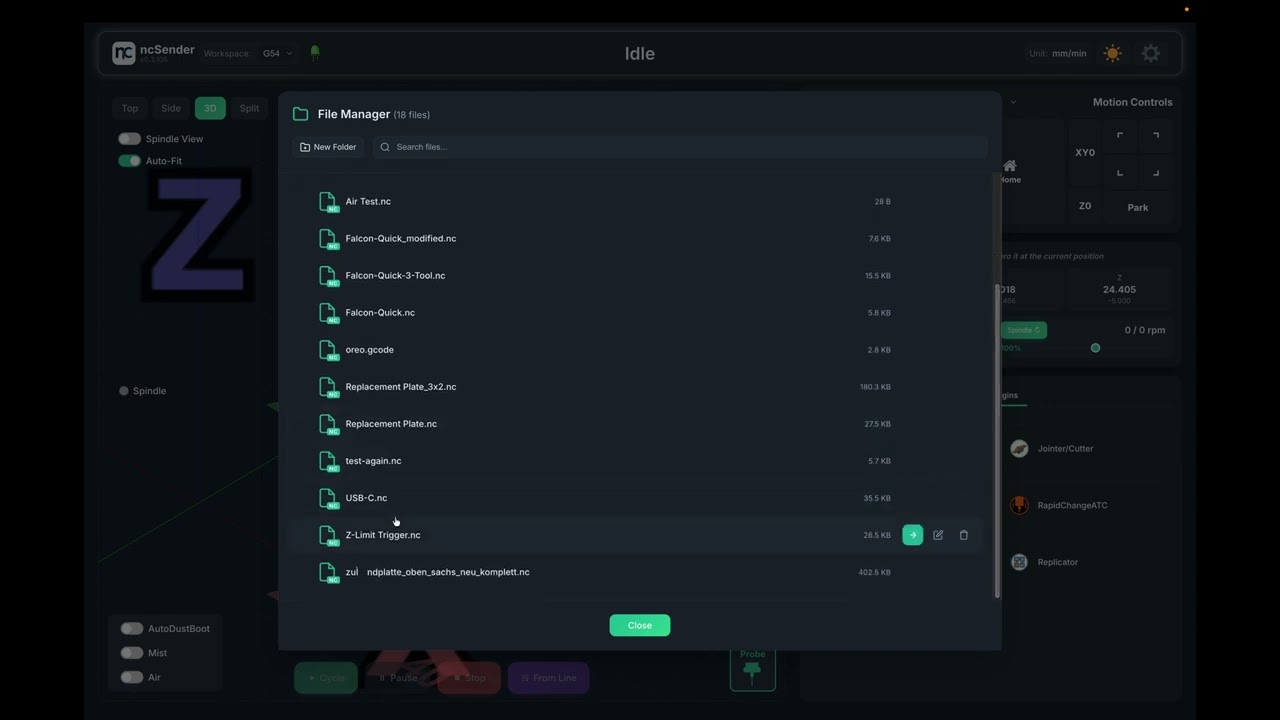
@Chucky_ott Tks. I watched the video. It is really slick. I cannot see how to program in the material size in ncsender, though. As I will not be using it, it doesn’t matter. It will matter to people using this feature obviously. He mentions that if you try to create more copies than the machine size can accommodate, ncsender will warn you. If I were to use this, I would want the same warning when copies exceed material size. I imagine that ncsender can do this. gSender cannot as the material size is not entered into gSender.
Thanks again. Interesting stuff.
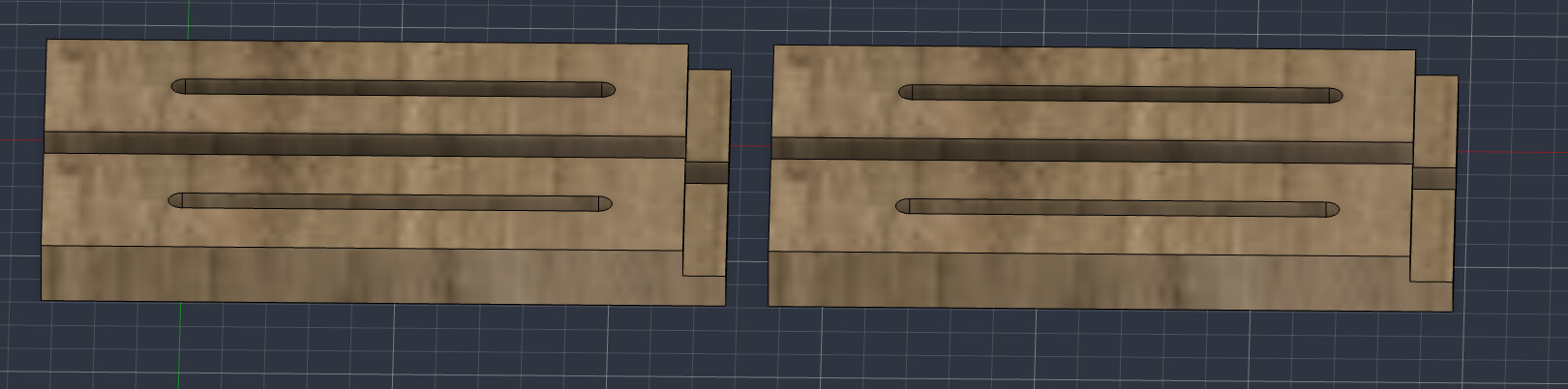
I did manage to copy/paste the component in the Design phase. I knew the depth and made sure the copy was aligned with that and also made sure to align with the left side. Last two copies did same and didn’t have to worry about how far right it went because stock was longer then I needed.
@Chucky_ott It looks like he did what I did (copy/pasted or duplicated) in the design phase and in his case layed out exactly across the stock he already had?