Over the years we’ve had much inquiry about which Pi or Pi alternate models were supported by gSender and how to address issues during install. Equally, over the years, gSender has had certain versions which have not properly supported Pi, have had issues with building, or eventually lost support for Pis that run 32-bit OSs.
With all these questions flying around, each with different answers, I thought it’d make more sense to condense all flows of knowledge into a single megathread so that it’d be easier for people to find answers to their specific questions based on which version of gSender they’re looking to install as well as to ensure people weren’t being misinformed by answers to old problems that won’t apply or aren’t needed anymore for current versions. Hope that all makes sense and that anyone looking for answers will find what they’re looking for below
So, I will start with I am sure most of my issues are USER ERROR, but I am going to walk-through the problems I am having, and maybe I can learn, and we can find bugs along the way
I have a little bit of experience with Raspberry Pi running an old Marlin setup.
so how hard can it be
To fully qualify this install:
raspberry Pi 4 model b (4 or 8 gigs of ram, dont remember)
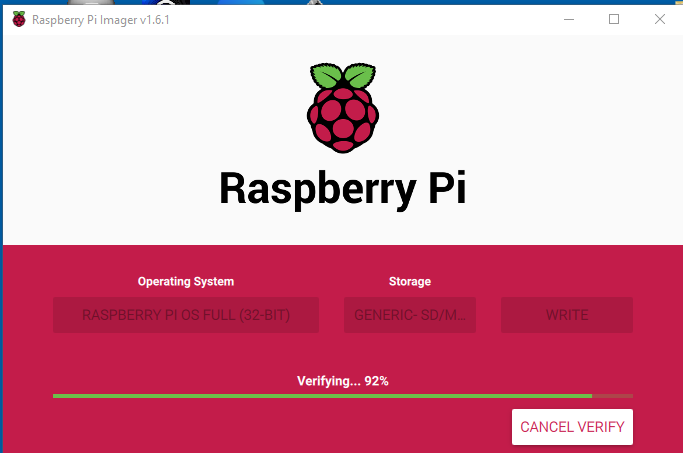
brand new Full install with Desktop (using the Pi Imager)
installed on a 64gig and 256gig SDCard.
I have logged in and ran a full OS PATCH.
the Raspberry is sitting in my office NOT CONNECTED to the longmill.
1 - downloaded and installed GSender from the link provided using Chromium
2 - using filemanager, double clicked on the .deb install file
3 - Said yes to the Installation
4 - entered the Pi user password.
5 - install finished
6- reboot the Raspberry
7 - I open a command prompt and type gsender
in the console, the following error is displayed.
pi@raspberrypi:~ $ gsender
Error: Error: /opt/gSender/resources/app/node_modules/@serialport/bindings/build/Release/bindings.node: wrong ELF class: ELFCLASS64
at process.func [as dlopen] (electron/js2c/asar.js:140:31)
at Object.Module._extensions..node (internal/modules/cjs/loader.js:1196:18)
at Object.func [as .node] (electron/js2c/asar.js:140:31)
at Module.load (internal/modules/cjs/loader.js:981:32)
at Module._load (internal/modules/cjs/loader.js:881:14)
at Function.Module._load (electron/js2c/asar.js:779:28)
at Module.require (internal/modules/cjs/loader.js:1023:19)
at require (internal/modules/cjs/helpers.js:77:18)
at bindings (/opt/gSender/resources/app/node_modules/bindings/bindings.js:112:48)
at Object. (/opt/gSender/resources/app/node_modules/@serialport/bindings/lib/linux.js:2:36)
at Module._compile (internal/modules/cjs/loader.js:1145:30)
at Object.Module._extensions..js (internal/modules/cjs/loader.js:1166:10)
at Module.load (internal/modules/cjs/loader.js:981:32)
at Module._load (internal/modules/cjs/loader.js:881:14)
at Function.Module._load (electron/js2c/asar.js:779:28)
at Module.require (internal/modules/cjs/loader.js:1023:19)
looking at the TASKLIST, I can see 7 instance of GSender running
just a quick google search, because I was curious too, When you asked the question
People also ask
Is Raspberry OS 32 or 64-bit?
Raspberry Pi OS is available only in a 32-bit version. There is a 64-bit version in development, but it’s not stable yet. When the CPU is compatible, a 64-bit operating system improves the program performances.
So, Since the PI is not officially Supported yet. I am not sure where to put this question.
Since I am only using this PI for gSender, I figured this is the best place to ask.
I have very limited experience with the Pi, and Linux for that matter.
one thing I notice with the Pi, is sometimes it will just lock up for 20-60 seconds.
Which is fine and dandy if your just playing with it, but if I am going to use this as my Gcode sender, I worry these pauses might cause issues.
is this a Pi thing? is this my Pi thats broken? or maybe there is a configuration thing I missed?
I have a Pi 4, Version B (1 gigs of ram)
I just recently ordered a new SDCard with faster ram on the chance its my Disk access thats causing this.
I’ll say that we’ve since written some documentation for gSender RasPi install. @Menglor would you be able to comment on if this new method is one which suits your needs?
I’ve actually walked away from the pie for a few months while the windows version seems to stabilize
There has been too many issues for the pi way back when
I have a raspberry Pi 4 1gig
And a
Raspberry Pi 4 8gig
I’m going to try it out again when I do the install documentation review
But in my opinion compared to ugs she’s under seems to be a resource hog.
I doubt any profiling or resource enhancements of been done to pie version
I would recommend at the very least that you guys have
A pi 3 with 2gig,
a pi 4 with 1 gig,
and a pi 4 with 8 gig
They’re not exactly $50 a piece. But I suspect once this thing works properly the pie option will be the preferred one because
it’s tiny and
it doesn’t succumb to dust problems the same way a PC would
Doesn’t have USB sleep issues
So it really makes sense for the dev team to have access to a small sample of what’s out there
I mean no disrespect by this comment, but ya, that is not an install guide
I am not the product owner, I don’t know your target audience.
I believe, once gSender gets more popular, people are going to find out they can run it from a Pi, and its going to cost them 50$ and they dont need a 500$ PC. or the USB device wont go to sleep, or it runs fan less
It might only be 10% of the user base who tries it, BUT, I bet that less then 1% will be successful, and end up calling, or chatting on Facebook to get help.
So I believe, it should be as well documented as the windows or MAC version.
@Menglor I don’t argue that, if Pi can be used, the user documentation needs to be accurate and complete.
However, to be fair, no one needs a “$500 PC” to run gsender. I run gsender on a windows pc that cost considerably less than that, and not much more than the $50 you quote for a Pi. My USB devices do not go to sleep, as I have them set not to. I do not run fanless, but could, if I had a mind to. I’m not arguing against your points, but I do believe that some context is appropriate.
That’s fair to say Stephen. One thing I’ll say is that for the time being most people using the LongMill are using a PC they have on hand because that’s what’s most comfortable for them. For now I made the guide enough to provide the necessary info for those that are already familiar with setting up a Pi - it will come in the future a guide that’s more catered towards someone who’s completely new to it all
Up 'till now we’re continuing to push hard on gSender development in all areas. If you have any other guidance or suggestions then I’d be happy to hear it. I think as of now the gSender user base roughly split as: 600 on windows, 50 on mac, 30 on Pi, and 25 on Linux
+1 for someone who will be using the Pi. My main machine is a Mac and I don’t want to tie it up while using the LongMill. I have several Pi’s for various purposes and one is set aside for the LongMill. I don’t have any Windows machines in the house.
Having said that, I believe the emphasis should be aimed at completing the features desired on whatever machines the developers are using for development. Porting to other machines is certainly desirable and Since is doing a fantastic job of this.
I think we are in the same boat. I have Mac in the house and seeings how I am not a Kardashian, I cant afford to have it in the sawdusty shop. I have a Pi on order and will be using the Mac to download files and uploading into the Pi. Have you already setup your LM with the Pi? any tricks or issues you solved? I would appreciate.
Hey folks,
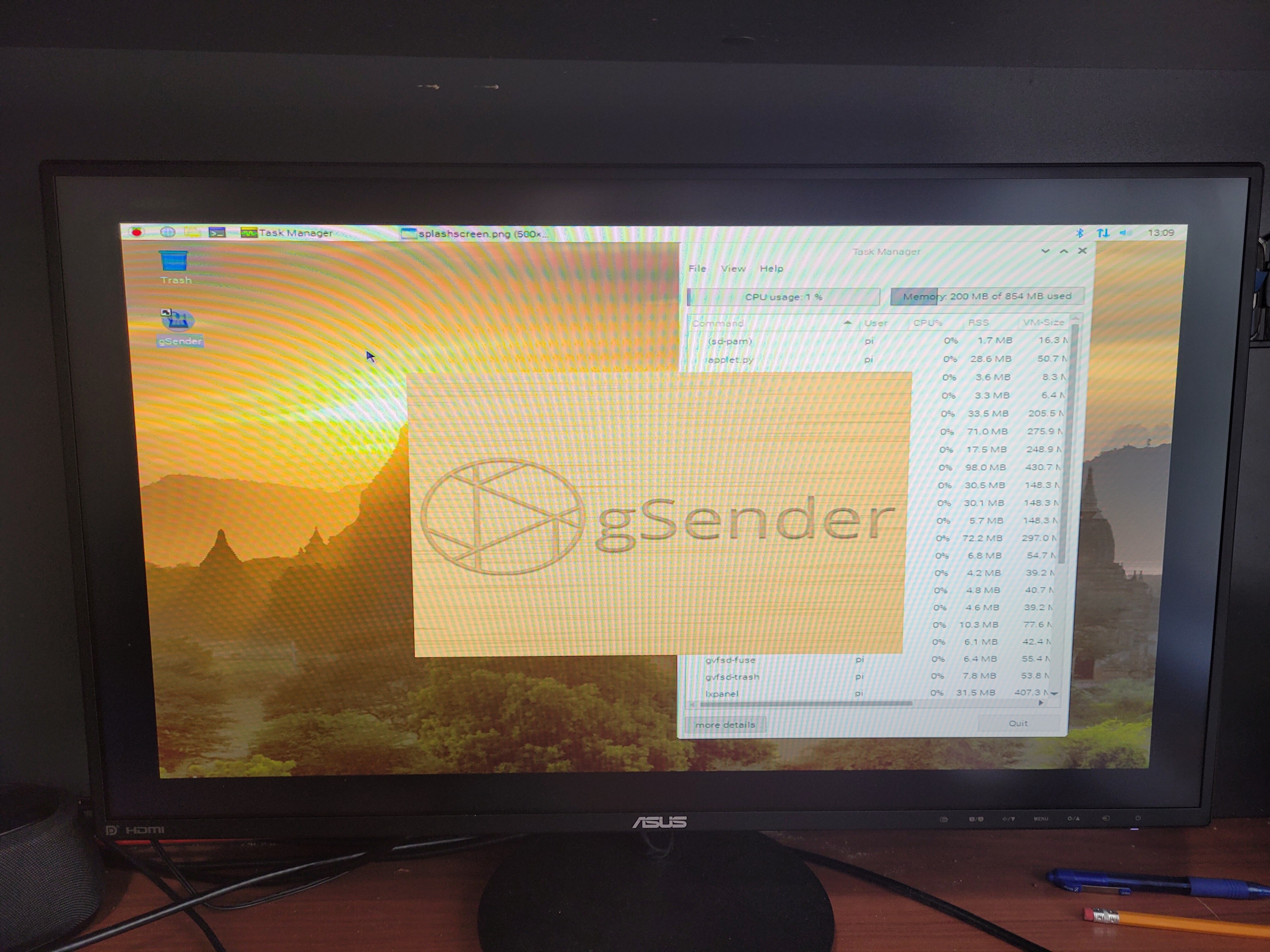
I’d love to play around with this software. I have a RPi 400 with 64bit debian installed. I can’t get gSender to launch. I downloaded the 64arm version and set to anyone execute, but only splash graphic appears and then nothing. I left terminal open and here are the error messages. Any thoughts? I’m not great with linux…
12:57:25.449 › Error: /tmp/.mount_gSendepf3DrM/resources/app/node_modules/@serialport/bindings/build/Release/bindings.node: cannot open shared object file: No such file or directory
at process.func [as dlopen] (electron/js2c/asar.js:140:31)
at Object.Module._extensions..node (internal/modules/cjs/loader.js:1196:18)
at Object.func [as .node] (electron/js2c/asar.js:140:31)
at Module.load (internal/modules/cjs/loader.js:981:32)
at Module._load (internal/modules/cjs/loader.js:881:14)
at Function.Module._load (electron/js2c/asar.js:779:28)
at Module.require (internal/modules/cjs/loader.js:1023:19)
at require (internal/modules/cjs/helpers.js:77:18)
at bindings (/tmp/.mount_gSendepf3DrM/resources/app/node_modules/bindings/bindings.js:112:48)
at Object. (/tmp/.mount_gSendepf3DrM/resources/app/node_modules/@serialport/bindings/lib/linux.js:2:36)
at Module._compile (internal/modules/cjs/loader.js:1145:30)
at Object.Module._extensions..js (internal/modules/cjs/loader.js:1166:10)
at Module.load (internal/modules/cjs/loader.js:981:32)
at Module._load (internal/modules/cjs/loader.js:881:14)
at Function.Module._load (electron/js2c/asar.js:779:28)
at Module.require (internal/modules/cjs/loader.js:1023:19)
(node:1965) [DEP0005] DeprecationWarning: Buffer() is deprecated due to security and usability issues. Please use the Buffer.alloc(), Buffer.allocUnsafe(), or Buffer.from() methods instead.
Checking for update
Update for version 1.0.5 is not available (latest version: 1.0.5, downgrade is disallowed).
I recently purchased the pie for with the keyboard. The RPI 400 and I bought the extended package which basically included everything including a pre-built OS
I will post the link of the version that I installed and you can try it from there. Mine works perfectly
For what it’s worth, at the same time I installed UGS and it’s working as well
Just for s**** and giggles. Maybe you should try installing UGS and see if it’s the OS or the app
Unfortunately it didn’t work for me.
I have the RPi 400 and I’ve tried installing both 32bit and 64bit versions of linux and tried every combination of appimage from gsender github. Alas, the furthest I get is the gsender splash logo. It says on the wiki that there will be an error regarding the update, which I get, and that you can “click through” but there is no way to do this that I can discern.
Any help would be greatly appreciated.
I should add that I was able to successfully install and run bCNC on linux bullseye.
Cheers