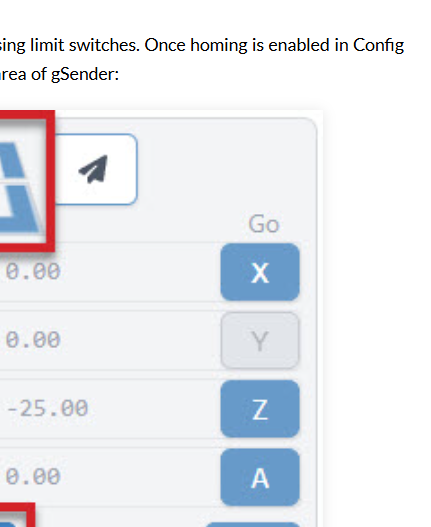
The gSender documentation states this for the Safe Height setting "If you’ve set up a “Safe Height” in your gSender settings, now any “go to” or “quick-travel” button will move to the top of the Z-axis minus the safe height before moving anywhere to make sure your machine doesn’t run into clamps or other materials.*
This only seems to work if your press the X or Y Go buttons but doesn’t work when selecting a Go To location by clicking on the paper airplane icon. Is this by design or a bug? gSender 1.5.5