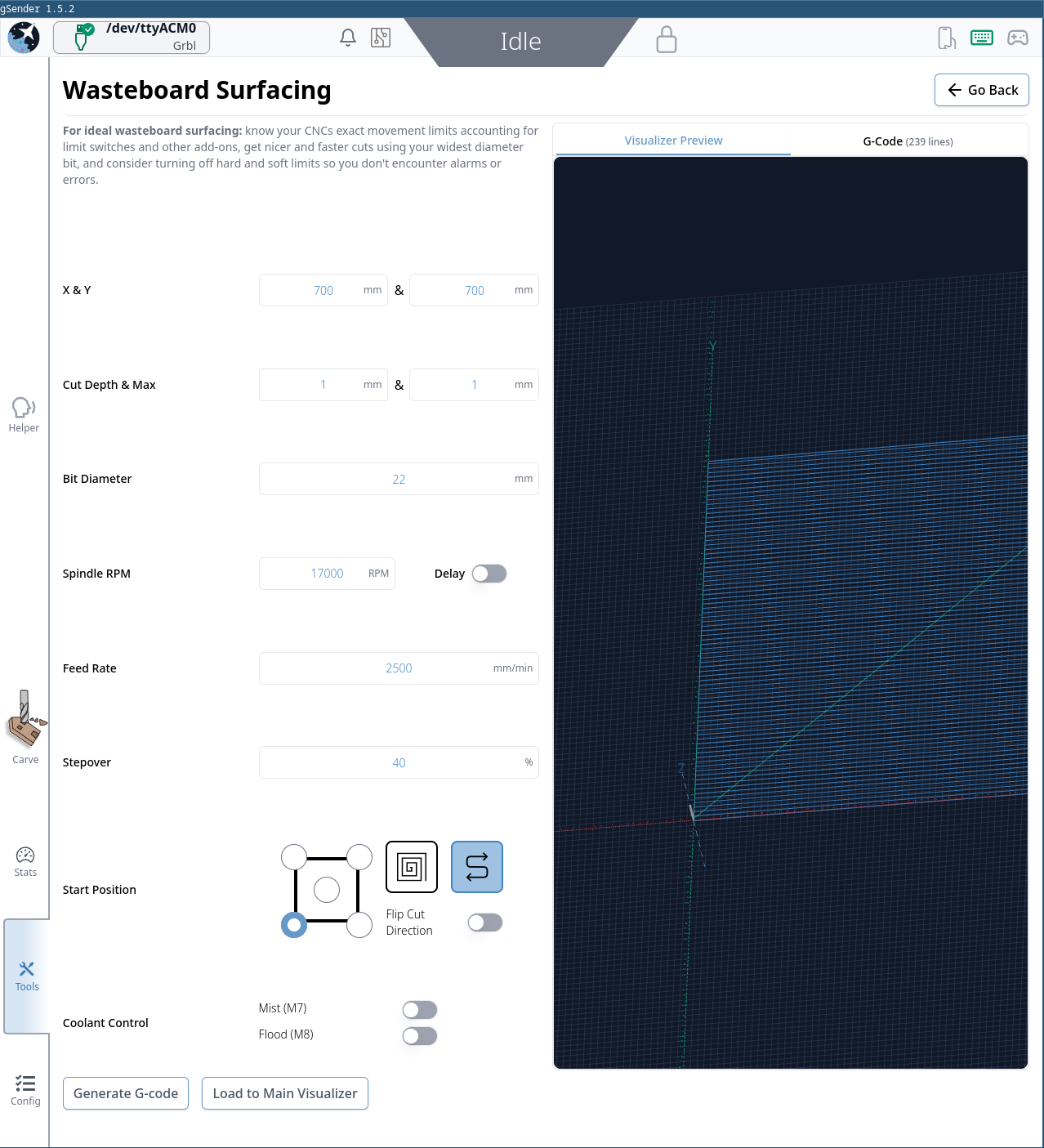
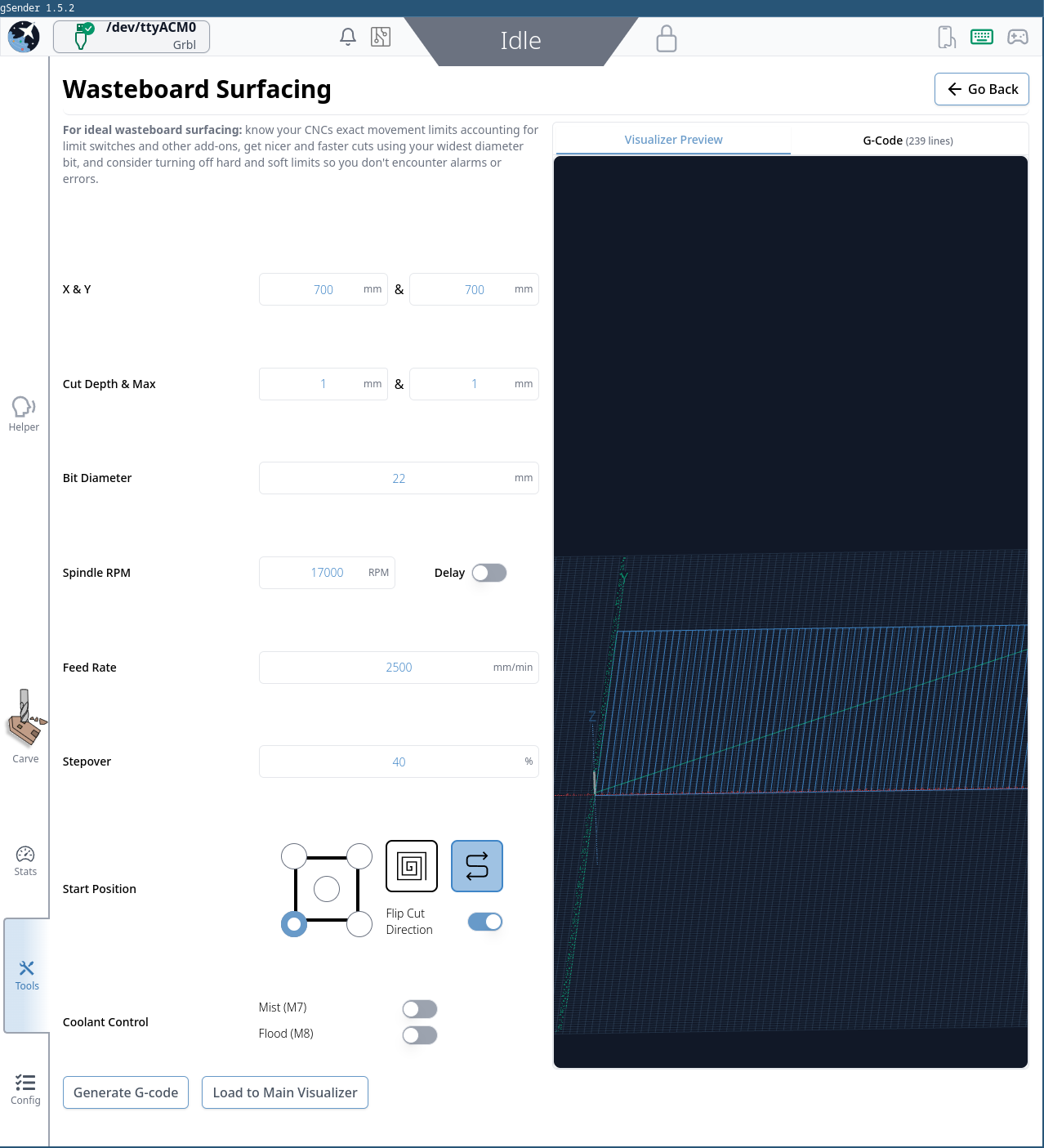
I just used, the Surfacing option in G Sender and I like it, its so simple.
I then had a clever idea of using the same feature to add an alignment grid after surfacing, I specified that I was using a really large diameter bit (50mm), but used a vgroove bit in instead. Then by selecting the zig zag surfacing selection it nicely carved horizontal evenly spaced lines into my surface board. It was after that I discovered that there is no Vertical Zig Zag cut option :-(. Would be nice if they added a Vertical Zig Zag option and that would allow the creation of a vertical alignment grids, without having to create a whole new function just to do grids. (Or have a grid button, that would ask for spacing and depth and do both vertical and Horizontal)