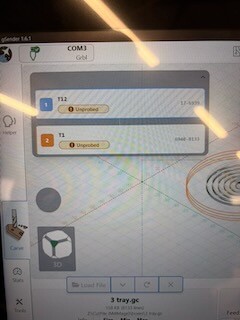
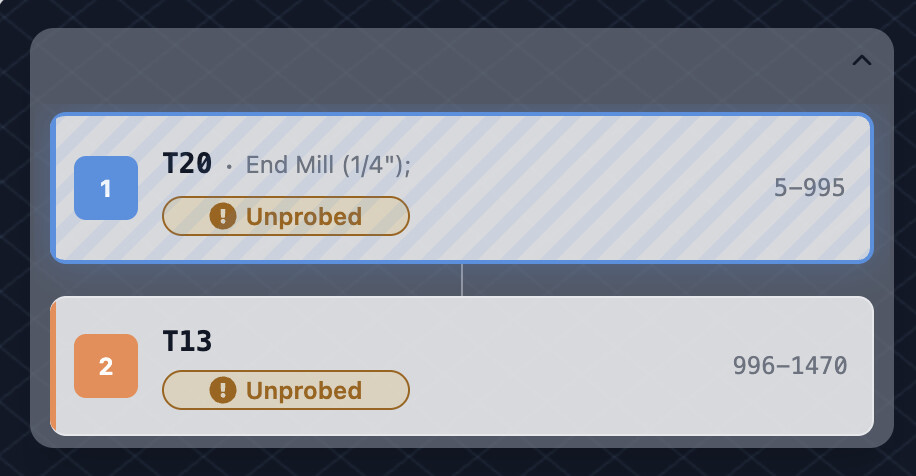
In the Tool Change UI during runtime, where tool status (Unprobed, etc.) is shown, please also display the current commanded spindle speed (from the last or upcoming S value in the G‑code).
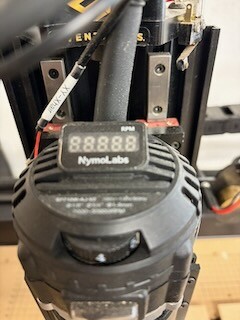
For manual routers with a tach, this would let us dial in the correct RPM during each tool change without digging through G‑code or other panels. For routers with only a numbered speed dial, operators could at least choose the setting that most closely matches the requested spindle speed.
In time many of us will move to Sienci VFD spindles, but in the meantime this would be a very helpful quality‑of‑life indicator for anyone running a manually controlled router.
I’ve been testing MillMage’s Custom GCode output with gSender to see how much tool information I can surface at runtime.
Findings:
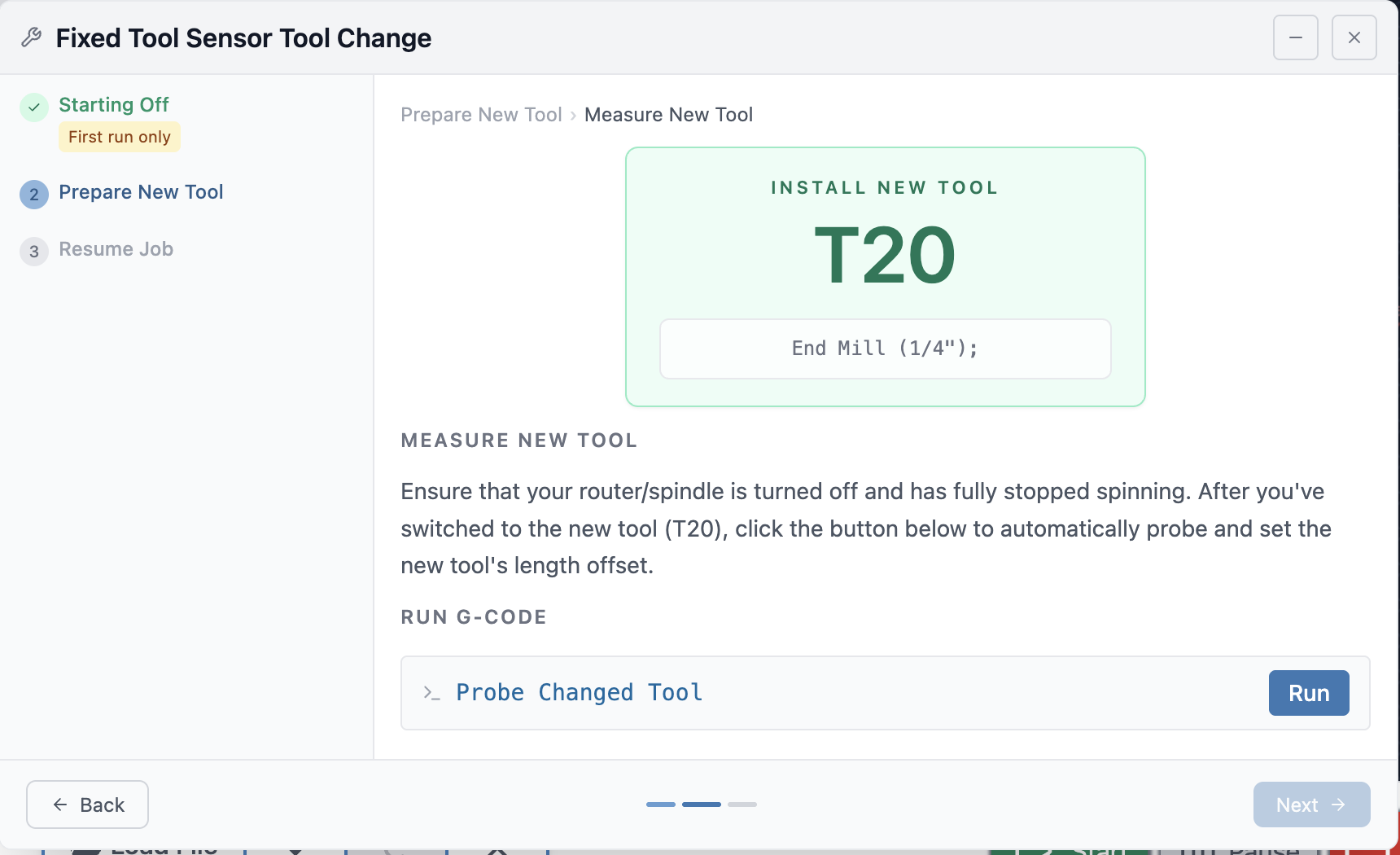
On an M6 line, gSender’s UI appears to key only on the T command and displays just the numeric tool ID.
Any additional text on that line (tool name, RPM, etc.) is ignored by the UI, even though it’s present in the G‑code.
MillMage can already output structured comments and variables like tool name and spindle RPM around the M6 line. I believe other CAD/CAM tools provide similar custom gcode processing.
This seems like a good opportunity for better CAM–sender integration.
Feature suggestion:
Support an optional, structured comment on or near the M6 line, for example: ; TOOLCHANGE T12 NAME="Bowl and Tray Bit RP" RPM=10500
When gSender sees a TOOLCHANGE comment, parse the T, NAME, and RPM fields and use them in the tool‑change prompt and status UI.
If no such comment exists, keep the current behavior (show only the tool number) so existing workflows are unaffected.
This would let CAM tools like MillMage emit rich, machine‑readable metadata while keeping the underlying G‑code standard and compatible.
I don’t think we’d ever parse a specific format - to be blunt there’s no universe where you’re getting every cam software and every post processor implementation to agree on a standard comment format for extra information in order to reliably show something.
More likely is we’ll look at including any comment on a M6 line on in the tool timeline in some way - that gives you the same info, but makes it post-processor independent.
understood and agree. Even just the option to display M6 line details would provide a way to convey key information needed to inform potential human action. Thanks!