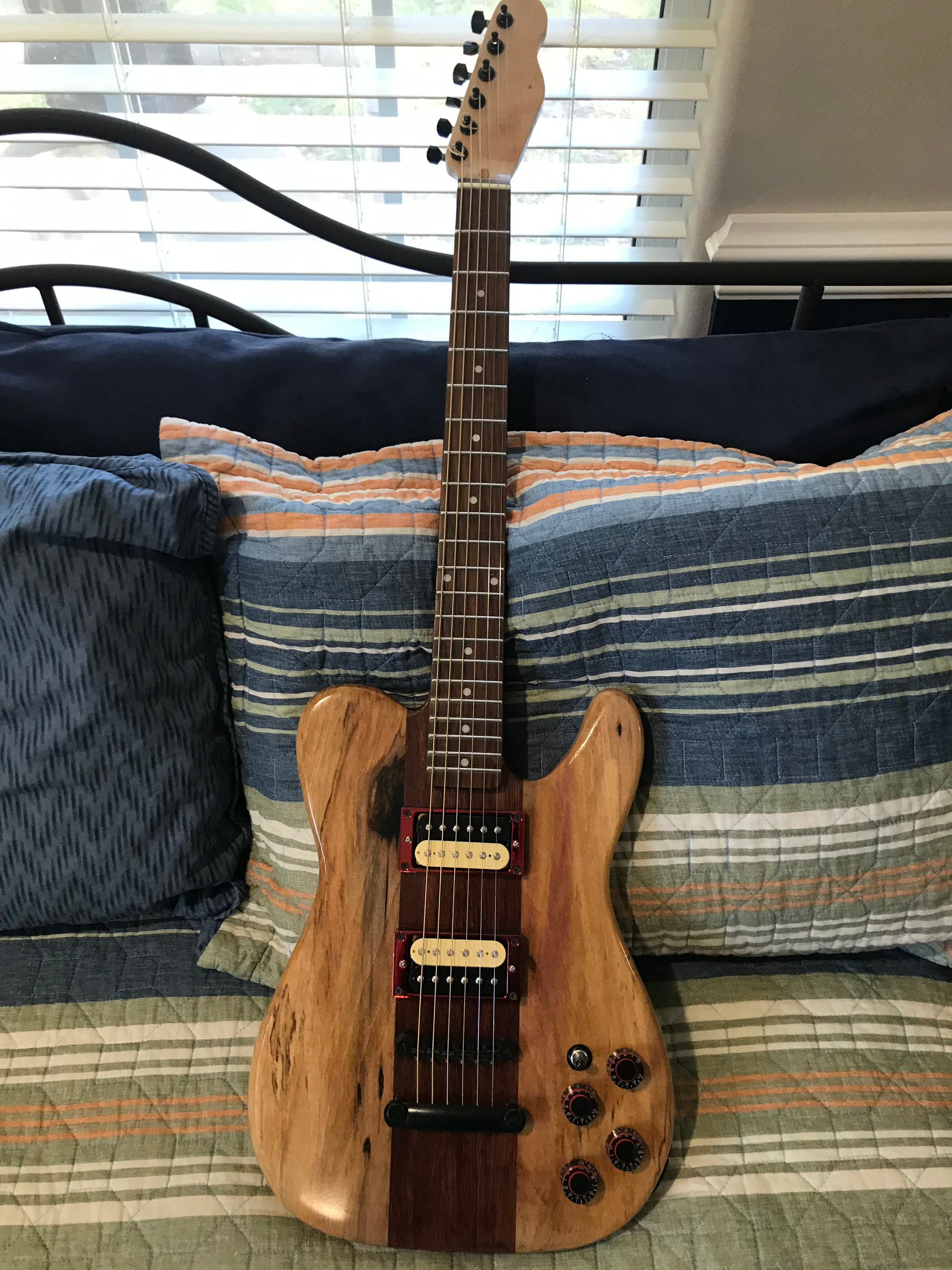
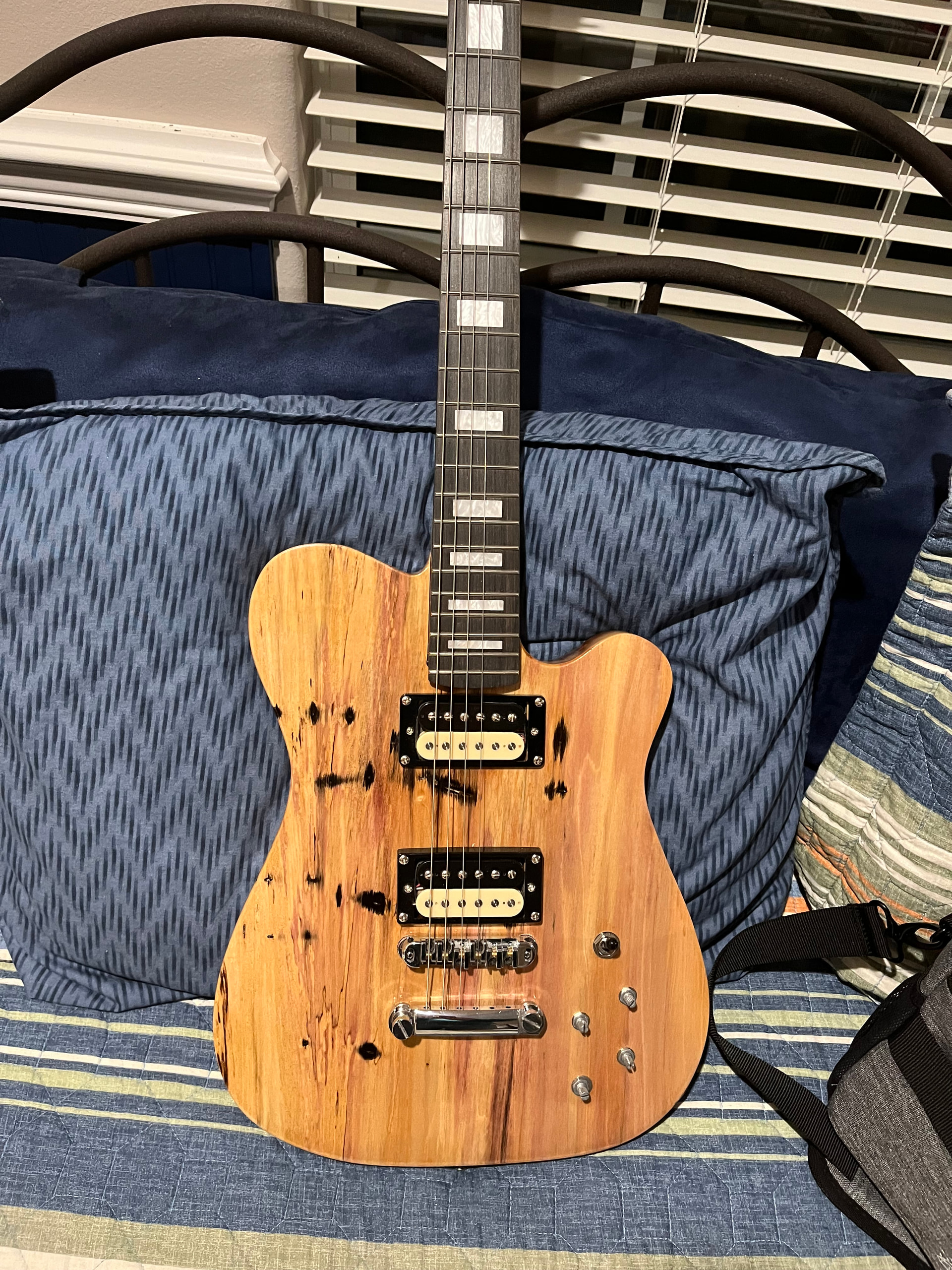
Yup! That is the plan! I’ve got this piece of swamp ash set aside to carve another version of the body depicted above (the purple heart bass).
Nice guitars by the way!!!
Huge shout-out to The Professor, @mick_s !
Using your guidance, I accomplished a successful and mostly error-free carve of this neck I’ve been working on, the same type that originally went south and inspired this thread.
I dialed the RPM back to 11,000, which seemed to make all of the difference. I also used the “Beast” instead of the “Hog,” which probably contributed as well. As you predicted, no “screaming” this time!
I’m still working on dialing in the ideal chipload; I was running at 3,000 mmpm, plunge at about half that, depth per pass at 1 mm. I know I have to increase mmpm and/or decrease RPM to get closer to a more optimal chipload, but apparently I still have some superstitions to overcome  .
.
Nevertheless, at least I was a lot closer to the ballpark this time (instead of in another zip code).
I also fabricated a special clamping jig, which helped a lot overall, but probably didn’t have any impact on the original issue of feeds/speeds.
Anyhow, sincere thanks, Mick!
Glad to hear you succeeded!
Great thread - really helpful to read through the whole journey here. Congrats on the successful carve! The chip load calculator tip is gold, I’ve started using one too and it completely changed how I approach hardwood settings. The relationship between RPM, feed rate, and chip load isn’t always intuitive at first. For what it’s worth, I’ve found that a slightly lower RPM with a faster feed often outperforms the “slow everything down” approach for hardwoods - keeps the bit cutting rather than rubbing and burning. Looking forward to seeing the finished guitar neck!
Thanks much, @TimTom420 ! Appreciate the feedback.
What you and @mick_s have said really illustrates some important concepts, I think, when it comes to CNC and carving hardwoods.
And you’re right, for some of us it definitely feels counter-intuitive. Mick’s first description of the settings he uses made me realize that I’m carrying around a lot of “superstitions” and “preconceptions.”
For example, I still struggle with running the machine at what, in my novice brain, seems like really high speeds. For some reason, anything over 3500 mmpm seems “risky” to me (which it was when I was using my LongMill). At the same time, I’ve clearly been laboring under the illusion that “faster is always better” when it comes to RPM, which on Mick’s advice I just demonstrated to myself as untrue.
Another thing I’m realizing is that I jumped right into this CNC stuff doing “high-stakes carves” out of the gate. Bass bodies and necks, essentially. I have yet to spend much time on simpler carves that would probably teach me a lot in terms of foundational principles and such. So basically I’ve been “working in reverse,” carving complicated stuff by the seat of my pants and using flimsy tools like intuition and guesswork, when it’s probably much smarter to approach CNC less ambitiously and learn to crawl before attempting to walk.
New Altmill 2x4 user w/ 2.2kW spindle. Enjoyed the conversation on this thread. For those in the know, do you have a recommended chip load calculator?
Starting out with softwood, hardwood, and aluminum. Thanks!
What CAD/CAM software are you using? If it’s a Vectric product, the calculator is built in to the tool database for the tool setup.
Currently using (and learning) Fusion 360. Can create things for 3D printing pretty quickly now but still learning the carving/milling side of the house.
The IDC Woodcraft app (iOS) has an easy-to-use chipload calculator.