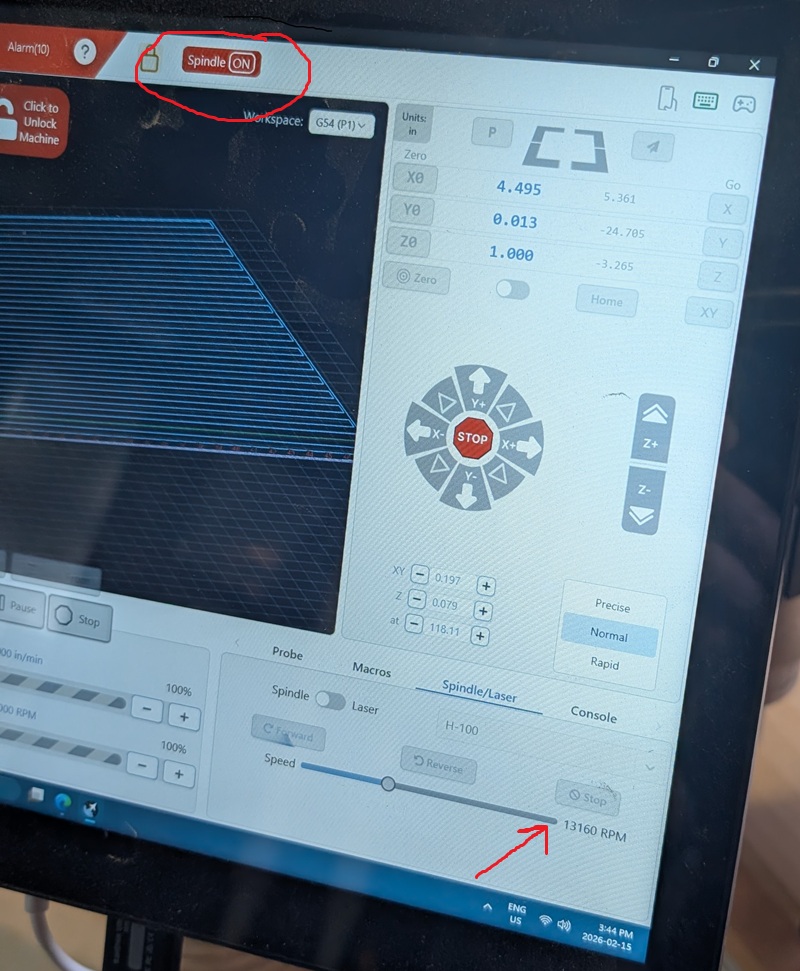
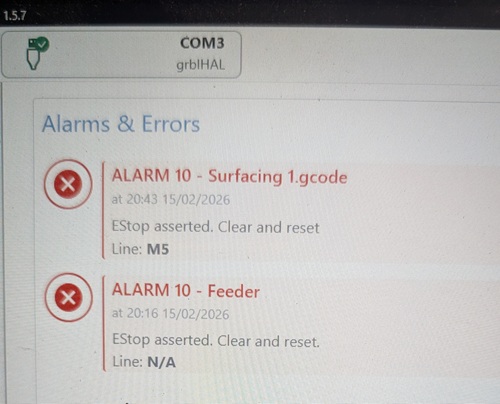
I am constantly frustrated by alarms with my new Altmill 4x2. I am in the process of flattening the spoil board and am following the steps outlined here: https://resources.sienci.com/view/am-mk2-wasteboard/. I disabled soft/hard limits, homed the machine, and successfully completed the job (after an alarm stopped me about 1/4 of the way through!). When this occurred, the alarm stopped all stepper motors, but the spindle continued to run and the UI in gSender didn’t accept any input to stop it:
I am able to home the machine and jog to all four corners (unless an alarm 10 stops me) and ran the spoil board flattening gcode once already so I know it’s ok. I wanted to run it once more today to take off a bit more material, and when I start the program, the machine starts its first movement along X, then throws alarm 10 and stops (but the spindle still keeps running). The movement in X is smooth, and I can easily spin the ball screw when powered off, so I don’t understand why I’m constantly getting alarm 10.
The alarm description says EStop asserted - not sure how it’s set up on the Altmill, but generally EStops are set up as fail-safe - that is, if a wire breaks, or a connection is disrupted, the signal drops and the EStop “happens”.
I would check all EStop connections - make sure every wire is secure. Sounds a bit like a loose wire that is being wiggled by vibrations. Hope that helps.
Thanks for the reply Ed - I’ll take a look at that and see if I see anything that looks loose. Do you know if there’s anything I can look at such as the console output (which I should’ve checked but didn’t) that would give more detail about the specifics of the error, such as what axis is getting triggered?
I think it’s the general EStop - the physical pushbutton. First thing I would do is ensure that it is securely connected at both ends - from what I see of the Altmill assembly guide, the button end is an RJ connector, so checking it visually and ensuring it is fully plugged in handles that end, and the other end is a phoenix connector (green connector with multiple wires) - ensure that each wire in that connector is secure, and that the entire connector is securely plugged into the controller.
Got back to the problematic Alarm 10 again today while trying to surface my spoilboard…
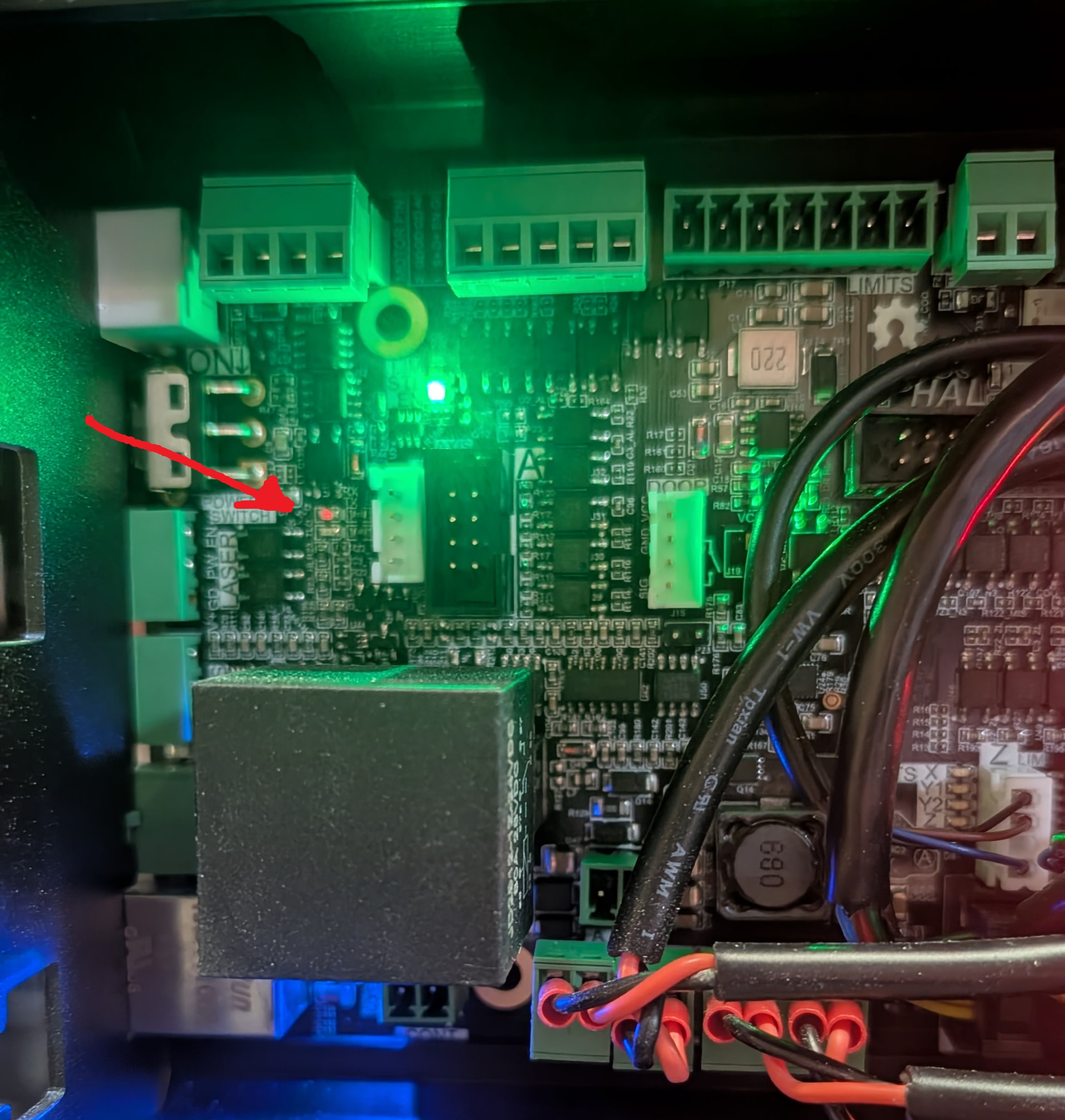
Going through the document referenced by @Chucky_ott to test the e-stop, but couldn’t find any loose connections. While trying the steps in the “Troubleshooting the Control Board” section, I noticed that an LED that was neither on nor off but pulsating between at a fairly high frequency (see below - note that it’s not a full intensity like the green LED). I’m not sure if this is normal or not, but I would think these indicators would be either on or off, not something in between. Maybe this has something to do with my issue which continues today?
I’m attaching a diagnostic file in case anybody wants to have a look. The program started ok, and as soon as it began to jog in X, it failed with Alarm 10.
@Dward Hard to say from the picture but I think that particular LED is labeled TX or Rx for Transmit/Receive. That one, and the green one next to it, will flash in sequence when connected to gSender. Close gSender and they’ll both be off if those are the correct LEDs.
If only one of them flashes, you may have a connection problem with your computer. USB or Ethernet connection ? Regardless, you should switch to Ethernet.
I’m using USB - You say to switch to Ethernet, why? Has the USB connection been known to not be reliable? I’ll try it - I’ll try anything! Your reply and help are appreciated!
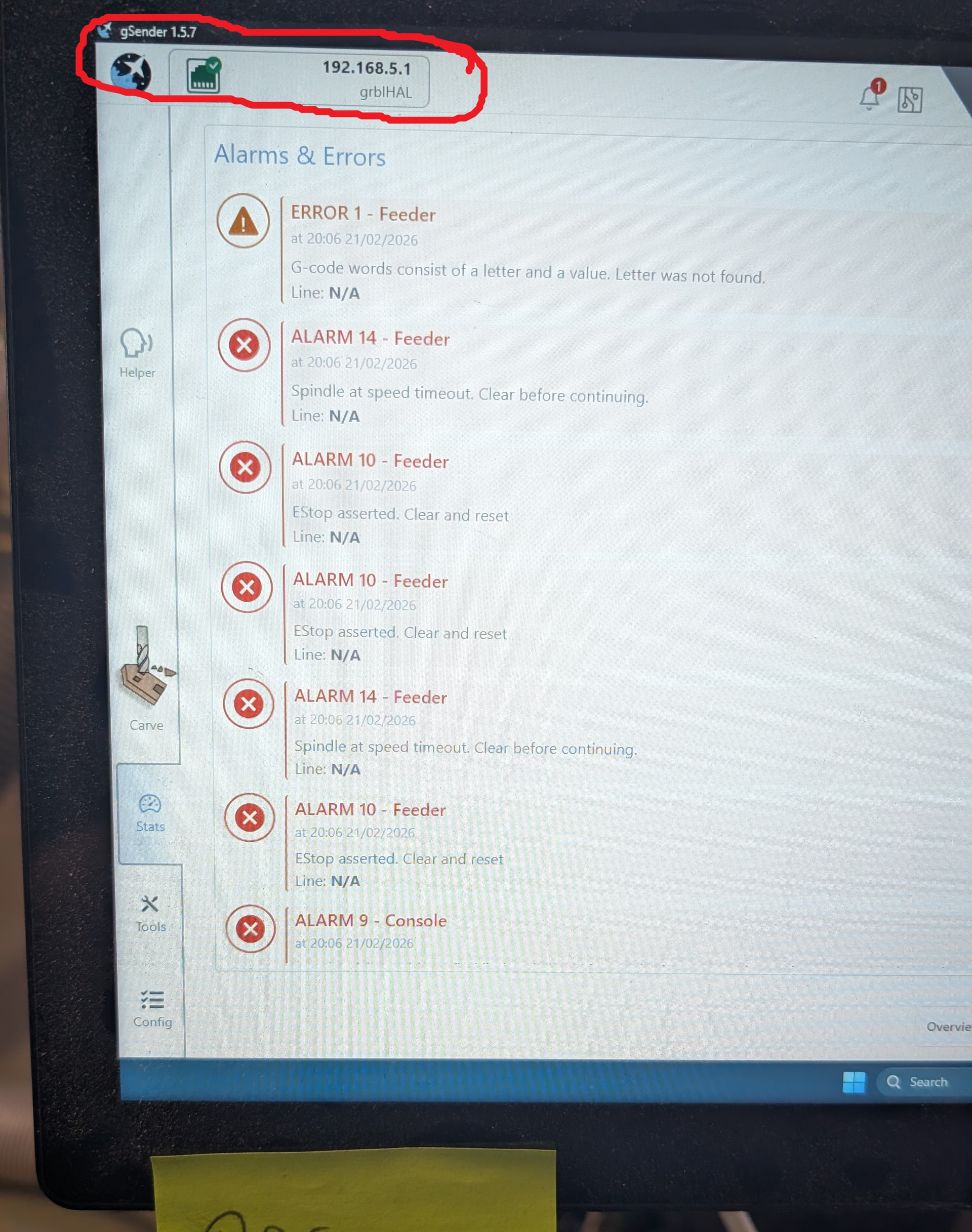
I ran up to Best Buy, got an ethernet cable, followed the instructions you sent (thanks!) and got the machine to connect. Unfortunately, I’m now getting errors when homing. I wouldn’t think changing from USB to Ethernet would cause these problems, but my bad luck continues. I’m going to switch back to USB and see if I can get the machine back to its previous state.
@Dward I’d switch back to ethernet and then try homing each axes separately to see where the problem could be.
Make sure your soft and hard limits have been re-enabled.
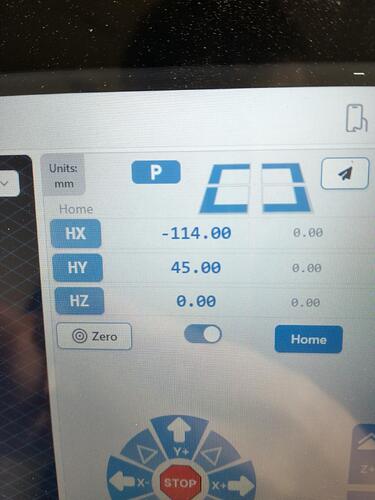
Then enable the toggle under the coordinates. The buttons will then change to HX, HY, and HZ. You can home each one separately now by pressing one of these buttons. Start with Z, then Y, then X.
Got back to it today and was following suggestions from the support team to swap the x-axis stepper motor with the y-axis motor to see if that would trigger issues in the other direction due to a faulty stepper motor.
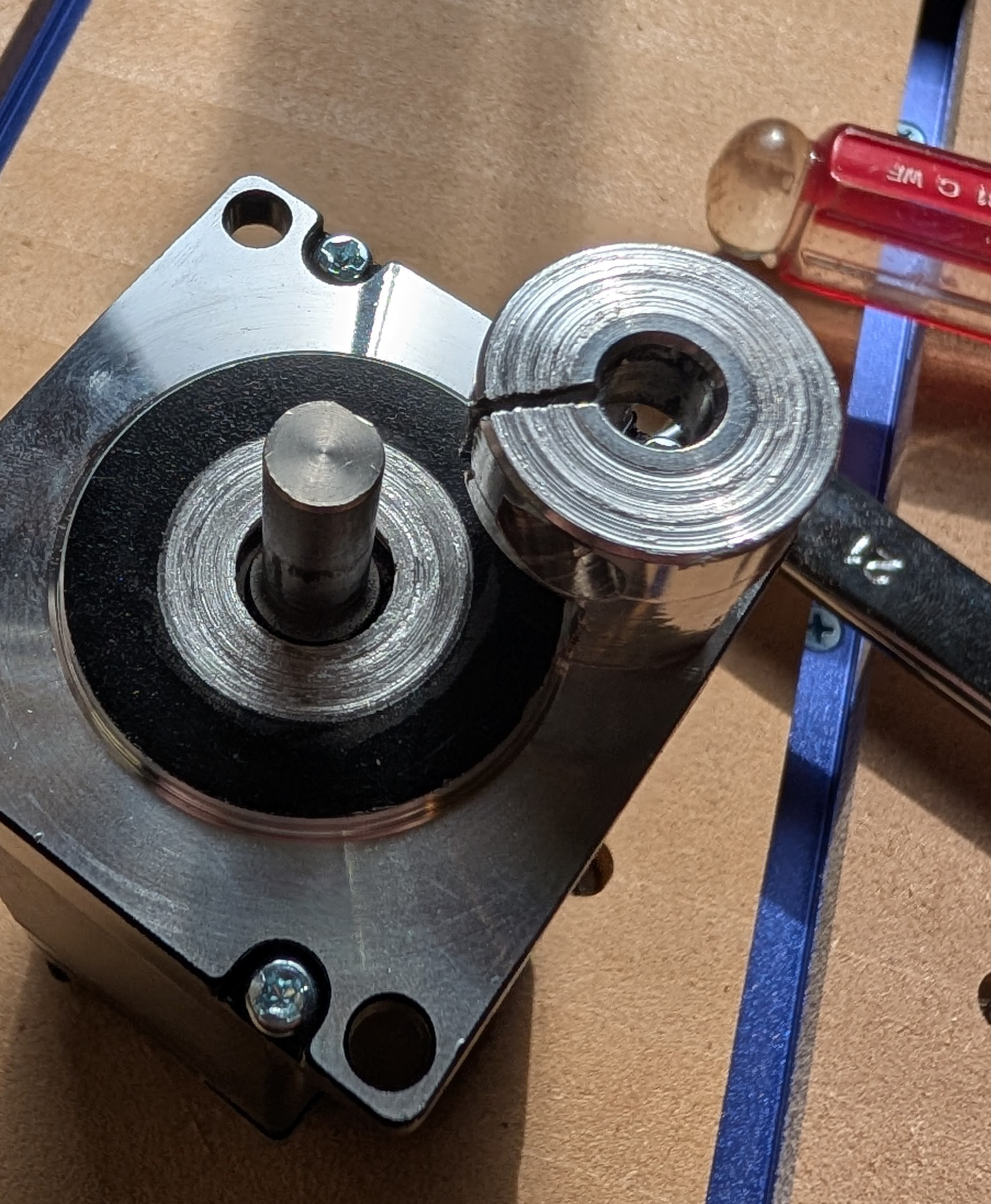
When I disconnected the x-axis motor, I found that during installation, I had somehow shifted the shaft coupling to the point it was in contact with the stepper motor face. This was obscured by the gantry plate which is ~1/2” thick, so I could only see this after removing the motor. After I corrected the installation error, the machine jogged smoothly and I was able to run a job without any alarms today.