All axis blocked - need help

Hello everyone.

I hope i will find some help here. Please forgive me if theres a similar topic exist for that allready.

In order to justify or excuse my stupid moves i give a bit context.

Im here in a course sended by the jobless center. Im a expert in SMD packaging and writing pick and place programs for SMD machines.

They thought that somewhere the same like handling and writing CNC stuff. They have no other.

My mission is to make the CNC machine handy and useable for other course participant. Dummy proof as you like.

they had 9 products. a caved connetion board for THT soldering. all of them single desingned.

i only have the Gcode files. i figured out how to reproduce the Gcode on a new Workpiece reference.

that works well. i can use the whole plate to produce the product six times. befor they had to lose up and replace the plate for every new single one.

next task was set up a constant base. that every plate is laying the same so no one needs to reset Workpiecereference.

so i was trying around setting.

heres where all the mess stated.

sorry noob at CNC an Gsender.

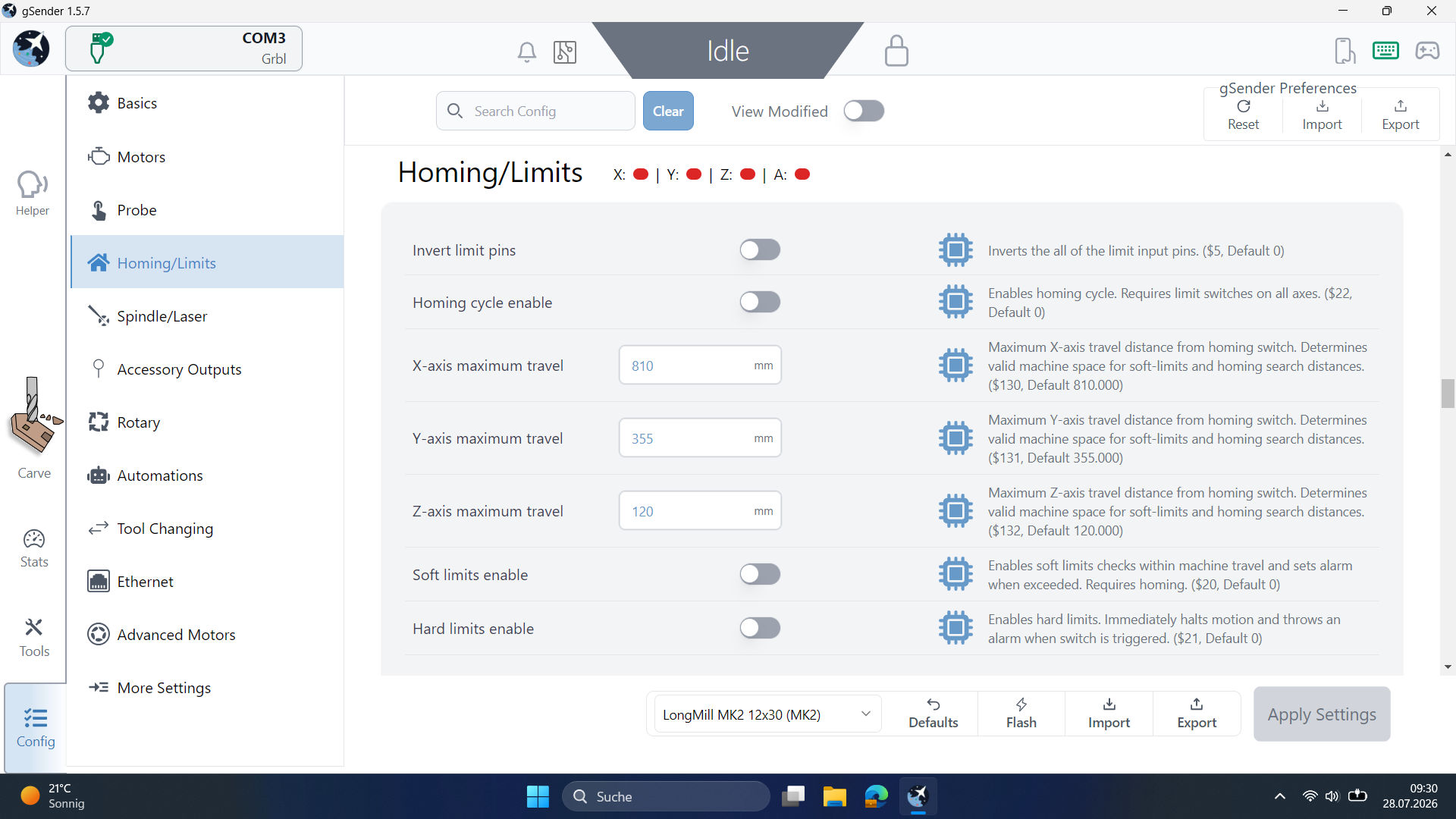
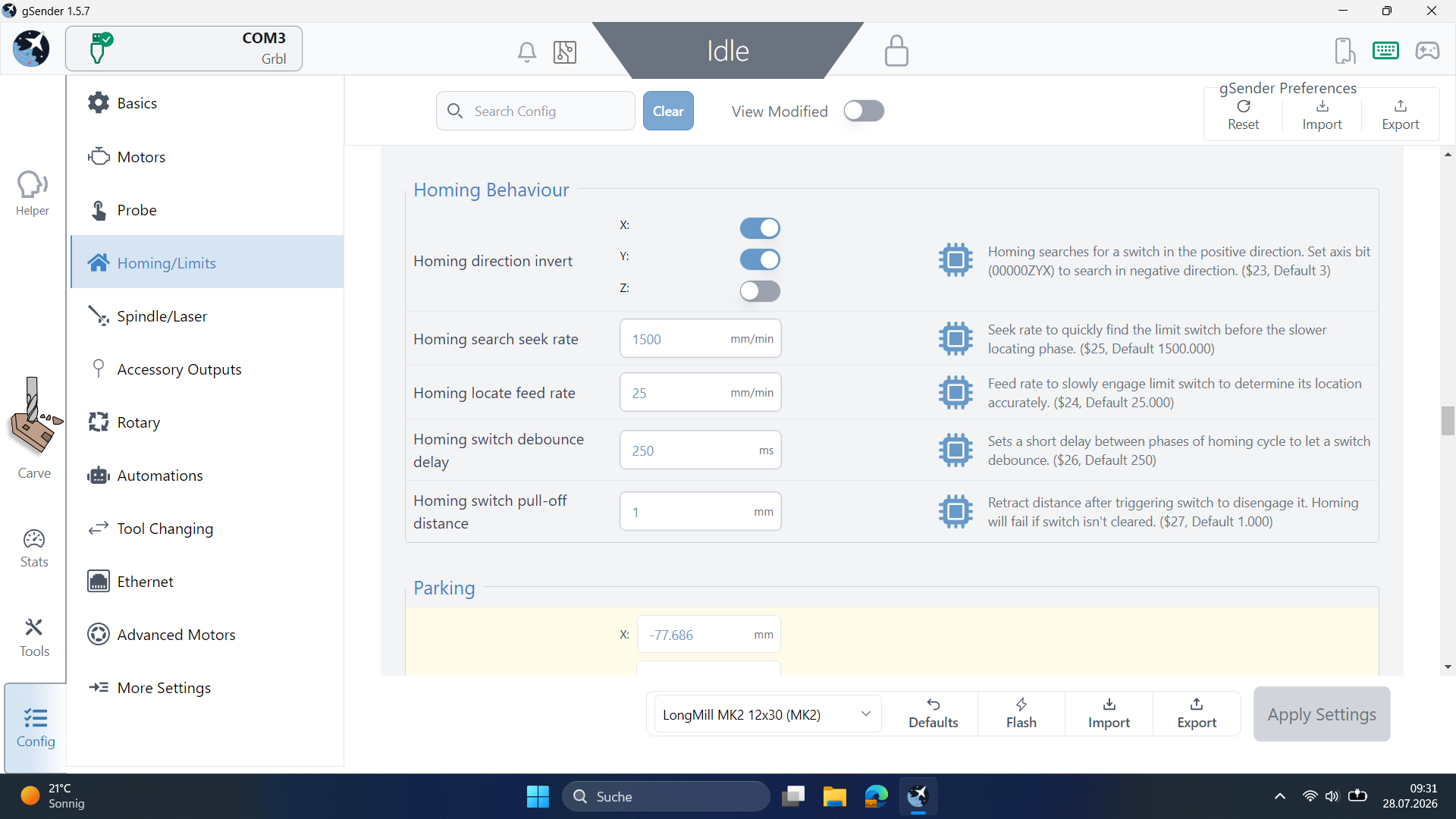
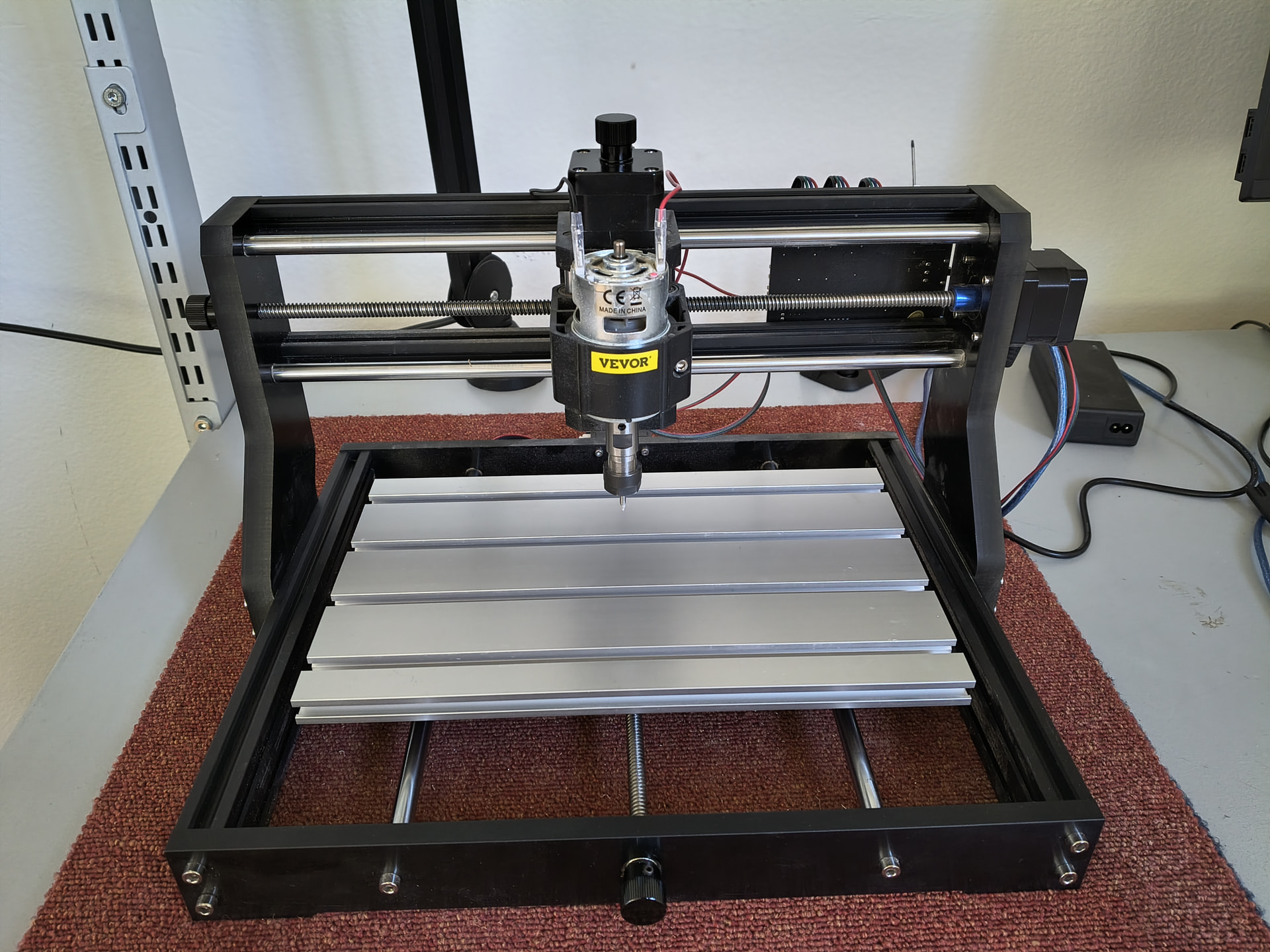
i performed a homing sequence. my vevor 3018 does not have limitswitches.

the axis engines hittet the physical limits and they liked to go more like rrrrrrrrrrr…

i knew that not good. so homing wasnt a option.

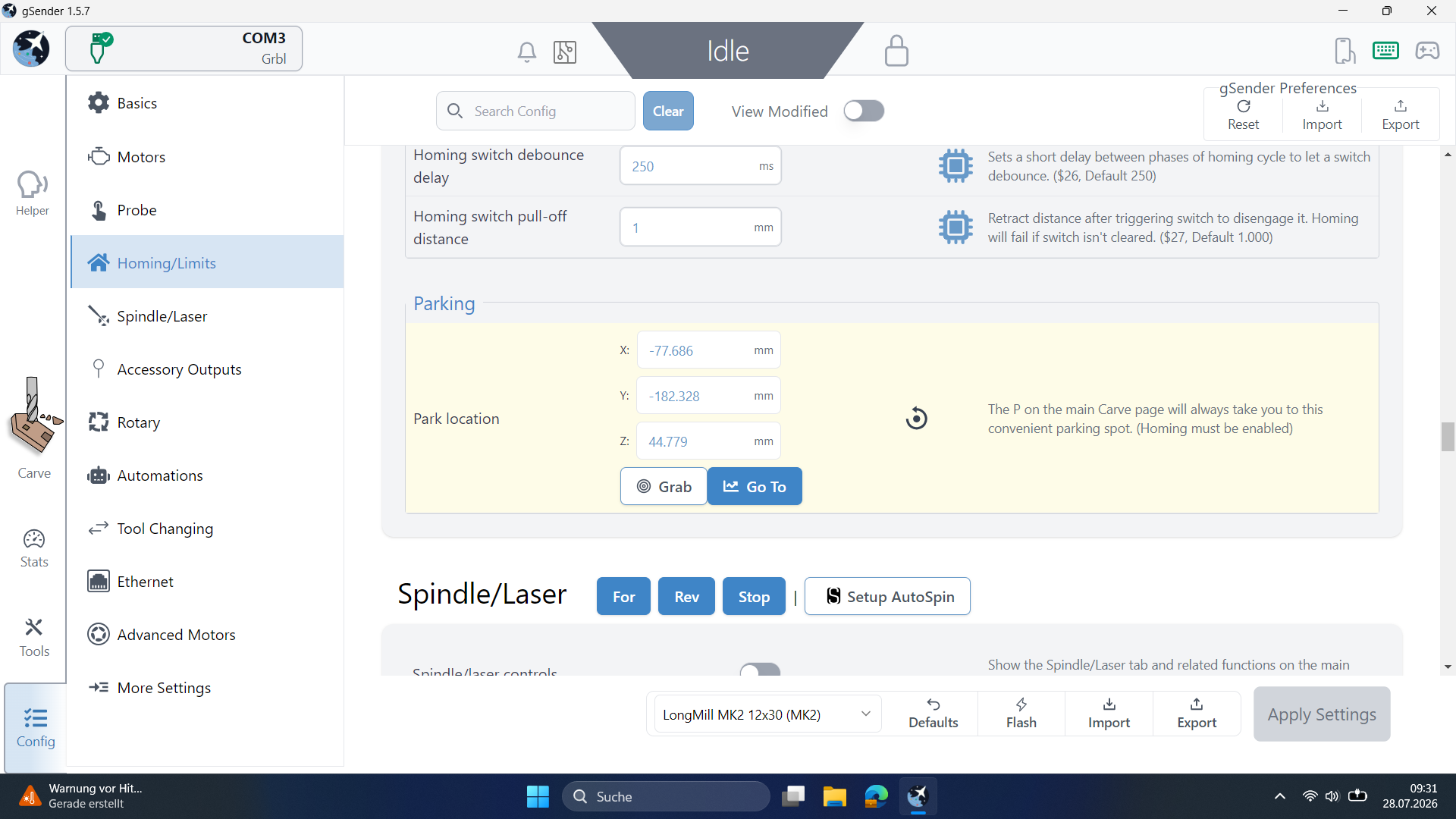
i tryed find a solution with the parking option.

i set a parking position. sended him to WPReference. works fine. back to parking. X/Y fine but Z axis likes to go further like rrrrrrrrrr…

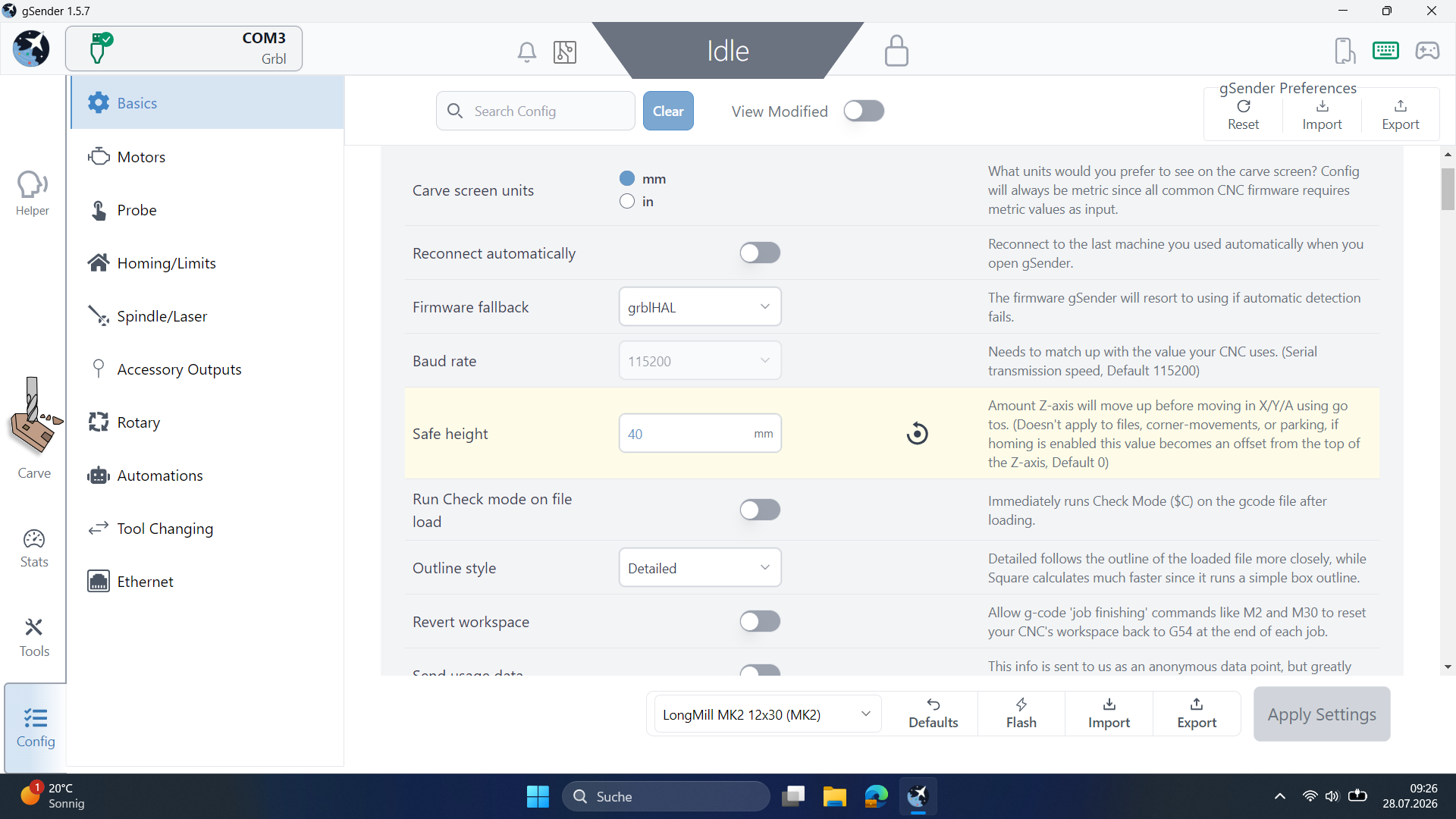
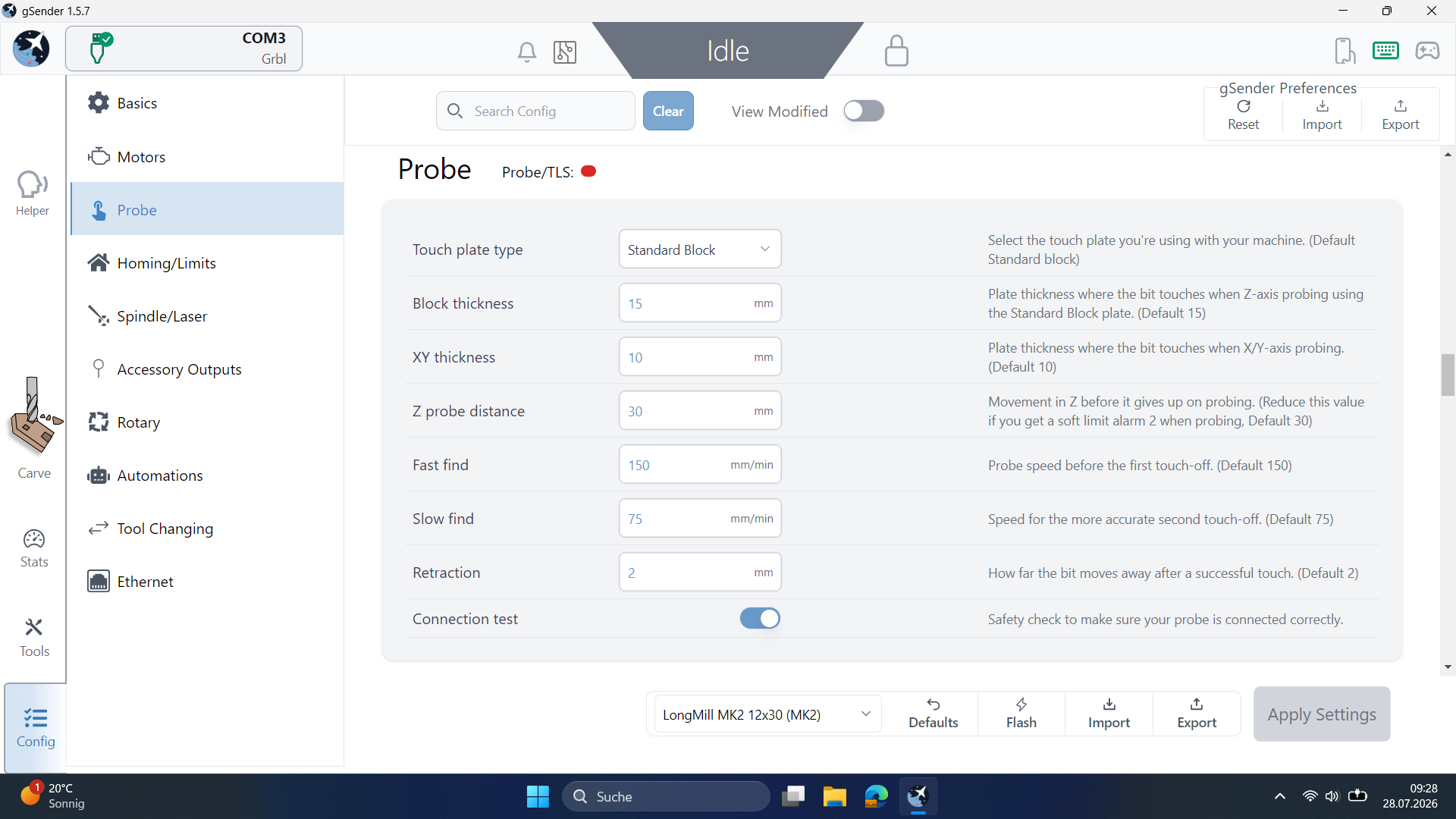
next: i was tyring some different softlimit settings. nothing solved it. so i SAVED the settings. and set all settings back to default.

its like since that default setting everything is blocked. loading the saved file the same. all axis are blocked even with the saved setting profile.

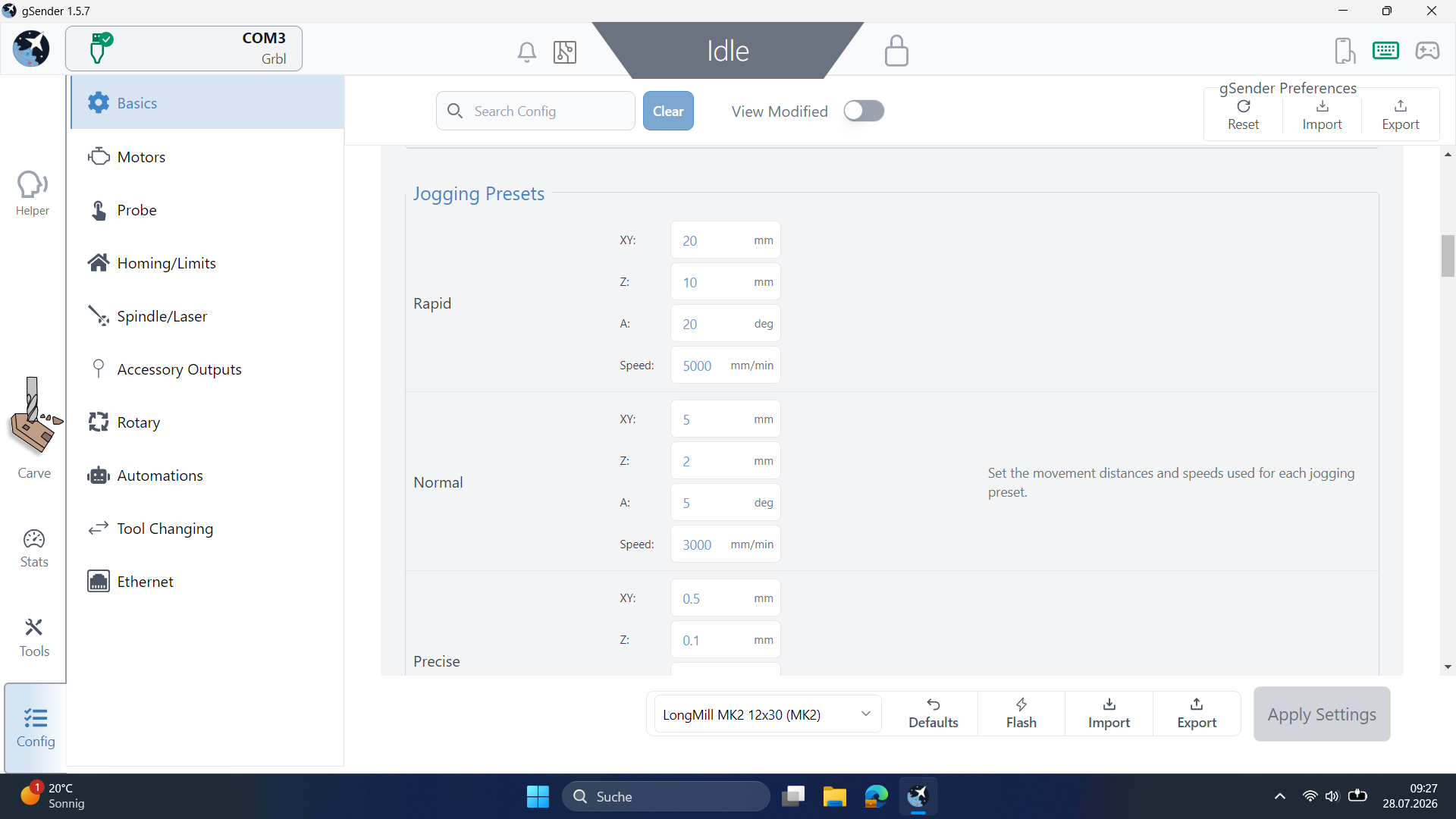
when i try to jog its like virtual jogging. the coordinate values changes. the tool on the screen moves but no physical movment at all.

i noticed the axis are blocked as soon power is on it even whitout connecting it on Gsender.

the engines gives a constant electrical humming.

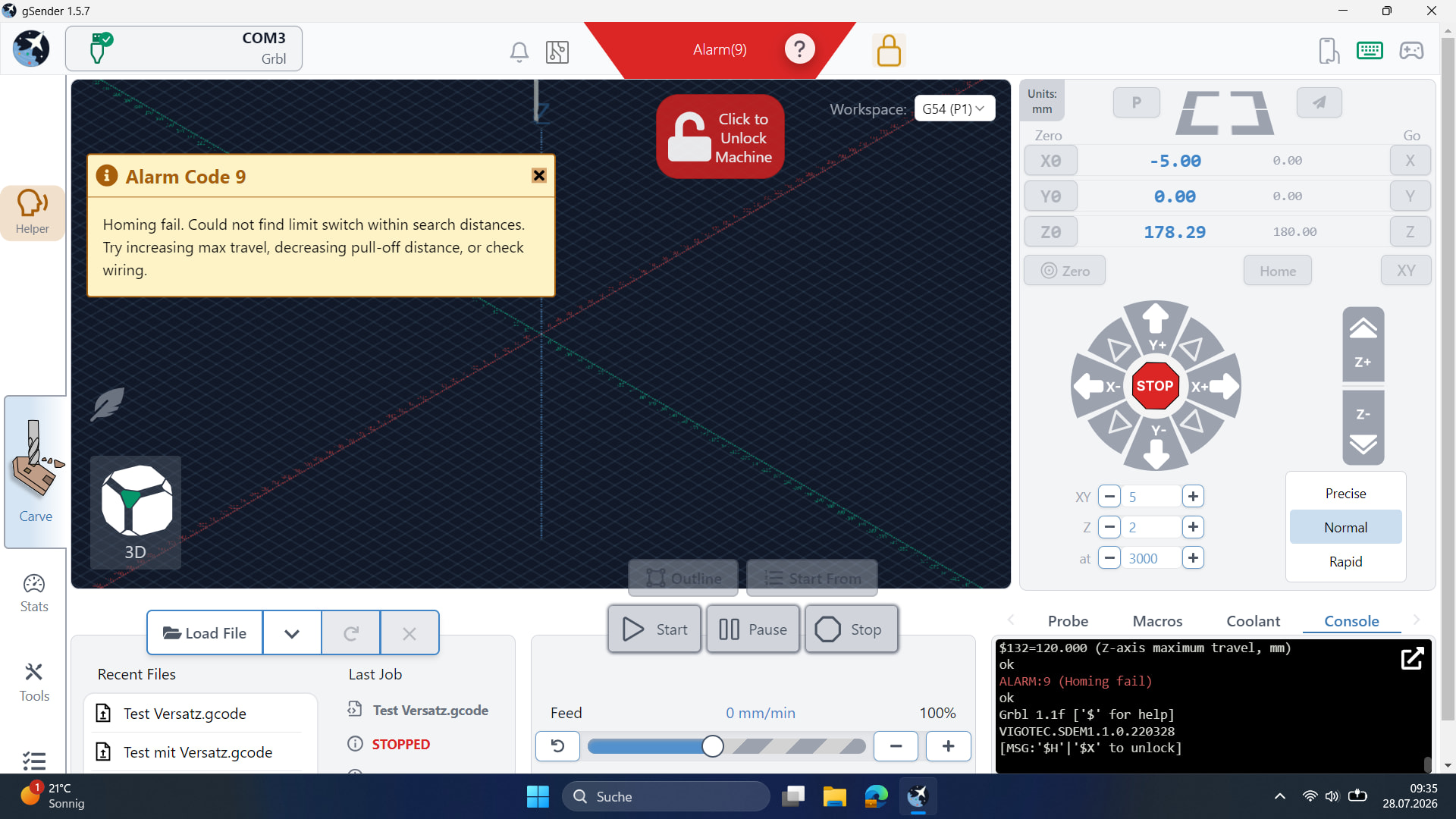
i noticed when i perform a homing (nothing moves) it unlocks the axis during trying a homing. i can turn on all 3 spindels like normaly untill the error report shows up.

has someone mercy on me with an advice?

Thank you for reading anyways.
Rest of pics

@Clueless Welcome to the group.

I’m not sure that I completely understand what you are trying to do, but a starting point to solving your issue is to forget about homing and parking. With no limit switches, those functions are not available to you.

Your next problem is that you only have gcode files.

How were they created?
What CAM/CAD application was used?
Do you have access to that application?
If not, do you have access to any CAD/CAM application that you can use to create a new design and new gcode?

In short, you are trying to work backwards, sort of reverse engineer this project. Frankly, your odds are not good. That’s not to say that it is impossible, but working this way will make things much more difficult and you run the risk of damaging the machine and ruining material.

I’ll leave this in the gSender category for now, buy your problem is not related to gSender. Your problem is more related to the manner in which you are trying to do this.

Hi clueless,

Welcome to the forum, nice nick you have there.

I am assuming you are milling single sided tht boards out of copper topped bareboard without surface mapping and without having actual access to CAD data? You are provided with the gcode only?

Do all 9 boards start with the same xy zero?

Do you have some kind of xy touch block on this machine

thank you guys taking the time for me. I really appreciate that.

I do have acces to the freeCAD 1.1 and its been made of with it by a guy 3 months before.

he left cause he found a job. you get your own notebook here at the course wich goes back when you leave and been “c-formated” i guess. Even the course instructors is a comming and going. Freelancers.

no i do not have the CAD files. only the Gcodes been “public” saved.

i noticed that, working with Gcode file on CAD is, at least for a beginner i think impossible.

Yes. You are right @gwilki . I am reverse engeneering. But in that topic i reached my target in somehow.

The condition before was:

a copper plate 101.3x163.5x1.5mm need to be draw by hand a 50x50 square, two more lines draw to get the center of the square.

thats is the WPR after you fasten the copper toped plate to the CNC baseplate and bring the CNC tool to the center of the drawn square- than Zero Button on WPR - start the program.

and repeat the whole manuell process again for another THT Bord next to the carved one.

Yes. You assumed right in all points @Spamming_Eddie

I studied for two days Gcodes. I figuered out wich lines i need to copy and where to paste.

the transfer to another area i used:

G0

G0 X0 Y50 Z17

G0 Z0

G92 X0 Y0 Z0

G0 Z17

and than paste the carving commanded lines

and the 6th one in my Matrix is like

G0 X100 Y50 Z17

it took me some tests but that works fine. now it produces 6 single boards in row on the same plate at different areas

after that my intension and target was set up a constand position for the copper plate on the CNC table. so that a user only puts the copper plate in. fasten it - and go

no need draw the center of the first plate maually. no reseting WPR.

thats why i was trying out a homin and afterward a parking position.

my main problem is that the CNC itself doesnt move anymore.

is it possible that i messed the Machine coordinates by homing it and crashing it to the physical limits?

i never crashed the tool. the x and y axes crashed. and the engine wanted to go further for about 3 sec.

but i asure you the blocking event happened exact on the point where i klicked on the default button in settings of Gsender.

since than nothing goes. before i default it i saved the settings.

@gwilki its like 50/50

it happens definitely (at least)operating Gsender

on the other hand. the spindels are blocked soon as i switch power on without a wired connection to the notebook/Gsender.

i got a remote. same blockade

I read sowhere that a G19 command can lead to blocking on Vevor 3018

@Clueless I am reluctantly leaving this in the gSender category, as I am not sure where it best fits. This is not a gSender issue at all. However, as others have replied here, I will leave it here for the time being.
I have nothing more to add, so I will drop out. With respect, you are messing about in areas about which you are not competent. Since you are doing this with good intentions, I can respect that. However, I would advise you to be careful. Your fellow students could be injured by your gcode editing attempts. The lines that you have shown describe an incomplete process. For example, you have not shown any lines that indicate if the movements are absolute or incremental.
As to whether your crashes have caused any physically permanent damage, I doubt it. That said, I know nothing about that particular CNC.
I with you well in your projects.

@gwilki well thank you anyways.

Problem is solved.

like i said: caused oparating Gsender

solved operating Gsender

$RST=*

all axis given free

thank you guys

@Clueless I’m glad to hear that you believe your issue is resolved. I must admit that I am not convinced. However, that is irrelevant. I’ll close the topic. good luck