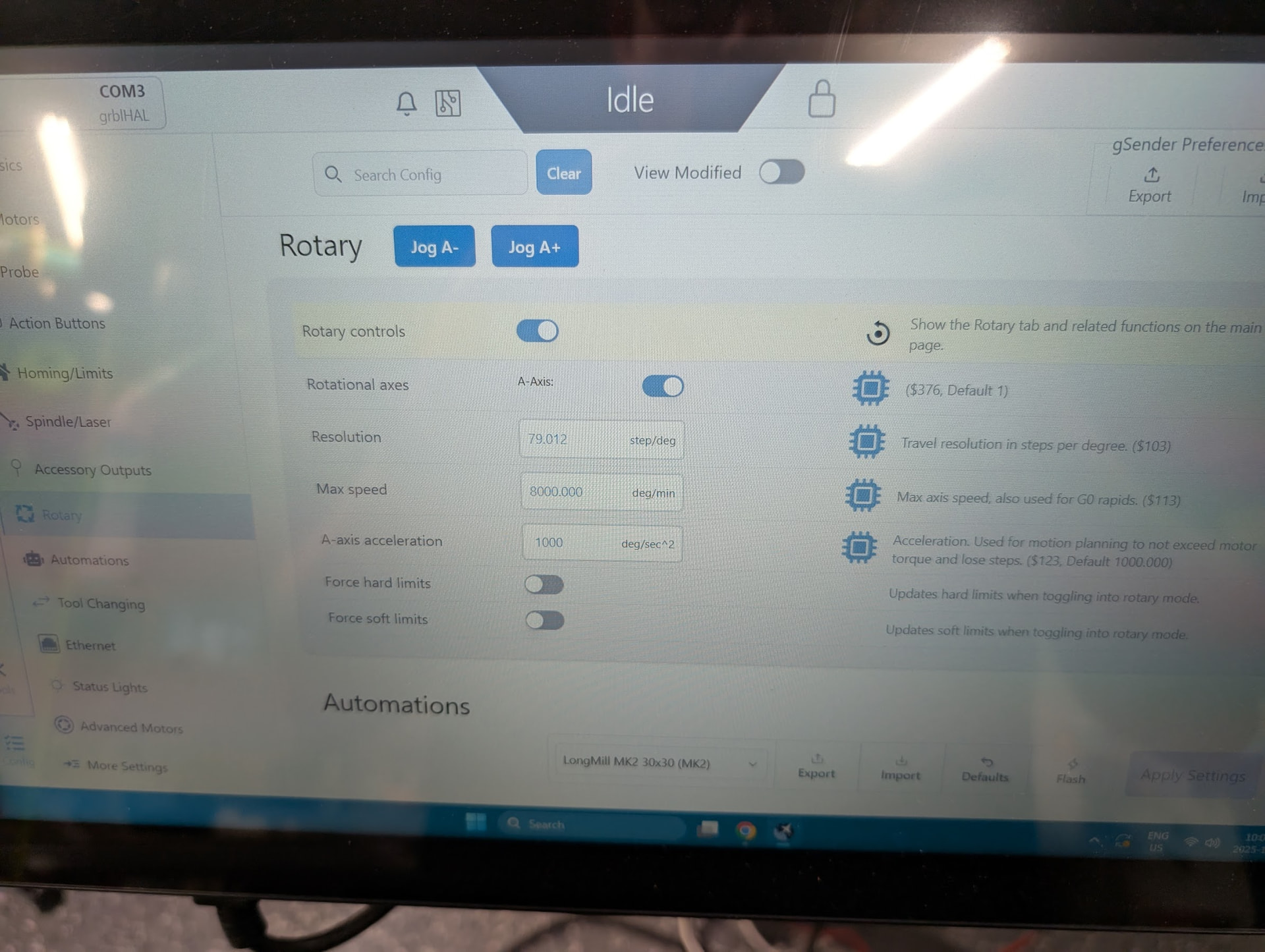
Been running Altmill no problem for months and just got to my first project that I plan to use the Vortex rotary. Got to the point of the install to connect electronics and work on first movements. Followed the written procedures, and I’m not getting any motor response out of A jogging commands. Double, triple checked instructions with config settings. I’ve got motor green LED light, DIP settings match (11101).
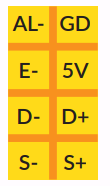
I checked out the 8-wire stepper cable and while the wire color sequence looked correct and matched all other cables, when I pinned it out it seemed like the AL+(GD)/AL- (green & purple wires) were swapped based on the SLB-EXT pinout for the 2x4 A stepper connector and the pinout listed on the body of the motor. However, when I swapped the pins in the harness, it resulted in persistent Code 10/14 error’s I couldn’t clear to get jog control of the machine.
(Of note, the 2x4 connector just crimps down on the ribbon, and I would have expected a consistent sequence that the 1-8 wires would go every other position down the row/columns of the 2x4 connector, but the first two positions were swapped compared to the rest of the 6 wires, this is why it seemed wrong even the the color sequence looked right.)
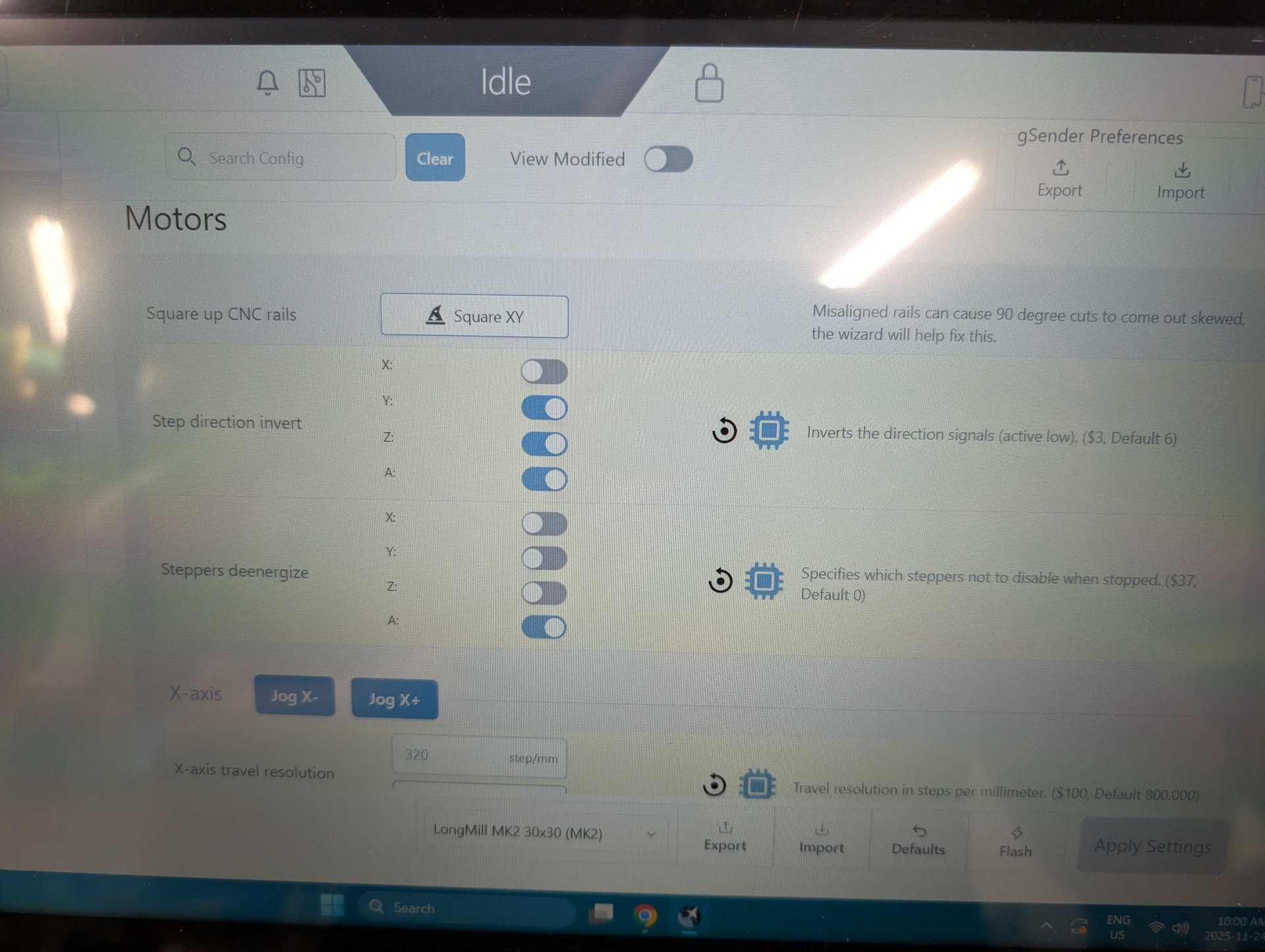
I also tried moving the same cable over to a to a X-axis connector (updated the invert setting) and it would make an initial motor twitch on the first jog attempt, then nothing on subsequent attempts until a board pwr cycle, then would do the same.
Any help is greatly appreciated, not sure if I’ve got a bad motor/cable/PCB or missing a setting.
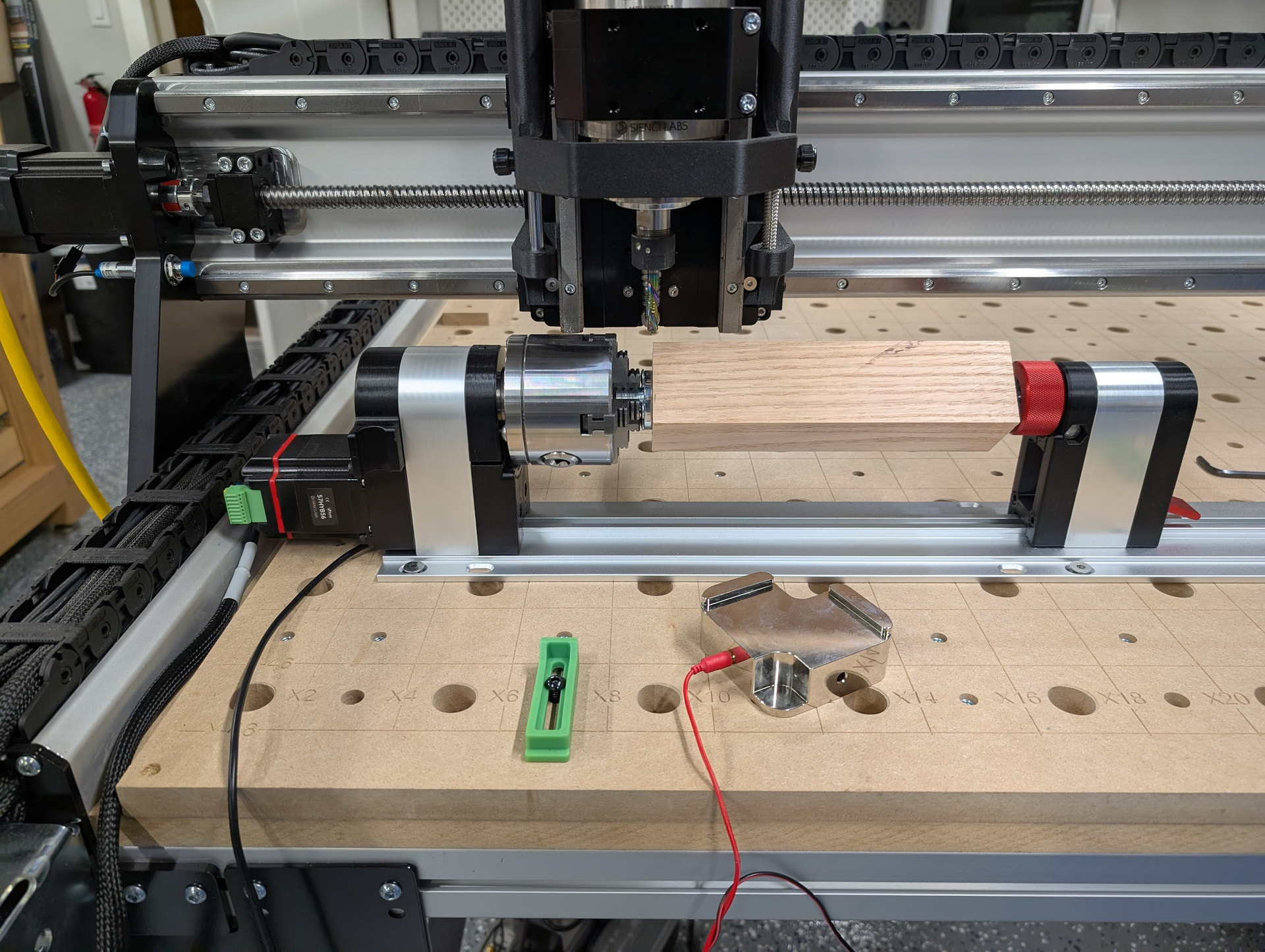
i had this problem, the stepper was grouding out on the frame of the cnc I had to movee it over to the right a bit or put some sort of insulator in between the frame of the machine and the stepper
While the picture isn’t of the greatest angle, I have a decent amount of clearance from the rail, and definitely not touching nor are the connectors/cables. Thinking about disassembling the stepper motor from the rotary assembly and connecting up to one of the other axis connections, just to make sure its not the motor.
Just double checking that you’ve configured it correctly in firmware - follow the following article for double checking $376 and $37. Power cycle the board and try again. 90% of the time it’s this when it comes up in support tickets.
You can also double check the article linked below that for dipswitch (looks correct from what you posted) and stepper.
I’m not exactly sure what went wrong, but I believe I initially followed the correct steps from the rotary guide, but there was something else odd in the config. After performing a machine factory default settings action , then starting over in the rotary guide instructions, it is now working correctly.