I’m pretty fresh to the whole CNC world and have stumbled my way to two successfully completed jobs on an MK2.5 48x30. I went out to the garage to see if I finally got the next job all ready for cutting when the Autozero touch plate suddenly didn’t zero on the corner of the stock–it’s +45cm x-axis. It repeatedly returns this as the zero point. I haven’t made any changes to any settings or made any physical alterations to any part of the code-to-cut process since the last job (which again, was successful). Gsender shows x0y0z0 for the placement of the bit. I tried turning everything off and on again and made sure that my gsender was up-to-date. I can only upload one photo as a new user but I’ve oriented the plate so that the bit should be able to exit to the corner shown in the photo I did upload. Please help, what am I missing?
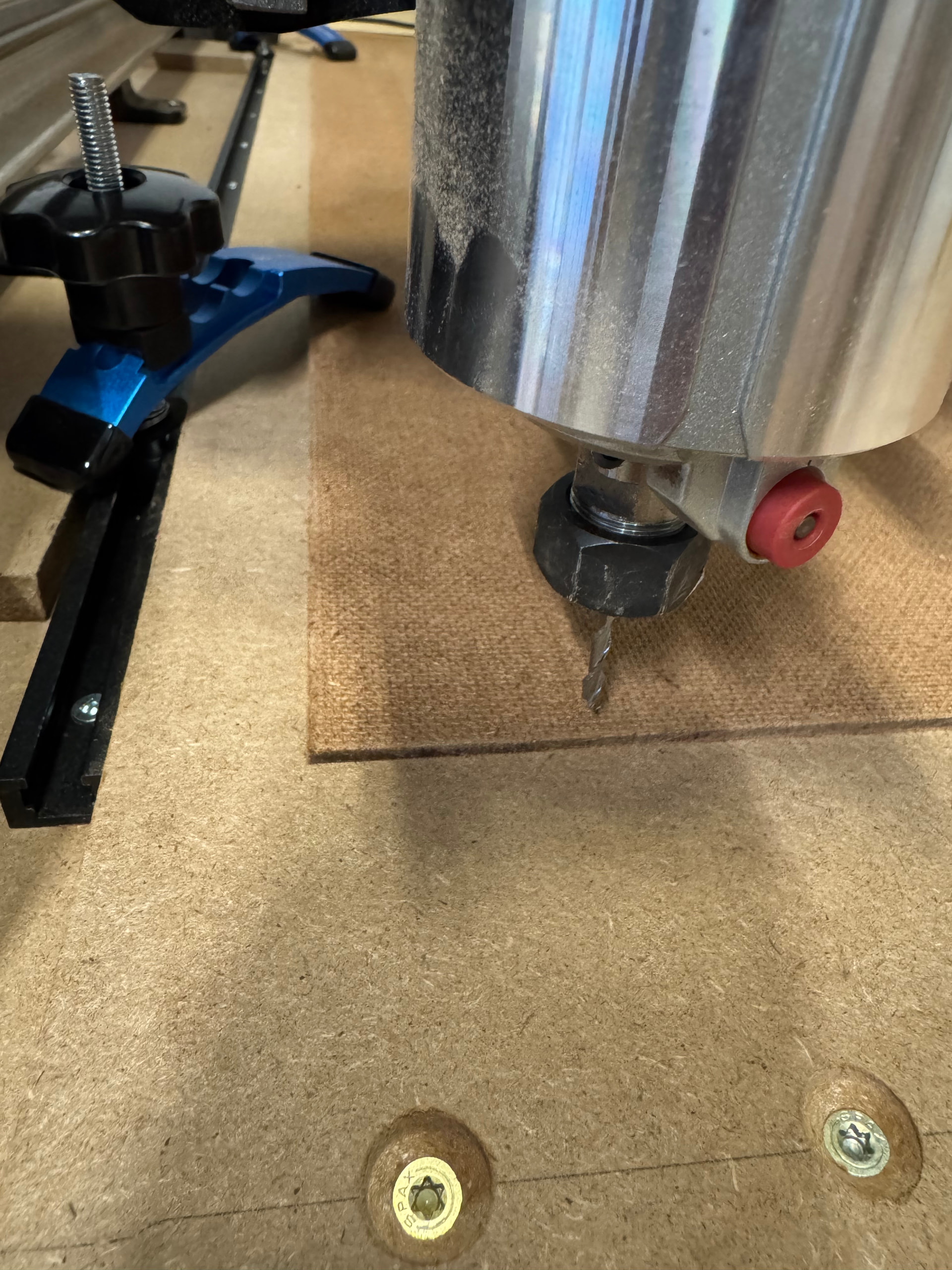
@thepakltd I’m not sure I understand the issue. If you set the AZTP at the front left corner of that hardboard and run the zeroing routine, it doesn’t set the zero at the corner?
Hey Chucky, yup. That’s correct. Y is great, Z is great, but X is off 45cm away from the corner.
@thepakltd can you post a picture of the spindle and mill after it’s done zeroing (similar picture to what you posted already but with the AZTP still in place) and a picture of the coordinates you see in gSender?
45cm and not 45mm, correct? A full 18" off ?
Looks to me like the wrong corner was configured for the probing. Check to see that the system knows you are probing on the left front corner instead of the right front corner which would result in this kind of offset. The only thing odd here, if the auto Z probe was used, is that the cutter didn’t break when it tried to go to x/y zero. It would have caught on the auto zero’s edge …
@thepakltd As an aside, and I’m asking @Chucky_ott and @Jens to confirm this, will the AZT accurately give a Z0 with materiall that thin? The standard touch plate will not.
@gwilki good point. The lip is 4mm thick, so your material would need to be at least that thick for the AZTP to sit flat on the material.
I have not specifically tried but I see no reason why it wouldn’t. If it can’t measure thin material properly, why would it measure fatter material accurately?
You would of course need to flip the AZT over to give you a flat reference surface.
If anything, thin material doesn’t allow locating x/y zero reliably because you have the protrusions on the bottom of the auto zero that normally facilitates proper locating on the corner of your stock.
My procedure to measure x/y zero on thin stock is to use thicker stock instead. As long as the material uses locating pins that ensure identical location, I can measure the thicker stock, replace it with the thinner stock and x/y zero is still accurate.
As a side point, I use my spoilboard as my Z zero for the vast majority of projects. In a lot of situations I do the paper test for z zero but if I want to be doubly sure that I have the absolute best accuracy, I use the AZT.
As mentioned in my last response, the AZT has TWO sides. Thin stock (or when you don’t measure at a stock corner) you have to flip the AZT. Best to read the instructions if all fails 
I don’t mean to be flippant here … sorry if it might sound like I am.
@Jens yes of course, you can flip the AZTP if you want to zero Z only.
Another side note … since I use my spoilboard as z zero, I never use my auto zero tool to set x/y and Z in a single operation …
Hey there y’all, appreciate all of the responses and insights. Turns out I did in fact inadvertently click the little button with the diagonal arrow on the probe display–surprise, surprise that it is in fact just user error.