Hello everyone, hope you’re having a good Thanksgiving.
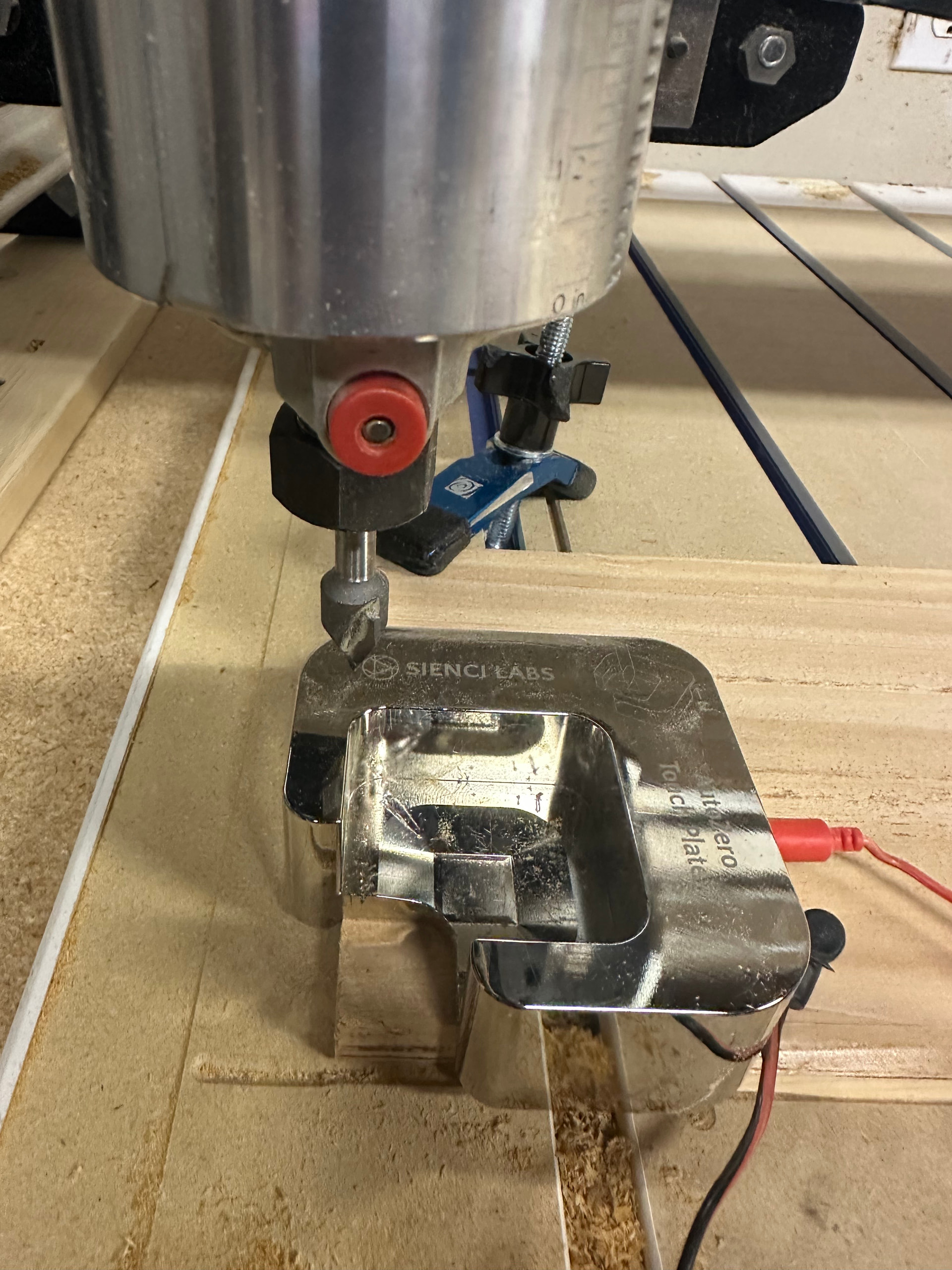
I’m having issues with my autozero. I have it currently on the type in Gsender and have it with the tip process when doing a tip bit. The problem is that when it has gone through the entire zeroing process, when it is going to exit out of the probing device, it goes to the top left rather than the bottom left and plunges in the wall and the prob.
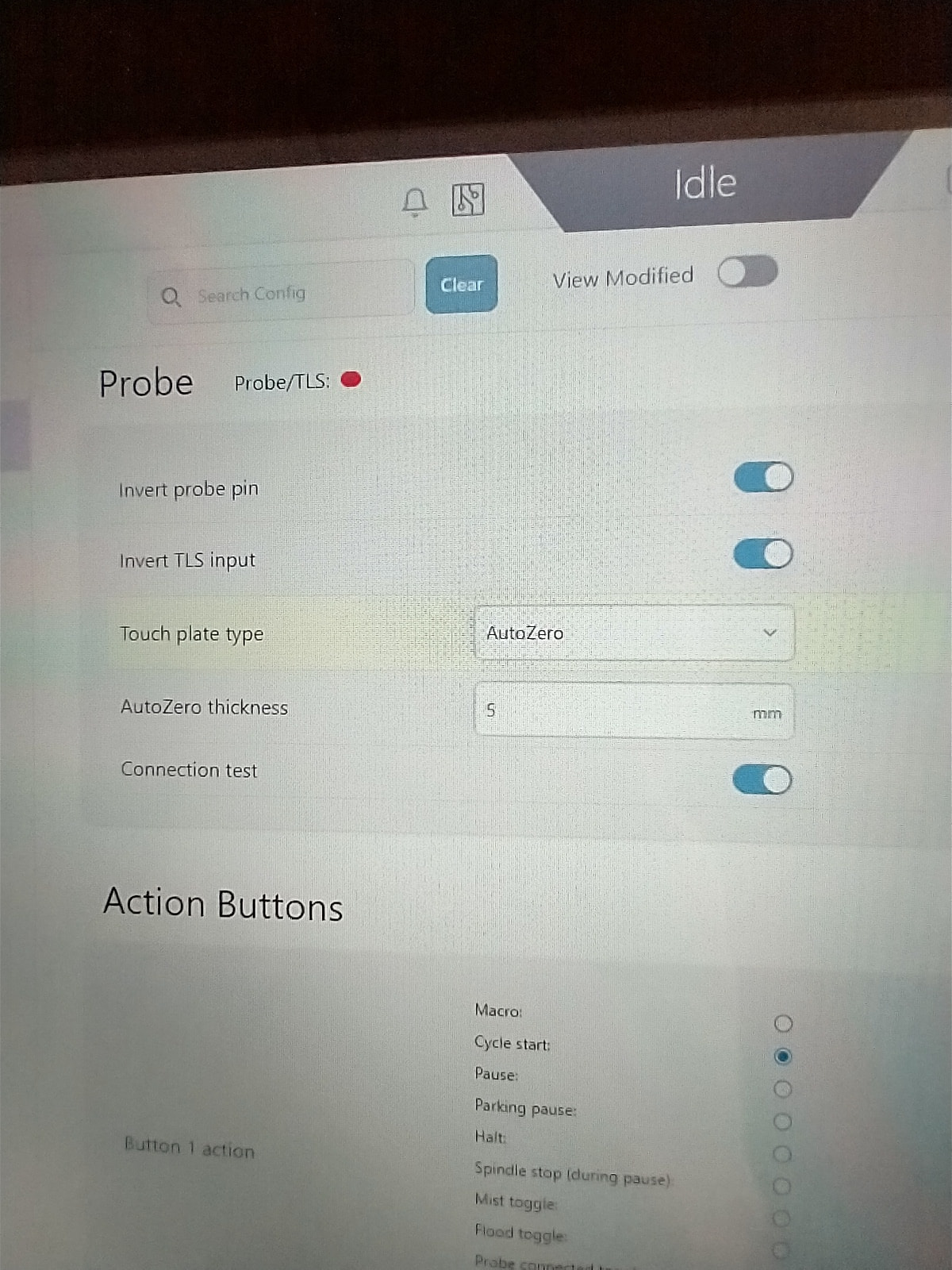
I have the zero on the bottom left in my vectric software. When I’m looking at the g-code visualizer, it is showing that it is actually at the bottom left side as if it exited it currently out of the bottom left, but the motor goes up and left rather than down and left. I’ve attempted to go into the software of gsender and attempt to look at the probing section and clicked inverse prob setting for the y, thinking that if it is probing in the inverse direction, that may be the problem but the things I’ve toggled are not doing anything different, and the result is the same.
I’ve also reset to the default settings and it is still doing this.
When looking at the visualizer, it shows that its in the bottom left at the “correct” xyz. When I get the probing device out, and click on go to xy and z it puts it up where you see it there and the z then goes right by the wood.
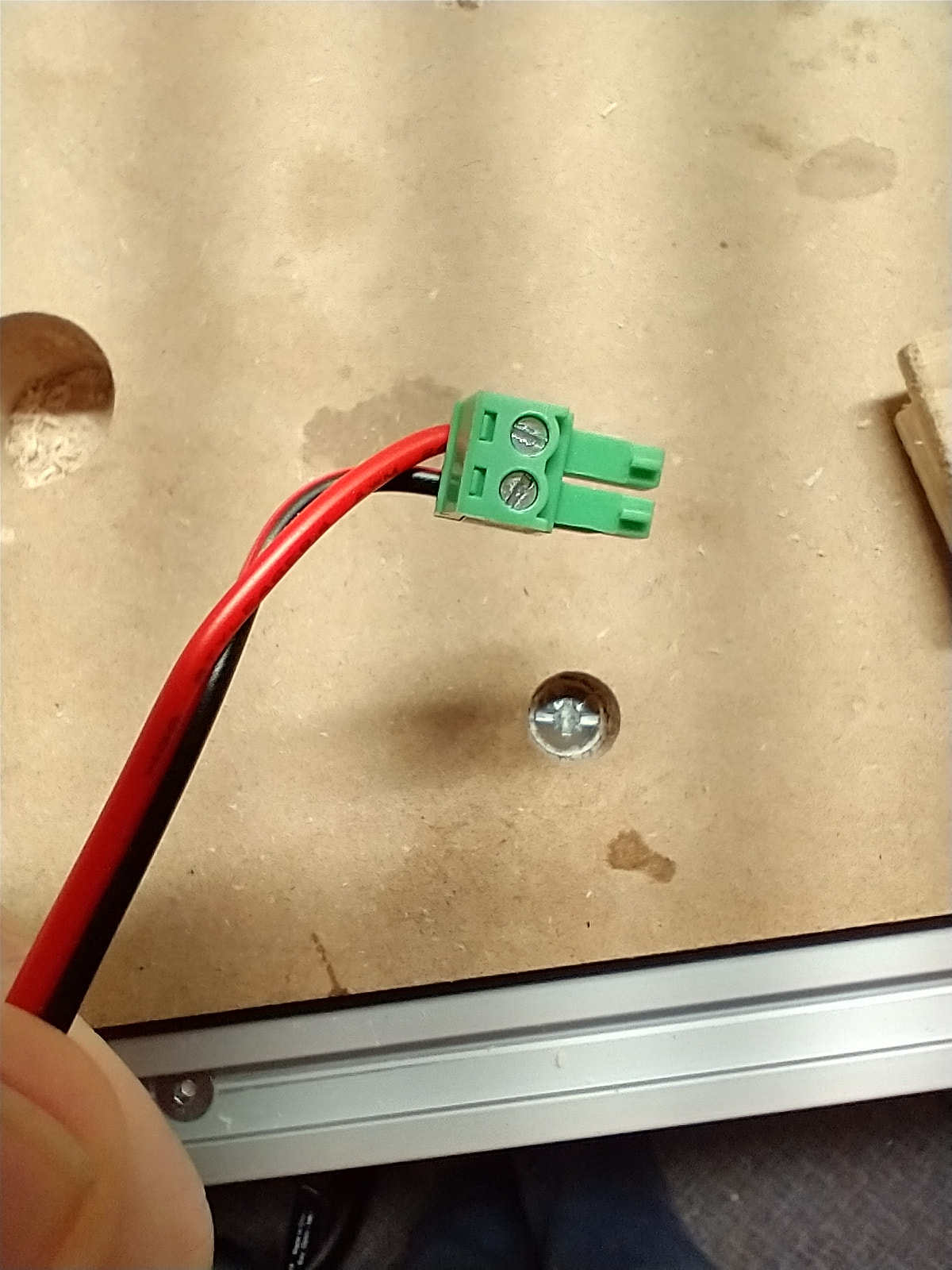
yeah it goes to the top left of the probing, but when you look in the visualizer it shows as if it went to the bottom left rather than the top left. I just checked those settings and that’s exactly what I got and the same wires. It use to work just fine.
@Parallaxe at the top of gSender, there’s a “view modified” button. Click that to see if anything else has changed from the defaults. It will show the settings from all the sections, not just the probing section.
Since doing the default change, the only thing I’ve had to do is change and invert the Y for my machine because when I was putting it in the positive direction of the Y ,it would be going down on my desktop, I inverted that, which I’ve done in the past. I also attempted to invert also in the probing side but I didn’t change it.
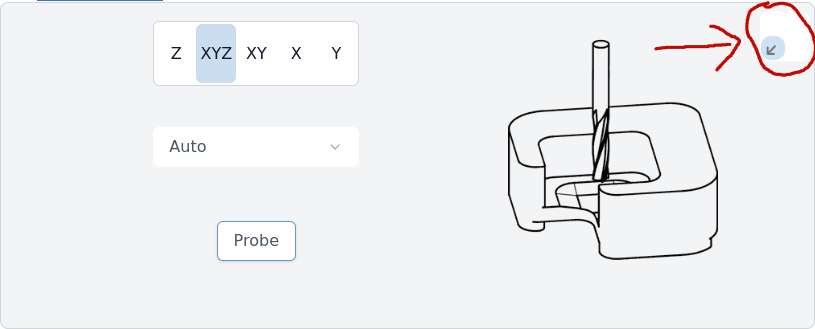
@_Michael Whatttt? I didn’t even know this was a thing. Excellent. There was another user who had asked to have the corner changed in probing and this was never mentioned.
It wasn’t always there. I’m not sure exactly when it was added, maybe in version 1.3 or 1.4. I remember it looking different so it predates the new UI.
I don’t know about you but I can learn something new everyday around here!