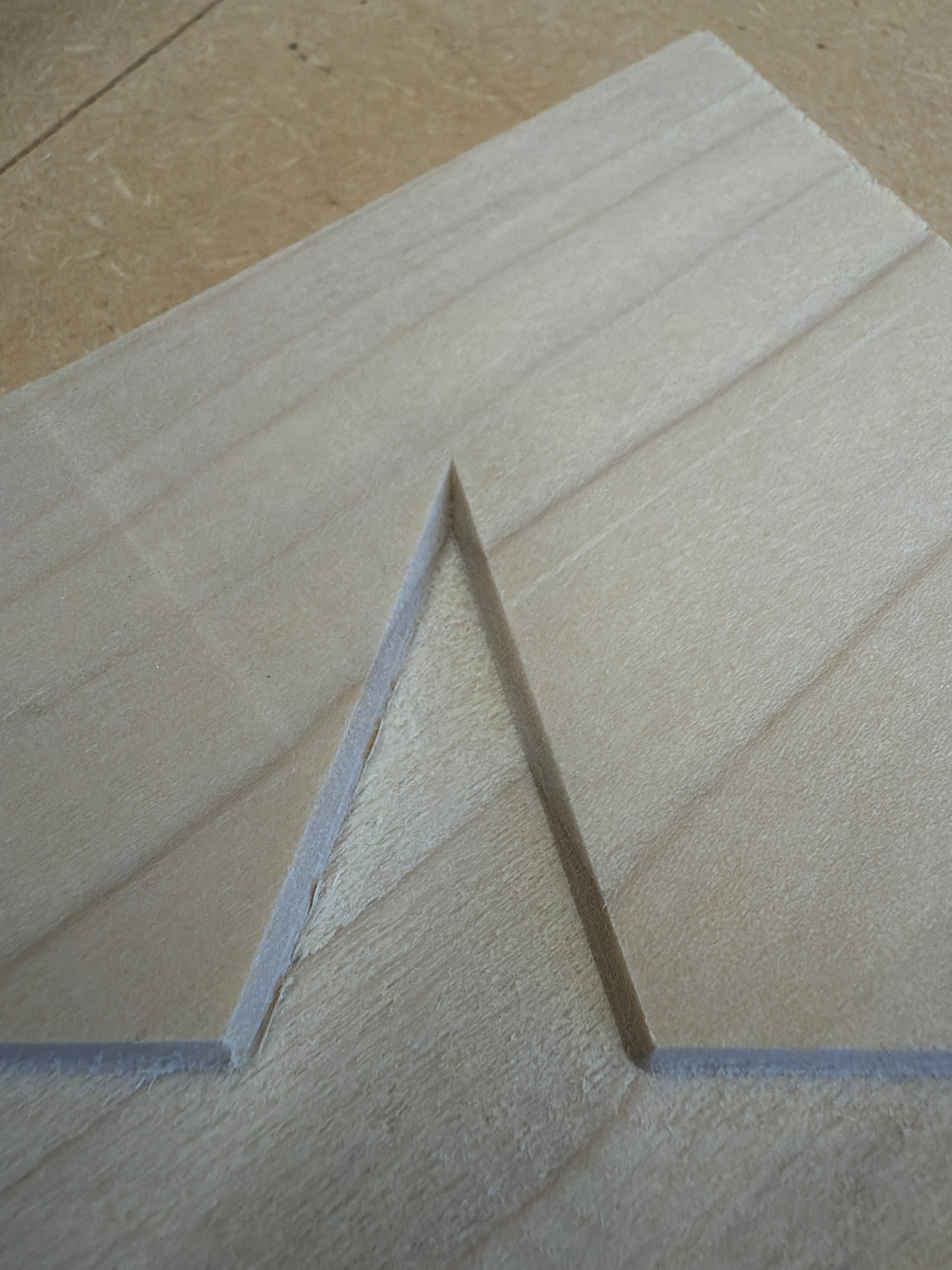
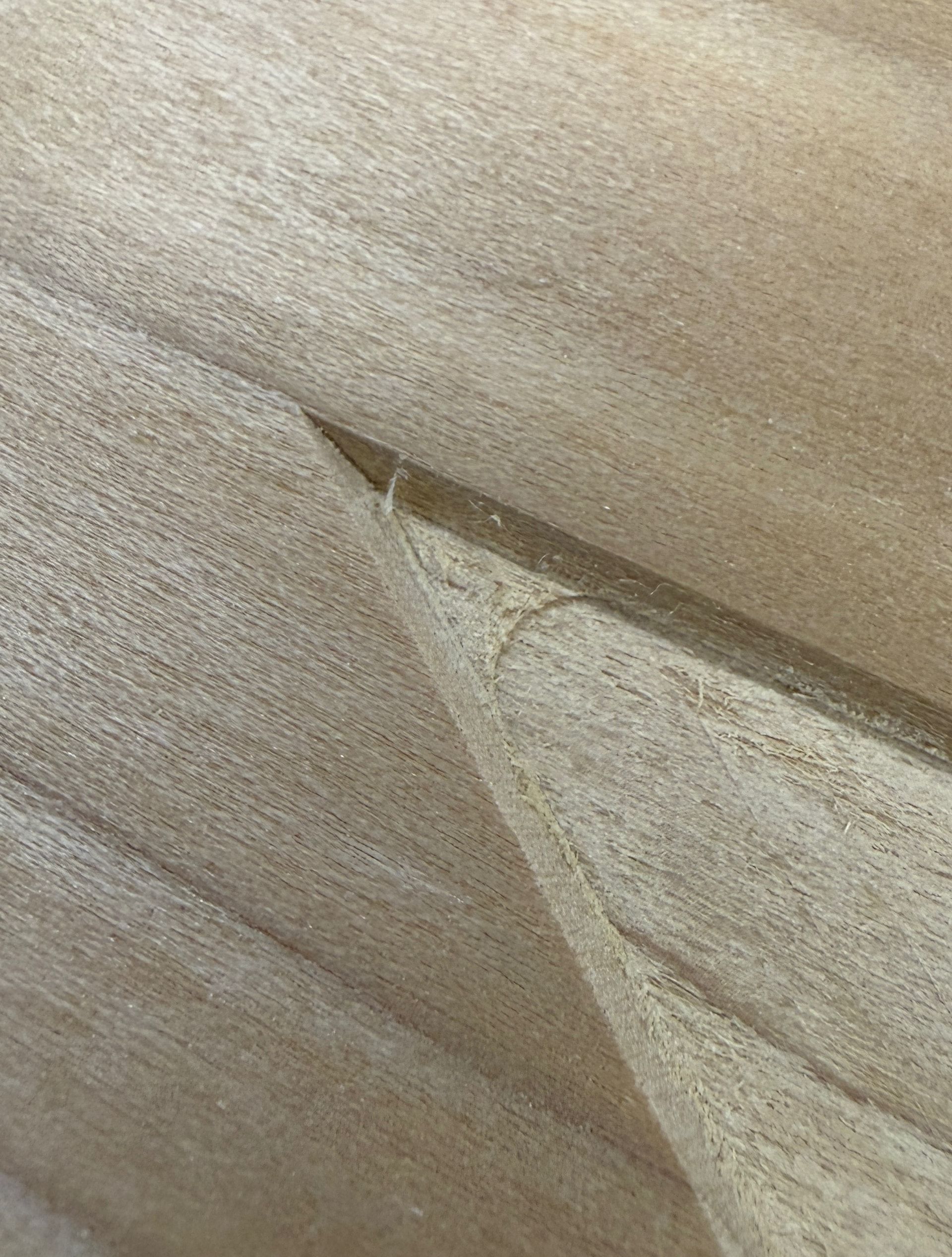
I’m trying to do a Vcarve generating the toolpath with Vectric Vcarve and running it on my Altmill with gsender. I’m seeing a step between my clearance tool and V bit of about 0.015” when Z zeroing with AutoZero touchplate. If I zero Z using paper method I don’t see the step. What might be causing the step with the touchplate? I made sure there wasn’t any wood chips underneath the touchplate.
Several reasons come to mind:
1.Thickness of paper
2. AZTP not sitting flat on the stock. Especially a problem if you zero XYZ off a corner and your stock is less than 4mm thick. There’s a 4mm lip on the AZTP for the corner zeroing.
3. Stock not flat and you’re not zeroing at the same location. Could also prevent the AZTP from sitting flat.
Thanks for the response, my Vcarve flat depth was 0.100”. Taking into account the 0.0025” paper the paper Z zero carving was right on. When I Z Zeroed with the AutoZero Touchplate the area with the 1/4” downcut endmill was about 0.010” too deep (0.110”) and the 60° Vbit was about 0.005” too shallow (0.095”). The board I was cutting in was 0.750” or 19mm, well over the 4mm lip on the AutoZero TP.
@Davey let me see if I understand. You did this test twice,
First test. Roughing pass with flat end mill finish v-carve with v-bit. Both zeroed with paper method.
Second test. Roughing pass with flat end mill finish v-carve with v-bit. Both zeroed with AZTP.
The AZTP is very accurate. The only thing I can think of is technique. The vbit is likely shorter than the flat end mill. If it doesn’t stick out of the collect enough, the collet will hit the AZTP before the tip of the vbit. So you’ll get an incorrect zero…a little high actually.
I finally got back to my machine. I cleaned everything off as best I could and put in a 1/4" end mill an zeroed it off the back of the AZTP. Then after positioning appropriately I checked various heights with a feeler guage and it was right on. I then did the same with a v-bit, again right on. I believe I just had router dust causing my original issue.