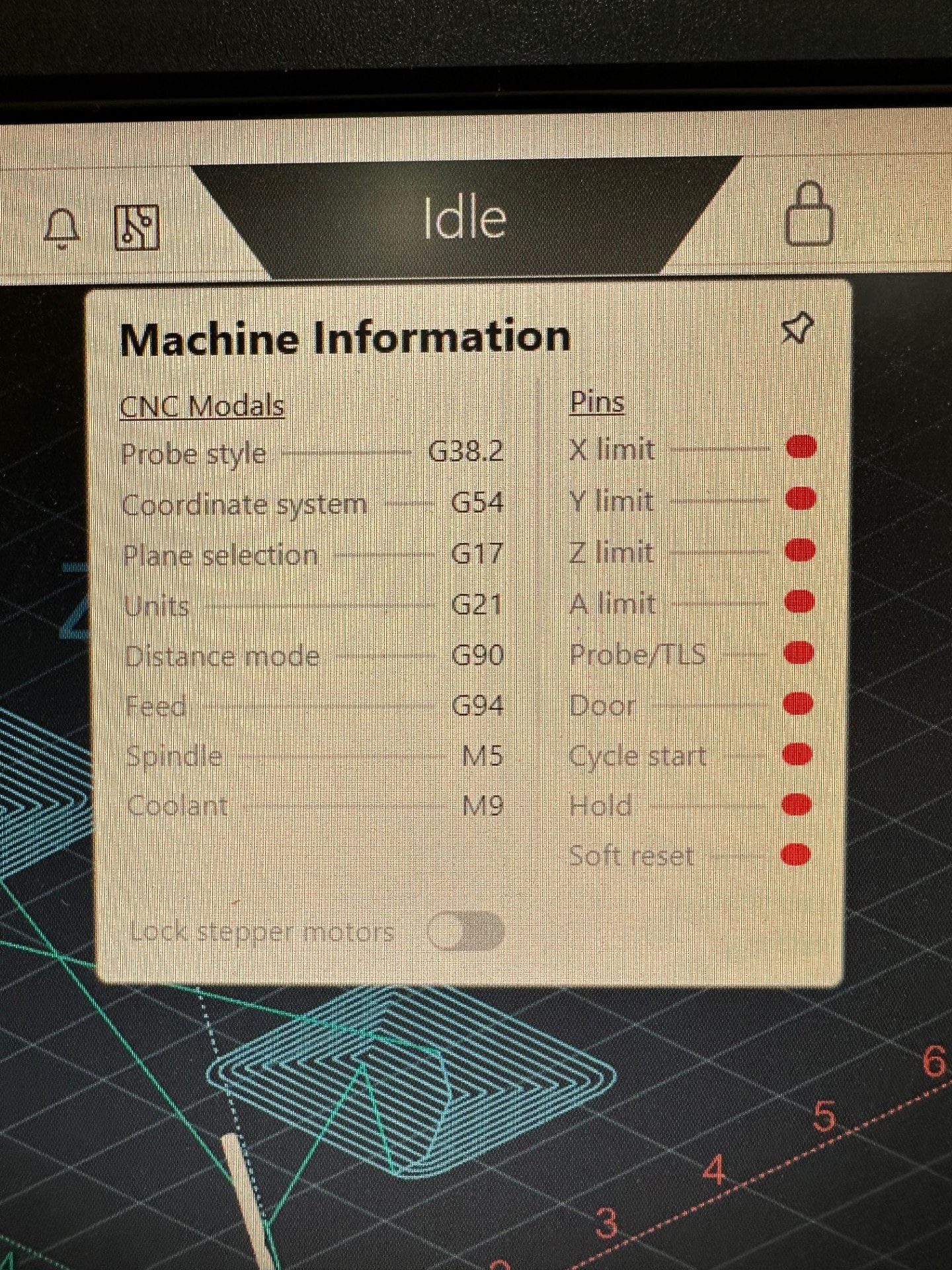
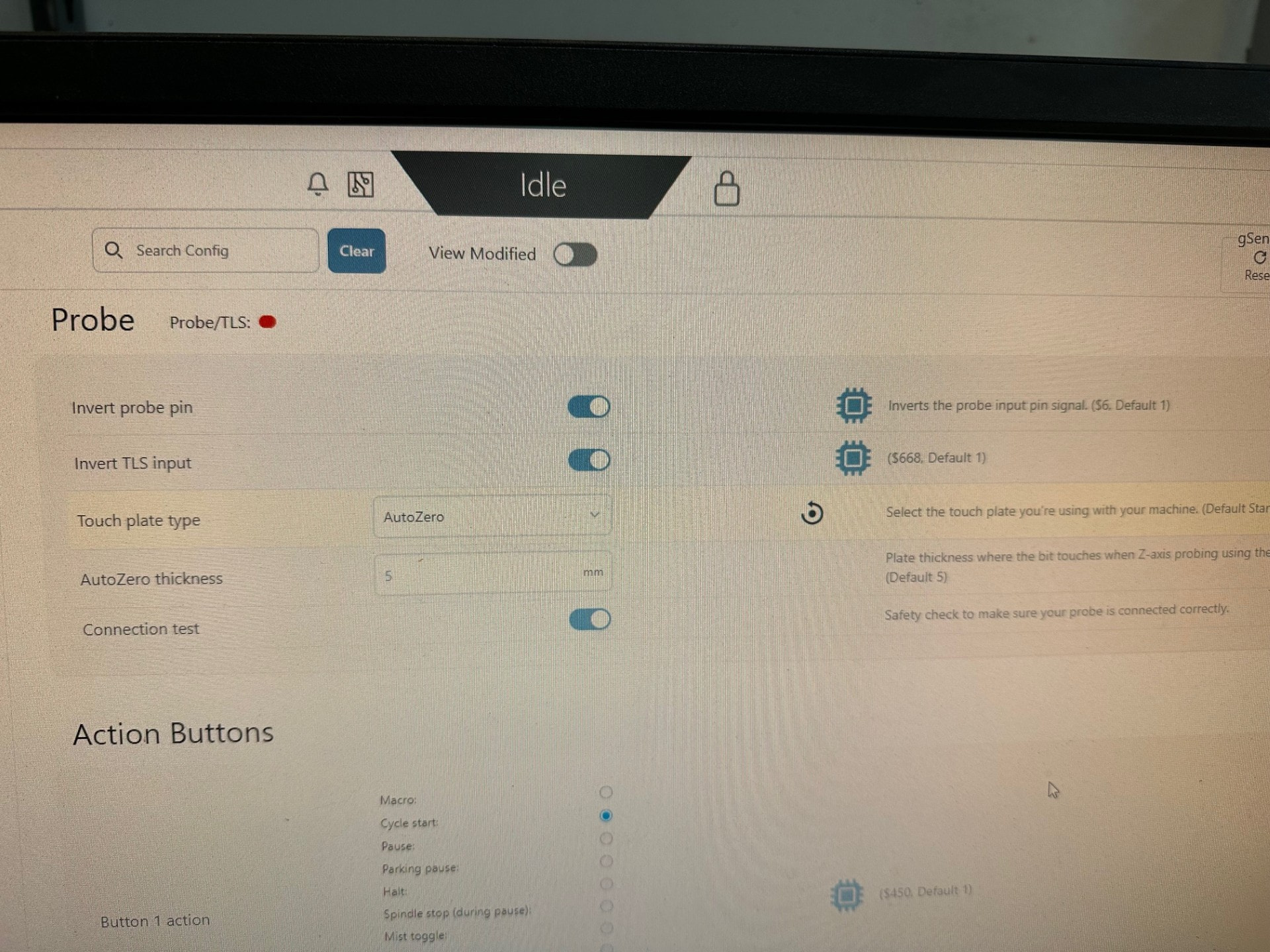
I purchased a SuperLongBoard in January 2025 just now getting around to installing it on my MK2 along with a RattMMotor 2.2KW spindle. I’m having some weird issues with the AutoZero Touchplate. When it finishes the routine (XY and XYZ) the spindle moves to the opposite corner of the work piece and crashes into the touchplate. It isn’t touching the sides of the touchplate properly either. Also on Z zeroing the spindle makes initial contact smoothly but when it retracts the second time the stepper motor kinda groans like its getting hung up, but its not. The final resting place is only about 3/8” above the spoilboard, which is lower than normal. Electricity to the spindle is disconnected so interference shouldn’t be an issue. I never had these issues with the old LongBoard.
Hey, so we actually don’t have permission to view your two linked images - if you can change those permissions that’d be useful.
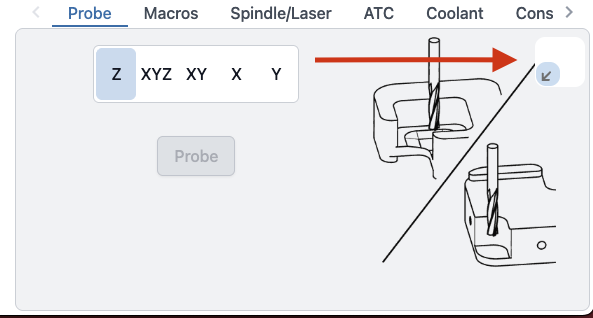
If it’s going to the wrong corner at end of routine, I’d double check that your corner location is set correctly in the probe widget - EG if you’re probing on the bottom-left corner, make sure it’s set to the bottom left.
The auto zero routine ends 1mm above Z0, which is pretty close to what you’re saying you’re seeing. Is the Z0 off or are you used to the behaviour of the regular touch block (where it ends above the original location, much higher than 1mm off Z0)
I’ve never used the regular touch block. Normally when I use the AutoZero for Z only the bit comes to rest about 1/2”-5/8” above the surface of the spoilboard or the material which ever I referenced. Currently it makes a weird noise and and stops about 3/8” or so above the surface yet the display does show it 0.591” above surface.
You are correct that I didn’t have the widget selected properly. The default is right rear corner and I thought the blue arrow was to expand the probe window. The white rectangle does not show up very well on my computer in the shop. A black outline or something would make that a bit more obvious. So I changed the widget to front left corner and I went to test and now my X won’t jog left or right.
@brewpickles, not sure if you were helped anywhere else by this, but in the video it’s clear that your LongMill is skipping steps, likely due to the weight of the spindle overpowering the stepper motor on the Z-axis. If you’re still having this issue, go to the Config in gSender and reduce the maximum speed for the Z-axis so that it won’t skip, or alternatively do a once-over of your Z-axis assembly by rotating the lead screw by hand to see if there are any spots that have more resistance, since you might need to lubricate the linear rails.
Based on your more recent video it seems that you’re having a similar issue on the X-axis where lowering the maximum speed and the acceleration for the X-axis would help to fix this. Sorry for such a delayed reply, this area of the Forum mostly focuses on feedback for gSender improvement meanwhile more major customer support we do through calls and emails direct to our support team since sometimes Forum posts can fall through the cracks.