I have connected my phone to gSender (v.1.5.2) and it works but the only issue is the units. On my PC, it is running in inches but the view on my phone is in mm, is there a way to convert the phone to also run in inches? I wasn’t able to find a place to change the phone display.
I run 1.2.2 and I have tried running it on tablet and phone, to find it was not without bugs. One of them was not being able to reach all buttons including settings, leaving it stranded useles.
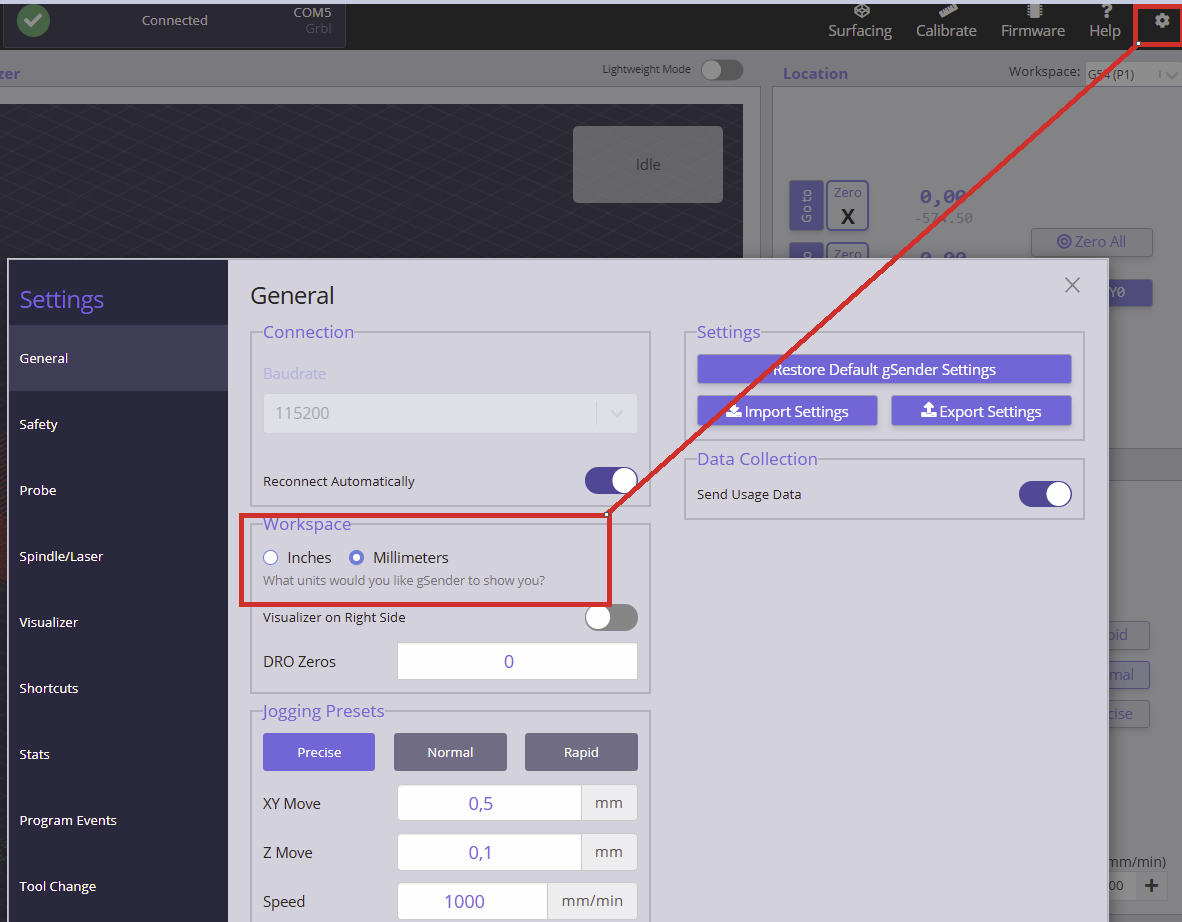
I don’t know if you have a settings button available on a phone in the newer versions, but if you do, you can either just do the mm to inch switch or tranfer your settings from your main gsender.
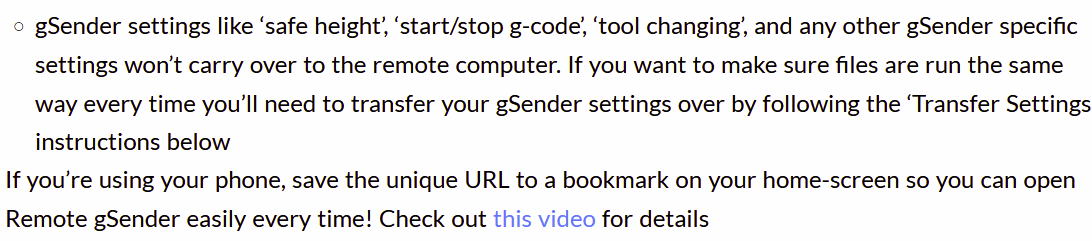
The remote device having seperate settings is mentioned here:
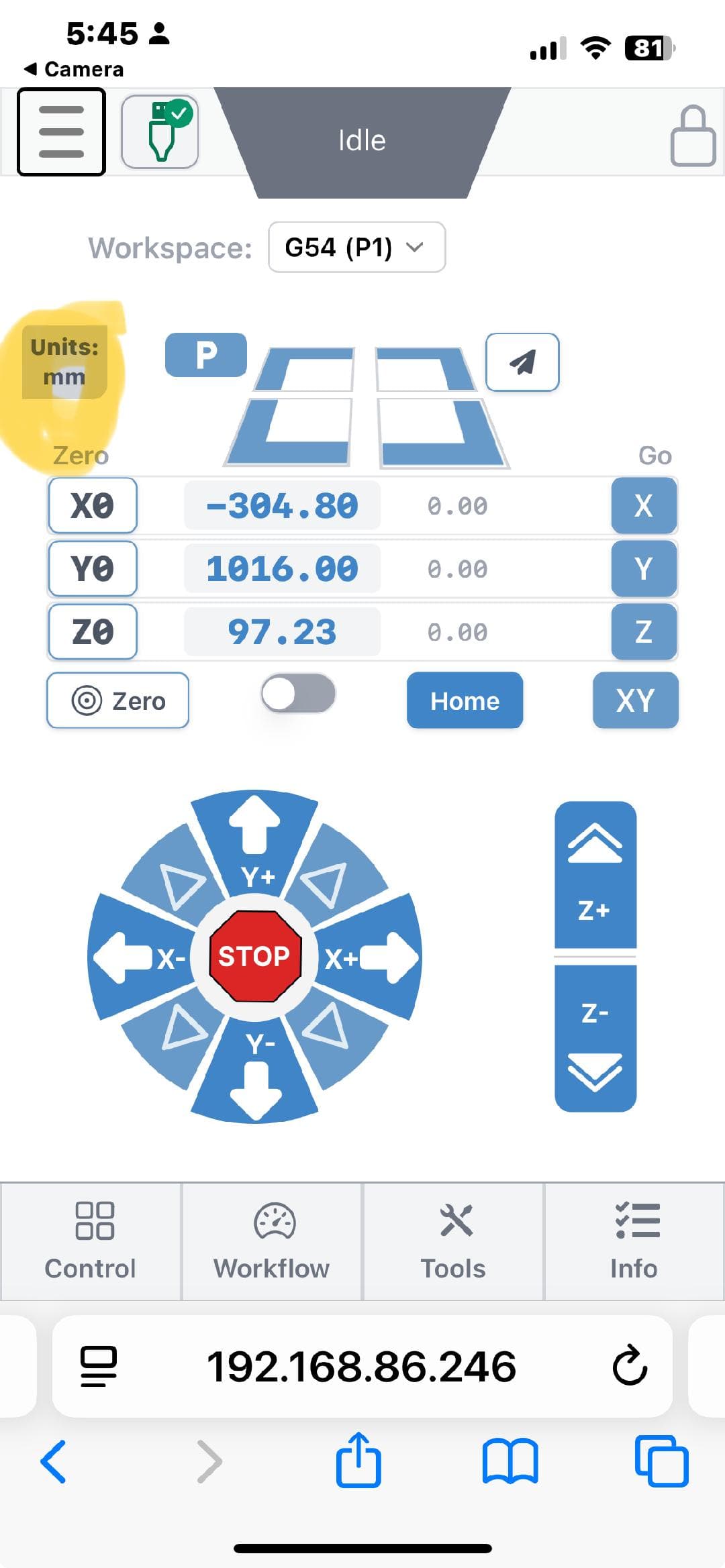
I am running the v1.5.3 of gSender and I don’t see any way to change the units in the remote (phone) control. The units on my laptop are correct, but those of my phone show only mm:
I am trying to figure out the same as there is not the gear icon on the phone with version 1.5.3 and the info tab shows units as G21 but no way to change.