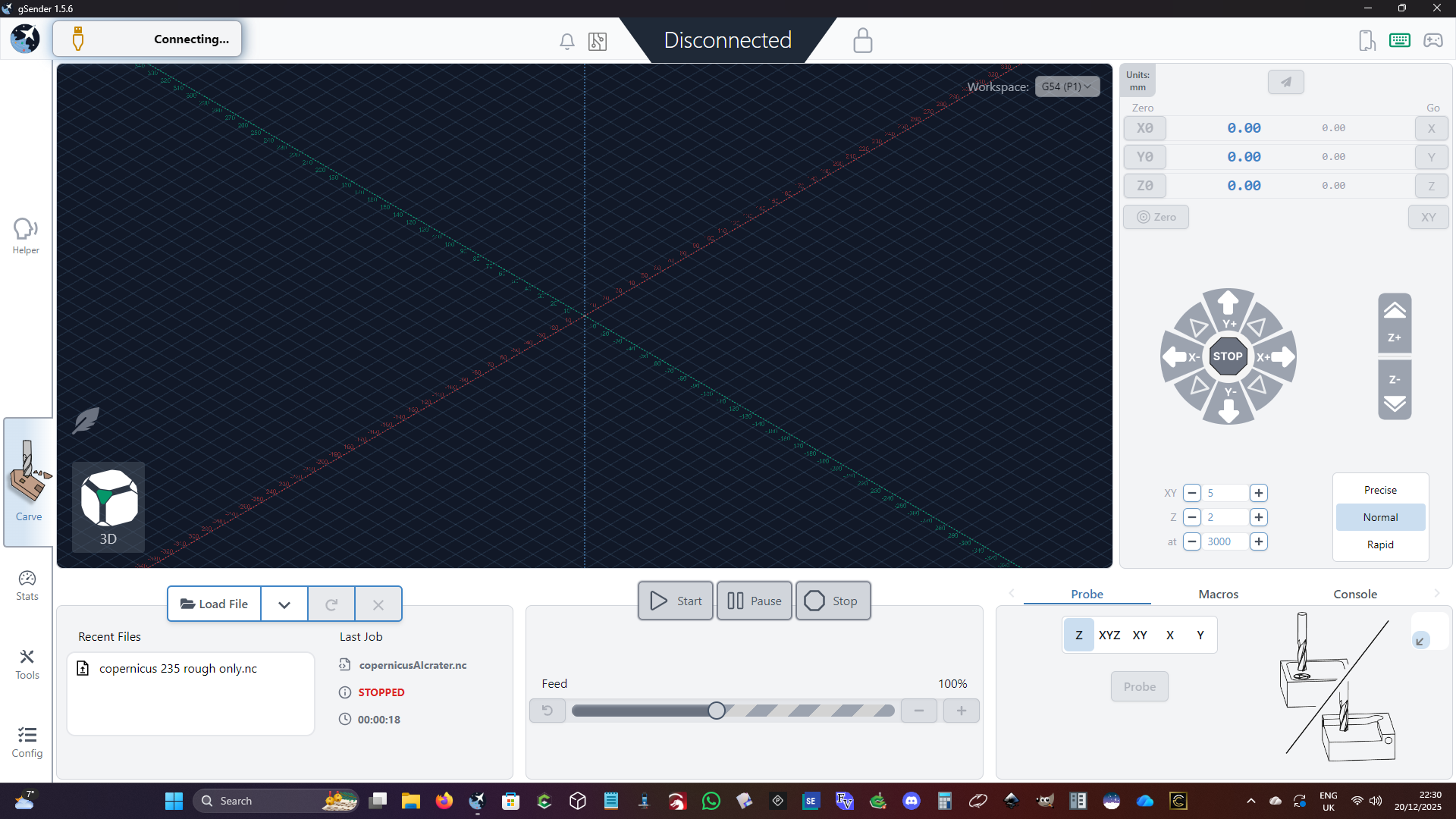
gSender 1.5 .6 states it is connecting [on the bar at the top left] but does not. This is new since I re-did my 3D file with the origin in the centre. The program file for gSender does not open on first click but using the desktop linked file may need seven or eight clicks to open. The taskbar also has a link that seems to need several clicks before the gSender file loads.
I have tried switching off my CNC machine, (and unpluging the USB connector) having used it for several hours with Carbide Create for specifying some workpiece surfacing and Carbide Motion for running the surfacing toolpaths. This made no difference. The gSender software is set to Shapeoko and I am running an SO3 with the latest version of Win 11 Pro.
Any suggestions as to how to reset the gSender software and fix the loading/opening issue would be most welcome. Thank you.