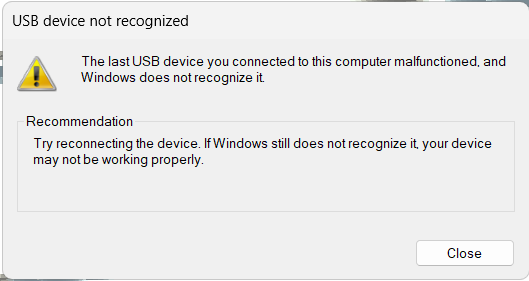
gSender is starting to randomly disconnect. Windows states that it doesn’t recognize the USB port, and disconnecting the Controller connecter doesn’t help. If I turn off the controller, restart it, it connects without an issue. I am using gSender 1.5.6 and Windows 11. I never had any issues before yesterday and as far as I can tell, nothing has changed. Any suggestions?
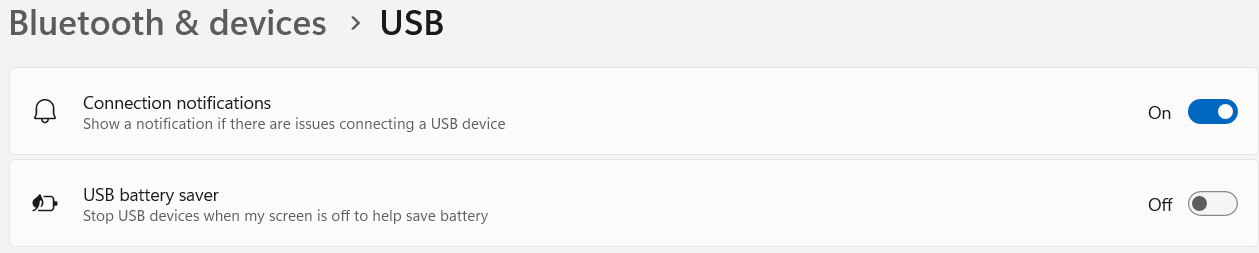
@Jimc137 confirm that, in windows power settings, you have turned off ALL power saving settings to USB. Windows updates is known to change these settings.
@Jimc137 You could be right, but that screen cap does not confirm it. You need to open power settings and check to see that Windows is doing with all USB connections.
I’m having the same disconnection issues. I was having it on version 1.54 then upgraded to 1.56 and the same issue. I have checked out my system to see if power management was the problem in windows 11. It was not the issue. my longboard does not have an ethernet port so that’s not a fix for me either. my other usb devises that are plugged in are not affected. Does anyone have a known fix for this issue?
If I turn off the controller and turn it back on, it usually fixes it, but then I need to re-home and start over. I’m using gSender 1.5.7 with my Altmill.
@Jimc137 The odds are that it is a bad cable or one that is too long. You could also confirm that all power saving settings for usb in windows are turned off.
Unfortunately, my laptop doesn’t have an Ethernet port. I believe that I changed all the USB settings to not turn off, but I could have missed one. Strange that I have no issues for days on end and then it pops up again. If I turn off the controller, it reconnects but if I disconnect the USB cord a reconnect it, it doesn’t always reconnect. Does this indicate an issue with the controller?
@Jimc137 I can’t answer that last part of your question. Is your setup adequately grounded? Especially if you have a dust collection system.
I’d be tempted to try a USB to Ethernet dongle on the computer. But I’m not sure if that would be any better than a USB cable.
And if I were really desperate, and I had a spare Wifi router at home, i’d try the wifi router hard wired to the controller and wireless to the computer. But that now means a wireless connection between the computer and the controller and I’m not sure how reliable that is. Like I said, if I were desperate…