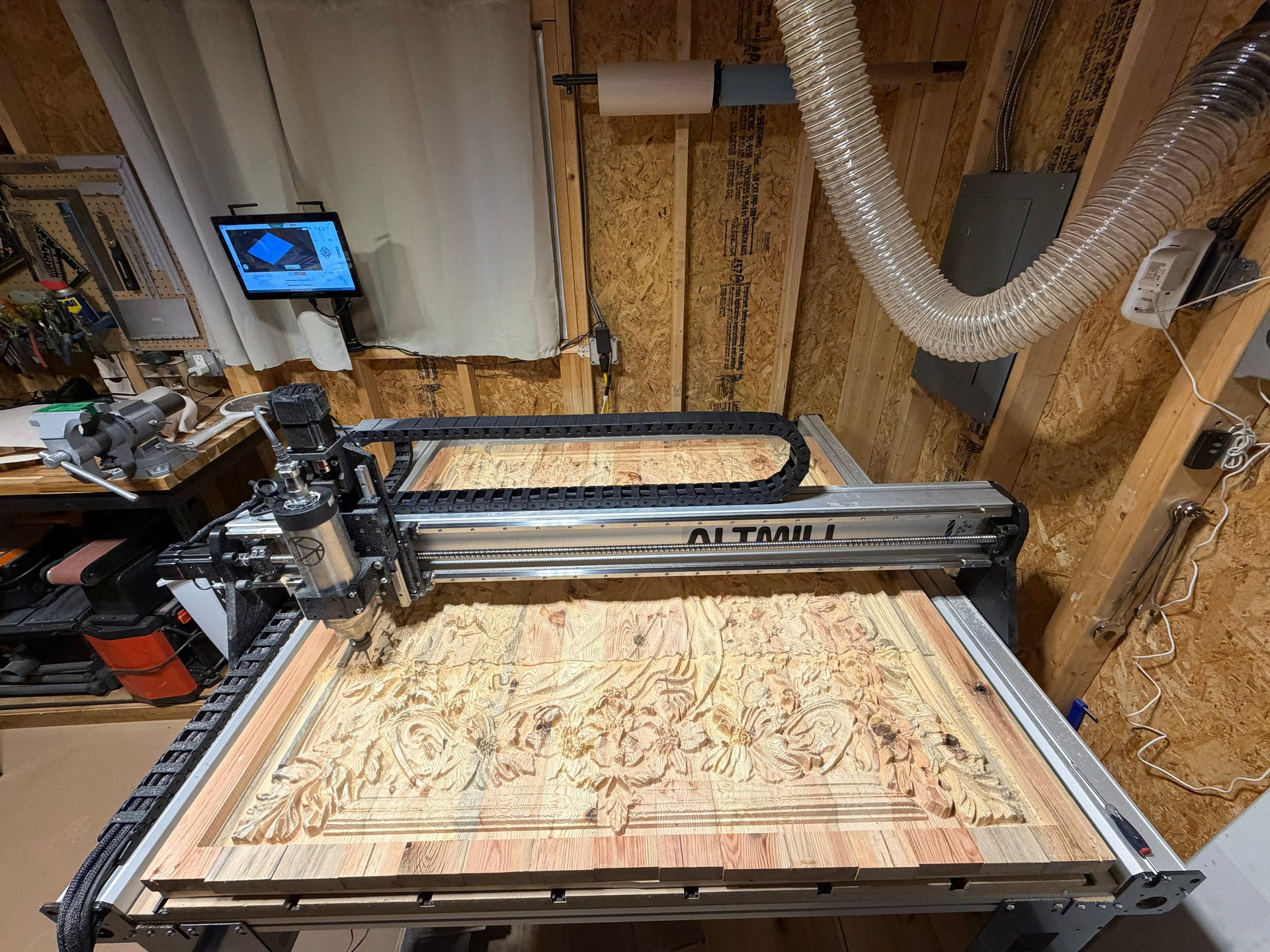
Hello everyone, I think I have discovered gSenders limit to my dismay. I enjoy 3D carving and am presently doing a 4’x4’ carve (HUGE =) On my Altmil 4x4 with Sienci Spindle. After doing my roughing pass I tried to load a finishing pass which has over 5 million lines. gSender will only load 87% of the file then lock up on my Sienci Controller (No Mods and Brand New). I then tried to load it up on gSender on three (3) different other computers and the exact same thing happened. All drivers, Software, Windows, and gSender are up to date on all three computers. I am running Aspire 12.5 to generate the file which comes out to a whopping 164MB. gSender will load all the other Roughing and Profile files but not the large Finishing File.
I then realized that I might be dealing with a Limitation in gSender or a bug. After reinstalling gSender and bringing all things to complete up to datedness (sp) the same problem happens on all three platforms and computers. I then began to increase my STEPOVER so as to decrease the file size, and after going from 10% stepover to a whopping 17% stepover my file size went from 164MB down to 86MB and gSender could now load it. MY computer has 24GB of memory with i7 cores (very powerful computers).
I realized that 17% Stepover was just under 5mil lines of code and hence possibly the limit of gSender. Which for me is VERY little. If I go to 15% STEPOVER (hence over 5mil lines) gSender Locks up and crashes. Is there a fix to this or am I stuck with an expensive paper weight?
Many moons ago, I ran into what I think might be the same issue. I think the only solution is to break the project into smaller chunks. I had the option to reduce my file size and I have not run into the issue again.
I don’t think it makes gSender into a paperweight unless you do this size of job on a regular basis. I suggest you file a ticket with Sienci.
Thank you Jens, so it sounds like from your input that this is a bug. As I had bought a CNC for this purpose it would follow that 4x4 carves were hopefully to be a regular thing. Now, since Sienci is selling an 8x4 now, this will become even a bigger issue with that machine. I will file a ticket, but the last ticket I filed did not come back with a very good response. Just a resend of some old FAQ that was incomplete. Before that, I gave them a call but never received a call back. So I thought I would try the forums for this next problem.
I can’t say if it is a bug or a limit. Generally Sienci support is exemplary. You might have had a bad experience but that is not normal. Please note that they are in ‘holiday mode’ until Jan 05 or thereabouts so don’t get too excited if nothing much happens with your ticket until then.
I agree that with the 8*4 Altmill out, this is likely to show up more often. Hopefully it will give Sienci an extra push to solve the issue.
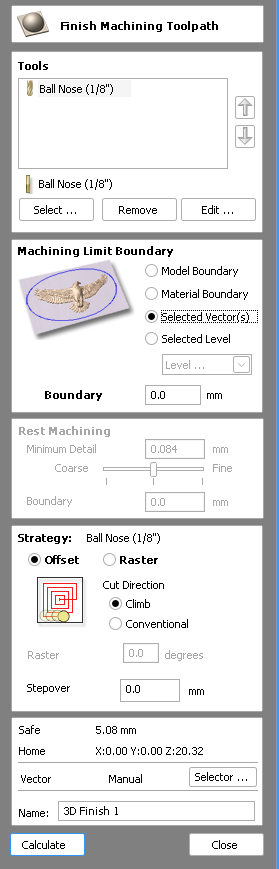
As a workaround you should be able to split the carve up by making a square and using ‘Selected Vectors’ as the ‘Machining Limit Boundary’ for the carve. The following is from VCarve 11.5 but Aspire should be similar.
@_Michael This method can also be used to break down a long carve into shorter time periods instead of using the Pause feature. But it should be noted that any long pause could cause issues if there is any movement in the wood stock due to humidity and temperature changes.
Good point about not leaving it half done. If it was me I’d do two carves back to back and not knowing if it’s needed I’d do a small overlap. The other option would be to see if another sender can handle it but I didn’t think learning a new sender between tool paths was a good option.
I also just have to say that’s an impressive carve! I’ve never tried to fill my whole machine with a 3D carve…
Thank you Michael, Chucky and all the viewers. Such a great community =). I am glad Michael you suggested the method of breaking up the carve as I believe Jens did “Many moons ago”. I was trying to think of the best way of doing that, and you answered the question. As my mother would have said “Your biting off more then your machine can chew”. Thank you also Chucky for the warning about humidity changes. That would have skipped my mind, great catch. Again thank you all, my hope in the long run is that gSender will be able to handle this through an update, especially now that the 8x4 is out. Merry Christmas to all of you!
@Chucky and gwilki - Did not even know you could do a tape split. e.g. - TAPE_SPLITTING = 10000 100 “%s_%d.gcode” 1 “YES”
What a neat feature - I also did like the video for making the separate vectors which result in chopping the job up but getting the job completed.
But I guess my overall curiosity is why does gSender have this limit on it? (or bug, the jury is still out). From what I can kind of piece together is that gSender strings together the code lines in a long “tube”. But the “tube” is only so big. Therefore I am assuming that neither one’s computer memory, nor cache, nor processor power has anything to do with this and will not help increase gSender’s line quantity power. Which again makes me tend to ask: why isn’t this tube longer? Is it a hexadecimal thing where the software just cant multiply it after a certain amount? Or was it one of those long ago conversations that went like this: “Oh just make it a max of 5 million lines, no one will use 5 million lines.” =)
Another option, if there is concern of a tape split leaving a mark. Make a full 4’ cover pass at 20% step over.
Create a second path, again 20% stepover but starting it from a 10% shift from the first pass…. this would cover the 10% you wanted with 2 files half the size and no stop in the center.
I don’t know if this is necessary but I’m paranoid so I’ll say it.
I think the simplest solution is often the hardest one to find. I know it’s that way in computer programming. I could solve a problem in 100 lines of code and think it was very easy to do. Then I see someone else’s solution in 25 lines code. Their solution is simpler, easier to understand, and runs faster. It’s better in every metric that I can think of but certainly wasn’t the easy solution, at least not for me.
I just wanted to make it clear that I meant simple as a compliment. Maybe it already was clear but like I said I’m paranoid.
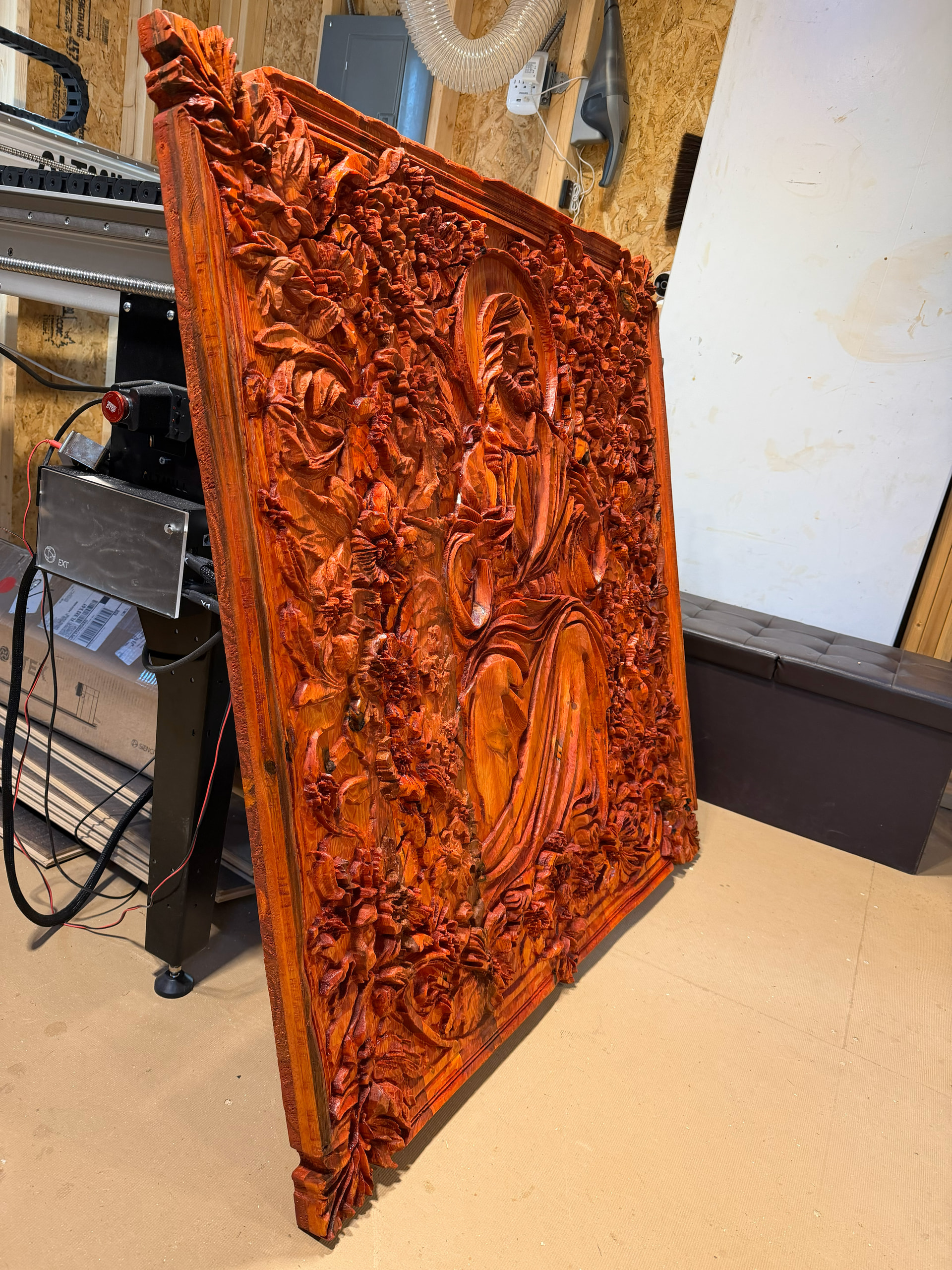
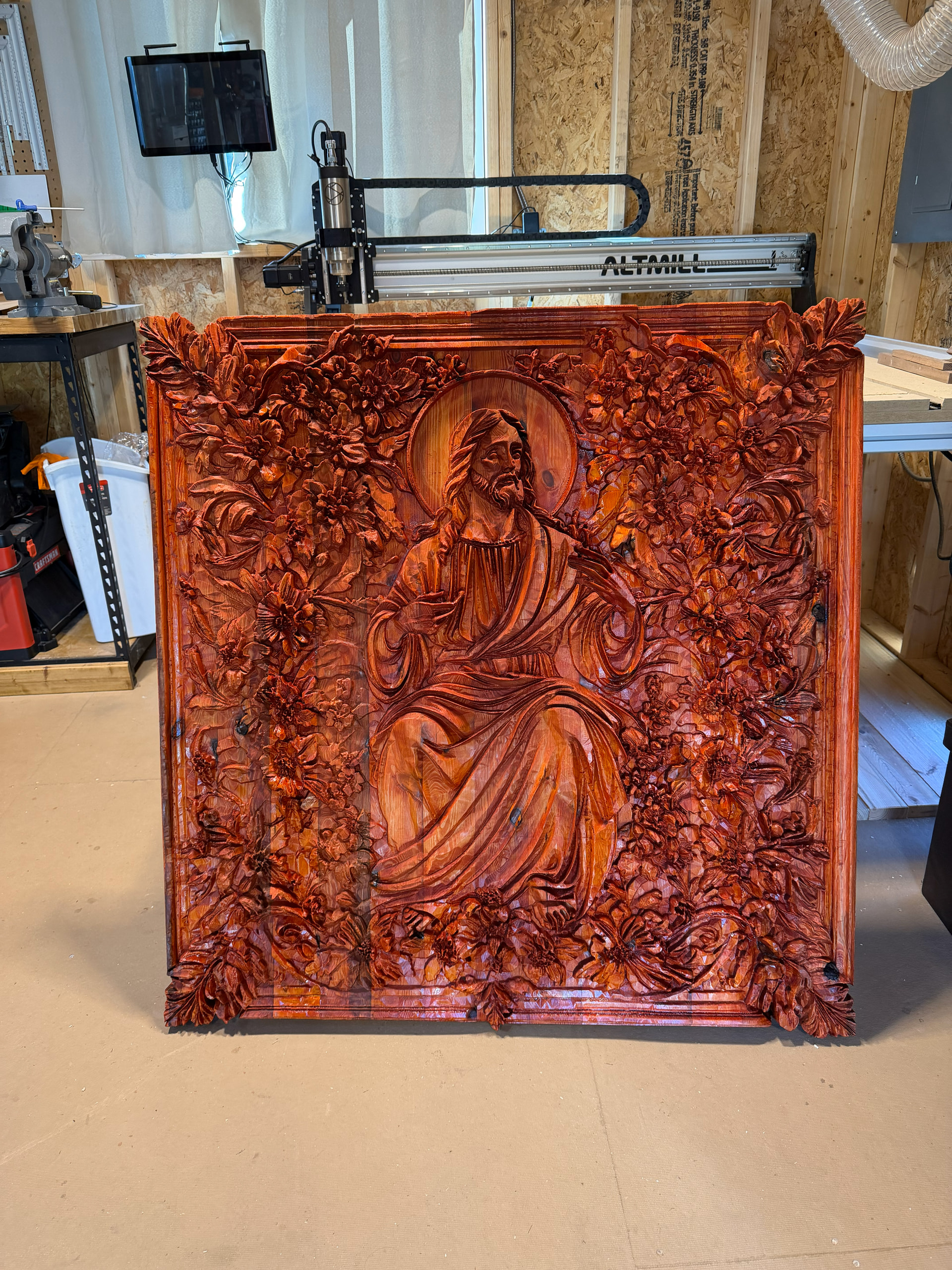
@Michael - Sure I’ll share =) - Here is the second phase of the base stain. I will be coloring his robe with a white transparent stain for blending. This will be hung in our parish church hall which seats 500 people. I’m calling it: “Christ Sits with Us” and it will be for our parish breakfast and dinners.
@Karver_One just so you know this was essentially a limitation in the computing power required to process such large files, but as of the newer 1.6.0 Edge versions and soon coming to the 1.6.0 main release @KGN made a lot of new changes to make g-code processing and display much more effecient and has even done testing on +5M line files with success! Please try it out and let us know what you think when you get the chance