I have programmed an ESP01 with a serial to WIFI program, port 23. My IP address is 192.168.1.103, port 23.
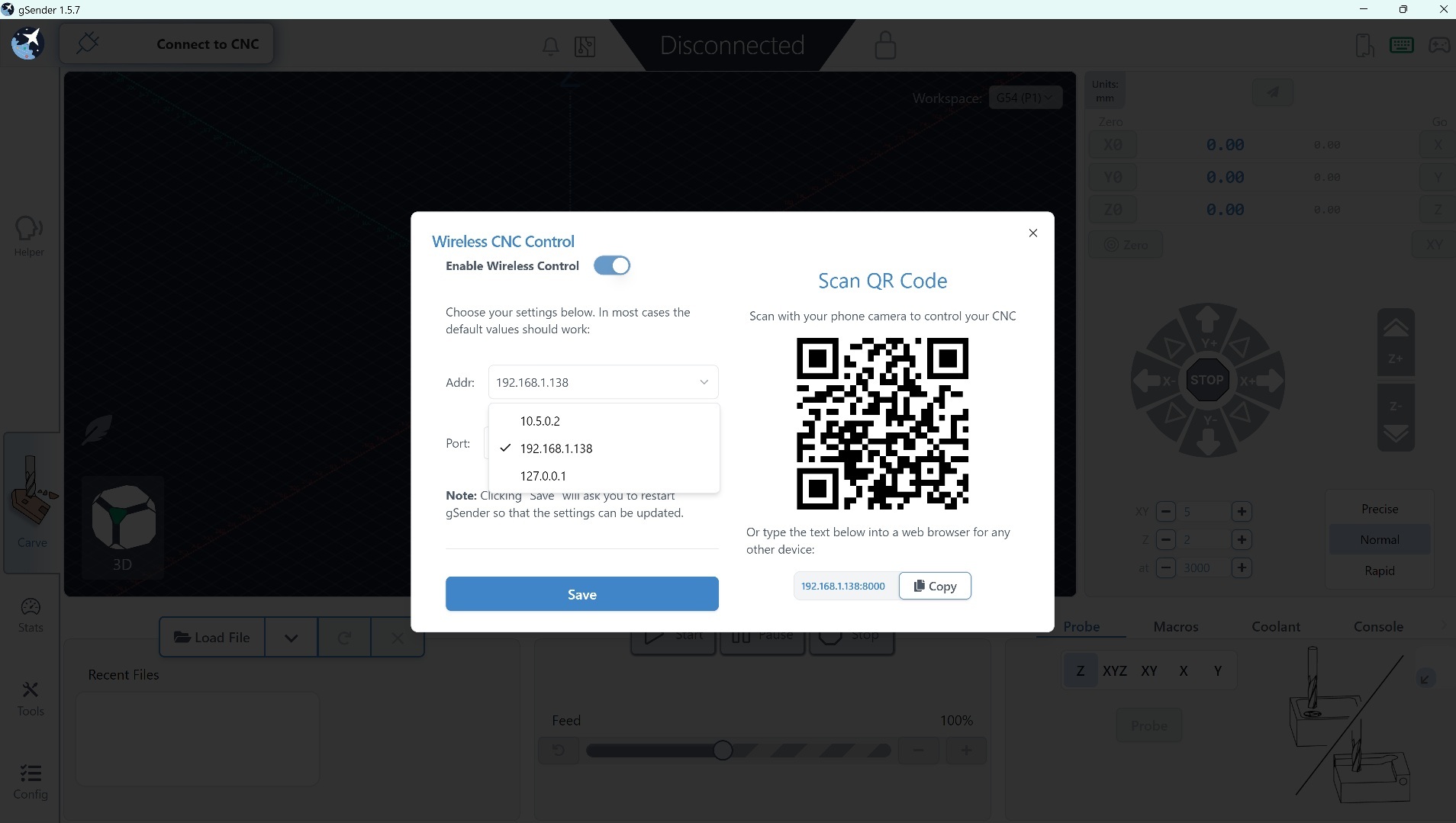
When I try to set the IP address in gSender 1.5.7, I am presented with a list of preset IP addresses, and I am not allowed to set my IP address. Is this a bug, or am I just missing something? I looked online, but no luck so far.
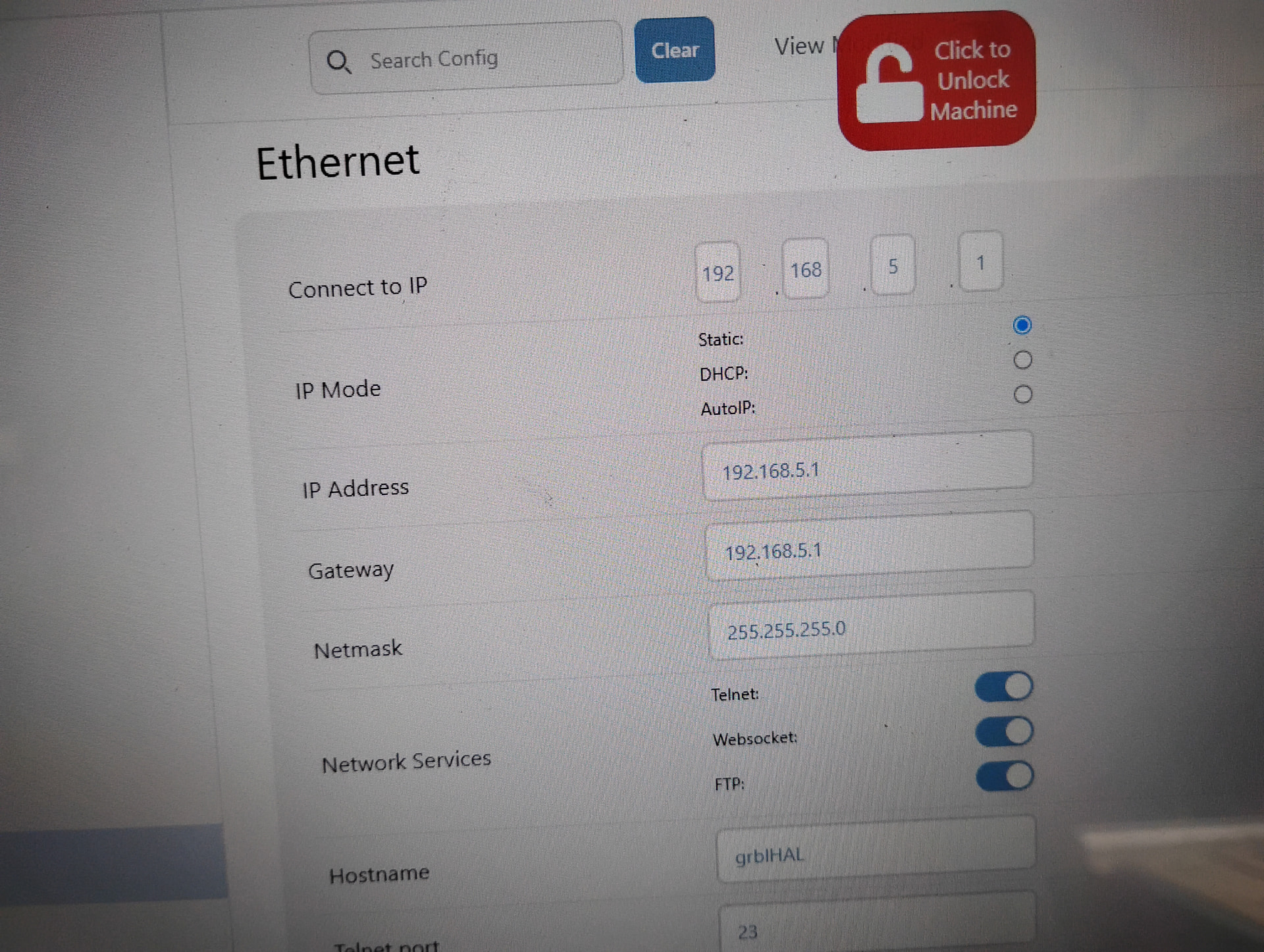
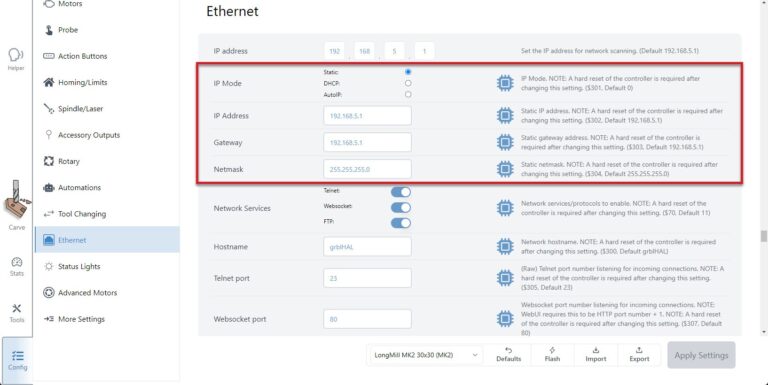
@RonC Welcome to the forum. Under the Ethernet section, do you have the option to set the IP you want to connect to? You can also set the IP of the controller in that section.
I have not yet set up my ESP01 serial to wifi unit yet. I need to work out the interfacing. Could it be that I have to connect the unit to my CNC machine before it will see the IP address and allow me to change the IP? As it is, only the preset IP addresses seem to be available.
The online documentation does not have a lot of troubleshooting on this.
@RonC Ok, i just powered off my SLB and looked at what gSender displayed. Although I don’t have the same popup as you, the available fields has been reduced to only the IP address to connect to.
So probably you would get more information when your controller has been connected.
As far as I know, the popup you have is for obtaining the adres that you can use to run a remote browser based gsender “clone” on wich you can control the cnc wireless. Hench the title wireless cnc controll.
I dont have a blingmill, so can’t be of practical help but to maybe direct you to the page in the manual that covers the ethernet connecting thingy.
Or I just simp.y misunderstood the problem and talking bull from the back of my neck. In that case, please just think, that I bull from a good heart trying to help.
@RonC, @Spamming_Eddie is right that if you’re trying to establish a wireless communication from gSender to your ESP board then you need to go through the Config settings. The settings you’re using are to set up gSender to be broadcast on your local network to be accessed by other web browser capable devices to create duplicate control instances