How to download Gsender Pi appimage

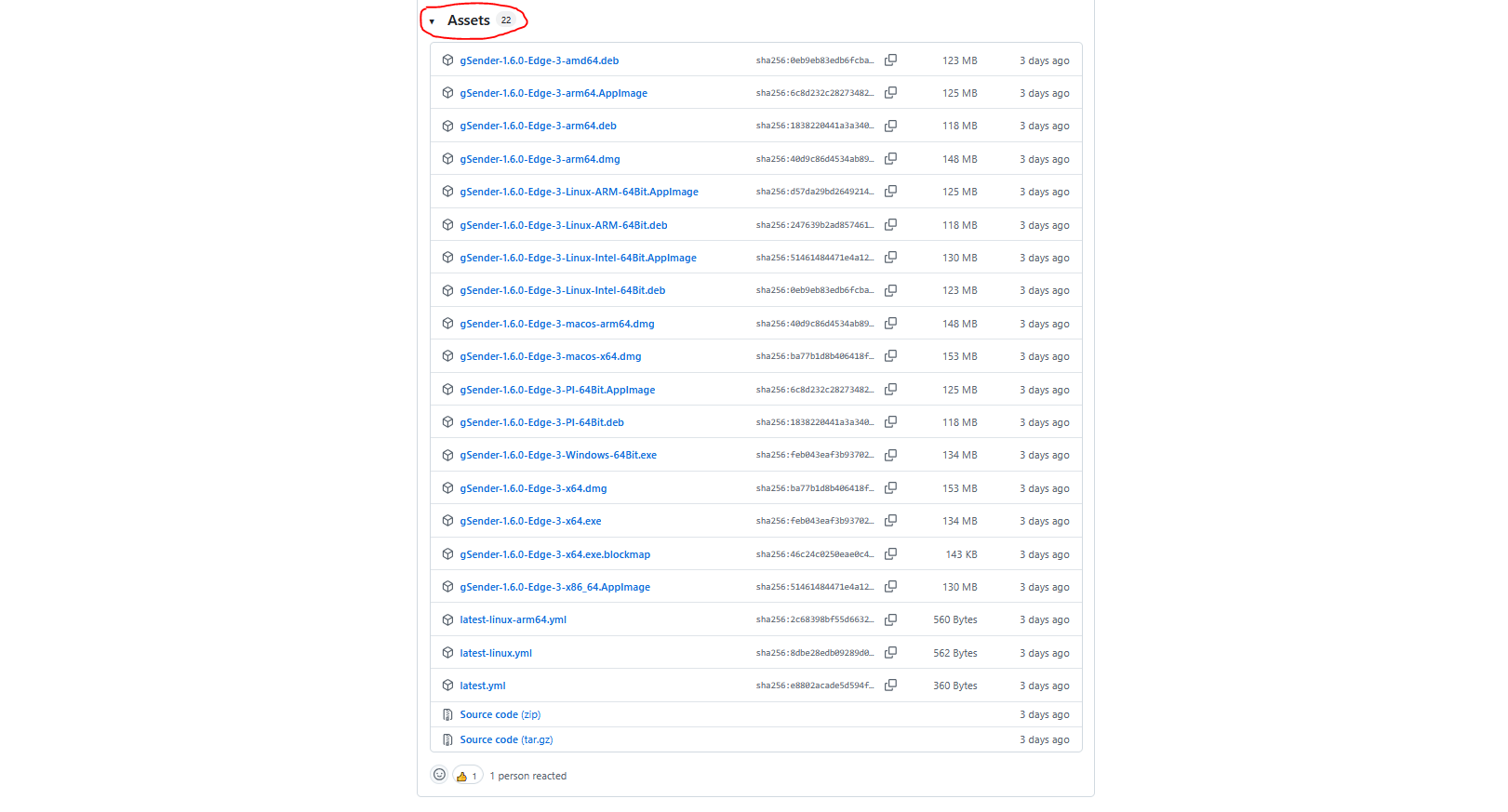
The website instructions for installing the Pi version of Gsender say to download the Appimage copy (strangely, they also offer a .deb version but there are no instructions on how to install it).

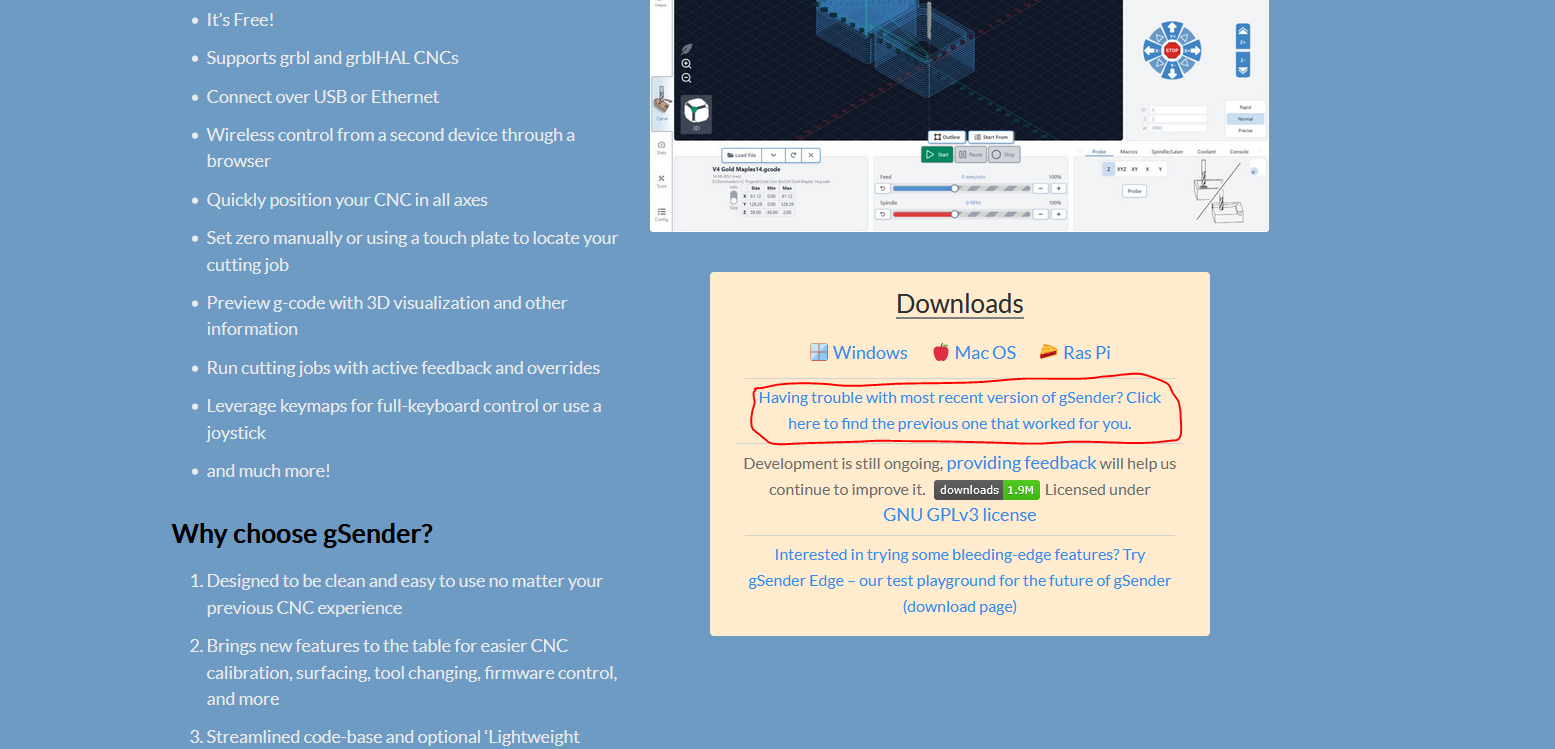
Anyway, there is no place I can see to choose which version I want to download, and the download link on the website front page forces you to download the .deb version (for which there are no installation instructions).

Where can I go to download the Appimage version of Gsender
OR
How do I install the .deb image on my Pi 5?
Thanks,

Ken

@Ken_A I’ve moved your question to the gSender Question category.

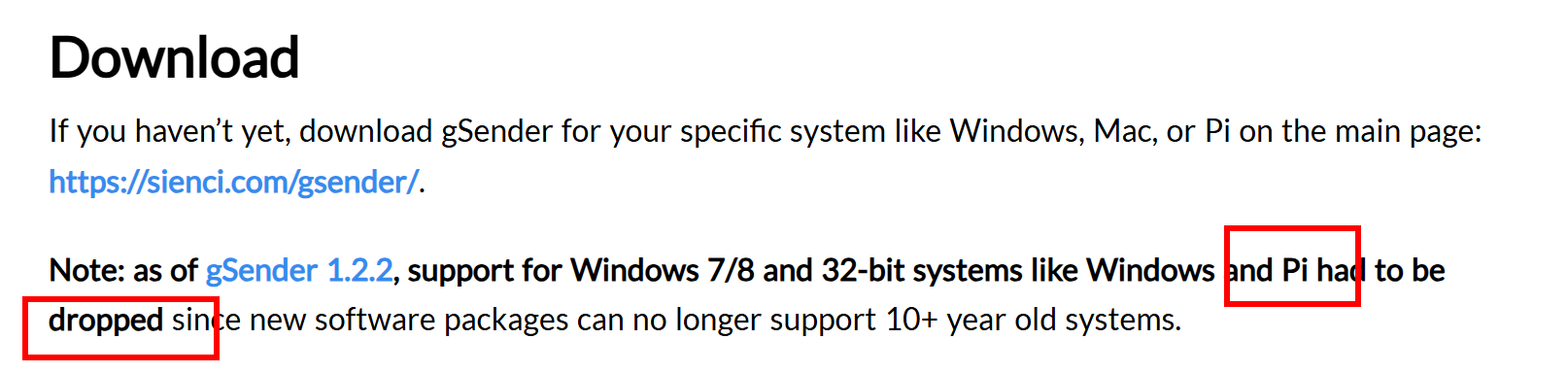
Not 100% sure but saw this - granted it says 32-bit:

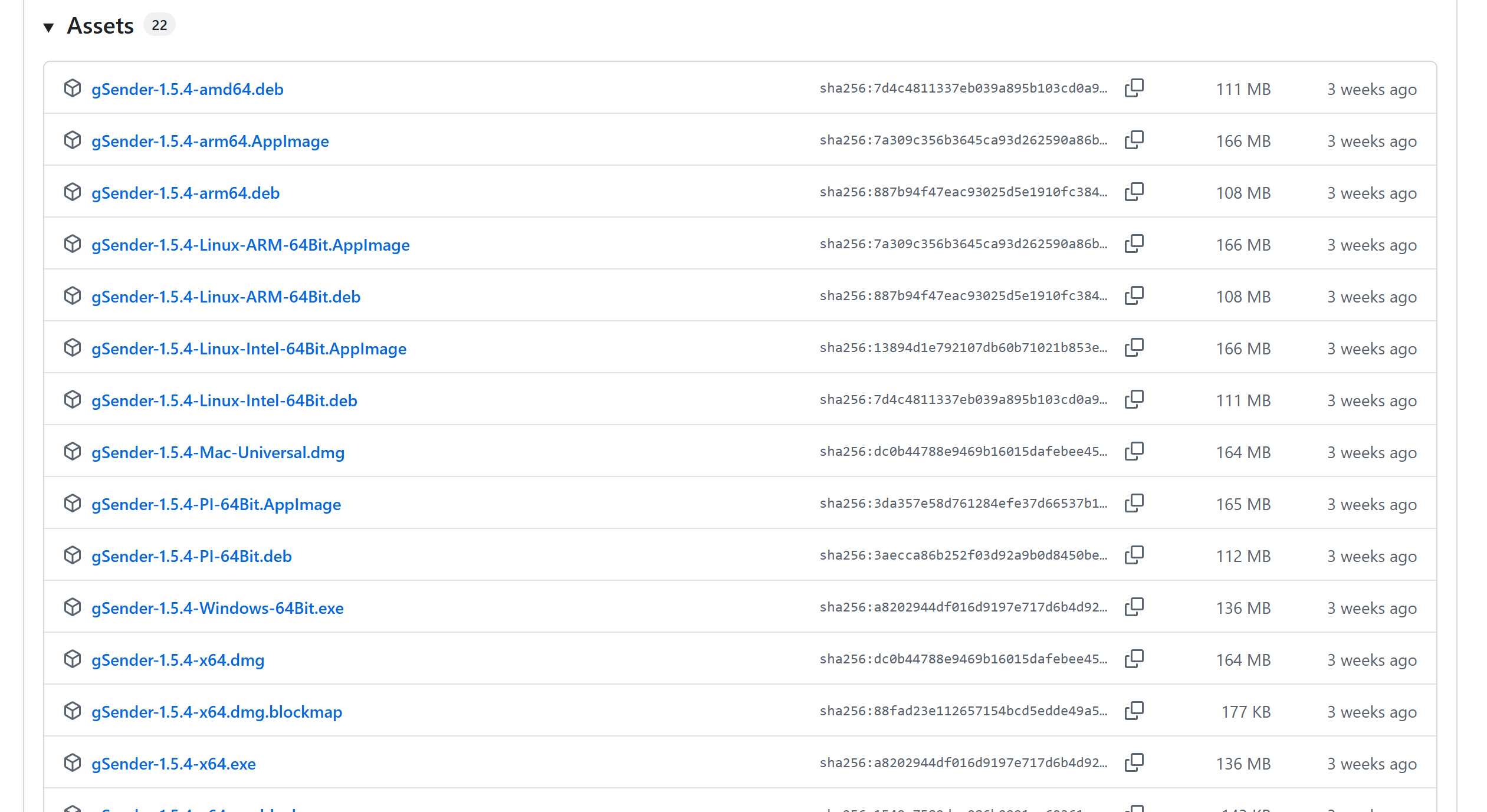
And then with that being said, on the Edge page, there is this:

As far as installing, it should be pretty basic with: sudo dpkg -i package_file.deb

1 Like

@Ken_A as far as downloading whichever version you’re looking for, just click through here on the main screen


then you can scroll down to the latest version, open up the assets, and download the AppImage or any other format you’re looking for.

We still support Pi, just not 32-bit versions for the more recent gSender builds

1 Like