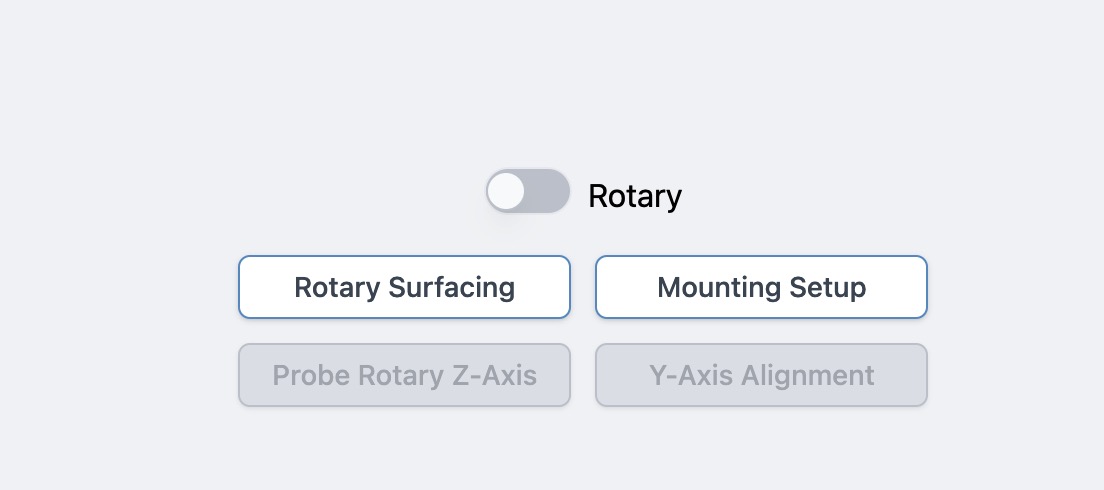
I have a Twotrees 450 Ultra cnc with a 4th / rotary axis
I have set gSender up to be able to use the rotary axis, but when I send the Gcode to the cnc, it moves the y axis. If I type the Gcode into the console everything seems ok, the a axis rotates as expected
Also while the rotary axis is enabled in gSender the a axis jog buttons move the y axis also
I looked at the specs on your machine and it looks like it is a grbl-based machine. In the case of the Sienci rotary fixture, using grbl, they provided a switch that transferred Y axis commands to the A axis. Then, it was just a matter of setting a couple of firmware settings to get the A resolution correct.
I believe that you need to contact Twotrees to learn how their controller transfers Y axis commands to their A axis. This is not a gSender issue. While there are gSender parameters to set, first you need to get the Y axis commands switching to A axis commands. That is hardware.
I’ve looked into this machine a bit too and I believe I found the manual to install the rotary. The instruction video shows that depending on orientation, either the y or x axis will turn the 4th axis. This means you cannot have simultanious a rurning 4th axis and yorx movement. Did you follow the manual correctly?
Hi, thank you for your explanation, I am a total newbie to CNC etc so it all helps
It is a grbl based machine, and hopefully this will help, I have used the rotary axis with Candle but faced other issues with that, but it did carve on the a axis
However, if I copy the individual lines and paste them into the console of gSender, the a axis rotates as expected
For a little more clarity, and I do not really understand the significance, there are 3 difference ttc450’s machine, ttc450, ttc450 Pro and then ttc450 Ultra ( the one that I own) the Ultra as a dedicated a axis socket on the rear of the controller, this connects to the motor on the a axis
I will contact Twotrees and ask the question as you suggested
@PS3Pupil I’m sorry, I missed that feature of your controller in my quick scan of the specs. It sounds like your controller is more similar to the Sienci SLB than to the LB. You have a separate driver for the rotary, just as the SLB does.
That being the case, the issue is likely related to the firmware settings in gSender or your setup.
In gSender, where have you set the rotary/4th axis slider?
I have watched the video in the link that you supplied and this is to connect it to the ttc450 not the Ultra, as it shows the x/y axis motor cable being re-used, the ttc 450 Ultra as a dedicated socket on the rear of the controller
There does not seem to be the appropriate manuals on the Twotrees site at the point
Hi all, since we’re gearing up for a new gSender Main release I’m digging through older topics that fell through the cracks to see if the problems are now resolved on new gSender or gSender Edge versions, or if they still are occurring and if so then we’d like to fix them up promptly if we can.
If you can give any response in the next week or so it’d be greatly appreciated
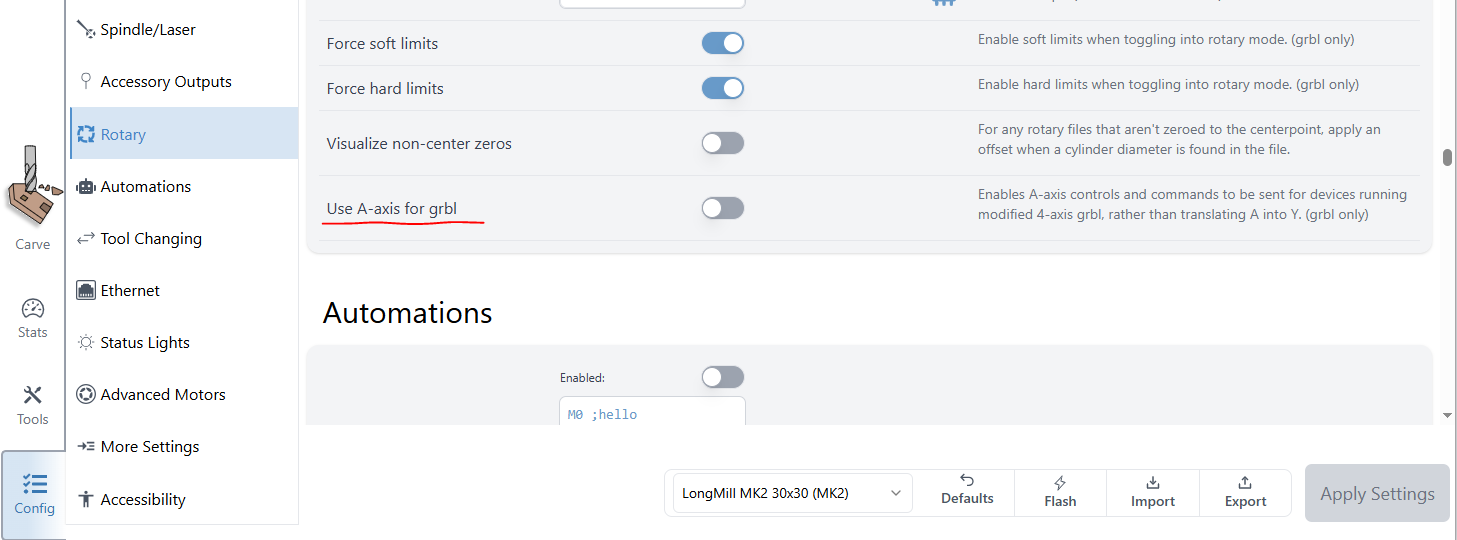
I’m going to reply to close up this thread since I think @PS3Pupil is not really active on the Forum anymore. For anyone else who finds themselves in this situation, we’ve since introduced a new Config setting under the Rotary section called ‘Use A-Axis for grbl’ and this should allow any grbl machine that’s running modified firmware to be fully 4-axis compatible to be able to use A-axis commands, jogging, etc. within gSender without the commands being converted. The reason we treat them that way by default is because any vanilla grbl machine is NOT capable of simultaneous 4-axis control, so we wanted to ensure we accommodate the typical default scenario.