So the other day I generated a new firmware using the grblHAL web builder for my SLB controller and flashed the new firmware.
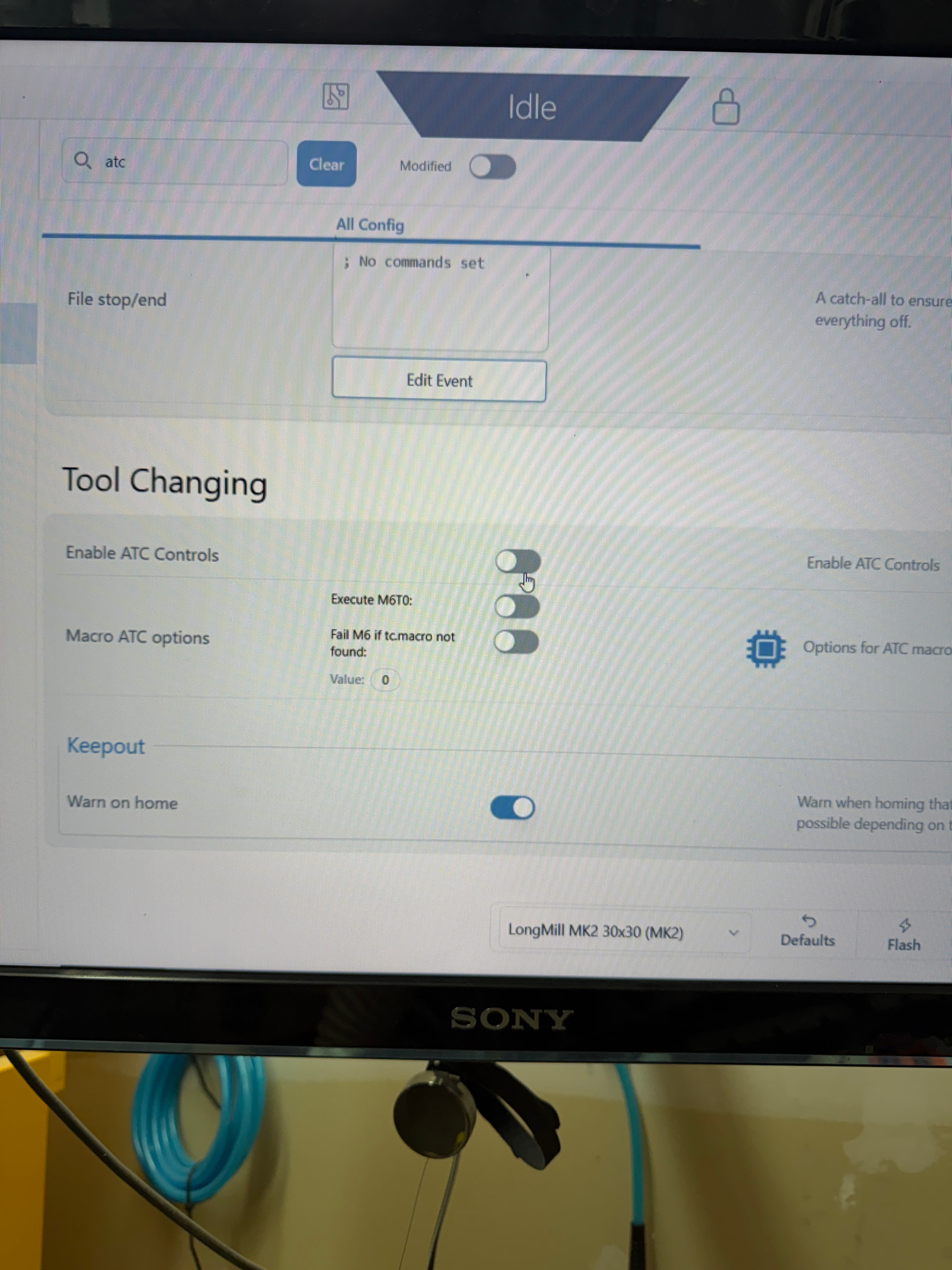
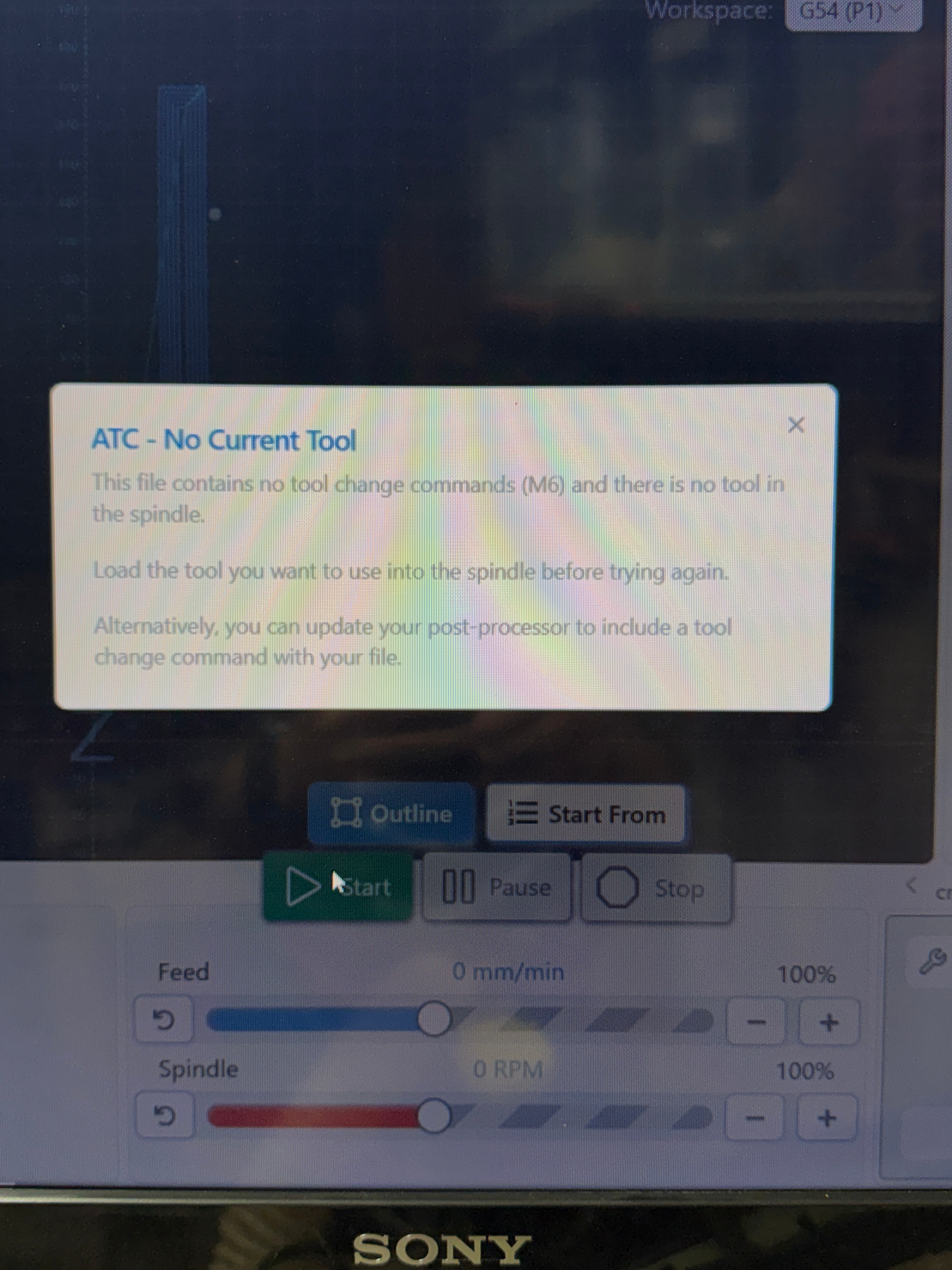
I had to setup and tweak a bunch of settings but ultimately got everything homing and working okay but when I try to start a job I get a message about the ATC has no bit and it’s not loaded. But I don’t have a SienciLabs ATC and I have the ATC control disabled in gSender as well as setup for Passthrough and ignore in GSender for tool changes.
So I am not sure what todo at this point. Thought?
So not 100% on your setup here but I can assume a couple things I know to be true:
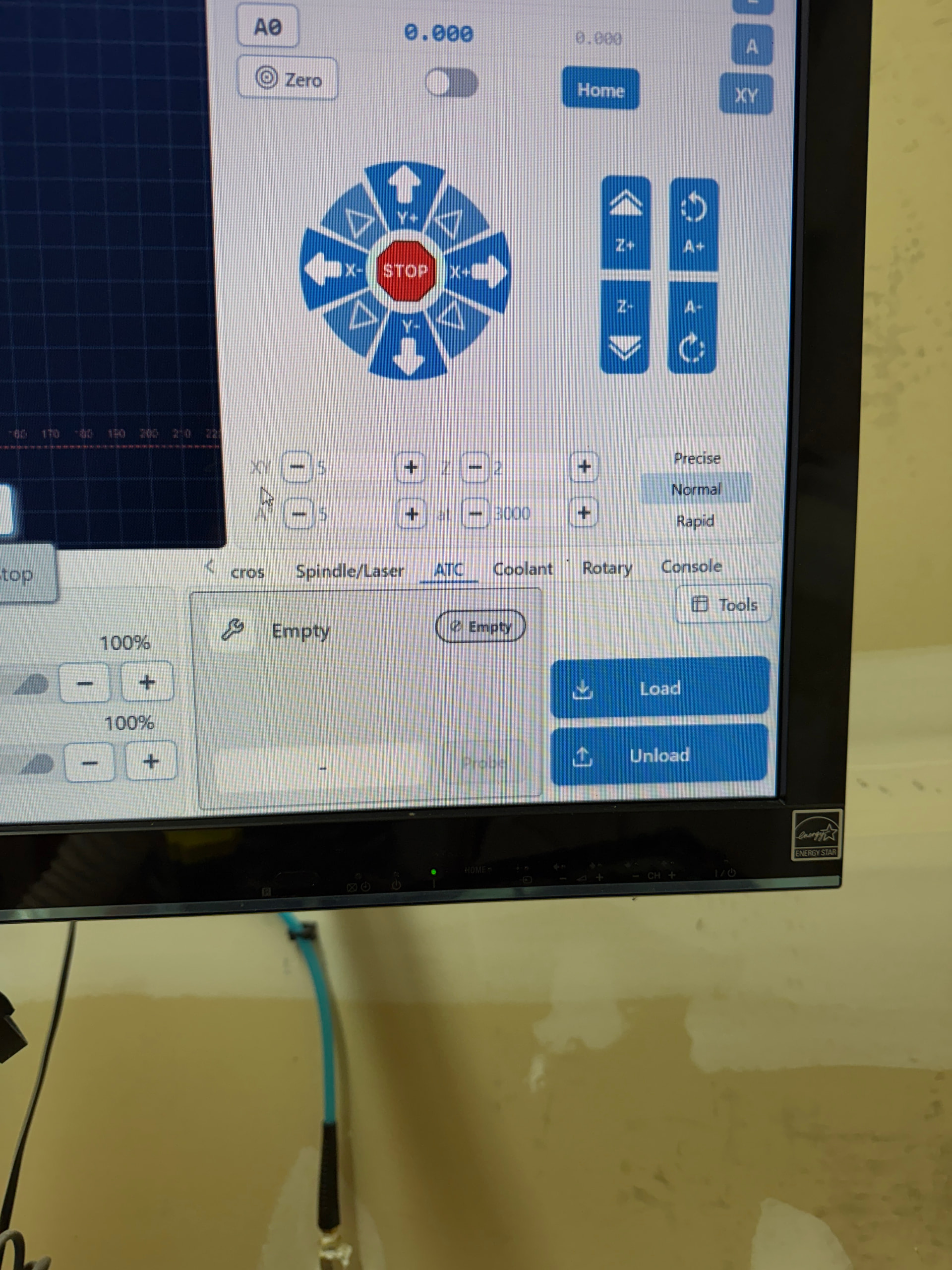
You have a TC.macro on your SD card so that the firmware is reporting ATC=1 in NEWOPT. The drawer always appears if this is true.
Your firmware is currently reporting T0 (no tool loaded)
Your file has no M6 commands.
This is generally a safety feature - since ATC=1, we know that there is a TC.macro and the firmware will take over any tool changes. However, we scan the file for tool changes - if there are no tool changes in the file, and no tool loaded (T0), we prevent running until a tool is loaded because otherwise there’s no guarantee that you’d actually have a bit installed.
You can get around this in a couple ways:
If you have a bit installed in your spindle that was lost via firmware flash, you can manually set the loaded tool via the following command:
M61 Q{x}
which changes the loaded tool to X. Example
M61 Q1
will set the firmware tool to T1. This will let you continue with a warning instead that there is no M6 commands in the file so it will use the currently loaded bit (T1).
Add a M6 to load the correct tool at the start. This is more a job for your postprocessor and useful for any auto toolchange setup to make sure that an initial bit is loaded.
So that command was helpful for loading the bit to make it work but now I am getting an error about the tool not being probed.
I have a RapidChange ATC but I am working on an issue with it right now.
So I got to start the job and it’s saying that in need to probe the tool to set an offset but with the RCATC the tool is measured each time it’s changed so the offset database in GSender will never be correct even if I update it.
did you go to rapidchange website and generate new macros for grblhal? if you had them originally as siencihal, you need to email support and have them change it
I think I have it all resolved now and understand how the firmware and gSender are interacting now after the firmware update.
Yes I had generated the new scripts for my RCATC under a grblHAL profile and uploaded them to my SDCard. Part of the issue looks to be on the RCATC side with the new grblHAL firmware. The Probe and Toolsetter state are separate in the new firmware and the current grblHAL scripts only look for Probe state changes so it was reporting incorrectly when trying todo tool changes. I was able to work with the RCATC support team to get the issue resolved and the scripts manually updated.
So all that to say I am back in business and with a better understanding of why gSender is working the way it is.