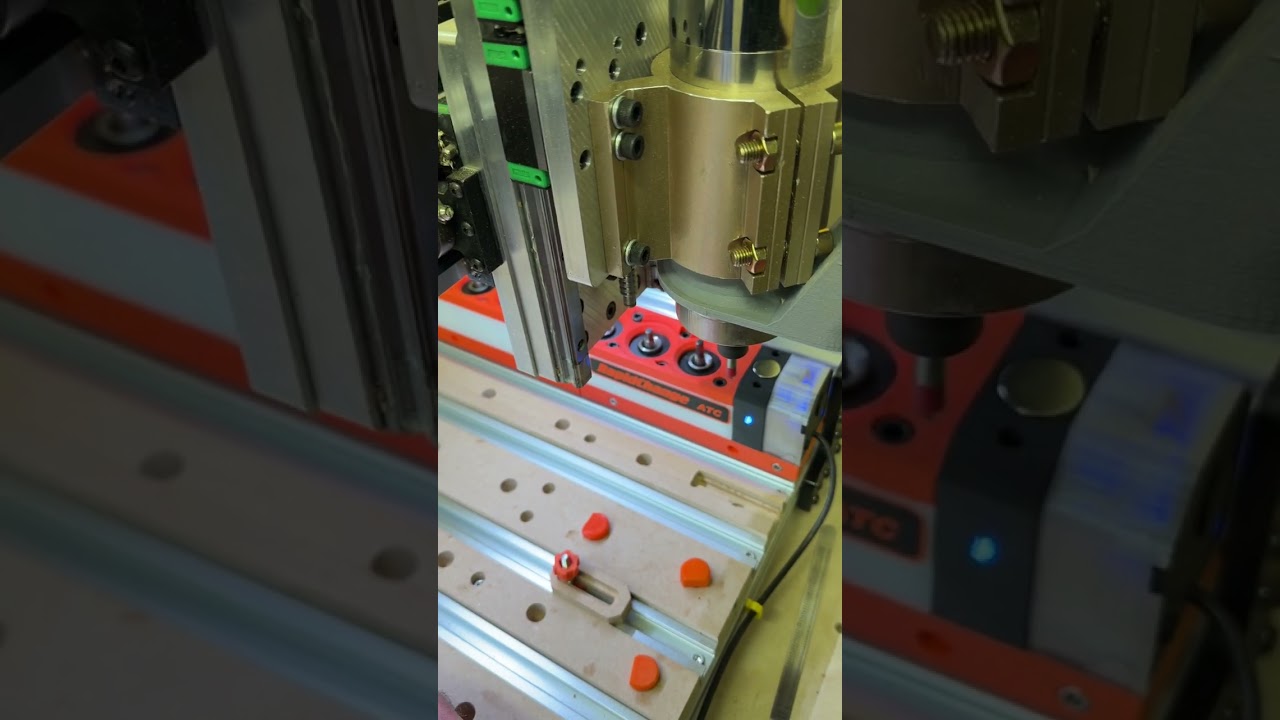
Hey guys I have version 1.5.6 installed and have been working to setup my laser as well as the spindle so I can go back and forth. For the most part it all works well but there is an odd quirk.
So in my setup I had the default spindle set to my H-100 VFD over RS485 and it has been working great.
I added the laser and setup Spindle 1 as the SLb_Laser and when I would switch to laser mode nothing would work at first.
I had to go into settings and Enable PWM in the spindle section to enable the PWM output for the laser, odd but okay.
However with that enabled and a default Spindle as the H-100 and Spindle 1 as the laser had issues. Things would work at first, my spindle would work and then I would switch to laser mode and the laser would work. Once I switched or tried to switch back however to Spindle then the H-100 would no longer work. The Spindle would read as the SLB_spindle despite picking the H-100 from the list. Rebooting the controller would get it to work again until the next time I turned the laser mode on and back off.
The work around that I found was set the Default Spindle to be the Slb_spindle, set Spindle 1 to the H-100 vfd and set Spindle 2 as the laser.
With these options set then changing from laser mode to spindle and back and forth would allow me to pick the H-100 when i need the spindle and it works and the SLB_laser when Olin laser mode and back and forth and it all work properly.
is this expected behaviour or is something broken or did I miss something
This video goes over the settings I used that worked:
gSender Laser mode question