Thin is on a shapeoke XXL with a GRBL board
1: With fall back set to GRBL gSender 1.50 connects to my machine but not my machine firmware I have to connect to last active port in config every time to get all to work, Is this a bug or do I need to do something else ?
2: The jog controls (Normal & Precise ) they were set wrong Normal was setup as Precise & Precise as Normal had to manual set them up this was from a fresh install
3: Tried the help icon to see if there was any info on these but it was grayed out not working at all
Update: The jog controls (Normal & Precise ) they were set wrong Normal was setup as Precise & Precise as Normal had to manual set them up THIS MUST BE DONE EACH TIME YOU START gSENDER
@TimRod what you’re mentioning for jogging was definitely an issue in 1.5.0 but was fixed in 1.5.1. Have you tried the new version yet and can you let us know if all your issues have been solved or if there are still some remaining?
gSender 1.5.1 did fix the jogging issues, But I still have to connect to last active port in the tool menu for firmware every time for my machine to get all to work and just found out that the little pad lock at top of screen will connect to my firmware like in tool menu.
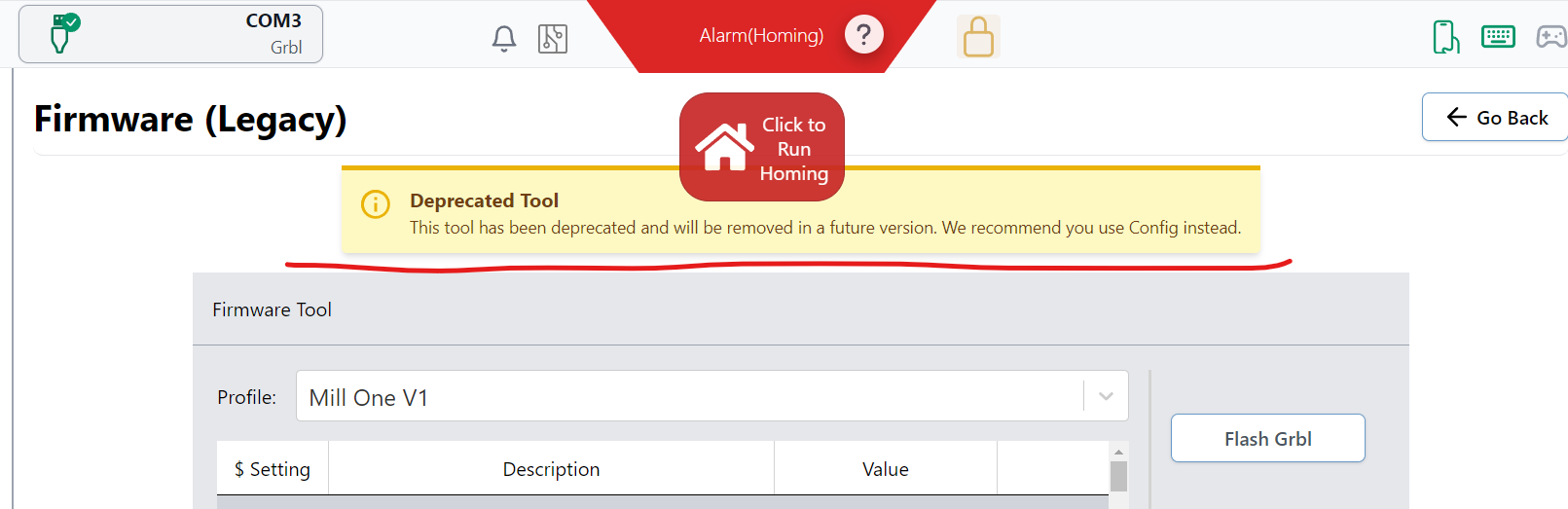
So here is what is happening with everything on I to connect GRBL on com3 then go to tool menu then firmware then (connect to last active port) then all works but if I only connect GRBL on com3 then home machine it works but like it’s some other default firmware and my machine doesn’t work right, If I go straight to tool menu and firmware and
(connect to last active port) all works but it will not give me a way to disconnect form the machine I have to turn machine off manually.
Is this me not doing something right or is a gsender problem ?
Gotcha, so I think maybe if you update your process you’ll see that things are hopefully actually working correctly - I’ll explain:
The Firmware tool that you’re going to is actually deprecated which means that we left it in there since it was easy to keep but it also means that you can’t expect it to work fully properly
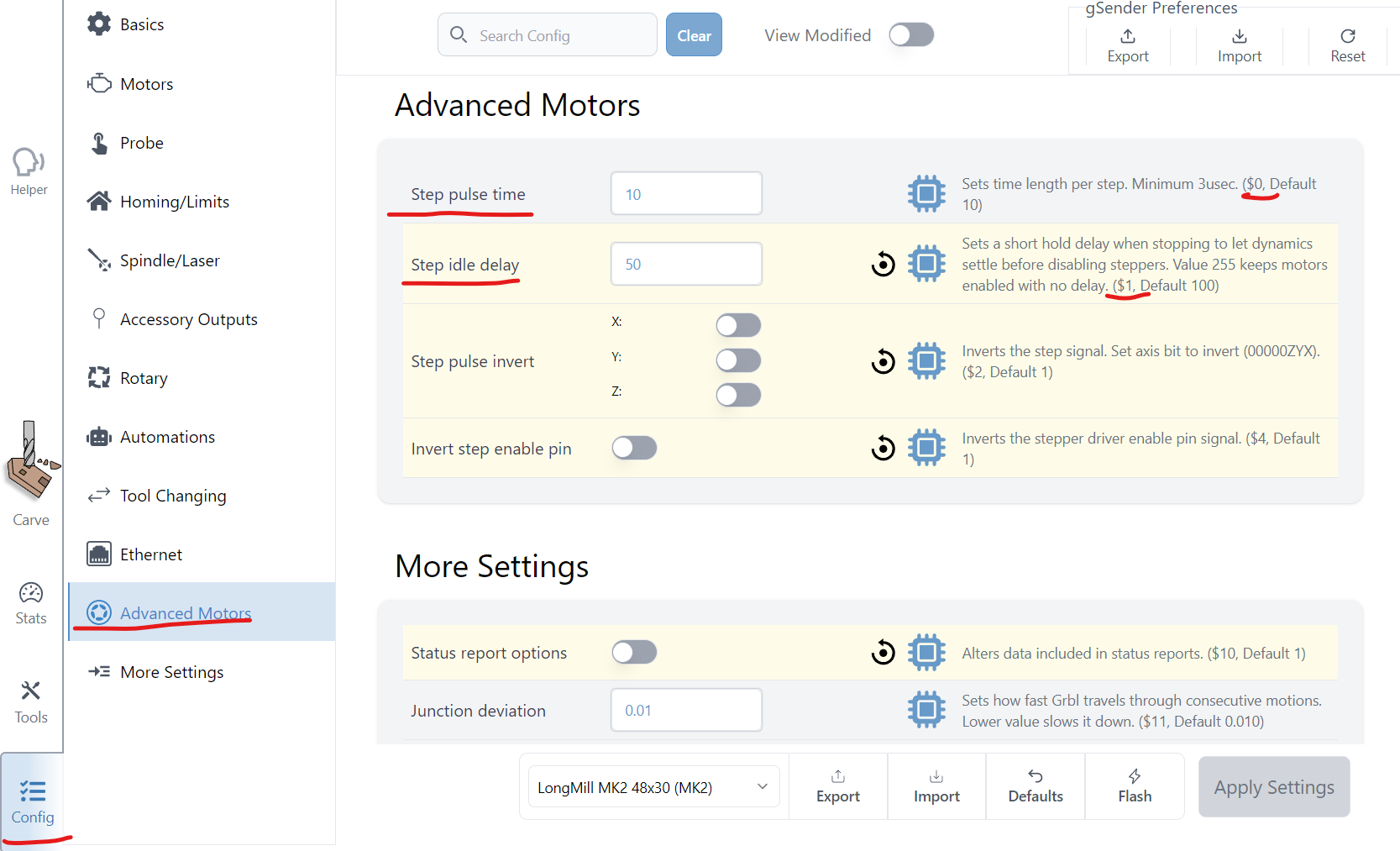
How it works now, is that you should instead be able to find all your firmware settings in the ‘Config’ tab, and this should be filling with your machine settings right away without having to disconnect and reconnect again