First and apology, I know this is probably a silly issue with multiple posts that contain the resolution, but I have looked without success so far. So, here we are.
I just received my Altmill MK2, but am waiting on the spindle. While I wait, I figured I could at least run it around a little and get familiar with things and maybe attach my laser to it, but I cannot get gSender to recognize the unit at all. Here is my setup:
Altmill MK2
SLB-EXT
No Spindle (honestly… could be the problem?)
Surface Pro Snapdragon (ARM), 64bit
USB-C Cable (shows as COM3 in device manager, Hardware IDs: USB\VID_0483&PID_5740 REV_0200; USB\VID_0483&PID_5740)
gSender 1.5.6. Configuration unadulterated, log file available if I could upload.
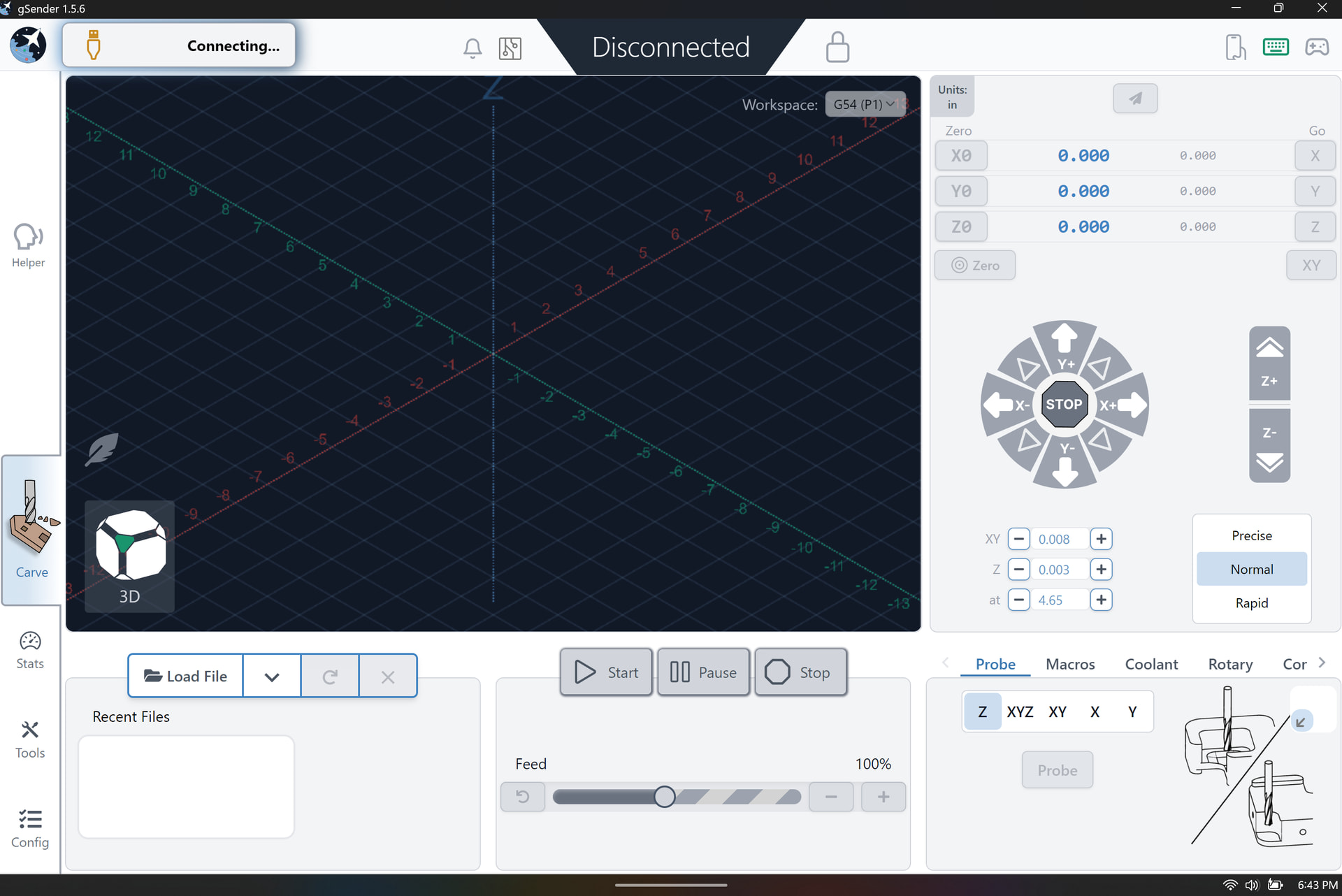
The current state is that gSender constantly displays “connecting” regardless of USB connection, meaning with nothing plugged into the laptop, it also says “connecting” almost immediately upon opening the program. Plugging the USB in causes Windows to chime in acknowledgement with no change in gSender. Hovering over or clicking the “connecting” icon has no impact.
What I’ve tried:
Computer reboots, windows updates
Different USB cables
Different versions of gSender, back as far as 1.4.15
Clicking that connecting icon right, left, middle, button etc.
SLB power cycles, with and without USB connected
E-stop cycle (causes motors to “prime” aka make a small noise)
Every button on the E-stop (causes SLB LEDs to change from red to yellow and white)
Hate filled speech directed at inanimate objects and some wine (so far this has been the most helpful)
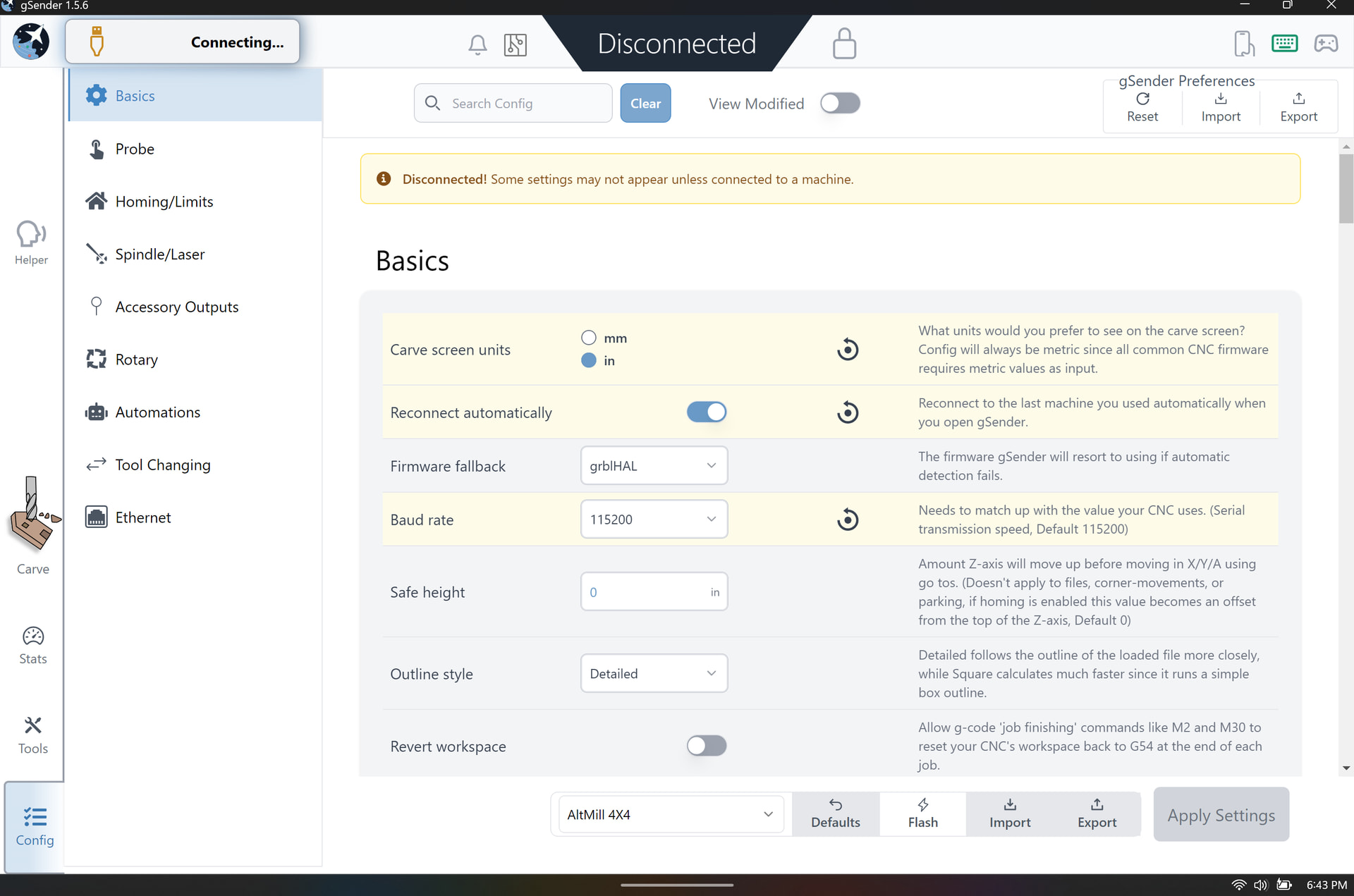
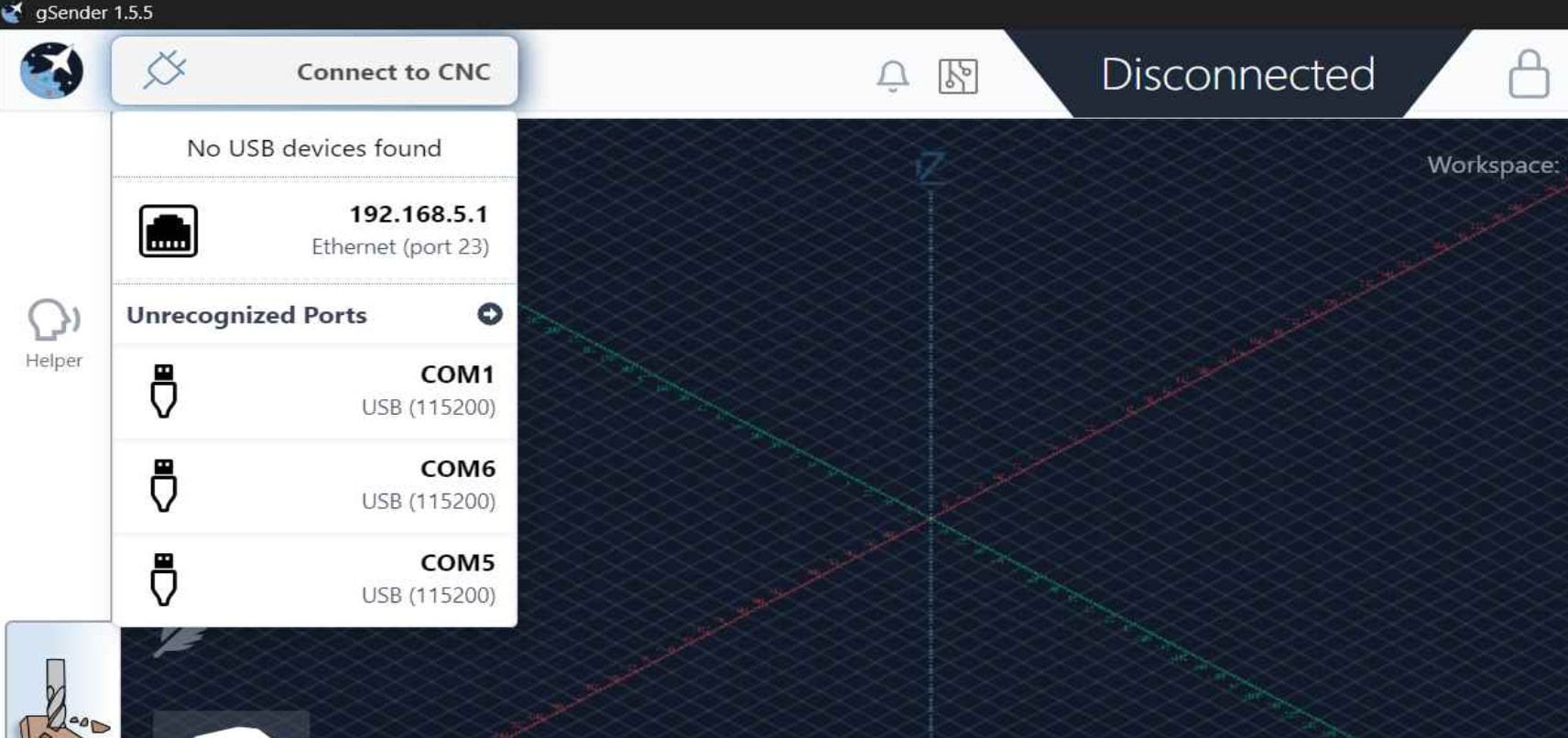
I can’t seem to upload files as a noob, but I can post screen caps:
@climbhigh09 I agree that the lack of a spindle is not the problem. I used my Altmill with a router until I received my spindle. Try Ethernet as @Jens suggests. In fact, that’s what you should use regardless. That being said, if USB doesn’t work at all, you might want to contact Sienci. If the SLB is defective, I’d want it replaced under warranty. Or at least have it noted in their support system in case it needs to be changed later on.
@climbhigh09 I admit that if hate filled speech doesn’t solve a problem, I am out of my depth. That said, I will also admit that I know nothing about ARM -based machines. I did just look and read a page on some hoops that must be jumped through to get Windows to run on an ARM-based machine. I assume that you have done all those, yes?
Also, to further demonstrate my ignorance, I see that there are two gSender downloads with ARM in their file name. I assume that you know much more than I do about this, and downloaded and installed the correct one.
Finally, unless Sienci’s advice for using ethernet have changed, they require a static IP address for the SLB. They advice strongly against connecting the SLB to a network router. Again, this may have changed in more current versions of gSender than the version that I am running.
Ding ding ding! Turning off auto-connect solved my problem. I also have an ethernet adapter on the way per the other’s advice. Thank you everyone for the help.
I did worry that the ARM based machine was part of my problem, but I can now attest that the machine/gSender work just fine with it; tho all I’ve done so far are some manual commands and jump around as much my headache will let me.
Now I’m off to deal with this hangover and issue some apologies to my new machine.