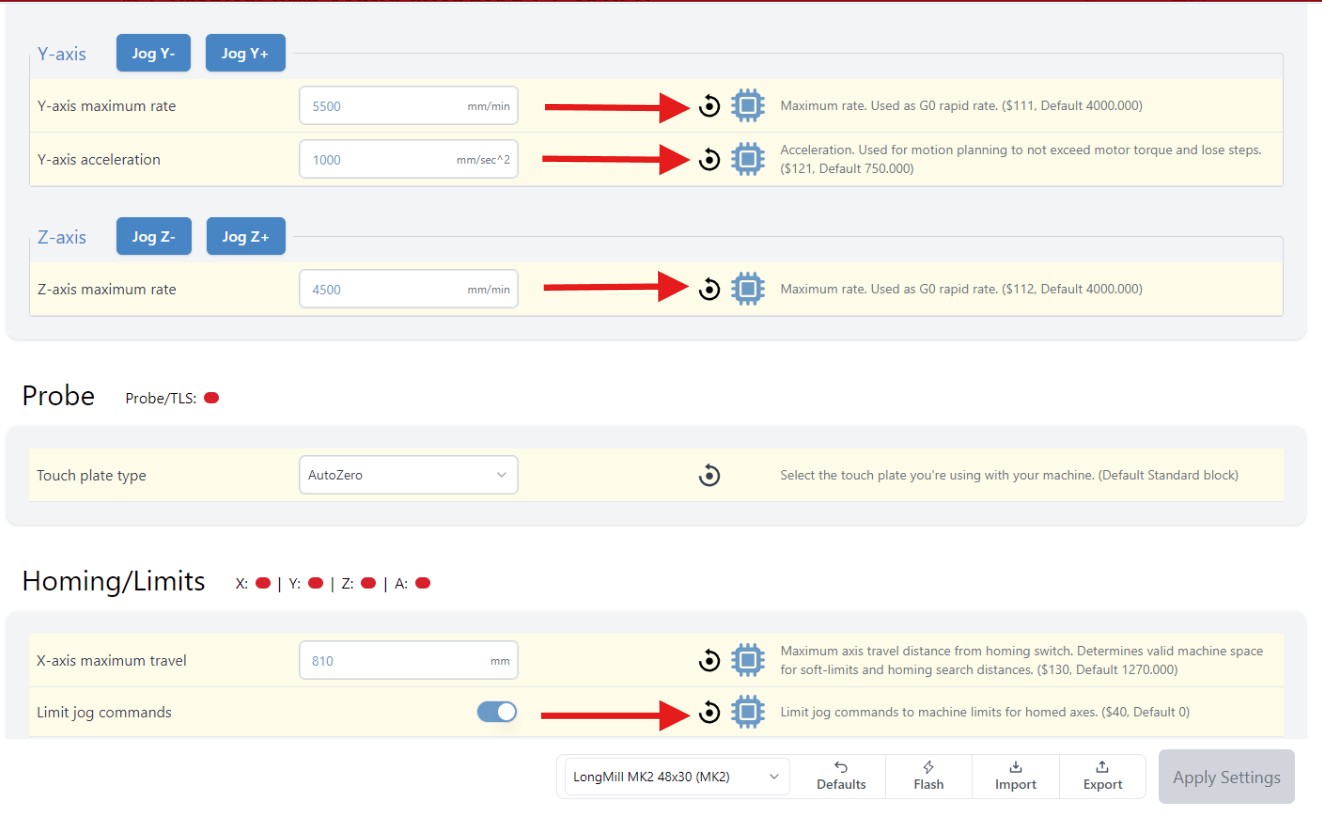
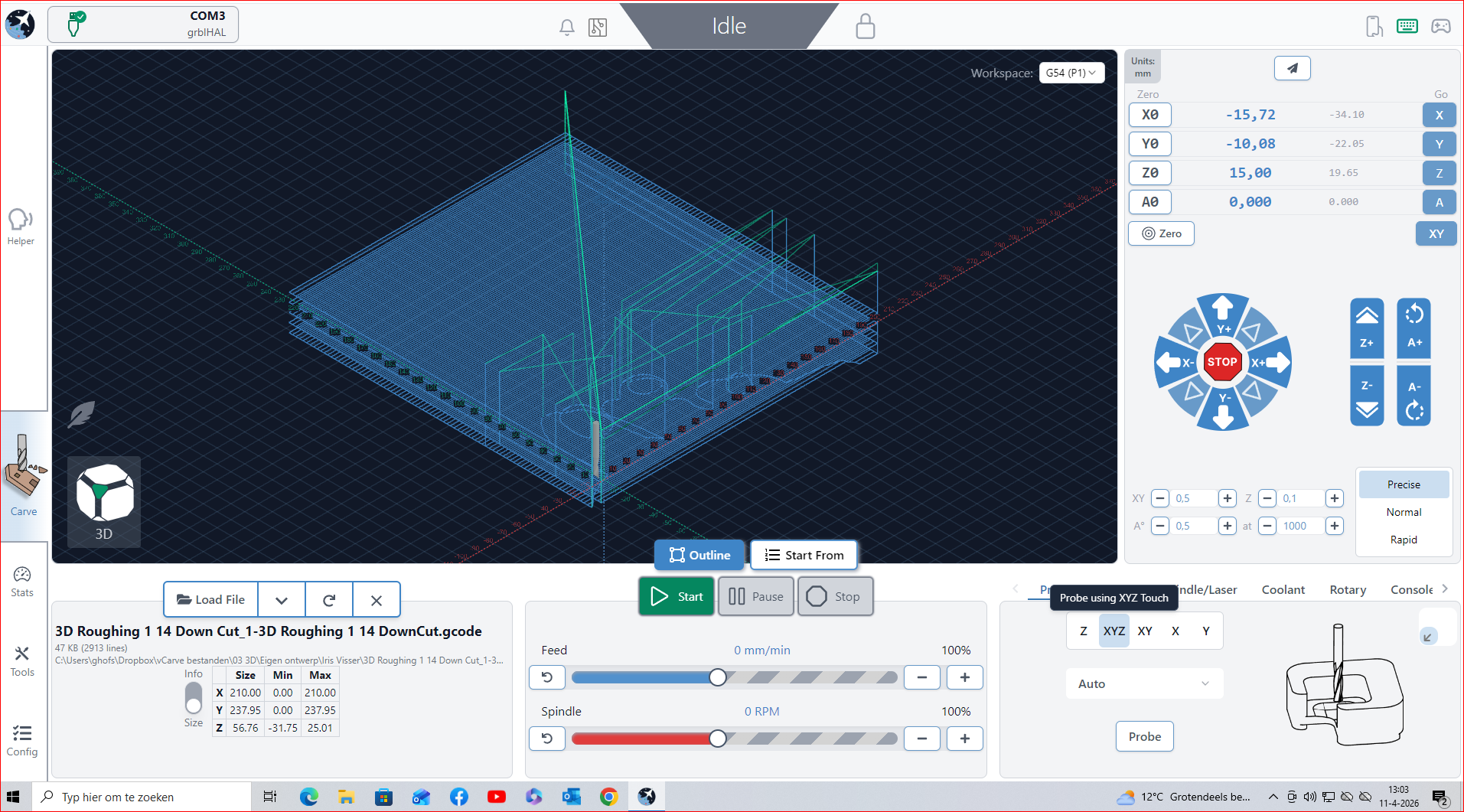
I’ve the following issue with my configuration of gSender 1.5.5 or my SLB after connecting and installing my LongMill MK2 on/to my new PC, after 3 years on a laptop with no issues. The problem is that de Auto Probe wont work at it should be. Also my MK2 isn’t working correct either. When I do a outline on my project it does quite the same as I’m probing. It looks like the Y-acces won’t do its job.
Joging the spindle works fine.
Could someone help me? I haven take some screenshots of my config changes in gSender and two videos with the issue.
@GeorgeV re the touch plate, looks like it stops before hitting the right side. Does it give an error or alarm? Could it be a calibration issue with your mill? In other words, it moves by 20mm but thinks it’s moving by 25mm? The AZTP probe routine is configured to move a certain distance. If it doesn’t hit the plate within that distance, it will raise an alarm (I think alarm 2)
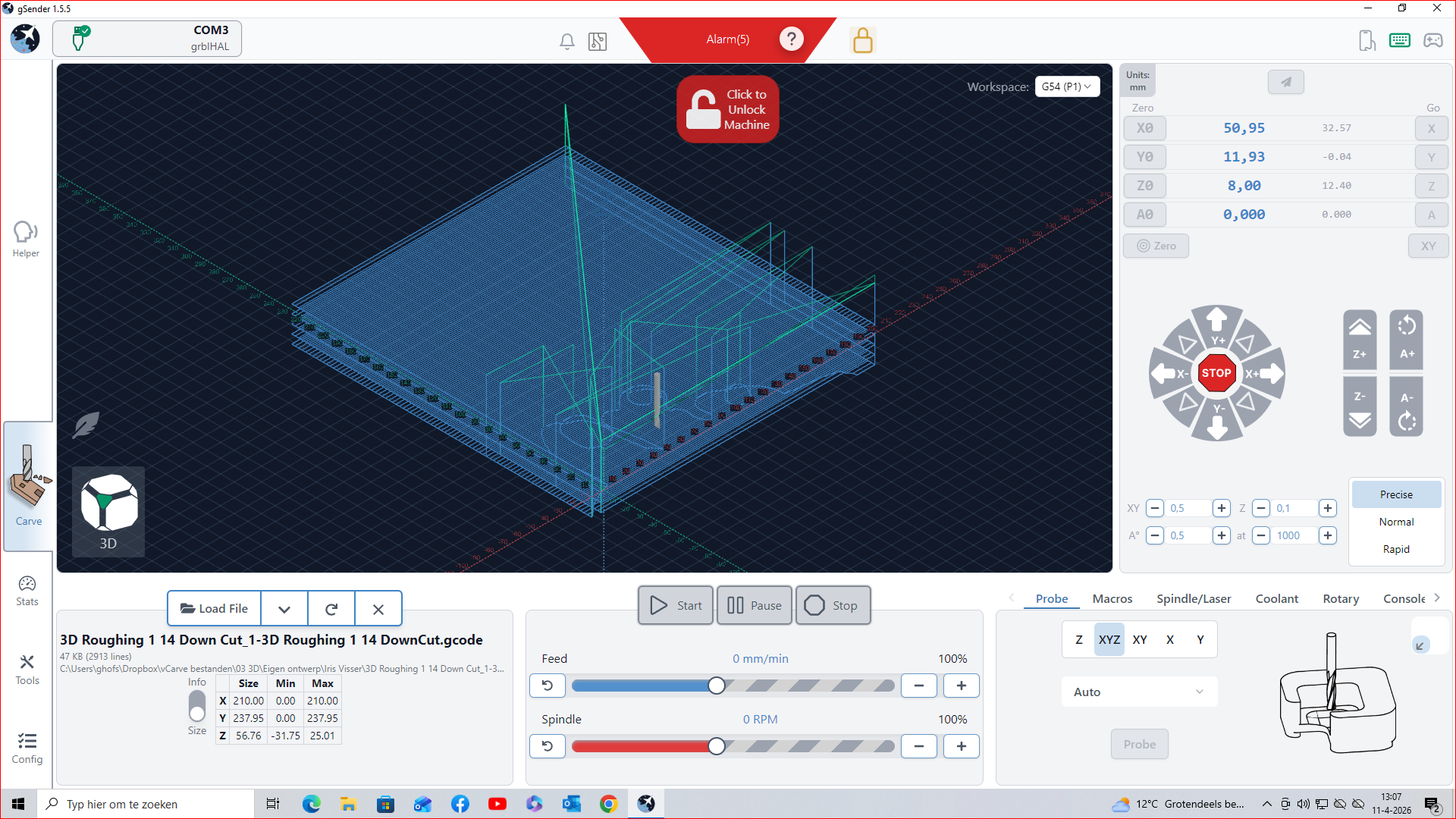
At first, thank you for your reply. It raise an alarm, alarm 5. (As in the screenshot). When I start the probe, it goes from the Z-probe quit qiuck to the left. After that it goes quit slow to the right and doesn’t touch the right side.
At first, thank you for your reply. Okay, but not okay. I don’t know the settings form the laptop. It crashed and wasn’t showing anything anymore. My bad, but I haven’t got an backup of thwe values. Do you have any tips tot change settings back?
@GeorgeV I’m not competent to recommend what to change the settings to. Others here are, and will be able to advise you. Since your machine was running fine with your laptop, I assumed that the change had something to do with the values you posted. You are using the same SLB, the same Autotouchplate and the same CNC. All that has changed is your PC. (I’m assuming that you were running 1.5.5 on your laptop.)
Before tweaking gSender, you may want to install the newest version. I’m not saying that will solve your problem, but it likely can’t hurt.
I think I found the solution. I changed some settings back to default and so far the problems that I had are gone. @gwilki and @Chucky_ott you helpt a lot to reverse my thinking. Thank you both.
I hope that someone else can do something with my solution.
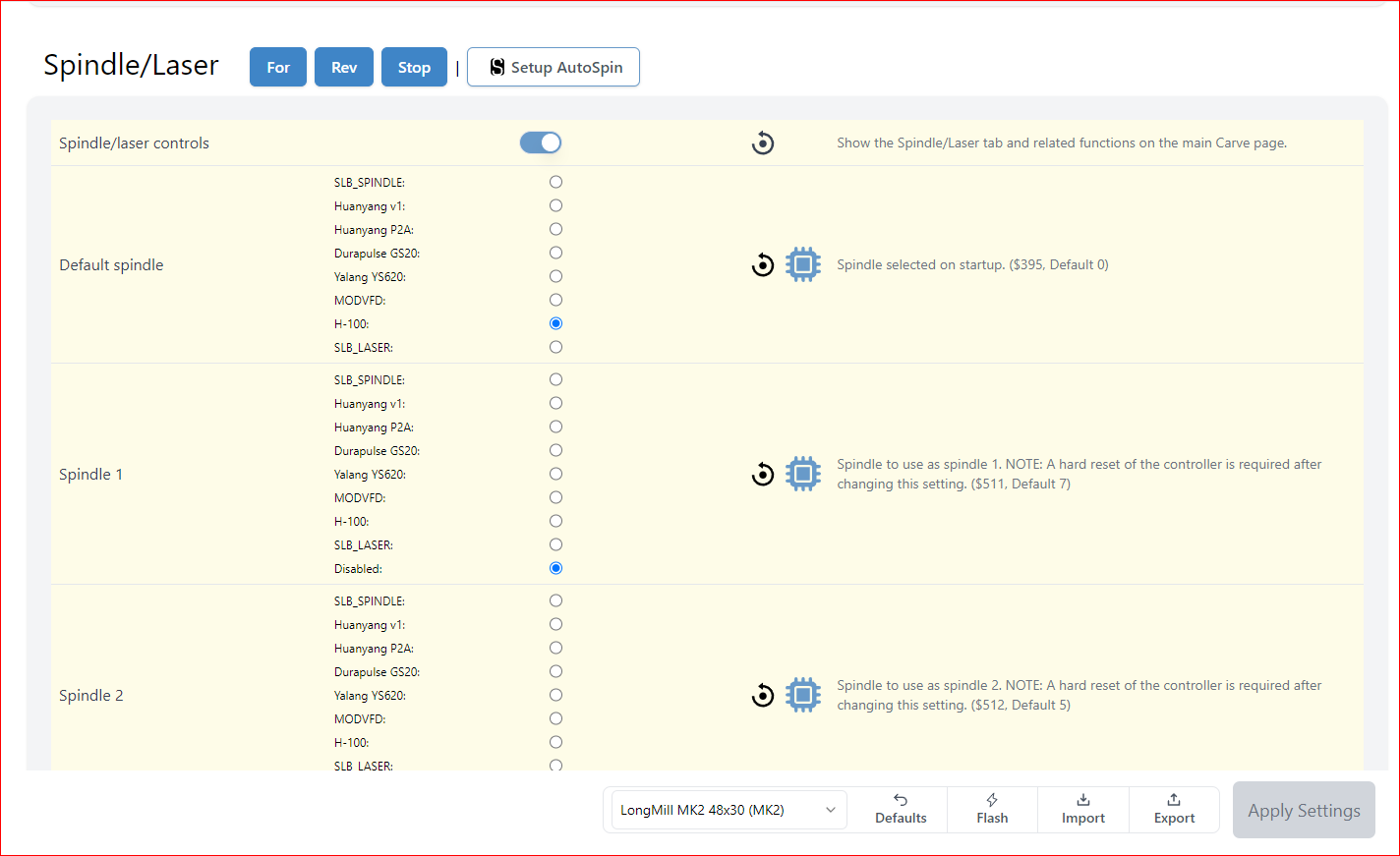
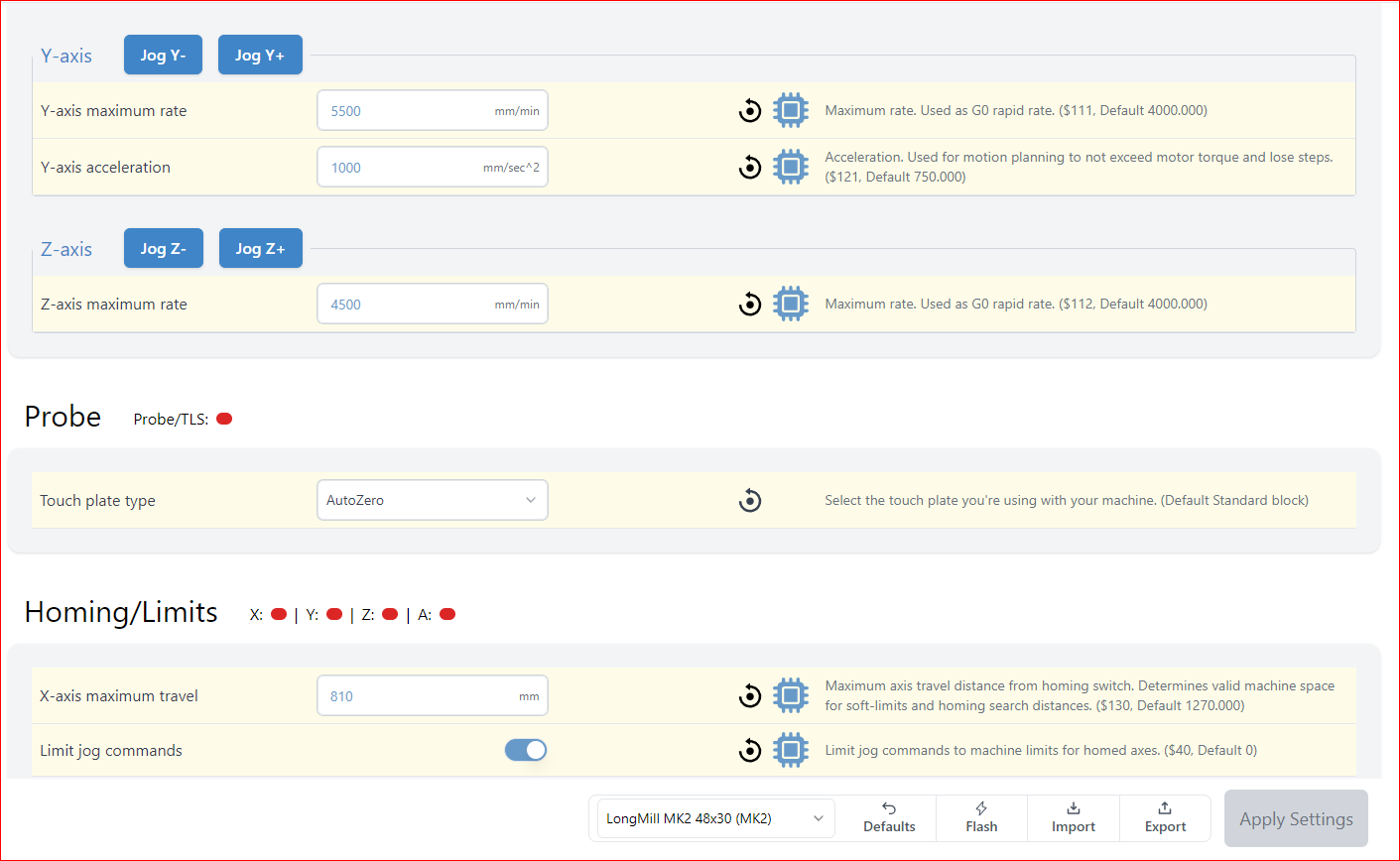
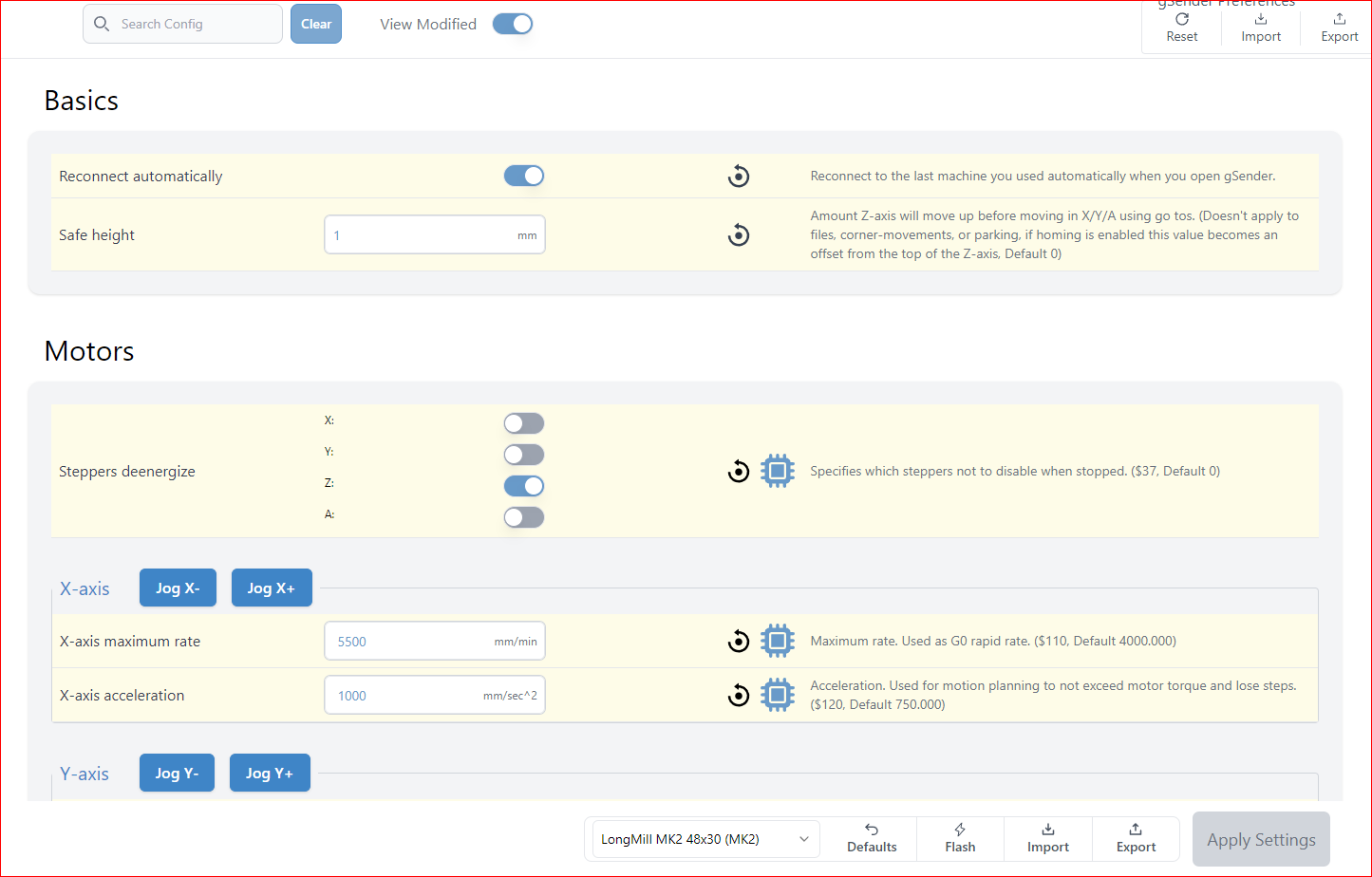
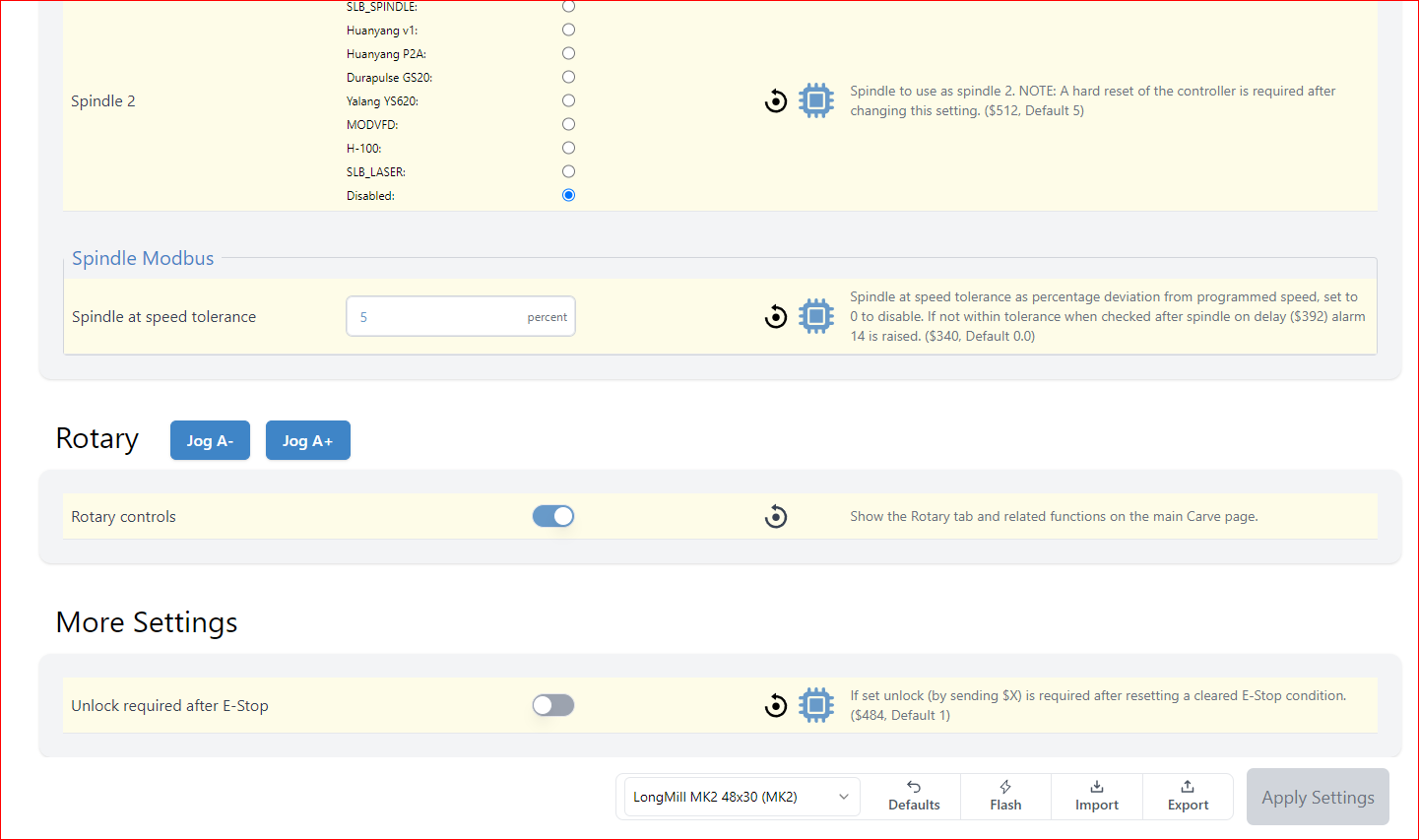
 I don’t know the settings form the laptop. It crashed and wasn’t showing anything anymore. My bad, but I haven’t got an backup of thwe values. Do you have any tips tot change settings back?