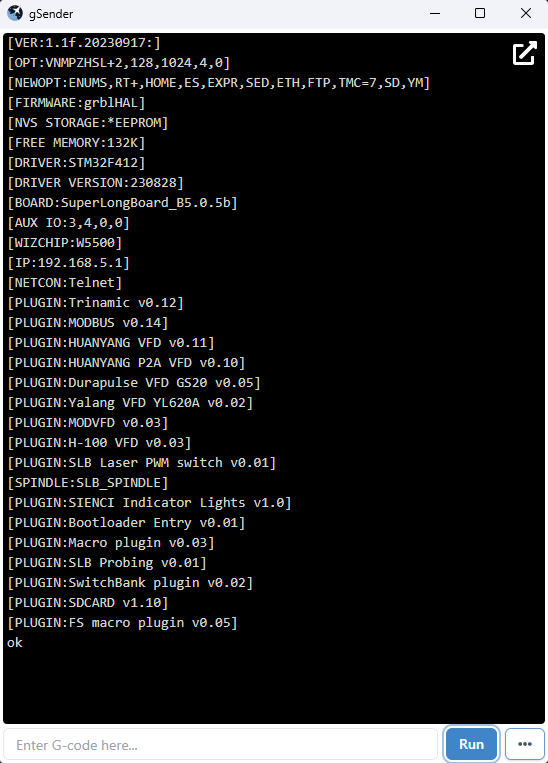
I am trying to mount the SC card in the SLB controller and it refuses to work. I have run out of ideas and hope someone will have a suggestion/s I can try. So far I have:-
the only card available locally is a 32g sandisk. It has been formatted FAT32 and would not work. I deleted the partition and formatted a 16g partition and that also did not work. I read that there can be an issue with a 32g SanDisk card so i ordered a 16g Patriot card online. Reformatted it as FAT32. I put two .macro files on the card.
I have flashed the firmware with SLB_5.0.5b_NGC.hex successfully. I hard booted the controller and reset to default settings and again hard rebooted.
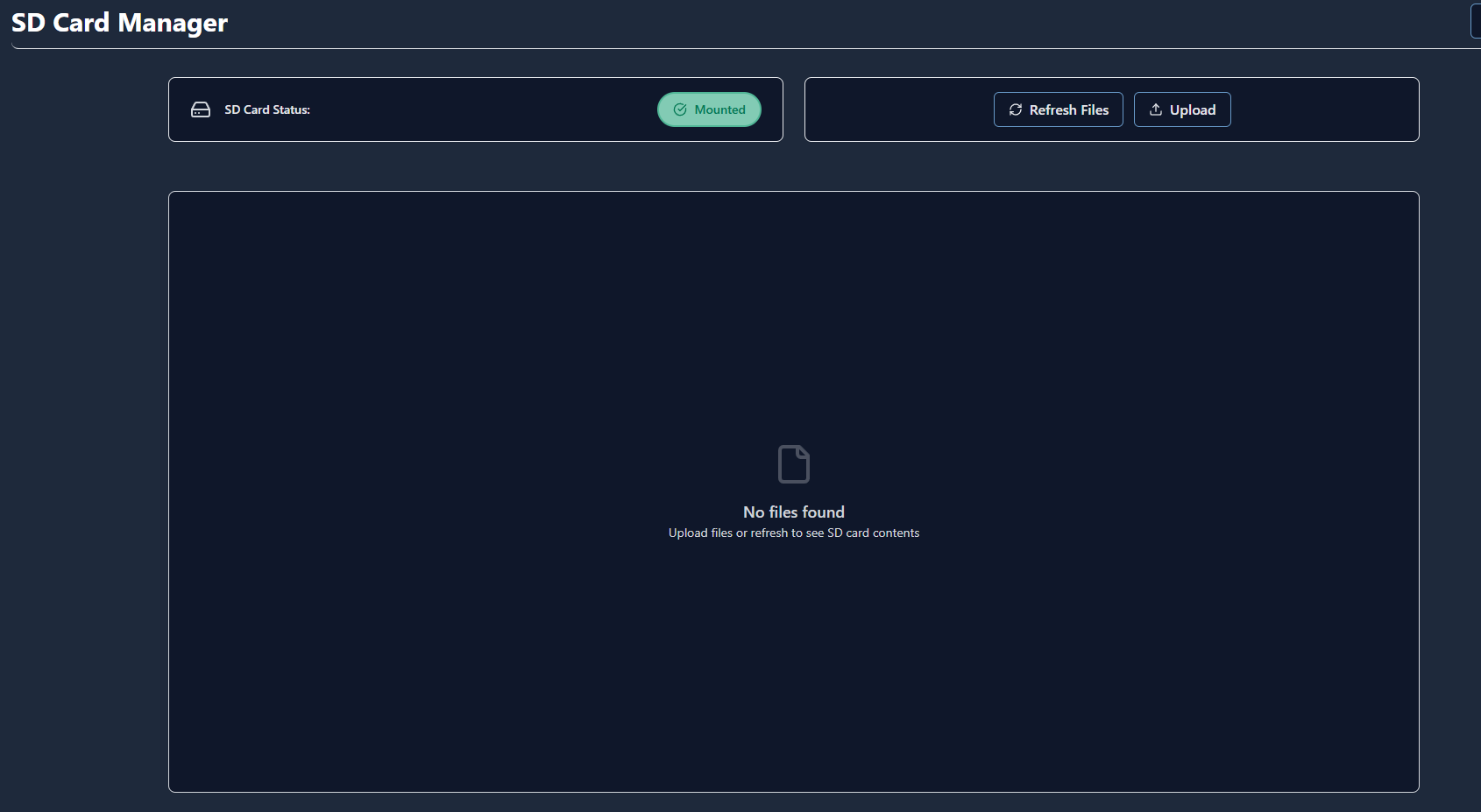
If I open tools and the SD Manager the card shows as MOUNTED. No files are listed. I try to load a file and follow the prompts but nothing really seems to happen. If I click REFRESH the ERROR 60 shows in the console and the SLB disconnects instantly. The only way to reconnect is to hard reboot the controller. At this point I have no idea what to try next. Any help would be most appreciated.
Thanks Eddie, I have read that post. Not to sure what is meant regarding versions. As far as i can find out there is only one firmware version that supports SD, which is the one I downloaded off the Sienci site. Turned out I had the card mentioned as causing problems so I bought a different brand but it didn’t change the outcome.
I am probably wrong, but i think SLB firmware hasn’t been updated since 2023 so I wonder if the updates written about are in fact for the SLB-EXT.
If you’re running 5.0.5b you will not see .macro files with the default $F listing since that extension was added to the whitelist later. You should see .gcode files.
As far as I know I have flashed with the correct firmware. The file I downloaded was SLB_5.0.5b_NGC.hex. At the end of the flashing process it shows Successful. $i shows BOARD:superlongboard-B.05.5b, but I can’t find any reference to know if that is correct.
I will try a simple .gcode and see if that is showing as you suggest.
I have looked at the github but I have no idea what I am supposed to do with those files?
It appears the issue I am having relates to the Tools>SD card manager (v1.6.1) Whenever I do anything in the tool it throws the 60 error and shuts down the SLB. I find if I avoid the tool and only use the console it then reads the card and shows all the contained macros. Not sure about stability yet so I need to test further but I shall mark it as solved. Thanks for the guidance so far, it helped enormously.