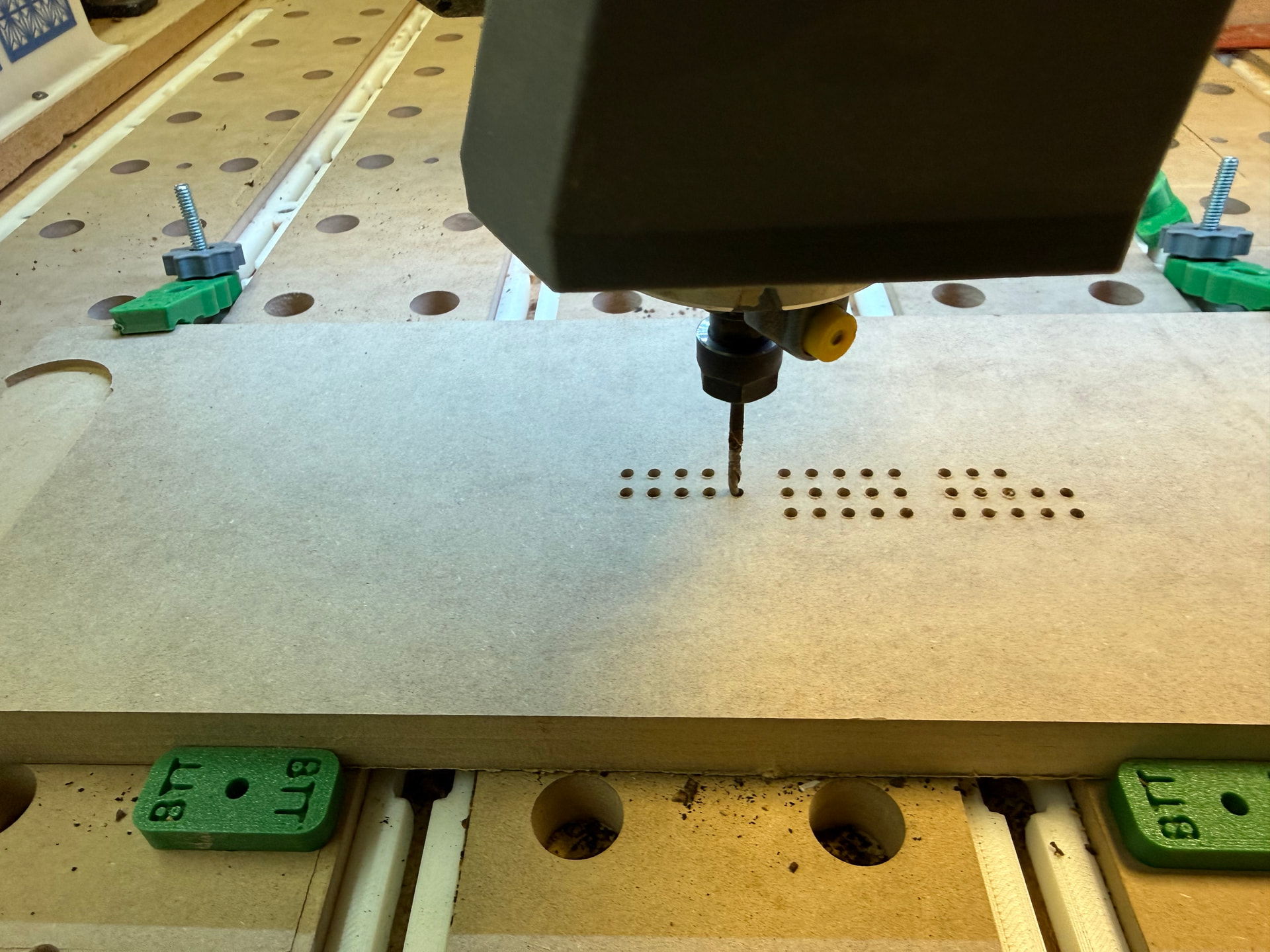
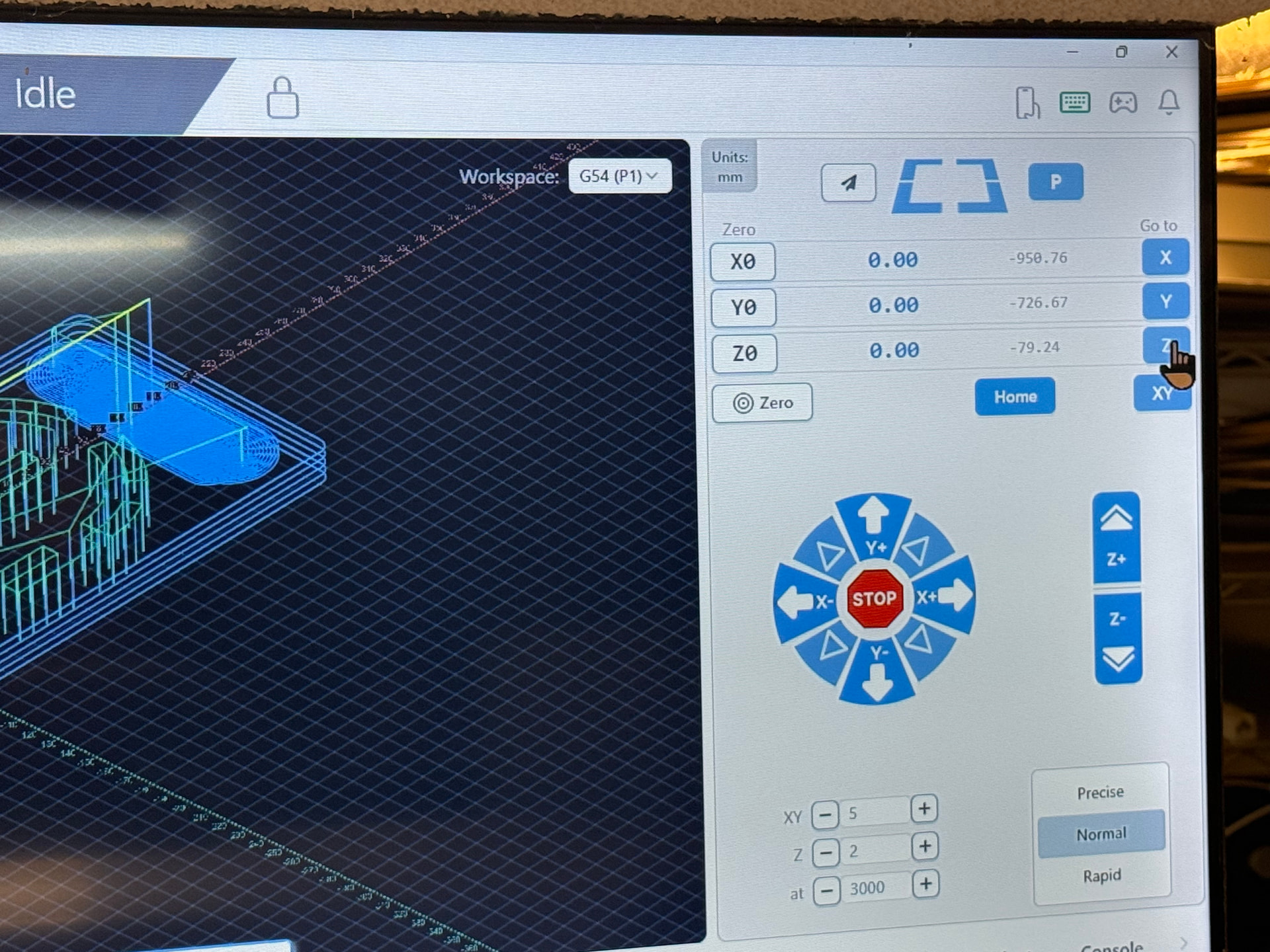
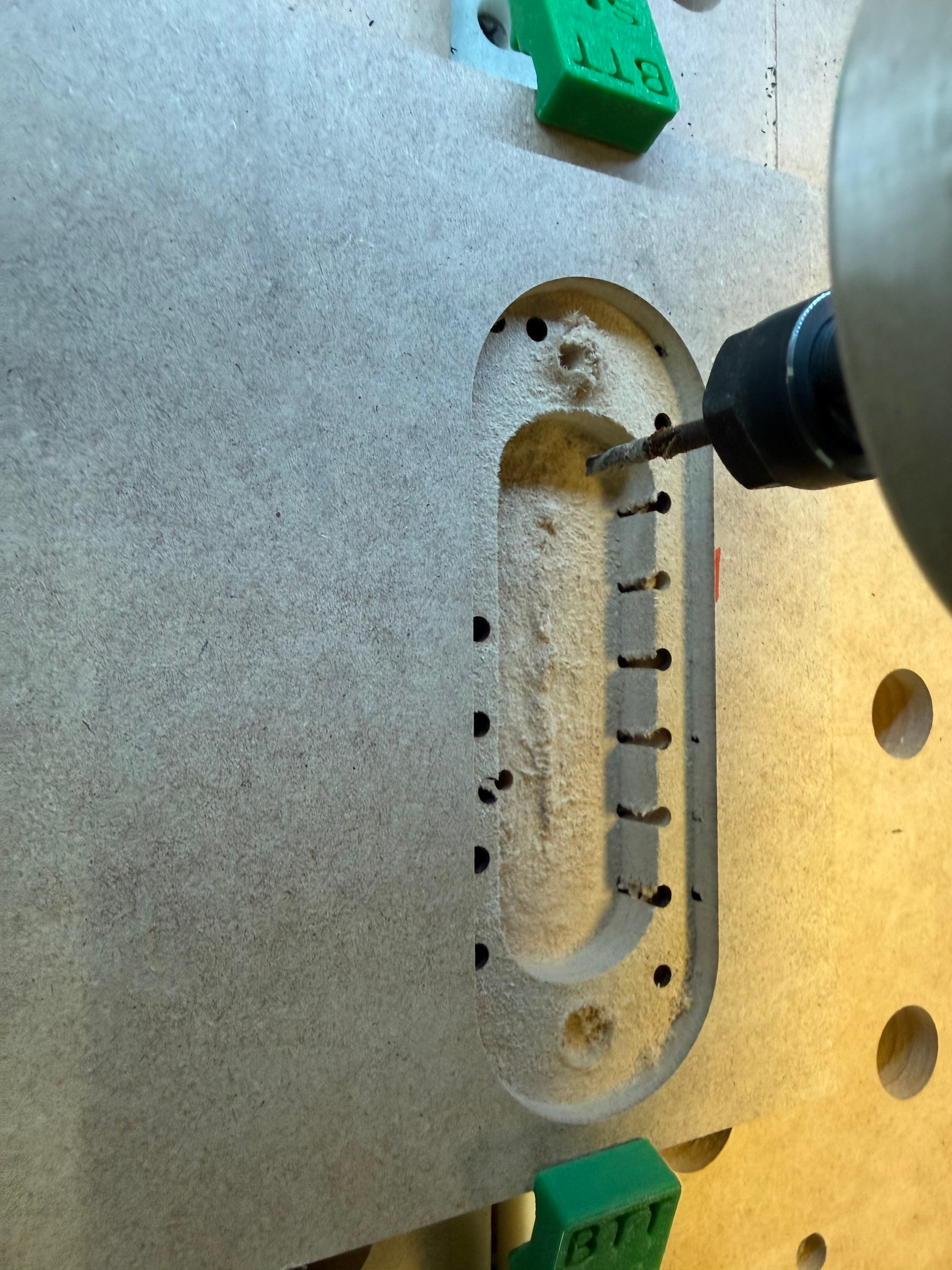
I will submit a ticket to Sienci, but this is new, I think. Gsender 1.6.1. Why is this cutting off-center? Pictures 1 and 2 show that the ZERO is centered and set in Gsender. Picture 3 shows that it’s not cutting in the center, but way off to the right. It won’t let me upload a video but, but when I start a job, why does the spindle move a few inches to the right and then pause, and then do the WAIT/DWELL? Obviously, with these errors, I can’t cut where I want to cut. I think this is new with the latest update, but any suggestions?
@Windlasher Kinda hard to provide any advice without seeing the CAM file. What are you using for CAM and where is your zero set there? It goes without saying that the CAM zero and the gSender zero have to match.
Howdy- Its set for center using carveco. I just ran the calibration and everything is spot on. I just created a 6" square and had it do some circles around the edges which seem to come out ok and where I want them. Since the test square seem to be ok, Im going to recreate my original file and see if that fixes the problem. It could be a carveco problem. I really need to get off that program. Its got some strange quirks. I cut my blanks out at 6" x 18" so I really need my cuts to go where I need them or I waste a lot of expensive blanks. The main reason I posted it here is because of the huge offset that was happening when running the file. Im going to try recreating it from scratch.
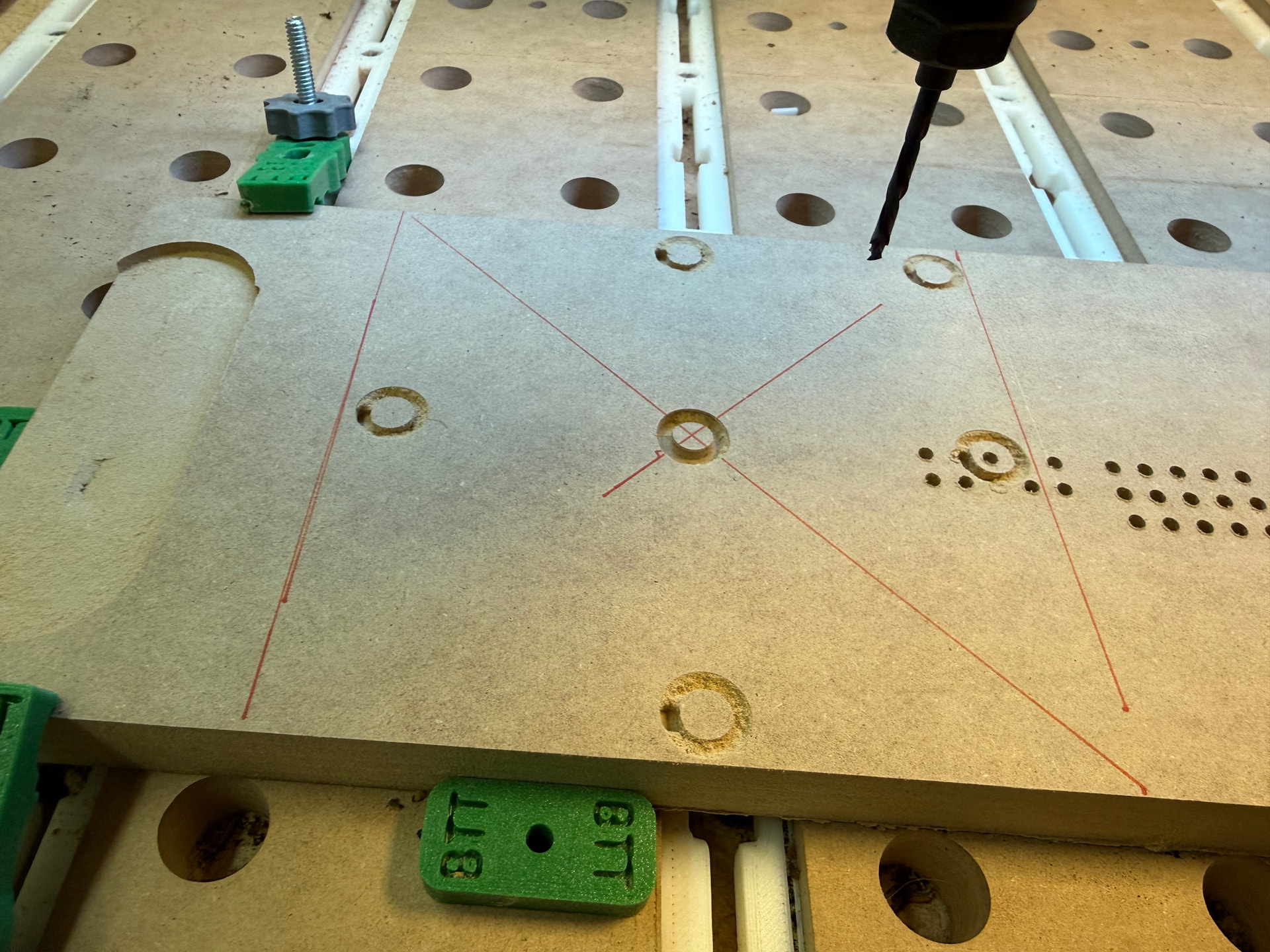
A little off topic but I was wondering what you are creating here.