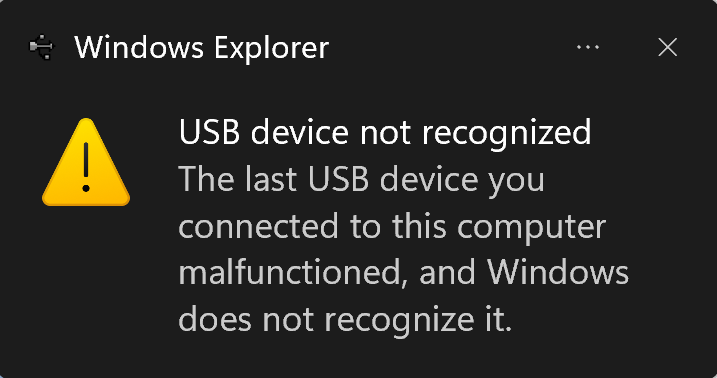
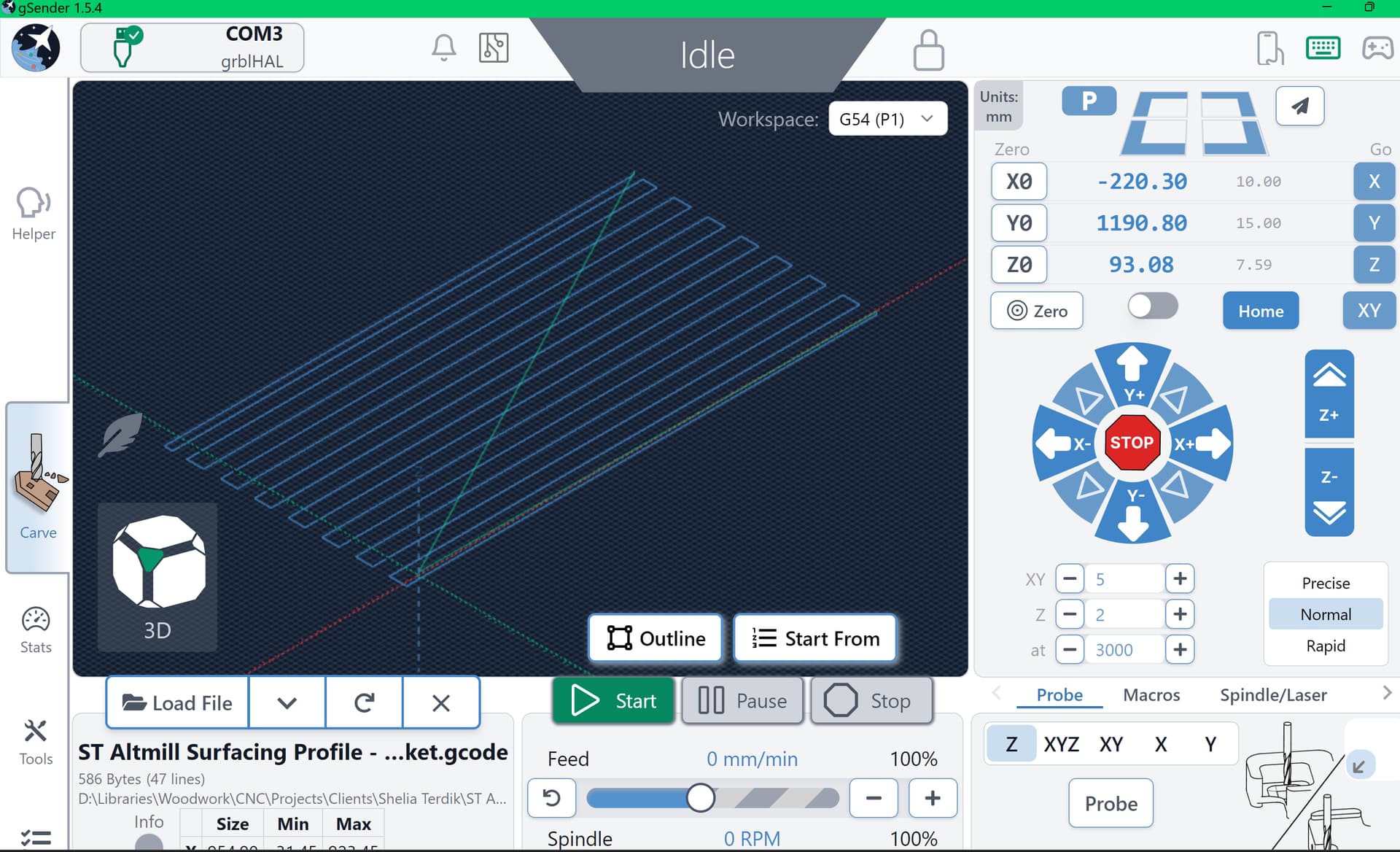
I have an AltMill v1, and I’m a newbie. I’ve managed to make some progress, mainly with surfacing project boards. Tonight I needed to surface a new project board. After loading the gcode and setting my Z zero I clicked on the run button. The spindle moved to the correct location and started to run the gcode. After it made a few passes, Gsender disconnected, but the spindle continued to run and move. I clicked on the stop button, everything stopped, and the com port disconnected. Reading in the forum I found other postings similar to mine. Sometimes I could get the com port to work and other times I got the darn error about the com port not working.
I tried (1) rebooting my laptop, (2) I changed the USB cable, (3) I powered off all connections (120v & 240v) connections to the AltMill. Reconnected the power, started gsender, I could connect via the com port but I could NOT move the spindle, none of the jogging buttons worked.
However, when I clicked the Start button, gsender would run, and I could see the progress in gsender. The spindle was turning the bit, but it was not moving in any direction (Z, X, Y).
I’m totally lost at this time. Suggestions would be appreciated.
I’m having the same problem. All worked fine yesterday. Today cannot find Com3 and gives error message “no usb devices found”. even though I can load files from my usb thumb drive. I restarted computer, no change but update was made on startup. No difference. I’ll try ethernet. Just found problem. Poor electrical connection to SLB-EXT
Which connection was the issue? How did you find it?
I did discover that when I did get the COM connection error, the spindle continued to cut and finish the entire toolpath. As a workaround, I was able to surface the project board. After each pass is totally completed in gSender, I reconnect to the port, set my new Z value, and start the cut. Within seconds, I’d get the connection error and let it run until the entire surfacing toolpath was finished. Because I was cutting 0.5mm deep with each pass it was necessary to repeat the surfacing about 12 times until the entire surface was completely flat.
Sorry I wasn’t clear earlier. I noticed that the plug on the electrical cord from the SLB-EXT wasn’t all the way pushed into the outlet. That solved my problem. What you’re seeing is crazy. If you haven’t contacted Sienci support yet, I encourage you to call or submit a ticket.
Here’s my spiel about this type of issue. I recommend ethernet over USB control on the SLB. If you have an open ethernet port on your gsender host this is the best option. USB cables are variable in quality and susceptible to interference. Ethernet has built in error correction and due to the cable architecture (twisted pair) much more robust against EMF interference.