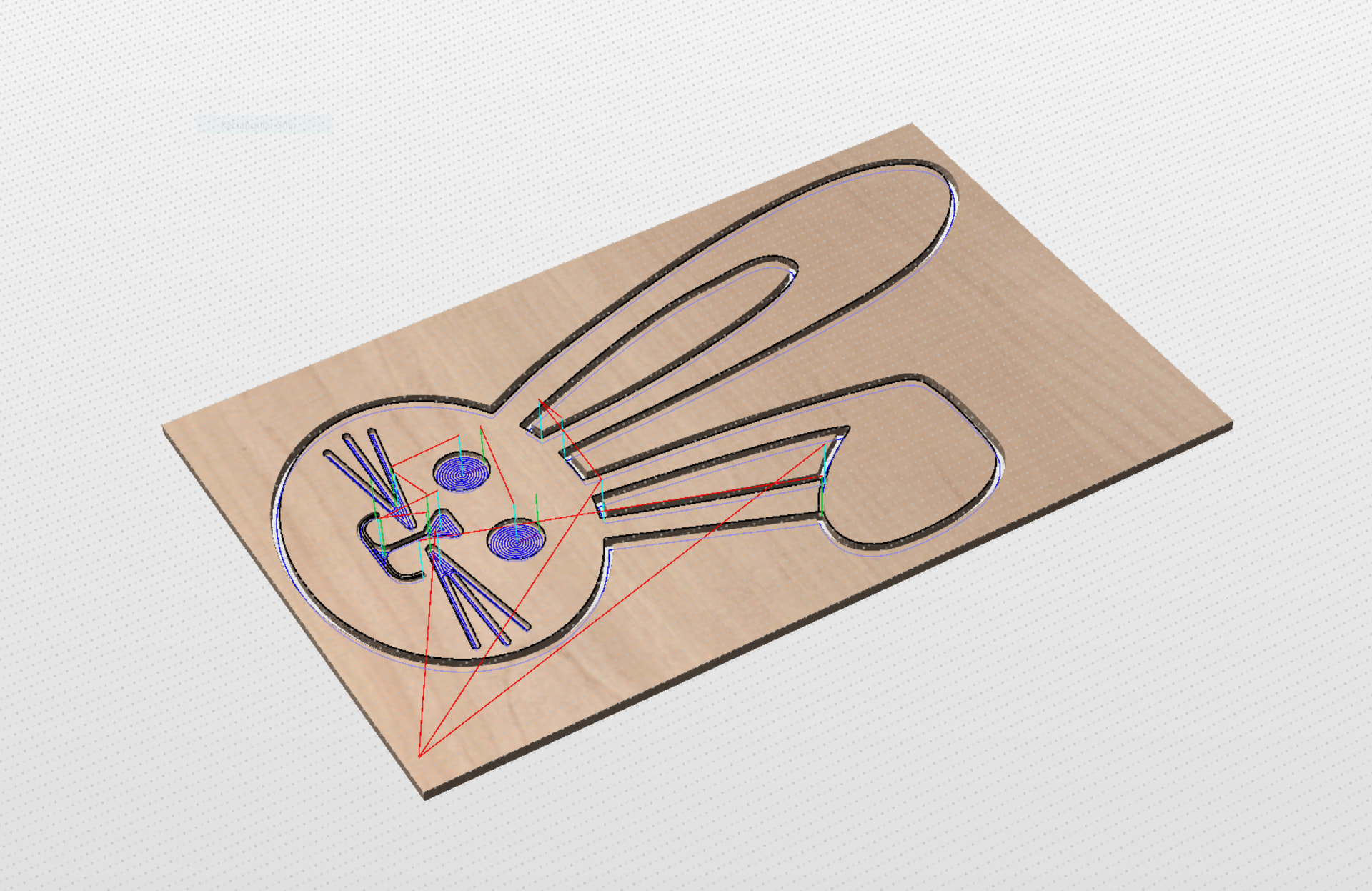
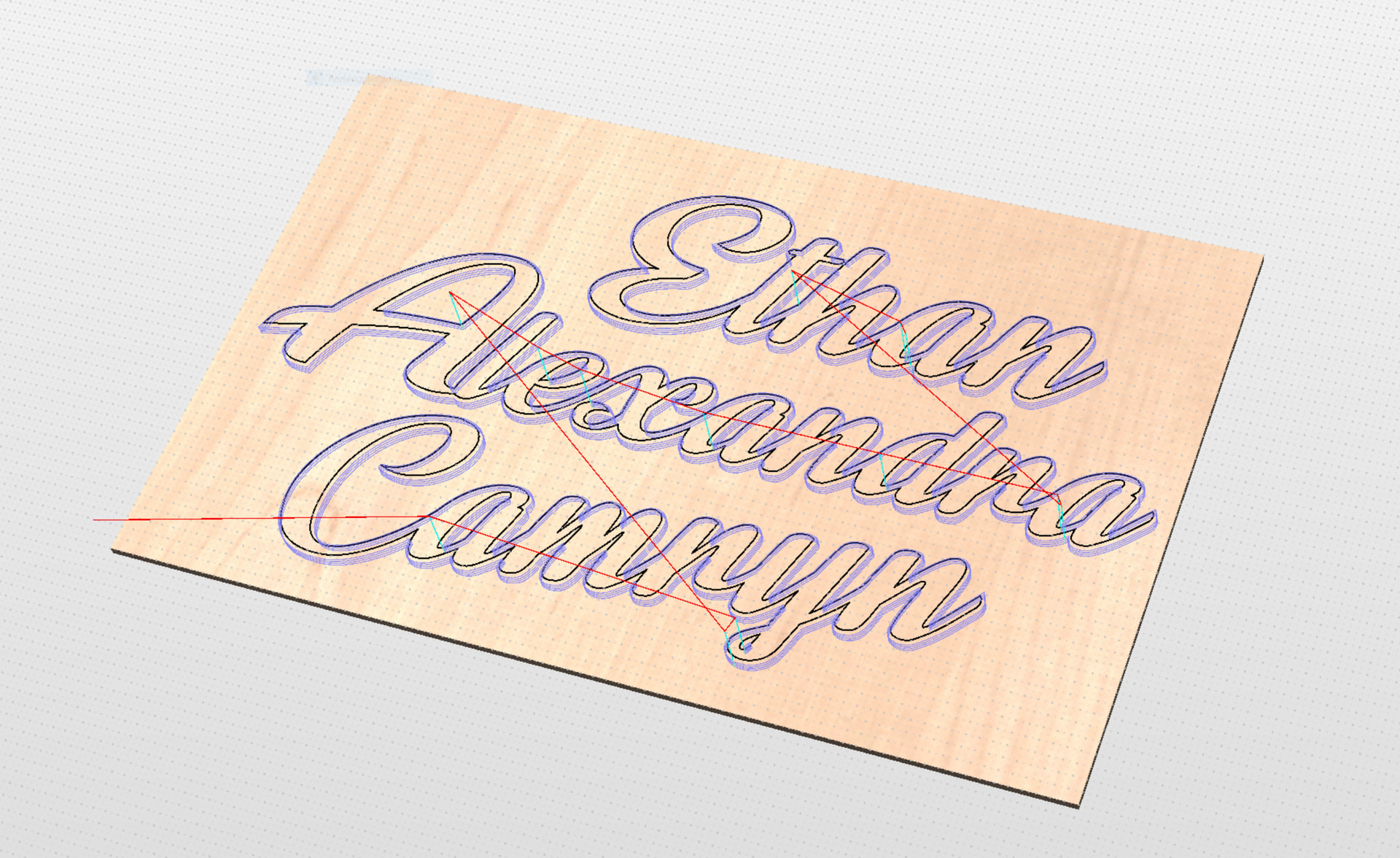
@DaveChevalier Does it appear to behave like it should? It does to me.
Put the spindle at a random location and then run the job. Note the z it goes to as the spindle moves to xy0. Then as it goes to your start point. Then as you start the job (which you did already). Everything should match what you defined in Aspire.
This is interesting. Are you in Rotary Mode? Not sure if that would affect this but since two updates ago it was suggested I believe to be out of Rotary mode load the default Longmill MK2 config and have no A axis showing on gSender.
@DaveChevalier Looks like it’s doing exactly what it’s supposed to, right?
I’m stumped. I don’t have a Longmill so I can’t provide any help specific to that machine.
Can you run a real job with that safe height of 25mm? The only other thing that comes to mind, and it’s probably a long shot, is that with a 75mm safe height, the router tries to move to that height but reaches the machine limit before it can move the 75mm. So it loses steps, which is possible with open loop steppers.
You have hard and soft limits enabled in gSender? With the limits enabled, you would get an error before running the job if the machine limits would be reached.
That could be the problem. You may have to put it back in regular mode, load the defaults. and turn off the long board and then back on for the changes to take effect. Since in rotary mode the machine will think the Z0 is at the centerline of a cylinder (or in your case the middle of your table, lol) Even since you measured at the top of the table, gSender thinks that this is the outer diameter of the cylinder and when it begins to cut it goes close to what it thinks is the actual center line. This works great for rotary projects but not so great for this type of project.
@Karver_One I respectfully disagree. gSender does not necessarily think that “Z0 is the centerline of the cylinder”. Z0 is chosen in the CAD process. In VCarve, for example, I can choose either the material surface or the centerline. If I choose material surface, the resulting gcode will be written accordingly. gSender will then “think” that Z0 is at the material surface.
As with flat projects, it is critical that Z0 is chosen in gSender at the same location as it was in the CAD process.
Hello - sorry for the long delay, work has been hell.
I reset the defaults for gSender as suggested and tried another job as suggested, and that other job (and another way more complex cutting job) turned out perfectly.
I’m going to go with “something was weird with a gSender setting after I updated” or “I screwed something up in Aspire on the other file” and close the case for me as I feel the machine is operating correctly.
I’ve learned to get my XY from the AZTP and then double check my Z height off the material using a piece of paper and then setting Z0. For some reason, it automatically sets the Z to +1.00 off the material after using the AZTP, but I can adapt to that.
Thank you both (and all other readers/commenters) for helping out and for making this an amazing community of CNC-ers. I look forward to making more things now.
Glad to hear it! That was the suggestion Jason K. from Sienci gave me about a month ago when I had the same problem. After the switch from Rotary to 4-axis he said to reset the defaults and restart the SLB. Happy to see your able to go at it again. On another note, hope Canada does really well at the Olympics but I’ll have to say go USA!